
Free PDF Tools to Merge, Compress, Edit, Sign, and Convert Files
Fix the PDF issue you have right now. Maybe you need to join files, make one PDF smaller, fix page order, add a signature, pull text from a scan, or start a new PDF.

All PDF & Documents Tools
19 ToolsCreate PDF
Create PDF helps when the next step is simple: create a new PDF with text, images, shapes, pages, and signatures. It is built for quick fixes, checks, and downloads.
PDF to Word
PDF to Word helps when the next step is simple: turn PDF files into Word. It is built for quick fixes, checks, and downloads.
Word to PDF
Word to PDF helps when the next step is simple: turn Word files into PDF. It is built for quick fixes, checks, and downloads.
PDF to Excel
Open PDF to Excel when your PDF file needs one clear change. The tool keeps the process short and the Excel file easy to inspect.
Excel to PDF
Open Excel to PDF when your Excel file needs one clear change. The tool keeps the process short and the PDF file easy to inspect.
PDF Merge
PDF Merge helps when the next step is simple: combine separate files into one ordered result. It is built for quick fixes, checks, and downloads.
PDF Split
PDF Split helps when the next step is simple: pull out only the pages you need. It is built for quick fixes, checks, and downloads.
PDF Compress
PDF Compress helps when the next step is simple: make the file smaller while keeping it usable. It is built for quick fixes, checks, and downloads.
PDF Password Protect
Open PDF Password Protect when your text or file needs one clear change. The tool keeps the process short and the protected result easy to inspect.
PDF Unlock
PDF Unlock helps when the next step is simple: remove restrictions from a PDF you are allowed to edit. It is built for quick fixes, checks, and downloads.
PDF Metadata Viewer
PDF Metadata Viewer helps when the next step is simple: check camera, document, or technical details stored inside the file. It is built for quick fixes, checks, and downloads.
PDF Rotator
Use PDF Rotator when you need to fix direction, orientation, or mirror view. Add the file, choose the option that matters, and review the corrected file.
PDF Page Extractor
PDF Page Extractor is for split or extract pages. It keeps the page focused on that one job, so you can check the smaller PDF without opening a larger app.
PDF Editor
Use PDF Editor when you need to make small changes without rebuilding the whole file. Add the file, choose the option that matters, and review the edited file.
eSign PDF
Use eSign PDF when you need to handle this esign pdf task. Add the file or text, choose the option that matters, and review the finished result.
Organize PDF
Use Organize PDF when you need to move, rotate, remove, or reorder PDF pages. Add the PDF file, choose the option that matters, and review the organized PDF.
Add Page Numbers
Add Page Numbers is for add page numbers to a PDF. It keeps the page focused on that one job, so you can check the numbered PDF without opening a larger app.
Add Watermark
Add Watermark is for add a watermark. It keeps the page focused on that one job, so you can check the watermarked file without opening a larger app.
Compare PDF
Use Compare PDF when you need to review two PDFs and look for changes. Add the two PDF files, choose the option that matters, and review the comparison result.
Which PDF tool should I use?
Not every PDF problem needs the same fix. If the pages are already in one file, organize them. If the files are separate, merge them. If you only need a few pages, split the PDF.
| Tool | Good for | Skip it when |
|---|---|---|
| Merge | You have two or more PDFs and want one final file. | The pages are already in one PDF but the order is wrong. |
| Split | You only need certain pages from a long document. | You want to move pages around without removing them. |
| Organize | Pages need to be moved, rotated, removed, or added. | You are trying to combine different PDF files. |
File privacy note: Keep the original PDF until you have checked the new one. For private documents, avoid shared computers and only unlock protected files when you own them or have permission.
Which PDF tool fits this job?
Start with the thing that is blocking you.
Separate PDFs?
Use Merge. That is what it is for.
Pages mixed up inside one PDF?
Use Organize. Merge will not fix page order inside one file.
PDF too large?
Edit first, then compress the final file.
Text stuck inside a scan?
Use OCR before copying or converting text.
Why use these PDF tools?
You do not need a big PDF editor for every small fix.
Most jobs are simple: add the file, choose the option, check the result.
They help with normal files like invoices, forms, assignments, reports, and scanned papers.
Pick the PDF tool for the exact problem
PDF work usually starts with one small problem. The file is too big. Pages scanned in the wrong order. A few separate PDFs need to become one. Start there, fix that one thing, then check the file before sending it.
Merge is not the same as organize
Use Merge when you have separate PDFs. Use Organize when the pages are already inside one PDF but need to be moved, rotated, removed, or inserted. This is a common mistake after scanning paperwork.
Compress after the PDF is finished
If you still need to sign, add pages, add images, or reorder pages, do that first. Compressing too early can make the file harder to edit and may force you to process it again.
OCR comes before text editing
If you cannot select words in a scanned PDF, the page is probably an image. Run OCR before trying to copy text or convert it to Word.
Conversion has limits
PDF to Word is not perfect. Normal text files usually work fine, but tables, scanned pages, odd fonts, and multi-column layouts often need cleanup.
Keep the original when the file matters
For contracts, invoices, client files, and school submissions, save the original before unlocking, compressing, or deleting pages. A backup is the easiest fix if something looks wrong.
Example: scanned pages in the wrong order
If you scanned a 15-page form and page 8 appears before page 7, do not use Merge. Use Organize, because the pages are already inside one PDF.
Merge vs Split vs Organize
Merge is for separate PDFs. Split is for pulling pages out. Organize is for fixing pages inside one PDF. Mixing these up is how people end up doing the same job twice.
Why compression sometimes barely helps
Scanned PDFs are often large because every page is basically a picture. Compression can help, but if you push it too far, text and signatures start looking blurry.
When not to convert to Word
If the PDF is a scan, a complex table, a filled form, or a design-heavy file, do not expect Word to rebuild it perfectly. OCR or manual cleanup may still be needed.
A safer review habit
After downloading the new PDF, open it beside the original if it is a client, legal, school, or money-related document.
Common things people do with PDFs
Join several invoices into one file.
Make a scanned PDF small enough to email.
Move pages after scanning them in the wrong order.
Add a signature or short note to a document.
Create a simple letter, certificate, form, or checklist.
Common PDF tasks
- Step 1
Find the PDF problem
Decide what is actually wrong: too large, wrong page order, scanned text, missing signature, or too many separate files.
- Step 2
Use the smaller tool
Do not open a full editor if Merge, Organize, Compress, OCR, or Sign already solves the job.
- Step 3
Check before saving
Before saving, quickly check page order, text, signatures, images, and file size.
- Step 4
Compare if it matters
For client, legal, school, or money-related files, open the new PDF beside the original before sending it.
PDF mistakes to avoid
Compress last. Edit, sign, or organize first.
Use Organize, not Merge, when pages are already inside one PDF.
Use OCR before expecting text from a scanned page.
Do not unlock a protected PDF unless you own it or have permission.
Explore Tools Visually
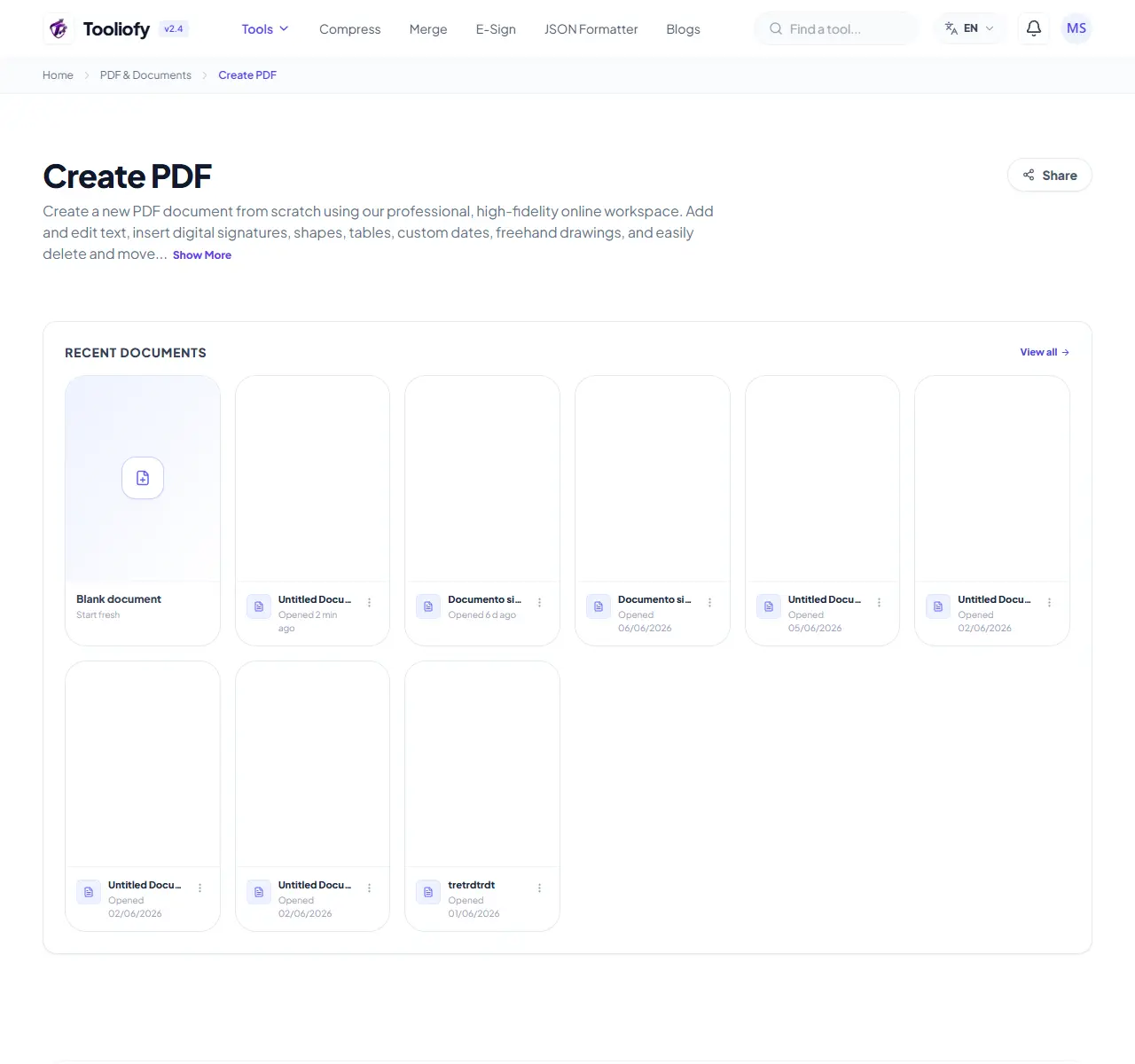
Create PDF
Create PDF helps when the next step is simple: create a new PDF with text, images, shapes, pages, and signatures. It is built for quick fixes, checks, and downloads.
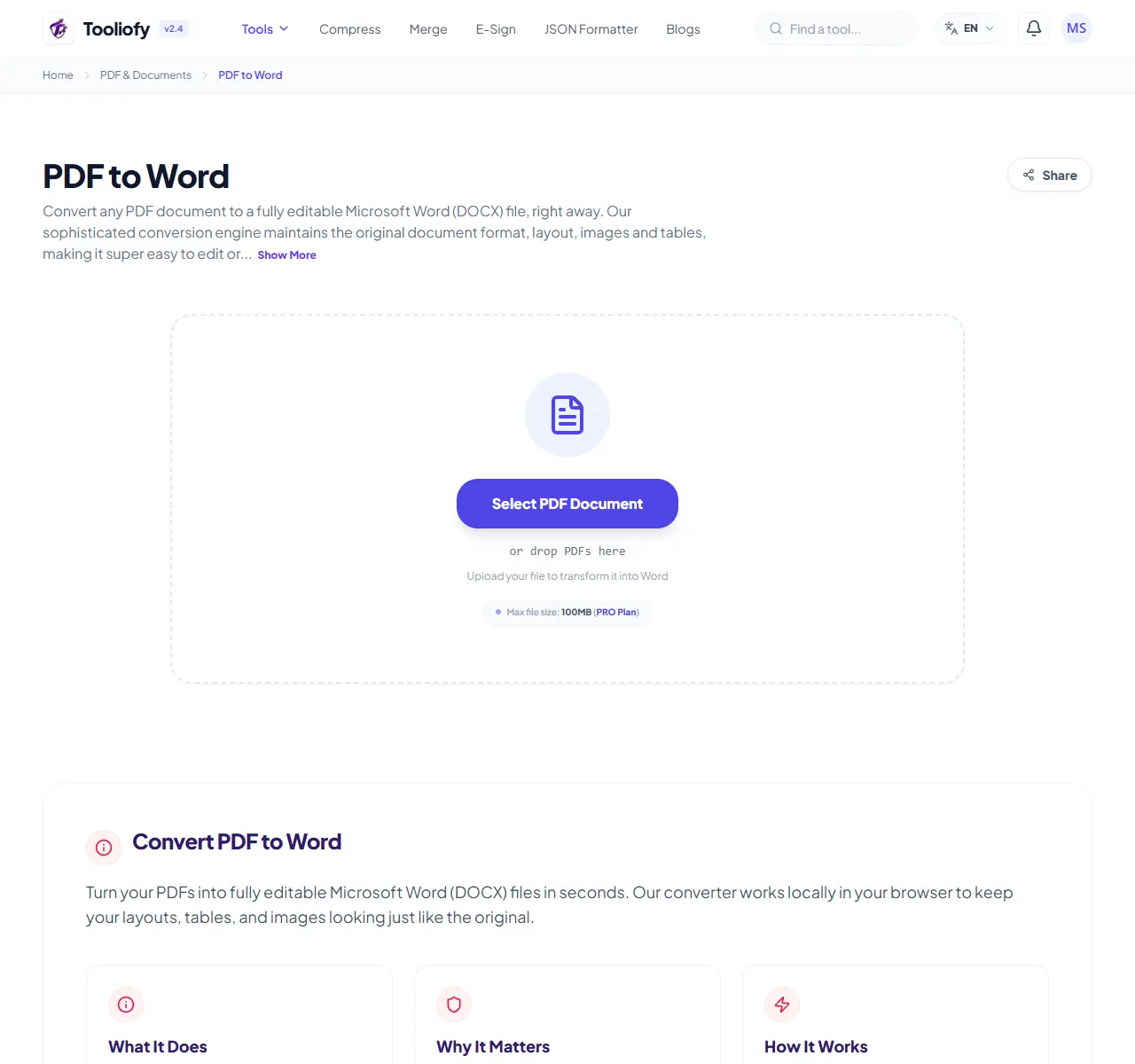
PDF to Word
PDF to Word helps when the next step is simple: turn PDF files into Word. It is built for quick fixes, checks, and downloads.
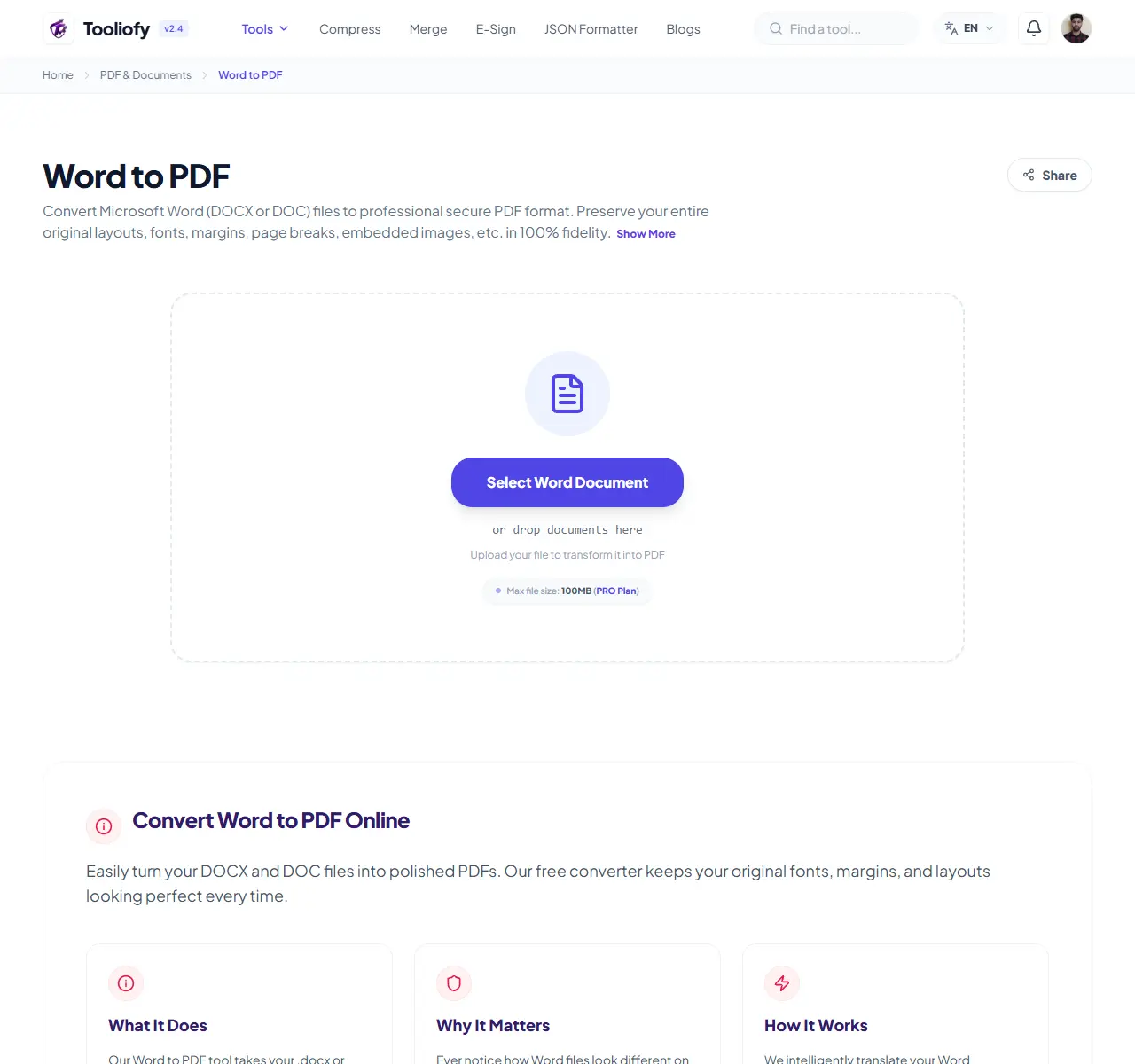
Word to PDF
Word to PDF helps when the next step is simple: turn Word files into PDF. It is built for quick fixes, checks, and downloads.
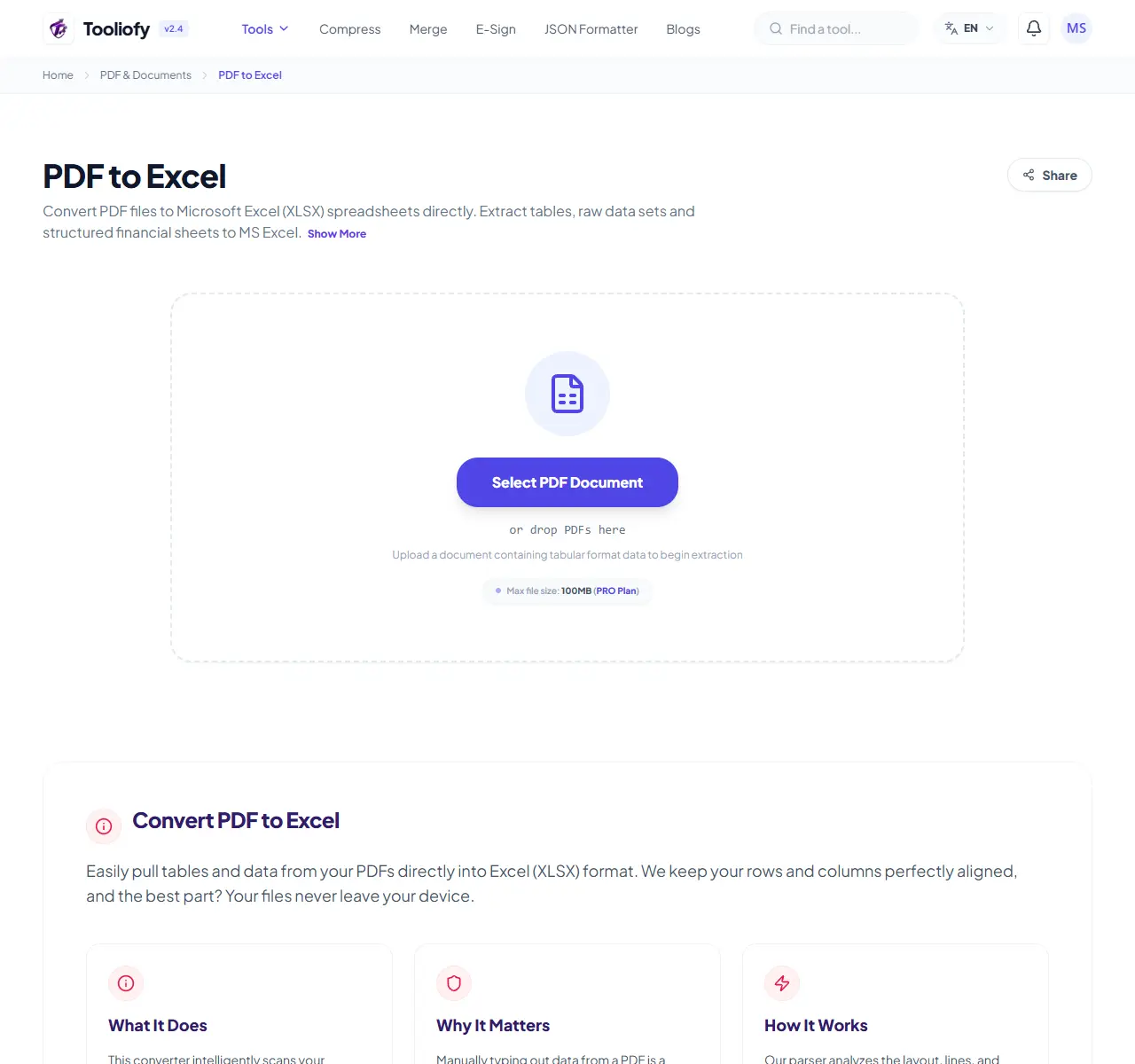
PDF to Excel
Open PDF to Excel when your PDF file needs one clear change. The tool keeps the process short and the Excel file easy to inspect.
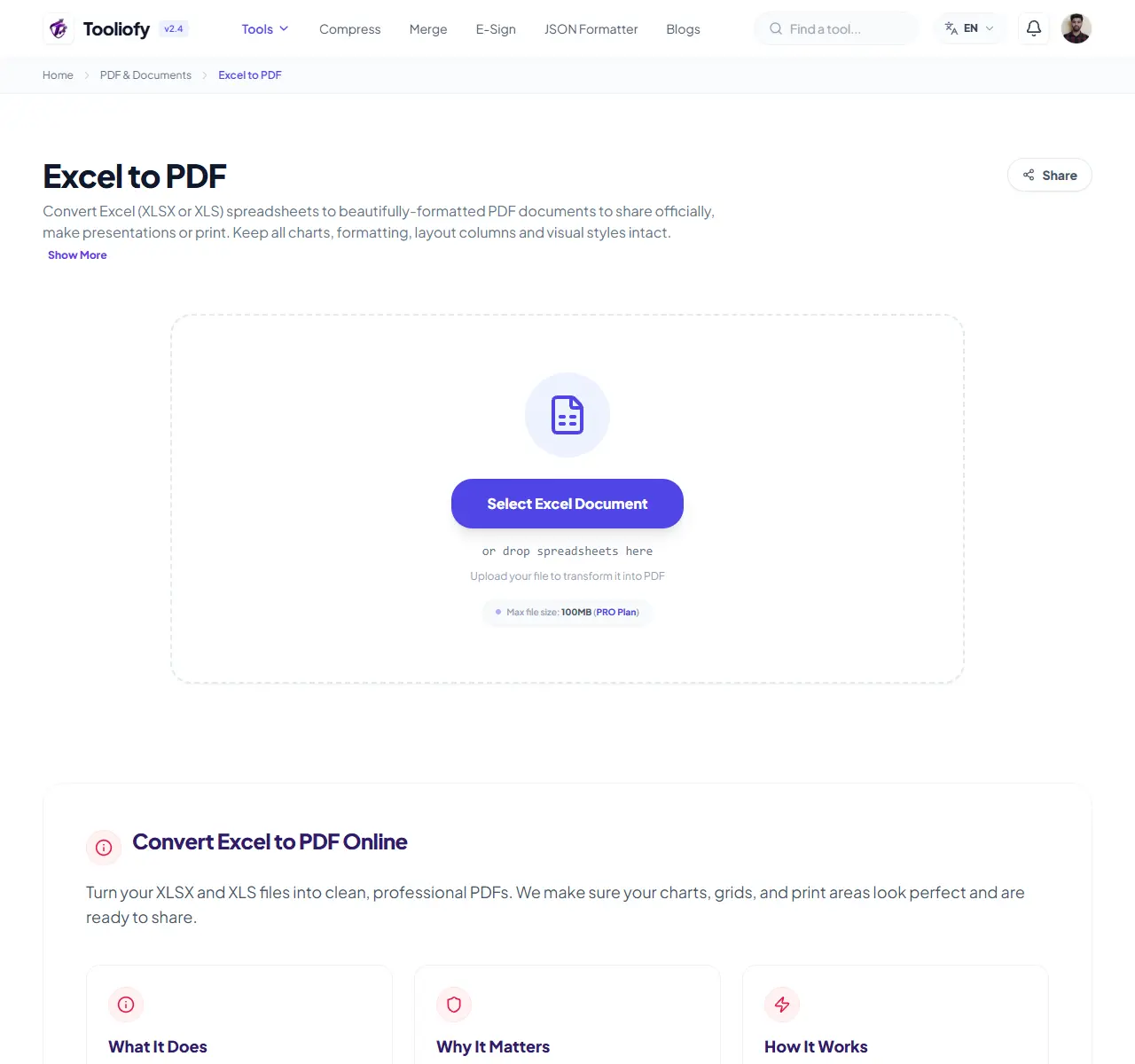
Excel to PDF
Open Excel to PDF when your Excel file needs one clear change. The tool keeps the process short and the PDF file easy to inspect.
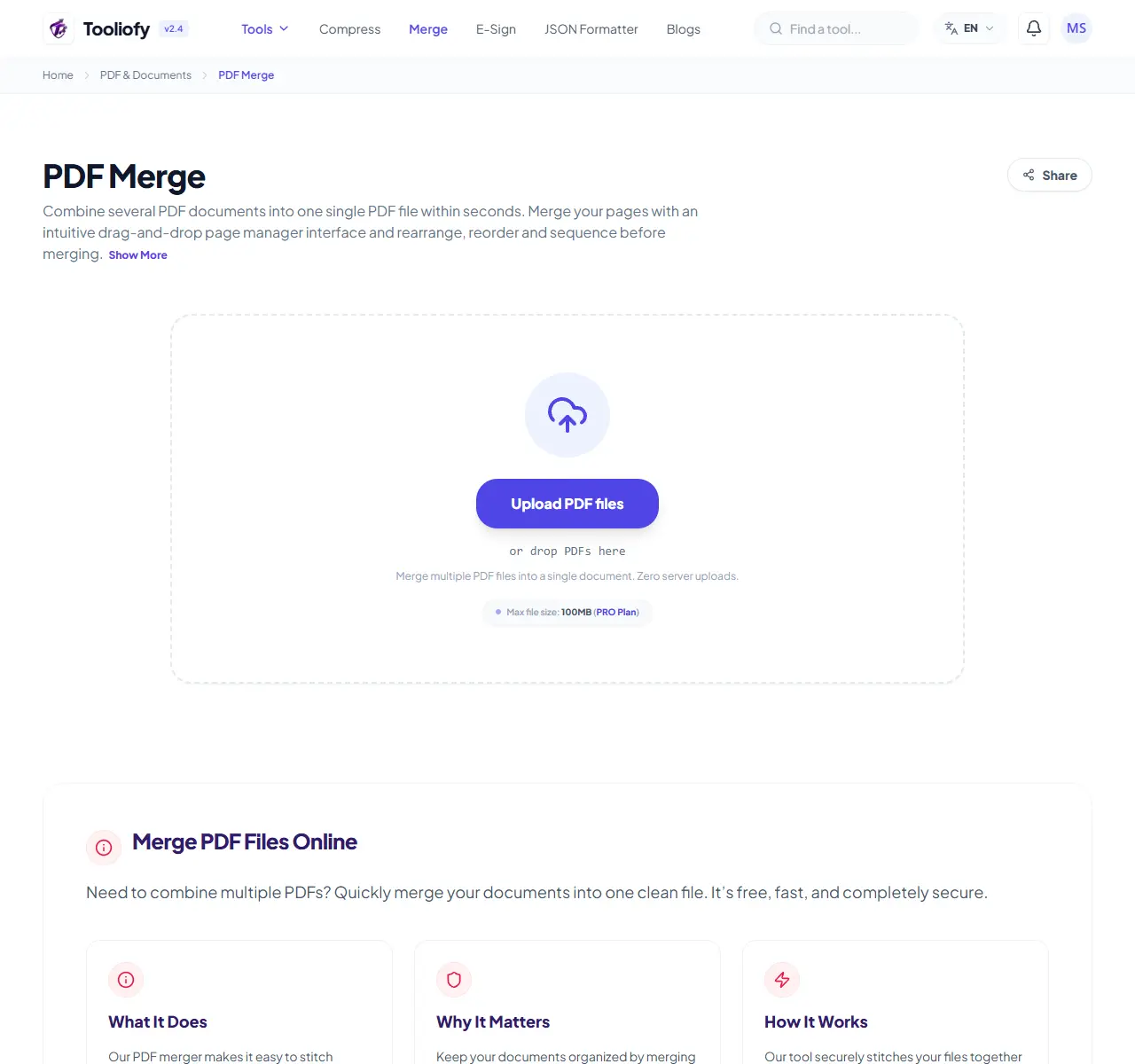
PDF Merge
PDF Merge helps when the next step is simple: combine separate files into one ordered result. It is built for quick fixes, checks, and downloads.
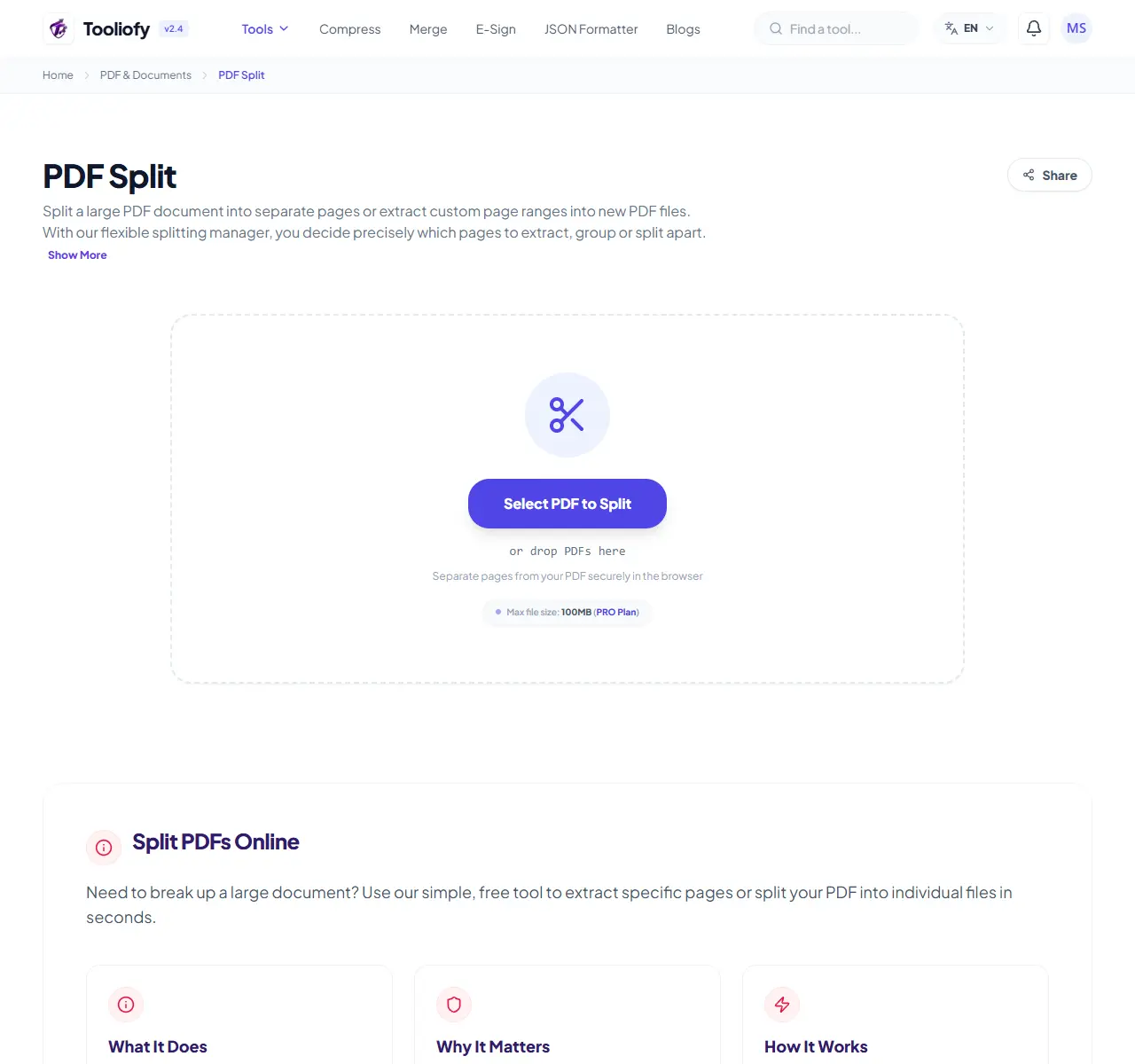
PDF Split
PDF Split helps when the next step is simple: pull out only the pages you need. It is built for quick fixes, checks, and downloads.
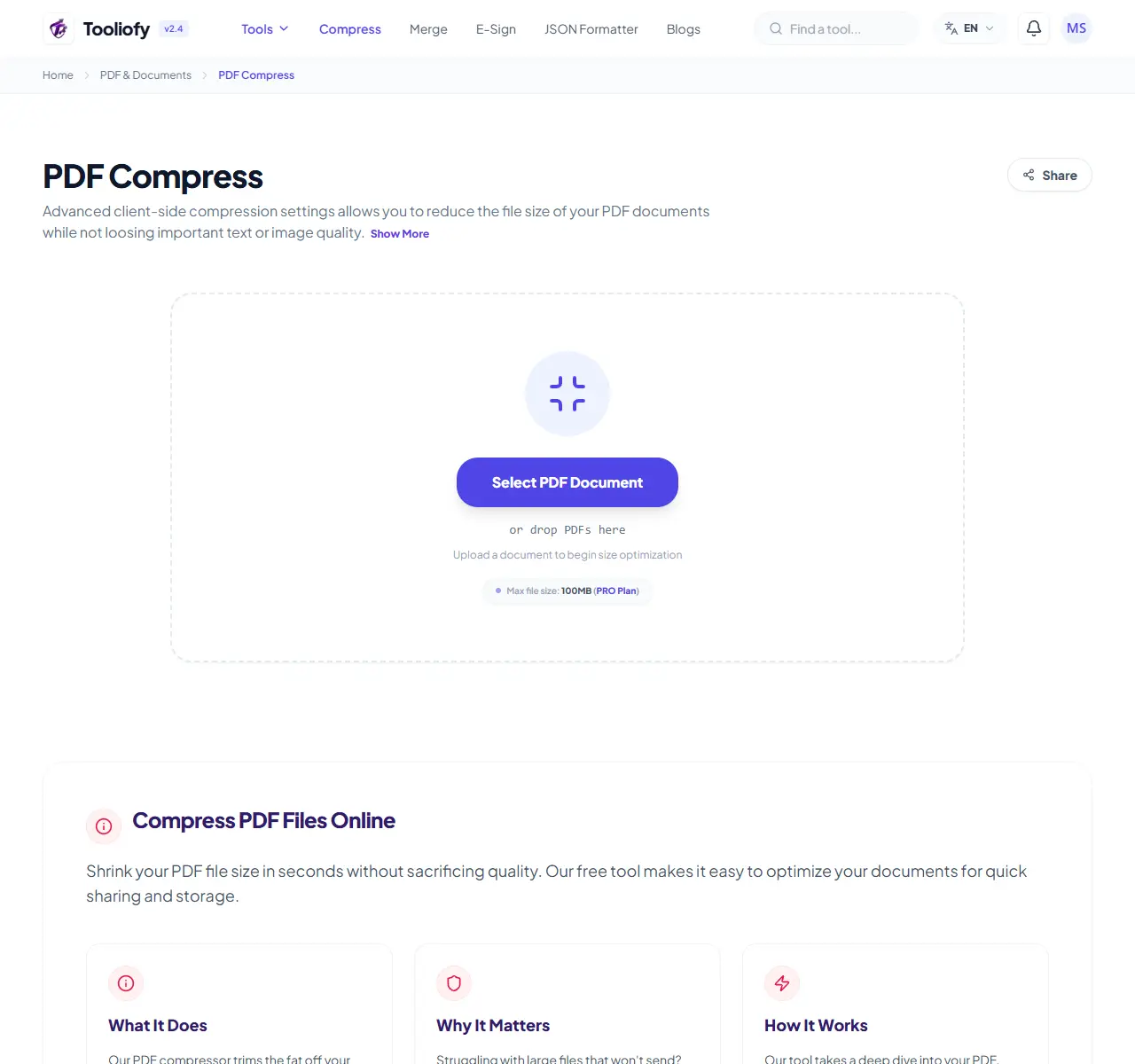
PDF Compress
PDF Compress helps when the next step is simple: make the file smaller while keeping it usable. It is built for quick fixes, checks, and downloads.
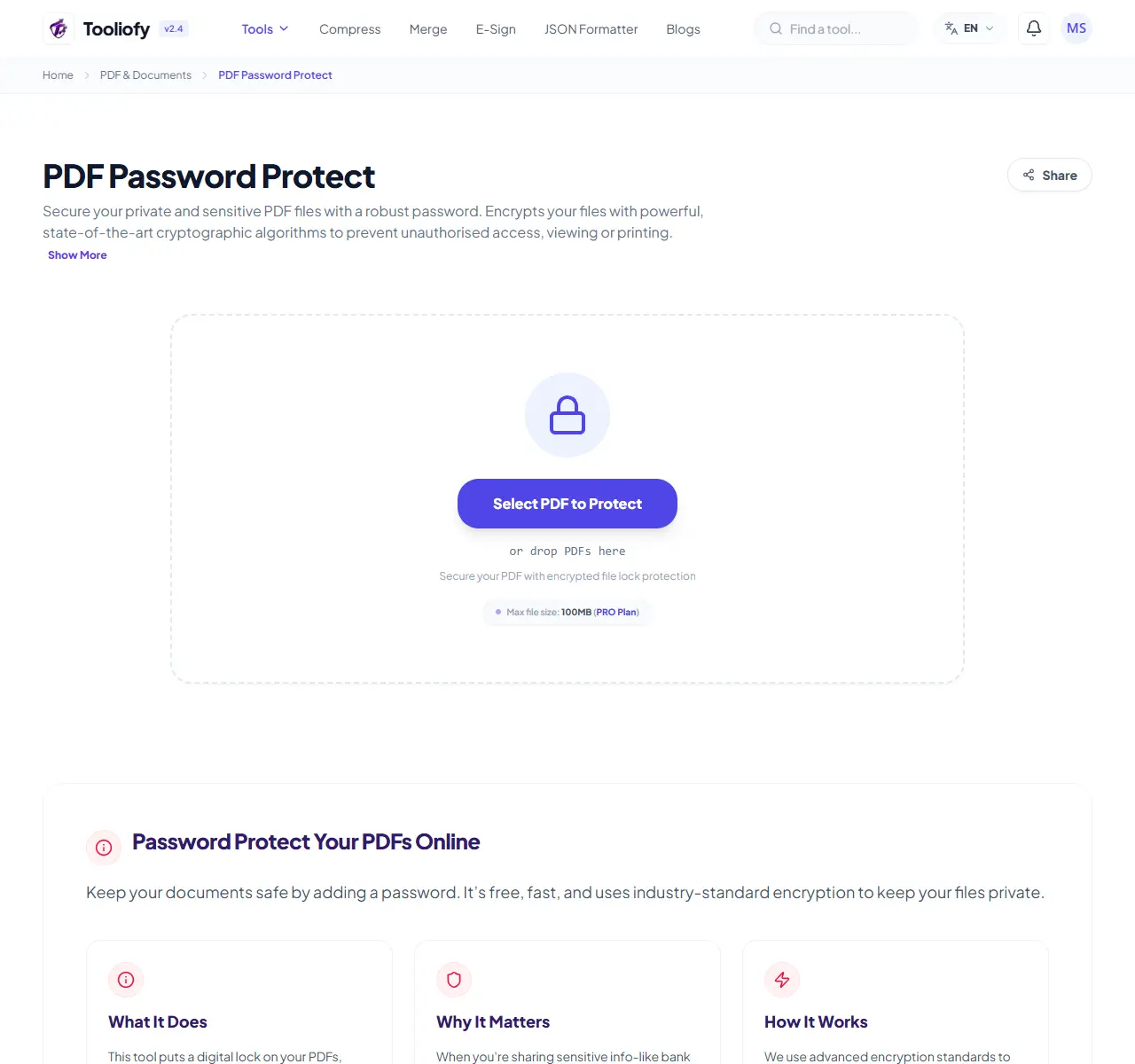
PDF Password Protect
Open PDF Password Protect when your text or file needs one clear change. The tool keeps the process short and the protected result easy to inspect.
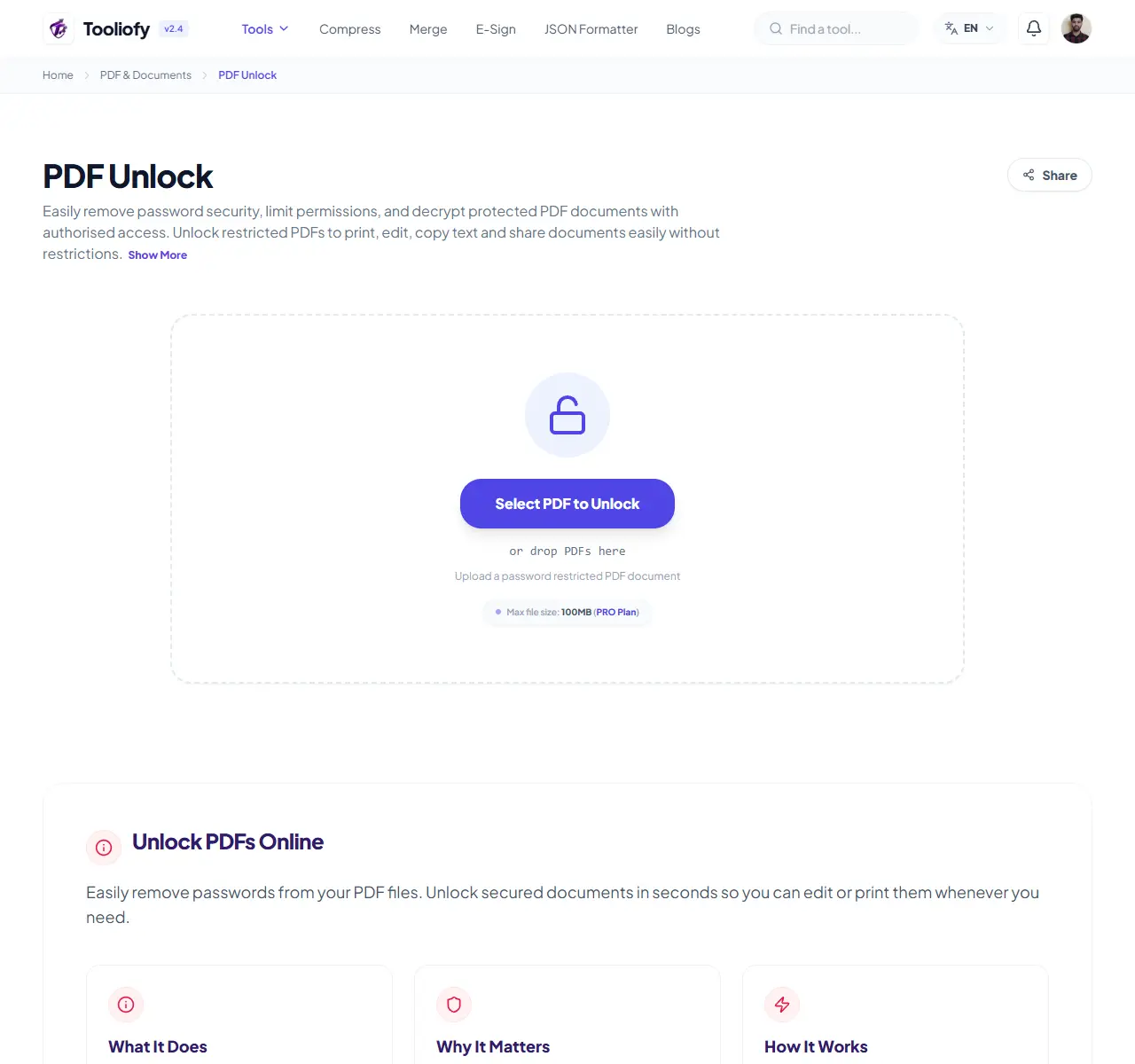
PDF Unlock
PDF Unlock helps when the next step is simple: remove restrictions from a PDF you are allowed to edit. It is built for quick fixes, checks, and downloads.
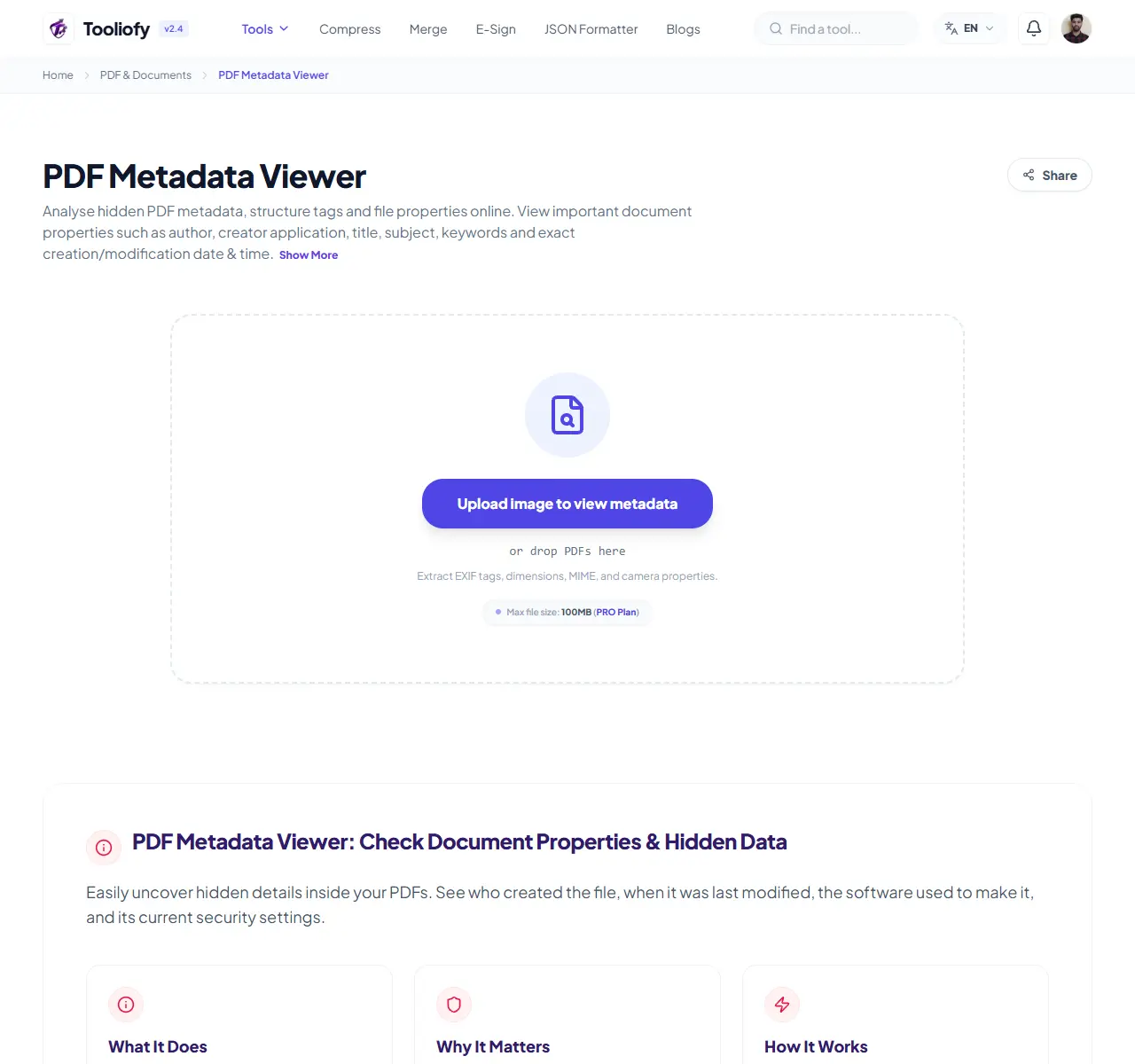
PDF Metadata Viewer
PDF Metadata Viewer helps when the next step is simple: check camera, document, or technical details stored inside the file. It is built for quick fixes, checks, and downloads.
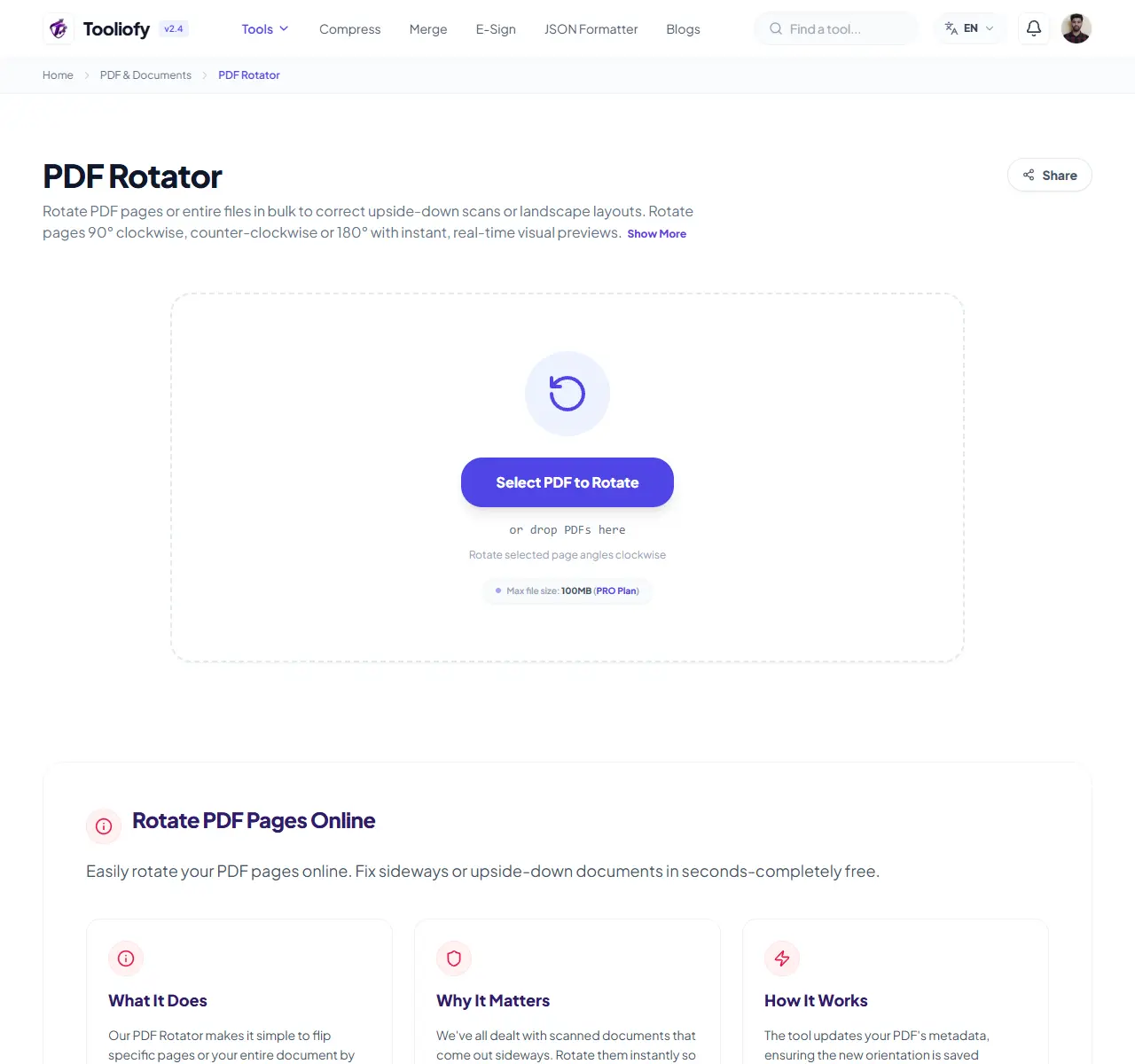
PDF Rotator
Use PDF Rotator when you need to fix direction, orientation, or mirror view. Add the file, choose the option that matters, and review the corrected file.
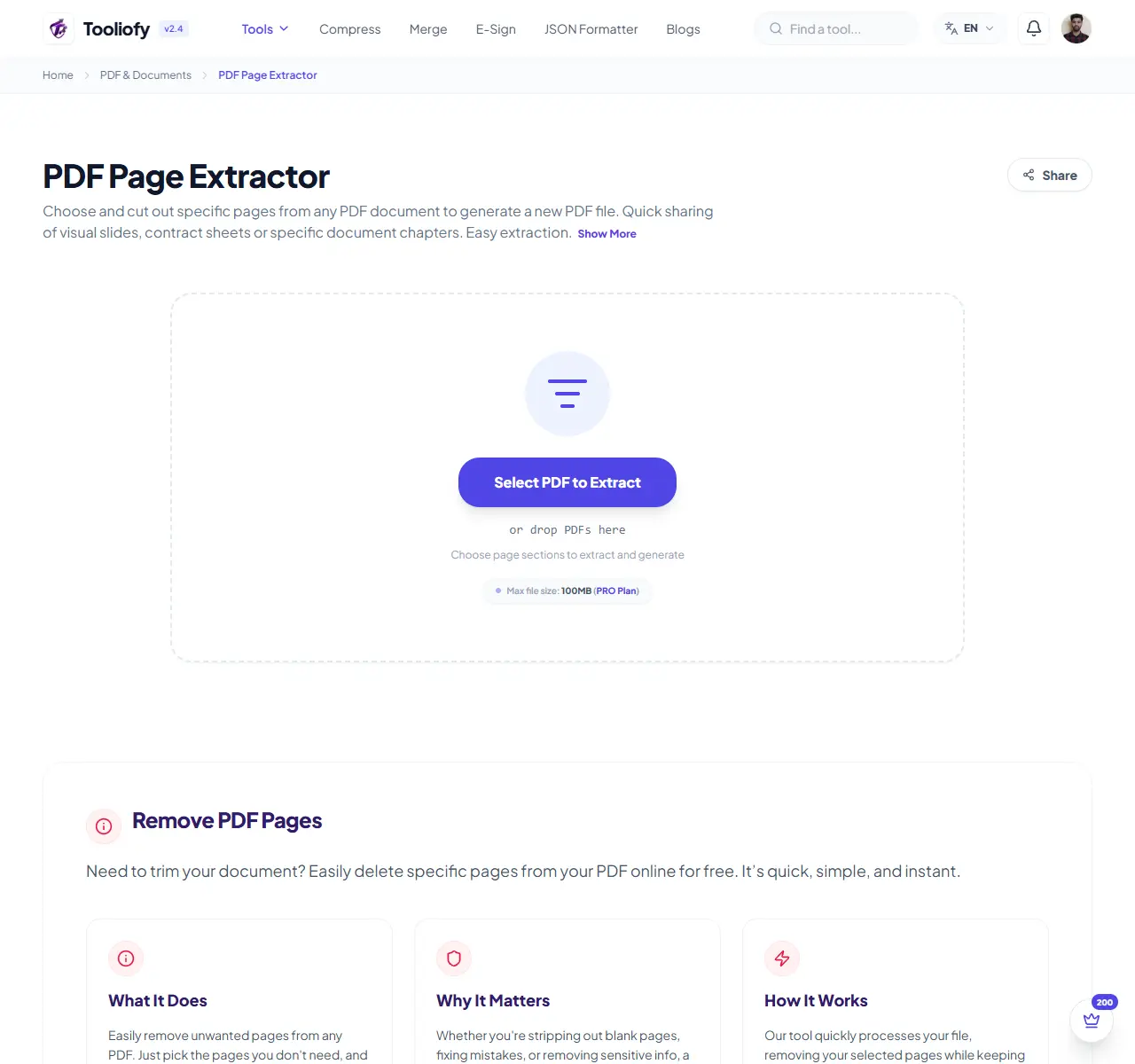
PDF Page Extractor
PDF Page Extractor is for split or extract pages. It keeps the page focused on that one job, so you can check the smaller PDF without opening a larger app.
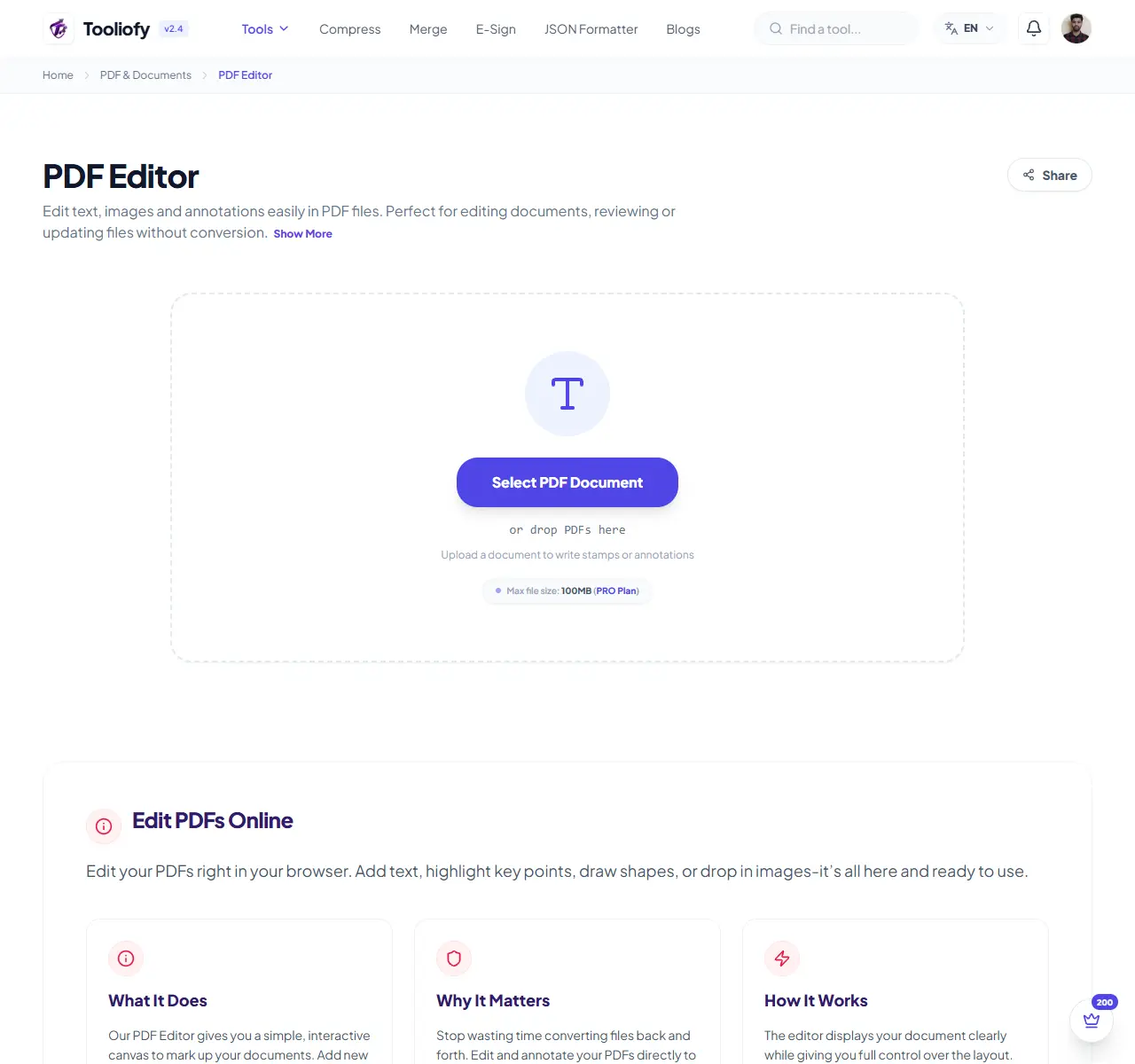
PDF Editor
Use PDF Editor when you need to make small changes without rebuilding the whole file. Add the file, choose the option that matters, and review the edited file.
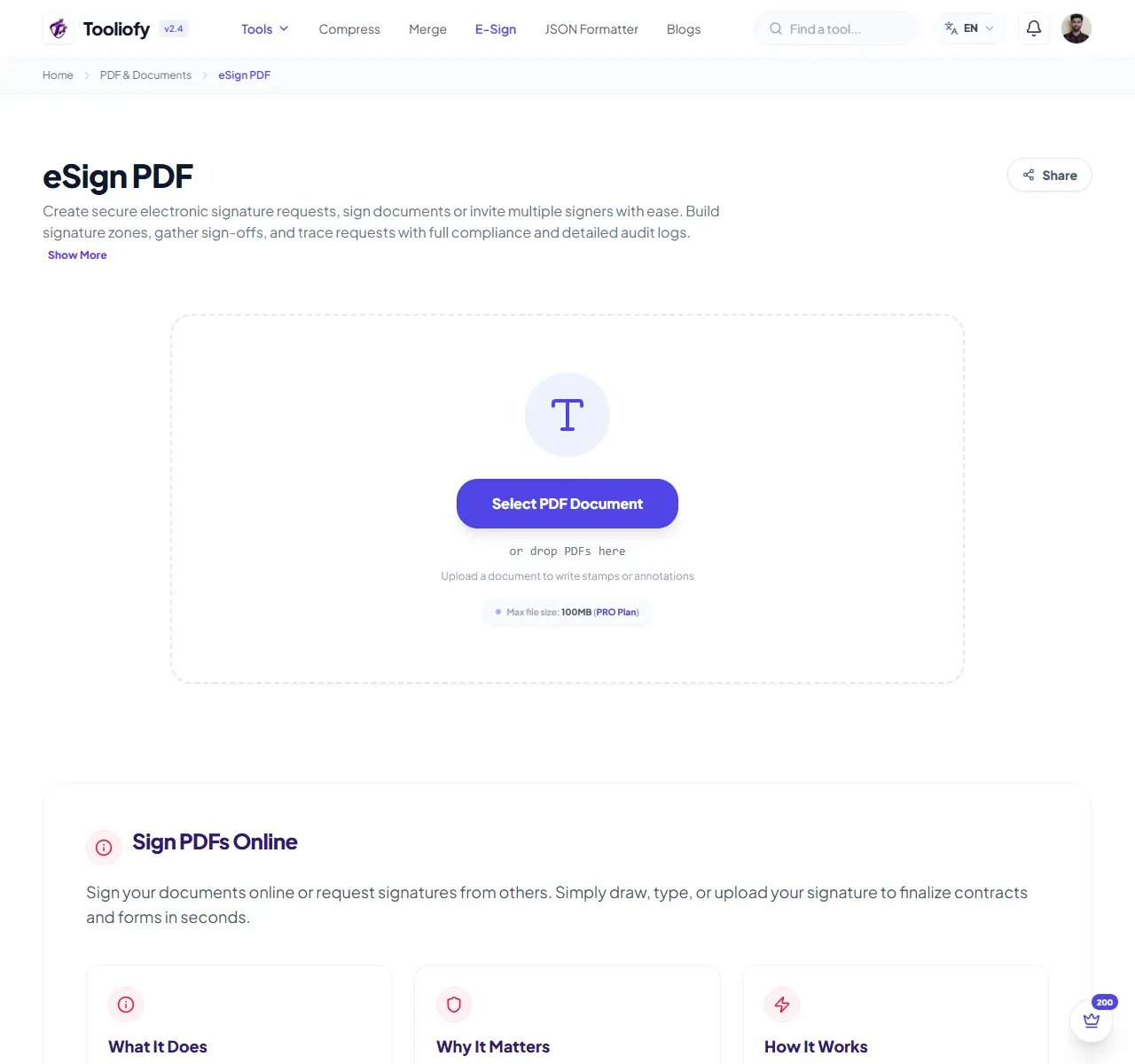
eSign PDF
Use eSign PDF when you need to handle this esign pdf task. Add the file or text, choose the option that matters, and review the finished result.
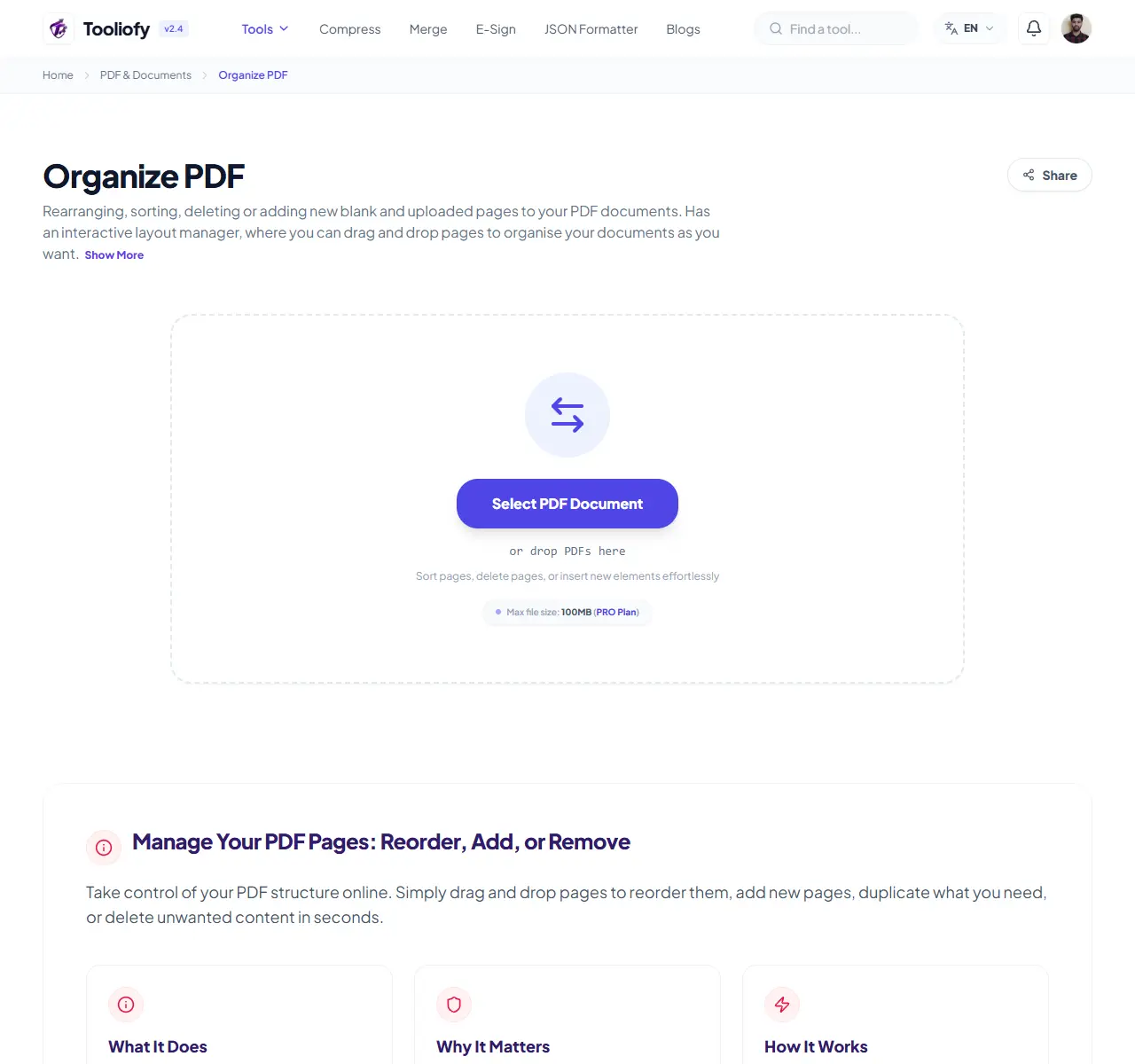
Organize PDF
Use Organize PDF when you need to move, rotate, remove, or reorder PDF pages. Add the PDF file, choose the option that matters, and review the organized PDF.
Add Page Numbers
Add Page Numbers is for add page numbers to a PDF. It keeps the page focused on that one job, so you can check the numbered PDF without opening a larger app.
Add Watermark
Add Watermark is for add a watermark. It keeps the page focused on that one job, so you can check the watermarked file without opening a larger app.
Compare PDF
Use Compare PDF when you need to review two PDFs and look for changes. Add the two PDF files, choose the option that matters, and review the comparison result.
PDF Tool Questions
Plain notes about file size, scans, layout changes, privacy, and page edits.
Which PDF tool should I use first?
Why does a compressed PDF sometimes stay large?
Will PDF conversion keep the same layout?
Should I unlock a PDF before editing it?
Are browser PDF tools safe for private files?
What order should I follow for a full PDF job?
Use the tool that fits the problem, check the file once, and keep the original if the document is important.
Related Guides & Articles

How to Create, Edit, and E-Sign PDFs Online Without Installing Any Software
Create, edit, merge, compress, and e-sign PDFs online without installing software. Learn when to use each PDF tool and how to manage documents in your browser.

How to Use Free Online Tools to Save Time on Everyday Digital Tasks
Learn how free online tools can save time on image editing, text cleanup, SEO checks, developer tasks, PDF work, and everyday calculations.
Explore Other Categories
 5 Tools
AI Tools
Explore our ai tools and start processing your files securely.
 58 Tools
Image Tools
Explore our image tools and start processing your files securely.
 24 Tools
Text Utilities
Explore our text utilities and start processing your files securely.
 10 Tools
Developer Tools
Explore our developer tools and start processing your files securely.