
Word to PDF
Word to PDF helps when the next step is simple: turn Word files into PDF. It is built for quick fixes, checks, and downloads.
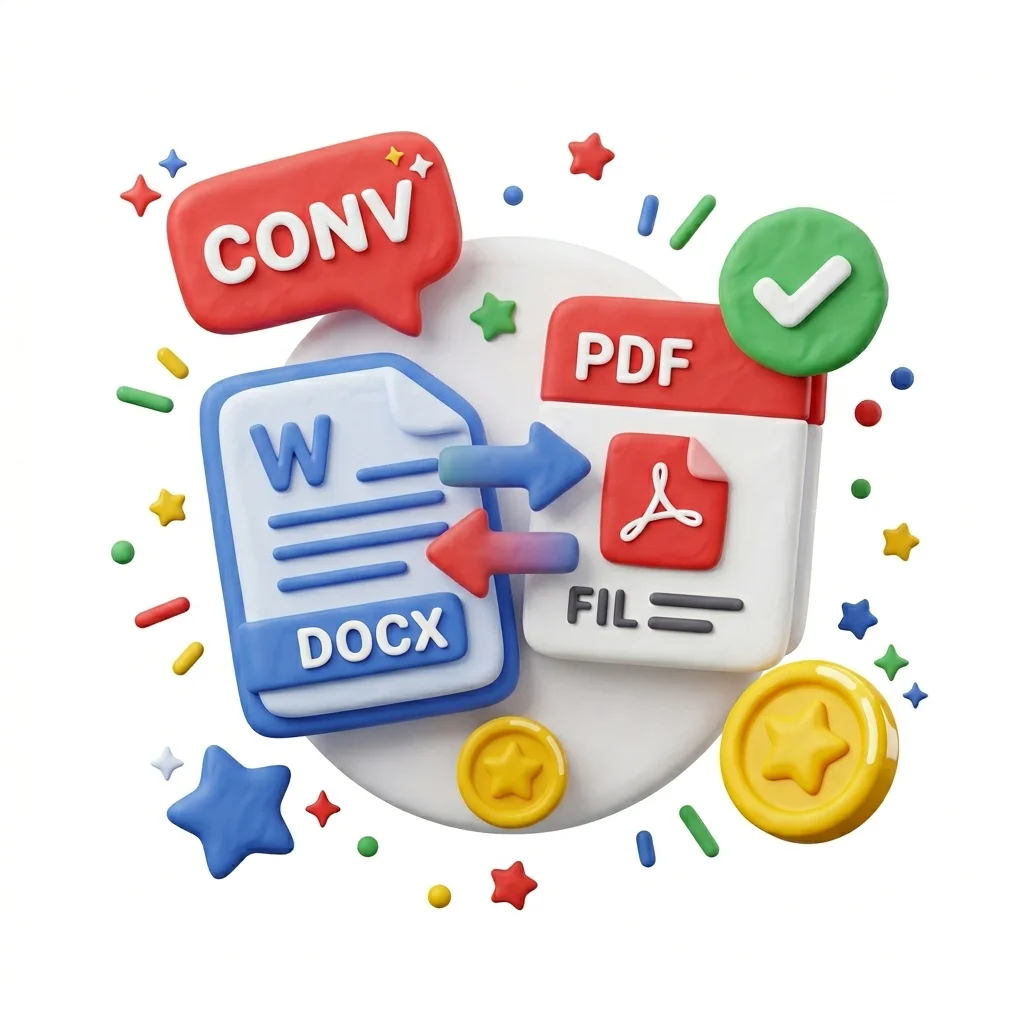
Convert Word to PDF
Send a .docx to someone with a different Word version or Google Docs and your formatting can fall apart. Converting to PDF freezes the document exactly as you designed it - same fonts, page breaks, and spacing on every screen and printer. No watermark, files deleted after conversion.
How to Use This Tool
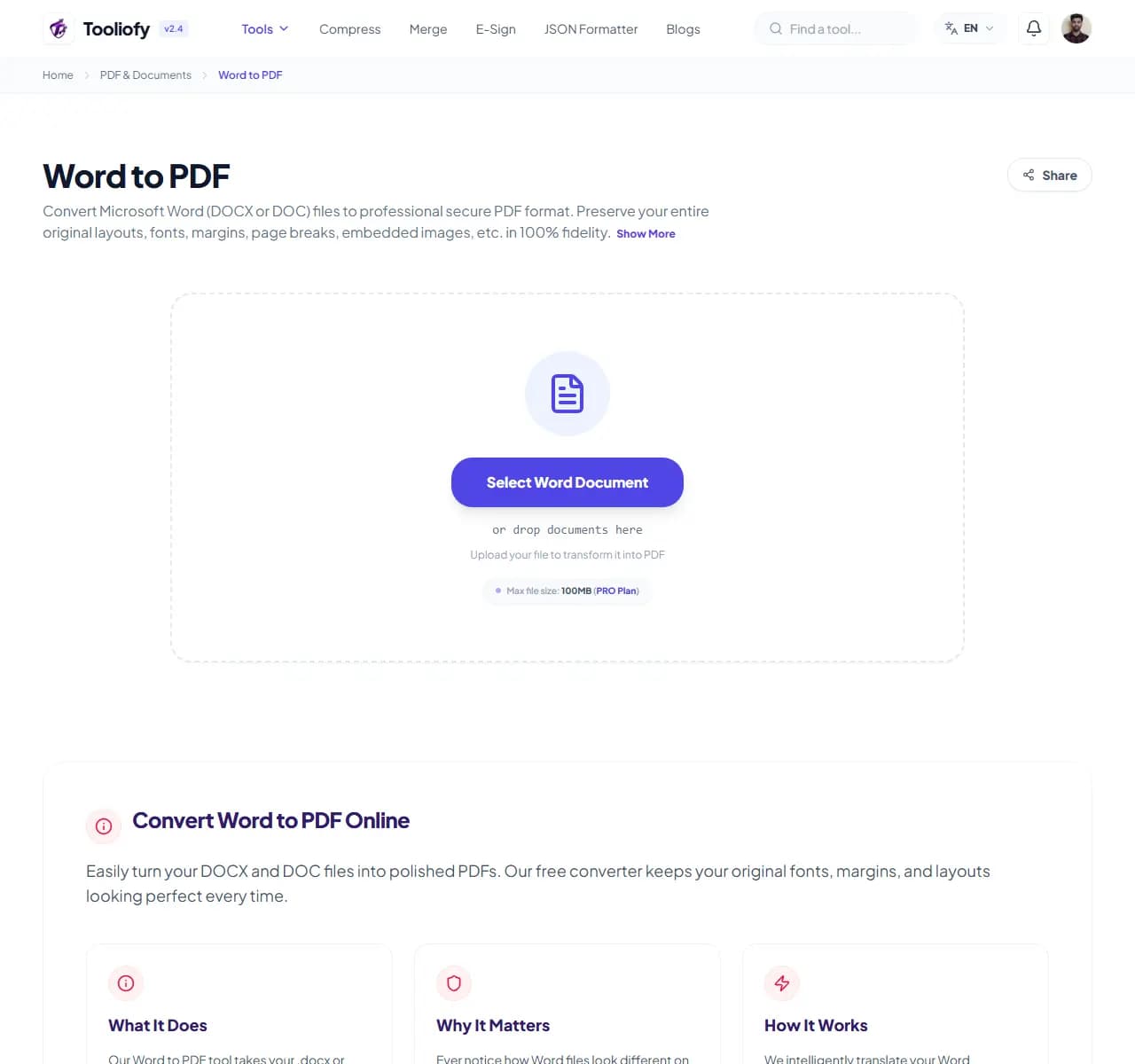
1. Select File
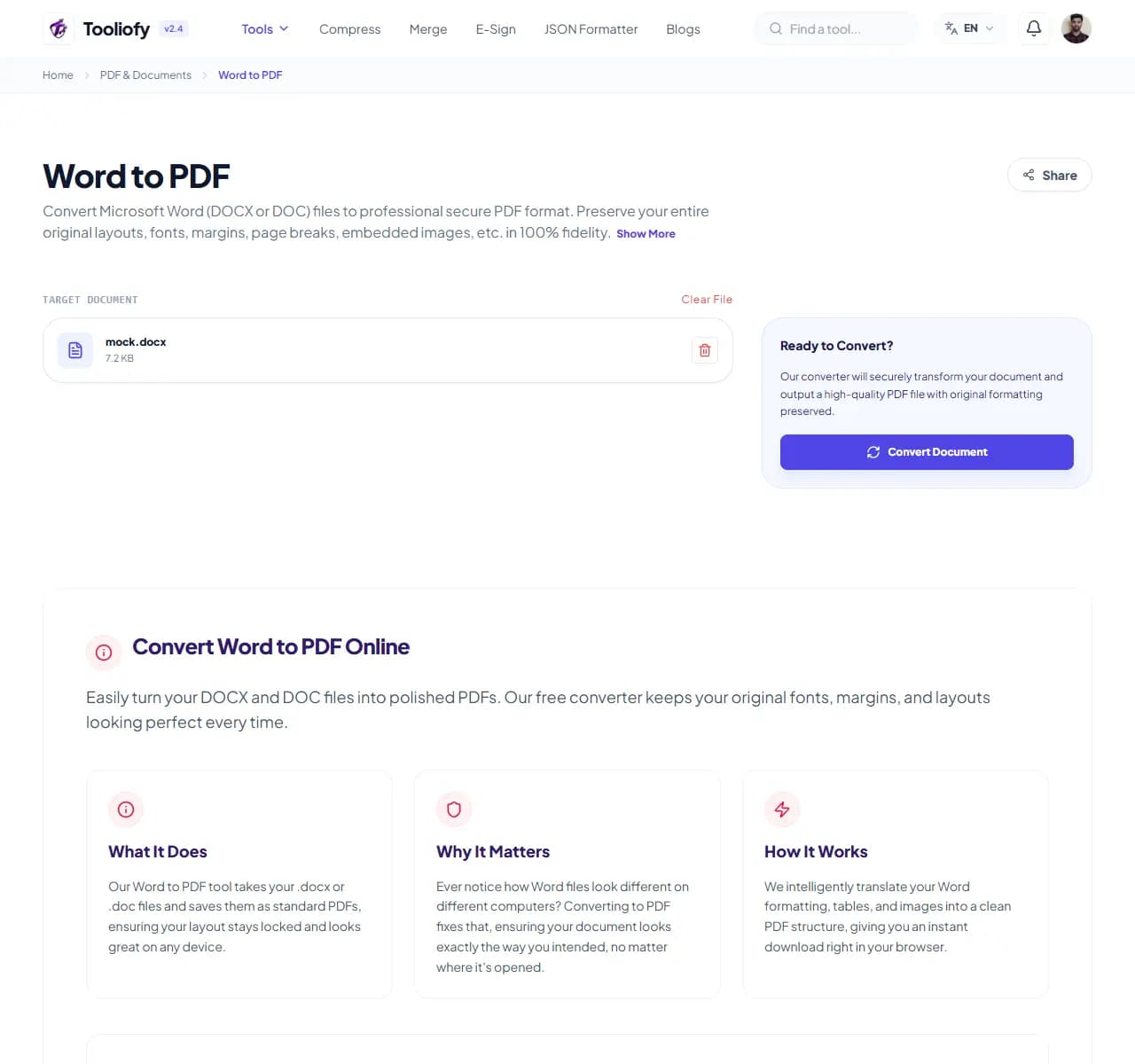
2. Processing
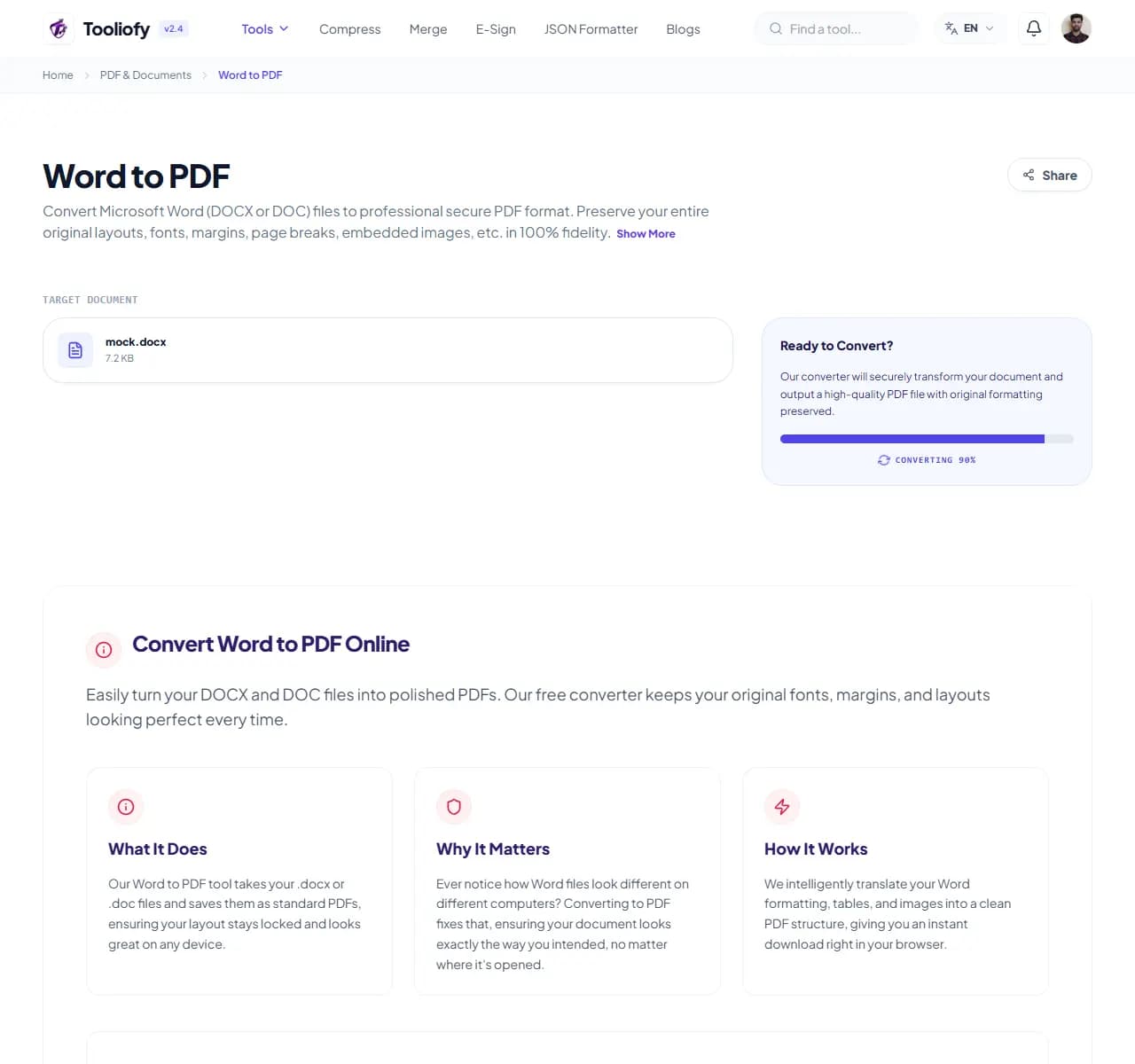
3. Download File
What you can do with Word to PDF
Word to PDF converts your document into a fixed-layout PDF that renders identically everywhere - no more layouts breaking because the recipient has different fonts or a different Word version.
When Word to PDF helps
Convert when the layout must survive: CVs and job applications, invoices and contracts that shouldn't be casually edited, and portals that require PDF (visa applications, university admissions, tenders). Keep it as Word only while you're still collaborating on the text.
How the PDF is handled
Upload the file and conversion starts automatically - a typical report takes a few seconds. The output reflects the clean, accepted version: comments and tracked changes are not included, so resolve them in Word first if you want reviewers' marks visible.
Common Word to PDF tasks
- Submitting a CV so the recruiter sees exactly your layout
- Sending invoices and quotes that can't be accidentally edited
- Uploading to portals that only accept PDF
- Sharing a final version without tracked changes visible
- Archiving signed-off documents in a fixed format
Why this PDF tool is handy
- Identical rendering on every device and printer
- Harder to accidentally or deliberately edit
- Standard fonts convert exactly
- Clean output without review marks
- Free with no watermark
What is included
- Supports .docx and .doc (Word 97-2003)
- Fonts, tables, images and charts stay in position
- Headers, footers and page numbers preserved
- Hyperlinks remain clickable in the PDF
- A4 stays A4, Letter stays Letter
- Comments and tracked changes excluded from output
- No watermark regardless of size
"PDF for final versions, Word while you're still editing. Converting at the right moment saves you from both broken layouts and un-editable drafts."

More PDF & Documents
Create PDF
Create PDF helps when the next step is simple: create a new PDF with text, images, shapes, pages, and signatures. It is built for quick fixes, checks, and downloads.
PDF to Word
PDF to Word helps when the next step is simple: turn PDF files into Word. It is built for quick fixes, checks, and downloads.
PDF to Excel
Open PDF to Excel when your PDF file needs one clear change. The tool keeps the process short and the Excel file easy to inspect.
Excel to PDF
Open Excel to PDF when your Excel file needs one clear change. The tool keeps the process short and the PDF file easy to inspect.
PDF Merge
PDF Merge helps when the next step is simple: combine separate files into one ordered result. It is built for quick fixes, checks, and downloads.
PDF Split
PDF Split helps when the next step is simple: pull out only the pages you need. It is built for quick fixes, checks, and downloads.
Explore Other Categories
 5 Tools
AI Tools
Explore our ai tools and start processing your files securely.
 58 Tools
Image Tools
Explore our image tools and start processing your files securely.
 24 Tools
Text Utilities
Explore our text utilities and start processing your files securely.
 10 Tools
Developer Tools
Explore our developer tools and start processing your files securely.
Can't find a specific tool?
We are constantly adding new features based on user feedback. Tell us what you need and we will implement it immediately!