
eSign PDF
Use eSign PDF when you need to handle this esign pdf task. Add the file or text, choose the option that matters, and review the finished result.
Sign PDFs Online
Add your signature to a PDF - draw it, type it, or upload an image of it - then place it exactly where it belongs and download the signed document. No printing, no scanning, no fax machine resurrection.
How to Use This Tool

1. Select File
2. Processing
3. Download File
What you can do with eSign PDF
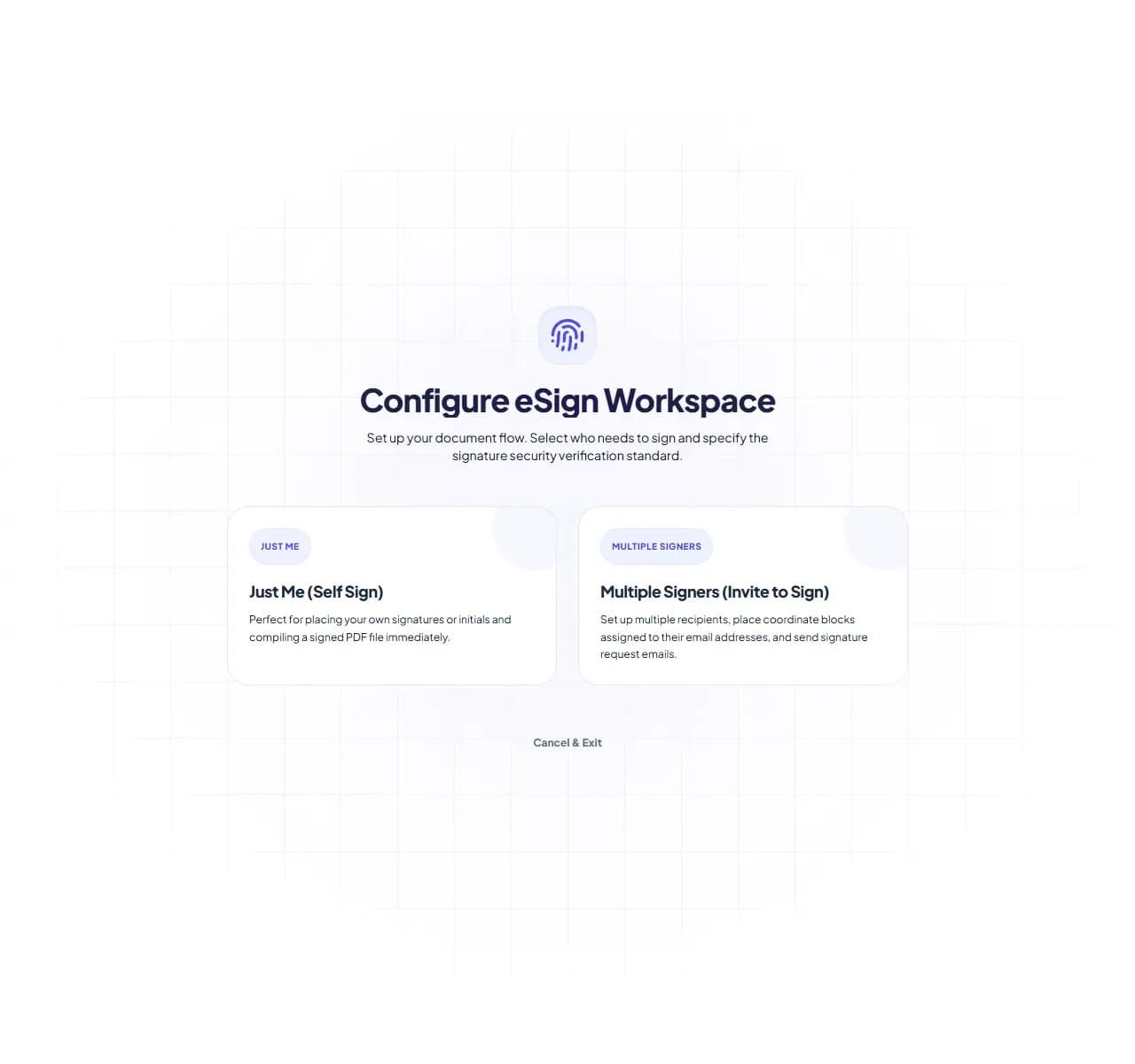
eSign PDF places a visual signature onto your document. Draw it fresh, type your name in a script font, or upload an image of your real signature - then drag it onto the signature line and export.
When eSign PDF helps
The print-sign-scan-email loop turns a 30-second task into a 15-minute one, and the scan usually looks worse than the original. Signing digitally keeps the document clean and gets it back in one email.
How the PDF is handled
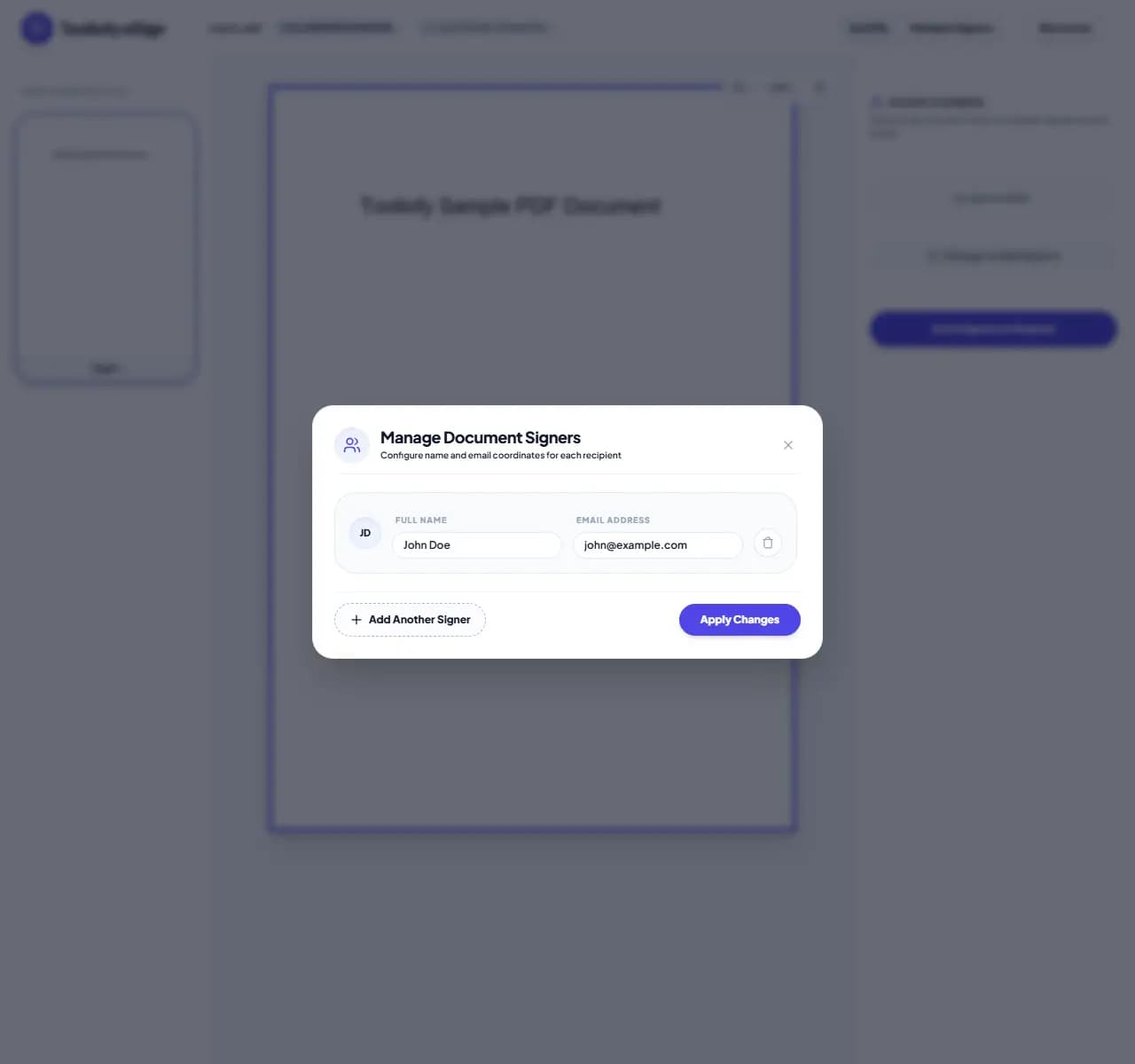
Upload the PDF, create your signature once, then click where it should go on each page that needs it. Resize to fit the line, add the date next to it, and download the signed file.
Common eSign PDF tasks
- Signing rental agreements and leases
- Returning signed offer letters and contracts
- Approving quotes and purchase orders
- Signing permission slips and school forms
- Adding a signature to invoices
Why this PDF tool is handy
- No printer or scanner involved
- Document stays sharp - no scan degradation
- Signature reusable across pages
- Works on phone, tablet and desktop
- Files deleted automatically after signing
What is included
- Draw your signature with mouse, trackpad or finger
- Type it and pick a signature-style font
- Upload a photo of your handwritten signature
- Place and resize the signature anywhere on any page
- Add dates and text fields alongside
- Reuse your saved signature during the session
- Encrypted transfer, automatic deletion
"For everyday signatures, this replaces the printer entirely. For documents requiring certified digital signatures, confirm requirements with the receiving party first."

More PDF & Documents
Create PDF
Create PDF helps when the next step is simple: create a new PDF with text, images, shapes, pages, and signatures. It is built for quick fixes, checks, and downloads.
PDF to Word
PDF to Word helps when the next step is simple: turn PDF files into Word. It is built for quick fixes, checks, and downloads.
Word to PDF
Word to PDF helps when the next step is simple: turn Word files into PDF. It is built for quick fixes, checks, and downloads.
PDF to Excel
Open PDF to Excel when your PDF file needs one clear change. The tool keeps the process short and the Excel file easy to inspect.
Excel to PDF
Open Excel to PDF when your Excel file needs one clear change. The tool keeps the process short and the PDF file easy to inspect.
PDF Merge
PDF Merge helps when the next step is simple: combine separate files into one ordered result. It is built for quick fixes, checks, and downloads.
Explore Other Categories
 5 Tools
AI Tools
Explore our ai tools and start processing your files securely.
 58 Tools
Image Tools
Explore our image tools and start processing your files securely.
 24 Tools
Text Utilities
Explore our text utilities and start processing your files securely.
 10 Tools
Developer Tools
Explore our developer tools and start processing your files securely.
Can't find a specific tool?
We are constantly adding new features based on user feedback. Tell us what you need and we will implement it immediately!