
Create PDF
Create PDF helps when the next step is simple: create a new PDF with text, images, shapes, pages, and signatures. It is built for quick fixes, checks, and downloads.
Create a PDF from Scratch
Build a new PDF directly in the editor: add text, images, shapes, and multiple pages, then download a clean document. No Word, no design app, no installs - useful when you need a simple document that behaves like a document.
How to Use This Tool
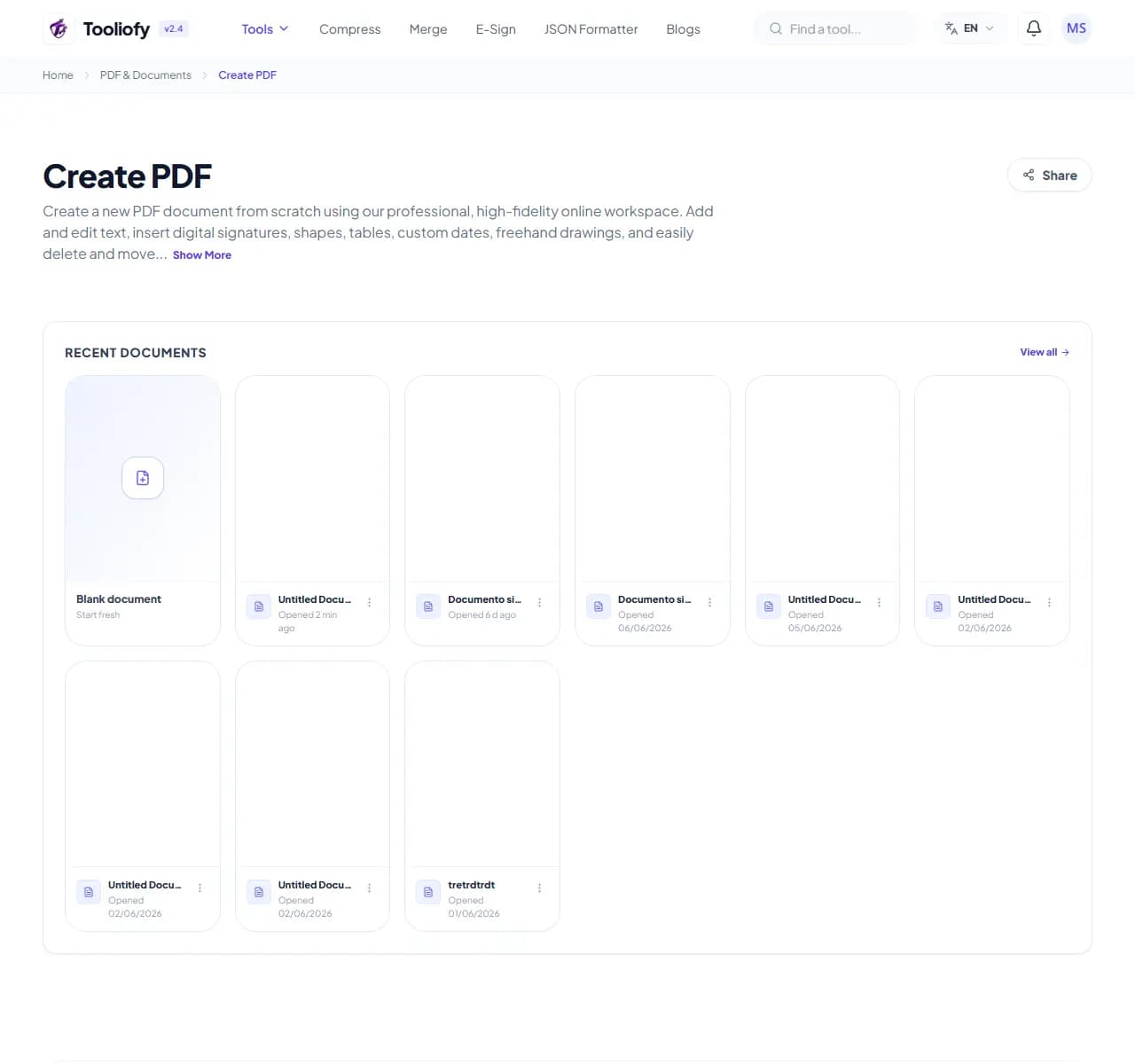
1. Select File
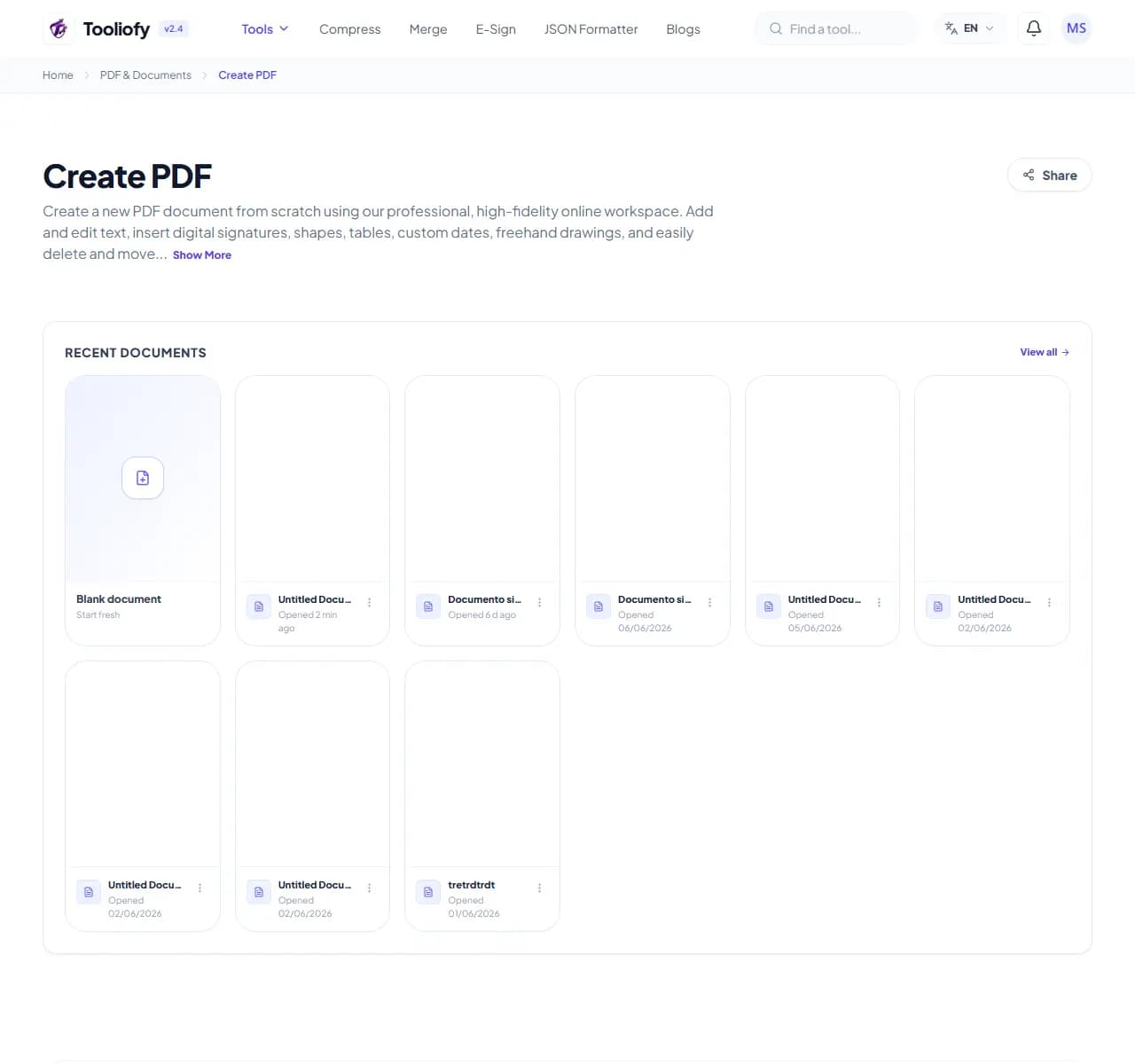
2. Processing
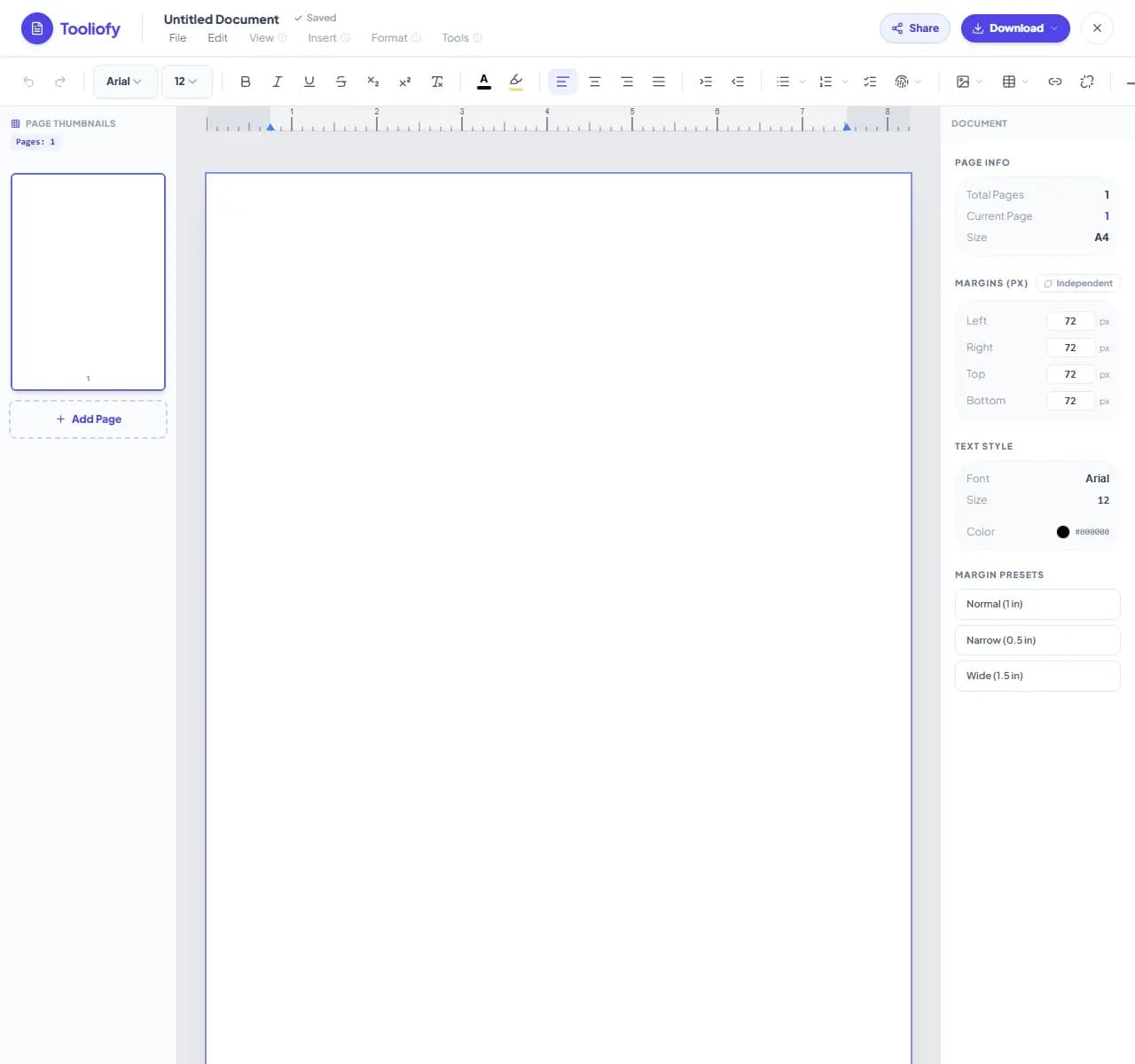
3. Download File
What you can do with Create PDF
Create PDF is a blank-page editor that exports straight to PDF. You place text, images, and shapes on pages and download the result - closer to a lightweight layout tool than a word processor.
When Create PDF helps
Sometimes the job is a one-page notice, a simple form, a signed statement, or a photo sheet - and opening Word or a design suite for that is overkill. A direct PDF editor gets you from blank page to finished file in minutes.
How the PDF is handled
Start with a blank page, use the toolbar to add elements, drag them into position, add pages as needed, and export. What you see on the canvas is exactly what the PDF will look like.
Common Create PDF tasks
- Writing a one-page signed statement or declaration
- Making a simple notice or flyer for printing
- Creating a cover page for a larger document
- Building a quick photo sheet with captions
- Producing a basic form to print and fill by hand
Why this PDF tool is handy
- Blank page to finished PDF in minutes
- No Word or design software needed
- What you see is what exports
- Signature support built in
- Free, no watermark
What is included
- Add and style text blocks anywhere on the page
- Insert images and position them freely
- Draw shapes, lines and highlights
- Multiple pages with A4 or Letter sizing
- Add a signature before exporting
- Download instantly, no watermark
- No account required
"For one-pagers, notices, and quick signed documents, skipping the word processor is the whole point. For long flowing text, write elsewhere and convert."

More PDF & Documents
PDF to Word
PDF to Word helps when the next step is simple: turn PDF files into Word. It is built for quick fixes, checks, and downloads.
Word to PDF
Word to PDF helps when the next step is simple: turn Word files into PDF. It is built for quick fixes, checks, and downloads.
PDF to Excel
Open PDF to Excel when your PDF file needs one clear change. The tool keeps the process short and the Excel file easy to inspect.
Excel to PDF
Open Excel to PDF when your Excel file needs one clear change. The tool keeps the process short and the PDF file easy to inspect.
PDF Merge
PDF Merge helps when the next step is simple: combine separate files into one ordered result. It is built for quick fixes, checks, and downloads.
PDF Split
PDF Split helps when the next step is simple: pull out only the pages you need. It is built for quick fixes, checks, and downloads.
Explore Other Categories
 5 Tools
AI Tools
Explore our ai tools and start processing your files securely.
 58 Tools
Image Tools
Explore our image tools and start processing your files securely.
 24 Tools
Text Utilities
Explore our text utilities and start processing your files securely.
 10 Tools
Developer Tools
Explore our developer tools and start processing your files securely.
Can't find a specific tool?
We are constantly adding new features based on user feedback. Tell us what you need and we will implement it immediately!