
Image Compressor
Image Compressor helps you reduce file size. It keeps the page focused on that one job, so you can check the smaller file without opening a larger app.
Compress Images Online
A phone photo is 3-8 MB; a website, email, or form upload usually needs it under 500 KB. Compress with a quality slider and live before/after preview so you can see exactly what you're trading for the smaller file. Batch supported, no watermark.
How to Use This Tool
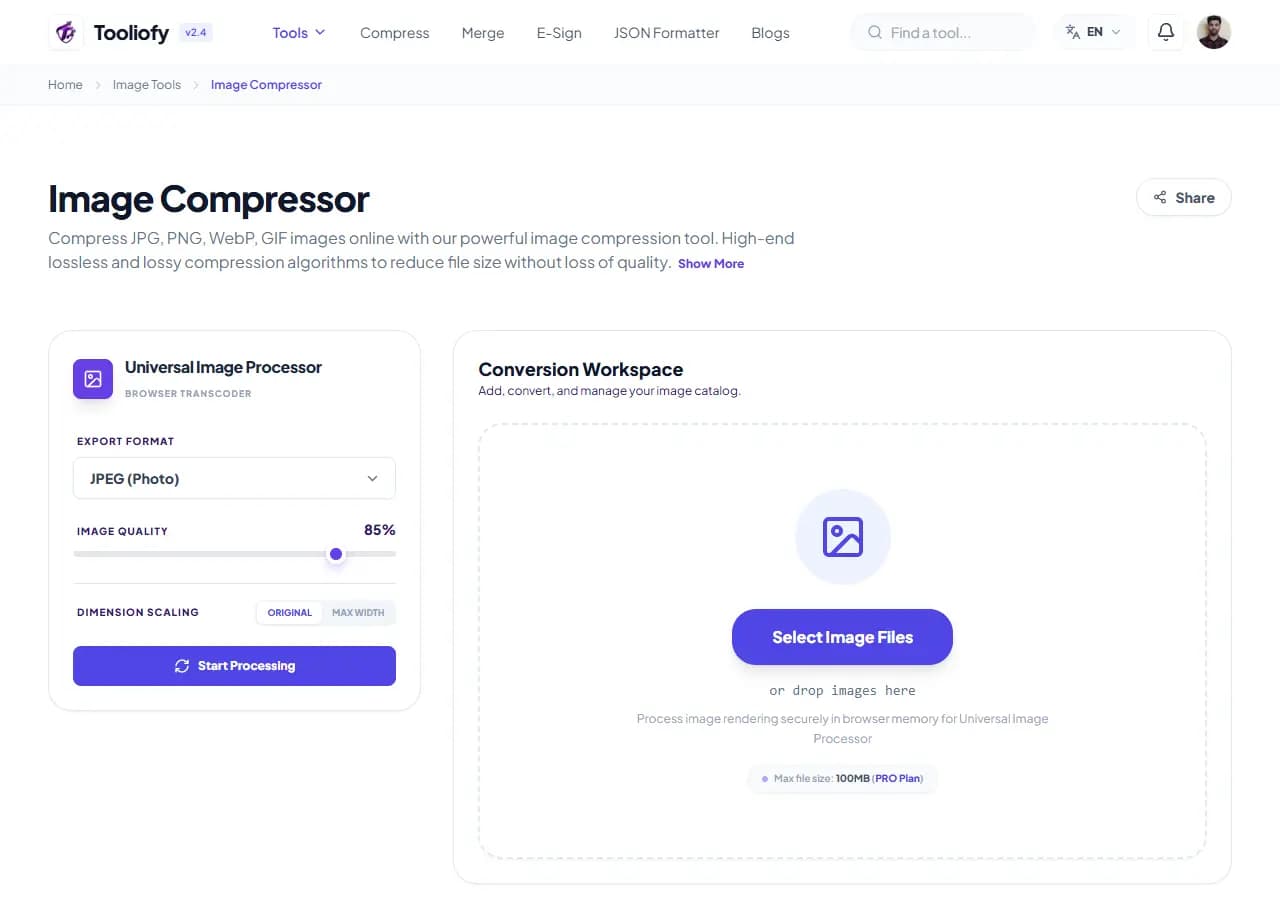
1. Select File
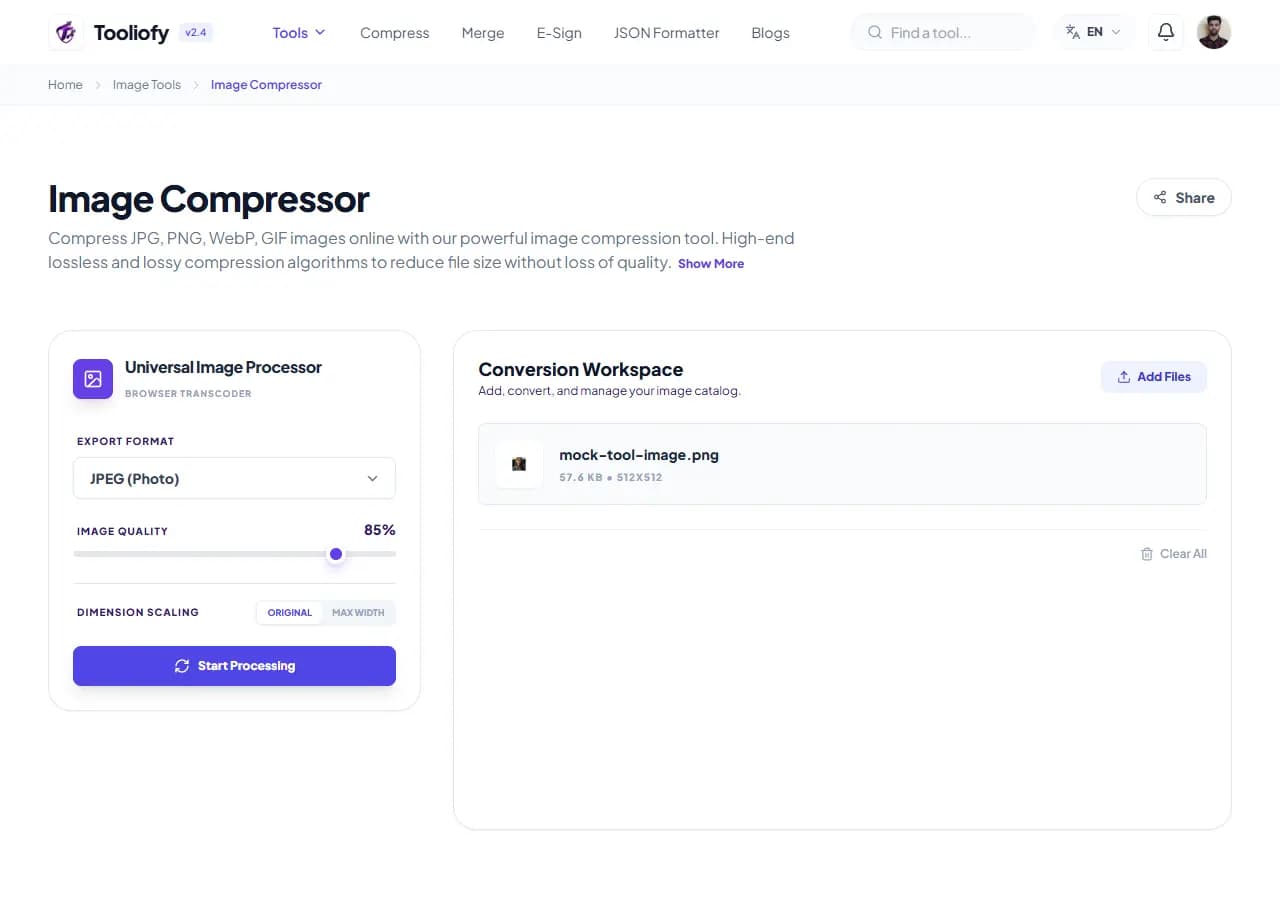
2. Processing
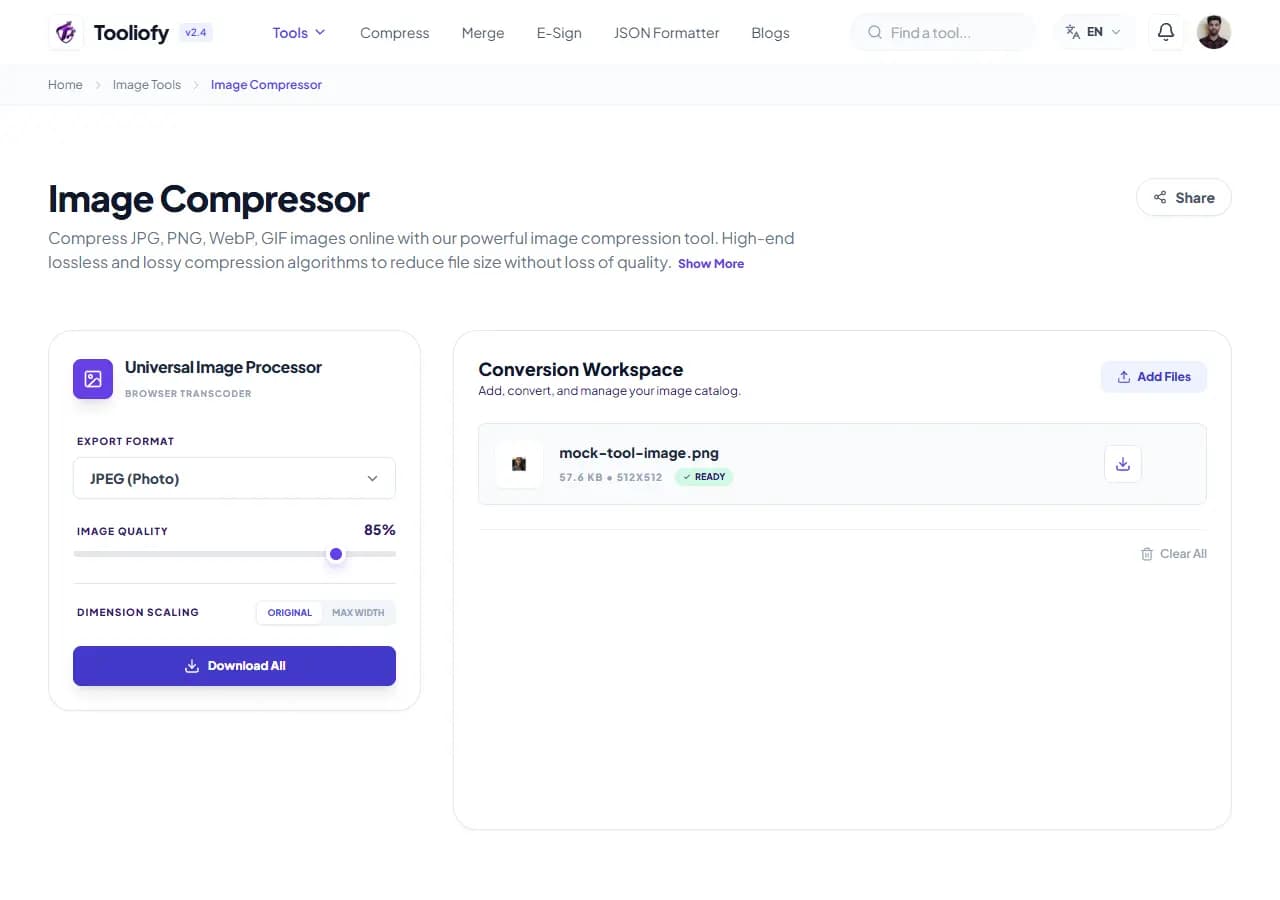
3. Download File
What Image Compressor changes
Image Compressor reduces file size by re-encoding pixels at a lower quality while keeping dimensions the same. In practice: 80-90% quality is visually identical for almost all photos and drops a 4 MB shot to 400-700 KB; 60-75% suits thumbnails and email; below 50% shows artifacts and is only for strict caps like a 100 KB form limit.
Why the image result matters
Format matters as much as quality. JPG is best for photos; PNG is for screenshots, logos, and transparency (and is often larger than JPG for photos); WebP is 25-35% smaller than JPG at the same visual quality and supported by every modern browser - if the image is for a website, switch to WebP while compressing.
How your image is processed
Add images, drag the quality slider while watching the live preview and projected size, optionally switch the output format, and download. For batches, one shared setting applies to every image and each shows its own before/after size.
Good times to use Image Compressor
- Getting product photos under a marketplace's size cap
- Preparing a blog's image library for faster Core Web Vitals
- Shrinking a batch of gallery photos before upload
- Fitting a photo under a 100 KB government-form limit
- Reducing email attachment sizes
What you get
- Stop guessing - see size and quality before downloading
- 80-90% quality is visually identical at a fraction of the size
- GPS location stripped from published photos automatically
- WebP conversion built into the same pass
- No daily limits, no watermark
Image options included
- Quality slider from 10% to 100% with live preview
- Projected file size shown before you download
- Batch compression with one shared setting
- Convert to WebP in the same pass
- Transparency preserved in PNG and WebP output
- EXIF metadata (including GPS location) stripped
- Encrypted transfer, automatic deletion
"Start at 85% quality and only go lower if a hard size cap forces you. And if the image is going on a website, take the free win: output WebP."

More Image Tools
Image Resizer
Open Image Resizer when your image needs one clear change. The tool keeps the process short and the resized image easy to inspect.
Image Cropper
Image Cropper helps when the next step is simple: keep the important area and remove the rest. It is built for quick fixes, checks, and downloads.
Image Rotator / Flipper
Image Rotator / Flipper helps when the next step is simple: fix direction, orientation, or mirror view. It is built for quick fixes, checks, and downloads.
Universal Image Converter
Open Universal Image Converter when your file needs one clear change. The tool keeps the process short and the converted file easy to inspect.
JPG/JPEG Converter
Use JPG/JPEG Converter when you need to change the file into a format that is easier to open or share. Add the file, choose the option that matters, and review the converted file.
PNG Converter
Use PNG Converter when you need to change the file into a format that is easier to open or share. Add the file, choose the option that matters, and review the converted file.
Explore Other Categories
 19 Tools
PDF & Documents
Explore our pdf & documents and start processing your files securely.
 5 Tools
AI Tools
Explore our ai tools and start processing your files securely.
 24 Tools
Text Utilities
Explore our text utilities and start processing your files securely.
 10 Tools
Developer Tools
Explore our developer tools and start processing your files securely.
Can't find a specific tool?
We are constantly adding new features based on user feedback. Tell us what you need and we will implement it immediately!