
PDF Compress
PDF Compress helps when the next step is simple: make the file smaller while keeping it usable. It is built for quick fixes, checks, and downloads.
Compress PDF Files Online
Most PDFs are bigger than they need to be - a 10-page scan can hit 40 MB because each page is stored as a high-resolution photo. Choose how aggressive the compression should be, preview the result, and download. Files are sent encrypted and deleted automatically once your download is ready.
How to Use This Tool
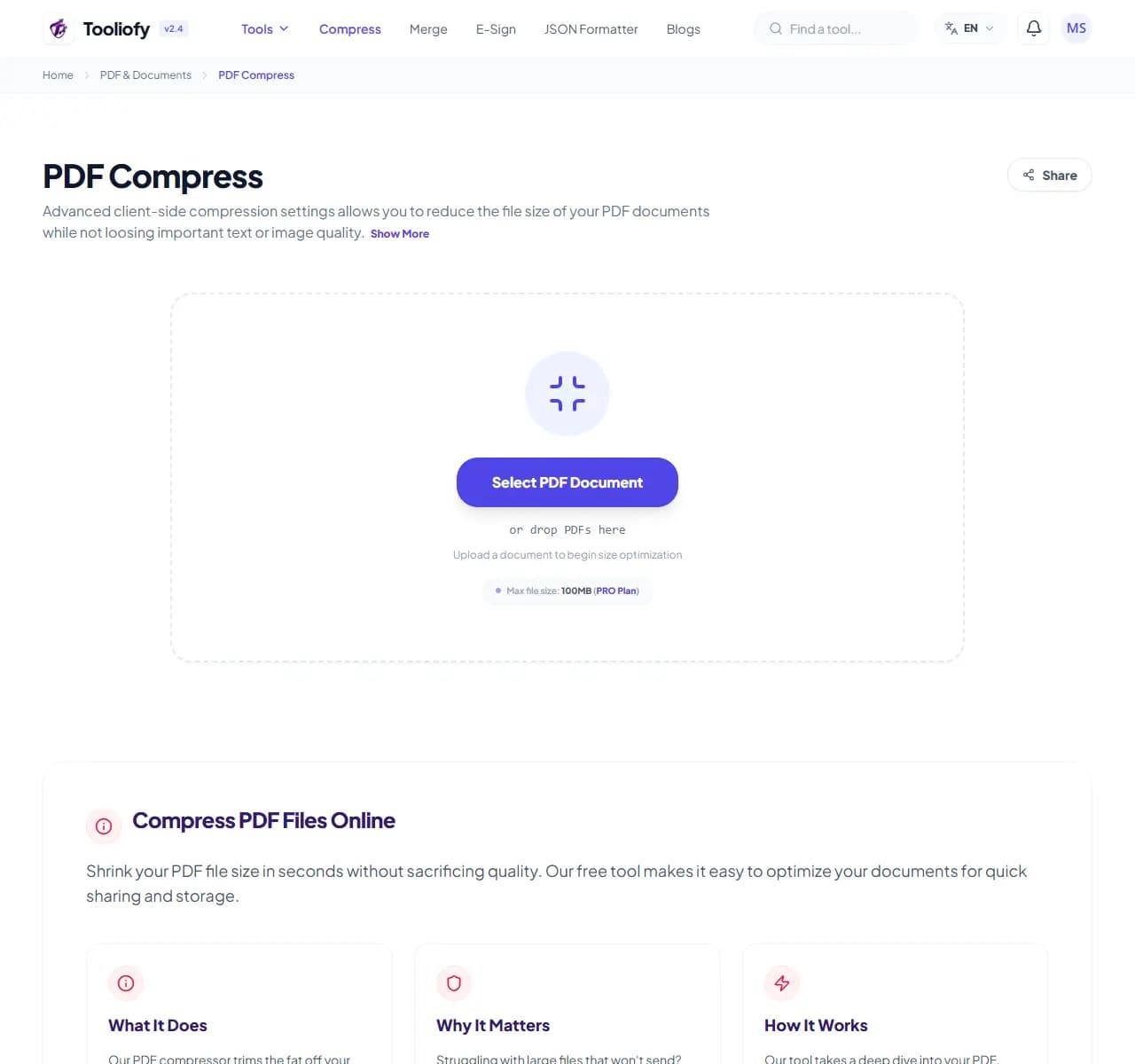
1. Select File
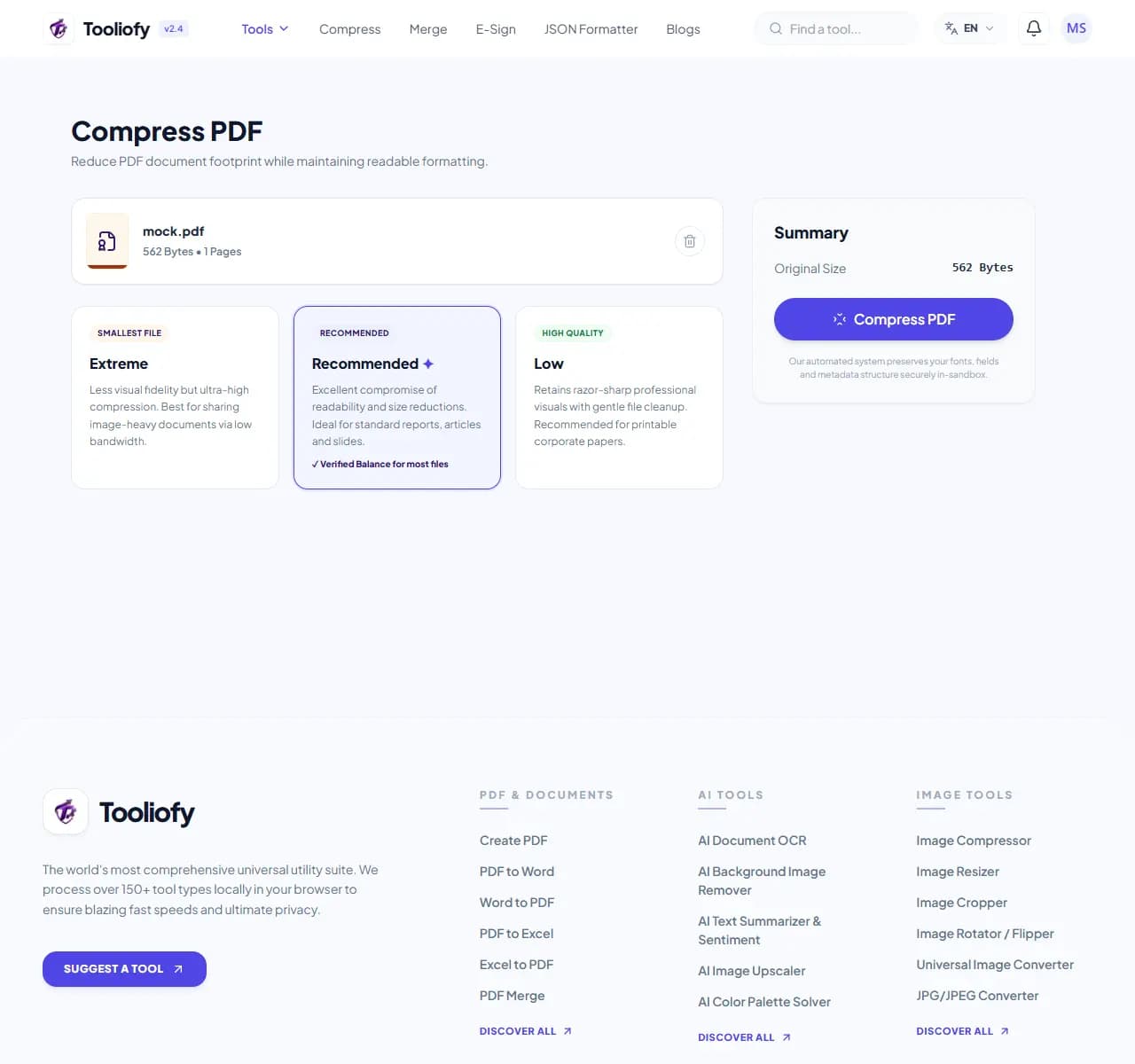
2. Processing
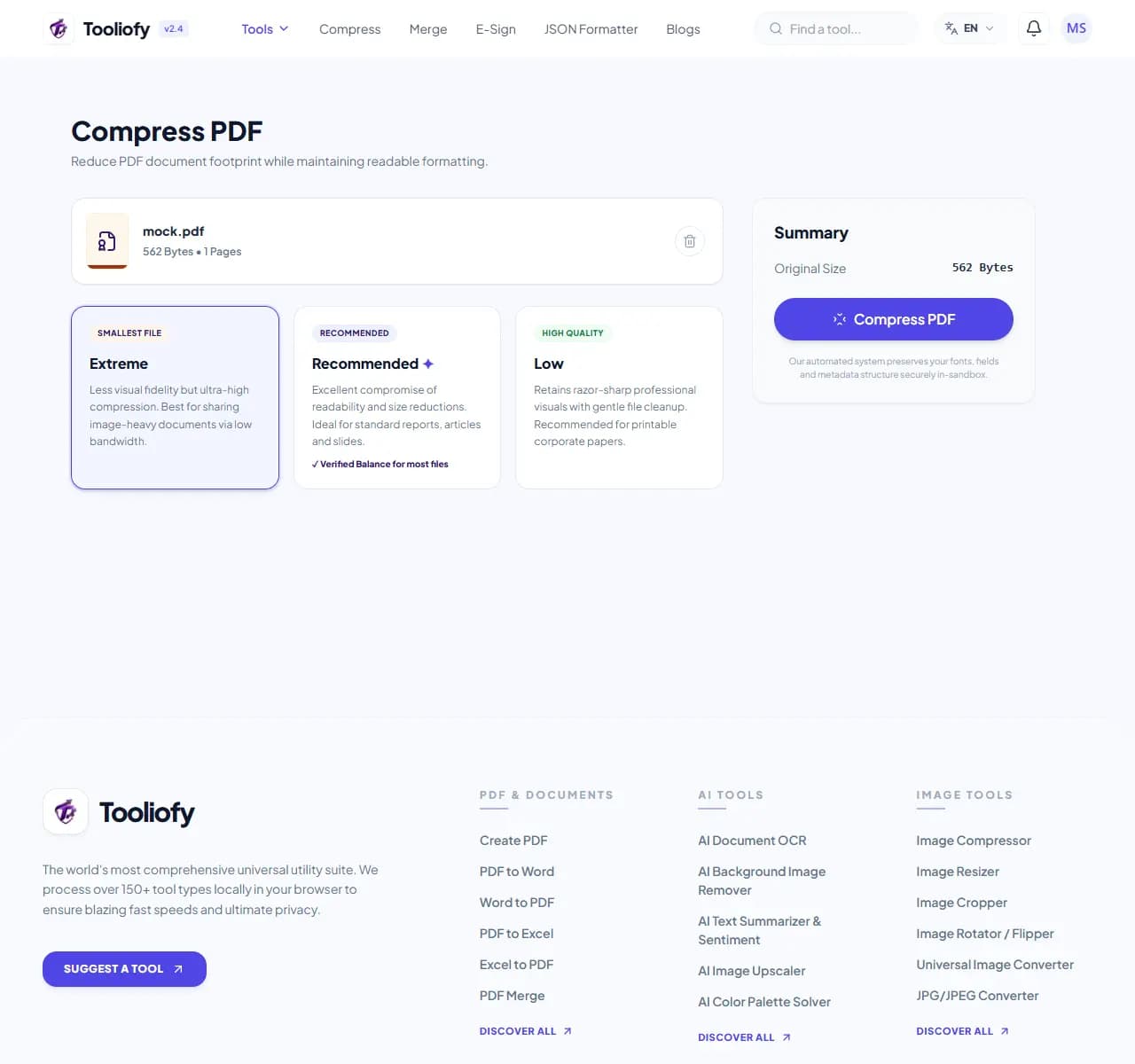
3. Download File
What you can do with PDF Compress
PDF Compress reduces file size by re-encoding the images inside your PDF at lower quality or resolution. Text and vector graphics are untouched - they're tiny already.
When PDF Compress helps
A PDF's size is dominated by its images. That's why scanned PDFs shrink dramatically (often 70-90%), design-heavy brochures land in between, and text-only contracts barely change - if your 2 MB text PDF only drops to 1.9 MB, it was already efficient.
How the PDF is handled
Upload the PDF, pick a level - Recommended balances size and readability, Extreme is for strict upload caps where some image softness is acceptable - then compare the before/after size on screen and download.
Common PDF Compress tasks
- Getting a 38 MB scan under a 5 MB portal limit
- Fitting attachments under Gmail and Outlook's 25 MB cap
- Shrinking a 12 MB slide-deck export to around 3 MB
- Reducing brochure PDFs before publishing them on a website
- Compressing signed contracts for archiving
Why this PDF tool is handy
- Scans often come out 70-90% smaller
- You control the size/quality trade-off
- Selectable text never blurs
- One stronger pass beats compressing twice
- Free with no watermark
What is included
- Adjustable compression levels with before/after size shown
- Scanned PDFs typically shrink 70-90%
- Real text stays sharp at every setting
- Fits Gmail/Outlook 25 MB limits and 2-10 MB portal caps
- Handles 100 MB+ files
- No watermark on output
- Encrypted transfer, automatic deletion
"Compression is about knowing what's inside your PDF: scans shrink a lot, text barely at all. Set expectations accordingly and use Recommended unless a hard upload cap forces Extreme."

More PDF & Documents
Create PDF
Create PDF helps when the next step is simple: create a new PDF with text, images, shapes, pages, and signatures. It is built for quick fixes, checks, and downloads.
PDF to Word
PDF to Word helps when the next step is simple: turn PDF files into Word. It is built for quick fixes, checks, and downloads.
Word to PDF
Word to PDF helps when the next step is simple: turn Word files into PDF. It is built for quick fixes, checks, and downloads.
PDF to Excel
Open PDF to Excel when your PDF file needs one clear change. The tool keeps the process short and the Excel file easy to inspect.
Excel to PDF
Open Excel to PDF when your Excel file needs one clear change. The tool keeps the process short and the PDF file easy to inspect.
PDF Merge
PDF Merge helps when the next step is simple: combine separate files into one ordered result. It is built for quick fixes, checks, and downloads.
Explore Other Categories
 5 Tools
AI Tools
Explore our ai tools and start processing your files securely.
 58 Tools
Image Tools
Explore our image tools and start processing your files securely.
 24 Tools
Text Utilities
Explore our text utilities and start processing your files securely.
 10 Tools
Developer Tools
Explore our developer tools and start processing your files securely.
Can't find a specific tool?
We are constantly adding new features based on user feedback. Tell us what you need and we will implement it immediately!