
Excel to PDF
Open Excel to PDF when your Excel file needs one clear change. The tool keeps the process short and the PDF file easy to inspect.
Convert Excel to PDF
Turn a spreadsheet into a PDF that looks the same everywhere and can't be quietly edited. Formulas become fixed values, layouts freeze, and your carefully formatted sheet survives the journey to someone else's screen.
How to Use This Tool
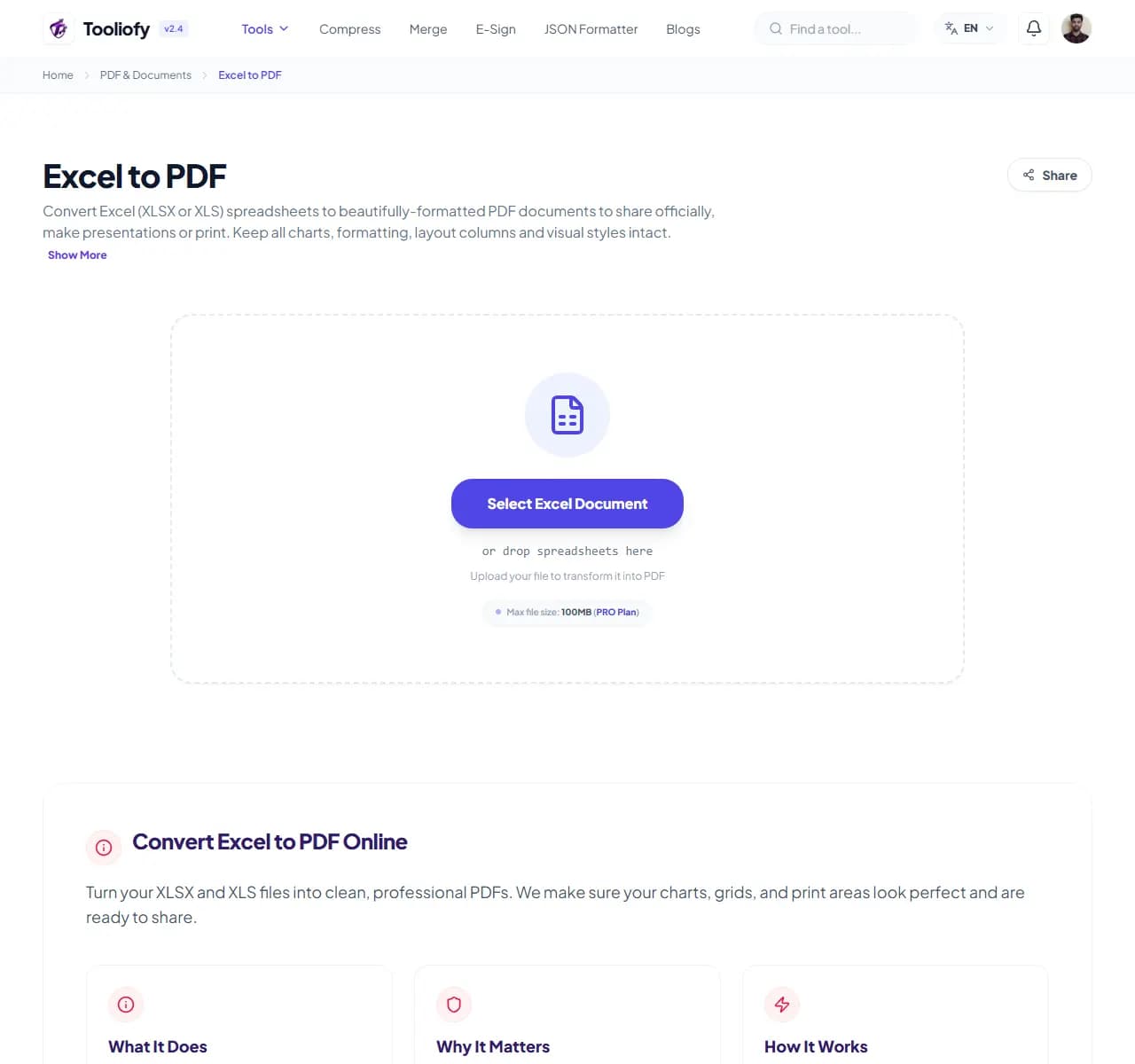
1. Select File
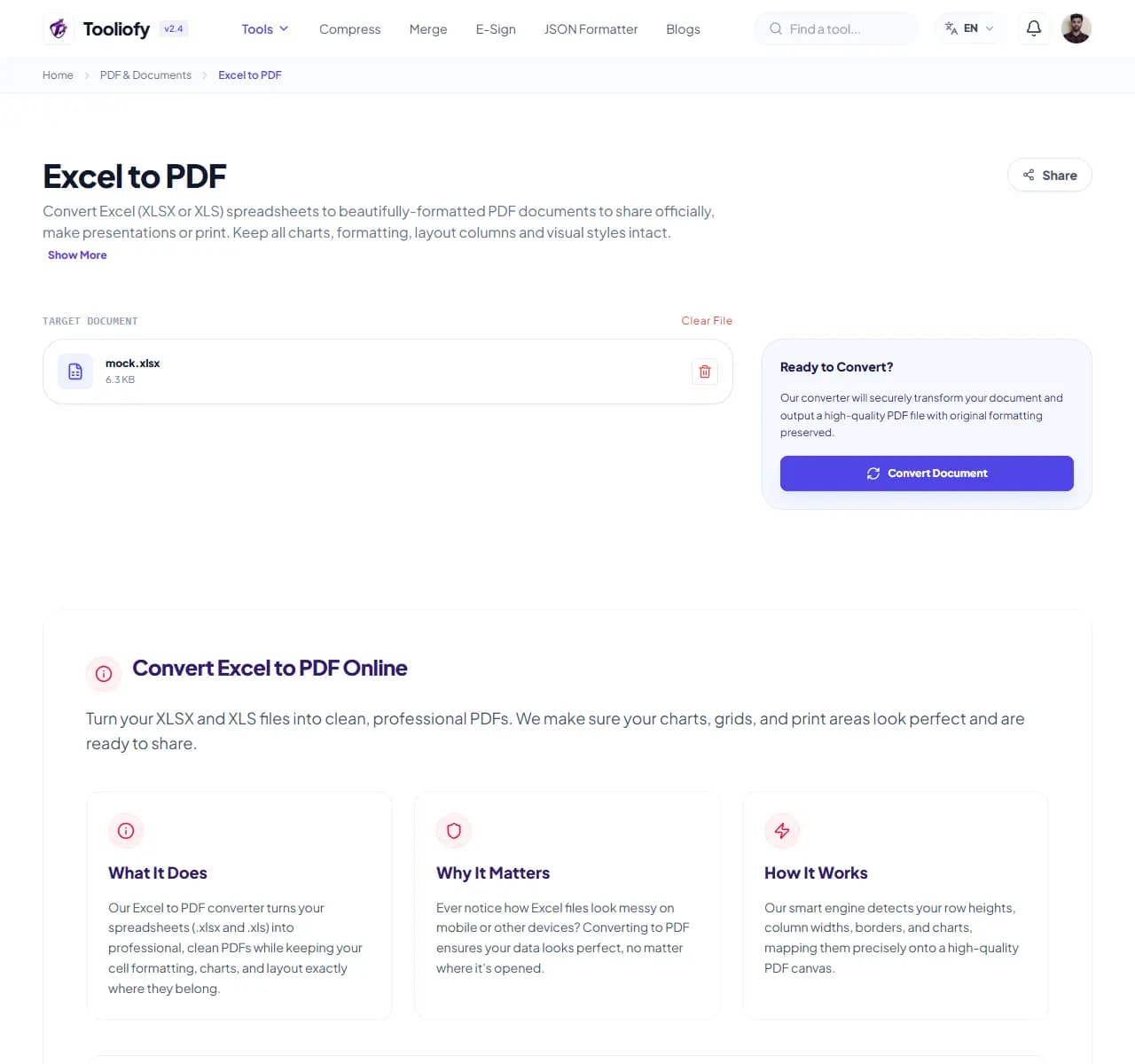
2. Processing
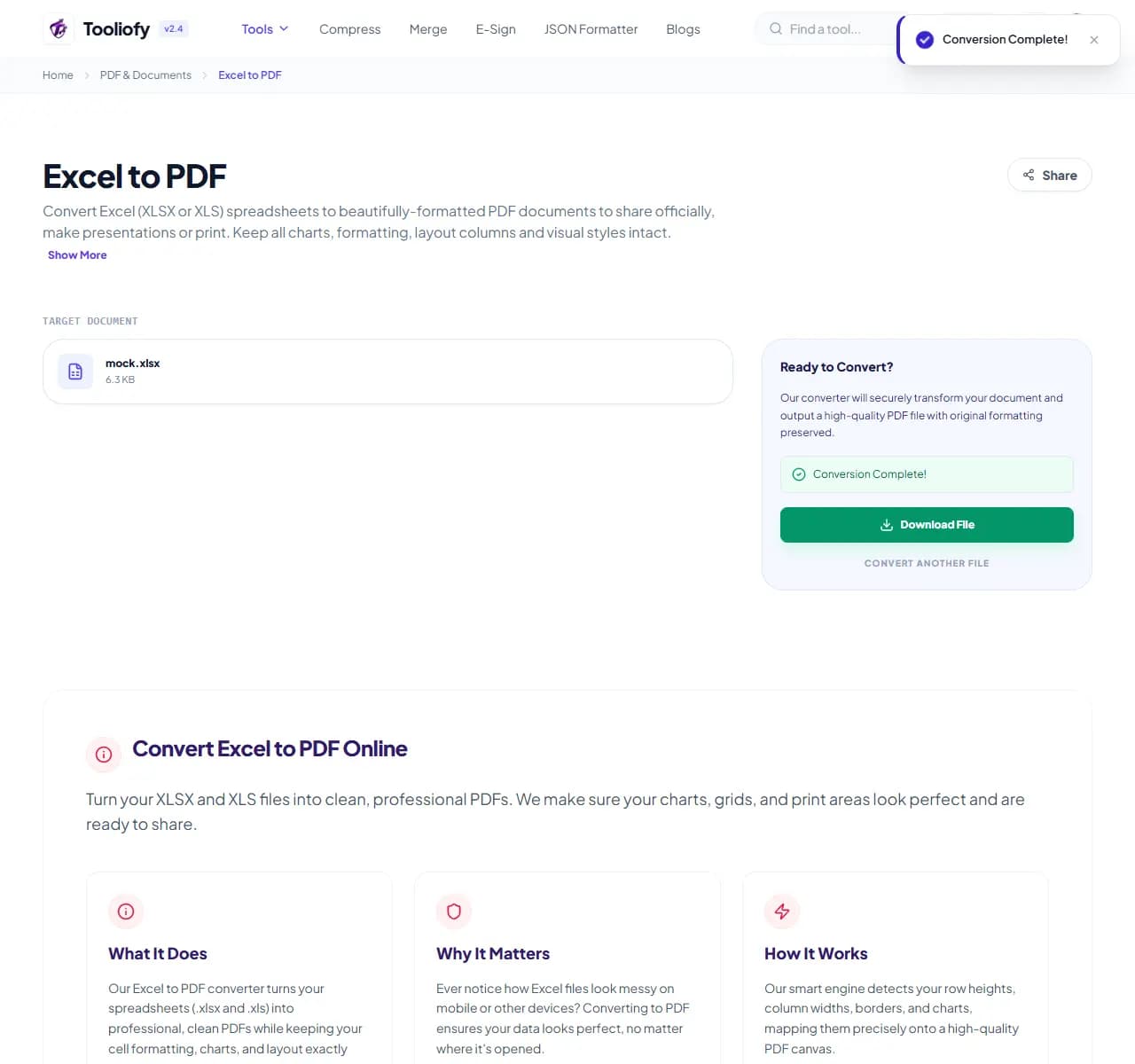
3. Download File
What you can do with Excel to PDF
Excel to PDF converts your workbook into a fixed document: every cell, chart, and formatting choice rendered exactly as designed, with formula results frozen as values.
When Excel to PDF helps
Spreadsheets are fragile to share: recipients can accidentally sort a column and scramble your data, formulas break when their Excel version differs, and 'can you resend, the file looks weird' is a weekly email. A PDF ends all of that - what you send is what they see.
How the PDF is handled
Upload the workbook and download the PDF. One practical note: PDFs inherit your spreadsheet's print layout, so if your sheet is very wide, set the print area or orientation in Excel first - otherwise columns may split across pages, which is Excel behavior, not conversion failure.
Common Excel to PDF tasks
- Sending invoices generated in Excel
- Sharing budget summaries that shouldn't be editable
- Submitting financial reports to clients or management
- Archiving month-end sheets in a fixed format
- Printing clean copies of schedules and rosters
Why this PDF tool is handy
- Recipients can't accidentally edit or re-sort your data
- Identical appearance on every device
- Charts included, not dropped
- Formula results locked as values
- Free with no watermark
What is included
- Supports .xlsx and .xls files
- Preserves cell formatting, colors and borders
- Charts and graphs render into the PDF
- Multi-sheet workbooks supported
- Sensible page breaks for wide sheets
- No watermark
- Files deleted automatically after conversion
"Fix the print layout in Excel first, then convert. That one habit eliminates nearly every Excel-to-PDF complaint."

More PDF & Documents
Create PDF
Create PDF helps when the next step is simple: create a new PDF with text, images, shapes, pages, and signatures. It is built for quick fixes, checks, and downloads.
PDF to Word
PDF to Word helps when the next step is simple: turn PDF files into Word. It is built for quick fixes, checks, and downloads.
Word to PDF
Word to PDF helps when the next step is simple: turn Word files into PDF. It is built for quick fixes, checks, and downloads.
PDF to Excel
Open PDF to Excel when your PDF file needs one clear change. The tool keeps the process short and the Excel file easy to inspect.
PDF Merge
PDF Merge helps when the next step is simple: combine separate files into one ordered result. It is built for quick fixes, checks, and downloads.
PDF Split
PDF Split helps when the next step is simple: pull out only the pages you need. It is built for quick fixes, checks, and downloads.
Explore Other Categories
 5 Tools
AI Tools
Explore our ai tools and start processing your files securely.
 58 Tools
Image Tools
Explore our image tools and start processing your files securely.
 24 Tools
Text Utilities
Explore our text utilities and start processing your files securely.
 10 Tools
Developer Tools
Explore our developer tools and start processing your files securely.
Can't find a specific tool?
We are constantly adding new features based on user feedback. Tell us what you need and we will implement it immediately!