
Image Cropper
Image Cropper helps when the next step is simple: keep the important area and remove the rest. It is built for quick fixes, checks, and downloads.
Crop Images Online
Cut an image down to the part that matters - drag a crop box, snap to preset ratios like 1:1 or 16:9, and download. The fastest fix for off-center photos and screenshots with too much clutter.
How to Use This Tool
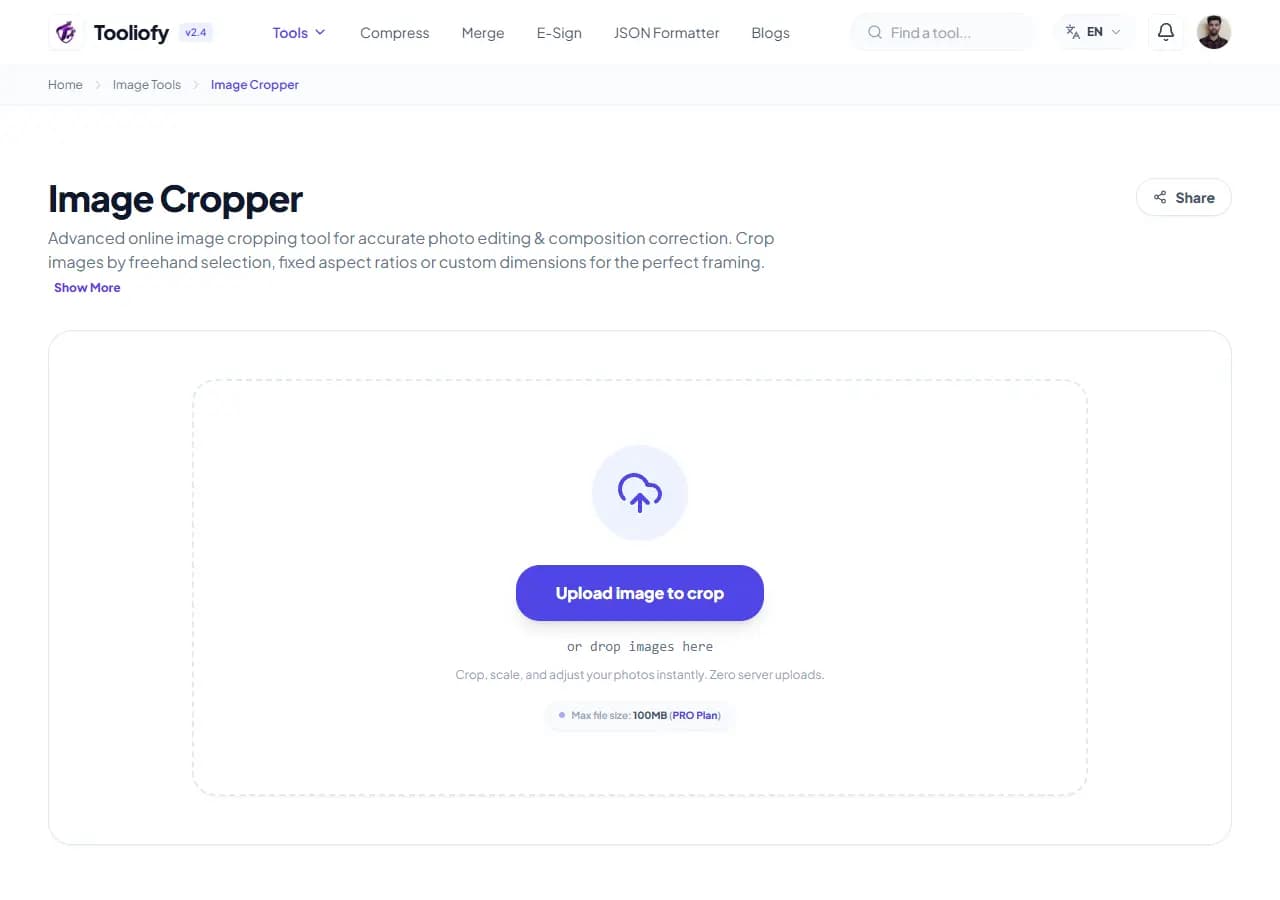
1. Select File
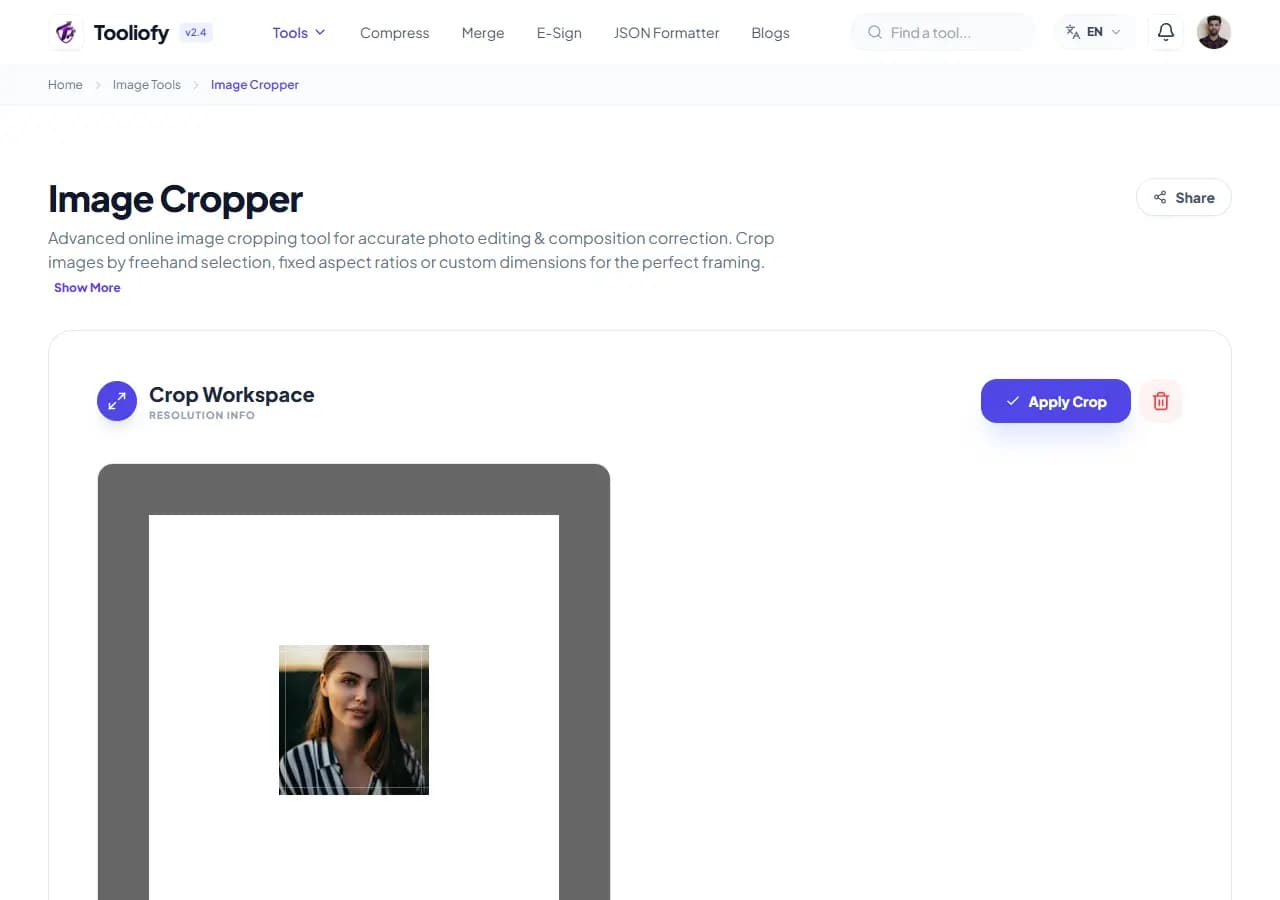
2. Processing
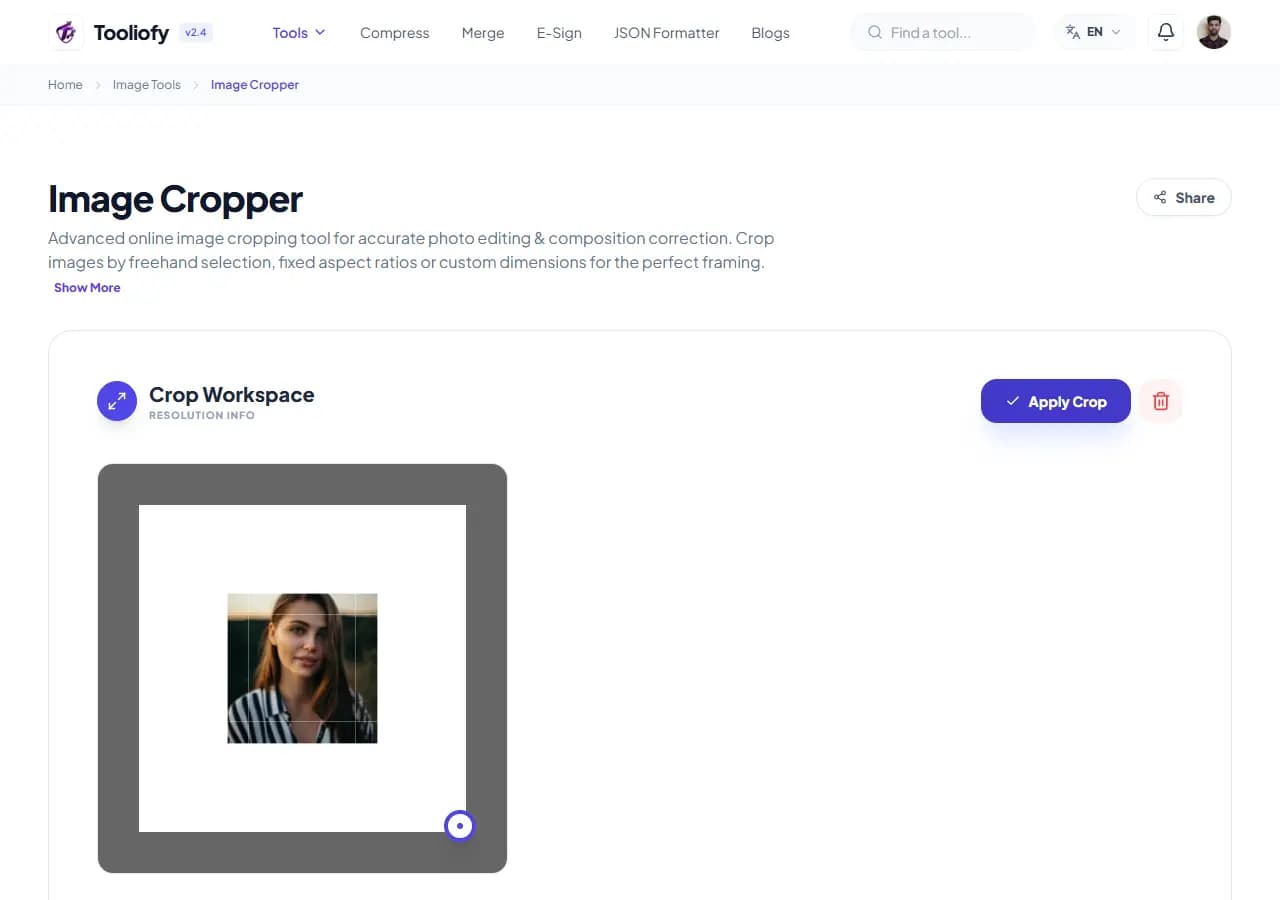
3. Download File
What Image Cropper changes
Image Cropper removes everything outside a rectangle you define. Unlike resizing - which scales the whole image - cropping changes what's in the frame: tighter subject, gone background clutter, new aspect ratio.
Why the image result matters
Most 'bad' photos are framing problems: subject off to one side, a stranger at the edge, a screenshot carrying a whole desktop of noise around the one dialog that matters. Cropping is the 10-second fix, and locked ratios solve the platform problem - a 1:1 crop is exactly what a profile picture upload wants.
How your image is processed
Upload, drag the corners of the crop box (or pick a preset ratio to lock its shape), position it over what you want to keep, and download. The pixel readout matters when a form demands exact dimensions - crop at the target ratio, then let their uploader scale.
Good times to use Image Cropper
- Making square 1:1 profile pictures from ordinary photos
- Trimming screenshots to just the relevant window
- Cutting a 16:9 thumbnail from a taller image
- Removing photobombers and clutter from edges
- Recentering product photos
What you get
- Fixes framing problems in seconds
- Ratio presets match platform requirements exactly
- Cropped area keeps full original sharpness
- Works on phone with touch
- Free, watermark-free
Image options included
- Freeform crop box with drag handles
- Preset ratios: 1:1, 4:3, 16:9, 3:2, 9:16
- Pixel-precise position and size readout
- Live preview of the cropped result
- JPG, PNG and WebP in and out
- Transparency preserved in PNG
- No watermark, no sign-up
"Crop first, resize second. That order fixes the framing and hits the size requirement without doing either twice."

More Image Tools
Image Compressor
Image Compressor helps you reduce file size. It keeps the page focused on that one job, so you can check the smaller file without opening a larger app.
Image Resizer
Open Image Resizer when your image needs one clear change. The tool keeps the process short and the resized image easy to inspect.
Image Rotator / Flipper
Image Rotator / Flipper helps when the next step is simple: fix direction, orientation, or mirror view. It is built for quick fixes, checks, and downloads.
Universal Image Converter
Open Universal Image Converter when your file needs one clear change. The tool keeps the process short and the converted file easy to inspect.
JPG/JPEG Converter
Use JPG/JPEG Converter when you need to change the file into a format that is easier to open or share. Add the file, choose the option that matters, and review the converted file.
PNG Converter
Use PNG Converter when you need to change the file into a format that is easier to open or share. Add the file, choose the option that matters, and review the converted file.
Explore Other Categories
 19 Tools
PDF & Documents
Explore our pdf & documents and start processing your files securely.
 5 Tools
AI Tools
Explore our ai tools and start processing your files securely.
 24 Tools
Text Utilities
Explore our text utilities and start processing your files securely.
 10 Tools
Developer Tools
Explore our developer tools and start processing your files securely.
Can't find a specific tool?
We are constantly adding new features based on user feedback. Tell us what you need and we will implement it immediately!