
AI Image Upscaler
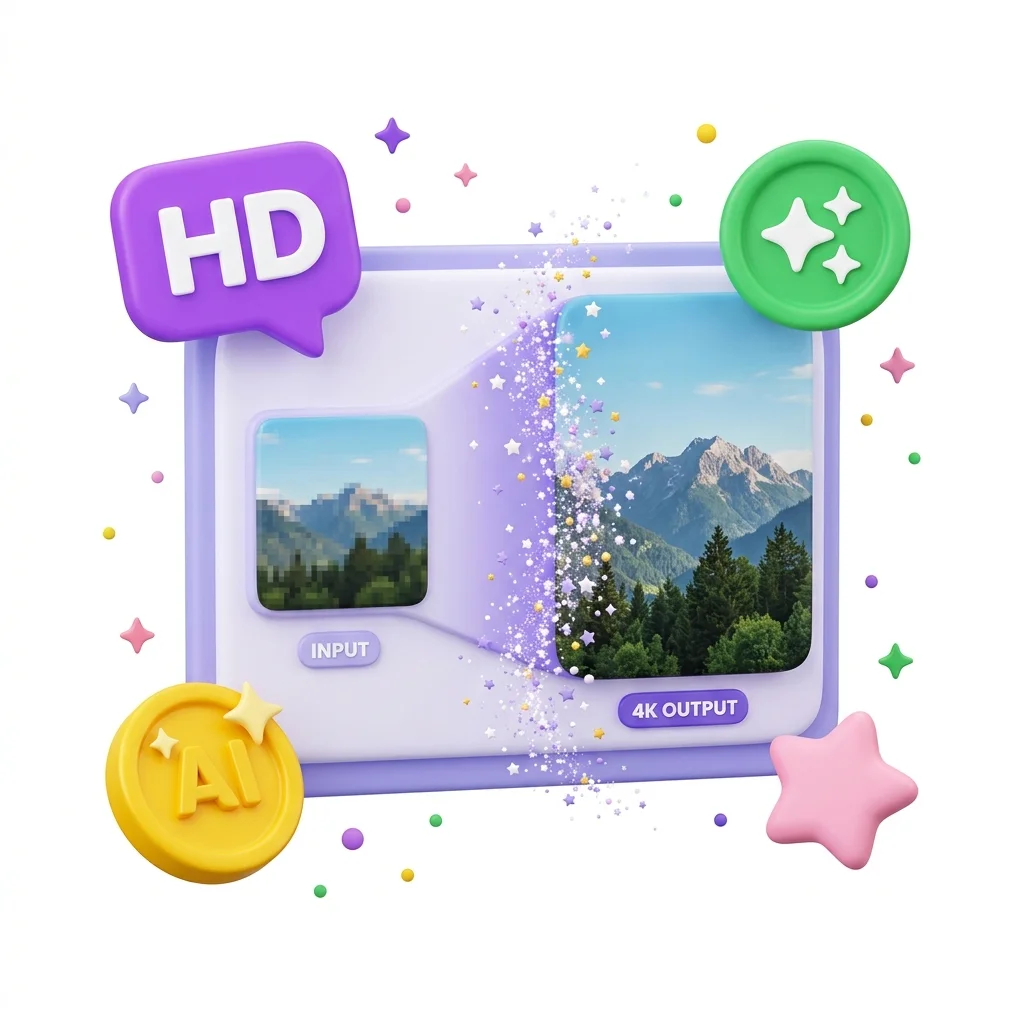
Use AI Image Upscaler when you need to make a small image easier to use at a larger size. Add the image, choose the option that matters, and review the larger image.
AI Image Upscaler Online
Use AI Image Upscaler when you need to make a small image easier to use at a larger size. Add the image, choose the option that matters, and review the larger image.
How to Use This Tool
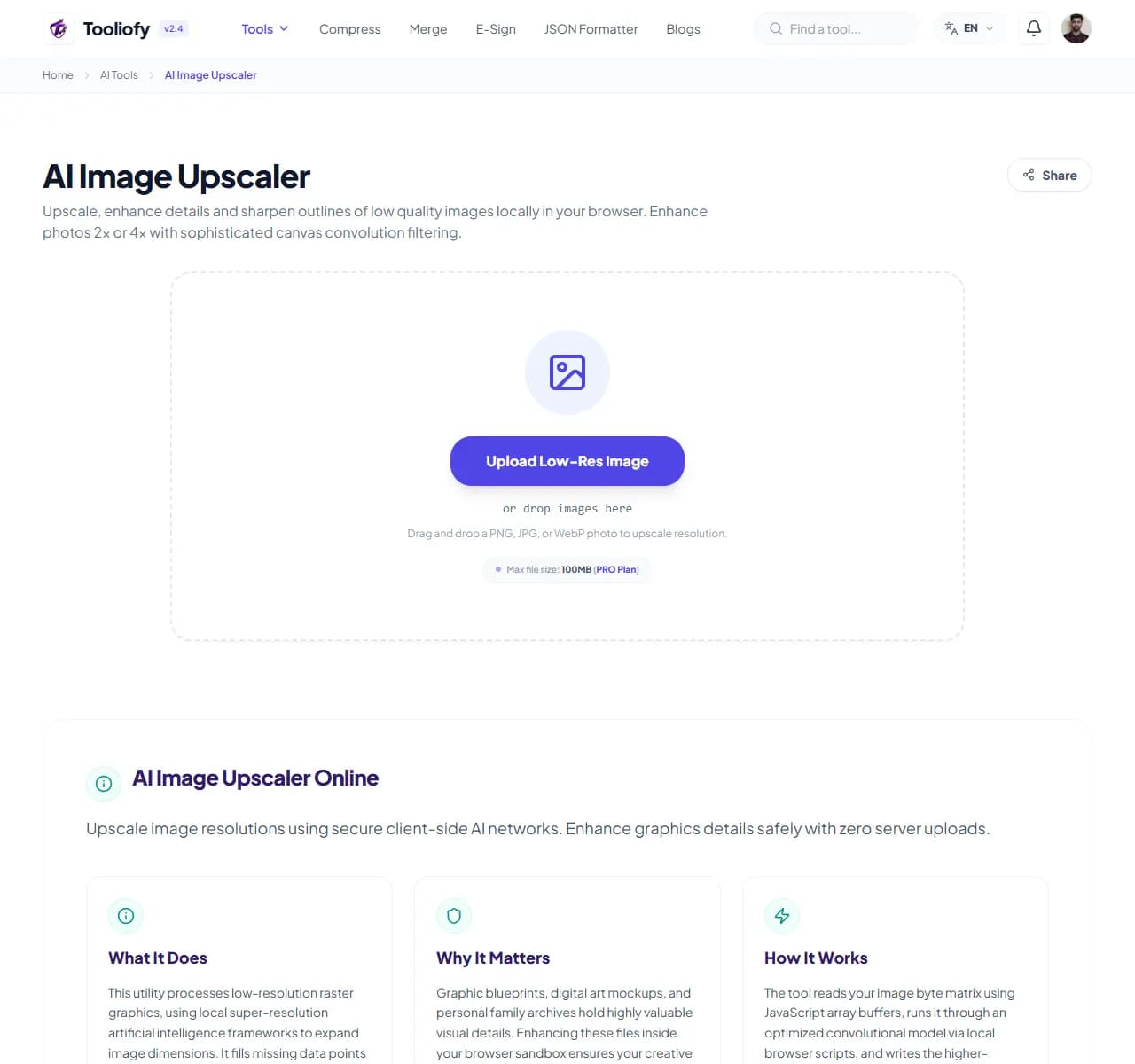
1. Select File
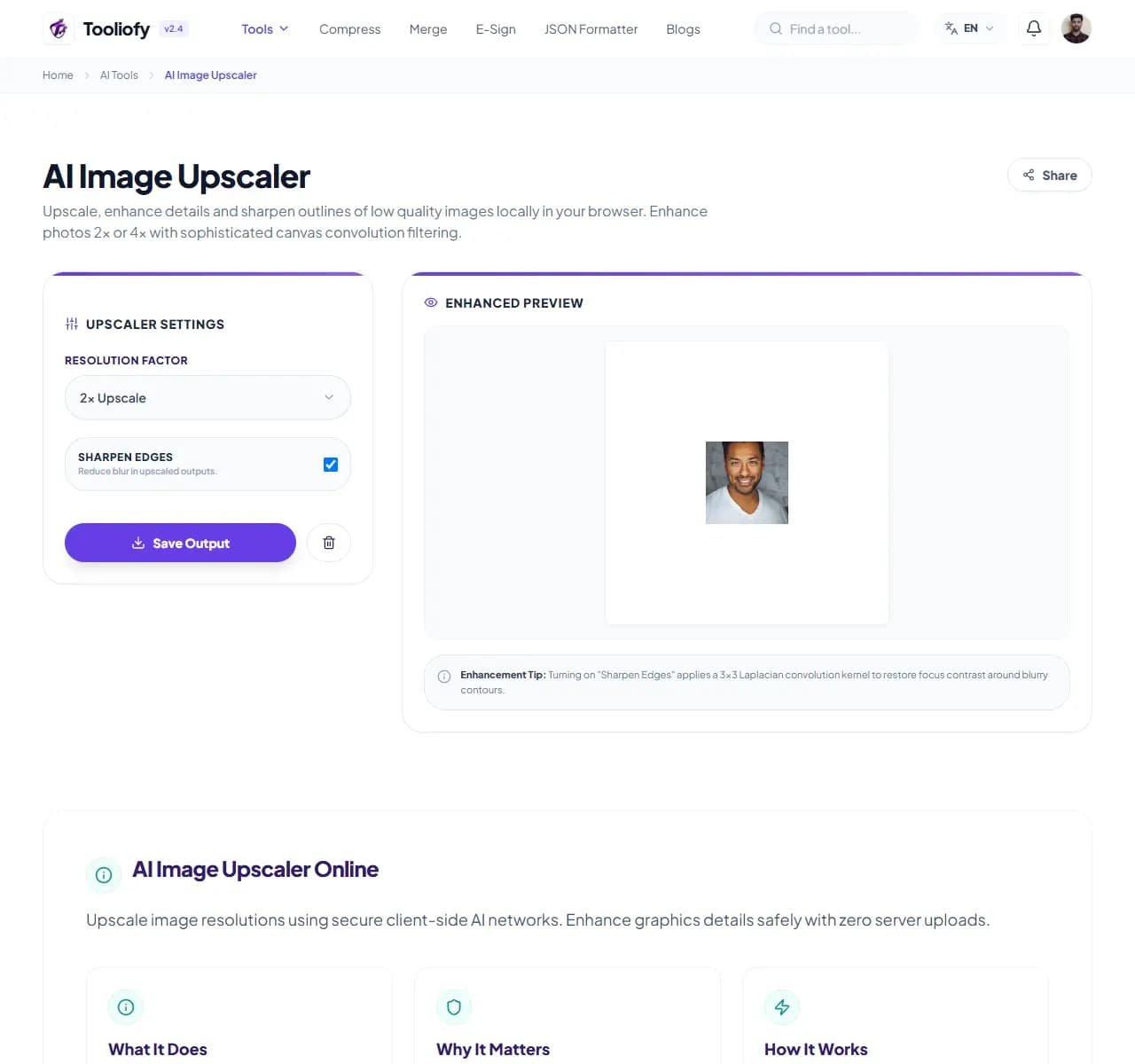
2. Processing
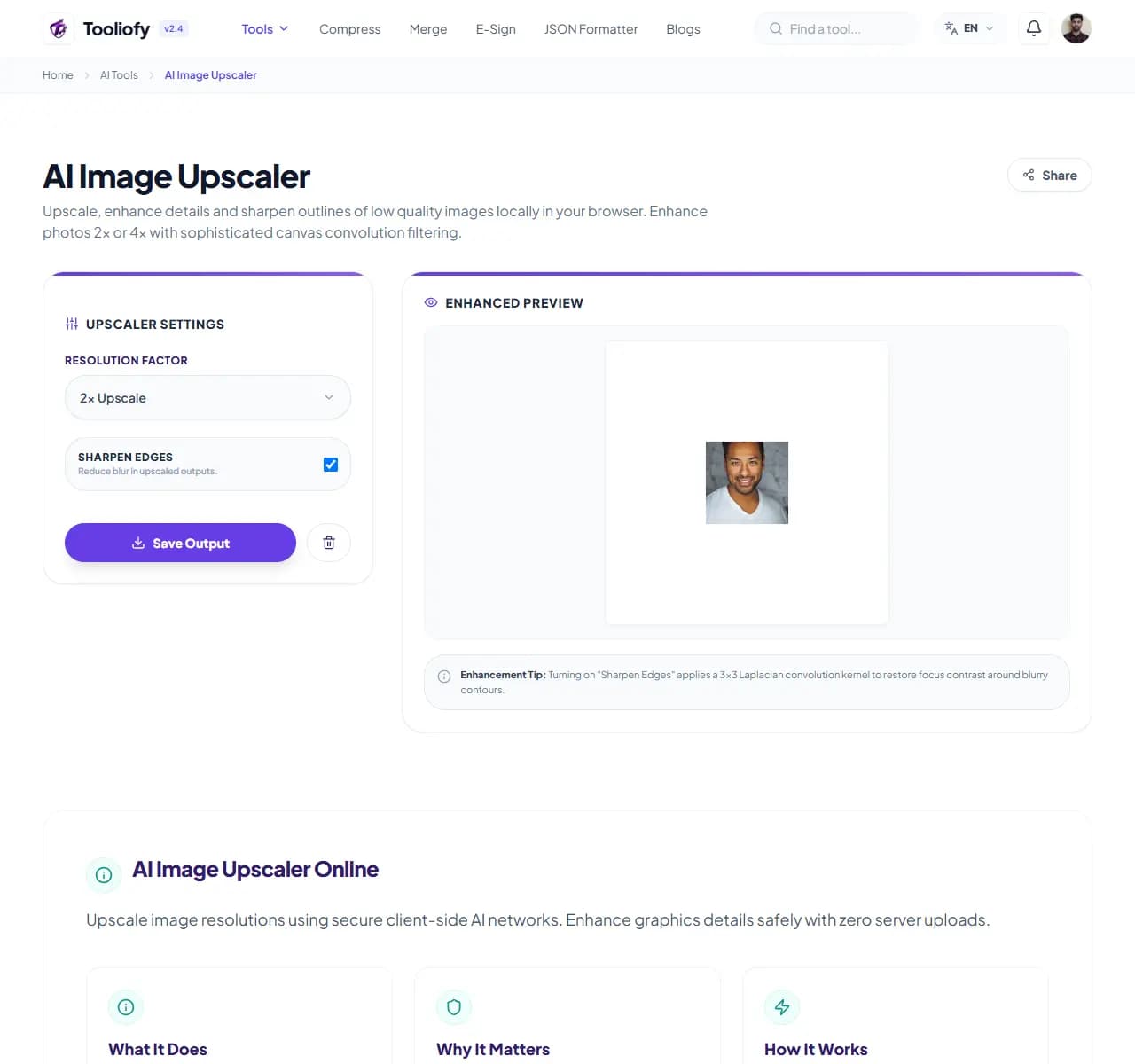
3. Download File
What AI Image Upscaler helps with
AI Image Upscaler is built to increase image resolution. The controls stay close to the result, so work like graphic designers scaling up old web graphics into clear print layouts safely is quick to review.
Why this small task matters
People usually open AI Image Upscaler when the file is almost ready but one detail is still blocking the next step: upscale an image.
How the tool handles it
AI Image Upscaler keeps increasing image resolution on one page, with the important controls close to the result.
Before you use AI Image Upscaler
For increasing image resolution, the safest habit is to test on a copy first. AI Image Upscaler keeps the workflow short enough that this extra check is easy.
Best used for
- Digital marketers upscaling compressed client brand icons for large displays.
- Game modders enhancing classic texture assets into high-resolution sprite maps.
- AI Image Upscaler works with JPG, JPEG, PNG, and other supported formats.
Be careful if
You cannot verify whether the output is accurate. The result will be used as official advice without review.
Check this first
Check names, numbers, dates, and claims. Rewrite anything that sounds too generic for your use case. Compare the output with the source.
Supported Formats
Common ways to use it
- Graphic designers scaling up old web graphics into clear print layouts safely
- Game modders enhancing classic texture assets into high-resolution sprite maps
- Digital marketers upscaling compressed client brand icons for large displays
- Processing photo restorations securely on restricted corporate network lines
What makes it helpful
- Guarantees complete data confidentiality for your creative artwork archives
- Saves vast network data resources by eliminating large cloud media transfers
- No account sign-ups, credit cards, or subscription upgrade blocks required
- Delivers sharp structural enhancements without blurry edge interpolation bugs
Options included
- Makes small images larger without losing sharpness
- AI fills in detail instead of just stretching pixels
- Works on photos, graphics, and screenshots
- Exports as PNG or WebP
- Processes in your browser - your images stay private
"AI Image Upscaler is simple on purpose: it helps you increase image resolution, then lets you decide whether the result is ready."

More AI Tools
AI Document OCR
AI Document OCR helps when the next step is simple: handle this ai document ocr task. It is built for quick fixes, checks, and downloads.
AI Background Image Remover
Open AI Background Image Remover when your image needs one clear change. The tool keeps the process short and the transparent image easy to inspect.
AI Text Summarizer & Sentiment
Open AI Text Summarizer & Sentiment when your text needs one clear change. The tool keeps the process short and the summary easy to inspect.
AI Color Palette Solver
Use AI Color Palette Solver when you need to turn an idea or image into reusable colors. Add the prompt or image, choose the option that matters, and review the color palette.
Image Compressor
Image Compressor helps you reduce file size. It keeps the page focused on that one job, so you can check the smaller file without opening a larger app.
Image Resizer
Open Image Resizer when your image needs one clear change. The tool keeps the process short and the resized image easy to inspect.
Explore Other Categories
 19 Tools
PDF & Documents
Explore our pdf & documents and start processing your files securely.
 58 Tools
Image Tools
Explore our image tools and start processing your files securely.
 24 Tools
Text Utilities
Explore our text utilities and start processing your files securely.
 10 Tools
Developer Tools
Explore our developer tools and start processing your files securely.
Can't find a specific tool?
We are constantly adding new features based on user feedback. Tell us what you need and we will implement it immediately!