
AI Background Image Remover
Open AI Background Image Remover when your image needs one clear change. The tool keeps the process short and the transparent image easy to inspect.
Remove Image Backgrounds with AI
Cutting a subject out of a photo used to mean twenty minutes with the pen tool. Here it's one upload: the AI detects the subject - person, product, pet, logo - and returns a transparent PNG in seconds. Hair, fur, and fine edges handled by the model, not your patience.
How to Use This Tool
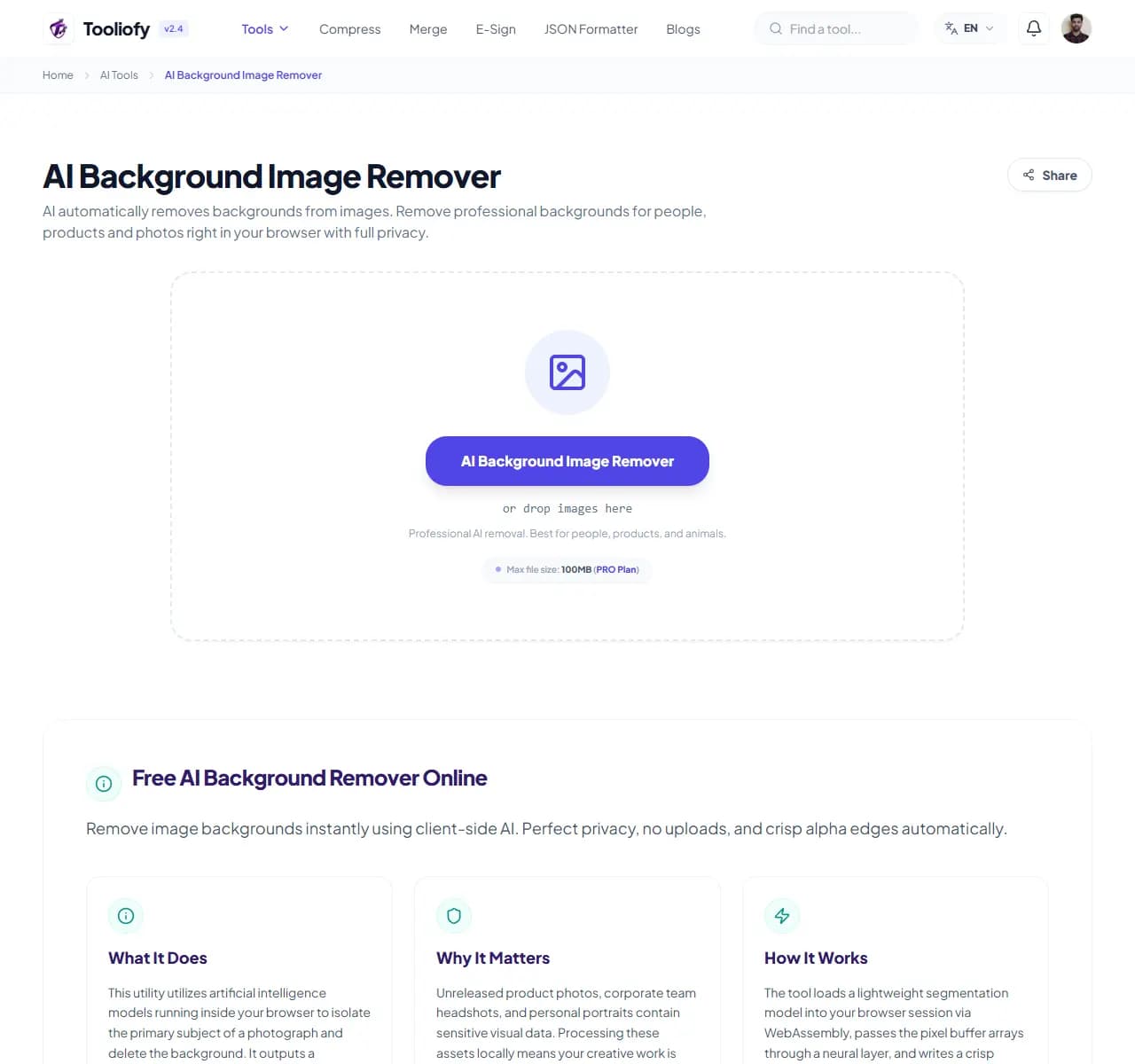
1. Select File
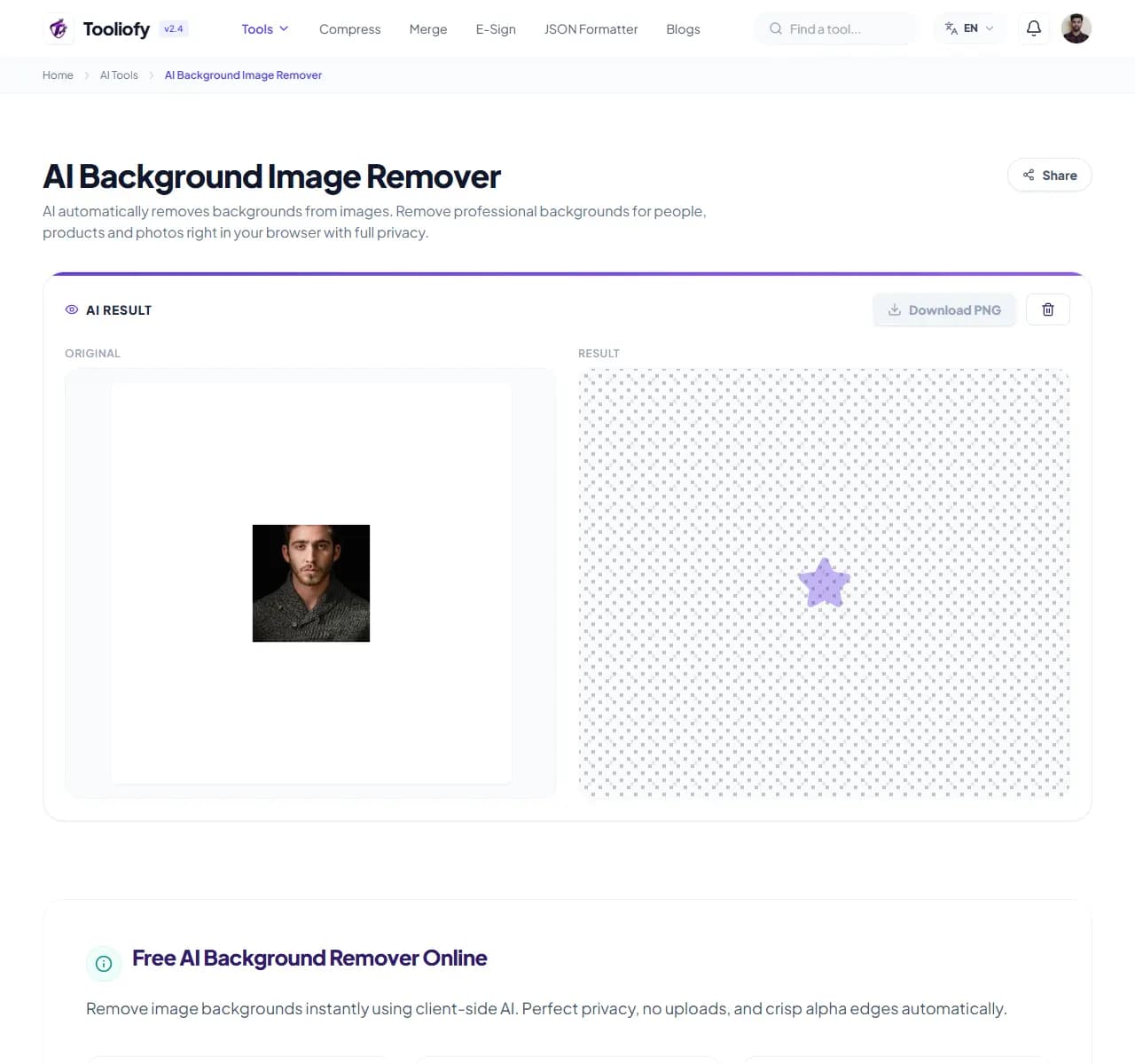
2. Processing
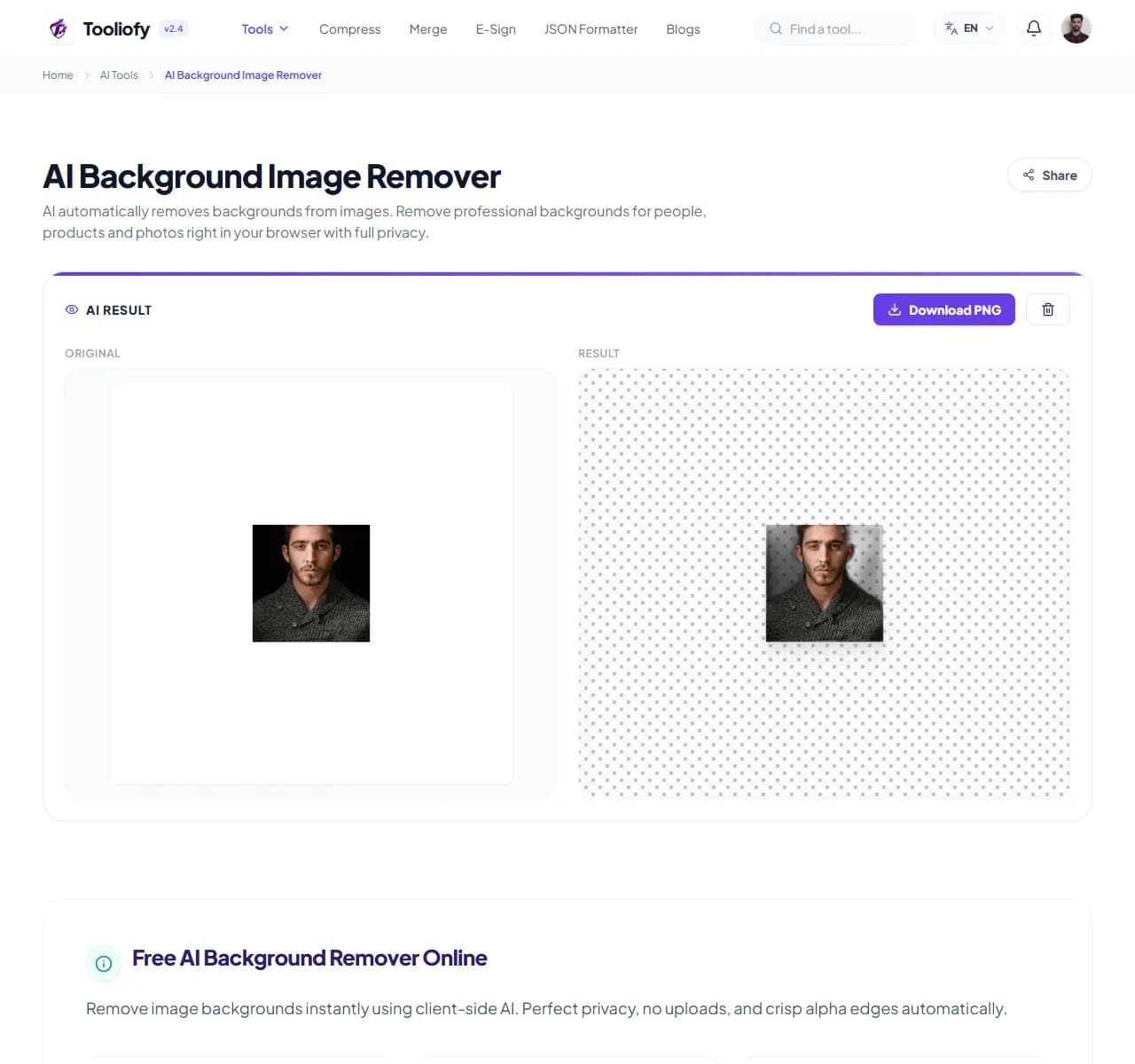
3. Download File
What AI Background Image Remover helps with
The AI separates the main subject from its background and outputs a transparent PNG, or the same subject on a solid color of your choice - white for marketplace listings, brand colors for graphics.
Why this small task matters
Knowing the limits saves you retries. Excellent results: clear subject against contrasting background - portraits, product shots, animals, vehicles. Check the edges on: semi-transparent objects (glass, veils, smoke) and subjects that blend into the background. Not the right tool for: removing an object from within a scene while keeping the background (that's inpainting), or extracting one person from a tight group.
How the tool handles it
Upload the photo and the model does the rest. One practical tip: the higher the input resolution, the cleaner the edges - a sharp 2000px photo cuts out far better than a 400px thumbnail or a screenshot of a photo.
Common ways to use it
- Product photos for Amazon or Etsy, which often require white or transparent backgrounds
- Profile pictures dropped onto a clean color or gradient
- Marketing graphics - layering cutouts onto banners, thumbnails and ads
- Rescuing a logo from a busy screenshot for reuse
- Preparing subjects for collages and presentations
What makes it helpful
- Seconds instead of twenty minutes of manual tracing
- Marketplace-ready white or transparent outputs
- Full-resolution results with no watermark
- Handles hair and fur that defeat manual selection
- Free for normal use
Options included
- Automatic subject detection - no manual tracing
- Clean edges on hair, fur and fine detail in most photos
- Output resolution matches your input - no forced downscaling
- True-transparency PNG ready for Canva, Figma, PowerPoint
- Or replace the background with white or any hex color
- No watermark on results
- Uploads encrypted and deleted automatically
"Feed it the sharpest version of your photo and it will handle the rest. For object removal within a scene, you want an inpainting tool instead - this one extracts subjects."

More AI Tools
AI Document OCR
AI Document OCR helps when the next step is simple: handle this ai document ocr task. It is built for quick fixes, checks, and downloads.
AI Text Summarizer & Sentiment
Open AI Text Summarizer & Sentiment when your text needs one clear change. The tool keeps the process short and the summary easy to inspect.
AI Image Upscaler
Use AI Image Upscaler when you need to make a small image easier to use at a larger size. Add the image, choose the option that matters, and review the larger image.
AI Color Palette Solver
Use AI Color Palette Solver when you need to turn an idea or image into reusable colors. Add the prompt or image, choose the option that matters, and review the color palette.
Image Compressor
Image Compressor helps you reduce file size. It keeps the page focused on that one job, so you can check the smaller file without opening a larger app.
Image Resizer
Open Image Resizer when your image needs one clear change. The tool keeps the process short and the resized image easy to inspect.
Explore Other Categories
 19 Tools
PDF & Documents
Explore our pdf & documents and start processing your files securely.
 58 Tools
Image Tools
Explore our image tools and start processing your files securely.
 24 Tools
Text Utilities
Explore our text utilities and start processing your files securely.
 10 Tools
Developer Tools
Explore our developer tools and start processing your files securely.
Can't find a specific tool?
We are constantly adding new features based on user feedback. Tell us what you need and we will implement it immediately!