
PDF Merge
PDF Merge helps when the next step is simple: combine separate files into one ordered result. It is built for quick fixes, checks, and downloads.
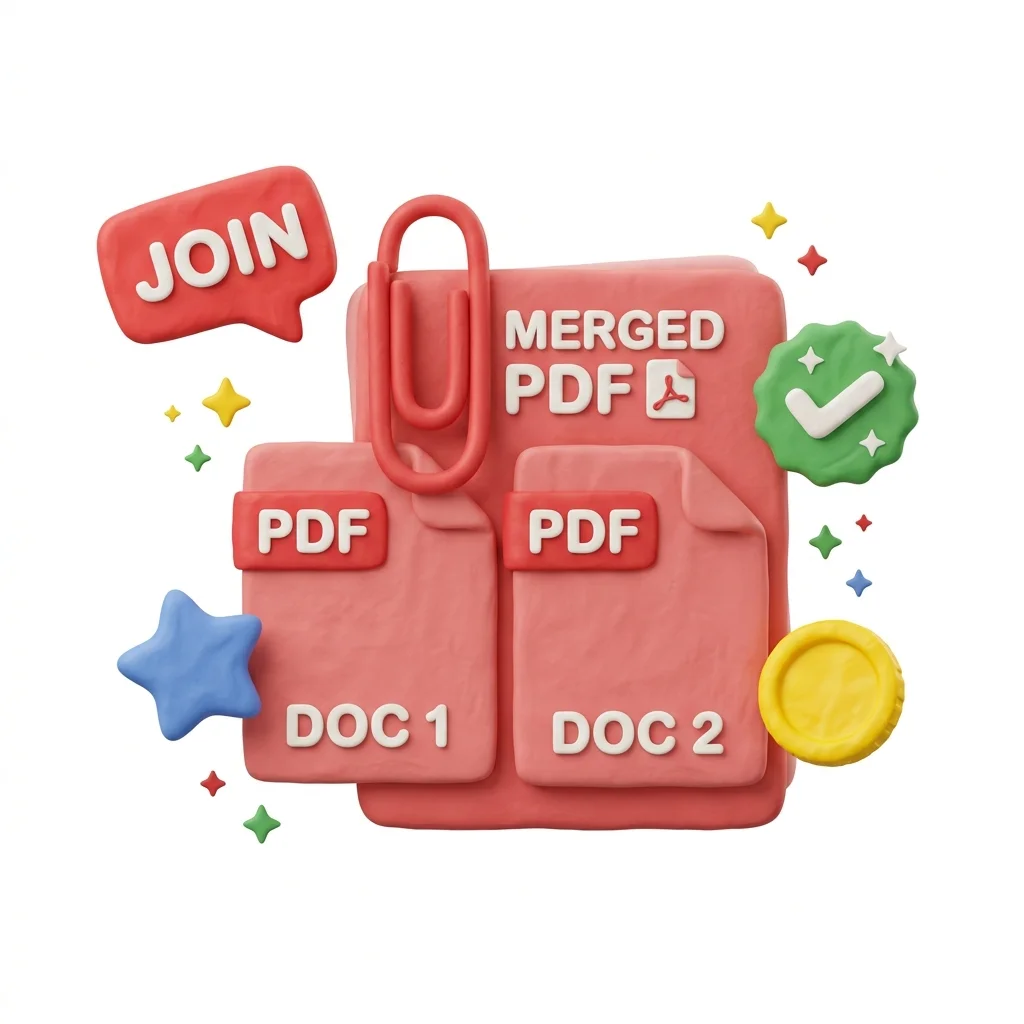
Merge PDF Files Online
Combine two or more PDFs into a single document without installing anything. Files are transferred over an encrypted connection and deleted automatically after processing - nothing is stored, shared, or used for anything beyond the merge.
How to Use This Tool
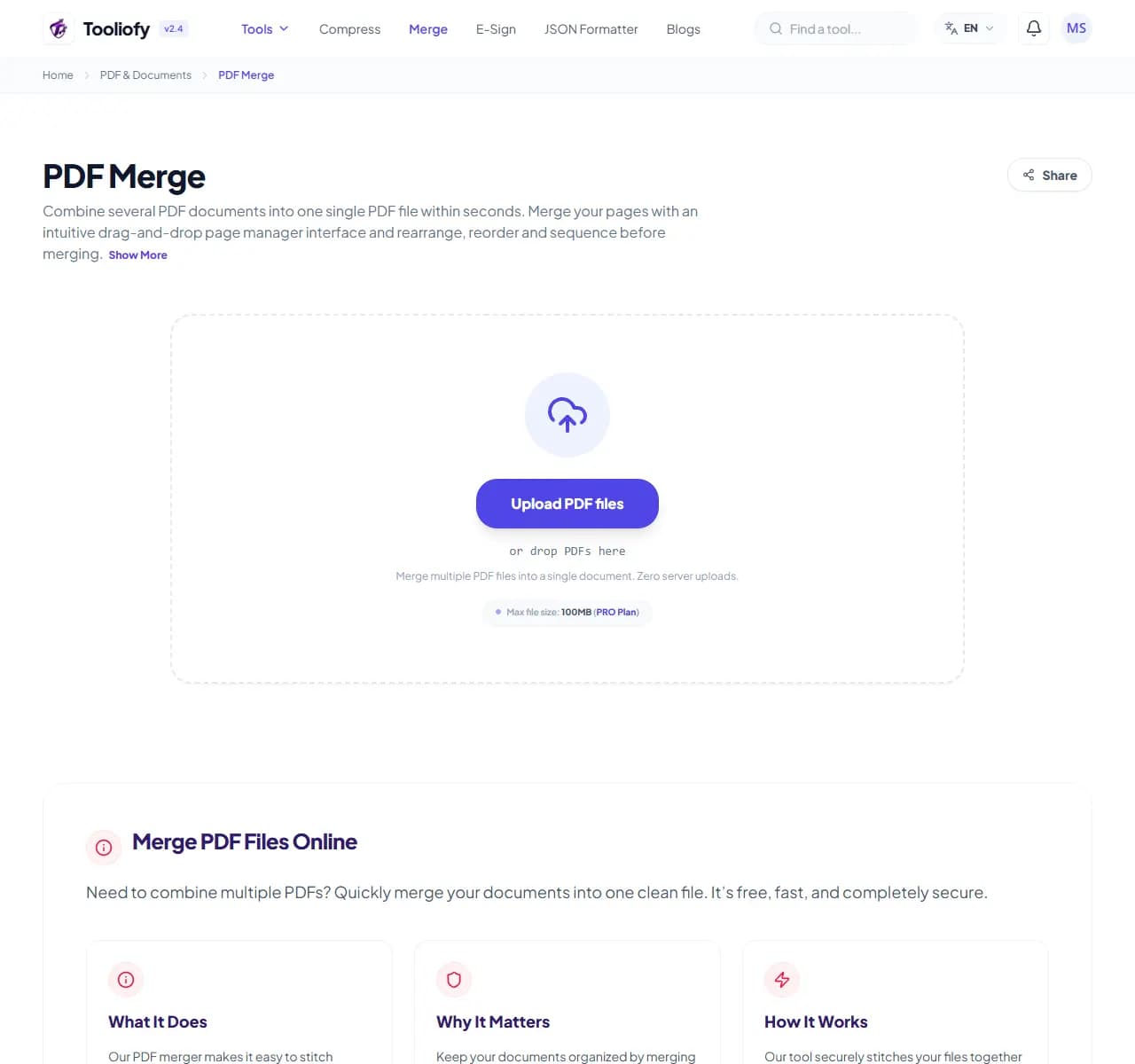
1. Select File
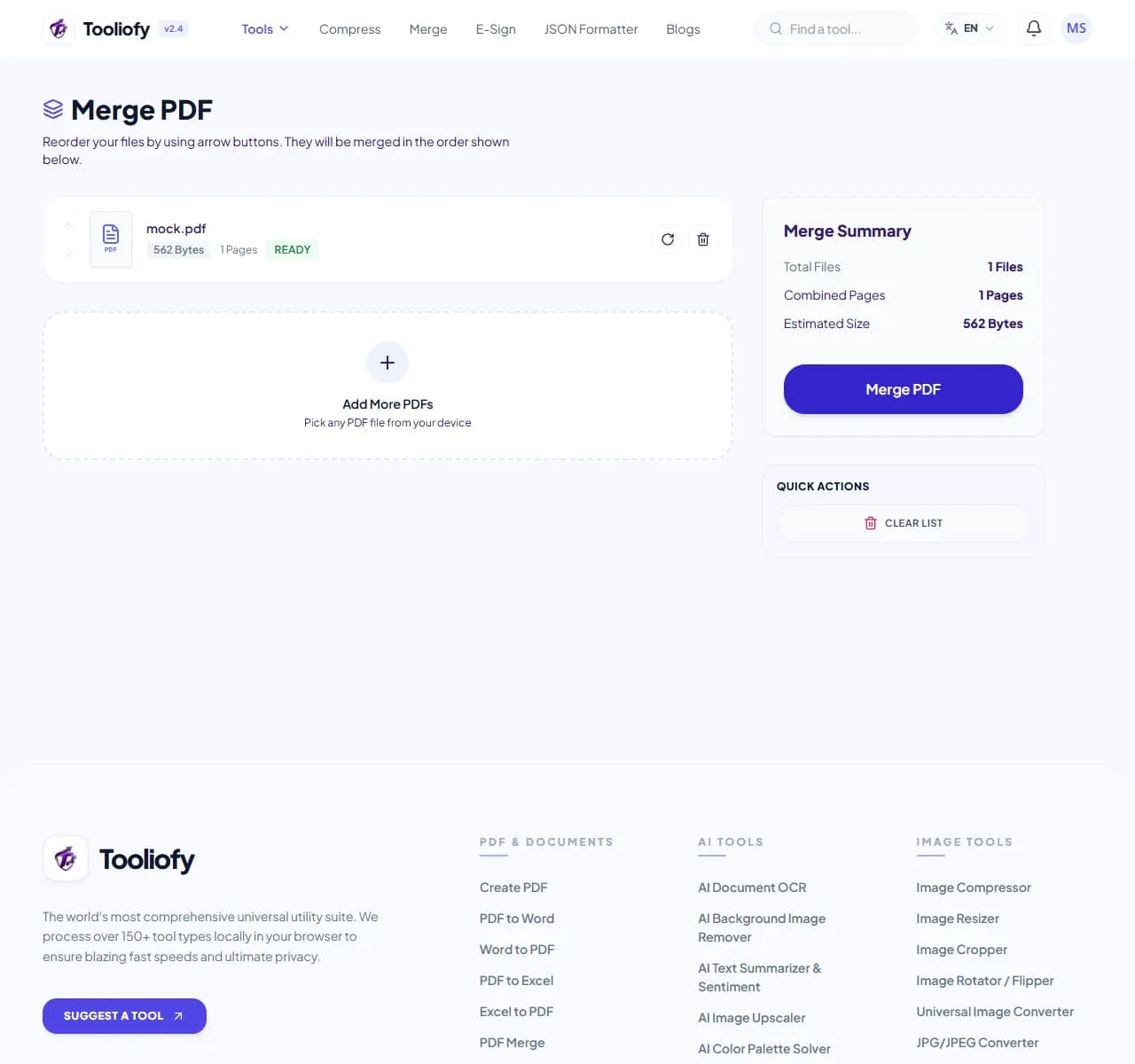
2. Processing
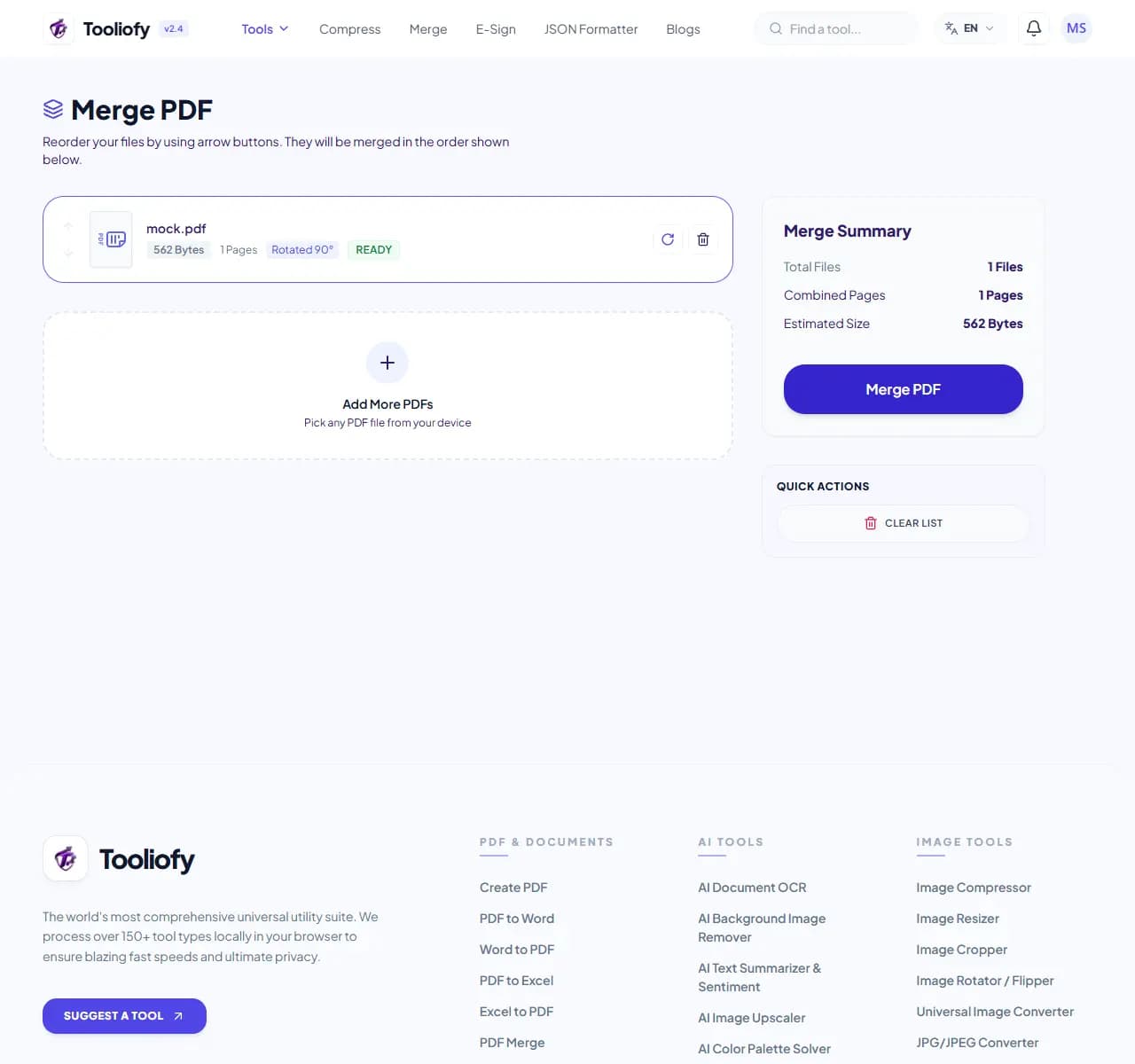
3. Download File
What you can do with PDF Merge
PDF Merge combines separate PDF documents into one file, in the order you choose. Each source document keeps its original page size, quality, bookmarks and links - an A4 file merged with a US Letter file keeps both sizes.
When PDF Merge helps
Sending six separate attachments means someone opens them in the wrong order, misses one, or prints them out of sequence. One merged file scrolls in order, prints correctly, and looks intentional - which matters for job applications, invoice batches, and legal filings.
How the PDF is handled
Upload your PDFs, drag the thumbnails into order, and click Merge. The combined file is ready in seconds for typical documents; a 50-page merge usually takes under 10 seconds on a normal connection.
Common PDF Merge tasks
- Combining 20-30 monthly invoices into one file for your accountant
- Assembling CV + cover letter + certificates in the order an employer asked for
- Rejoining scanned batches that your scanner split into multiple files
- Merging quarterly reports into a single annual document
- Grouping receipts for an expense claim
Why this PDF tool is handy
- One attachment instead of a zip folder
- Original quality preserved - no recompression
- Bookmarks and links survive the merge
- Works the same for a 2-page invoice or a 500-page manual
- No sign-up and no watermark
What is included
- No cap on file count - merge 2 files or 200
- Drag thumbnails to set exact page order
- Mix A4, Letter, landscape and portrait freely
- Keeps bookmarks and internal links from each source file
- Form fields and existing signatures stay on their pages
- No recompression - scanned pages don't get blurrier
- Encrypted transfer, automatic file deletion
"Merging keeps related documents together without touching their content. If you need to remove pages first, use PDF Split; if the result is too large to email, compress it afterwards."

More PDF & Documents
Create PDF
Create PDF helps when the next step is simple: create a new PDF with text, images, shapes, pages, and signatures. It is built for quick fixes, checks, and downloads.
PDF to Word
PDF to Word helps when the next step is simple: turn PDF files into Word. It is built for quick fixes, checks, and downloads.
Word to PDF
Word to PDF helps when the next step is simple: turn Word files into PDF. It is built for quick fixes, checks, and downloads.
PDF to Excel
Open PDF to Excel when your PDF file needs one clear change. The tool keeps the process short and the Excel file easy to inspect.
Excel to PDF
Open Excel to PDF when your Excel file needs one clear change. The tool keeps the process short and the PDF file easy to inspect.
PDF Split
PDF Split helps when the next step is simple: pull out only the pages you need. It is built for quick fixes, checks, and downloads.
Explore Other Categories
 5 Tools
AI Tools
Explore our ai tools and start processing your files securely.
 58 Tools
Image Tools
Explore our image tools and start processing your files securely.
 24 Tools
Text Utilities
Explore our text utilities and start processing your files securely.
 10 Tools
Developer Tools
Explore our developer tools and start processing your files securely.
Can't find a specific tool?
We are constantly adding new features based on user feedback. Tell us what you need and we will implement it immediately!