
Free SEO Tools to Check Pages, Meta Tags, Sitemaps, Robots, and Google Indexing
Check page titles, meta descriptions, robots files, sitemaps, keyword use, SERP previews, schema, and content gaps before publishing.

All SEO & Growth Tools
11 ToolsMeta Tag Generator
Open Meta Tag Generator when your settings needs one clear change. The tool keeps the process short and the generated result easy to inspect.
SERP Snippet Preview
SERP Snippet Preview is for preview a Google result. It keeps the page focused on that one job, so you can check the search preview without opening a larger app.
Keyword Density Checker
Open Keyword Density Checker when your input needs one clear change. The tool keeps the process short and the review result easy to inspect.
Robots.txt Generator
Use Robots.txt Generator when you need to create a ready-to-use output from selected settings. Add the settings, choose the option that matters, and review the generated result.
Sitemap Generator
Sitemap Generator helps when the next step is simple: create a ready-to-use output from selected settings. It is built for quick fixes, checks, and downloads.
Social Preview Checker
Open Social Preview Checker when your input needs one clear change. The tool keeps the process short and the review result easy to inspect.
Robots.txt Validator
Robots.txt Validator is for check for problems. It keeps the page focused on that one job, so you can check the review result without opening a larger app.
Sitemap Validator
Use Sitemap Validator when you need to look for common issues before publishing or sending. Add the input, choose the option that matters, and review the review result.
SEO Audit Tool
SEO Audit Tool helps when the next step is simple: look for common issues before publishing or sending. It is built for quick fixes, checks, and downloads.
AI SEO Analyzer
AI SEO Analyzer is for finish an ai seo analyzer job. It keeps the page focused on that one job, so you can check the finished result without opening a larger app.
llms.txt Generator & Validator
llms.txt Generator & Validator is for generate a result. It keeps the page focused on that one job, so you can check the generated result without opening a larger app.
What should you check first?
Some SEO issues are technical. Some are content problems. It helps to separate them before changing a page.
Checked by Tooliofy Team · Updated: June 22, 2026
Meta tools
Titles, descriptions, or snippets look weak or too long.
You have not read the page like a real visitor yet.
Robots and sitemap tools
Crawling, indexing, or page discovery looks wrong.
You are not sure which URLs may get blocked.
Keyword tools
You want to understand the words people actually search for.
You are only adding keywords because a tool suggested them.
SEO privacy note: Avoid pasting private draft URLs, client reports, analytics exports, or unreleased page text into tools unless you are allowed to review that data.
Which SEO check should you run first?
Fix access and clarity before chasing advanced scores.
Page not indexed?
Check robots, canonical, sitemap, and internal links first.
Low click rate?
Review the title and meta description preview.
Content feels thin?
Add examples, limits, comparisons, and practical answers.
Sitemap issue?
Validate XML and confirm the listed URLs are canonical.
A Pre-Publish SEO Review
- Step 1
Review title and description
Check that the page has a specific title, useful meta description, and a clear search intent.
- Step 2
Check Google access
Inspect robots rules, canonical URL, sitemap inclusion, redirects, and index directives.
- Step 3
Audit page structure
Look for clear headings, useful body text, internal links, schema, and content that goes beyond a list.
- Step 4
Publish and monitor
After changes, request indexing when appropriate and watch Search Console for crawl, indexing, and enhancement signals.
Why use SEO tools?
They help catch simple mistakes before publishing.
They show if a page may be hard for Google to read.
They help you improve pages without guessing.
SEO tools are best used before a page goes live
A quick SEO check can catch problems that are easy to miss: a weak title, missing meta description, blocked page, messy sitemap, unclear heading, or content that does not answer the search intent.
Start with crawl access
Before rewriting content, make sure Google can reach the page. Check robots.txt, sitemap URLs, canonical tags, and whether the page returns indexable HTML.
A good meta description is not just a keyword box
Write the description for the person choosing a result. It should explain what the page helps with, not just repeat the tool name.
Keyword density is only a warning sign
A keyword checker can show repetition, but it cannot decide quality. If the page sounds forced, rewrite for clarity before worrying about exact percentages.
Sitemaps help discovery, not ranking by themselves
A sitemap can help search engines find URLs. It does not guarantee indexing if the pages look thin, duplicate, blocked, or low value.
Content gaps are often practical gaps
A page may list features but still miss examples, limits, mistakes, comparisons, and when not to use a tool. Those details make the page more helpful.
Example: page is crawled but not indexed
If Search Console says Crawled - currently not indexed, do not only rewrite the meta description. Check whether the page adds enough value, has internal links, and is not too similar to other pages.
Robots vs canonical vs sitemap
Robots controls crawl access. Canonical tells Google the preferred URL. A sitemap helps discovery. These are related, but they solve different problems.
Title tags are not just keywords
A title should tell the searcher why the page fits their problem. Repeating the same keyword in every page title can make pages look templated.
Thin content is often missing decisions
A page can have many words and still feel thin if it does not explain examples, limits, mistakes, comparisons, or next steps.
A practical SEO order
Check indexability first, then search intent, then headings and content depth, then internal links, then snippets. Fixing snippets first rarely solves weak pages.
SEO mistakes to avoid
Do not rewrite content before checking crawl access.
Do not stuff keywords into every heading.
Do not treat a sitemap as an indexing guarantee.
Do not publish pages that only repeat tool names.
SEO Tool Questions
Clear answers about meta tags, indexing signals, sitemaps, robots rules, and page quality.
Can SEO tools guarantee indexing?
What should I check first when pages are not indexed?
Is a meta description a ranking factor?
Why do similar pages struggle to index?
How often should I check a sitemap?
Should every page have schema?
Explore Tools Visually
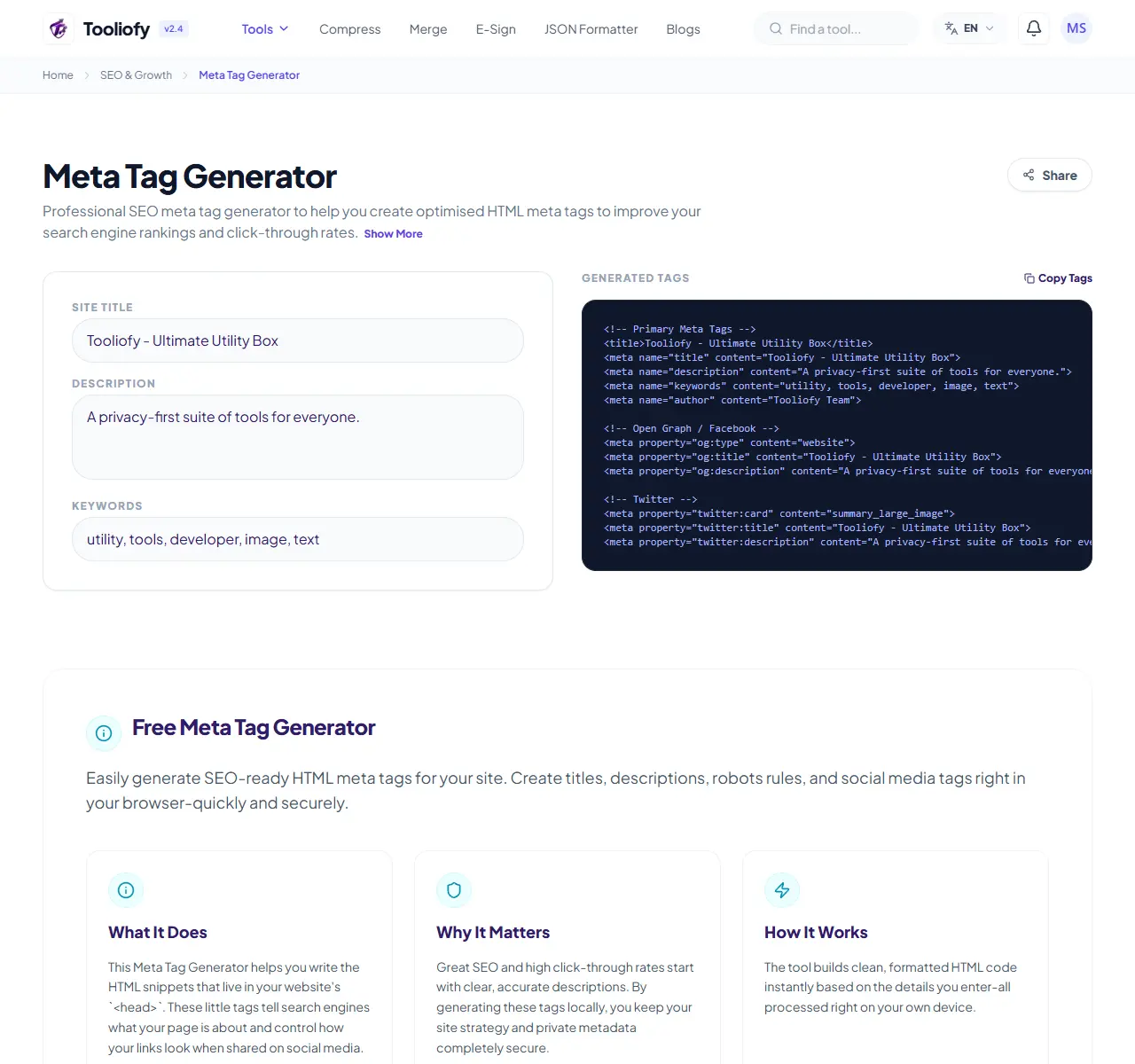
Meta Tag Generator
Open Meta Tag Generator when your settings needs one clear change. The tool keeps the process short and the generated result easy to inspect.
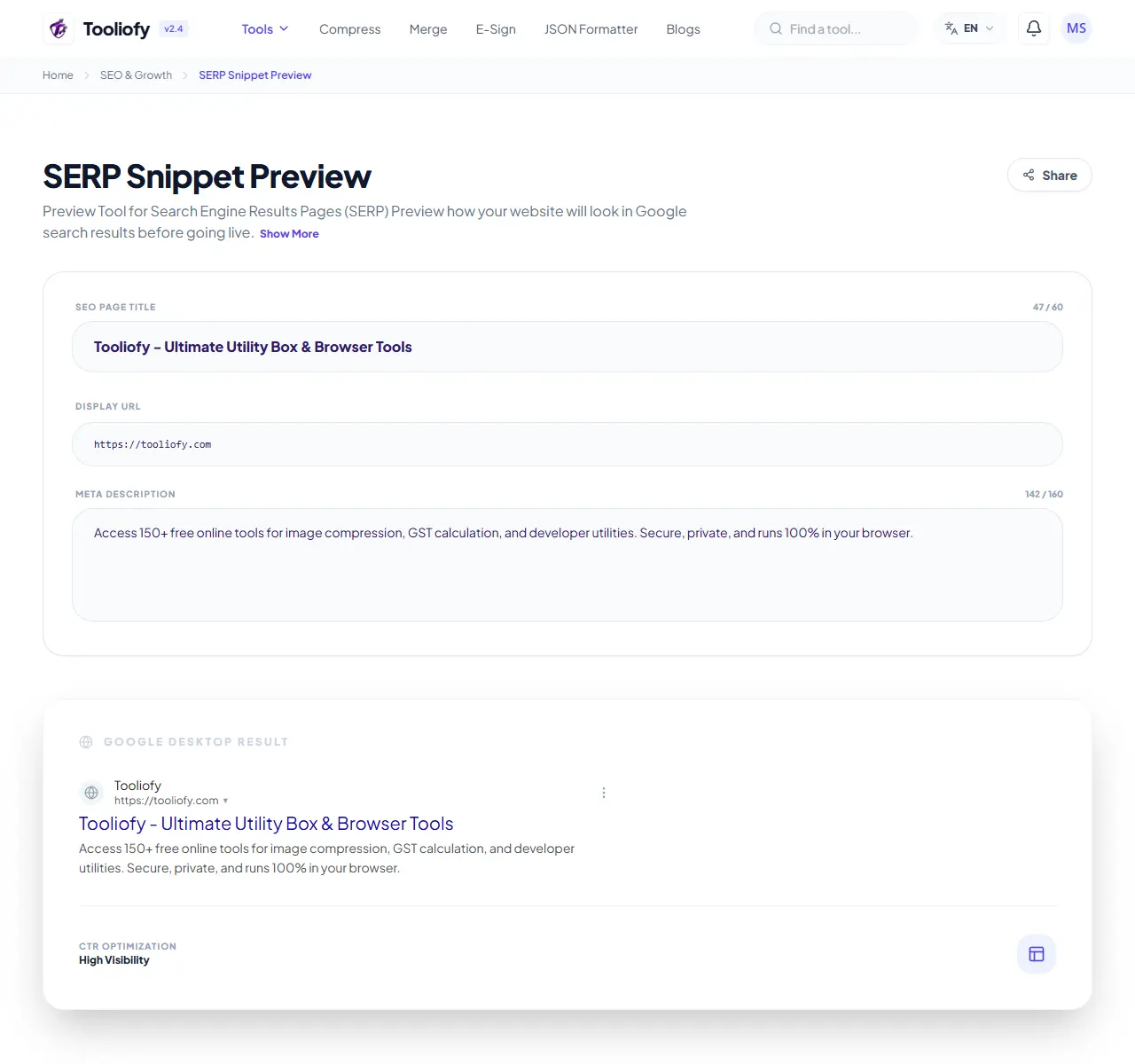
SERP Snippet Preview
SERP Snippet Preview is for preview a Google result. It keeps the page focused on that one job, so you can check the search preview without opening a larger app.
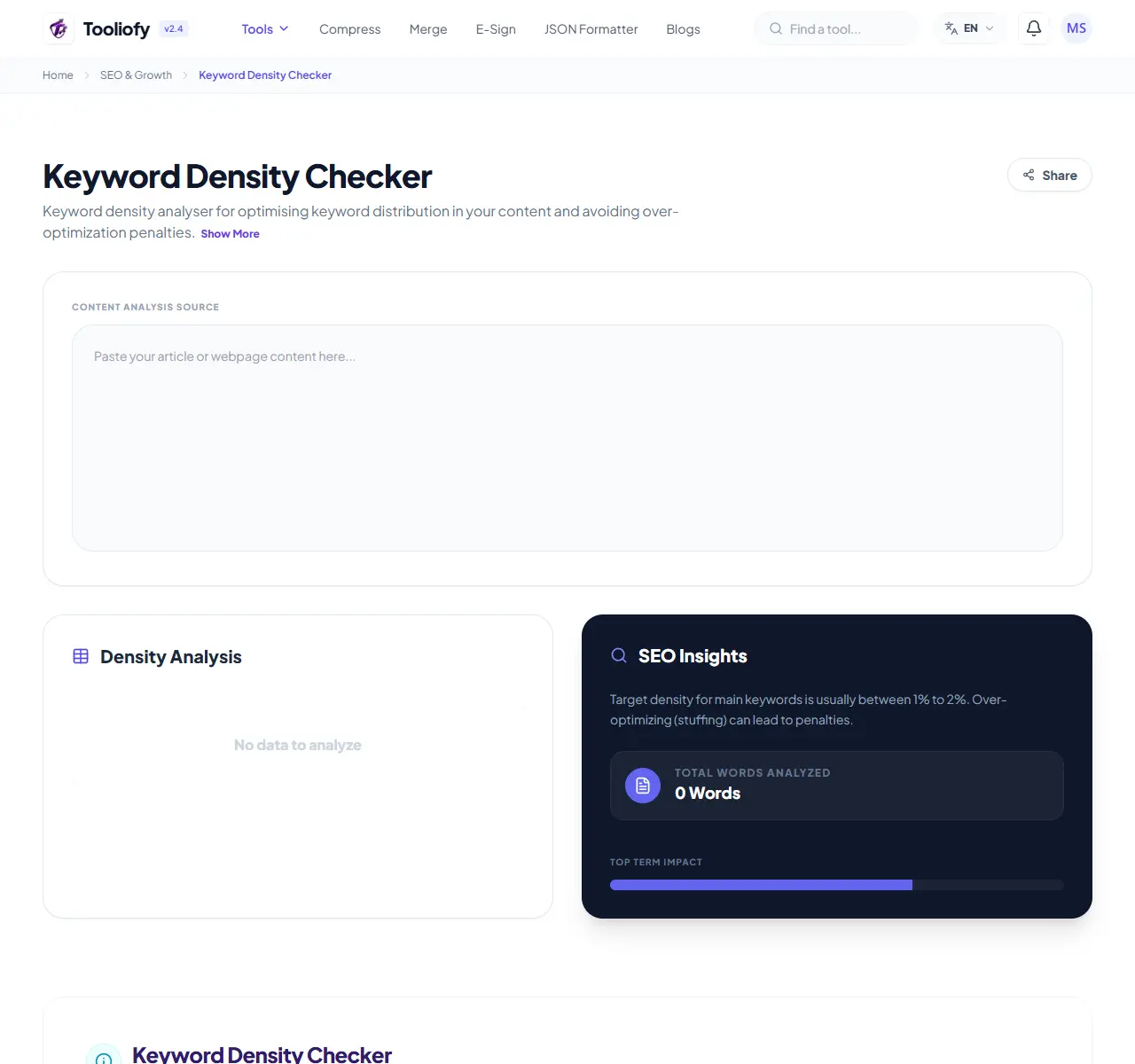
Keyword Density Checker
Open Keyword Density Checker when your input needs one clear change. The tool keeps the process short and the review result easy to inspect.
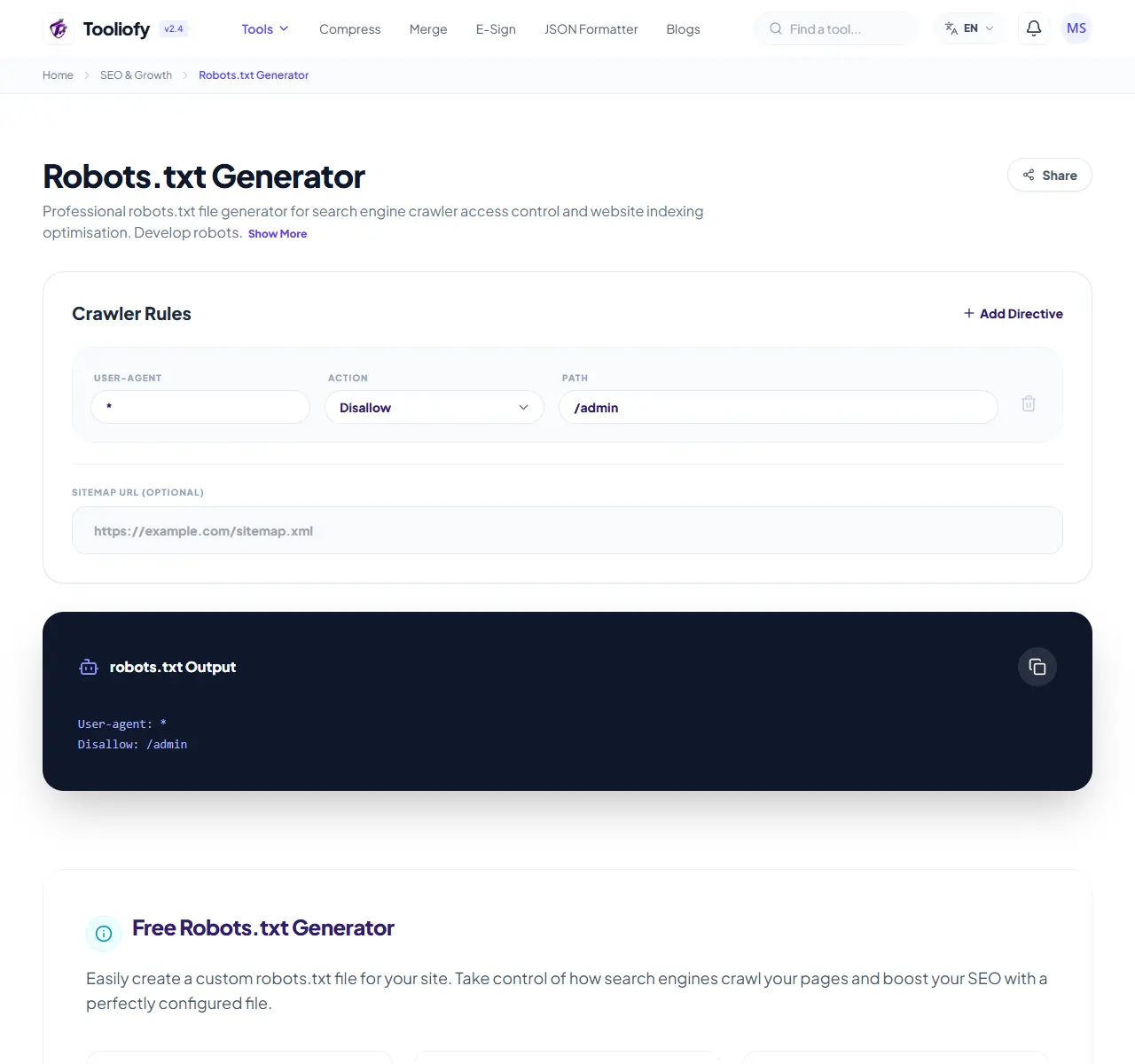
Robots.txt Generator
Use Robots.txt Generator when you need to create a ready-to-use output from selected settings. Add the settings, choose the option that matters, and review the generated result.
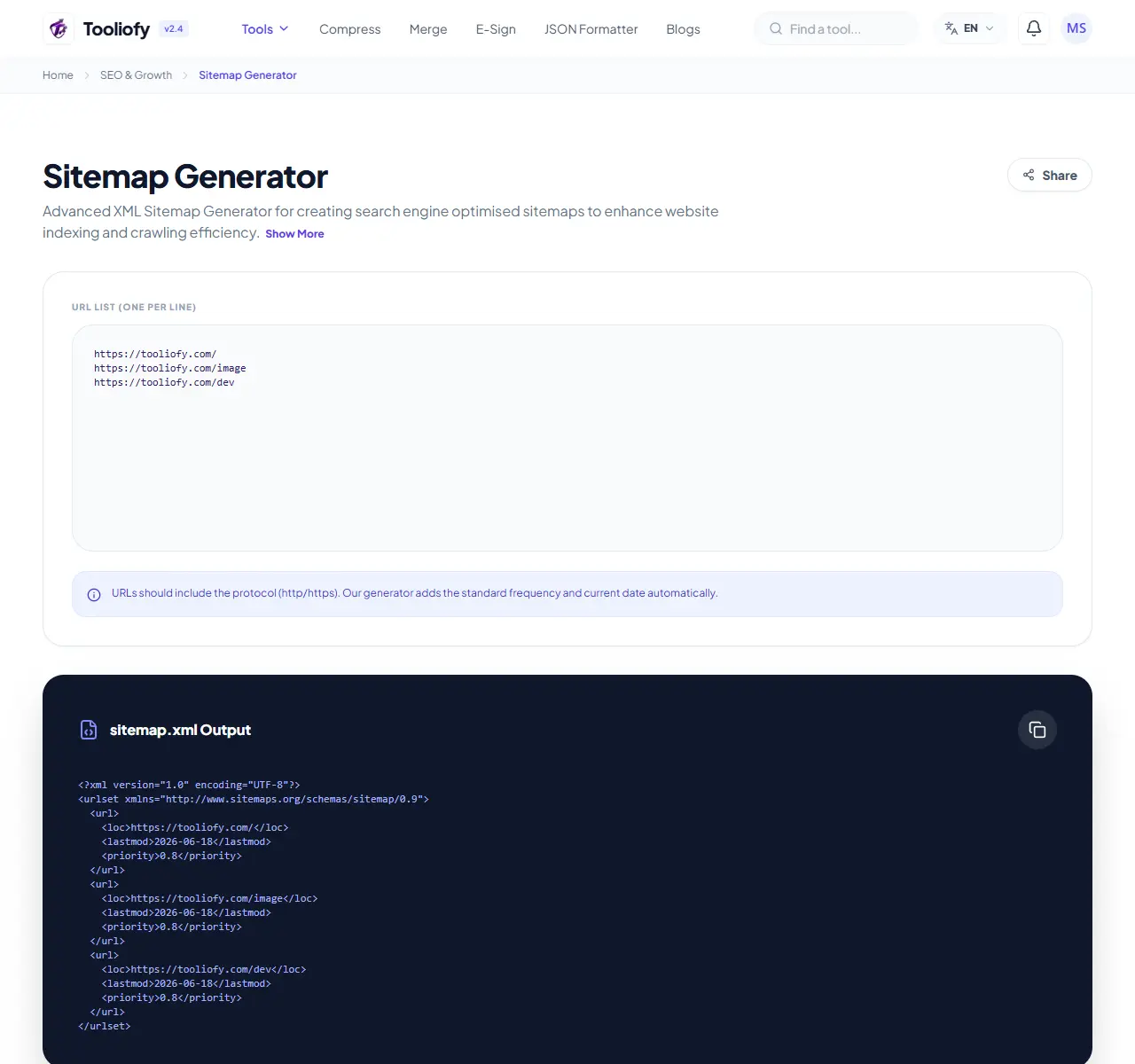
Sitemap Generator
Sitemap Generator helps when the next step is simple: create a ready-to-use output from selected settings. It is built for quick fixes, checks, and downloads.
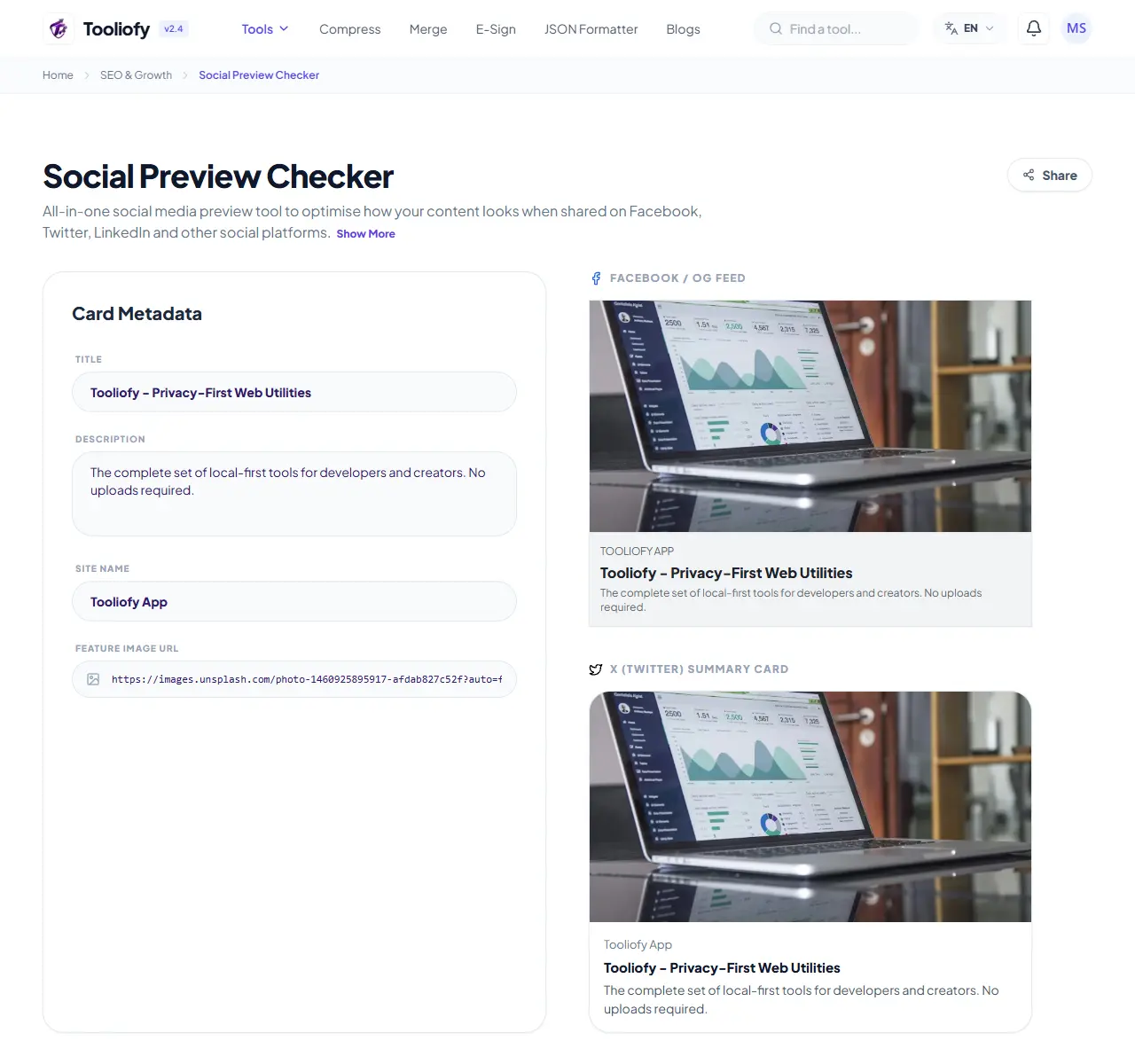
Social Preview Checker
Open Social Preview Checker when your input needs one clear change. The tool keeps the process short and the review result easy to inspect.

Robots.txt Validator
Robots.txt Validator is for check for problems. It keeps the page focused on that one job, so you can check the review result without opening a larger app.
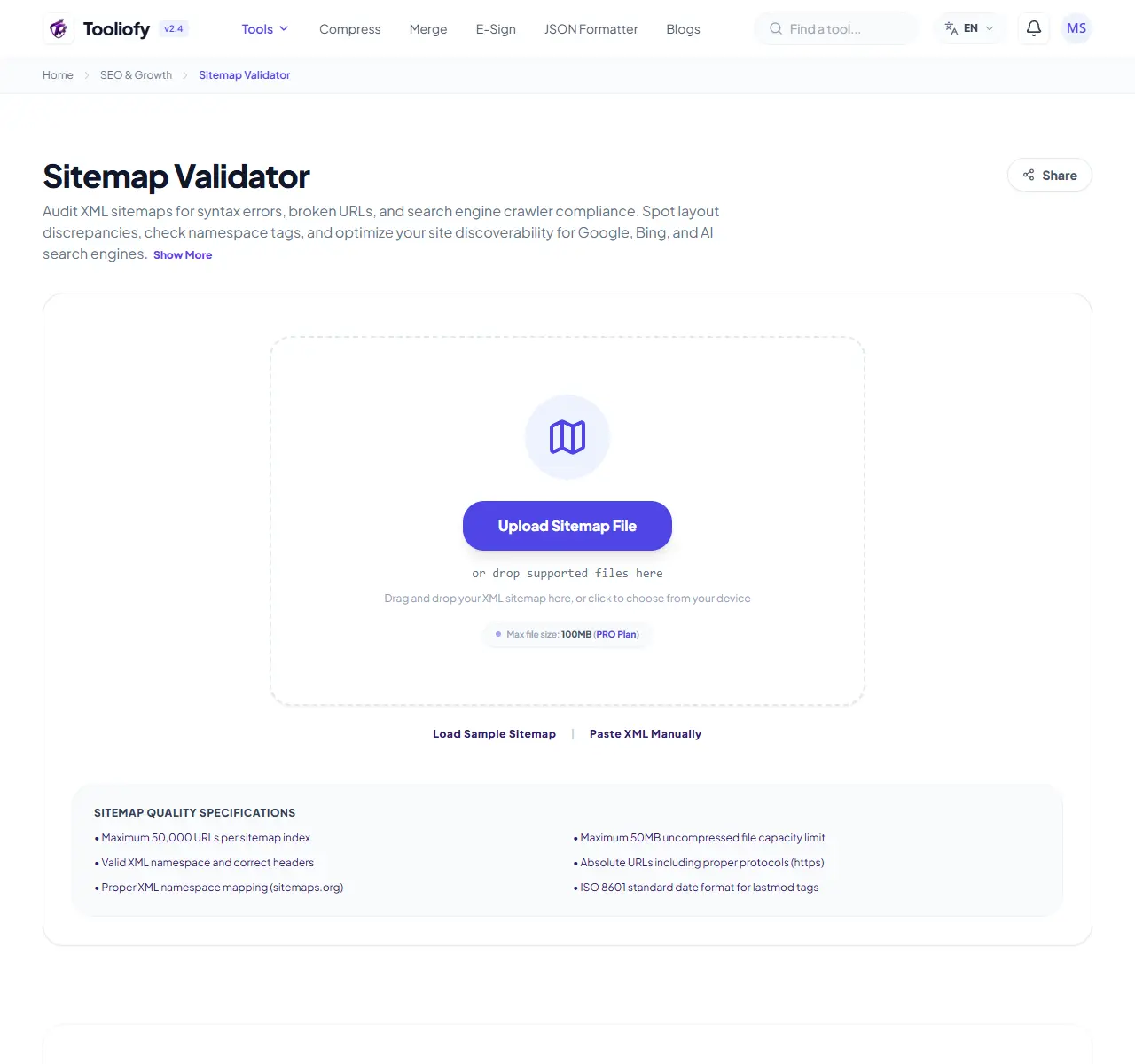
Sitemap Validator
Use Sitemap Validator when you need to look for common issues before publishing or sending. Add the input, choose the option that matters, and review the review result.
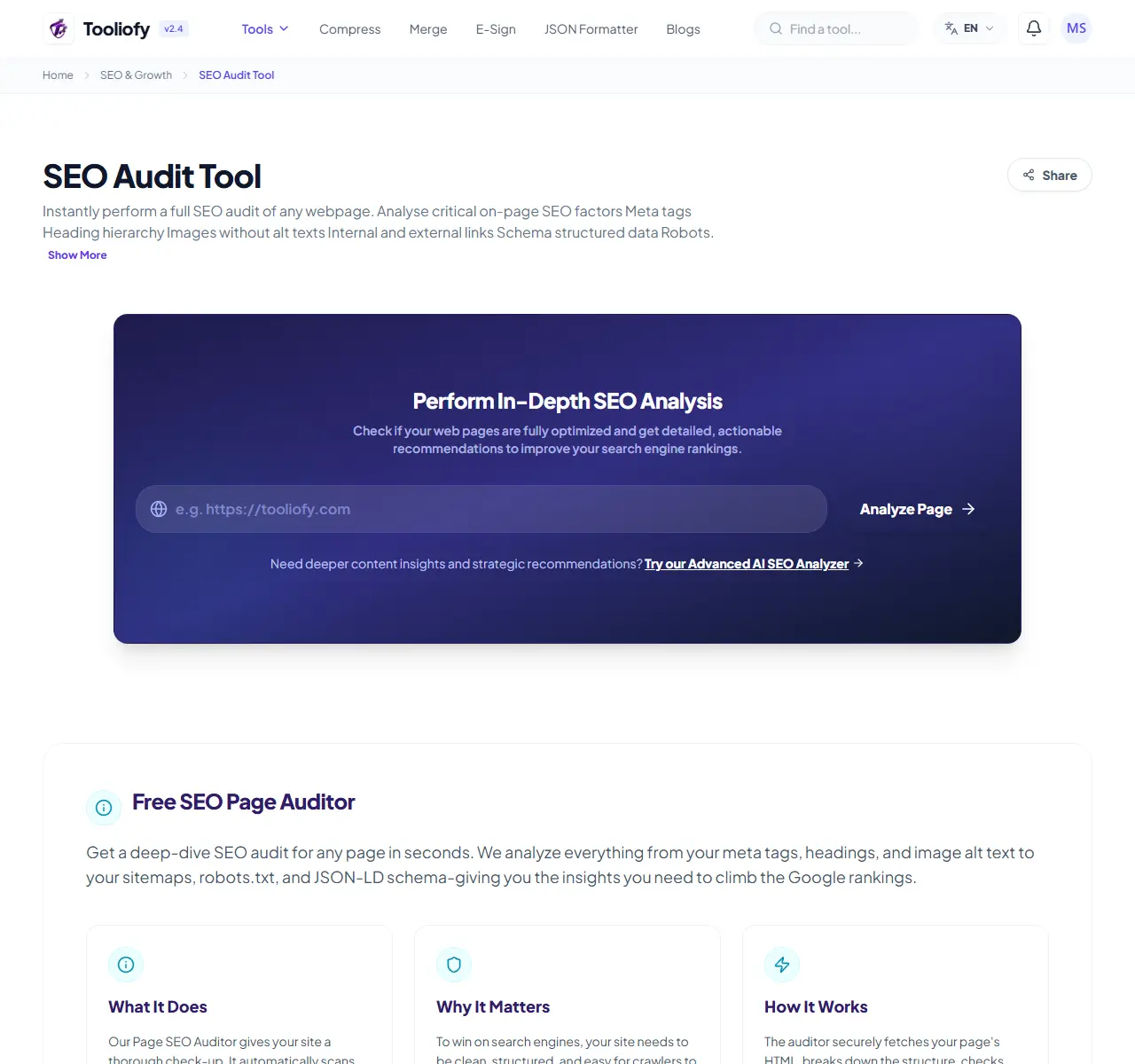
SEO Audit Tool
SEO Audit Tool helps when the next step is simple: look for common issues before publishing or sending. It is built for quick fixes, checks, and downloads.
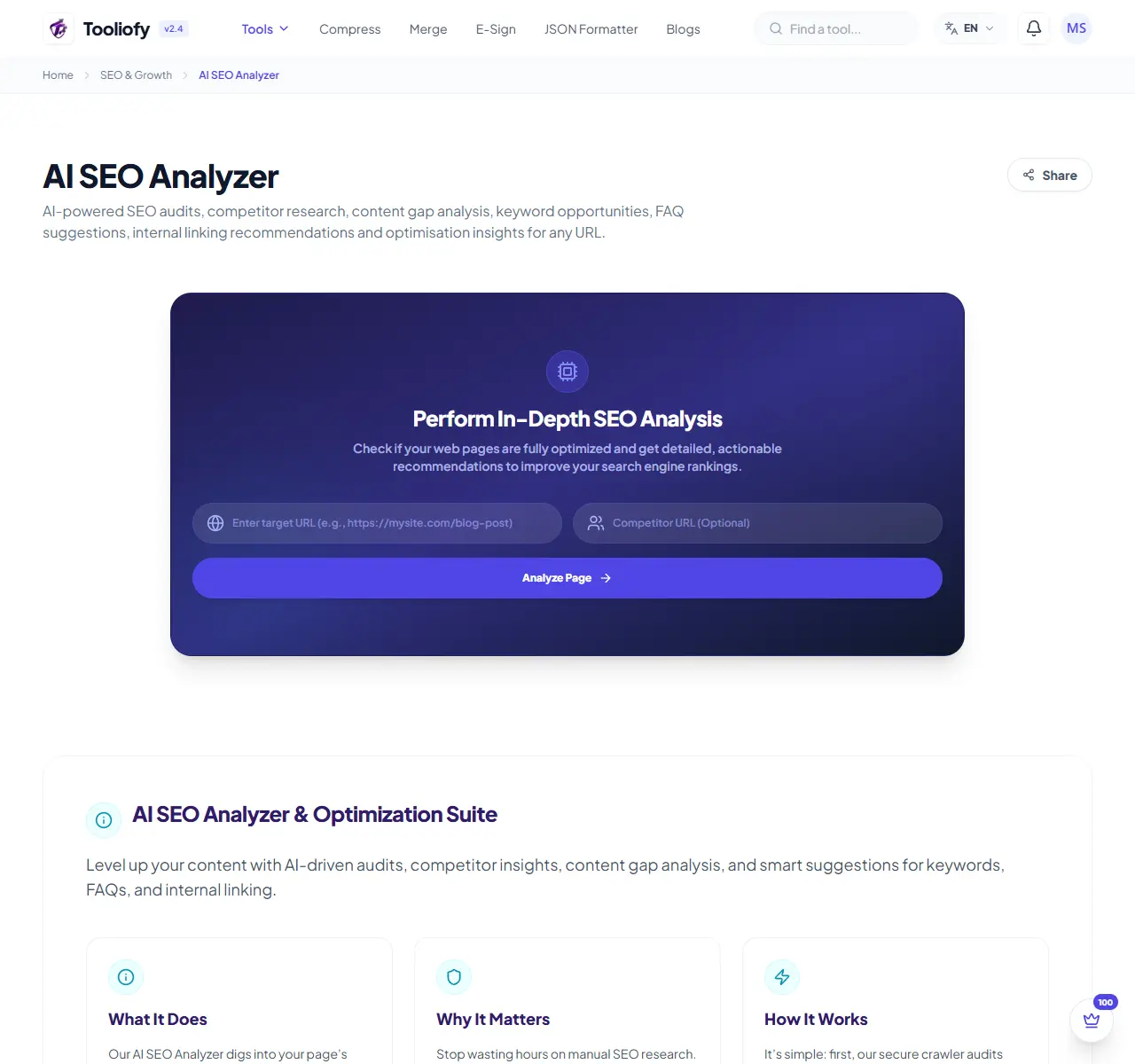
AI SEO Analyzer
AI SEO Analyzer is for finish an ai seo analyzer job. It keeps the page focused on that one job, so you can check the finished result without opening a larger app.
SEO checks are most useful when they lead to better pages. Fix access, explain the topic clearly, add real examples, and make the result useful for someone who is trying to decide what to do next.
Related Guides & Articles

Best Technical SEO Audit Tools for Beginners
Compare beginner-friendly SEO audit tools like Ahrefs, Semrush, Moz, Screaming Frog, Google Search Console, and Tooliofy to find crawl, speed, and indexing issues.

Beginner-Friendly SEO Checks You Can Do Without Technical Knowledge
Learn simple SEO checks beginners can do without coding, including meta tags, search previews, headings, keywords, sitemap, robots.txt, and page quality.

Essential Image Optimization Tips for Faster Websites
Learn practical image optimization tips to make websites faster, including compression, resizing, WebP, AVIF, alt text, lazy loading, and image SEO.
Explore Other Categories
 19 Tools
PDF & Documents
Explore our pdf & documents and start processing your files securely.
 5 Tools
AI Tools
Explore our ai tools and start processing your files securely.
 58 Tools
Image Tools
Explore our image tools and start processing your files securely.
 24 Tools
Text Utilities
Explore our text utilities and start processing your files securely.