
SERP Snippet Preview
SERP Snippet Preview is for preview a Google result. It keeps the page focused on that one job, so you can check the search preview without opening a larger app.

Google SERP Snippet Preview Tool
SERP Snippet Preview is for preview a Google result. It keeps the page focused on that one job, so you can check the search preview without opening a larger app.
How to Use This Tool
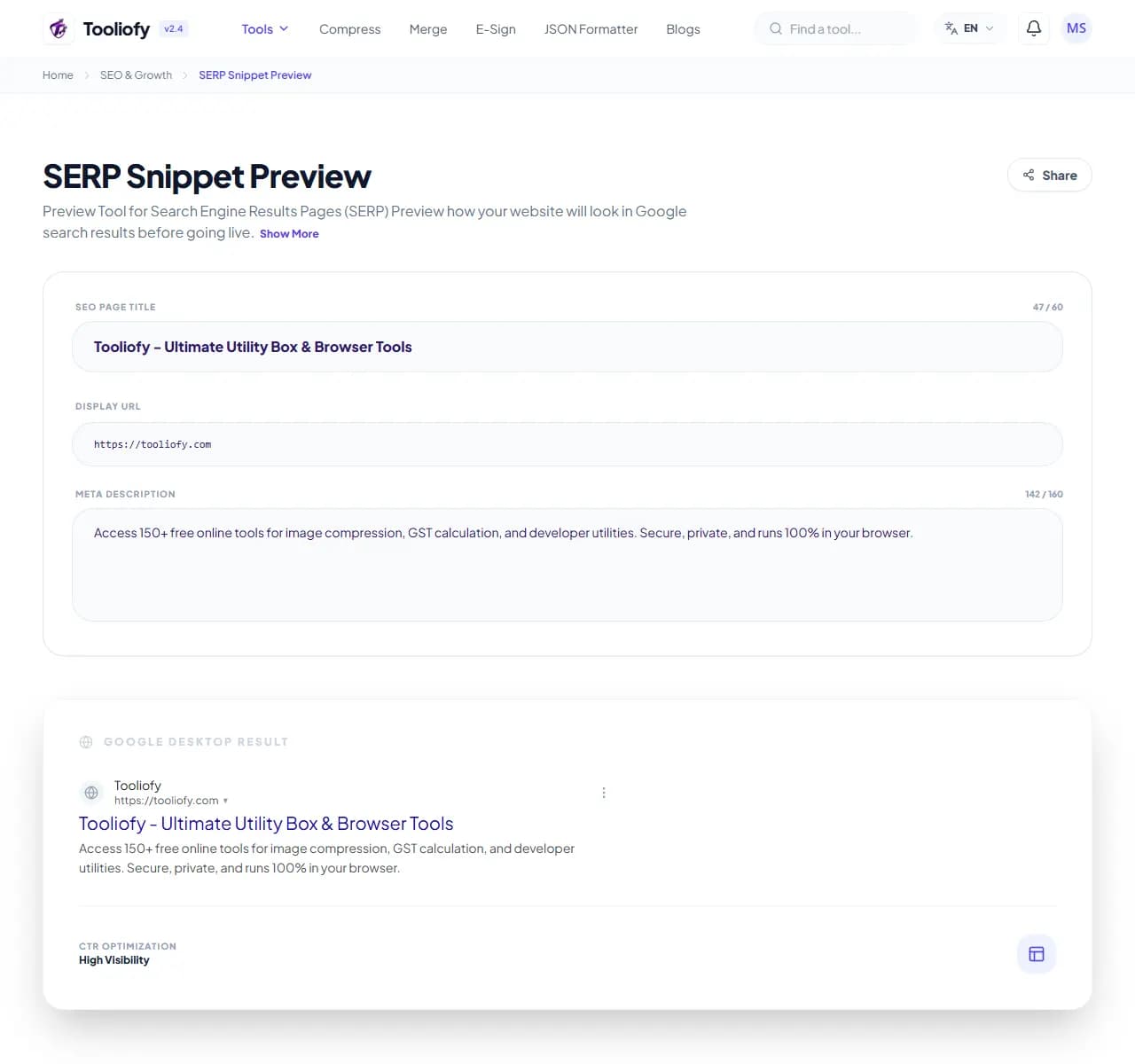
1. Select File
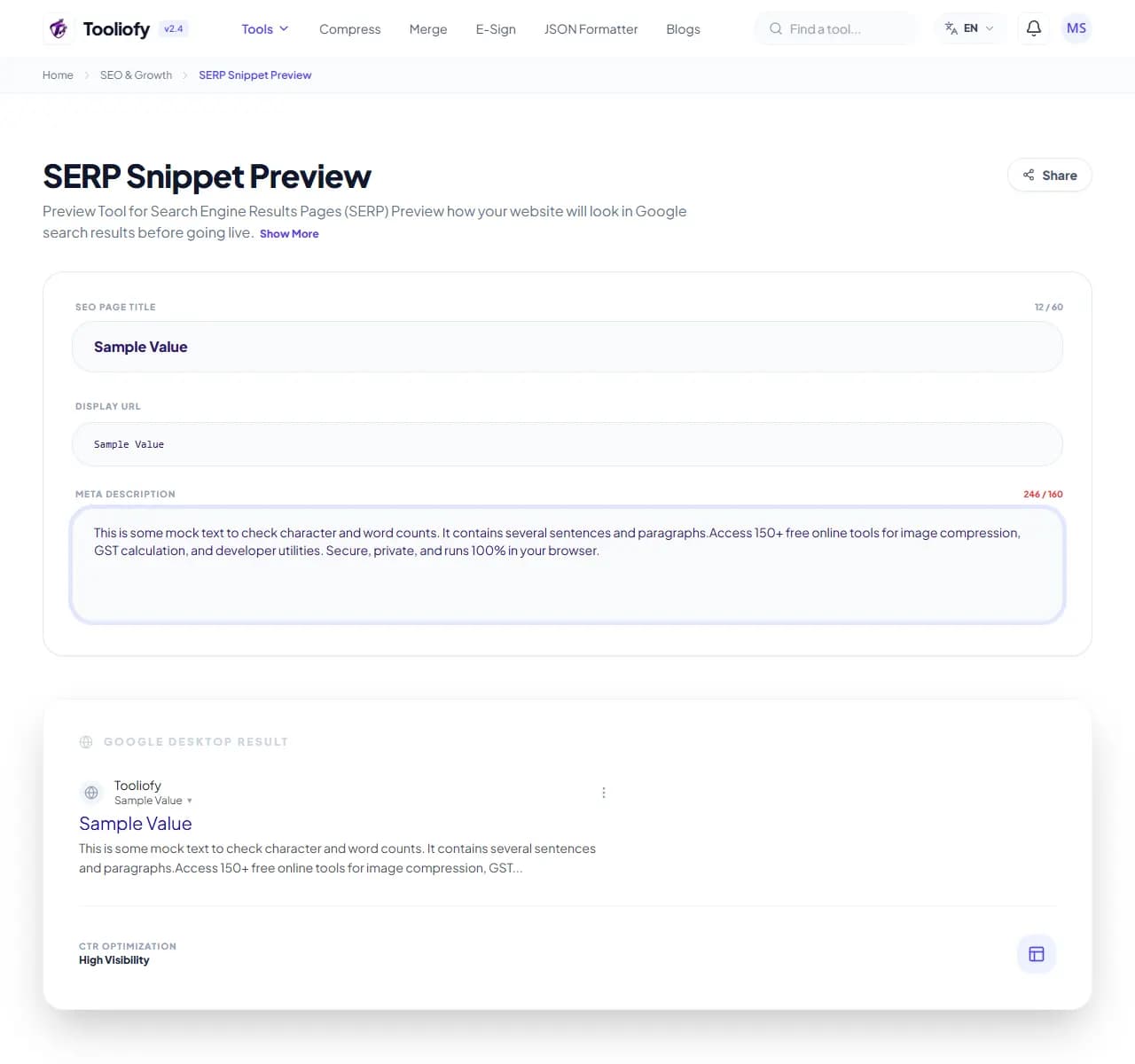
2. Processing
3. Download File
What SERP Snippet Preview reviews
SERP Snippet Preview keeps attention on one job: preview a Google search snippet. It avoids unrelated options and keeps the finished output easy to inspect.
Why this check matters for search
A search snippet is often the first thing people see before they visit a page. SERP Snippet Preview gives you a quick way to handle that before you share, publish, or move on.
How the review is done
SERP Snippet Preview reviews the URL, markup, or file you provide and turns the check for preview a Google search snippet into plain next steps.
Before you use SERP Snippet Preview
SERP Snippet Preview is most useful when you treat the output as something to review, not something to assume is perfect. This matters when preview a Google search snippet.
Best used for
- Double-check your titles and descriptions before hitting publish.
- See exactly how Google highlights your keywords in search results.
- Using SERP Snippet Preview to review one SEO issue at a time.
Be careful if
You are changing robots, canonical, or sitemap rules without checking affected URLs. You are only adding keywords because a score suggests it.
Check this first
Confirm technical changes before requesting indexing again. Read the page title and first screen on mobile. Check whether the result matches the page intent.
SEO checks to run with it
- Double-check your titles and descriptions before hitting publish
- Fix pixel-level truncation on your most important landing pages
- See exactly how Google highlights your keywords in search results
- Clean up your URL structure for a better search display
- Improve your organic click-through rates with cleanly crafted snippets
Search review benefits
- Pixel-accurate width calculations for Google search
- Real-time previews for mobile and desktop
- No sign-ups or server lookups needed
- Completely free, ad-free, and no tracking cookies
- Everything clears quickly after you're done
SEO options included
- See your site exactly as it appears on Google
- Quick character and pixel width tracking
- Switch easily between mobile and desktop views
- See your keywords highlighted in the preview
- Get alerts if your title or description is too long
- Your data stays private-we don't track your URLs
- No installation needed
"For a quick serp snippet preview job, the value is control: change only what you came to change, then review the output."

More SEO & Growth
Meta Tag Generator
Open Meta Tag Generator when your settings needs one clear change. The tool keeps the process short and the generated result easy to inspect.
Keyword Density Checker
Open Keyword Density Checker when your input needs one clear change. The tool keeps the process short and the review result easy to inspect.
Robots.txt Generator
Use Robots.txt Generator when you need to create a ready-to-use output from selected settings. Add the settings, choose the option that matters, and review the generated result.
Sitemap Generator
Sitemap Generator helps when the next step is simple: create a ready-to-use output from selected settings. It is built for quick fixes, checks, and downloads.
Social Preview Checker
Open Social Preview Checker when your input needs one clear change. The tool keeps the process short and the review result easy to inspect.
Robots.txt Validator
Robots.txt Validator is for check for problems. It keeps the page focused on that one job, so you can check the review result without opening a larger app.
Explore Other Categories
 19 Tools
PDF & Documents
Explore our pdf & documents and start processing your files securely.
 5 Tools
AI Tools
Explore our ai tools and start processing your files securely.
 58 Tools
Image Tools
Explore our image tools and start processing your files securely.
 24 Tools
Text Utilities
Explore our text utilities and start processing your files securely.
Can't find a specific tool?
We are constantly adding new features based on user feedback. Tell us what you need and we will implement it immediately!