
AI Text Summarizer & Sentiment
Open AI Text Summarizer & Sentiment when your text needs one clear change. The tool keeps the process short and the summary easy to inspect.
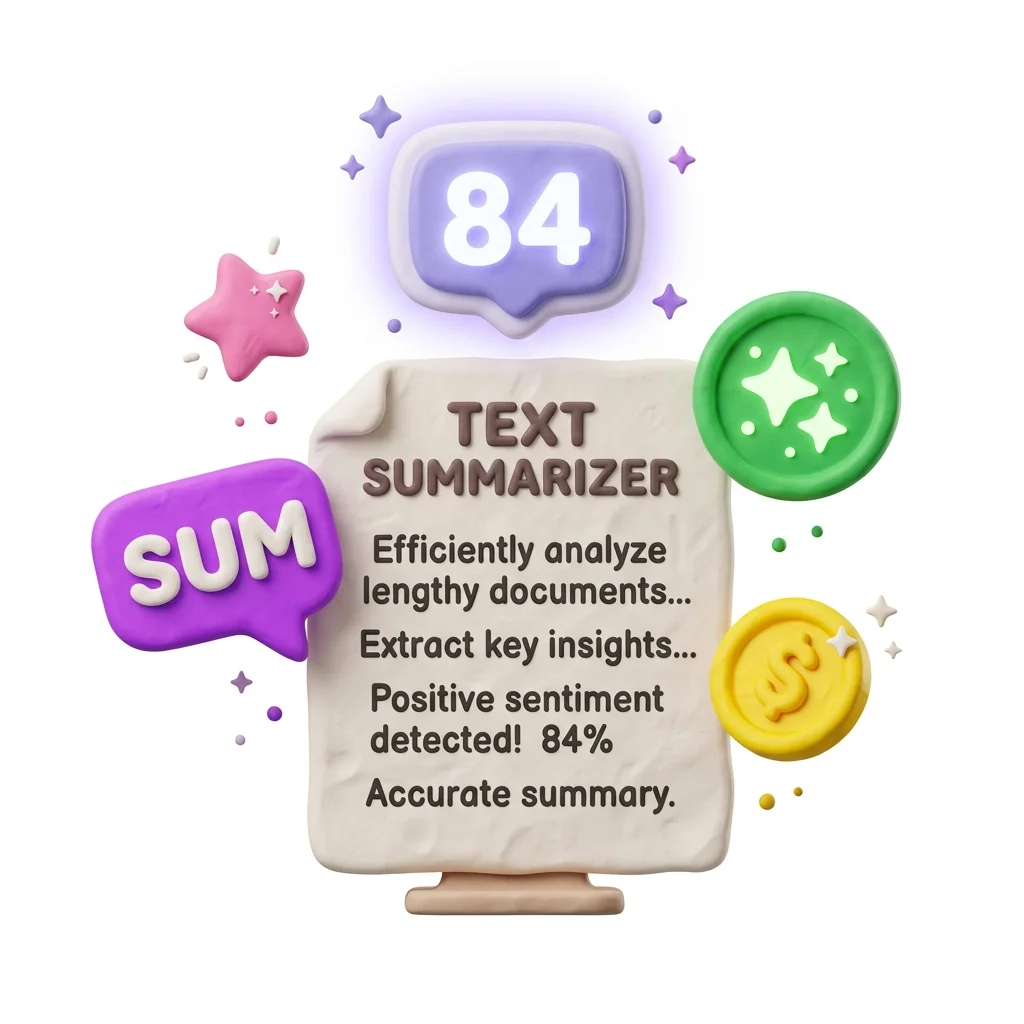
AI Text Summarizer Online
AI Text Summarizer & Sentiment helps you finish the ai text summarizer task without opening a larger app. Add your input, check the result, and save it when it looks right.
How to Use This Tool
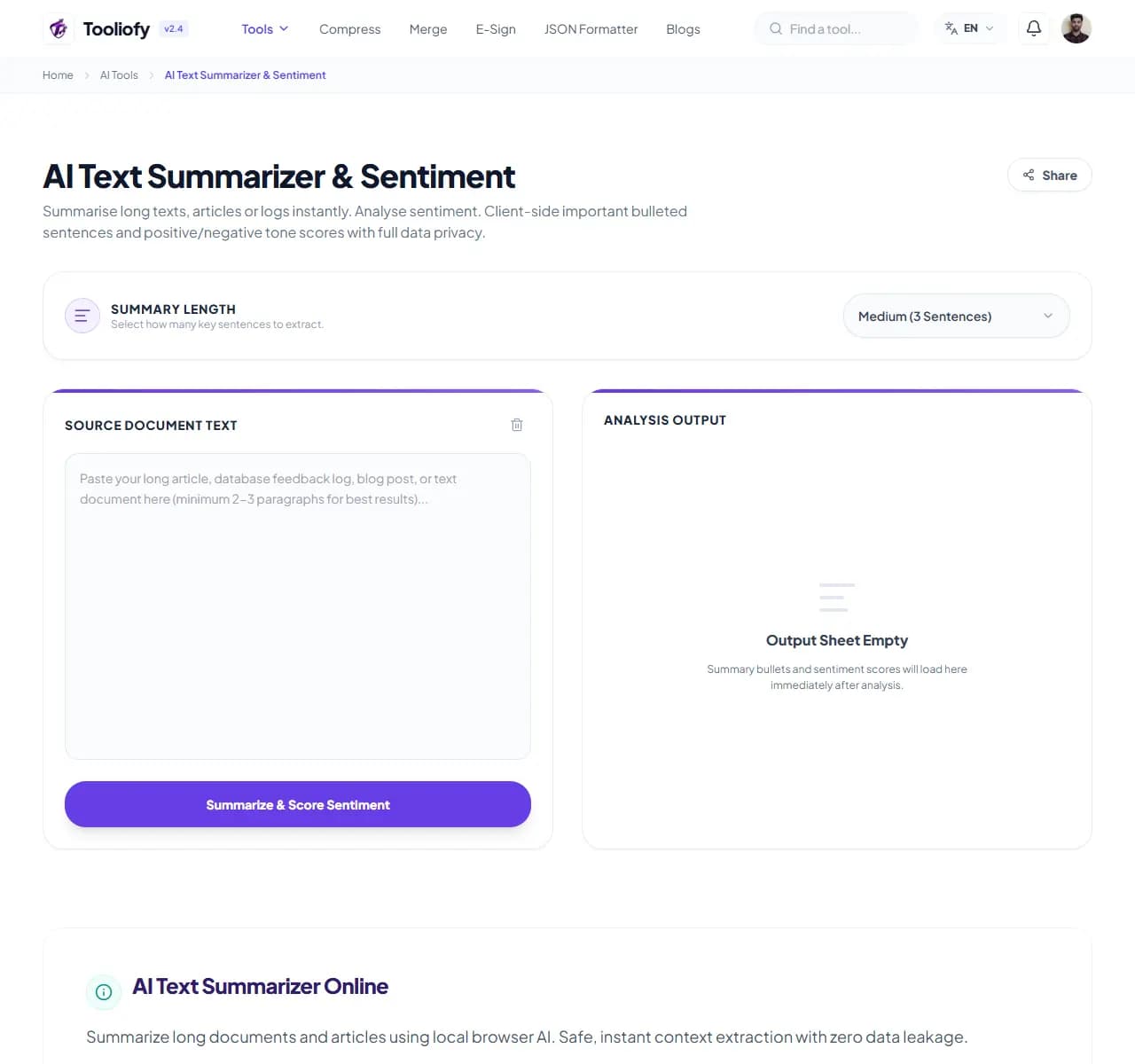
1. Select File
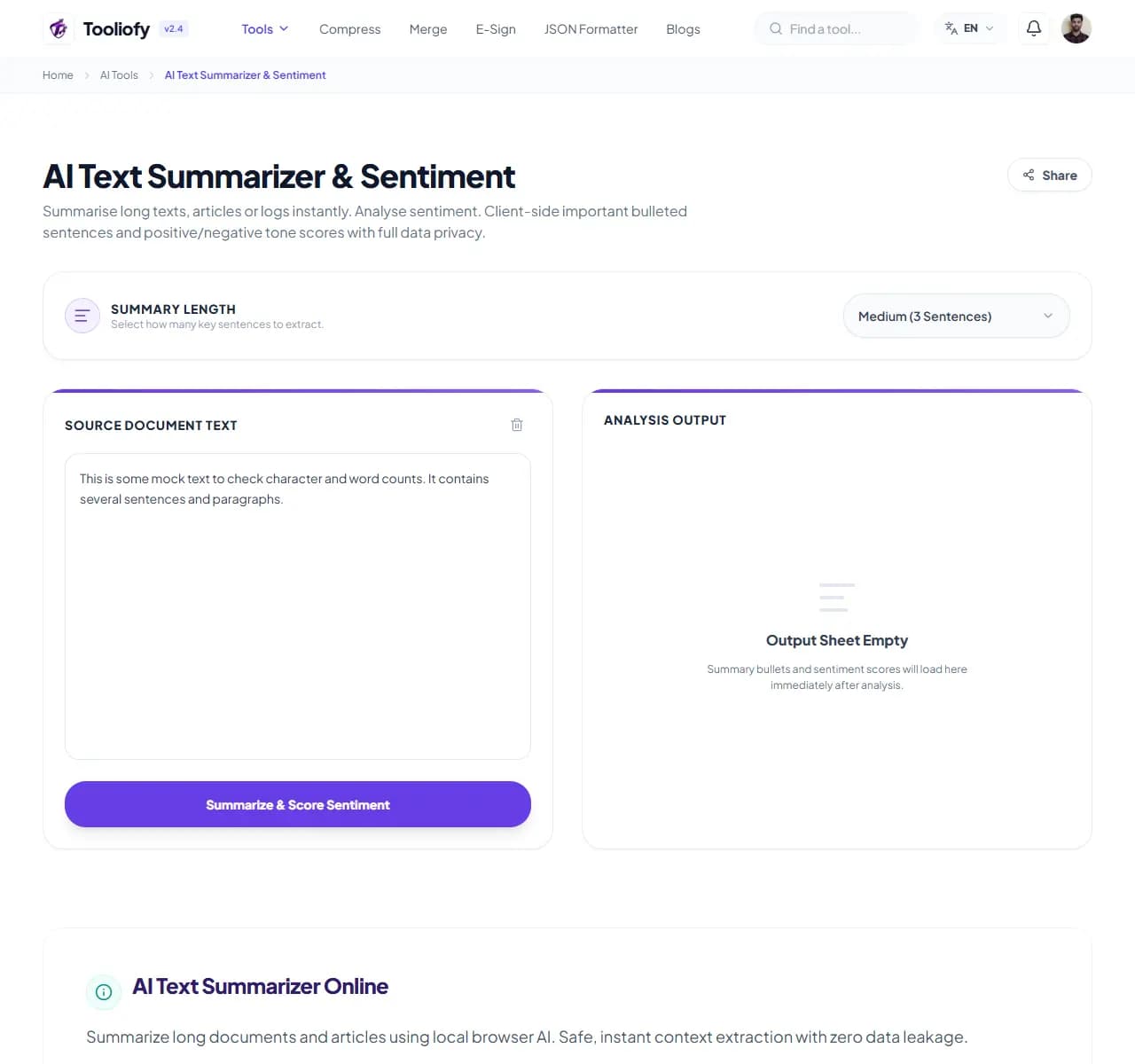
2. Processing
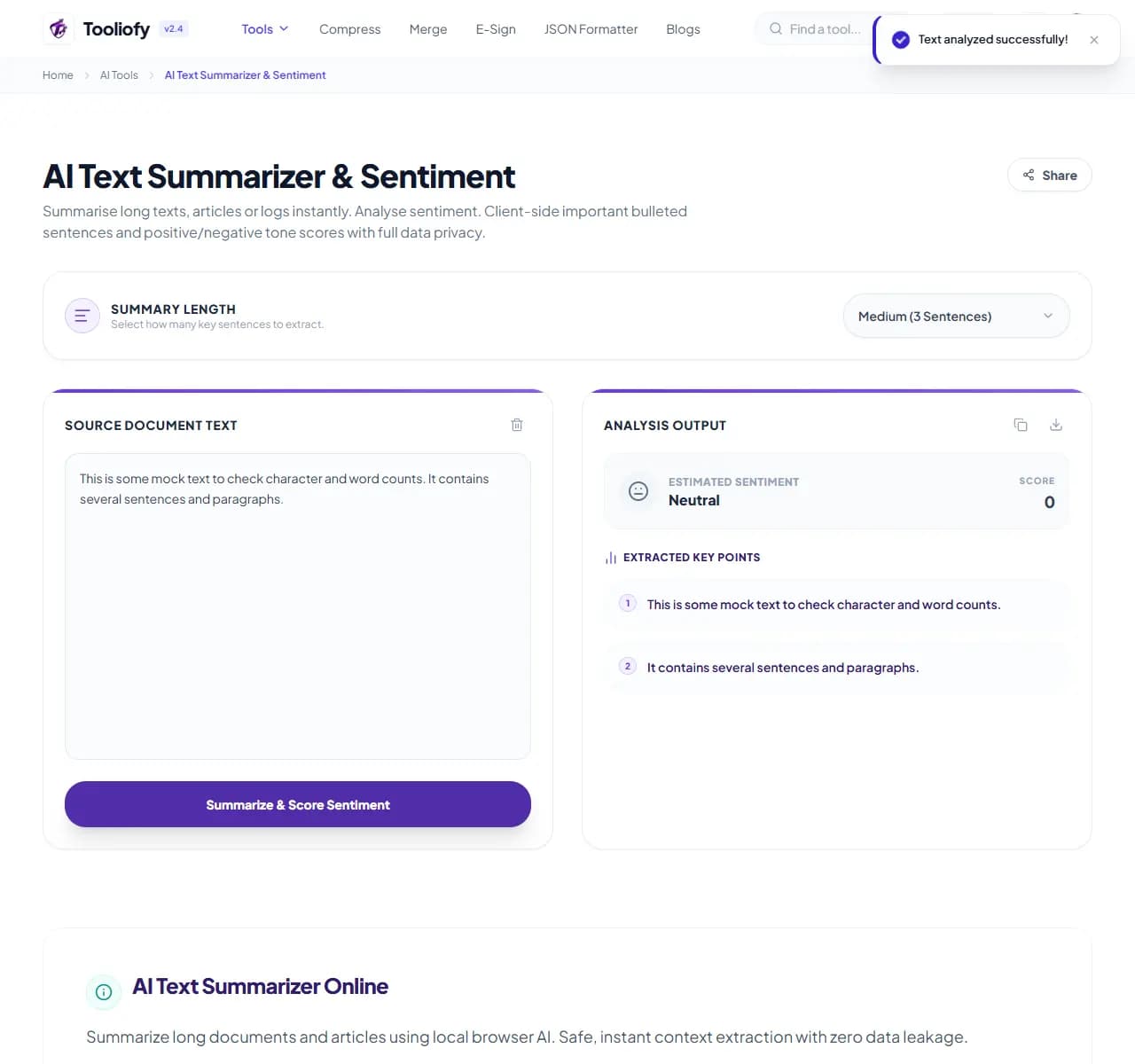
3. Download File
What AI Text Summarizer & Sentiment helps with
AI Text Summarizer & Sentiment keeps the workflow for summarizing long text into shorter notes plain. The important setting is visible, and the output is ready for a human check.
Why this small task matters
AI Text Summarizer & Sentiment is useful when you need to finish the ai text summarizer task and want the important controls in one place.
How the tool handles it
AI Text Summarizer & Sentiment keeps summarizing long text into shorter notes on one page, with the important controls close to the result.
AI Text Summarizer & Sentiment: quick check
AI Text Summarizer & Sentiment is easiest when the input is already close to ready. Run the step to summarize long text into shorter notes, scan the result, and save only the version that fits.
Works well when
Turning long notes into a shorter first draft. Reviewing the main points before you rewrite or share them. Using AI Text Summarizer & Sentiment when you can compare the result with the source.
Use another route if
The result will be used as official advice without review. The text or file contains private contracts, passwords, medical details, or customer data.
One thing to avoid
Accepting a summary without checking the source. Letting names, dates, or promises change during rewriting.
Before you download
Rewrite anything that sounds too generic for your use case. Compare the output with the source. Check names, numbers, dates, and claims.
Supported Formats
Common ways to use it
- Legal assistants pulling critical argument pointers from raw contract case briefs safely
- Business analysts condensing private corporate financial statements into executive overview tabs
- Researchers parsing long-form digital articles into concise data reference matrices
- Summarizing proprietary code notes securely on restricted enterprise networks
What makes it helpful
- Ensures total data confidentiality for internal company logs and copy texts
- Eliminates subscription usage limits or third-party cloud API fees completely
- Delivers high-speed context mapping without network upload latency steps
- Works consistently across any device platform with a modern web browser setup
Options included
- Summarizes long text into shorter, plain-language notes
- Rewrites key points rather than just copying sentences
- Set how long or short you want the output
- Works on articles, reports, emails, and notes
- Processes in your browser - your text is never stored or shared
"Use AI Text Summarizer & Sentiment when you want to summarize long text into shorter notes plainly, with enough control to catch problems before the file leaves your hands."

More AI Tools
AI Document OCR
AI Document OCR helps when the next step is simple: handle this ai document ocr task. It is built for quick fixes, checks, and downloads.
AI Background Image Remover
Open AI Background Image Remover when your image needs one clear change. The tool keeps the process short and the transparent image easy to inspect.
AI Image Upscaler
Use AI Image Upscaler when you need to make a small image easier to use at a larger size. Add the image, choose the option that matters, and review the larger image.
AI Color Palette Solver
Use AI Color Palette Solver when you need to turn an idea or image into reusable colors. Add the prompt or image, choose the option that matters, and review the color palette.
Image Compressor
Image Compressor helps you reduce file size. It keeps the page focused on that one job, so you can check the smaller file without opening a larger app.
Image Resizer
Open Image Resizer when your image needs one clear change. The tool keeps the process short and the resized image easy to inspect.
Explore Other Categories
 19 Tools
PDF & Documents
Explore our pdf & documents and start processing your files securely.
 58 Tools
Image Tools
Explore our image tools and start processing your files securely.
 24 Tools
Text Utilities
Explore our text utilities and start processing your files securely.
 10 Tools
Developer Tools
Explore our developer tools and start processing your files securely.
Can't find a specific tool?
We are constantly adding new features based on user feedback. Tell us what you need and we will implement it immediately!