
Image Rotator / Flipper
Image Rotator / Flipper helps when the next step is simple: fix direction, orientation, or mirror view. It is built for quick fixes, checks, and downloads.

Rotate & Flip Images Online
Image Rotator / Flipper helps you fix orientation without opening a larger app. Add your input, check the result, and save it when it looks right.
How to Use This Tool
1. Select File
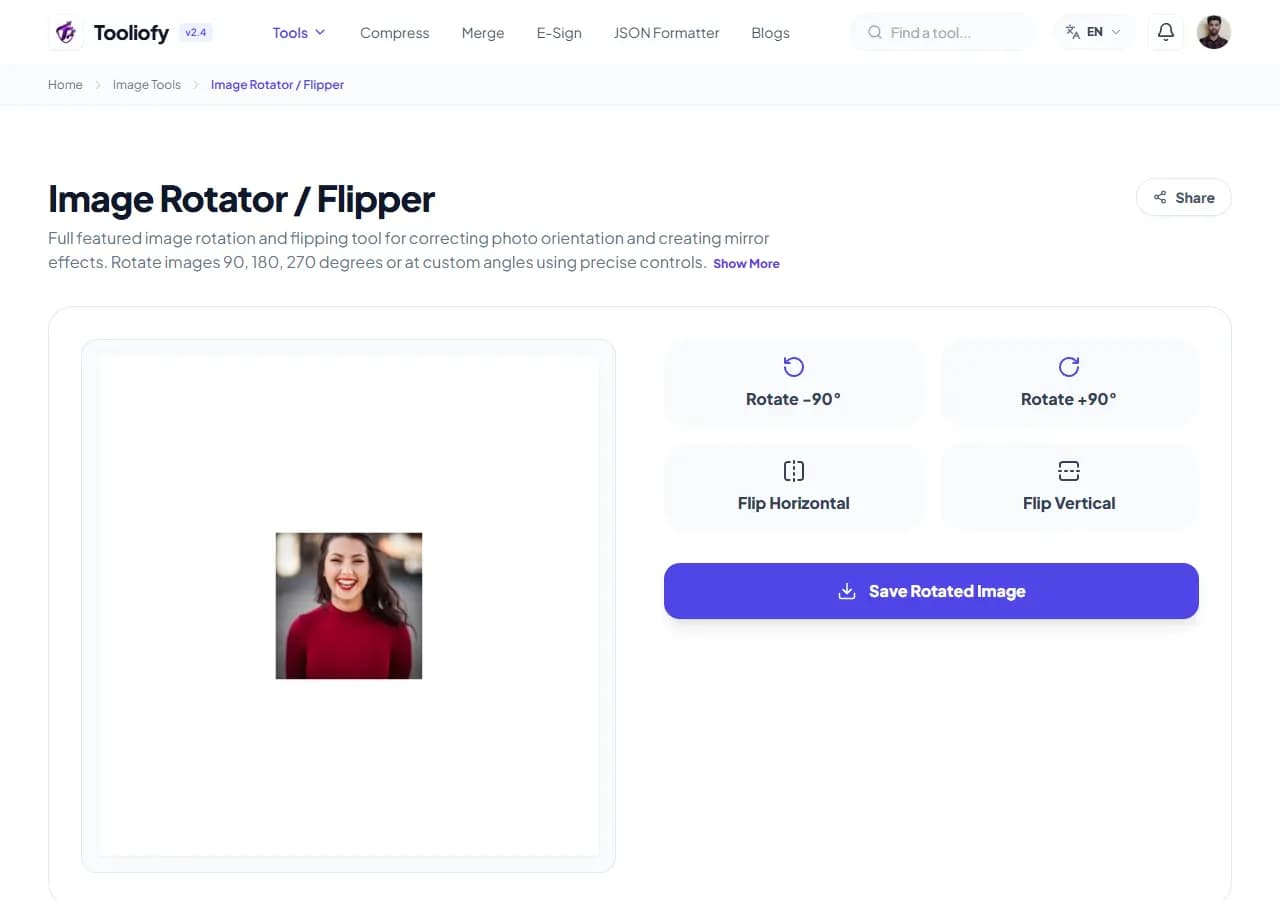
2. Processing
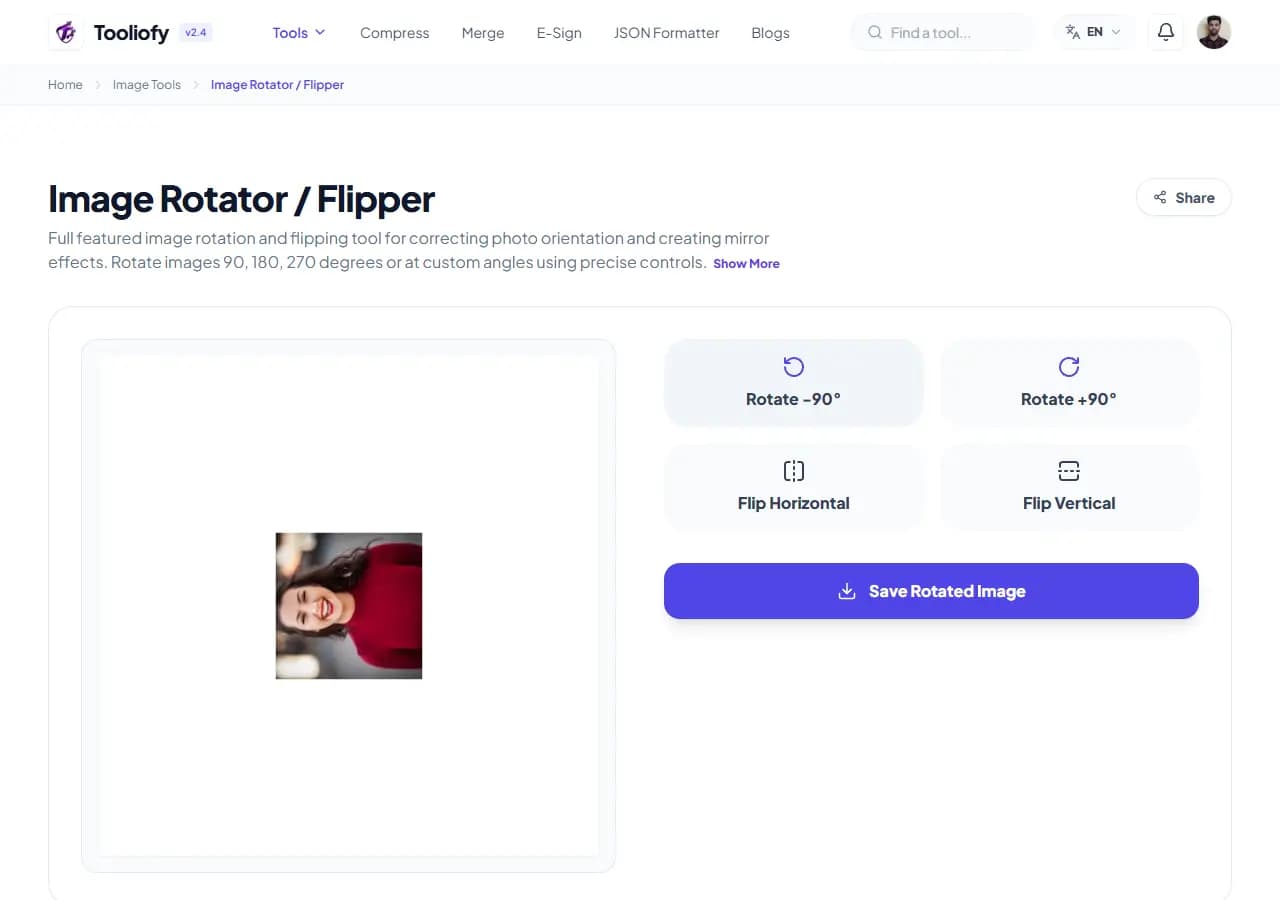
3. Download File
What Image Rotator / Flipper changes
Image Rotator / Flipper is for the common moment when you have to fix rotation, direction, or mirror view. The page keeps the fix understandable from start to finish.
Why the image result matters
Photos and scans often arrive sideways, upside down, or mirrored. Image Rotator / Flipper keeps that fix in one place so the job does not grow larger than it needs to be.
How your image is processed
Image Rotator / Flipper applies the visible image setting to fix rotation, direction, or mirror view, then lets you preview the changed picture before replacing the original.
Image Rotator / Flipper: quick check
With Image Rotator / Flipper, start small: use one file, sample, or value before trusting the final result. That is especially useful when you need to fix rotation, direction, or mirror view.
Works well when
Standardizing photo orientation for consistent listings. Fixing sideways smartphone snapshots. Using Image Rotator / Flipper when an image is close to ready but needs one change.
Use another route if
The photo contains private faces, addresses, or screens you have not reviewed. The original image is already too blurry to rescue.
Before you download
Keep the original if the image will be published. Zoom in and inspect edges, text, and transparency. Check the final format and file size.
Good times to use Image Rotator / Flipper
- Fixing sideways smartphone snapshots
- Straightening scanned documents for easy reading
- Creating creative mirror designs and layouts
- Standardizing photo orientation for consistent listings
- Correcting upside-down screenshots
What you get
- Quick rotation and flipping
- Keeps your original colors true to life
- Easy, clutter-free controls
- Completely free, with no sign-up required
- Your files are wiped clean the moment you finish
Image options included
- Rotate by 90, 180, or 270 degrees
- Flip horizontally for a mirror effect
- Flip vertically to fix upside-down shots
- Batch process multiple images at once
- See changes quickly with real-time previews
- Fully preserves your image transparency
- No server uploads; your privacy stays protected
"Image Rotator / Flipper gives you a practical way to fix rotation, direction, or mirror view, especially when speed matters but the final check still matters too."

More Image Tools
Image Compressor
Image Compressor helps you reduce file size. It keeps the page focused on that one job, so you can check the smaller file without opening a larger app.
Image Resizer
Open Image Resizer when your image needs one clear change. The tool keeps the process short and the resized image easy to inspect.
Image Cropper
Image Cropper helps when the next step is simple: keep the important area and remove the rest. It is built for quick fixes, checks, and downloads.
Universal Image Converter
Open Universal Image Converter when your file needs one clear change. The tool keeps the process short and the converted file easy to inspect.
JPG/JPEG Converter
Use JPG/JPEG Converter when you need to change the file into a format that is easier to open or share. Add the file, choose the option that matters, and review the converted file.
PNG Converter
Use PNG Converter when you need to change the file into a format that is easier to open or share. Add the file, choose the option that matters, and review the converted file.
Explore Other Categories
 19 Tools
PDF & Documents
Explore our pdf & documents and start processing your files securely.
 5 Tools
AI Tools
Explore our ai tools and start processing your files securely.
 24 Tools
Text Utilities
Explore our text utilities and start processing your files securely.
 10 Tools
Developer Tools
Explore our developer tools and start processing your files securely.
Can't find a specific tool?
We are constantly adding new features based on user feedback. Tell us what you need and we will implement it immediately!