
PDF to Word
PDF to Word helps when the next step is simple: turn PDF files into Word. It is built for quick fixes, checks, and downloads.
Convert PDF to Word (DOCX)
Turn a PDF into a .docx you can edit in Microsoft Word, Google Docs, or LibreOffice - with paragraphs, headings, and tables reconstructed as editable elements rather than a picture of the page. Free, no email required, files auto-deleted after conversion.
How to Use This Tool
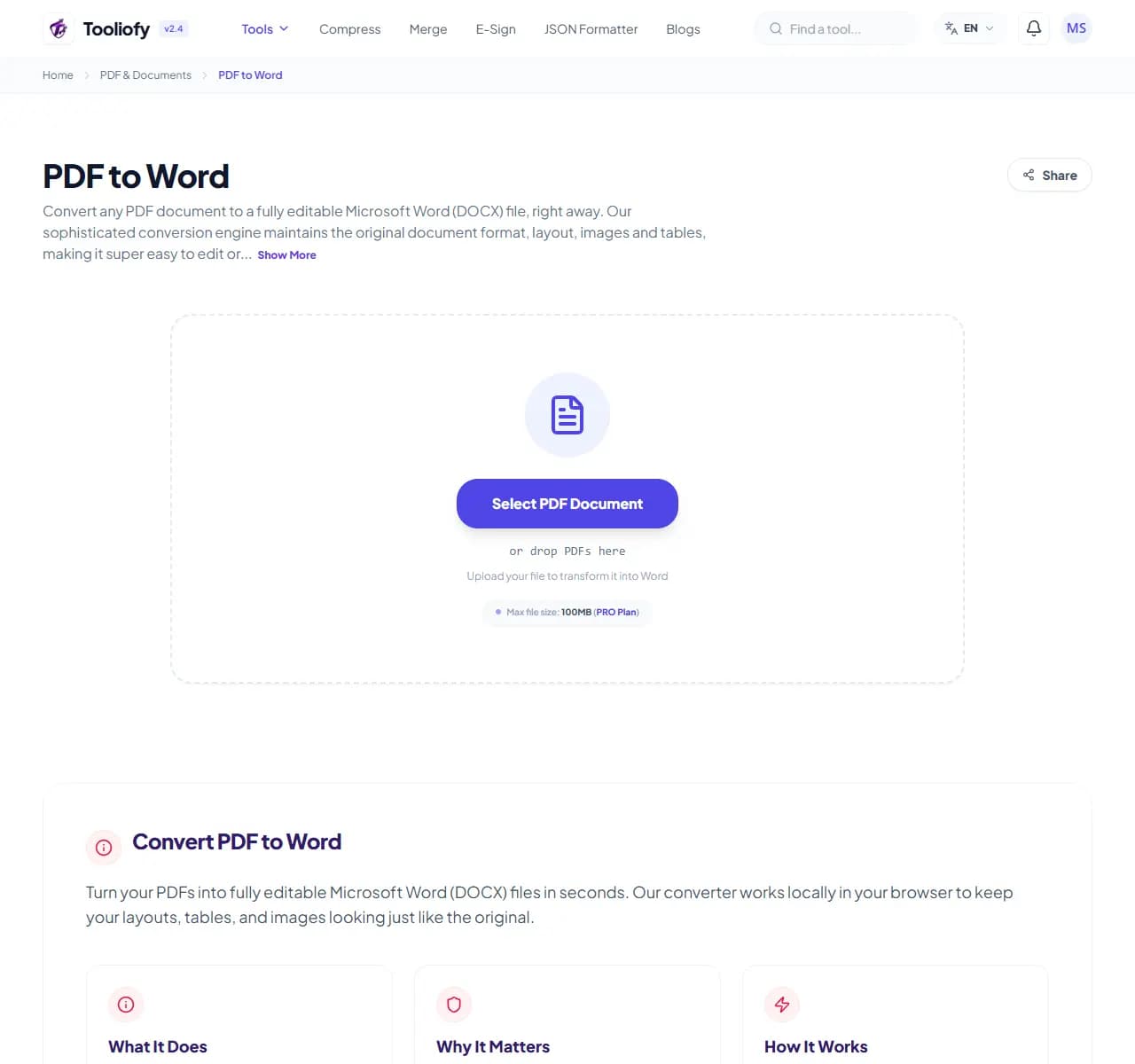
1. Select File
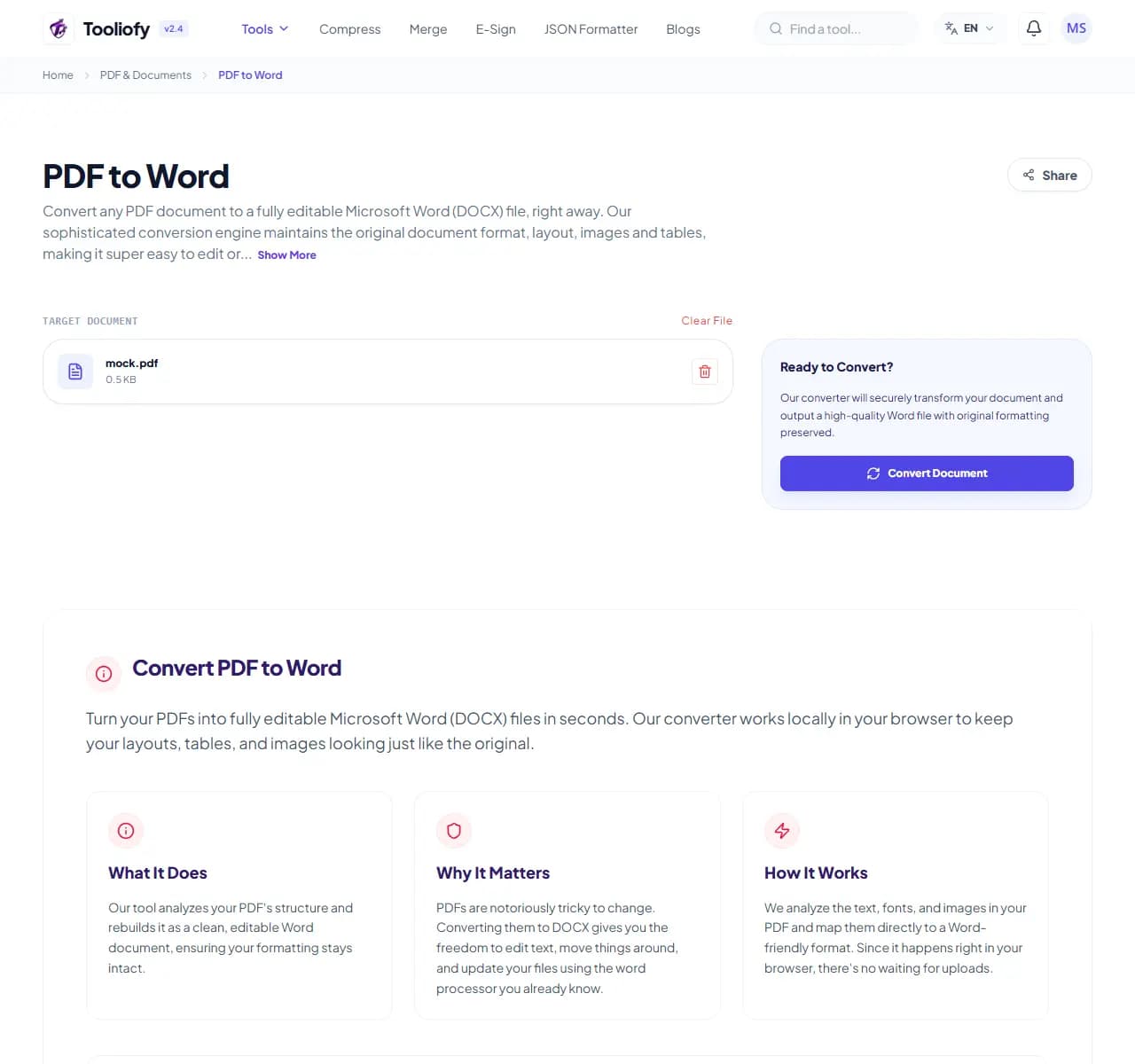
2. Processing
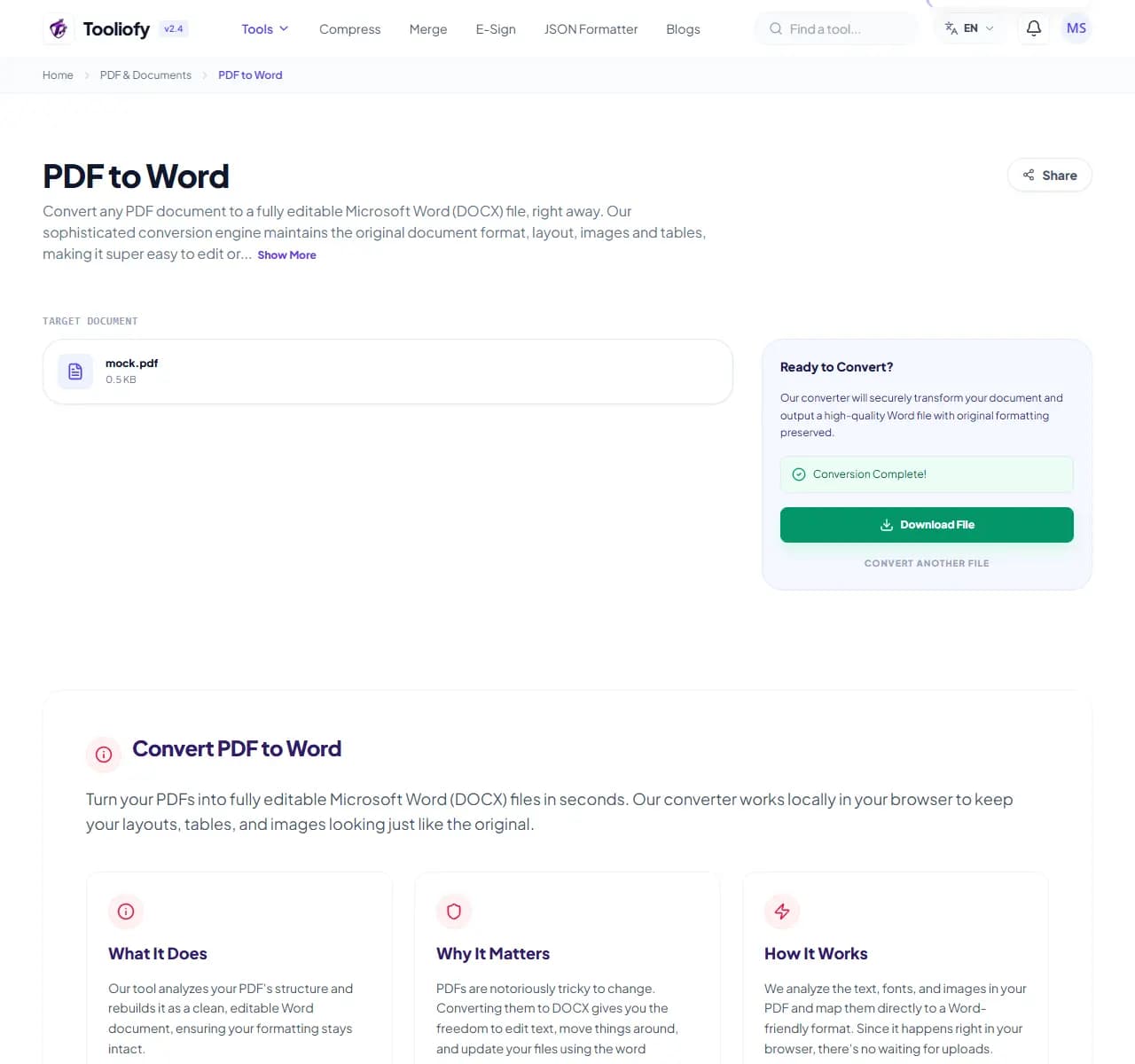
3. Download File
When PDF to Word helps
PDF is a print format; Word is an editing format. Conversion quality depends on how the PDF was made: files exported from Word or Google Docs convert cleanly, multi-column magazine layouts may need column-order cleanup, and scanned documents contain no text at all - they need OCR first.
What you can do with PDF to Word
PDF to Word extracts the text, structure, and tables from a digital PDF and rebuilds them as an editable Word document, so you never retype a document again.
How the PDF is handled
Quick test before you convert: try selecting text in your PDF viewer. If you can highlight words, conversion will work well. If you can only draw a box, it's a scan - run it through AI Document OCR first, then convert.
Common PDF to Word tasks
- Editing a contract you only have as PDF
- Updating an old report whose Word original is lost
- Reusing tables from a PDF in a new document
- Fixing a typo in a letter before resending
- Converting an ebook chapter for quoting
Why this PDF tool is handy
- Skip retyping entirely
- Result is immediately usable for contracts, letters and reports
- Links stay clickable
- No page limits or watermarks
- Honest about limits: scans need OCR first
What is included
- Outputs standard .docx that opens everywhere
- Paragraphs, headings and tables become editable elements
- Hyperlinks carry over as clickable links
- No page limit
- Works with contracts, letters, reports, essays
- No email or account required
- Files deleted automatically after conversion
"If you can highlight text in your PDF, this converter will save you the retype. If you can't, it's a scan - OCR it first, then convert."

More PDF & Documents
Create PDF
Create PDF helps when the next step is simple: create a new PDF with text, images, shapes, pages, and signatures. It is built for quick fixes, checks, and downloads.
Word to PDF
Word to PDF helps when the next step is simple: turn Word files into PDF. It is built for quick fixes, checks, and downloads.
PDF to Excel
Open PDF to Excel when your PDF file needs one clear change. The tool keeps the process short and the Excel file easy to inspect.
Excel to PDF
Open Excel to PDF when your Excel file needs one clear change. The tool keeps the process short and the PDF file easy to inspect.
PDF Merge
PDF Merge helps when the next step is simple: combine separate files into one ordered result. It is built for quick fixes, checks, and downloads.
PDF Split
PDF Split helps when the next step is simple: pull out only the pages you need. It is built for quick fixes, checks, and downloads.
Explore Other Categories
 5 Tools
AI Tools
Explore our ai tools and start processing your files securely.
 58 Tools
Image Tools
Explore our image tools and start processing your files securely.
 24 Tools
Text Utilities
Explore our text utilities and start processing your files securely.
 10 Tools
Developer Tools
Explore our developer tools and start processing your files securely.
Can't find a specific tool?
We are constantly adding new features based on user feedback. Tell us what you need and we will implement it immediately!