
Free Image Tools to Resize, Compress, Crop, Convert, and Edit Pictures
Prepare images for the place they need to go: websites, upload forms, email, product pages, documents, or social posts.


Drag slider to view transparency comparison
All Image Tools
58 ToolsImage Compressor
Image Compressor helps you reduce file size. It keeps the page focused on that one job, so you can check the smaller file without opening a larger app.
Image Resizer
Open Image Resizer when your image needs one clear change. The tool keeps the process short and the resized image easy to inspect.
Image Cropper
Image Cropper helps when the next step is simple: keep the important area and remove the rest. It is built for quick fixes, checks, and downloads.
Image Rotator / Flipper
Image Rotator / Flipper helps when the next step is simple: fix direction, orientation, or mirror view. It is built for quick fixes, checks, and downloads.
Universal Image Converter
Open Universal Image Converter when your file needs one clear change. The tool keeps the process short and the converted file easy to inspect.
JPG/JPEG Converter
Use JPG/JPEG Converter when you need to change the file into a format that is easier to open or share. Add the file, choose the option that matters, and review the converted file.
PNG Converter
Use PNG Converter when you need to change the file into a format that is easier to open or share. Add the file, choose the option that matters, and review the converted file.
BMP Converter
Open BMP Converter when your file needs one clear change. The tool keeps the process short and the converted file easy to inspect.
GIF Converter
GIF Converter helps when the next step is simple: change the file into a format that is easier to open or share. It is built for quick fixes, checks, and downloads.
TIFF / TIF Converter
Use TIFF / TIF Converter when you need to change the file into a format that is easier to open or share. Add the file, choose the option that matters, and review the converted file.
WebP Converter
WebP Converter helps when the next step is simple: change the file into a format that is easier to open or share. It is built for quick fixes, checks, and downloads.
SVG Converter
SVG Converter is for convert a file. It keeps the page focused on that one job, so you can check the converted file without opening a larger app.
ICO Converter
Open ICO Converter when your file needs one clear change. The tool keeps the process short and the converted file easy to inspect.
PS Converter
Open PS Converter when your file needs one clear change. The tool keeps the process short and the converted file easy to inspect.
AI Converter
AI Converter helps when the next step is simple: change the file into a format that is easier to open or share. It is built for quick fixes, checks, and downloads.
HEIC Converter
Use HEIC Converter when you need to change the file into a format that is easier to open or share. Add the file, choose the option that matters, and review the converted file.
HEIF Converter
HEIF Converter is for convert a file. It keeps the page focused on that one job, so you can check the converted file without opening a larger app.
AVIF Converter
AVIF Converter helps when the next step is simple: change the file into a format that is easier to open or share. It is built for quick fixes, checks, and downloads.
JPEG XL Converter
JPEG XL Converter helps when the next step is simple: change the file into a format that is easier to open or share. It is built for quick fixes, checks, and downloads.
JFIF Converter
Open JFIF Converter when your file needs one clear change. The tool keeps the process short and the converted file easy to inspect.
ODD Converter
Open ODD Converter when your file needs one clear change. The tool keeps the process short and the converted file easy to inspect.
CR2 (Canon) Converter
Open CR2 (Canon) Converter when your file needs one clear change. The tool keeps the process short and the converted file easy to inspect.
CR3 (Canon) Converter
CR3 (Canon) Converter is for convert a file. It keeps the page focused on that one job, so you can check the converted file without opening a larger app.
CRW (Canon) Converter
CRW (Canon) Converter is for convert a file. It keeps the page focused on that one job, so you can check the converted file without opening a larger app.
NEF (Nikon) Converter
Use NEF (Nikon) Converter when you need to change the file into a format that is easier to open or share. Add the file, choose the option that matters, and review the converted file.
NRW (Nikon) Converter
Open NRW (Nikon) Converter when your file needs one clear change. The tool keeps the process short and the converted file easy to inspect.
ARW (Sony) Converter
ARW (Sony) Converter helps when the next step is simple: change the file into a format that is easier to open or share. It is built for quick fixes, checks, and downloads.
SRF (Sony) Converter
Open SRF (Sony) Converter when your file needs one clear change. The tool keeps the process short and the converted file easy to inspect.
SR2 (Sony) Converter
Open SR2 (Sony) Converter when your file needs one clear change. The tool keeps the process short and the converted file easy to inspect.
DNG Converter
Use DNG Converter when you need to change the file into a format that is easier to open or share. Add the file, choose the option that matters, and review the converted file.
ORF (Olympus) Converter
Open ORF (Olympus) Converter when your file needs one clear change. The tool keeps the process short and the converted file easy to inspect.
RW2 (Panasonic) Converter
Open RW2 (Panasonic) Converter when your file needs one clear change. The tool keeps the process short and the converted file easy to inspect.
RAF (Fujifilm) Converter
Use RAF (Fujifilm) Converter when you need to change the file into a format that is easier to open or share. Add the file, choose the option that matters, and review the converted file.
PEF (Pentax) Converter
Open PEF (Pentax) Converter when your file needs one clear change. The tool keeps the process short and the converted file easy to inspect.
RWL (Leica) Converter
Use RWL (Leica) Converter when you need to change the file into a format that is easier to open or share. Add the file, choose the option that matters, and review the converted file.
SRW (Samsung) Converter
SRW (Samsung) Converter is for convert a file. It keeps the page focused on that one job, so you can check the converted file without opening a larger app.
PSD (Photoshop) Converter
Open PSD (Photoshop) Converter when your file needs one clear change. The tool keeps the process short and the converted file easy to inspect.
PSB (Photoshop) Converter
Use PSB (Photoshop) Converter when you need to change the file into a format that is easier to open or share. Add the file, choose the option that matters, and review the converted file.
TGA Converter
TGA Converter is for convert a file. It keeps the page focused on that one job, so you can check the converted file without opening a larger app.
DIB Converter
Open DIB Converter when your file needs one clear change. The tool keeps the process short and the converted file easy to inspect.
DDS Converter
Open DDS Converter when your file needs one clear change. The tool keeps the process short and the converted file easy to inspect.
EPS Converter
EPS Converter is for convert a file. It keeps the page focused on that one job, so you can check the converted file without opening a larger app.
EMZ Converter
EMZ Converter is for convert a file. It keeps the page focused on that one job, so you can check the converted file without opening a larger app.
WMZ Converter
WMZ Converter helps when the next step is simple: change the file into a format that is easier to open or share. It is built for quick fixes, checks, and downloads.
DJVU Converter
Use DJVU Converter when you need to change the file into a format that is easier to open or share. Add the file, choose the option that matters, and review the converted file.
CBR Converter
Open CBR Converter when your file needs one clear change. The tool keeps the process short and the converted file easy to inspect.
CBZ Converter
Open CBZ Converter when your file needs one clear change. The tool keeps the process short and the converted file easy to inspect.
PPM Converter
Use PPM Converter when you need to change the file into a format that is easier to open or share. Add the file, choose the option that matters, and review the converted file.
PCX Converter
Open PCX Converter when your file needs one clear change. The tool keeps the process short and the converted file easy to inspect.
ART Converter
Open ART Converter when your file needs one clear change. The tool keeps the process short and the converted file easy to inspect.
DPX Converter
DPX Converter is for convert a file. It keeps the page focused on that one job, so you can check the converted file without opening a larger app.
Image Optimizer for Web
Image Optimizer for Web helps when the next step is simple: make the file smaller while keeping it usable. It is built for quick fixes, checks, and downloads.
Meme Generator
Open Meme Generator when your settings needs one clear change. The tool keeps the process short and the generated result easy to inspect.
Image Watermark
Use Image Watermark when you need to place text, a mark, or a logo on the file. Add the file, choose the option that matters, and review the watermarked file.
Image Metadata Viewer
Open Image Metadata Viewer when your file needs one clear change. The tool keeps the process short and the details report easy to inspect.
Image to PDF
Use Image to PDF when you need to turn Image files into PDF. Add the Image file, choose the option that matters, and review the PDF file.
GIF to Images
Use GIF to Images when you need to turn Gif files into Image. Add the Gif file, choose the option that matters, and review the Image file.
Batch Image Resizer
Batch Image Resizer helps when the next step is simple: change the width, height, or scale. It is built for quick fixes, checks, and downloads.
What does the image actually need?
A big image, a wrong file type, and a blurry-looking image are three different problems. Pick the tool by the problem first.
Checked by Tooliofy Team · June 22, 2026
Resize
The width or height is too large for a site, form, or profile.
Only the file size is too big.
Compress
The image looks fine, but it is too heavy to upload or load quickly.
The image is already low quality.
Convert
Another app needs PNG, JPG, WebP, SVG, or another format.
You are hoping a format change will add missing detail.
Image privacy note: Look for faces, addresses, screens, or private details before editing an image online. Keep the original if it is for a client, product page, or official document.
The right image tool depends on where the image will be used
A product photo, screenshot, logo, and personal photo do not need the same settings. Decide the final use first, then resize, crop, convert, compress, or remove file details.
Resize before compressing
If a website only displays an image at 1200 pixels wide, resize it first. Compressing a huge original without resizing often keeps extra pixels nobody will see.
Do not use JPG for transparency
Logos, cutouts, stickers, and icons usually need PNG or WebP. Saving them as JPG fills transparent areas with a solid background.
Screenshots need gentler compression
Text in screenshots can become blurry fast. Use lighter compression for UI images, forms, receipts, and document screenshots.
Check hidden photo details before sharing
Some photos include camera details, timestamps, or location data. Remove file details before sending personal or client images.
Upscaling is not a magic fix
Upscaling can make a small image larger, but it cannot restore details that were never captured. For print or product pages, use the best original you have.
Example: upload form rejects a photo
If a form rejects your photo, check three things before editing randomly: file size, pixel dimensions, and format. The fix may be resize, compress, or convert.
Resize vs compress
Resize changes the actual dimensions. Compress reduces file size. For a huge photo used on a website, resize first and compress after.
When not to use JPG
Avoid JPG for logos, icons, screenshots with sharp text, and transparent images. PNG or WebP usually keeps those cleaner.
Why file details matter
Photos can include location, camera model, and time information. That may be useful for personal archives, but not always safe for public sharing.
A simple quality check
Zoom into the final image before replacing the original. Check text, edges, transparency, colors, and whether compression made the image look dirty.
Pick the image tool by the final use
Start with where the image will appear.
Website image?
Resize to the display size, then compress.
Logo or cutout?
Use PNG or WebP so transparency stays intact.
Form rejected the file?
Check dimensions, format, and file size.
Personal photo?
Check and remove hidden file details before sharing.
Common image tasks
Resize a product photo for an online store.
Make a picture smaller before uploading it.
Crop a profile photo into a square.
Convert an image to WebP for a faster website.
Remove hidden location or camera details from a photo.
Explore Tools Visually
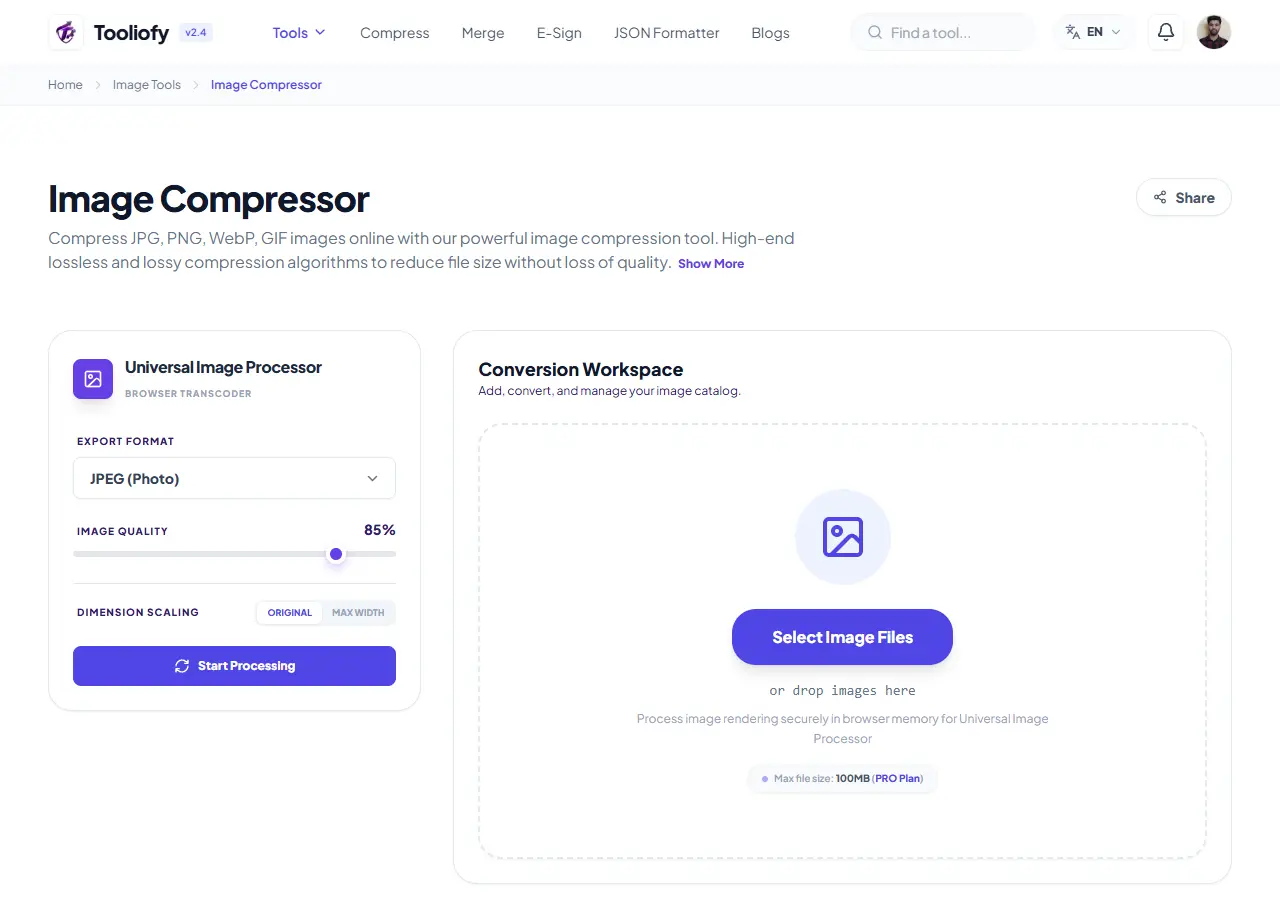
Image Compressor
Image Compressor helps you reduce file size. It keeps the page focused on that one job, so you can check the smaller file without opening a larger app.
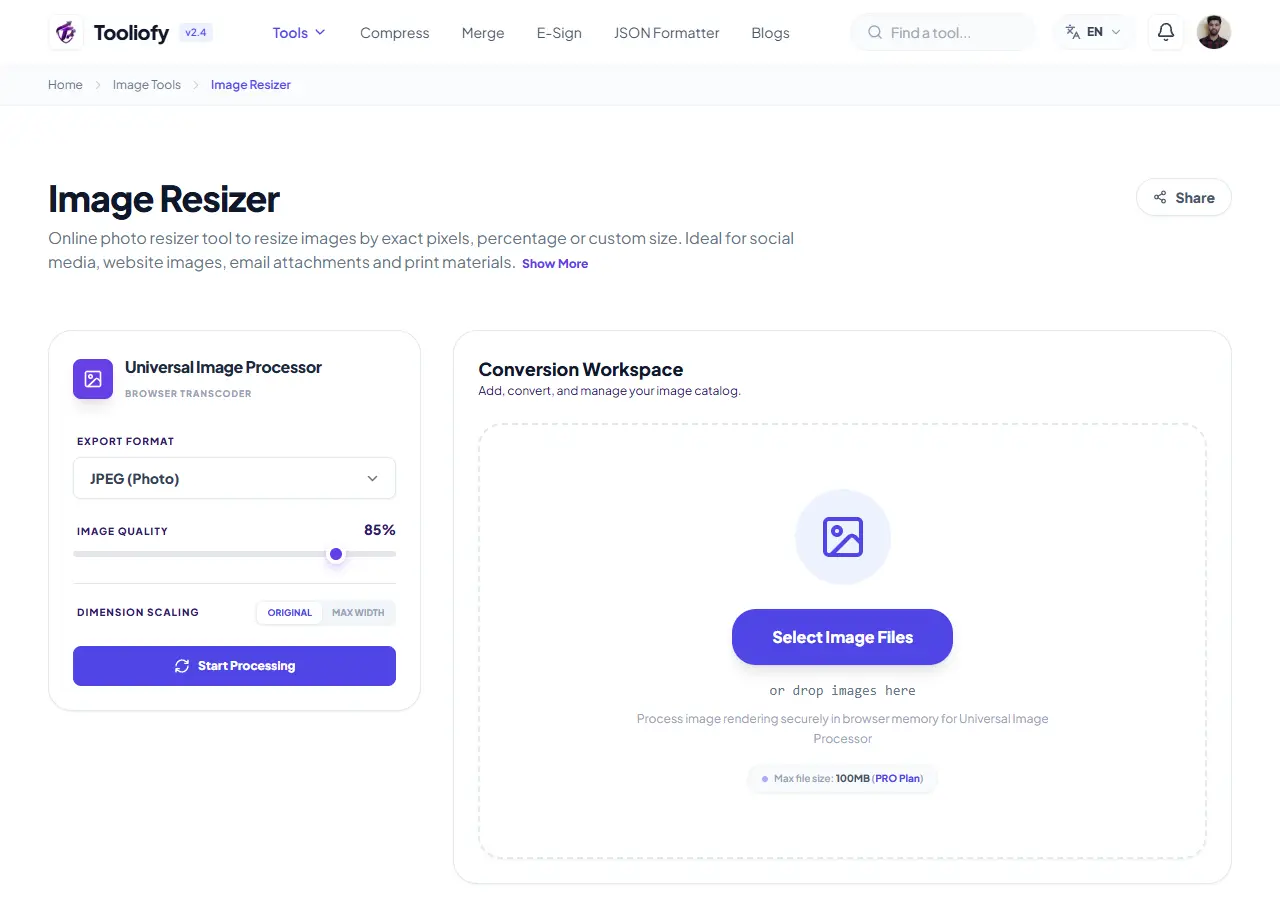
Image Resizer
Open Image Resizer when your image needs one clear change. The tool keeps the process short and the resized image easy to inspect.
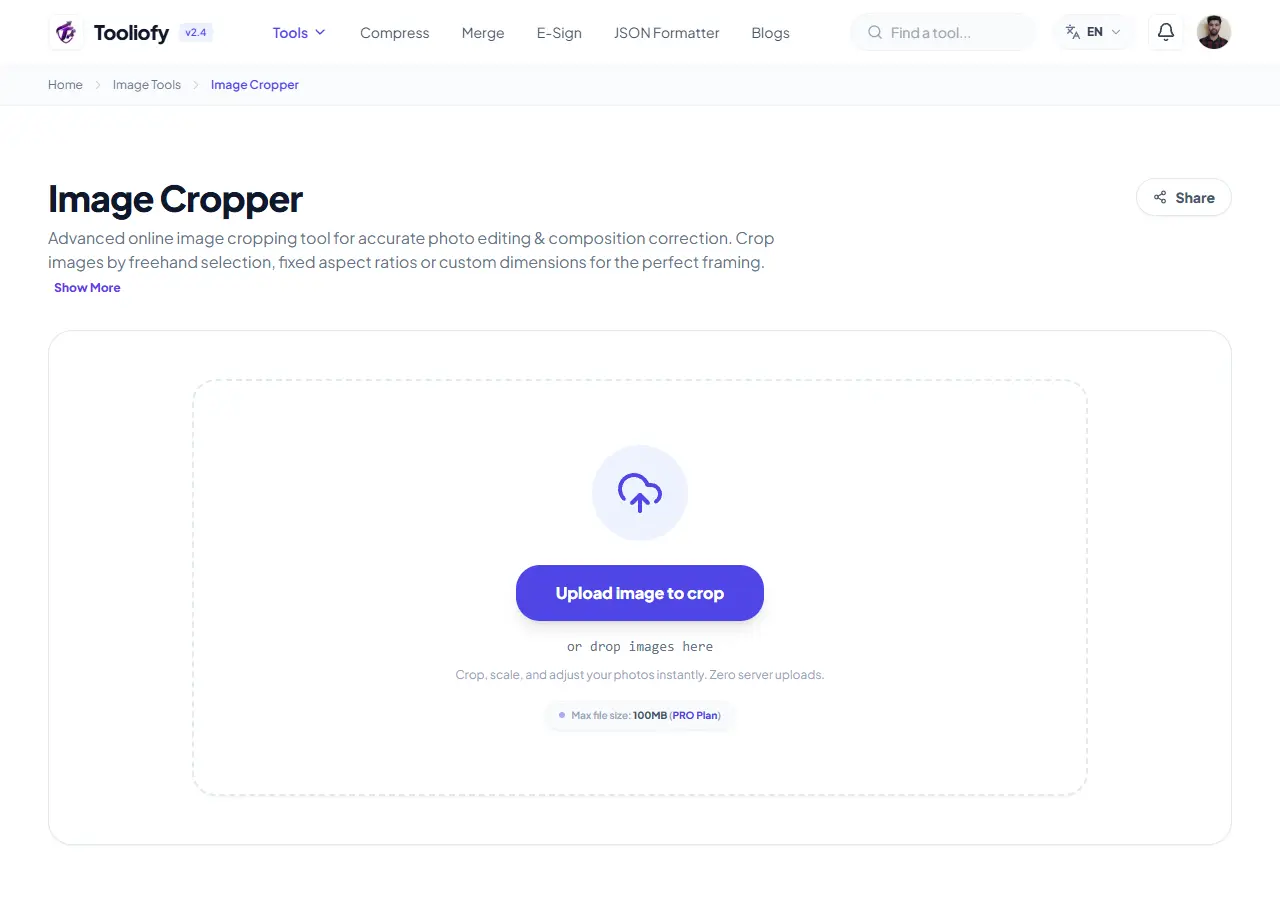
Image Cropper
Image Cropper helps when the next step is simple: keep the important area and remove the rest. It is built for quick fixes, checks, and downloads.
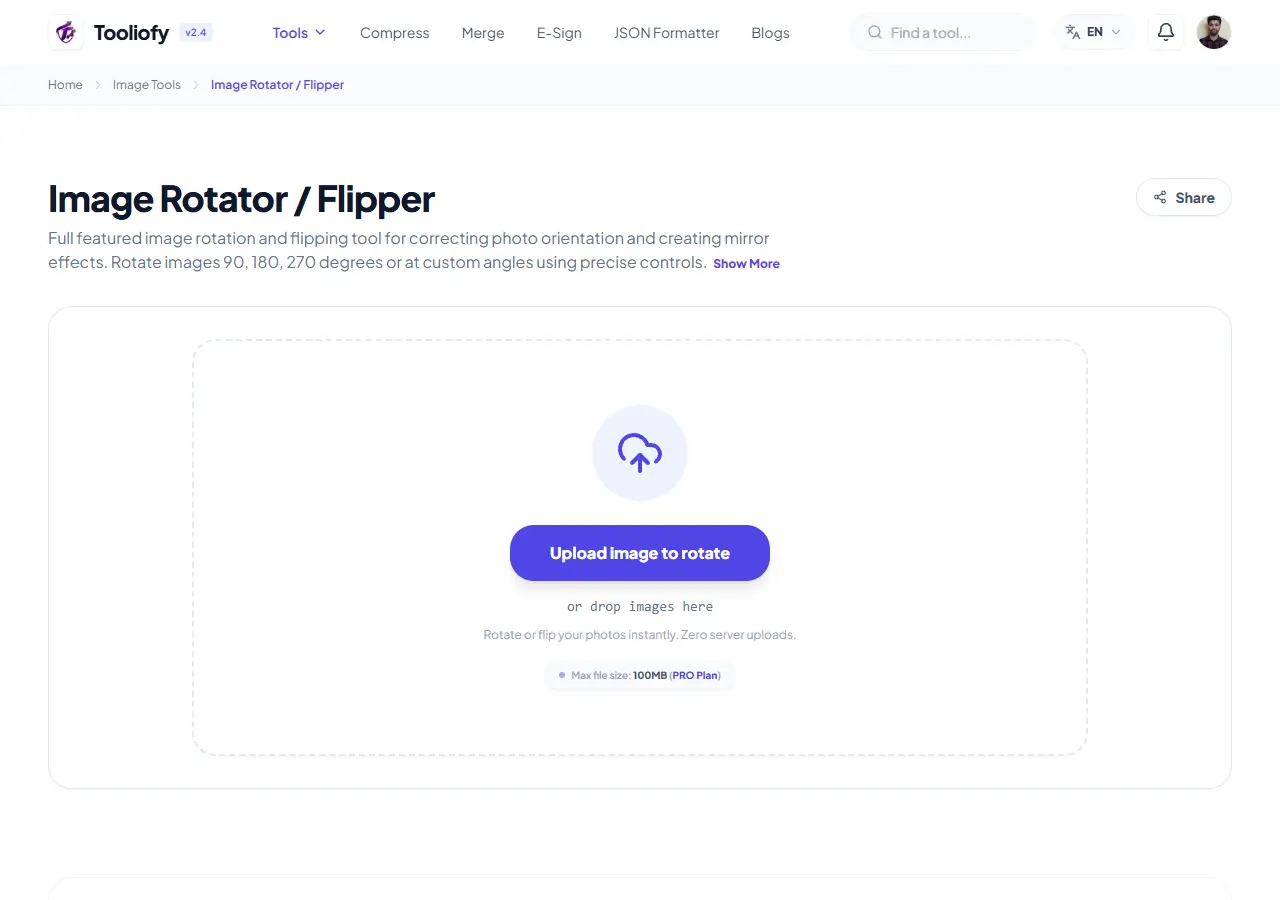
Image Rotator / Flipper
Image Rotator / Flipper helps when the next step is simple: fix direction, orientation, or mirror view. It is built for quick fixes, checks, and downloads.
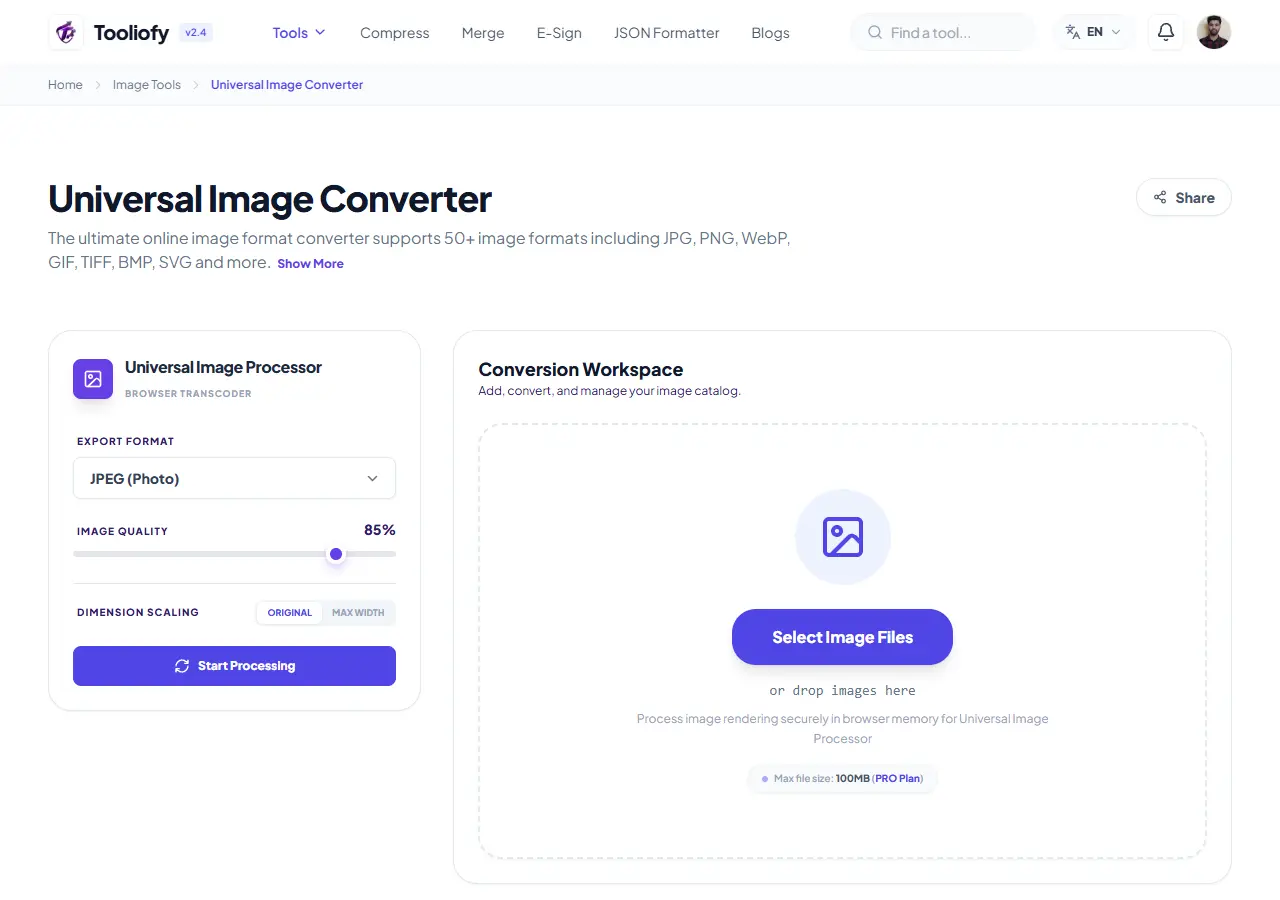
Universal Image Converter
Open Universal Image Converter when your file needs one clear change. The tool keeps the process short and the converted file easy to inspect.
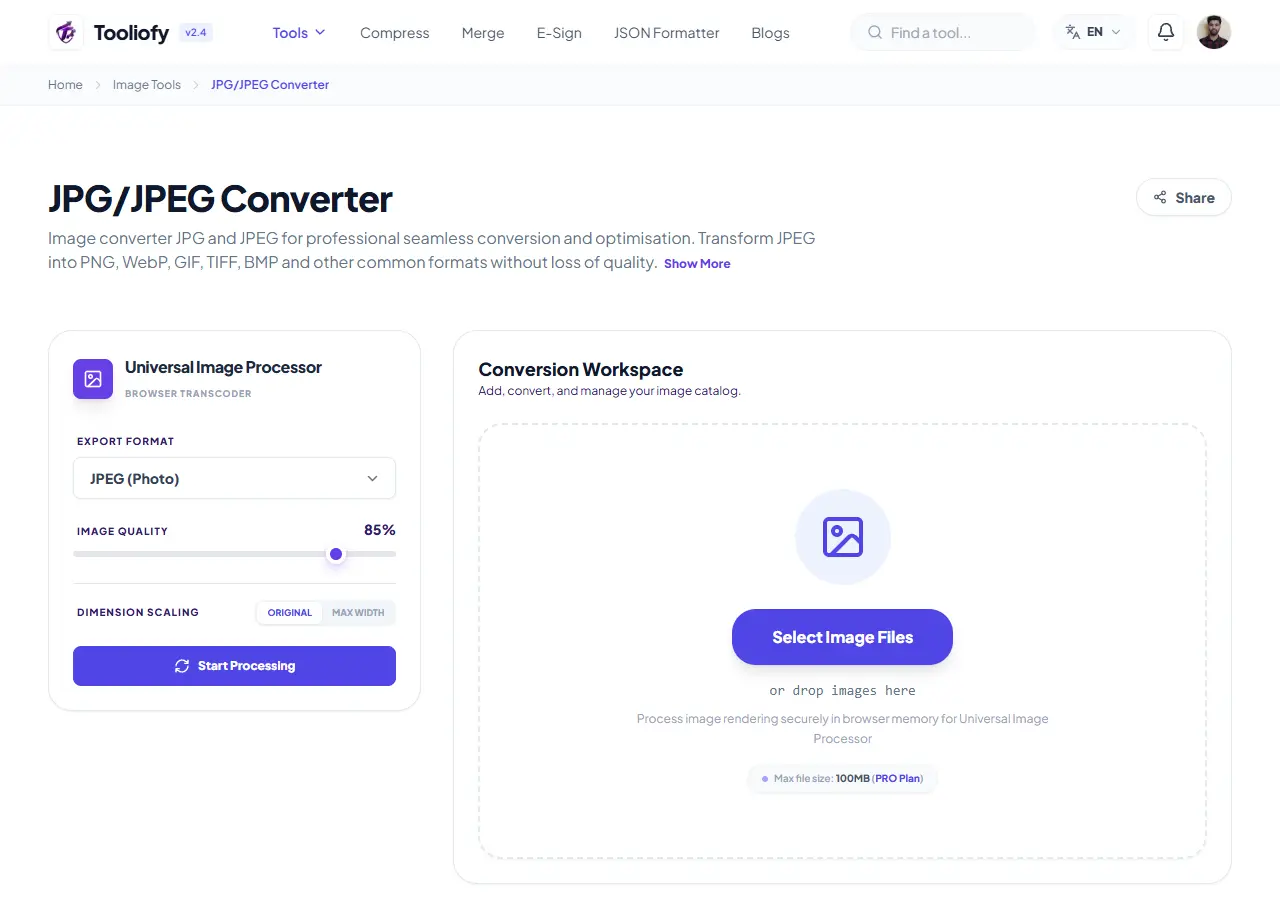
JPG/JPEG Converter
Use JPG/JPEG Converter when you need to change the file into a format that is easier to open or share. Add the file, choose the option that matters, and review the converted file.
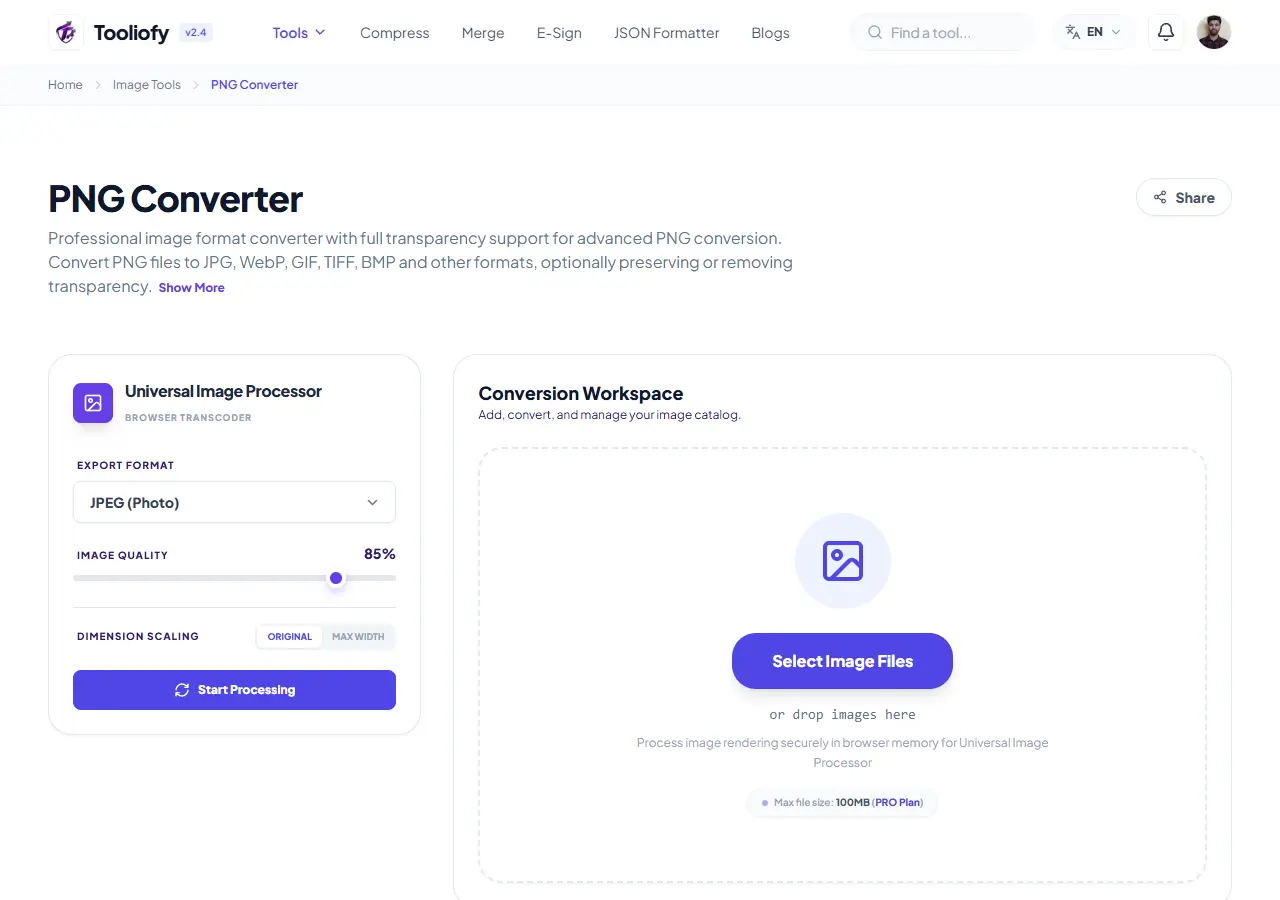
PNG Converter
Use PNG Converter when you need to change the file into a format that is easier to open or share. Add the file, choose the option that matters, and review the converted file.
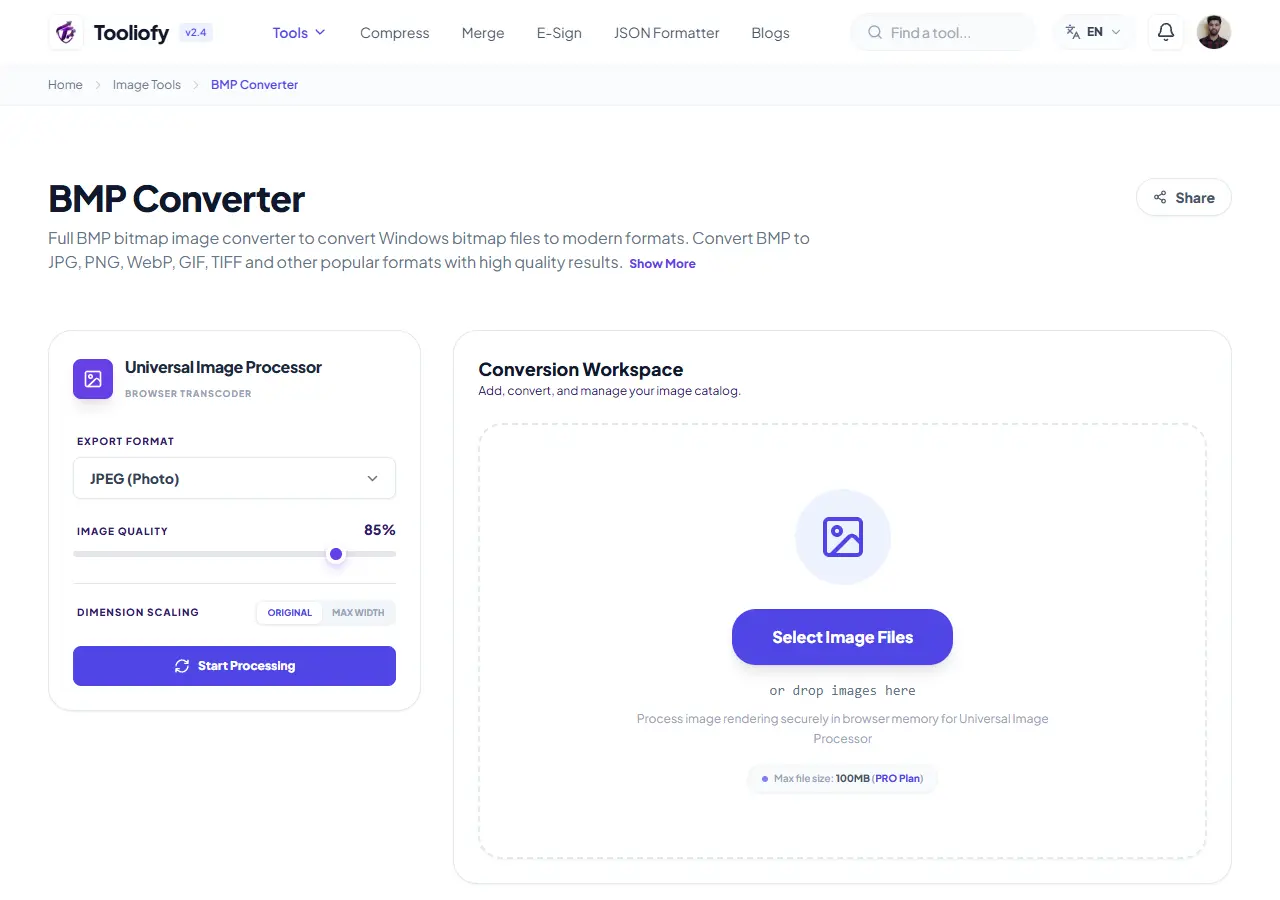
BMP Converter
Open BMP Converter when your file needs one clear change. The tool keeps the process short and the converted file easy to inspect.
GIF Converter
GIF Converter helps when the next step is simple: change the file into a format that is easier to open or share. It is built for quick fixes, checks, and downloads.
TIFF / TIF Converter
Use TIFF / TIF Converter when you need to change the file into a format that is easier to open or share. Add the file, choose the option that matters, and review the converted file.
WebP Converter
WebP Converter helps when the next step is simple: change the file into a format that is easier to open or share. It is built for quick fixes, checks, and downloads.
SVG Converter
SVG Converter is for convert a file. It keeps the page focused on that one job, so you can check the converted file without opening a larger app.
ICO Converter
Open ICO Converter when your file needs one clear change. The tool keeps the process short and the converted file easy to inspect.
PS Converter
Open PS Converter when your file needs one clear change. The tool keeps the process short and the converted file easy to inspect.
AI Converter
AI Converter helps when the next step is simple: change the file into a format that is easier to open or share. It is built for quick fixes, checks, and downloads.
HEIC Converter
Use HEIC Converter when you need to change the file into a format that is easier to open or share. Add the file, choose the option that matters, and review the converted file.
HEIF Converter
HEIF Converter is for convert a file. It keeps the page focused on that one job, so you can check the converted file without opening a larger app.
AVIF Converter
AVIF Converter helps when the next step is simple: change the file into a format that is easier to open or share. It is built for quick fixes, checks, and downloads.
JPEG XL Converter
JPEG XL Converter helps when the next step is simple: change the file into a format that is easier to open or share. It is built for quick fixes, checks, and downloads.
JFIF Converter
Open JFIF Converter when your file needs one clear change. The tool keeps the process short and the converted file easy to inspect.
ODD Converter
Open ODD Converter when your file needs one clear change. The tool keeps the process short and the converted file easy to inspect.
CR2 (Canon) Converter
Open CR2 (Canon) Converter when your file needs one clear change. The tool keeps the process short and the converted file easy to inspect.
CR3 (Canon) Converter
CR3 (Canon) Converter is for convert a file. It keeps the page focused on that one job, so you can check the converted file without opening a larger app.
CRW (Canon) Converter
CRW (Canon) Converter is for convert a file. It keeps the page focused on that one job, so you can check the converted file without opening a larger app.
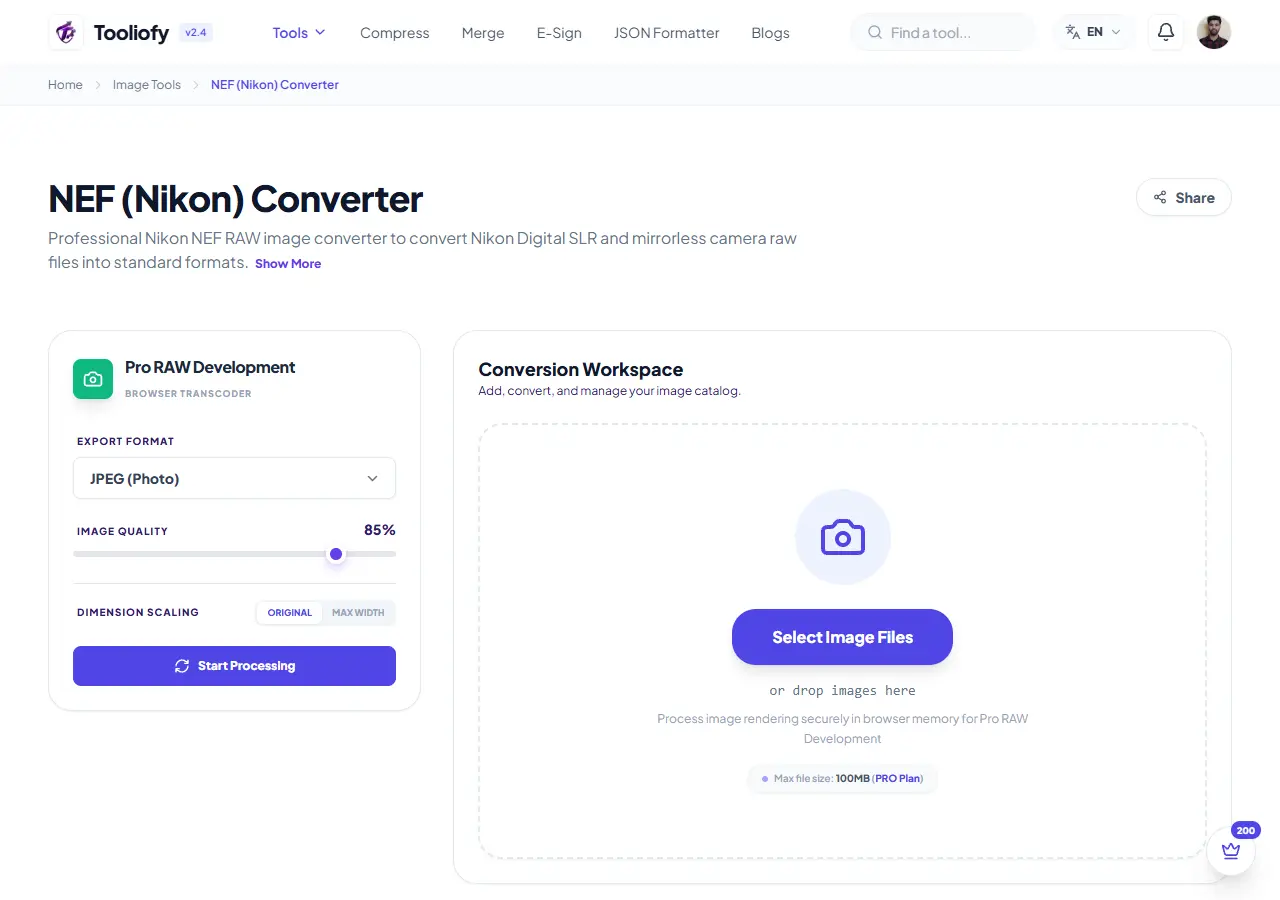
NEF (Nikon) Converter
Use NEF (Nikon) Converter when you need to change the file into a format that is easier to open or share. Add the file, choose the option that matters, and review the converted file.
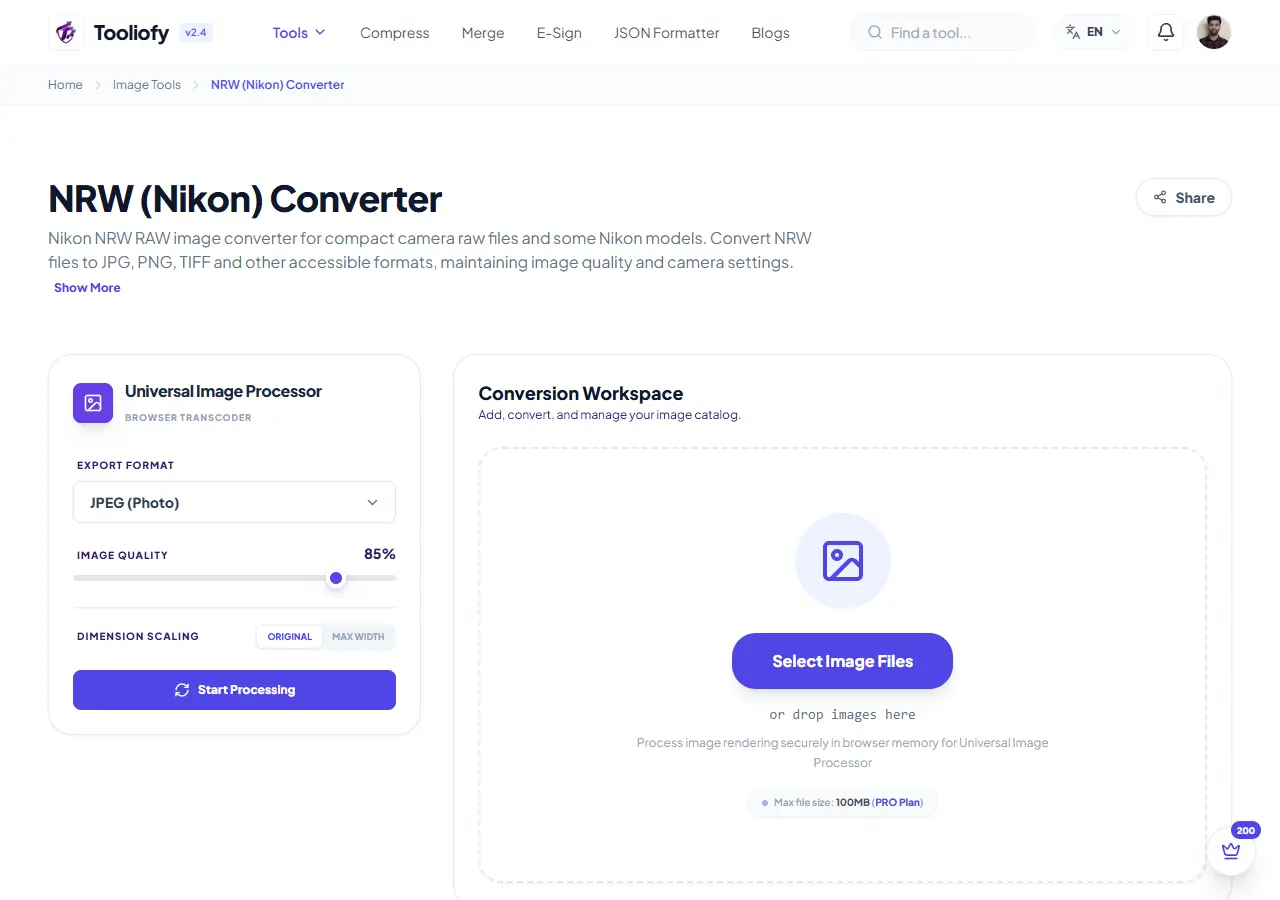
NRW (Nikon) Converter
Open NRW (Nikon) Converter when your file needs one clear change. The tool keeps the process short and the converted file easy to inspect.
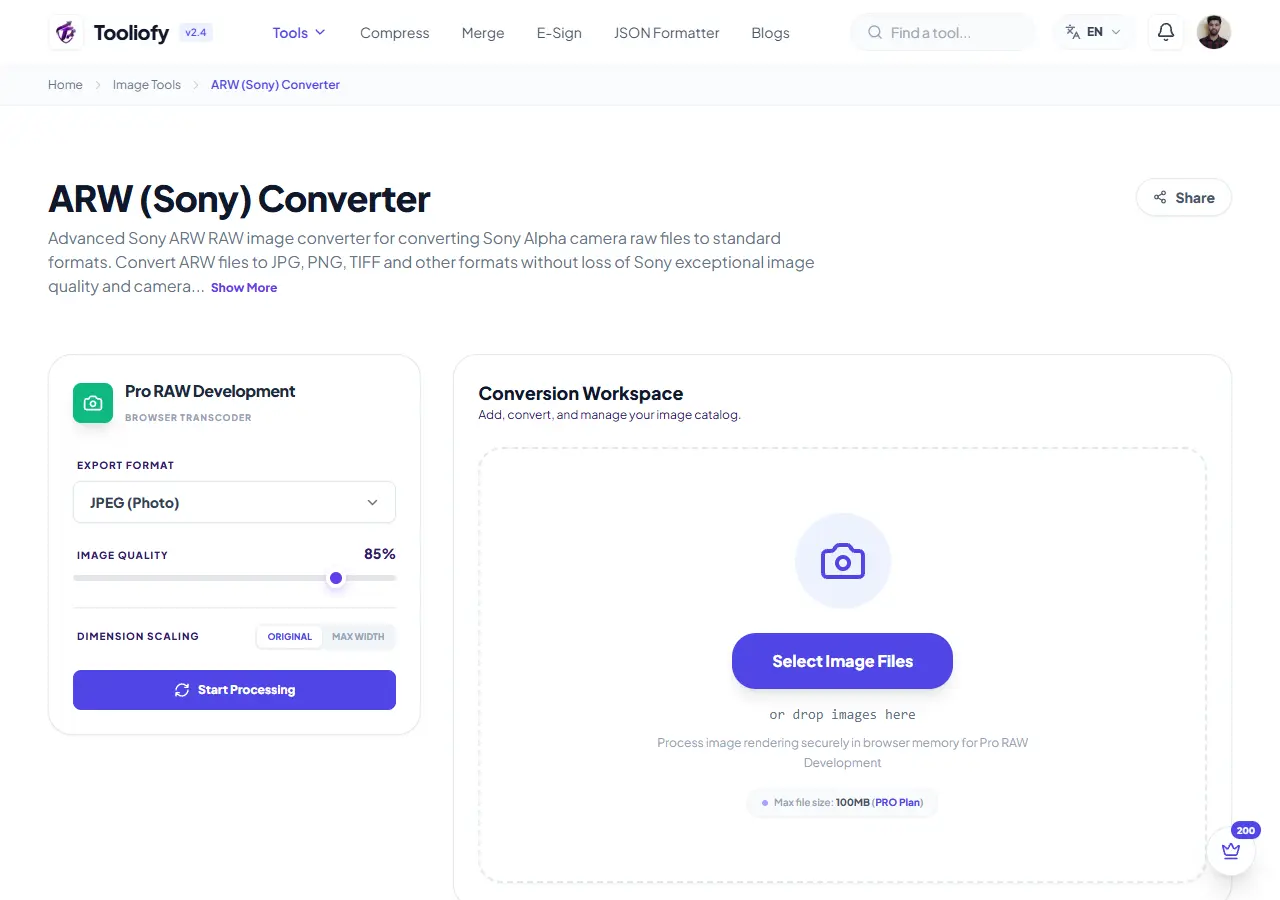
ARW (Sony) Converter
ARW (Sony) Converter helps when the next step is simple: change the file into a format that is easier to open or share. It is built for quick fixes, checks, and downloads.
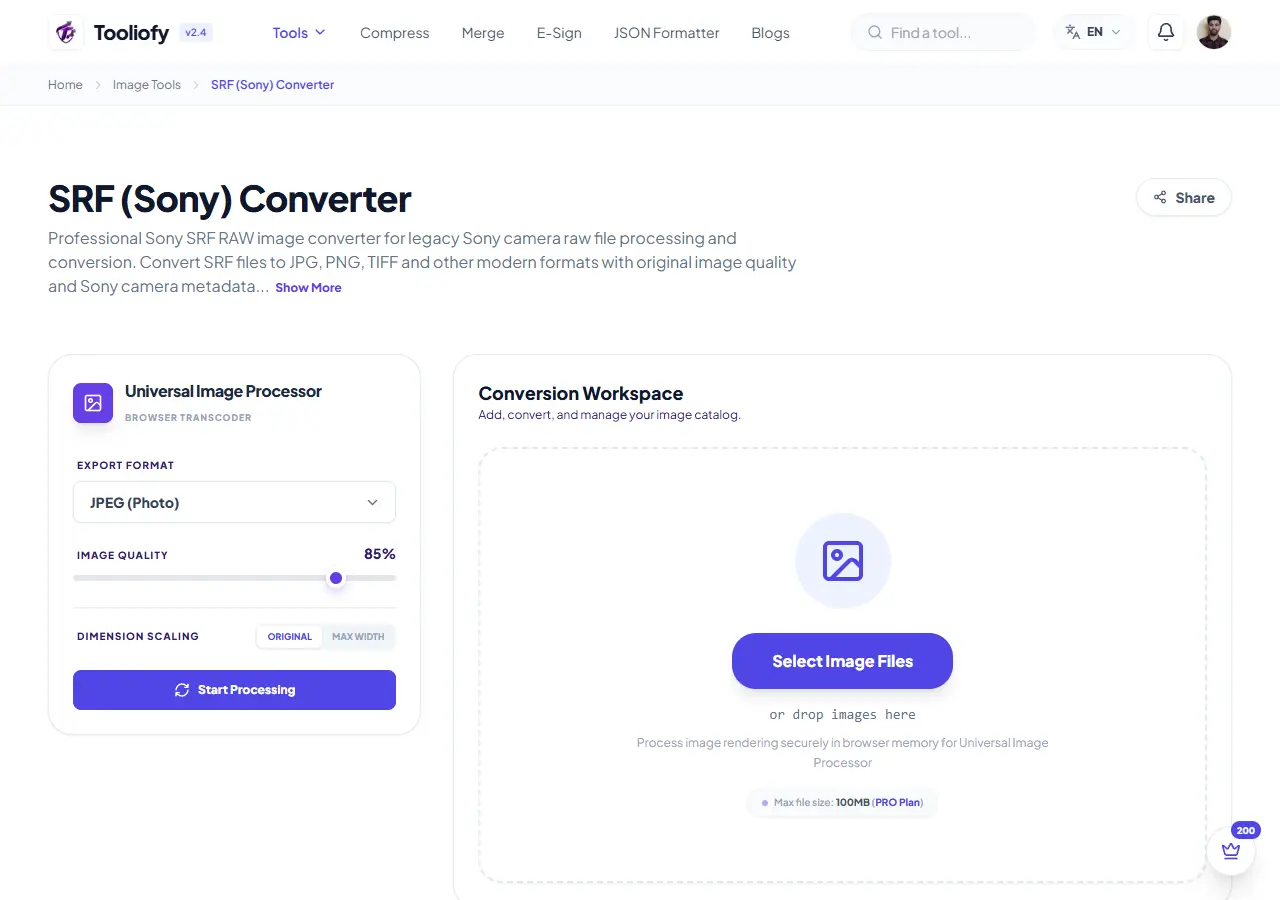
SRF (Sony) Converter
Open SRF (Sony) Converter when your file needs one clear change. The tool keeps the process short and the converted file easy to inspect.
SR2 (Sony) Converter
Open SR2 (Sony) Converter when your file needs one clear change. The tool keeps the process short and the converted file easy to inspect.
DNG Converter
Use DNG Converter when you need to change the file into a format that is easier to open or share. Add the file, choose the option that matters, and review the converted file.
ORF (Olympus) Converter
Open ORF (Olympus) Converter when your file needs one clear change. The tool keeps the process short and the converted file easy to inspect.
RW2 (Panasonic) Converter
Open RW2 (Panasonic) Converter when your file needs one clear change. The tool keeps the process short and the converted file easy to inspect.
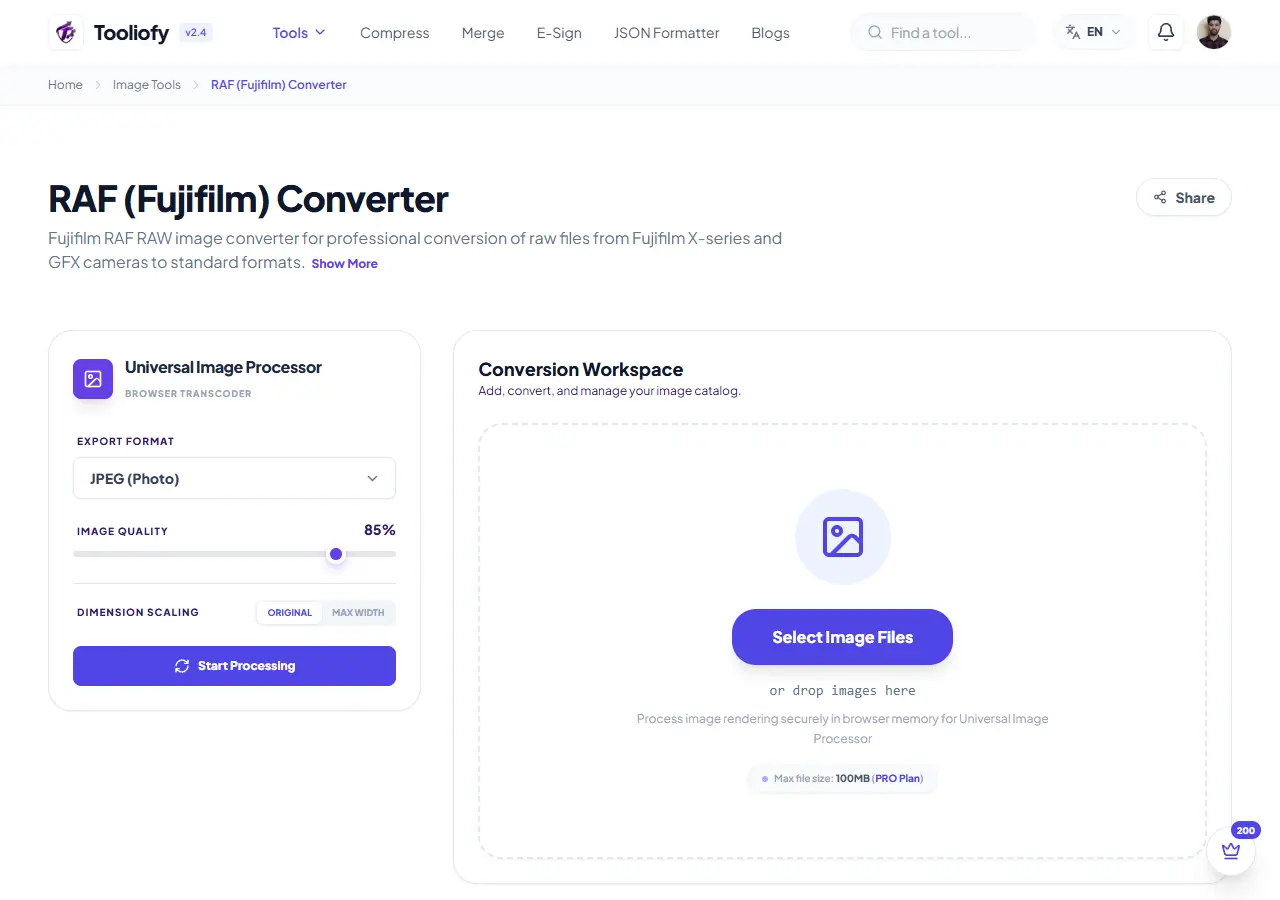
RAF (Fujifilm) Converter
Use RAF (Fujifilm) Converter when you need to change the file into a format that is easier to open or share. Add the file, choose the option that matters, and review the converted file.
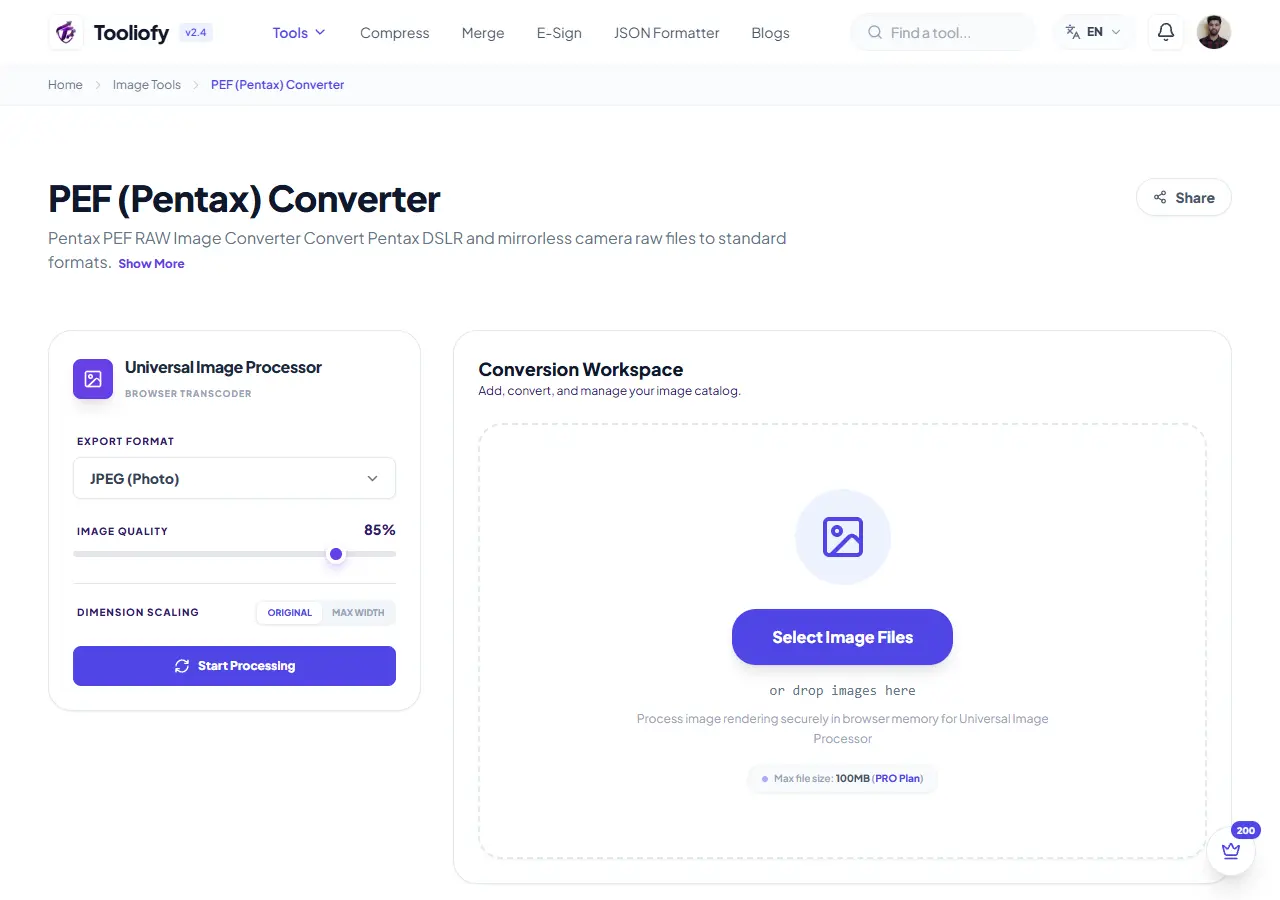
PEF (Pentax) Converter
Open PEF (Pentax) Converter when your file needs one clear change. The tool keeps the process short and the converted file easy to inspect.
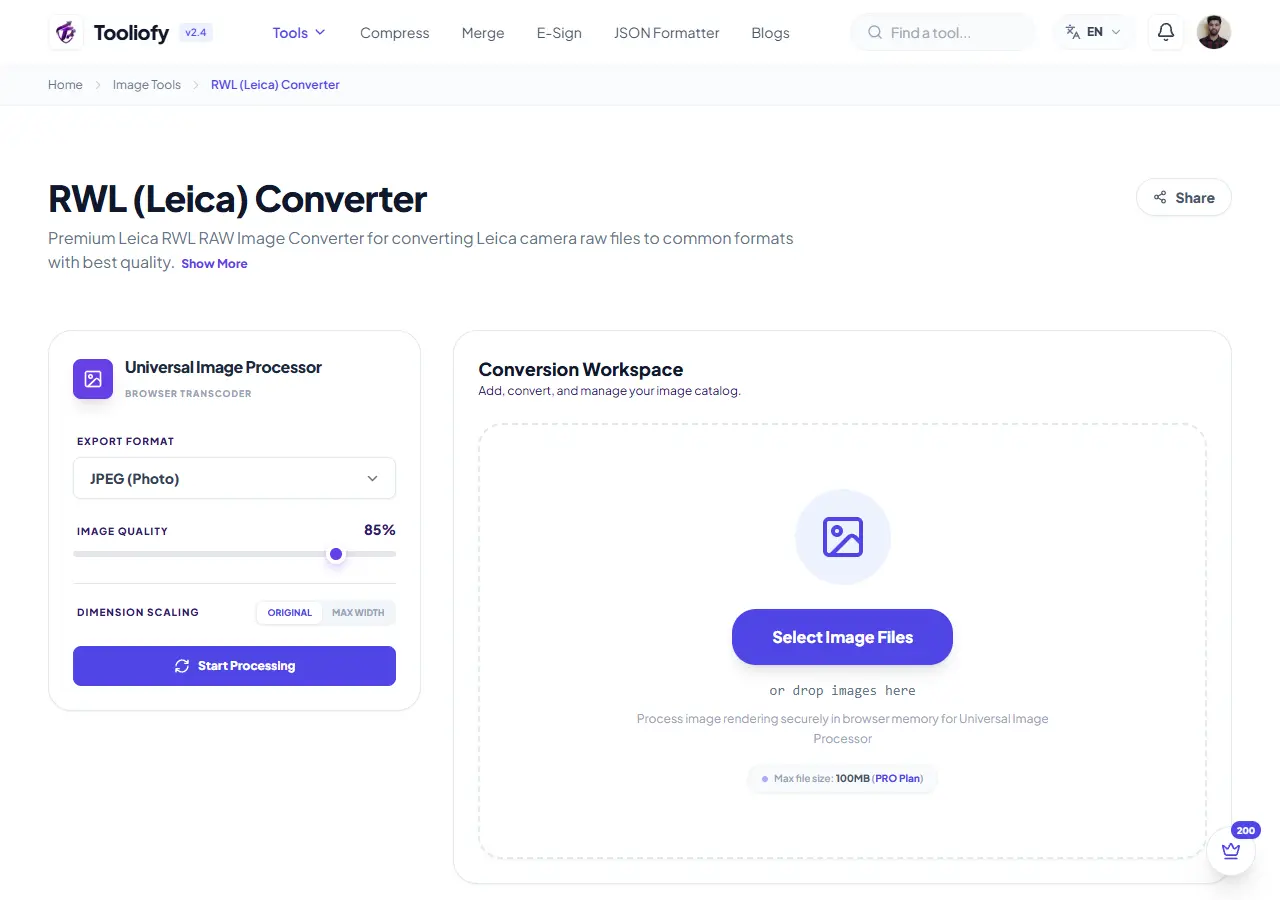
RWL (Leica) Converter
Use RWL (Leica) Converter when you need to change the file into a format that is easier to open or share. Add the file, choose the option that matters, and review the converted file.
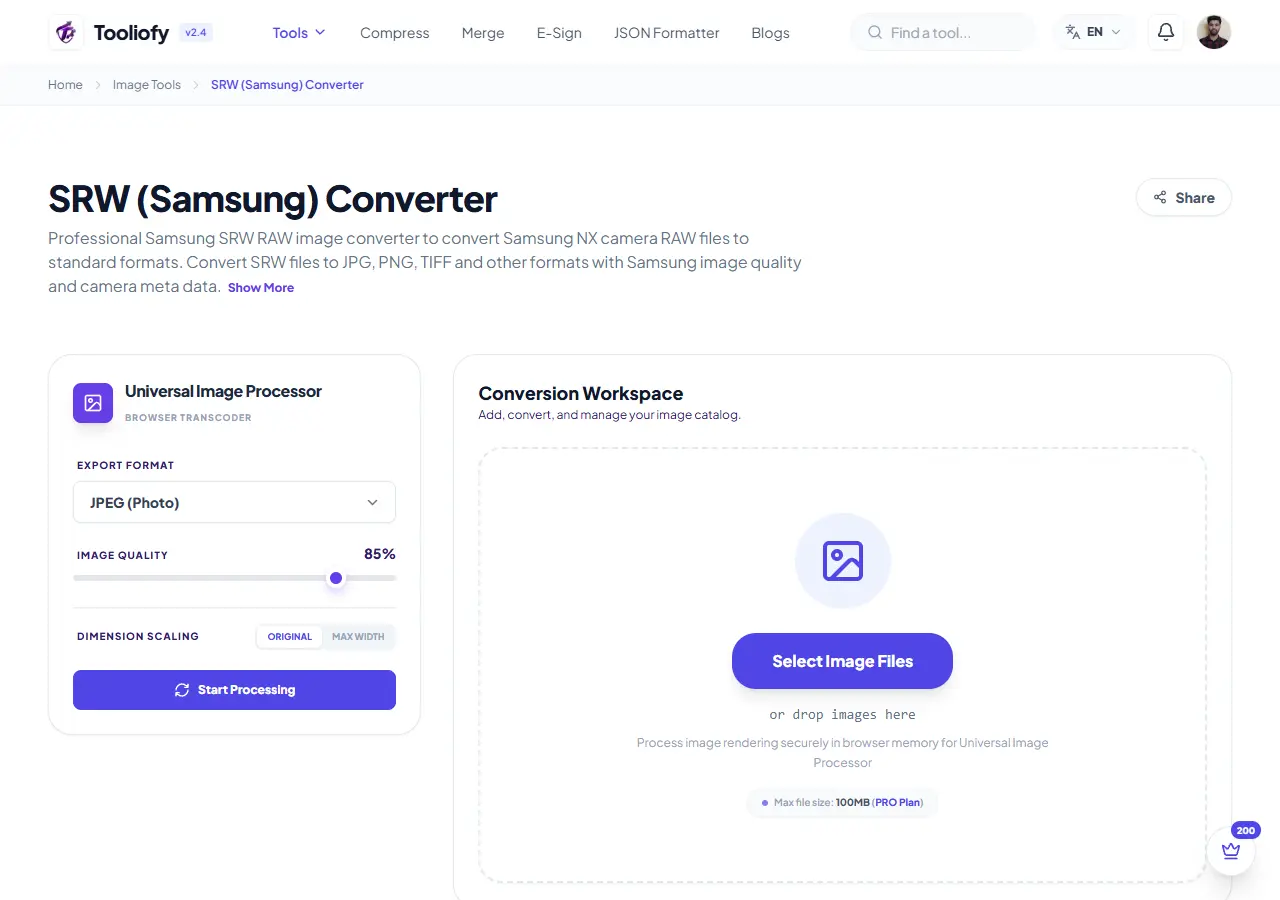
SRW (Samsung) Converter
SRW (Samsung) Converter is for convert a file. It keeps the page focused on that one job, so you can check the converted file without opening a larger app.
PSD (Photoshop) Converter
Open PSD (Photoshop) Converter when your file needs one clear change. The tool keeps the process short and the converted file easy to inspect.
PSB (Photoshop) Converter
Use PSB (Photoshop) Converter when you need to change the file into a format that is easier to open or share. Add the file, choose the option that matters, and review the converted file.
TGA Converter
TGA Converter is for convert a file. It keeps the page focused on that one job, so you can check the converted file without opening a larger app.
DIB Converter
Open DIB Converter when your file needs one clear change. The tool keeps the process short and the converted file easy to inspect.
DDS Converter
Open DDS Converter when your file needs one clear change. The tool keeps the process short and the converted file easy to inspect.
EPS Converter
EPS Converter is for convert a file. It keeps the page focused on that one job, so you can check the converted file without opening a larger app.
EMZ Converter
EMZ Converter is for convert a file. It keeps the page focused on that one job, so you can check the converted file without opening a larger app.
WMZ Converter
WMZ Converter helps when the next step is simple: change the file into a format that is easier to open or share. It is built for quick fixes, checks, and downloads.
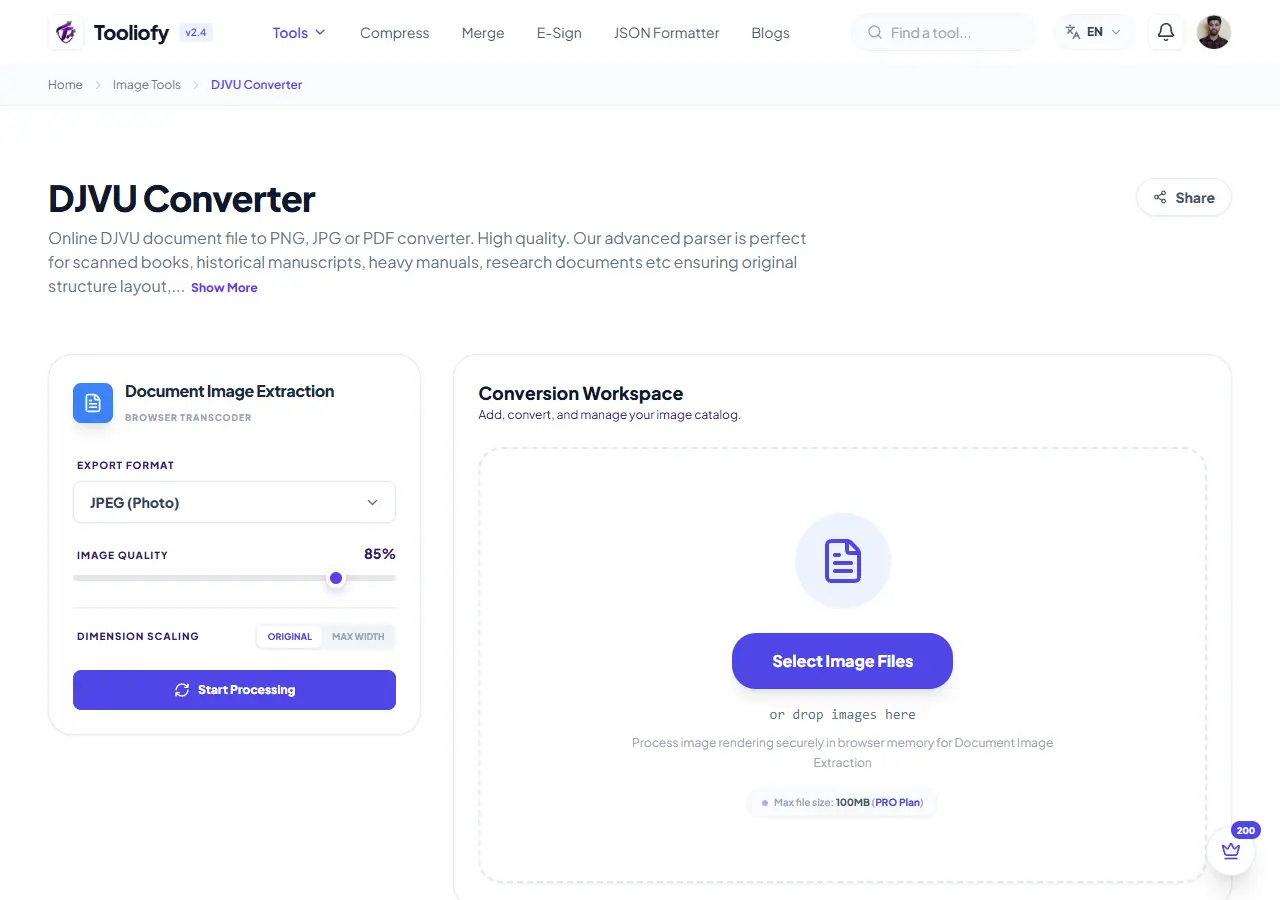
DJVU Converter
Use DJVU Converter when you need to change the file into a format that is easier to open or share. Add the file, choose the option that matters, and review the converted file.
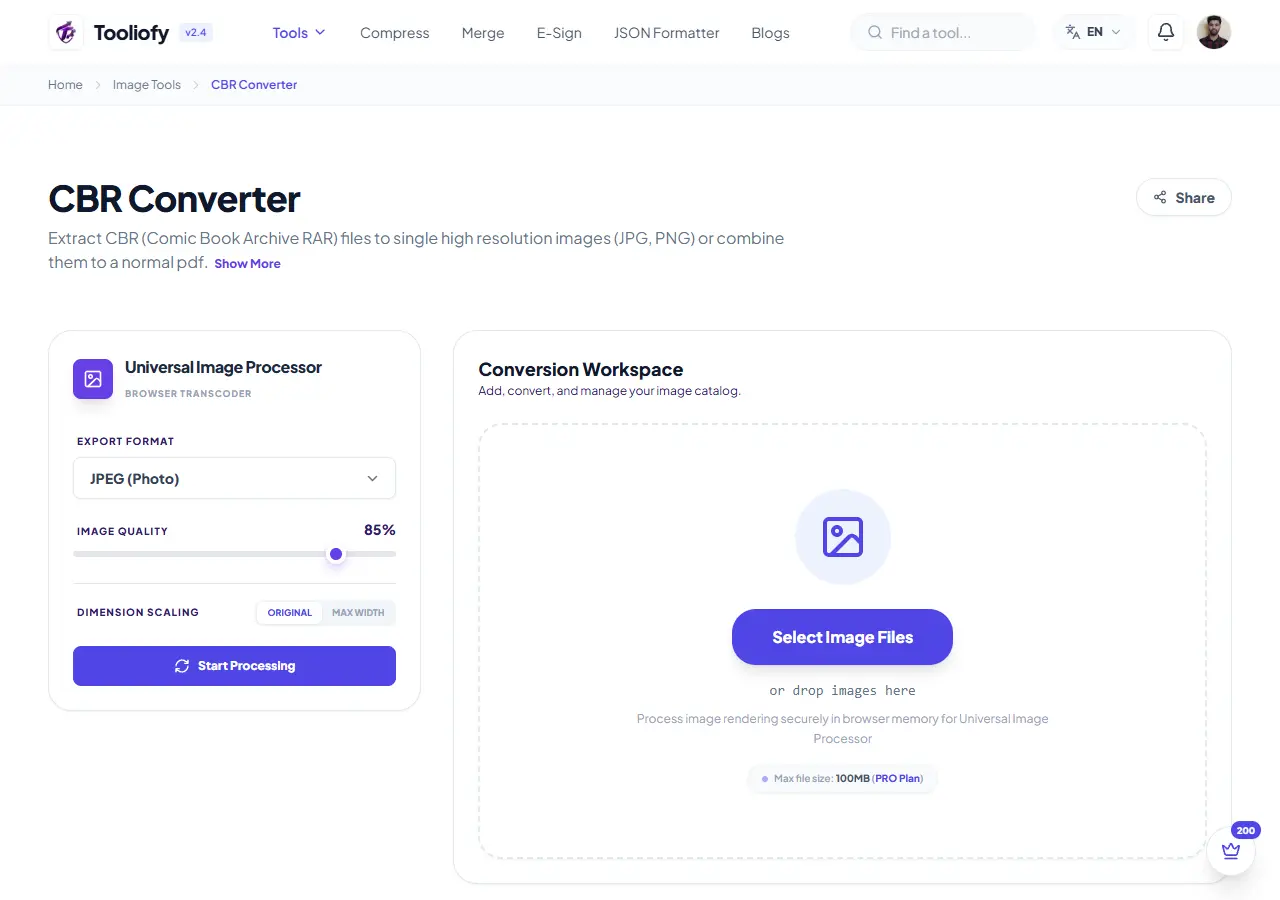
CBR Converter
Open CBR Converter when your file needs one clear change. The tool keeps the process short and the converted file easy to inspect.
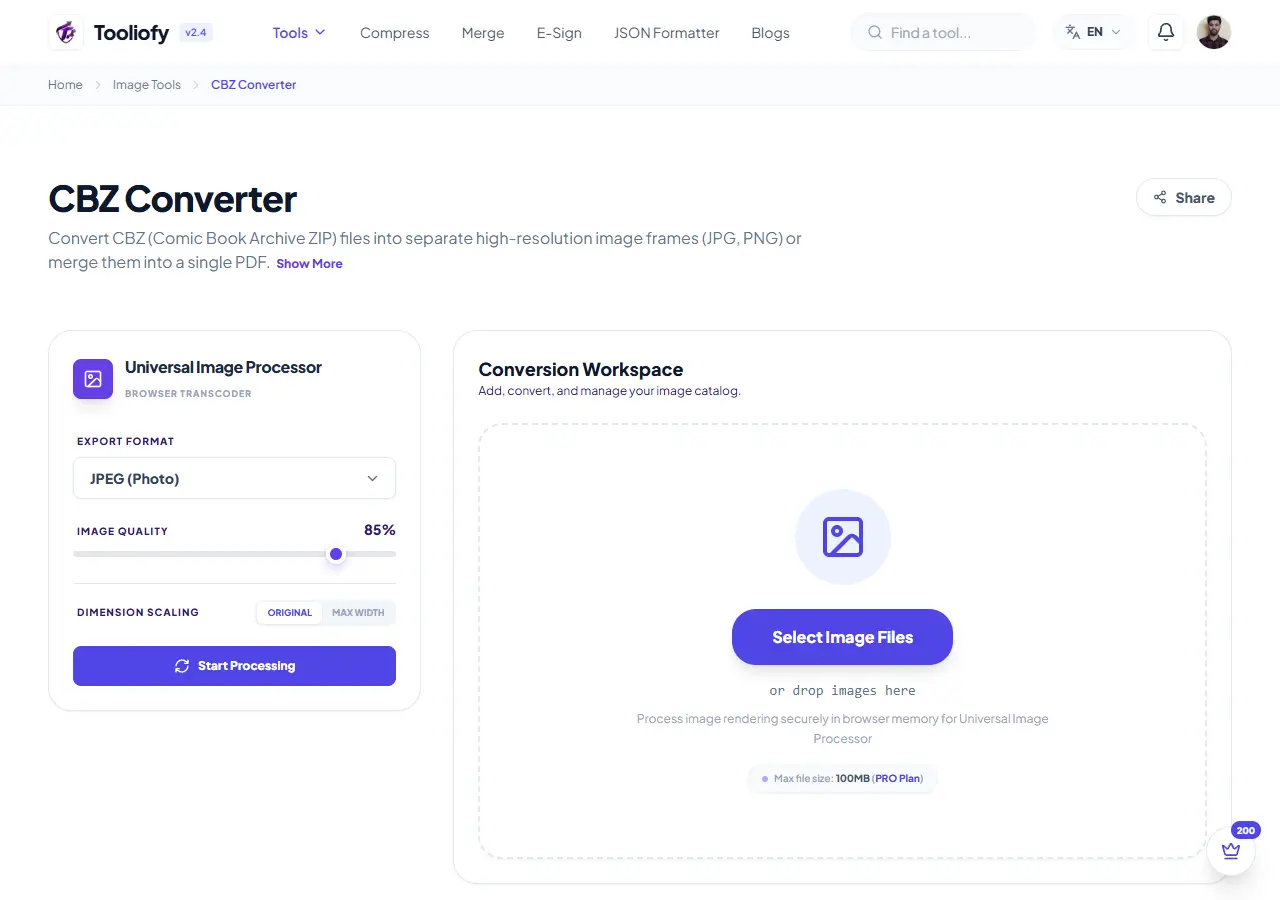
CBZ Converter
Open CBZ Converter when your file needs one clear change. The tool keeps the process short and the converted file easy to inspect.
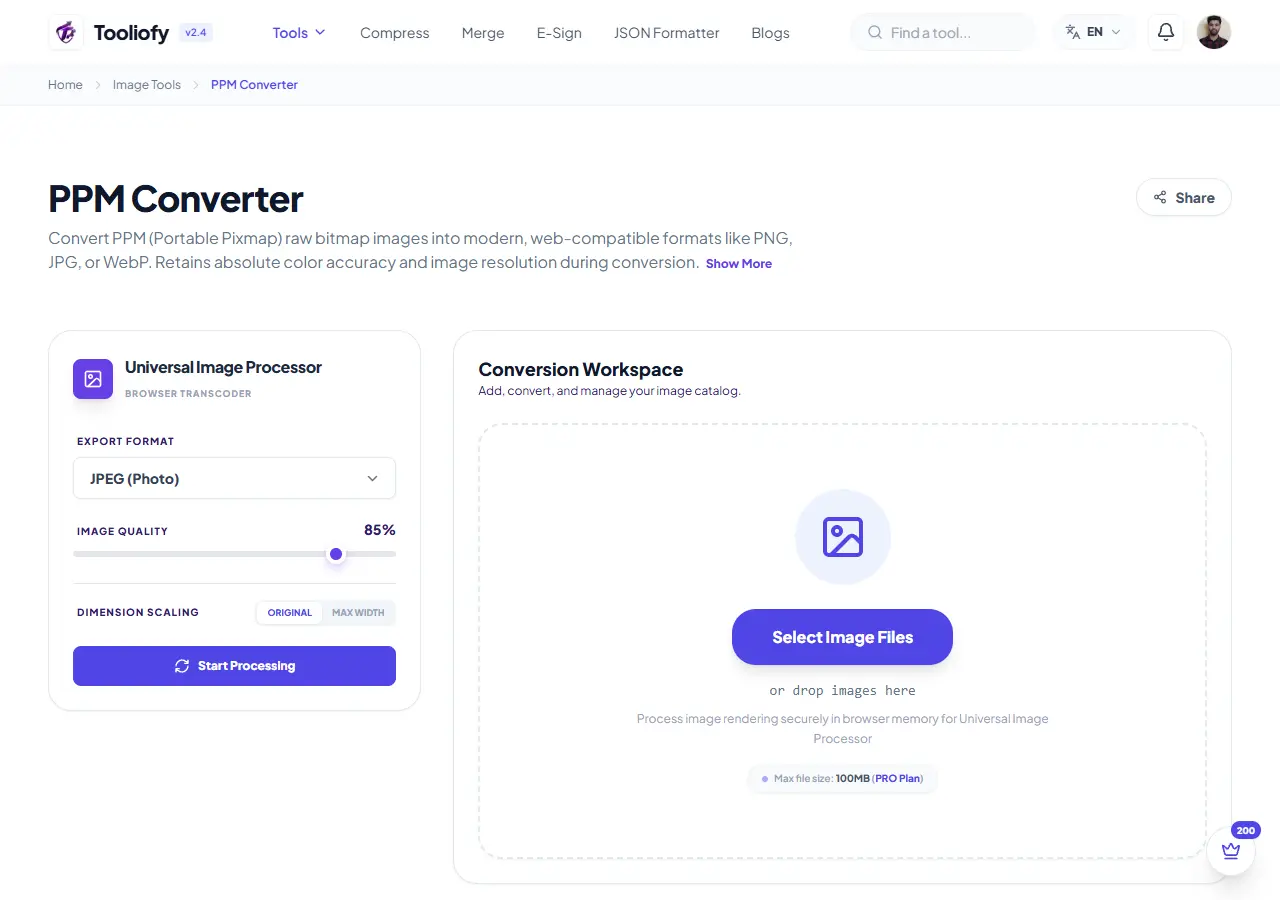
PPM Converter
Use PPM Converter when you need to change the file into a format that is easier to open or share. Add the file, choose the option that matters, and review the converted file.
PCX Converter
Open PCX Converter when your file needs one clear change. The tool keeps the process short and the converted file easy to inspect.
ART Converter
Open ART Converter when your file needs one clear change. The tool keeps the process short and the converted file easy to inspect.
DPX Converter
DPX Converter is for convert a file. It keeps the page focused on that one job, so you can check the converted file without opening a larger app.
Image Optimizer for Web
Image Optimizer for Web helps when the next step is simple: make the file smaller while keeping it usable. It is built for quick fixes, checks, and downloads.

Meme Generator
Open Meme Generator when your settings needs one clear change. The tool keeps the process short and the generated result easy to inspect.
Image Watermark
Use Image Watermark when you need to place text, a mark, or a logo on the file. Add the file, choose the option that matters, and review the watermarked file.
Image Metadata Viewer
Open Image Metadata Viewer when your file needs one clear change. The tool keeps the process short and the details report easy to inspect.
Image to PDF
Use Image to PDF when you need to turn Image files into PDF. Add the Image file, choose the option that matters, and review the PDF file.
GIF to Images
Use GIF to Images when you need to turn Gif files into Image. Add the Gif file, choose the option that matters, and review the Image file.
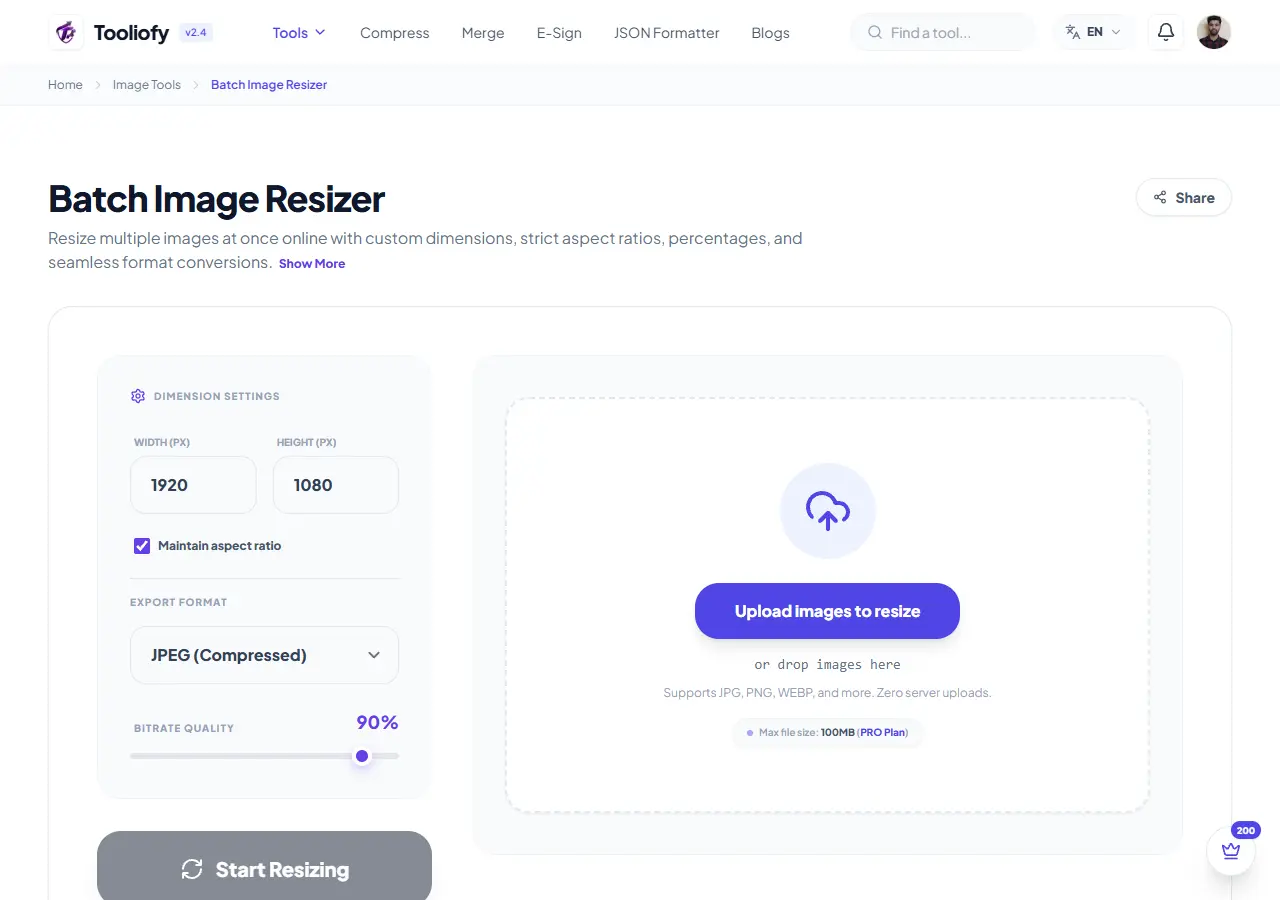
Batch Image Resizer
Batch Image Resizer helps when the next step is simple: change the width, height, or scale. It is built for quick fixes, checks, and downloads.
Image mistakes to avoid
Do not over-compress screenshots with text.
Do not convert transparent PNGs to JPG.
Do not replace the original until you check the result.
Do not upscale a poor source and expect print quality.
Image tool benefits
Quick fixes without design software.
Smaller files that are easier to upload.
Better control over size, format, and quality.
Image Tool Questions
Helpful notes about formats, compression, transparency, file details, and resizing.
Should I resize or compress first?
Why did my transparent background disappear?
Which format is best for websites?
Can compression make text inside an image blurry?
Is EXIF file details important?
Can I batch process images safely?
Good image editing is usually a tradeoff. Make the file small enough to use, but not so small that text, edges, or important details become unclear.
Related Guides & Articles

How to Remove Image Background for Free (No Sign-up Required)
Remove image backgrounds for free in your browser. Learn how Tooliofy creates transparent PNGs with no sign-up, no watermark, and private local processing.
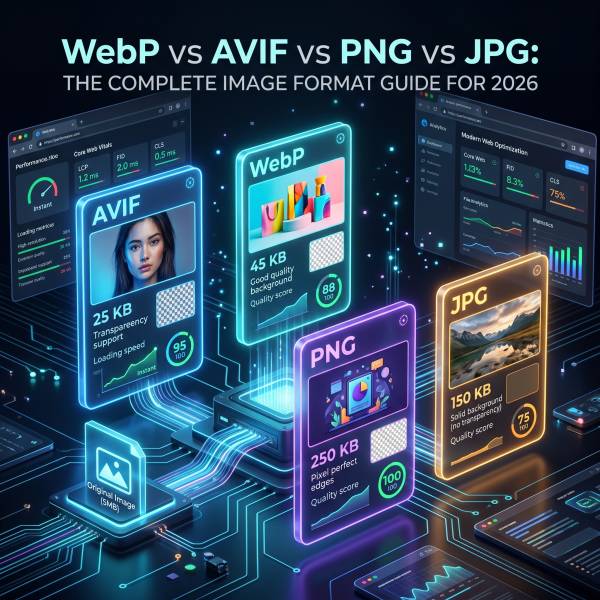
WebP vs AVIF vs PNG vs JPG: The Complete Image Format Guide for 2026
Compare JPG, PNG, WebP, and AVIF for website images, photos, logos, transparency, compression, and browser support. Learn which format to use and when.

How to Improve Website Speed Without Plugins (A Practical Performance Guide)
Learn practical ways to improve website speed without plugins, including image optimization, caching, Core Web Vitals, font loading, scripts, and layout stability.
Explore Other Categories
 19 Tools
PDF & Documents
Explore our pdf & documents and start processing your files securely.
 5 Tools
AI Tools
Explore our ai tools and start processing your files securely.
 24 Tools
Text Utilities
Explore our text utilities and start processing your files securely.
 10 Tools
Developer Tools
Explore our developer tools and start processing your files securely.