
Free AI Tools for OCR, Summaries, Image Cleanup, and SEO Checks
Use AI tools for narrow jobs: read scans, summarize text, remove simple backgrounds, improve rough images, or review a page before publishing.

All AI Tools
5 ToolsAI Document OCR
AI Document OCR helps when the next step is simple: handle this ai document ocr task. It is built for quick fixes, checks, and downloads.
AI Background Image Remover
Open AI Background Image Remover when your image needs one clear change. The tool keeps the process short and the transparent image easy to inspect.
AI Text Summarizer & Sentiment
Open AI Text Summarizer & Sentiment when your text needs one clear change. The tool keeps the process short and the summary easy to inspect.
AI Image Upscaler
Use AI Image Upscaler when you need to make a small image easier to use at a larger size. Add the image, choose the option that matters, and review the larger image.
AI Color Palette Solver
Use AI Color Palette Solver when you need to turn an idea or image into reusable colors. Add the prompt or image, choose the option that matters, and review the color palette.
Let AI help, then check the result
AI can speed up drafts, summaries, and cleanup. It still needs a human review before you trust the final output.
Summarize
You need the main points from long notes or documents.
The source is a contract, medical text, or policy you have not read.
Rewrite
A draft feels too long, unclear, or too formal.
Facts, names, dates, or promises may get changed.
Extract
You need text or structured points from messy input.
You cannot compare the extracted result with the original.
AI privacy note: Do not paste passwords, private contracts, customer files, or sensitive personal details into AI tools unless you are sure that data is allowed to be processed.
AI works best when you give it one clear job
AI is helpful for a first pass, not a final decision. Give it clean input, keep the task small, and review names, dates, numbers, and legal text yourself.
Start with clean input
A blurry scan, noisy screenshot, or copied page with repeated text will usually give weaker results. Crop the image, remove duplicate text, and paste only the part that matters.
Use OCR before summaries
If a document is scanned, extract the text first. Summaries work better with selectable text than with photos of pages.
Treat every output as a draft
AI can miss context or smooth over important details. Check names, numbers, dates, prices, citations, and anything that will be published or sent to a client.
Image AI depends on the source photo
Background removal and upscaling work best when the subject is clear and the edges are visible. A tiny or blurry image can improve, but it will not become a studio-quality photo.
Do not paste more private text than needed
Use only the paragraph, scan, or image area that needs help. Smaller input is faster, easier to review, and safer to handle.
Example: summarize only the part that matters
If a report is 20 pages but you only need the conclusion, paste that section first. Smaller input usually gives a cleaner answer and is easier to check.
OCR vs summarizer
OCR reads text from a scan. A summarizer shortens text that already exists. If the page is a photo, OCR should come before summarizing.
When AI should not be trusted alone
Do not use AI output as the final source for legal wording, medical advice, money decisions, or anything that depends on exact dates and numbers.
Why image AI can fail
Hair, glass, shadows, low contrast, and blurry edges can confuse background removal. A clearer source image usually matters more than running the tool twice.
A quick review habit
After using AI, check the result against the original. Look for missing names, changed numbers, softened meaning, and anything that sounds confident but unsupported.
A Better Way to Use AI Tools
- Step 1
Pick the exact AI job
Decide whether you need OCR, a summary, image cleanup, upscaling, or SEO feedback.
- Step 2
Clean the input first
Crop images, remove duplicate text, or paste only the useful section so the tool has less noise.
- Step 3
Run the tool and review
Check the output for names, numbers, tone, missing details, and obvious mistakes.
- Step 4
Use the result in context
Copy the useful output into your document, design, page, or report only after a quick human review.
When should you use an AI tool?
Use AI for one focused task, then review the result.
Text inside a scan?
Use OCR first so the words become selectable.
Long text to understand?
Use a summary for the first read, then check the source.
Image needs cleanup?
Use background removal or upscaling when the source is clear enough.
SEO page feels weak?
Use an AI check to find missing or confusing parts, not as the final answer.
Why use AI tools?
They help with boring first-pass work.
They can make rough input easier to edit.
They are useful when you need a starting point.
Who is this for?
Students summarizing notes.
Marketers checking content.
Designers cleaning images.
Office users extracting text from scans.
Explore Tools Visually
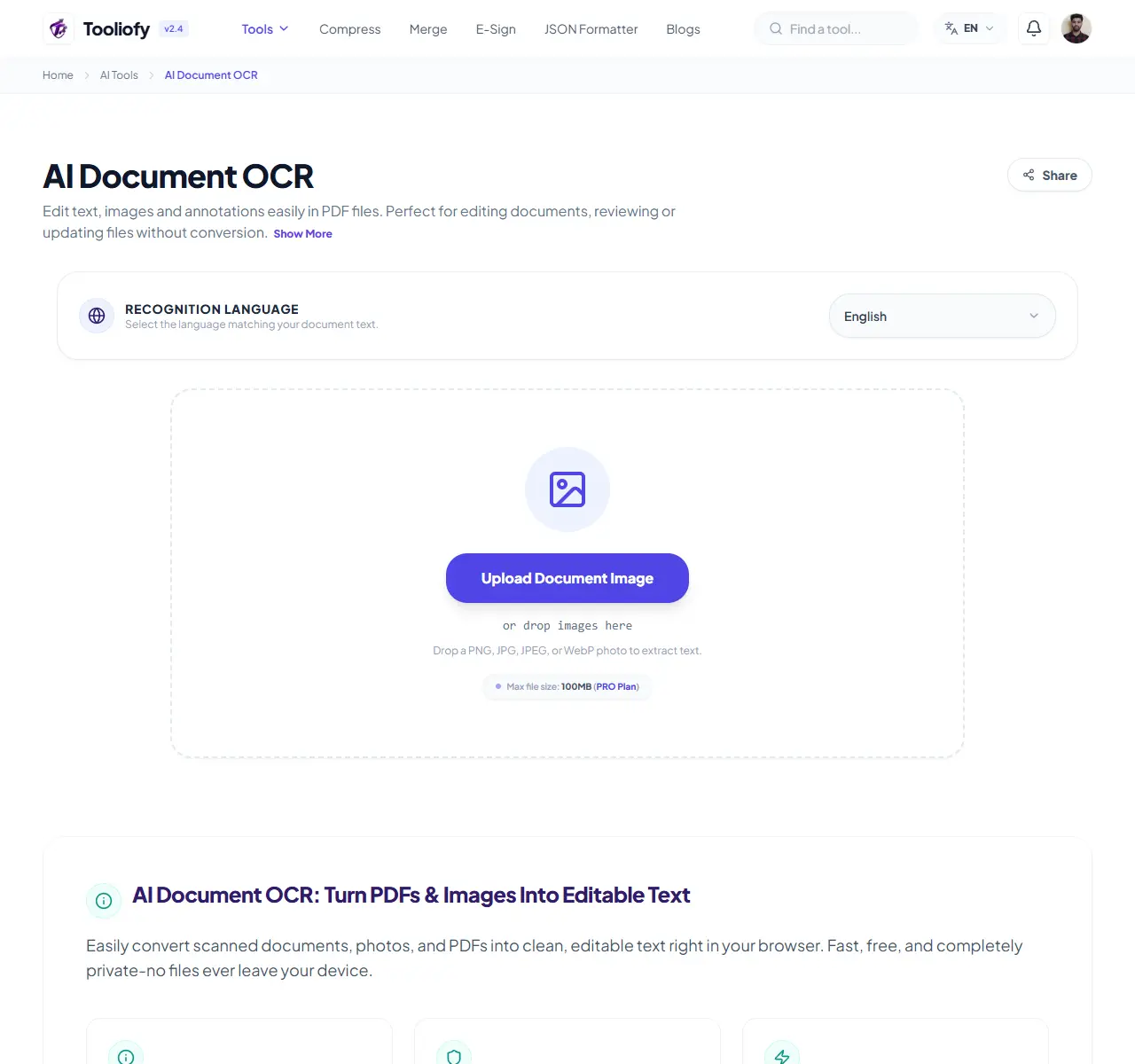
AI Document OCR
AI Document OCR helps when the next step is simple: handle this ai document ocr task. It is built for quick fixes, checks, and downloads.
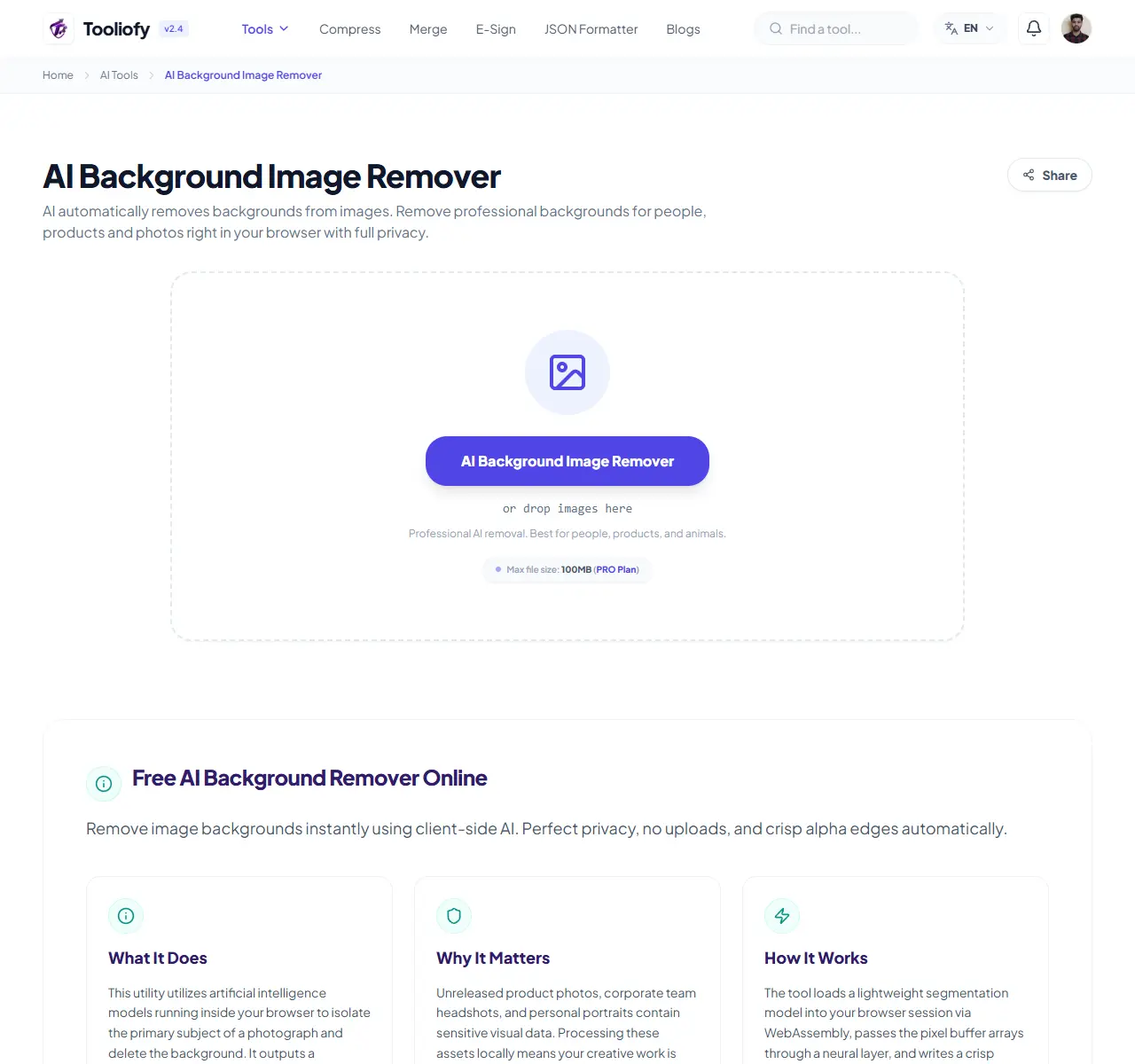
AI Background Image Remover
Open AI Background Image Remover when your image needs one clear change. The tool keeps the process short and the transparent image easy to inspect.
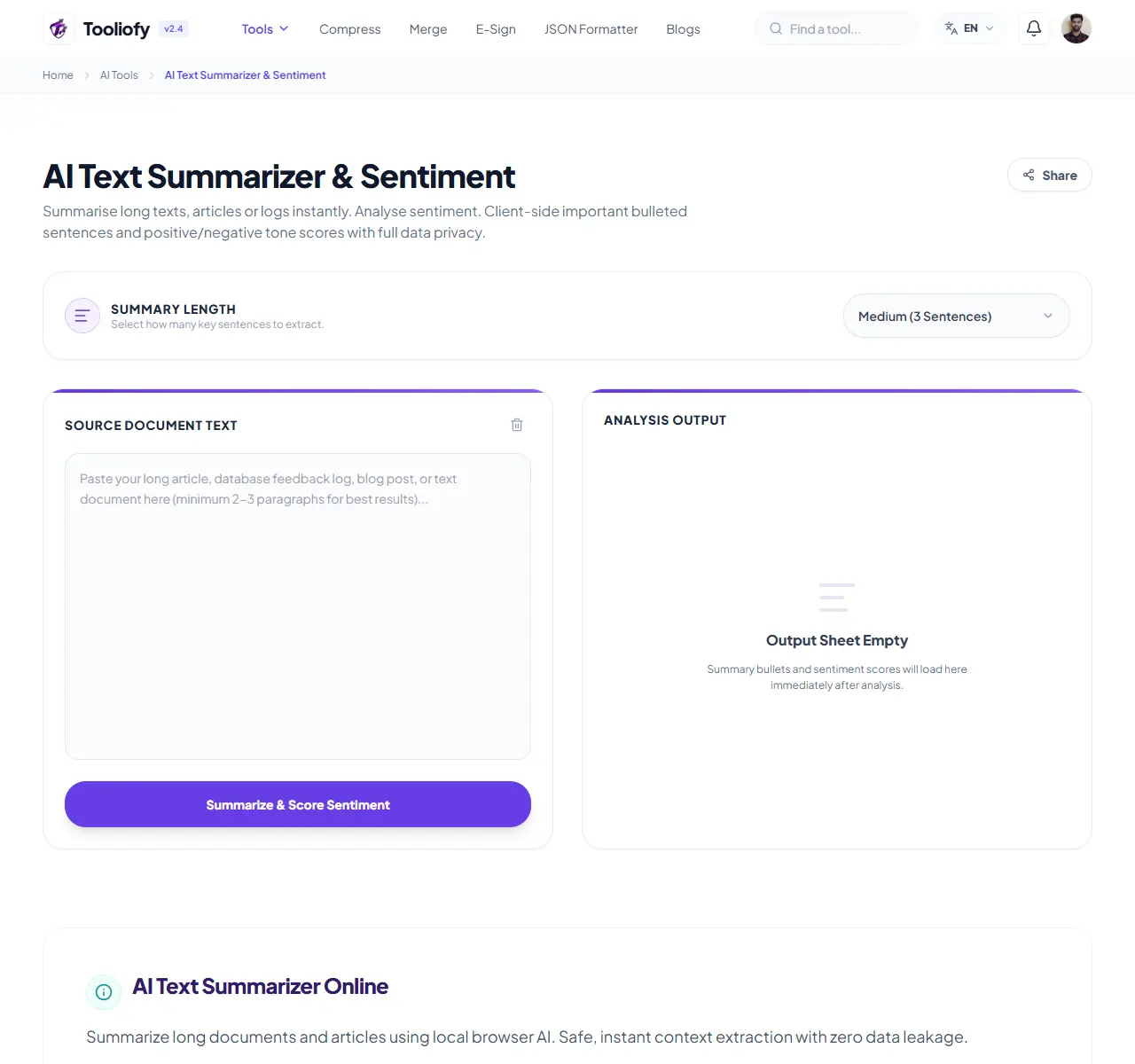
AI Text Summarizer & Sentiment
Open AI Text Summarizer & Sentiment when your text needs one clear change. The tool keeps the process short and the summary easy to inspect.
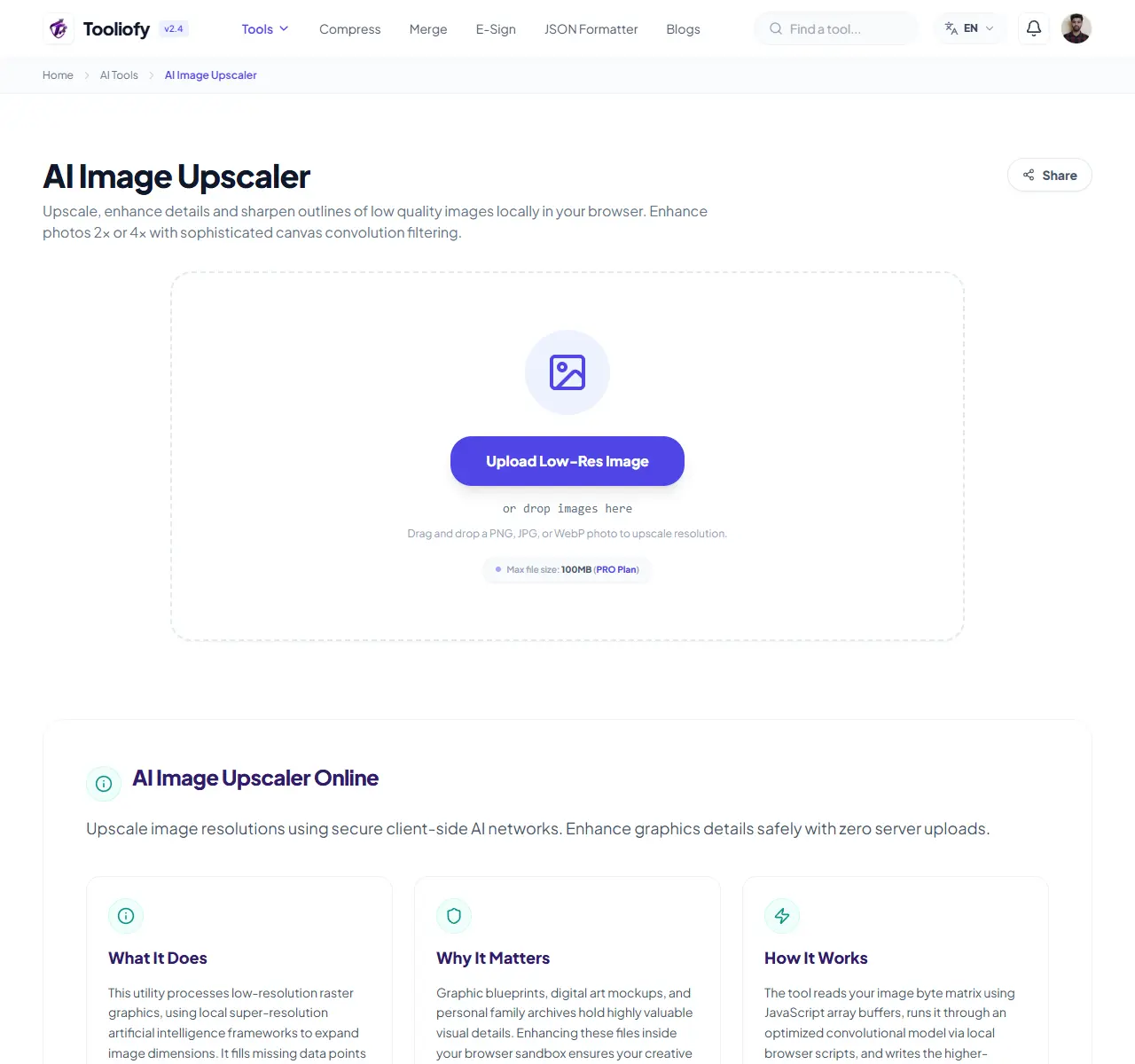
AI Image Upscaler
Use AI Image Upscaler when you need to make a small image easier to use at a larger size. Add the image, choose the option that matters, and review the larger image.
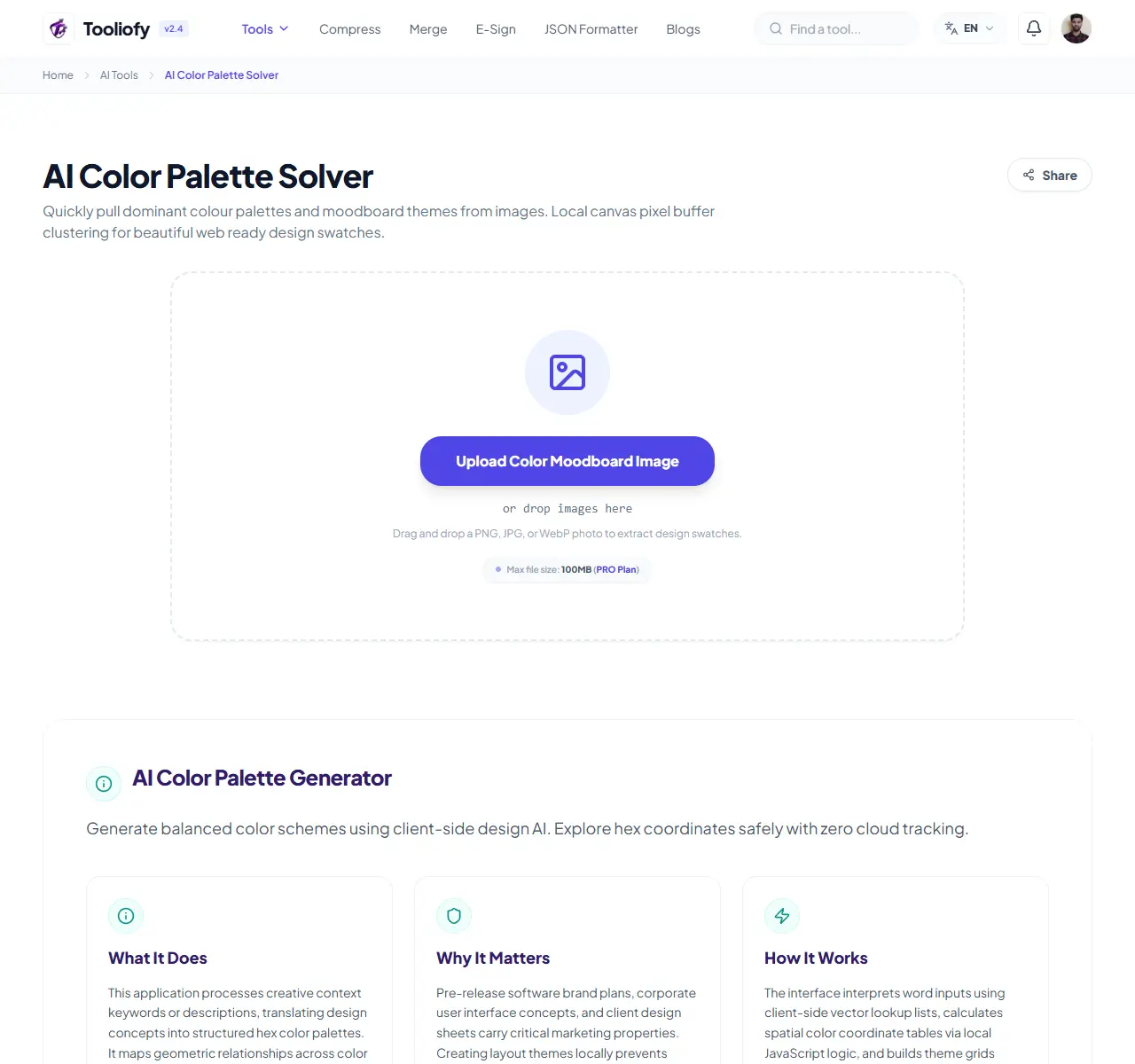
AI Color Palette Solver
Use AI Color Palette Solver when you need to turn an idea or image into reusable colors. Add the prompt or image, choose the option that matters, and review the color palette.
AI Tool Questions
Practical answers about accuracy, privacy, input quality, and when to double-check results.
Are AI tool results always accurate?
What kind of images work best for background removal?
Should I summarize an entire private document?
Can OCR read handwriting?
Can an AI SEO tool replace a full SEO audit?
Why does an AI tool sometimes take longer on first use?
AI can save time on the first pass. The best results still come from clean input and a quick human review before you use the output.
Related Guides & Articles

Explore Other Categories
 19 Tools
PDF & Documents
Explore our pdf & documents and start processing your files securely.
 58 Tools
Image Tools
Explore our image tools and start processing your files securely.
 24 Tools
Text Utilities
Explore our text utilities and start processing your files securely.
 10 Tools
Developer Tools
Explore our developer tools and start processing your files securely.