
JSON Formatter
JSON Formatter helps when the next step is simple: make messy code or data easier to read. It is built for quick fixes, checks, and downloads.
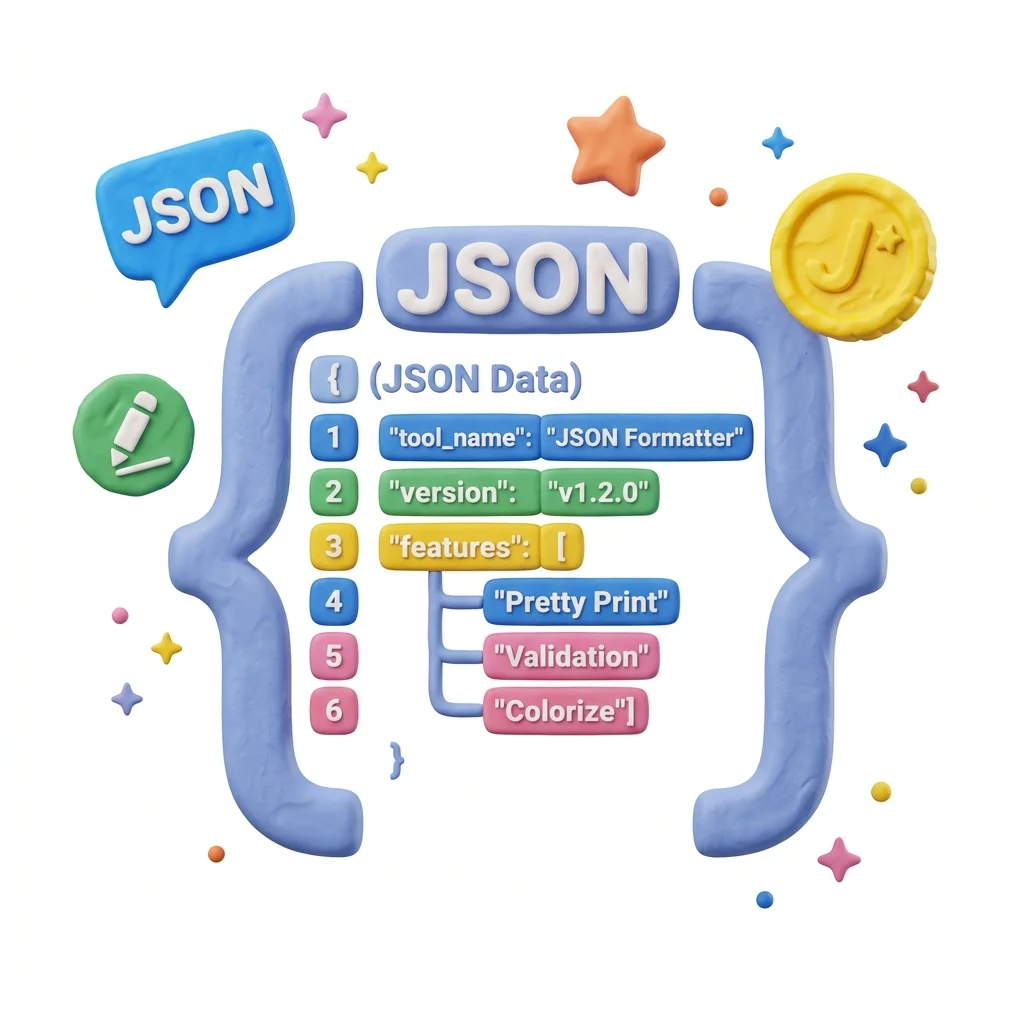
Format & Validate JSON
Paste minified or messy JSON and get it back indented, readable, and validated - with the exact location of any syntax error. Also minifies formatted JSON when you need it compact again.
How to Use This Tool

1. Select File
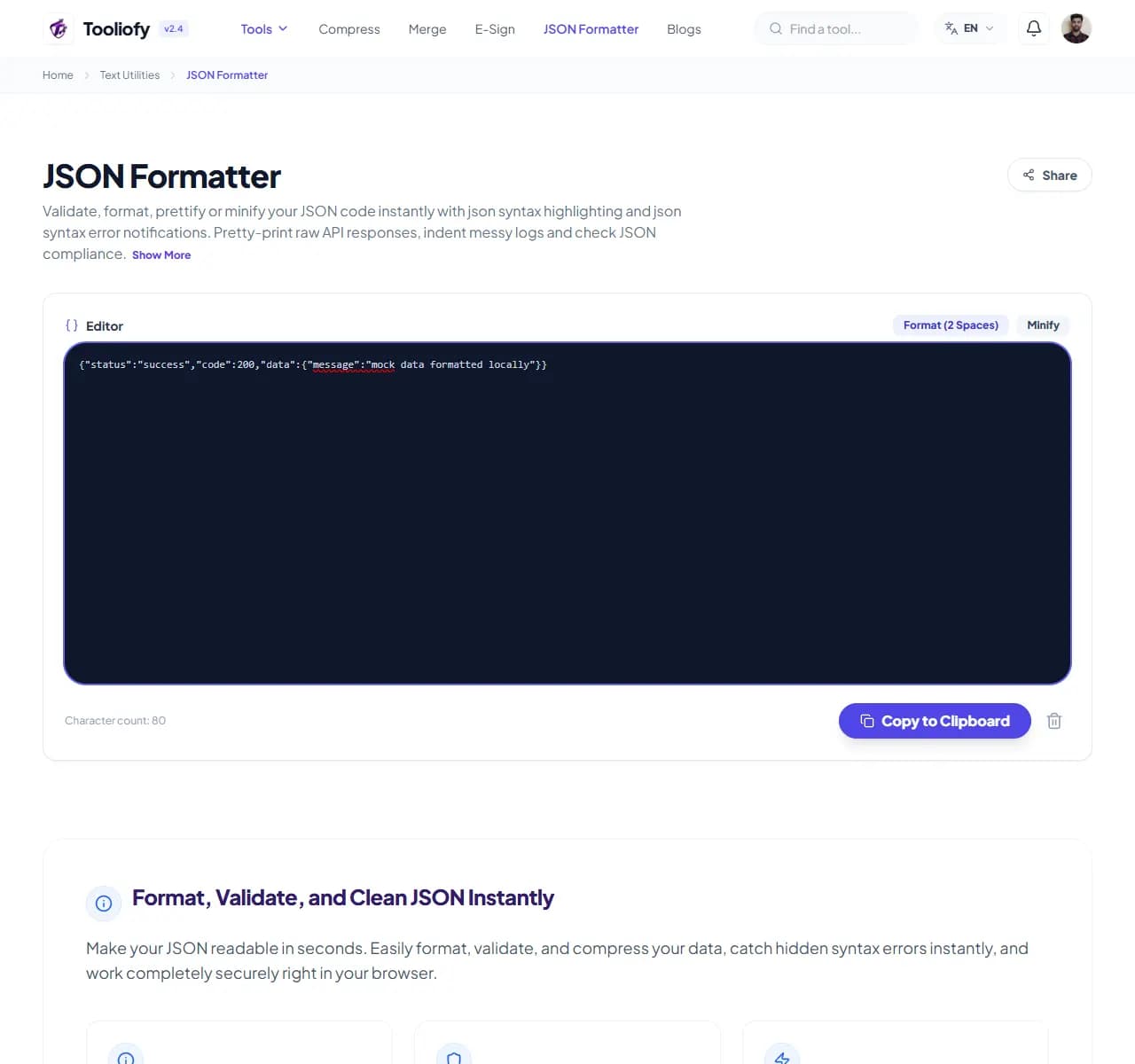
2. Processing
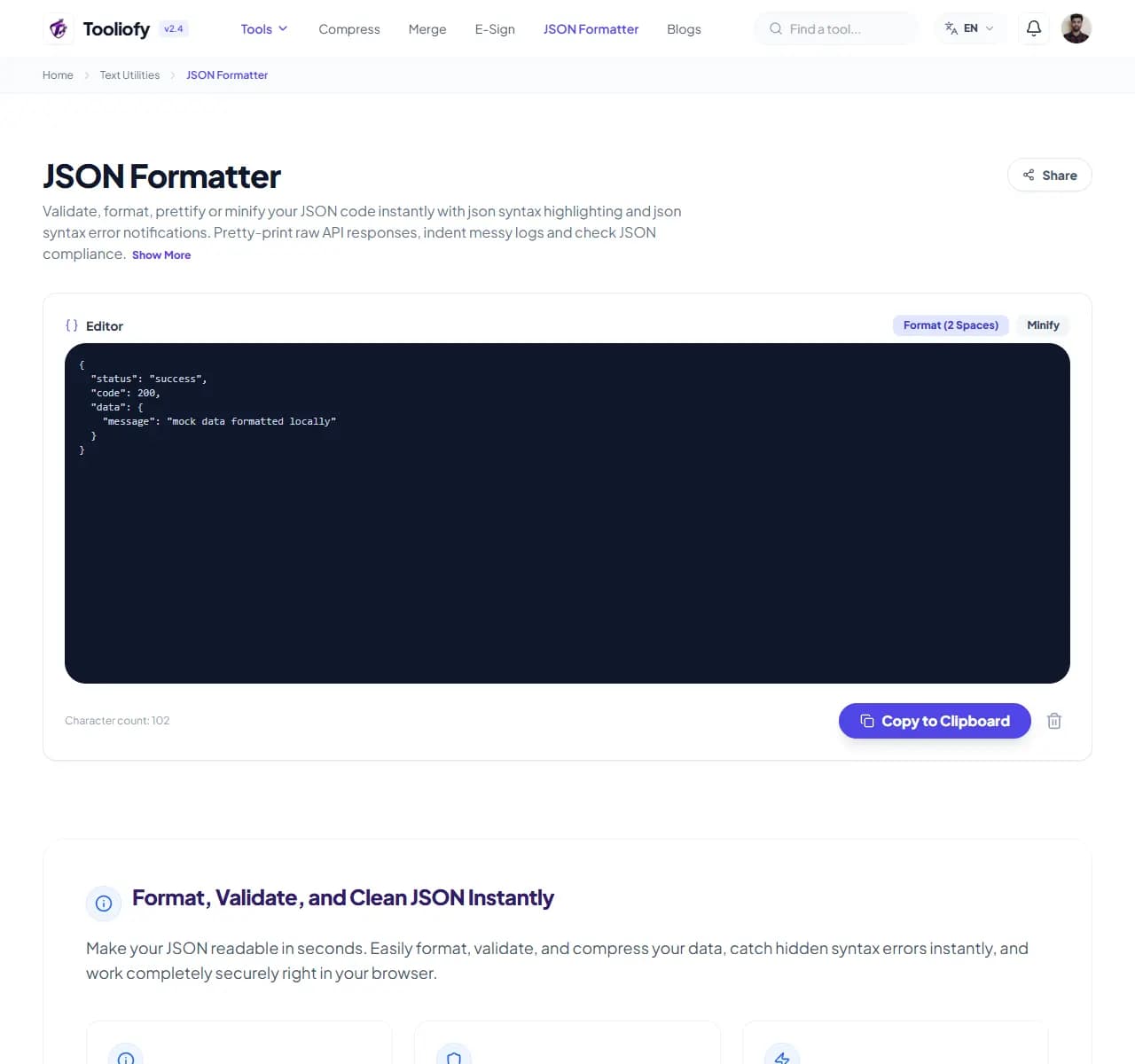
3. Download File
What JSON Formatter cleans up
The formatter parses your JSON and re-emits it clean: consistent indentation, aligned nesting, and immediate validation. If parsing fails, you get the error's location - not just 'invalid JSON'.
Why small text fixes matter
APIs return JSON minified into a single unreadable line, and finding one wrong field inside it by eye is hopeless. The reverse problem is worse: a trailing comma or unquoted key somewhere in a config file, and the only clue is a stack trace. A formatter with real error positions turns both from archaeology into a ten-second check.
How the text is handled
Paste JSON, get formatted output instantly. Processing happens in your browser - the JSON never leaves your machine, which matters when the payload contains API responses or config data you'd rather not paste into random websites.
Where JSON Formatter helps
- Reading minified API responses during debugging
- Finding the syntax error breaking a config file
- Formatting JSON before code review or documentation
- Minifying payloads before shipping
- Exploring unfamiliar API responses via tree view
Text cleanup benefits
- Error messages with actual locations
- One-line API dumps become readable structure
- Processing stays in your browser - nothing is uploaded
- Format and minify in one tool
- Free with no size limits
Text options included
- Pretty-print with configurable indentation
- Validation with precise error line and position
- Minify mode - strip whitespace for production
- Collapsible tree view for large structures
- Handles deeply nested and large documents
- Runs client-side in your browser
- Free, no limits
"Paste, read the error position, fix, done. And since it runs in your browser, it's one of the few JSON tools that's safe for real payloads."

More Text Utilities
Word Counter
Word Counter is for count text. It keeps the page focused on that one job, so you can check the count report without opening a larger app.
Character Counter
Use Character Counter when you need to count words, characters, lines, or other text details. Add the text, choose the option that matters, and review the count report.
Line Counter
Line Counter is for count text. It keeps the page focused on that one job, so you can check the count report without opening a larger app.
Case Converter
Case Converter helps you change text case. It keeps the page focused on that one job, so you can check the updated text without opening a larger app.
Remove Extra Spaces
Remove Extra Spaces helps when the next step is simple: clean double spaces, messy line gaps, and pasted spacing problems. It is built for quick fixes, checks, and downloads.
Find & Replace Text
Open Find & Replace Text when your text needs one clear change. The tool keeps the process short and the updated text easy to inspect.
Explore Other Categories
 19 Tools
PDF & Documents
Explore our pdf & documents and start processing your files securely.
 5 Tools
AI Tools
Explore our ai tools and start processing your files securely.
 58 Tools
Image Tools
Explore our image tools and start processing your files securely.
 10 Tools
Developer Tools
Explore our developer tools and start processing your files securely.
Can't find a specific tool?
We are constantly adding new features based on user feedback. Tell us what you need and we will implement it immediately!