
Line Counter
Line Counter is for count text. It keeps the page focused on that one job, so you can check the count report without opening a larger app.
Count Lines of Text
Count total lines, non-empty lines, and unique lines in any text - the three numbers that answer 'how many entries does this list actually have?'
How to Use This Tool
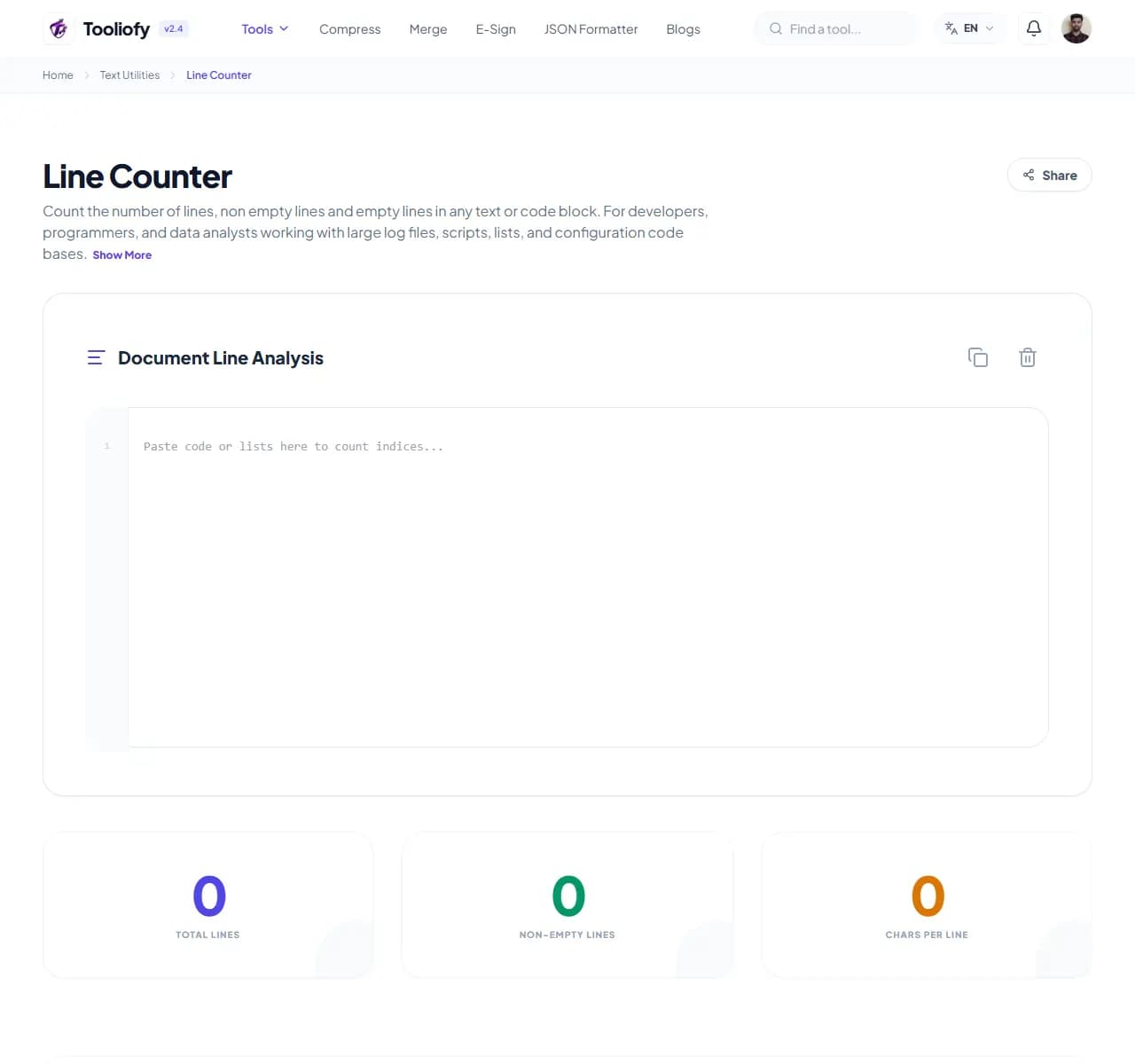
1. Select File
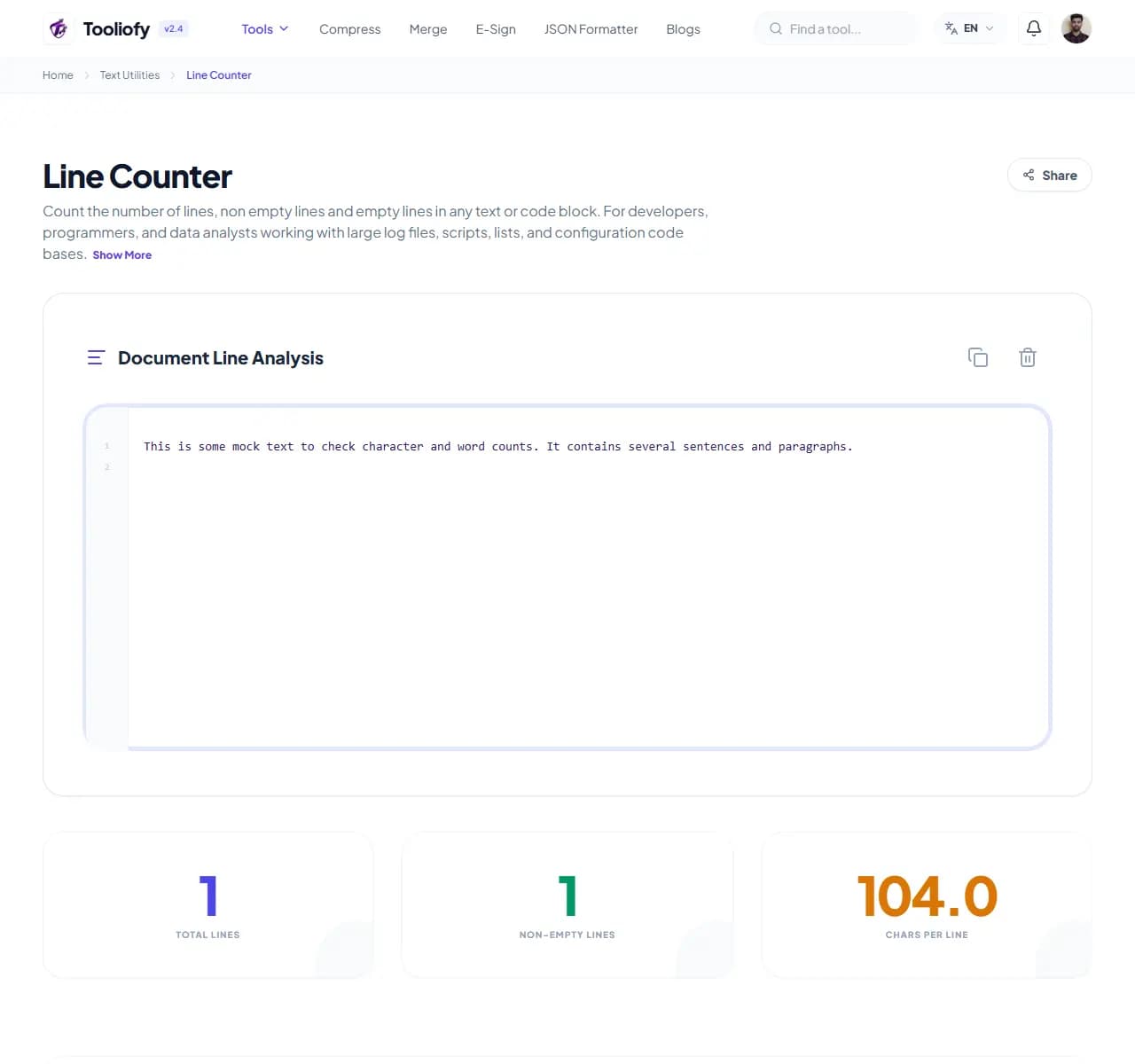
2. Processing
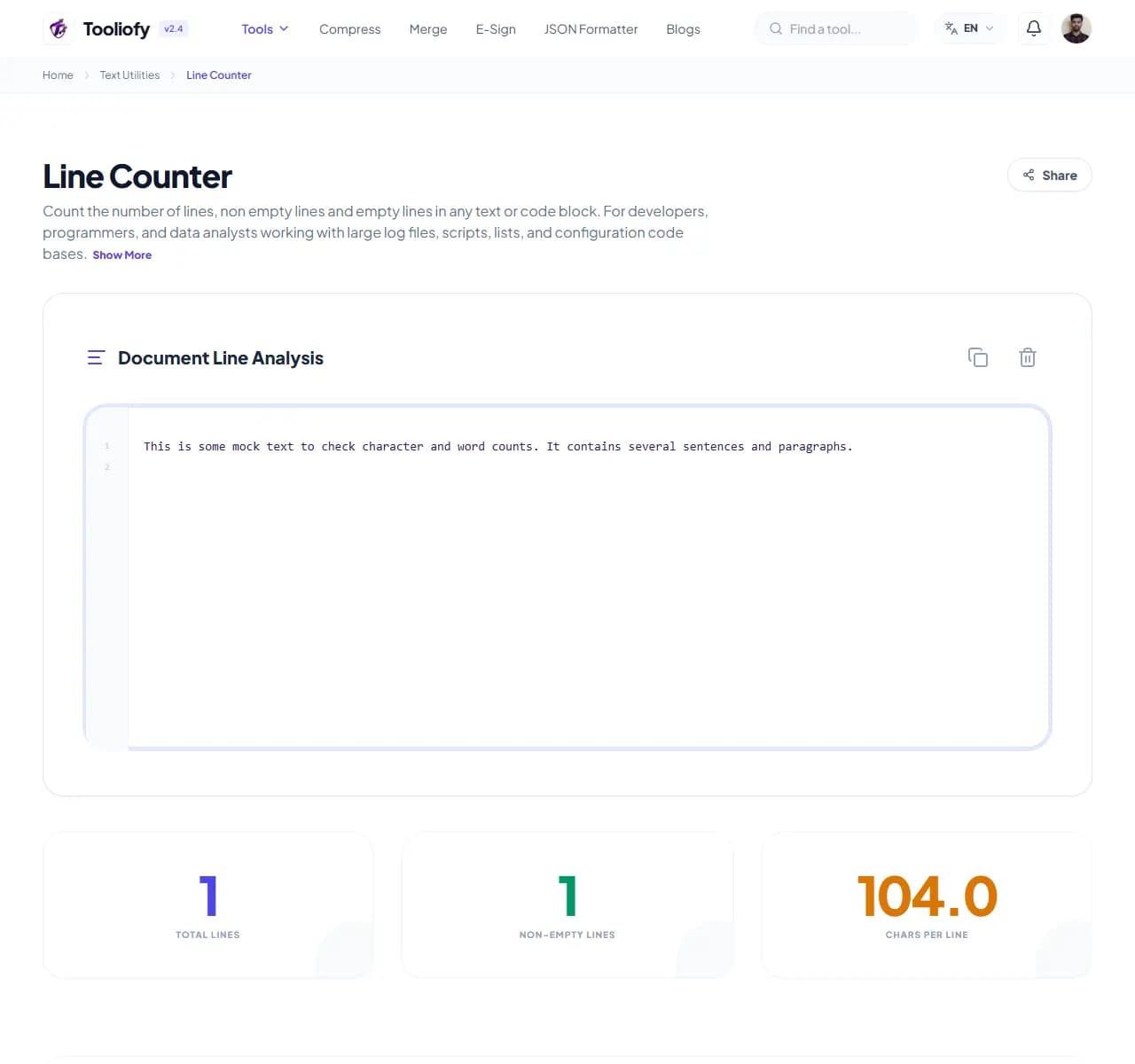
3. Download File
What Line Counter cleans up
The counter reads your text as lines and reports three distinct numbers: every line break counted (total), lines with actual content (non-empty), and distinct values (unique). Each answers a different question, and conflating them is how lists get miscounted.
Why small text fixes matter
'How many emails are on this list?' has three answers: 1,047 total lines, 1,012 non-empty, 987 unique - and the campaign only reaches 987. The gap between the numbers is itself the finding: blank-line padding, duplicate entries, or copy-paste artifacts. For data files, code, and lists of any kind, the non-empty and unique counts are the honest ones.
How the text is handled
Paste the text, read the three counts. The difference between non-empty and unique tells you how many duplicates you have - then Text Sorter's dedupe removes them.
Where Line Counter helps
- Counting entries in an email or contact list
- Verifying export row counts against a source
- Counting items in inventories and catalogs
- Checking list length against a submission limit
- Spotting duplicates via the unique-count gap
Text cleanup benefits
- Three counts answer the question precisely
- Duplicate detection by subtraction
- Instant even on huge lists
- Pairs naturally with Text Sorter
- Free, private
Text options included
- Total line count including empty lines
- Non-empty count - your real item count
- Unique line count exposing duplicates
- Live updates as you edit
- Word and character counts alongside
- Handles very large lists
- Free, nothing stored
"Total, non-empty, unique - ask which one your question needs before quoting a count. It's usually not the total."

More Text Utilities
Word Counter
Word Counter is for count text. It keeps the page focused on that one job, so you can check the count report without opening a larger app.
Character Counter
Use Character Counter when you need to count words, characters, lines, or other text details. Add the text, choose the option that matters, and review the count report.
Case Converter
Case Converter helps you change text case. It keeps the page focused on that one job, so you can check the updated text without opening a larger app.
Remove Extra Spaces
Remove Extra Spaces helps when the next step is simple: clean double spaces, messy line gaps, and pasted spacing problems. It is built for quick fixes, checks, and downloads.
Find & Replace Text
Open Find & Replace Text when your text needs one clear change. The tool keeps the process short and the updated text easy to inspect.
Text Sorter
Text Sorter is for sort text. It keeps the page focused on that one job, so you can check the sorted list without opening a larger app.
Explore Other Categories
 19 Tools
PDF & Documents
Explore our pdf & documents and start processing your files securely.
 5 Tools
AI Tools
Explore our ai tools and start processing your files securely.
 58 Tools
Image Tools
Explore our image tools and start processing your files securely.
 10 Tools
Developer Tools
Explore our developer tools and start processing your files securely.
Can't find a specific tool?
We are constantly adding new features based on user feedback. Tell us what you need and we will implement it immediately!