
Word Counter
Word Counter is for count text. It keeps the page focused on that one job, so you can check the count report without opening a larger app.
Word Counter
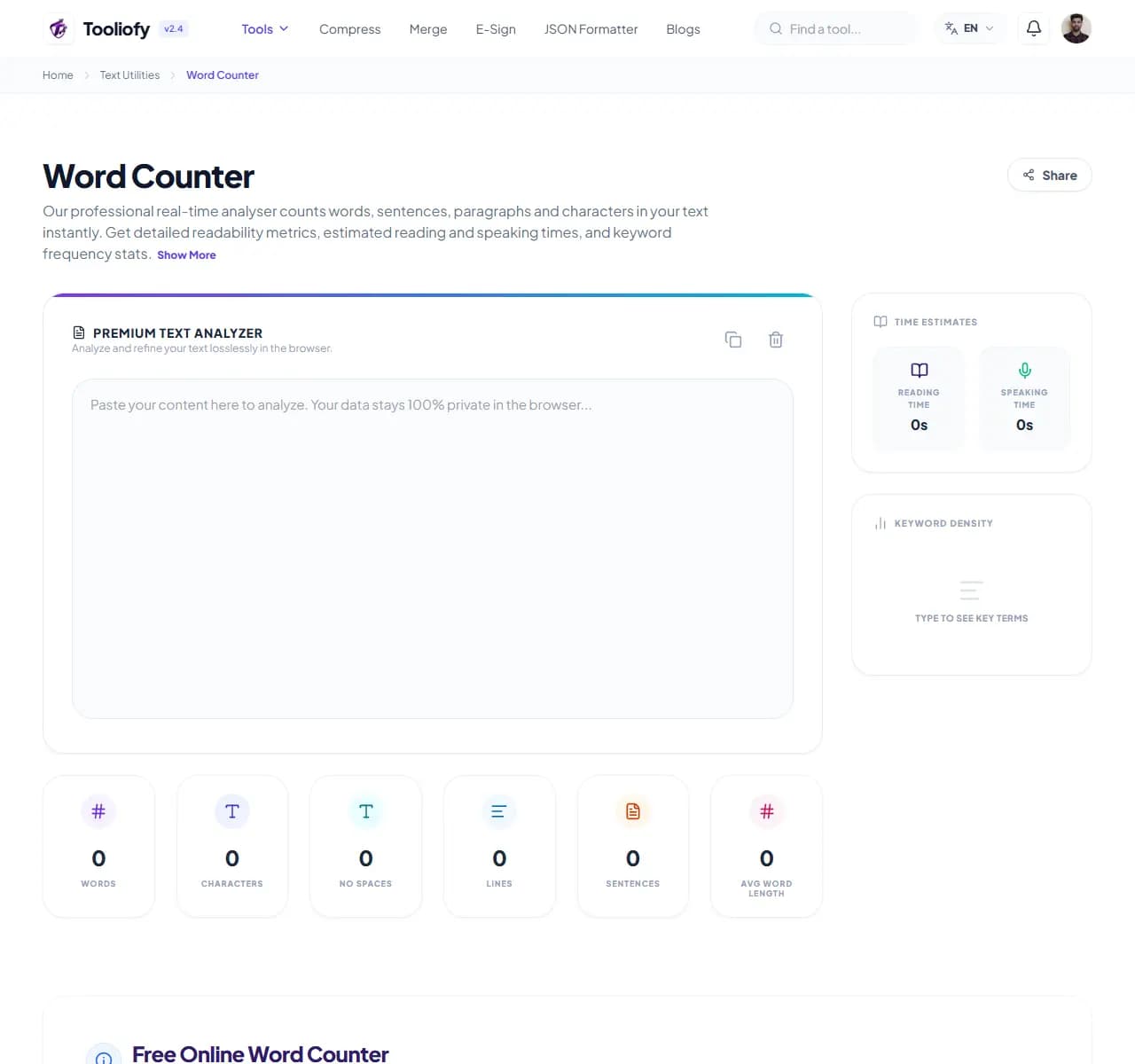
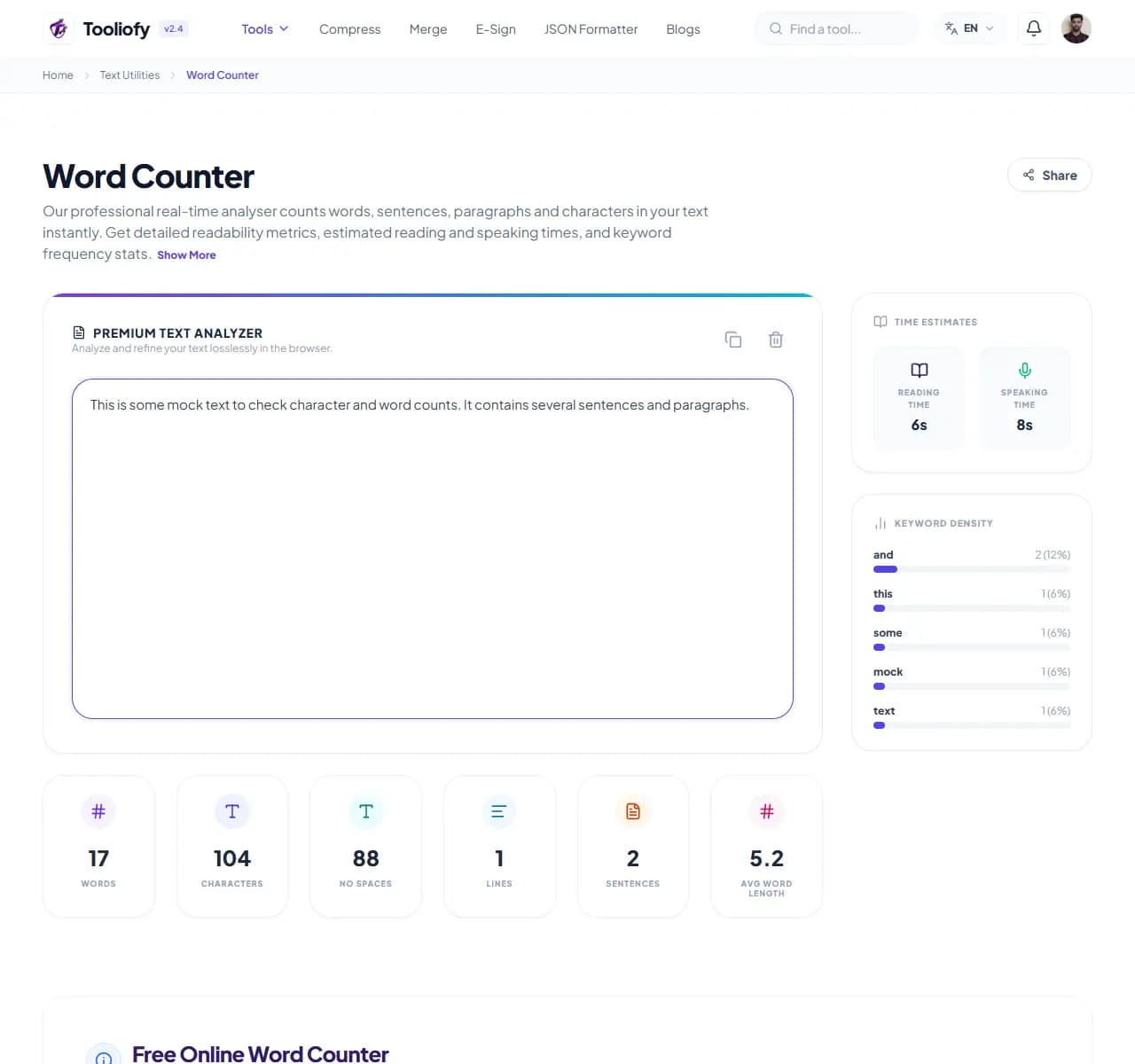
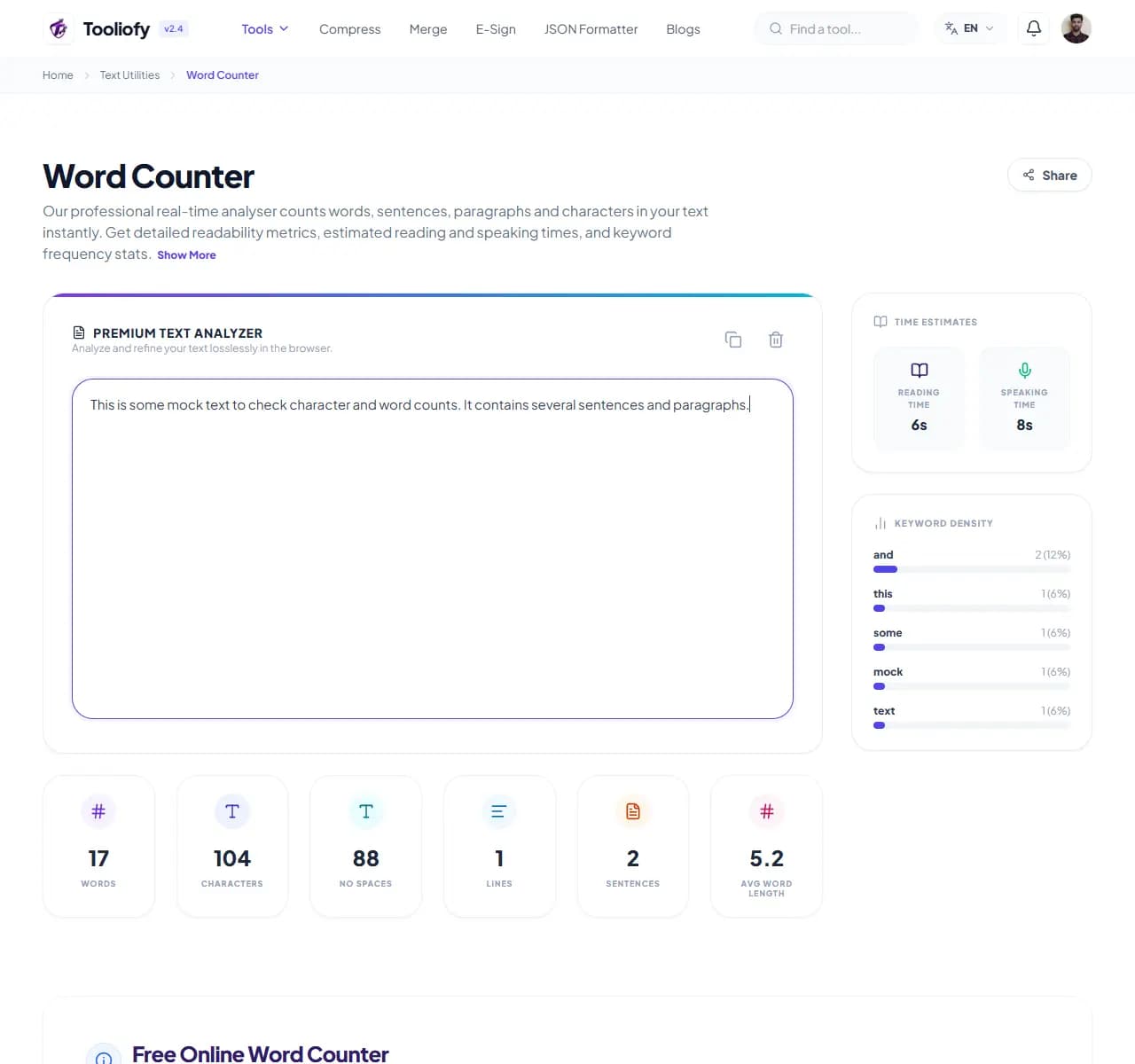
Paste or type text and every count updates live: words, characters with and without spaces, sentences, paragraphs, and estimated reading and speaking time. Nothing to configure, nothing to submit.
How to Use This Tool
1. Select File
2. Processing
3. Download File
What Word Counter cleans up
Word Counter measures text against the limits you're actually checking: X/Twitter's 280 characters, Instagram's 2,200, LinkedIn's 3,000, Google's ~60-character titles and ~155-160-character meta descriptions, the Common App's 650 words, IELTS Task 2's 250-word minimum.
Why small text fixes matter
Reading time and speaking time are different beasts: a 1,000-word script is a 4-5 minute read but a 7-minute speech. Writing a wedding toast or conference talk? Trust the speaking figure, not the reading one - the difference catches out first-time presenters constantly.
How the text is handled
Counting quirks worth knowing: hyphenated words count as one (matching Microsoft Word), numbers count as words, and sentence counts are approximate when text contains abbreviations - 'Dr. Smith' reads as a sentence break to any counter. Two tools can honestly disagree by a few words on the same text; if your university counts differently, their rule wins.
Where Word Counter helps
- Keeping a college essay under the 650-word Common App cap
- Trimming a meta description to ~155 characters
- Fitting a post into X's 280 characters
- Timing a speech using the speaking-time estimate
- Checking an IELTS essay clears the 250-word minimum
Text cleanup benefits
- Instant, live feedback - no submit button
- Platform limits guidance removes the guesswork
- Speaking vs reading time distinction for presenters
- Counts match Microsoft Word conventions
- Free with no length limits
Text options included
- Live counts that update as you type
- Characters with and without spaces
- Sentence and paragraph counts
- Reading time (~200-240 wpm) and speaking time (~130-150 wpm)
- Handles book-length manuscripts
- Works with any space-separated language
- Text not stored after you leave the page
"Character counts for platforms, word counts for essays, speaking time for speeches. Whichever limit you're up against, the number updates before you finish wondering."

More Text Utilities
Character Counter
Use Character Counter when you need to count words, characters, lines, or other text details. Add the text, choose the option that matters, and review the count report.
Line Counter
Line Counter is for count text. It keeps the page focused on that one job, so you can check the count report without opening a larger app.
Case Converter
Case Converter helps you change text case. It keeps the page focused on that one job, so you can check the updated text without opening a larger app.
Remove Extra Spaces
Remove Extra Spaces helps when the next step is simple: clean double spaces, messy line gaps, and pasted spacing problems. It is built for quick fixes, checks, and downloads.
Find & Replace Text
Open Find & Replace Text when your text needs one clear change. The tool keeps the process short and the updated text easy to inspect.
Text Sorter
Text Sorter is for sort text. It keeps the page focused on that one job, so you can check the sorted list without opening a larger app.
Explore Other Categories
 19 Tools
PDF & Documents
Explore our pdf & documents and start processing your files securely.
 5 Tools
AI Tools
Explore our ai tools and start processing your files securely.
 58 Tools
Image Tools
Explore our image tools and start processing your files securely.
 10 Tools
Developer Tools
Explore our developer tools and start processing your files securely.
Can't find a specific tool?
We are constantly adding new features based on user feedback. Tell us what you need and we will implement it immediately!