
Remove Extra Spaces
Remove Extra Spaces helps when the next step is simple: clean double spaces, messy line gaps, and pasted spacing problems. It is built for quick fixes, checks, and downloads.
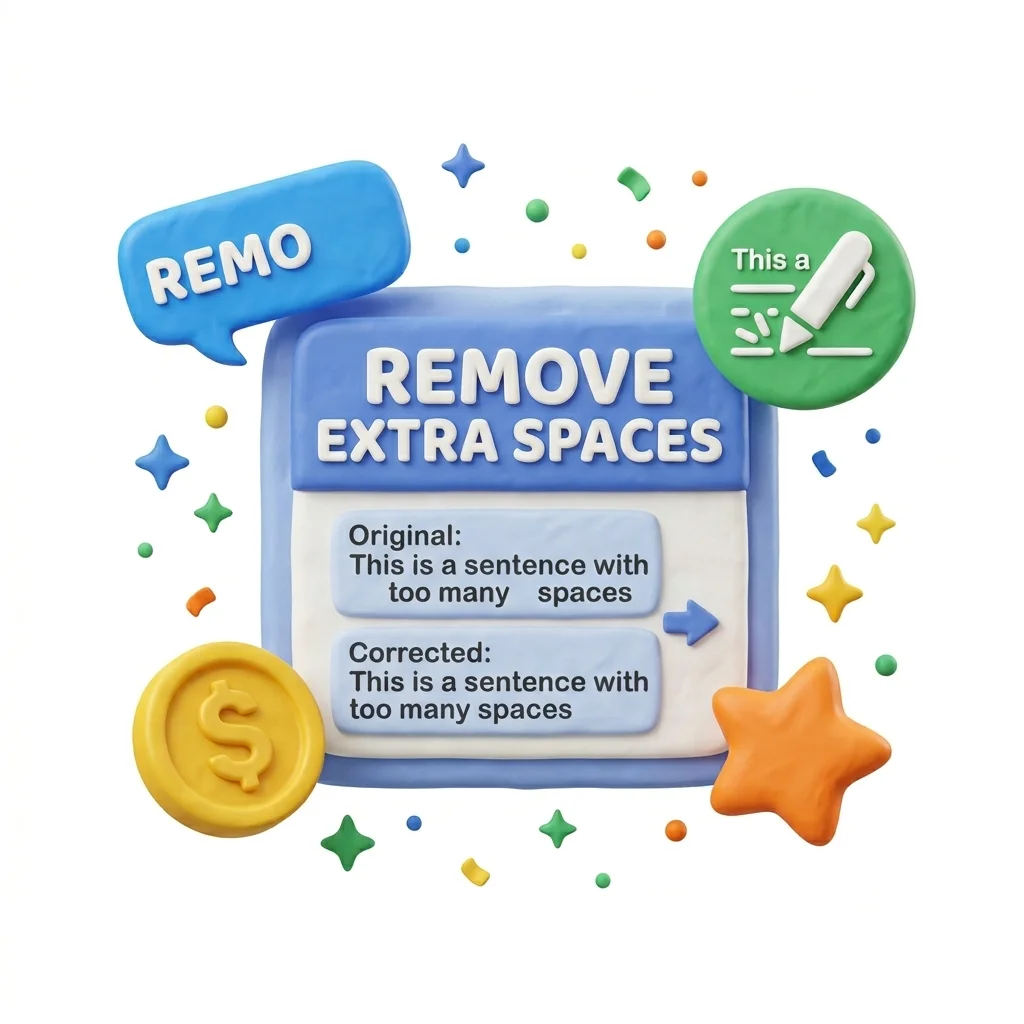
Remove Extra Spaces from Text
Clean up double spaces, stray tabs, trailing whitespace, and chaotic blank lines in one pass. The fix for text that's been through one paste too many.
How to Use This Tool

1. Select File

2. Processing

3. Download File
Why small text fixes matter
Whitespace chaos is the residue of copy-paste life: PDFs paste with line-break spaces everywhere, emails add trailing spaces, spreadsheets inject tabs, and two-space-after-period habits collide with modern style. The damage is real - double spaces look sloppy in print, break string matching in data work, and trip up form validators that reject ' John' as different from 'John'.
What Remove Extra Spaces cleans up
The tool normalizes whitespace: runs of spaces become one space, invisible trailing spaces disappear, tab characters get standardized, and stacks of blank lines collapse to clean paragraph breaks - while the actual words stay untouched.
How the text is handled
Paste text, pick which cleanups to apply, copy the result. The options matter: sometimes you want blank lines collapsed, sometimes preserved - toggles let you clean aggressively for data or gently for prose.
Where Remove Extra Spaces helps
- Cleaning text pasted from PDFs before reuse
- Normalizing spreadsheet exports for imports
- Fixing double-space habits in a manuscript
- Preparing user-submitted data for a database
- Tidying email text before publishing
Text cleanup benefits
- One pass instead of find-replace roulette
- Invisible characters actually removed
- Prose-safe and data-safe modes
- Instant on large documents
- Free, no sign-up
Text options included
- Collapses multiple spaces into single spaces
- Trims leading and trailing whitespace per line
- Removes or normalizes blank lines
- Converts tabs to spaces where wanted
- Preserves intentional paragraph structure
- Handles long documents instantly
- Free, nothing stored
"Paste, clean, copy - and the invisible junk that survives every manual proofread is gone in one pass."

More Text Utilities
Word Counter
Word Counter is for count text. It keeps the page focused on that one job, so you can check the count report without opening a larger app.
Character Counter
Use Character Counter when you need to count words, characters, lines, or other text details. Add the text, choose the option that matters, and review the count report.
Line Counter
Line Counter is for count text. It keeps the page focused on that one job, so you can check the count report without opening a larger app.
Case Converter
Case Converter helps you change text case. It keeps the page focused on that one job, so you can check the updated text without opening a larger app.
Find & Replace Text
Open Find & Replace Text when your text needs one clear change. The tool keeps the process short and the updated text easy to inspect.
Text Sorter
Text Sorter is for sort text. It keeps the page focused on that one job, so you can check the sorted list without opening a larger app.
Explore Other Categories
 19 Tools
PDF & Documents
Explore our pdf & documents and start processing your files securely.
 5 Tools
AI Tools
Explore our ai tools and start processing your files securely.
 58 Tools
Image Tools
Explore our image tools and start processing your files securely.
 10 Tools
Developer Tools
Explore our developer tools and start processing your files securely.
Can't find a specific tool?
We are constantly adding new features based on user feedback. Tell us what you need and we will implement it immediately!