
Case Converter
Case Converter helps you change text case. It keeps the page focused on that one job, so you can check the updated text without opening a larger app.
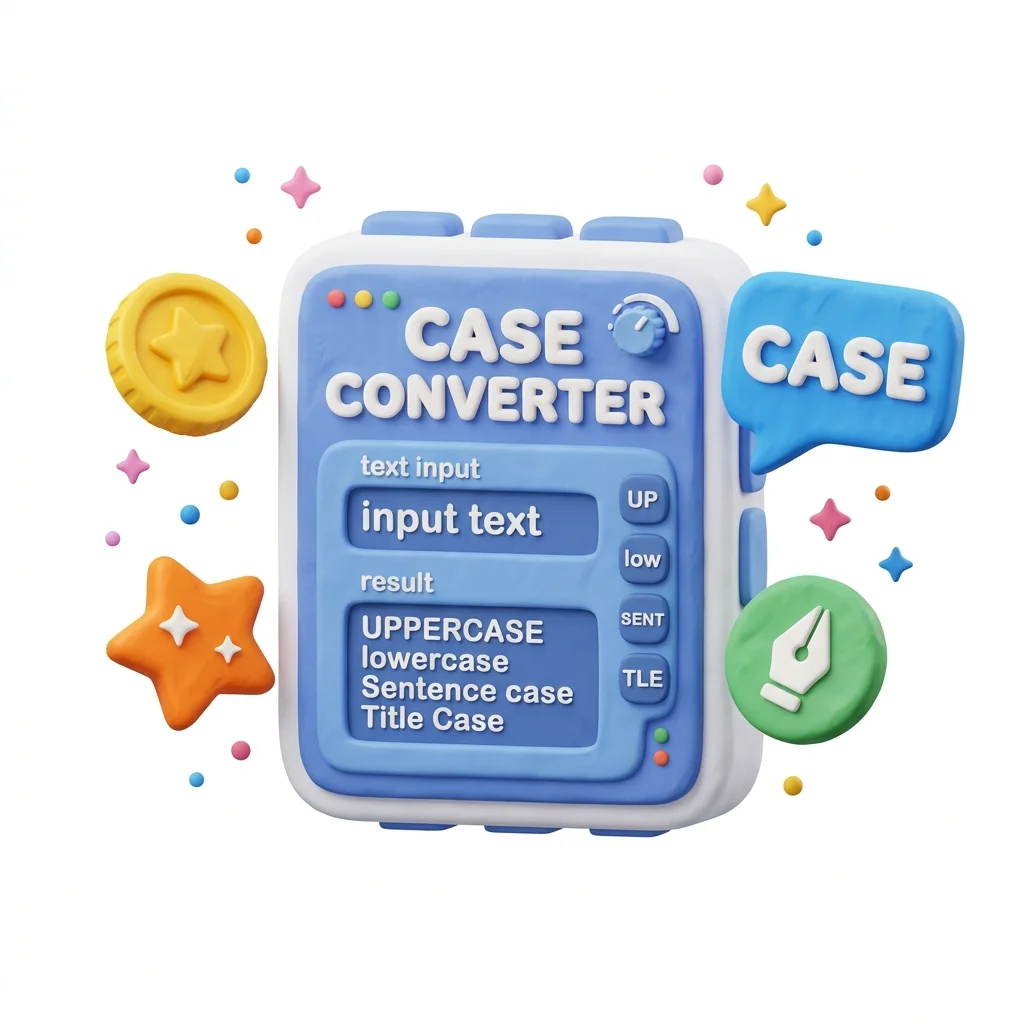
Convert Text Case
Fix text typed in the wrong case without retyping it: UPPERCASE to lowercase, Title Case for headings, Sentence case for paragraphs - one click each, and your text is corrected.
How to Use This Tool
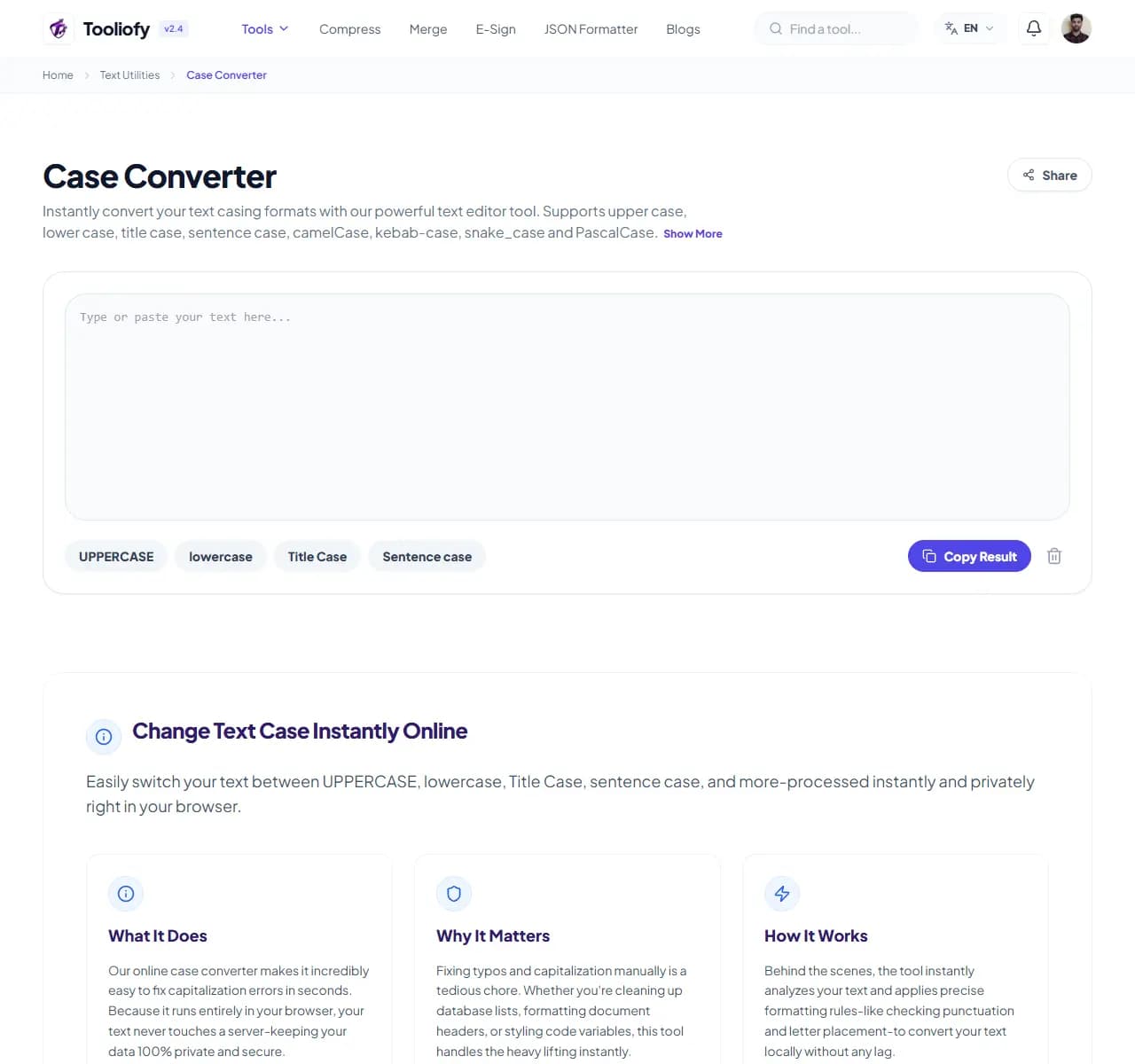
1. Select File
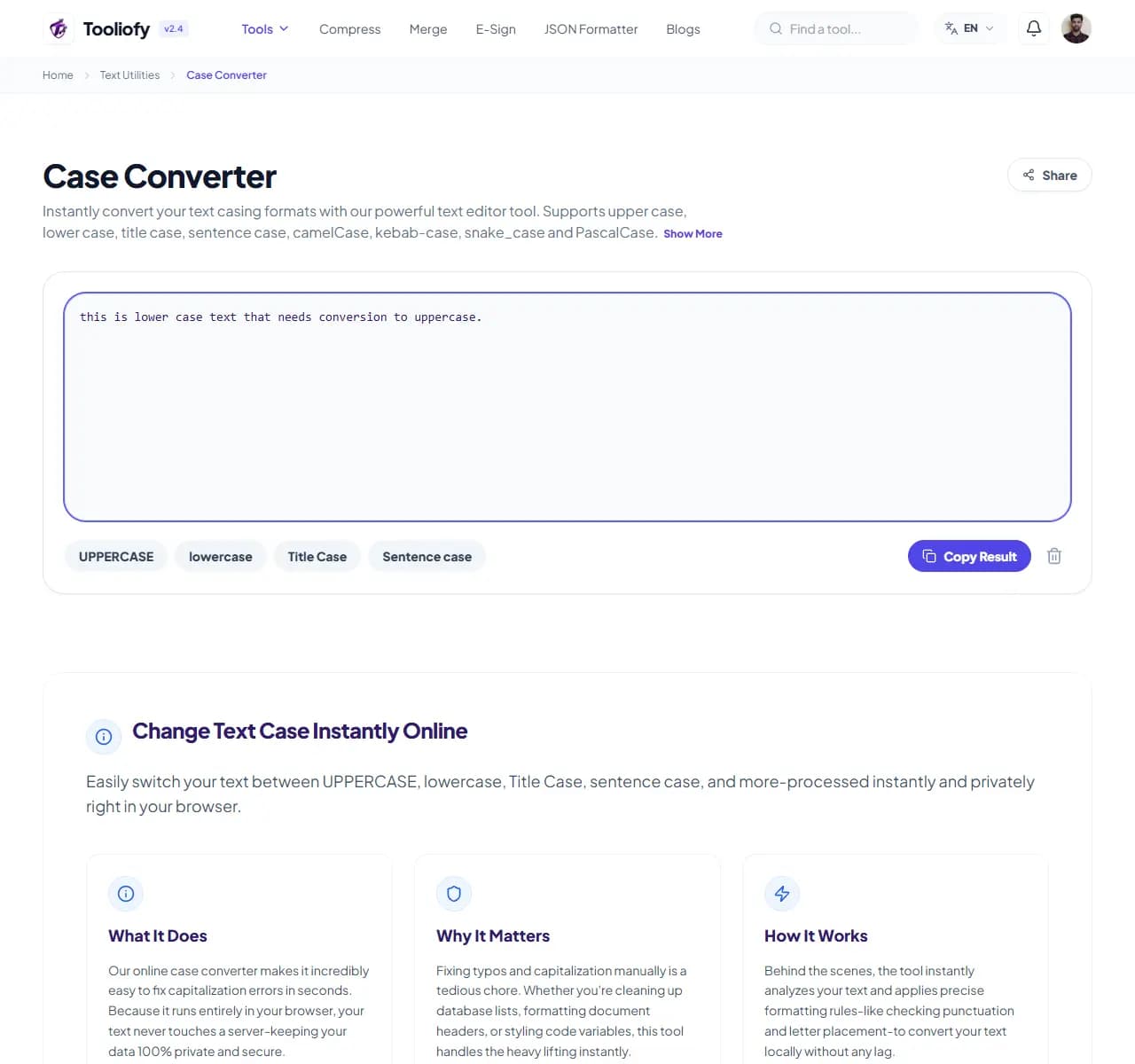
2. Processing
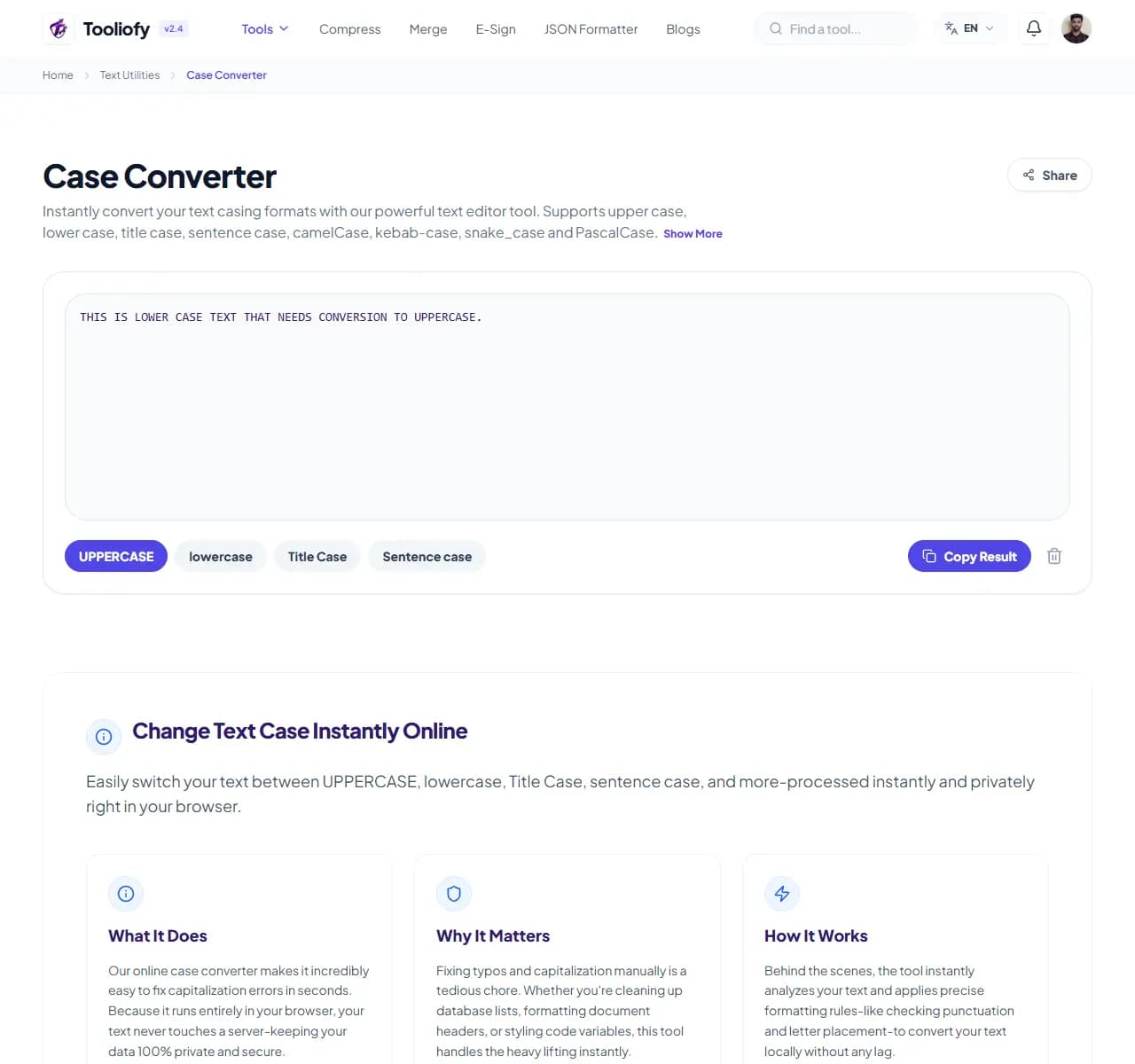
3. Download File
What Case Converter cleans up
The converter rewrites your text's letter casing per rule: everything up, everything down, first-letter-of-each-word (Title Case), or first-letter-of-each-sentence (Sentence case). The words don't change; the case does.
Why small text fixes matter
The classic accident: a paragraph typed with caps lock on. Retyping is tedious and introduces new errors; pasting into this tool and clicking 'Sentence case' fixes it in two seconds with the text otherwise untouched. The subtler uses are editorial - making heading capitalization consistent across a document, or normalizing user-submitted data that arrives in every case imaginable.
How the text is handled
Paste text, click a case button, copy the result. One honest caveat: automatic conversion can't know that 'iPhone', 'NASA' or 'McDonald' have intentional internal capitals - after converting, glance over brand names, acronyms, and proper nouns.
Where Case Converter helps
- Fixing text accidentally typed in caps lock
- Standardizing heading capitalization across a document
- Normalizing user-submitted names and addresses
- Preparing titles in proper Title Case for publication
- Converting legal text from all-caps to readable case
Text cleanup benefits
- Caps-lock accidents fixed in seconds
- No retyping, no new typos
- Consistent headings across documents
- Handles long documents instantly
- Free with no limits
Text options included
- UPPERCASE, lowercase, Title Case, Sentence case
- aLtErNaTiNg and iNVERSE case for when you need them
- Instant conversion, no length limit
- Preserves line breaks and paragraph structure
- One-click copy of the result
- Nothing stored after you leave
- Free, no sign-up
"Two seconds to fix what caps lock did - just remember the one thing converters can't know: which capitals were on purpose."

More Text Utilities
Word Counter
Word Counter is for count text. It keeps the page focused on that one job, so you can check the count report without opening a larger app.
Character Counter
Use Character Counter when you need to count words, characters, lines, or other text details. Add the text, choose the option that matters, and review the count report.
Line Counter
Line Counter is for count text. It keeps the page focused on that one job, so you can check the count report without opening a larger app.
Remove Extra Spaces
Remove Extra Spaces helps when the next step is simple: clean double spaces, messy line gaps, and pasted spacing problems. It is built for quick fixes, checks, and downloads.
Find & Replace Text
Open Find & Replace Text when your text needs one clear change. The tool keeps the process short and the updated text easy to inspect.
Text Sorter
Text Sorter is for sort text. It keeps the page focused on that one job, so you can check the sorted list without opening a larger app.
Explore Other Categories
 19 Tools
PDF & Documents
Explore our pdf & documents and start processing your files securely.
 5 Tools
AI Tools
Explore our ai tools and start processing your files securely.
 58 Tools
Image Tools
Explore our image tools and start processing your files securely.
 10 Tools
Developer Tools
Explore our developer tools and start processing your files securely.
Can't find a specific tool?
We are constantly adding new features based on user feedback. Tell us what you need and we will implement it immediately!