
AI Document OCR
AI Document OCR helps when the next step is simple: handle this ai document ocr task. It is built for quick fixes, checks, and downloads.
AI Document OCR: Turn PDFs & Images Into Editable Text
AI Document OCR helps you extract text from scanned documents without opening a larger app. Add your input, check the result, and save it when it looks right.
How to Use This Tool
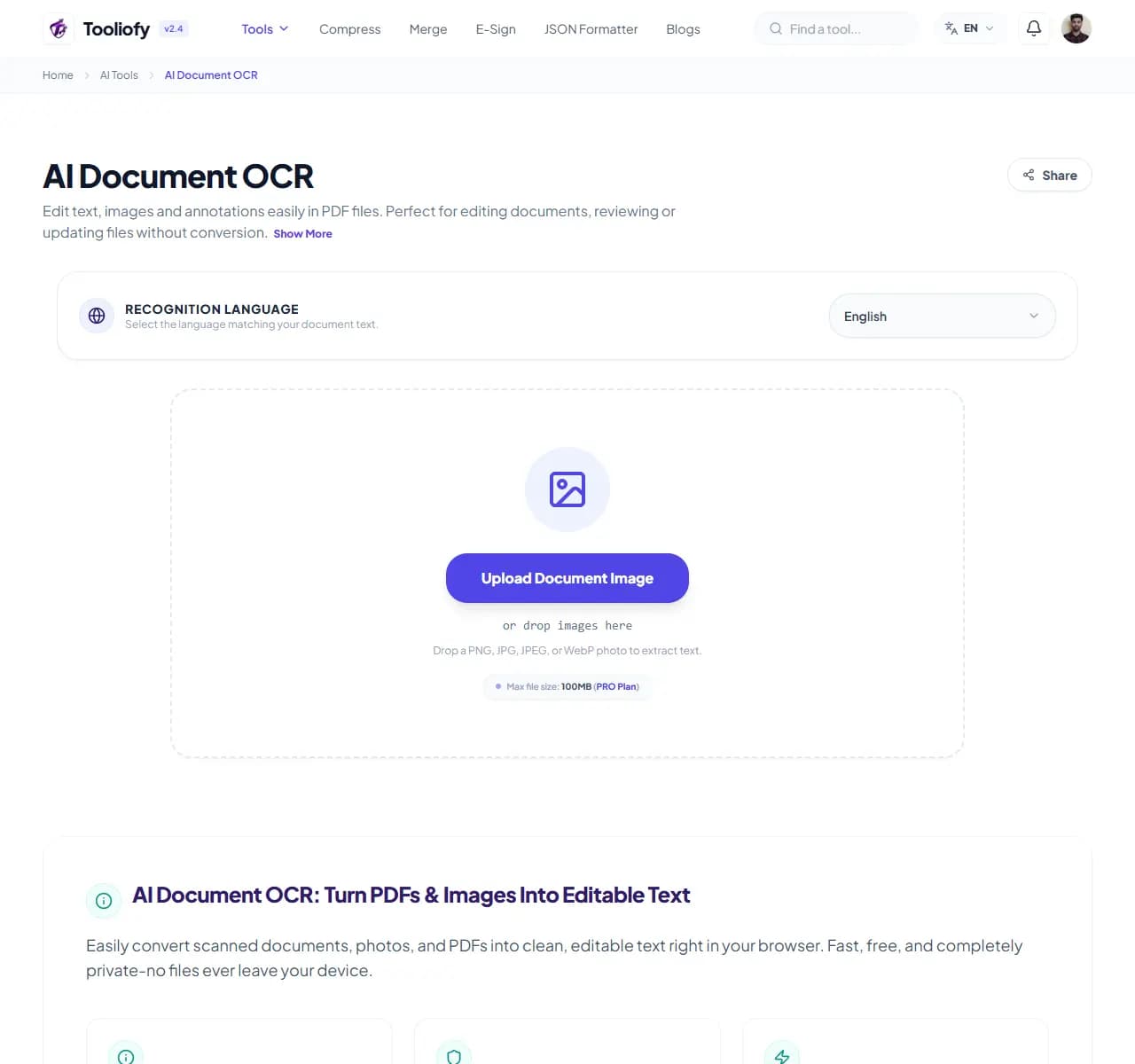
1. Select File
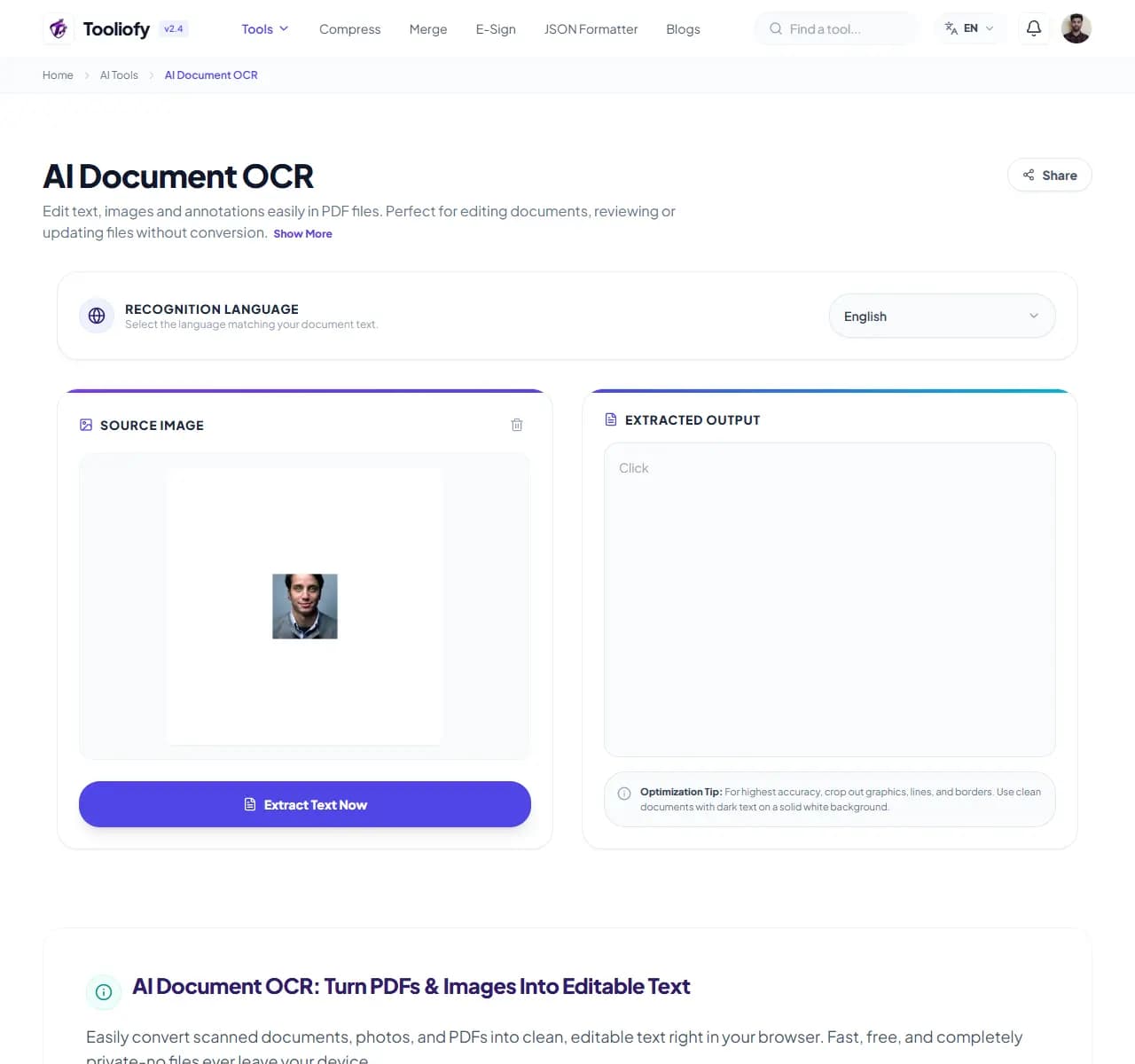
2. Processing
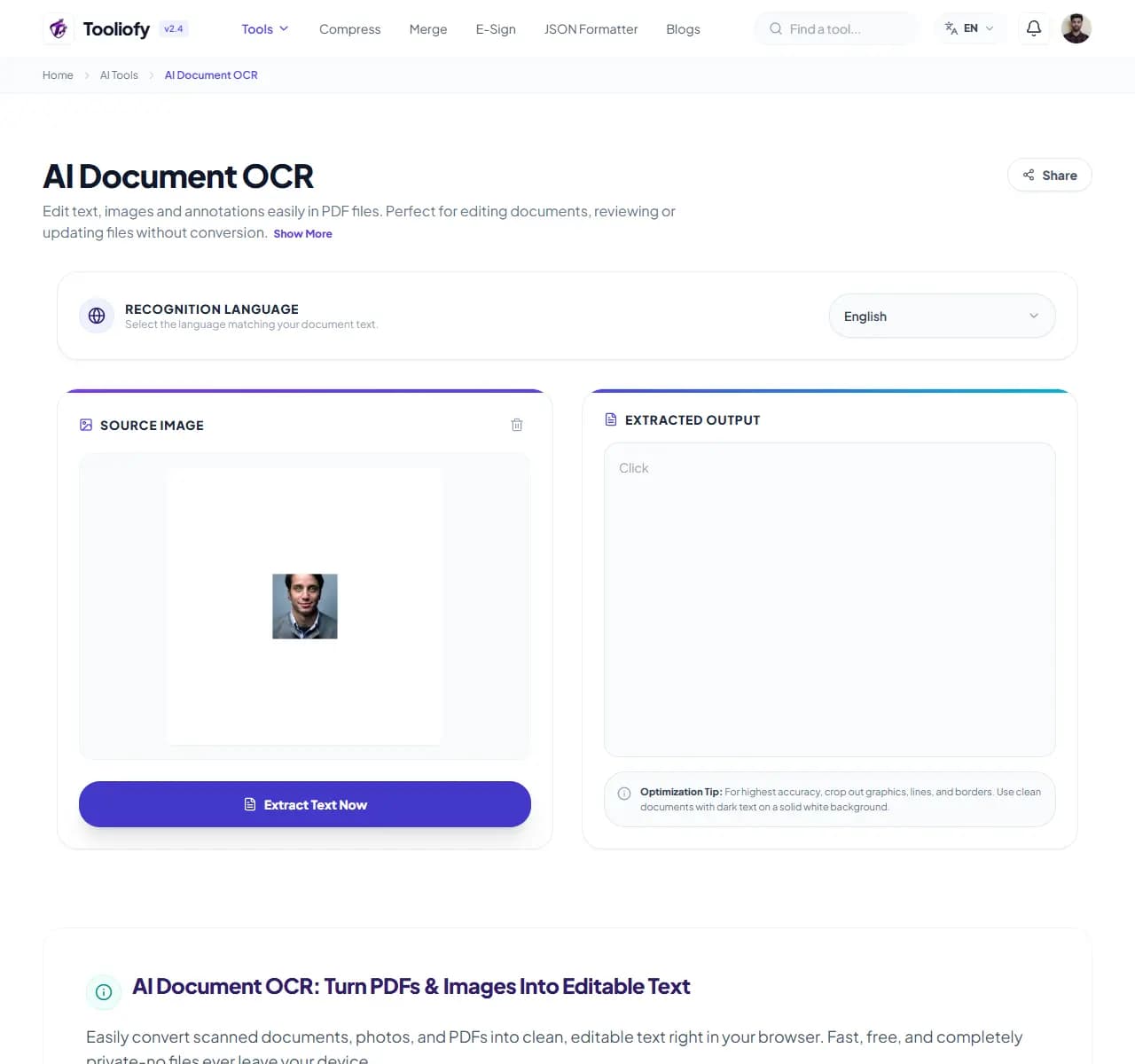
3. Download File
Why this small task matters
Small file and text jobs are easier when the tool stays focused on one clear result. AI Document OCR keeps that fix in one place so the job does not grow larger than it needs to be.
What AI Document OCR helps with
AI Document OCR is a practical shortcut when you need to pull text from scanned documents. You can focus on the part that needs fixing and leave the rest alone.
How the tool handles it
AI Document OCR keeps pulling text from scanned documents on one page, with the important controls close to the result.
Before you use AI Document OCR
AI Document OCR speeds up pulling text from scanned documents, but it should not replace review. Check names, numbers, layout, or visible details afterward.
Privacy note: For AI Document OCR, remove sensitive personal details and private business data unless you are sure that content is allowed to be processed.
Best used for
- Digitizing paper receipts and invoices.
- Turning scanned contracts into editable text.
- AI Document OCR works with PDF, PNG, JPG, and other supported formats.
Small thing to watch
- Letting names, dates, or promises change during rewriting.
- Using AI output where exact wording matters.
Supported Formats
Common ways to use it
- Digitizing paper receipts and invoices
- Pulling quotes from books and magazines
- Turning scanned contracts into editable text
- Grabbing text from screenshots
- Creating digital backups of physical documents
What makes it helpful
- Privacy-first, local character recognition
- Works with all your common file formats
- Your data stays yours-we don't track or store a thing
- Quick processing powered by your device
- Completely free: no sign-ups, no subscriptions, no account required
Options included
- Works with PDF, PNG, JPG, JPEG, and WebP
- Recognizes text in multiple languages
- Preserves document structure and layout
- Side-by-side editor for easy proofreading
- Copy to clipboard in one click
- Save your text as a TXT or Markdown file
- Private: Processing runs on your device
"If the job is to pull text from scanned documents, AI Document OCR gives you a clean path from input to usable result without extra steps."

More AI Tools
AI Background Image Remover
Open AI Background Image Remover when your image needs one clear change. The tool keeps the process short and the transparent image easy to inspect.
AI Text Summarizer & Sentiment
Open AI Text Summarizer & Sentiment when your text needs one clear change. The tool keeps the process short and the summary easy to inspect.
AI Image Upscaler
Use AI Image Upscaler when you need to make a small image easier to use at a larger size. Add the image, choose the option that matters, and review the larger image.
AI Color Palette Solver
Use AI Color Palette Solver when you need to turn an idea or image into reusable colors. Add the prompt or image, choose the option that matters, and review the color palette.
Image Compressor
Image Compressor helps you reduce file size. It keeps the page focused on that one job, so you can check the smaller file without opening a larger app.
Image Resizer
Open Image Resizer when your image needs one clear change. The tool keeps the process short and the resized image easy to inspect.
Explore Other Categories
 19 Tools
PDF & Documents
Explore our pdf & documents and start processing your files securely.
 58 Tools
Image Tools
Explore our image tools and start processing your files securely.
 24 Tools
Text Utilities
Explore our text utilities and start processing your files securely.
 10 Tools
Developer Tools
Explore our developer tools and start processing your files securely.
Can't find a specific tool?
We are constantly adding new features based on user feedback. Tell us what you need and we will implement it immediately!