
Image to PDF
Use Image to PDF when you need to turn Image files into PDF. Add the Image file, choose the option that matters, and review the PDF file.
Convert Images to PDF
Phones photograph documents; offices demand PDFs. Add one or many images (JPG, PNG, WebP), arrange them in order, rotate any sideways shots, and download a single PDF where each image becomes a page.
How to Use This Tool
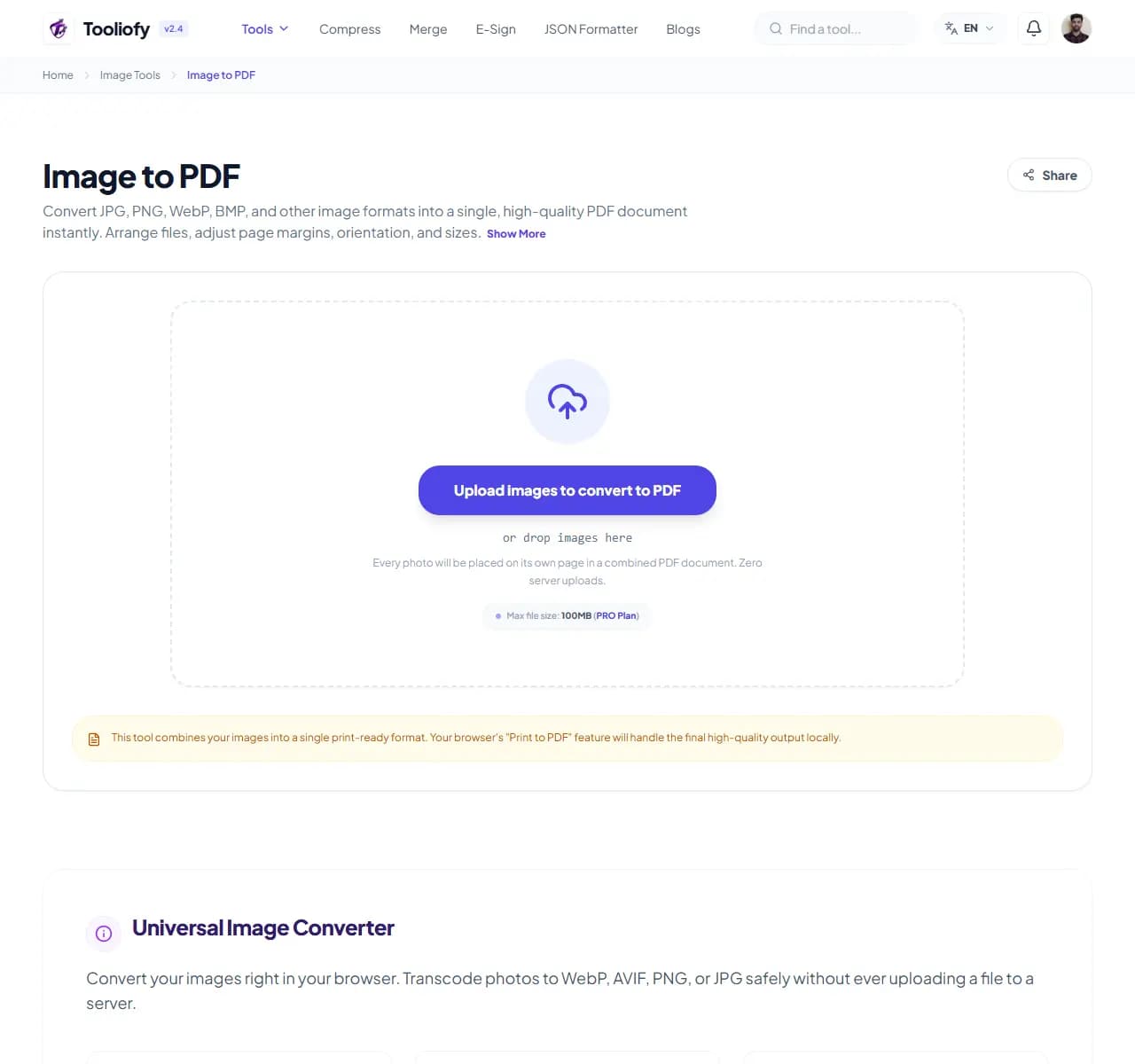
1. Select File
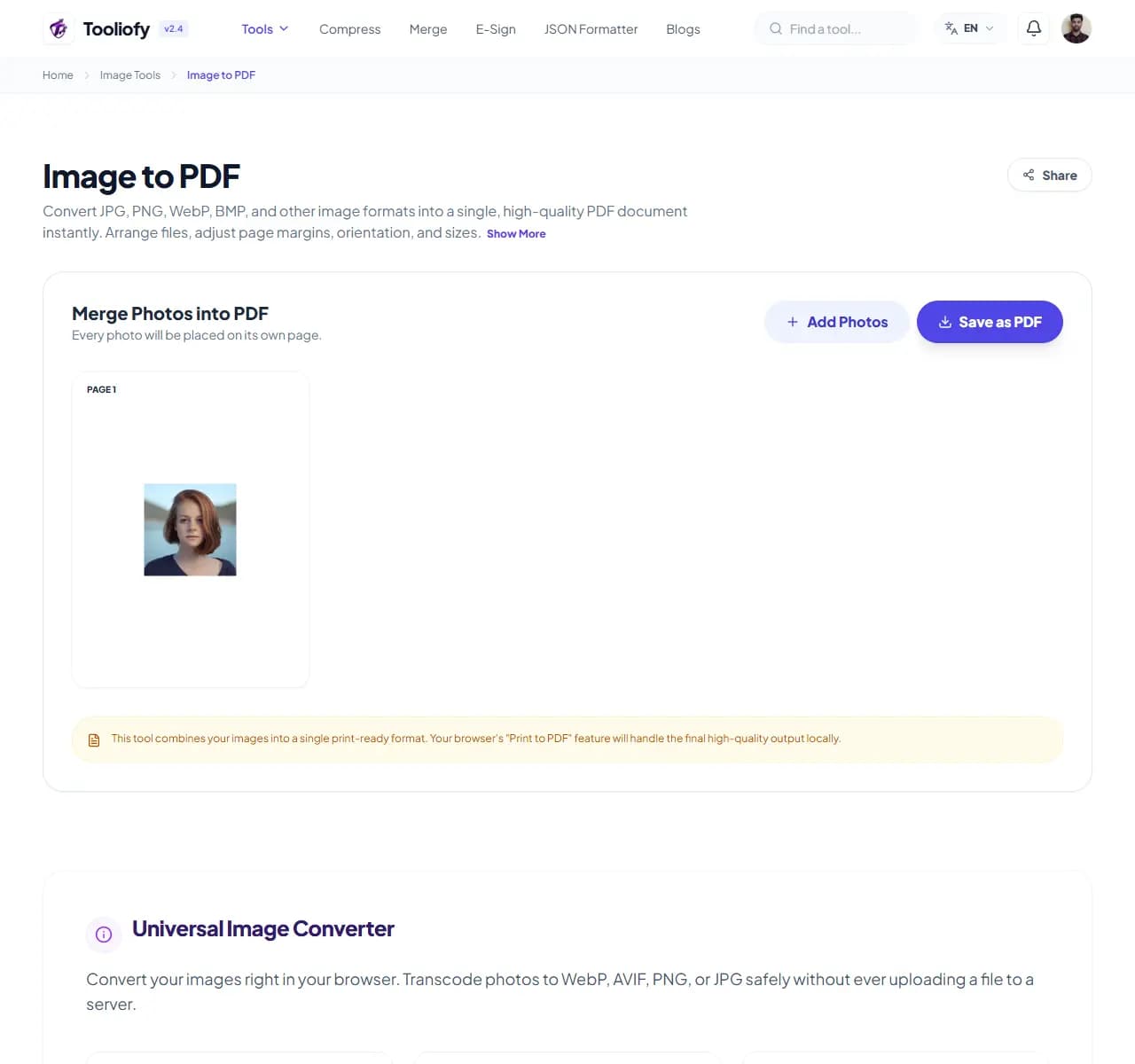
2. Processing
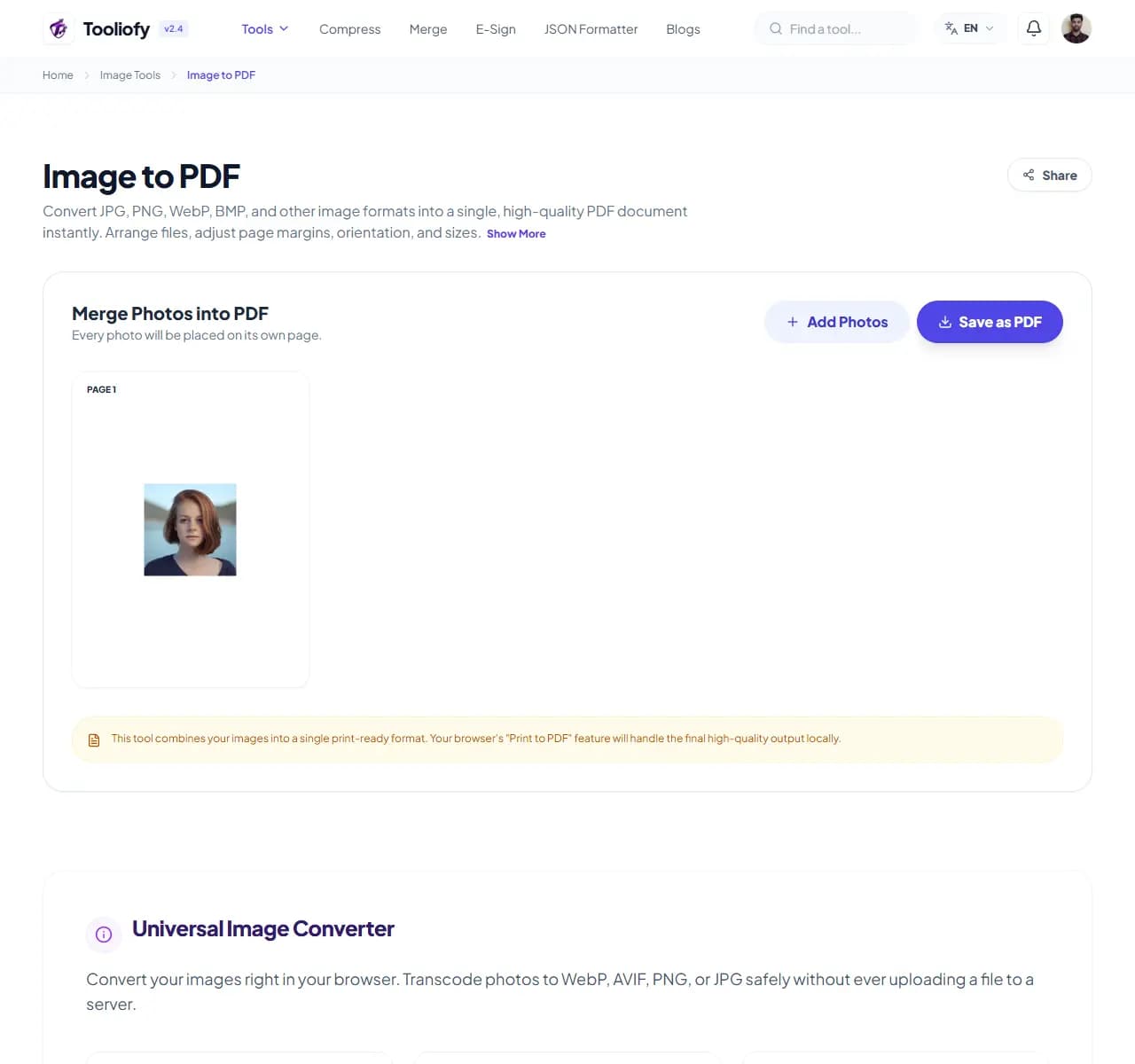
3. Download File
What Image to PDF changes
Image to PDF turns loose images into a single ordered PDF document. Whatever order the thumbnails show is the order pages appear - nothing is fixed until you hit Convert.
Why the image result matters
The most common job: you photographed a 6-page rental agreement with your phone. Sending 6 separate JPGs is messy and half arrive rotated. One clean PDF scrolls in order, prints correctly, and looks intentional.
How your image is processed
Upload all the photos at once, drag them into page order, rotate any sideways shots, pick A4 or Letter with your preferred margins, and download. Images are embedded at their original resolution by default.
Good times to use Image to PDF
- Turning phone photos of a contract into one orderly document
- Submitting receipts as a single PDF for expense claims
- Combining screenshots into a shareable walkthrough
- Making a photo contact sheet with 4 images per page
- Converting artwork scans into a portfolio PDF
What you get
- One document instead of a pile of attachments
- Pages arrive in order and print correctly
- Original image resolution kept by default
- Receipts and photos can share pages to save paper
- Free, no watermark, no sign-up
Image options included
- Combine many images into one multi-page PDF
- Drag thumbnails to set page order before converting
- One-click rotation for sideways phone shots
- Page sizes: A4, US Letter, or auto-fit to each image
- Margin control - none, small, or standard
- 2 or 4 images per page for receipts and contact sheets
- Mix JPG, PNG and WebP freely in one PDF
"Order the thumbnails, fix the rotations, and download one document that behaves like a document. If it needs to be searchable, OCR it next."

More Image Tools
Image Compressor
Image Compressor helps you reduce file size. It keeps the page focused on that one job, so you can check the smaller file without opening a larger app.
Image Resizer
Open Image Resizer when your image needs one clear change. The tool keeps the process short and the resized image easy to inspect.
Image Cropper
Image Cropper helps when the next step is simple: keep the important area and remove the rest. It is built for quick fixes, checks, and downloads.
Image Rotator / Flipper
Image Rotator / Flipper helps when the next step is simple: fix direction, orientation, or mirror view. It is built for quick fixes, checks, and downloads.
Universal Image Converter
Open Universal Image Converter when your file needs one clear change. The tool keeps the process short and the converted file easy to inspect.
JPG/JPEG Converter
Use JPG/JPEG Converter when you need to change the file into a format that is easier to open or share. Add the file, choose the option that matters, and review the converted file.
Explore Other Categories
 19 Tools
PDF & Documents
Explore our pdf & documents and start processing your files securely.
 5 Tools
AI Tools
Explore our ai tools and start processing your files securely.
 24 Tools
Text Utilities
Explore our text utilities and start processing your files securely.
 10 Tools
Developer Tools
Explore our developer tools and start processing your files securely.
Can't find a specific tool?
We are constantly adding new features based on user feedback. Tell us what you need and we will implement it immediately!