
WebP vs AVIF vs PNG vs JPG: The Complete Image Format Guide for 2026

Choosing the Right Image Format Matters
Images can make a page feel polished, useful, and trustworthy. They can also quietly slow everything down if they are saved in the wrong format. A large PNG used where a compressed WebP would work, or a heavy JPG uploaded without optimization, can add seconds to a page load.
That matters for visitors and for SEO. Faster pages are easier to use, especially on mobile connections, and optimized images help reduce bandwidth, improve Core Web Vitals, and make a website feel more responsive.
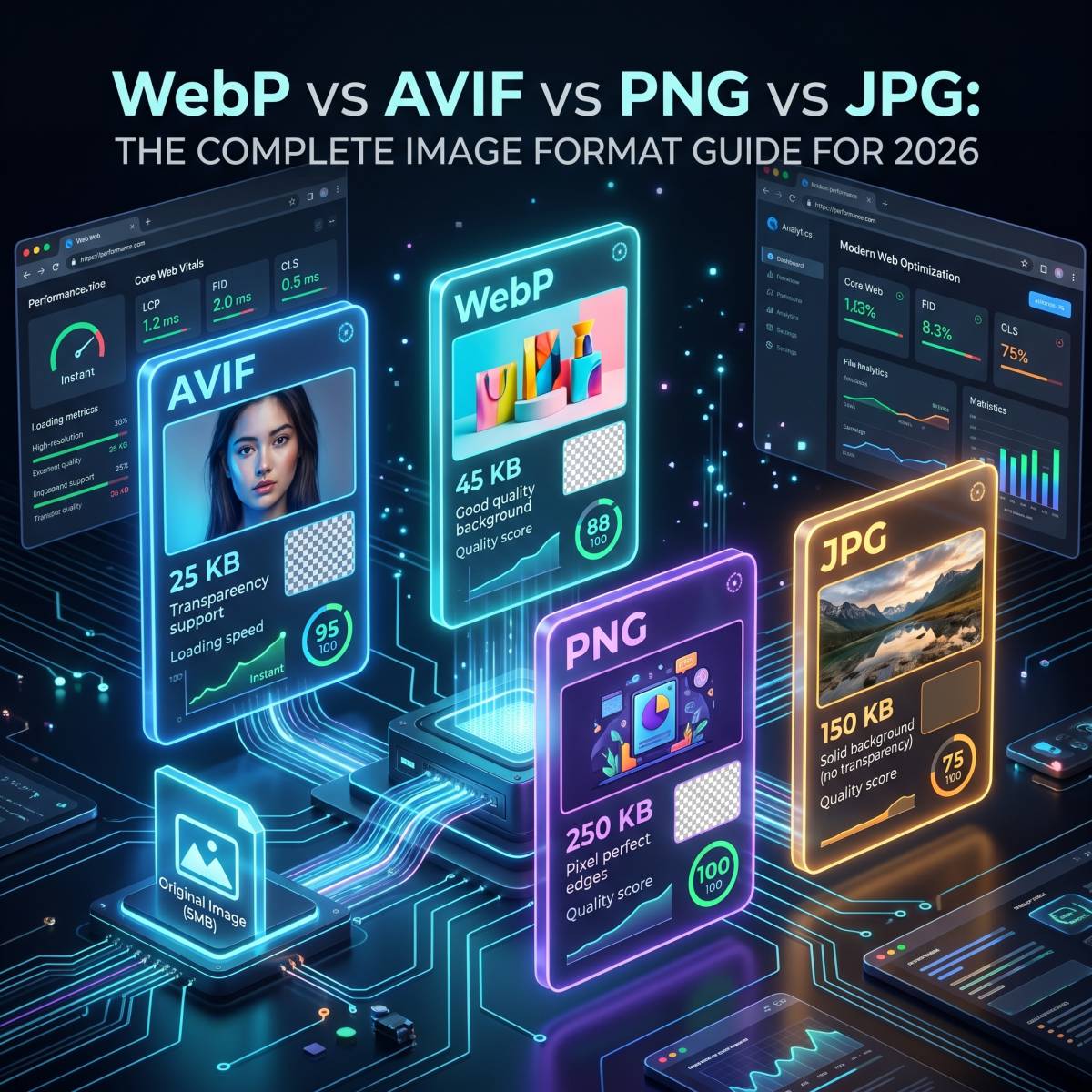
The four image formats most people deal with today are JPG, PNG, WebP, and AVIF. Each one is useful, but they are not interchangeable. This guide explains when to use each format in plain language.
Quick Answer: Which Image Format Should You Use?
- Use JPG for ordinary photos, email attachments, and maximum compatibility.
- Use PNG for logos, screenshots, icons, and images that need transparency.
- Use WebP for most website images because it gives a strong balance of quality, size, and support.
- Use AVIF when you want very small files and your audience is using modern browsers.
If you are not sure what to choose for a website, start with WebP. It is usually the safest modern default.
JPG: Best for Photos and Compatibility
JPG, also called JPEG, is still the most widely supported image format. It works almost everywhere: browsers, phones, cameras, email clients, document editors, social platforms, and older software.
Best for
- Photographs and camera images
- Blog images and thumbnails where transparency is not needed
- Email attachments and documents
- Images that need to open reliably on almost any device
Strengths
- Excellent compatibility: Nearly every device and app can open JPG files.
- Good compression for photos: JPG keeps photographic images reasonably small.
- Adjustable quality: You can reduce file size by lowering export quality.
Weaknesses
- No transparent background support
- Quality can degrade after repeated editing and saving
- Not ideal for logos, screenshots, text, or sharp UI graphics
Use JPG when compatibility matters more than having the smallest possible file. If you need to convert images to or from JPG, use Tooliofy’s JPG Converter.
PNG: Best for Transparency and Sharp Details
PNG is the format people usually reach for when an image needs a transparent background. It is also a good choice for screenshots, icons, UI graphics, and images with sharp edges.
Best for
- Logos and brand assets
- Icons and interface elements
- Screenshots
- Images with transparent backgrounds
- Graphics that include text or clean lines
Strengths
- Lossless quality: PNG keeps image details intact.
- Transparency support: It supports full alpha transparency.
- Sharp output: It handles text, lines, and simple graphics well.
Weaknesses
- Large file sizes for photos
- Not the best choice for full-color photographic images
- Can slow down pages if used too often without compression
Use PNG when the image needs transparency or crisp details. For normal website photos, PNG is usually too heavy. You can convert PNG files with Tooliofy’s PNG Converter.
WebP: Best Everyday Format for Websites
WebP is a modern image format made for the web. It can replace JPG in many cases, and it can also replace PNG when you need transparency but want a smaller file.
Best for
- Blog images
- Landing page visuals
- E-commerce product images
- Website banners and thumbnails
- Transparent web graphics where PNG files are too large
Strengths
- Smaller files: WebP is often smaller than JPG at similar visual quality.
- Transparency support: It can handle transparent backgrounds.
- Lossy and lossless modes: You can choose between smaller size or preserved detail.
- Animation support: WebP can be used as a lighter alternative to GIF in many cases.
Weaknesses
- Some older editing tools may not support it well
- Some email clients and older platforms may not display WebP reliably
For most websites, WebP is the practical default. It gives strong compression, good quality, and broad browser support. Convert images with Tooliofy’s WebP Converter.
AVIF: Best for Maximum Compression
AVIF is one of the most efficient image formats available for the web. It can produce very small files while keeping impressive visual quality, especially for photos and high-resolution images.
Best for
- Performance-focused websites
- Large hero images
- High-resolution photography
- Sites where reducing bandwidth is a priority
Strengths
- Very small file sizes: AVIF can be smaller than JPG and WebP in many cases.
- High visual quality: It handles color and detail well at lower file sizes.
- Modern features: It supports transparency, animation, HDR, and wide color.
Weaknesses
- Encoding can be slower than WebP
- Some older browsers and tools may not support it
- It may not be ideal for every workflow yet
Use AVIF when performance is the priority and your users are mostly on modern browsers. If you need compatibility fallbacks, keep a WebP or JPG version too. Try Tooliofy’s AVIF Converter to test your images.
JPG vs PNG vs WebP vs AVIF Comparison
| Feature | JPG | PNG | WebP | AVIF |
|---|---|---|---|---|
| Best for photos | Good | Poor | Very good | Excellent |
| Transparency | No | Yes | Yes | Yes |
| Lossless option | No | Yes | Yes | Yes |
| Animation | No | No | Yes | Yes |
| Compatibility | Excellent | Excellent | Very good | Good but newer |
| Typical file size | Medium | Large | Small | Smallest |
How to Choose the Right Format
Here is a simple way to decide:
- Need the image to work everywhere? Use JPG.
- Need transparency? Use PNG for design files or WebP for websites.
- Need faster website loading? Use WebP.
- Need the smallest possible file size? Try AVIF.
- Need a logo or screenshot to stay sharp? Use PNG or lossless WebP.
- Need product images for an online store? Use WebP, with JPG fallback if required.
How to Convert Image Formats
Changing formats is simple when you use the right converter. Tooliofy has dedicated tools for common image workflows:
- JPG Converter - Convert JPG images to PNG, WebP, AVIF, and other formats
- PNG Converter - Convert PNG files to JPG, WebP, BMP, and more
- WebP Converter - Convert WebP images to JPG, PNG, or other formats
- AVIF Converter - Convert AVIF images to widely supported formats
- Universal Image Converter - Convert between many image formats in one place
Do Not Forget Compression
Choosing the right format is only the first step. Compression matters too. A WebP or AVIF file can still be larger than necessary if it was exported with poor settings or uploaded at huge dimensions.
Before adding images to a website, resize them to the actual display size and compress them. For example, if a blog image displays at 1200px wide, uploading a 5000px camera image wastes bandwidth.
You can use Tooliofy’s Image Compressor to reduce file sizes and prepare images for faster loading.
Conclusion
There is no single best image format for every situation. JPG is still great for compatibility, PNG is best for transparency and sharp graphics, WebP is the best all-round option for most websites, and AVIF is excellent when you want maximum compression.
If your goal is a faster website, start by converting heavy JPG and PNG files to WebP. Then test AVIF for large images where file size matters most. Use the Tooliofy Universal Image Converter to convert formats, and compress the final files before publishing them.
Start using our Tools today
Experience the privacy and performance mentioned in this article. No account required.
Explore all 150+ Tools