
BMP Converter
Open BMP Converter when your file needs one clear change. The tool keeps the process short and the converted file easy to inspect.
Convert Images Online: JPG, PNG, WebP & AVIF
BMP Converter helps you convert Bmp files without opening a larger app. Add your input, check the result, and save it when it looks right.
How to Use This Tool
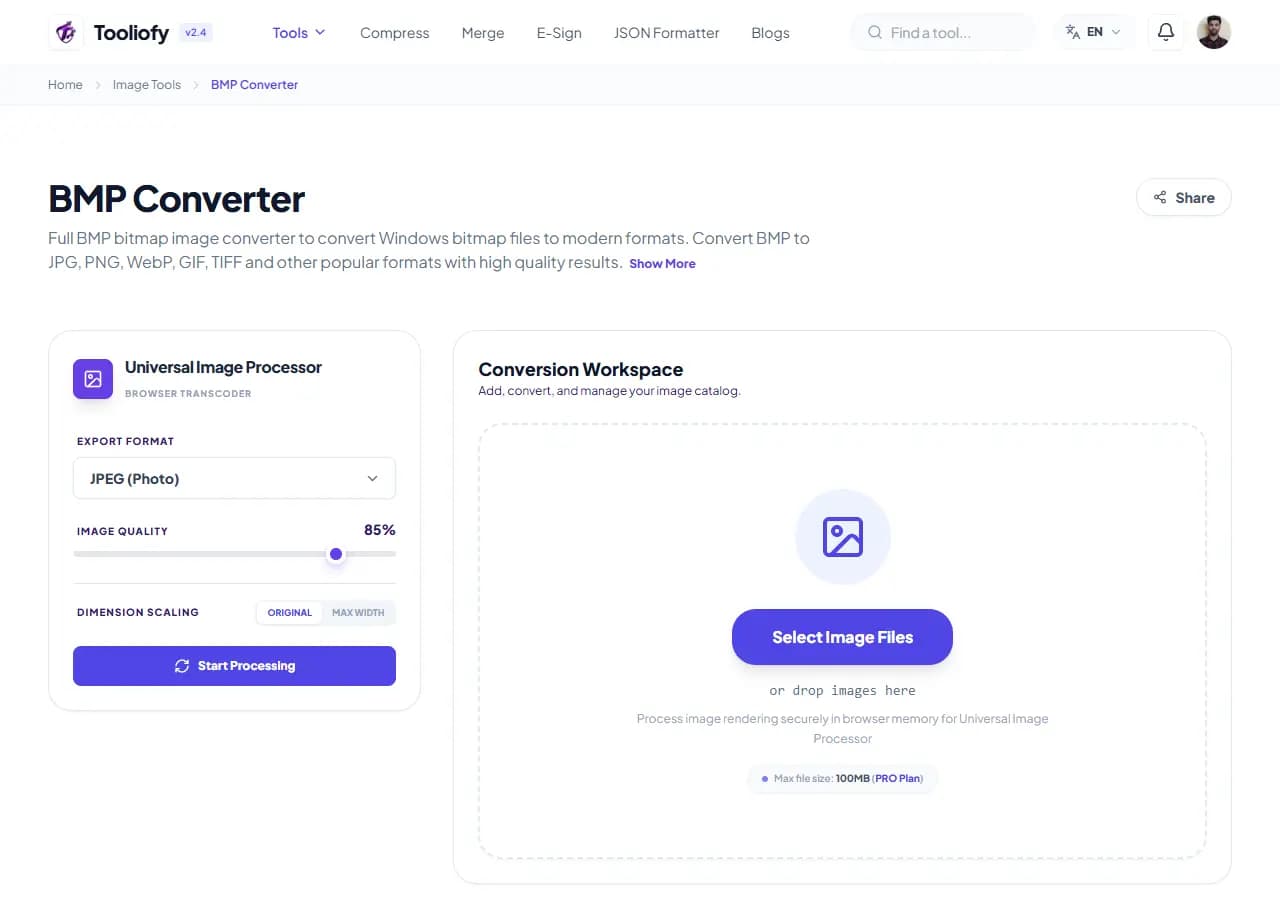
1. Select File
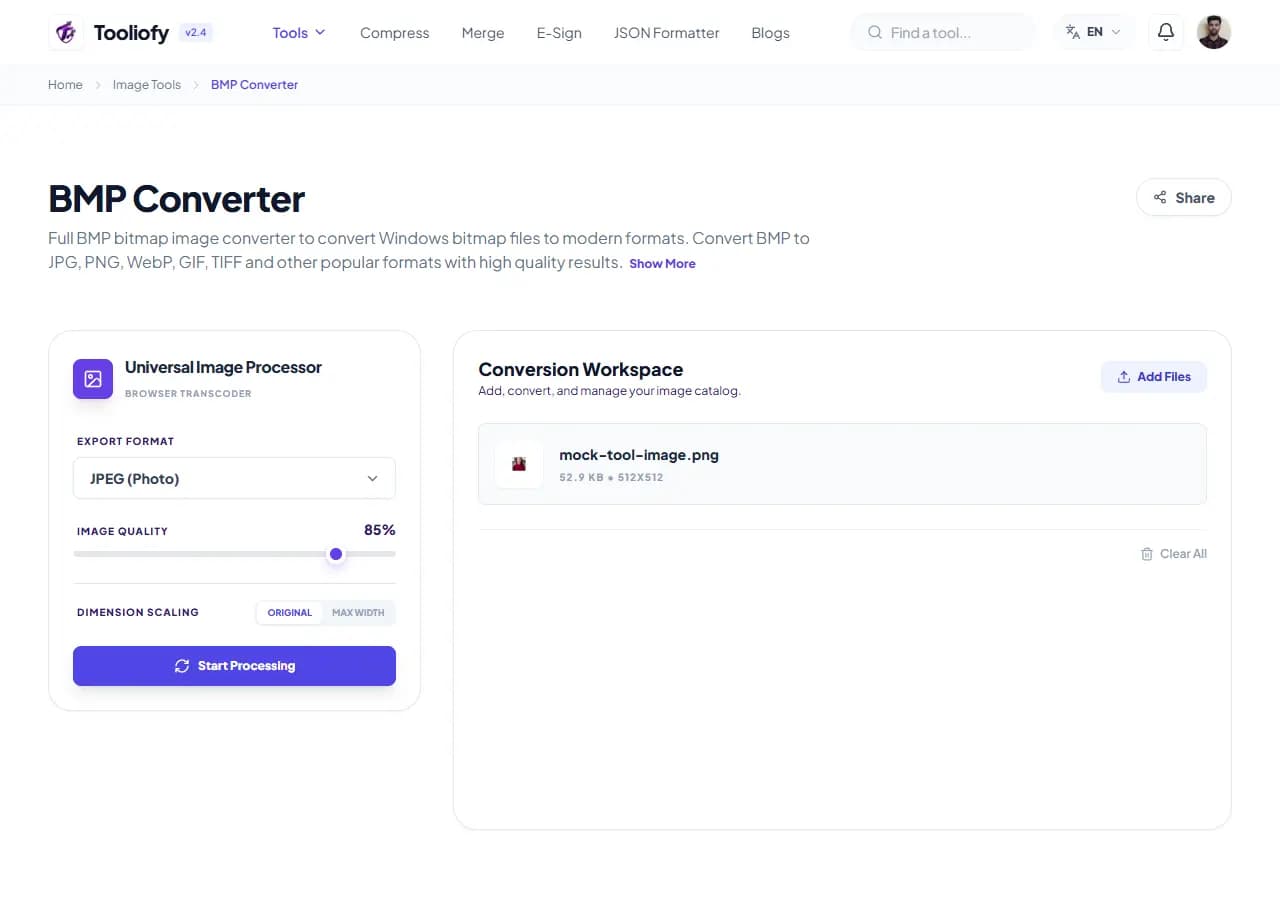
2. Processing
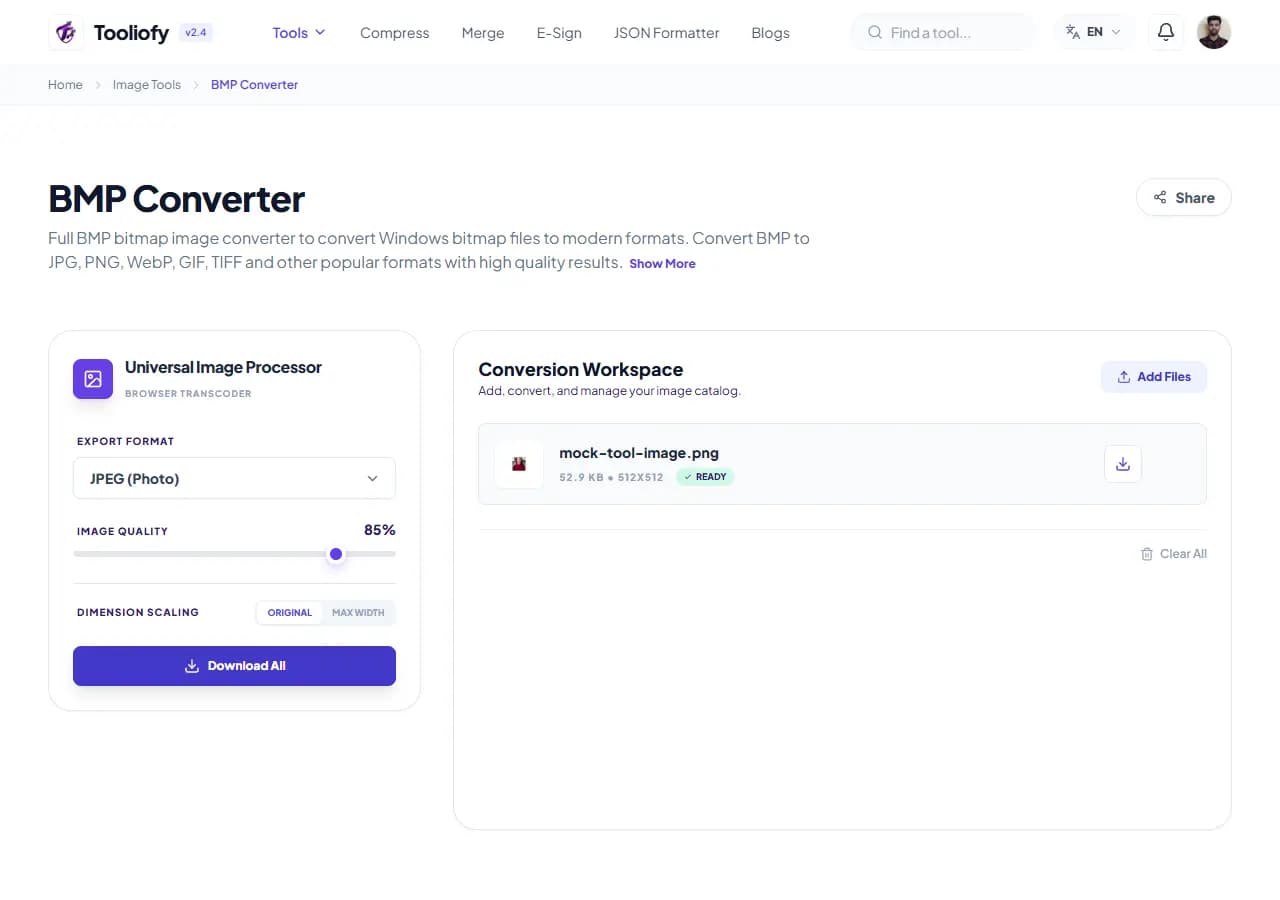
3. Download File
What BMP Converter changes
BMP Converter helps you convert Bmp files to a common format without opening a larger workspace. It is useful when shrinking graphics down to modern WebP or AVIF formats needs a quick check.
Why the image result matters
BMP Converter is useful when you need to convert Bmp files and want the important controls in one place.
How your image is processed
BMP Converter takes BMP, runs the step to convert Bmp files to a common format, and prepares JPG, PNG, WebP so you can check the converted result before download.
When BMP Converter is the right tool
With BMP Converter, start small: use one file, sample, or value before trusting the final result. That is especially useful when you need to convert Bmp files to a common format.
Useful for
- Turning screenshots into BMP or PDF files.
- Converting raw camera shots into web-ready JPEGs.
- BMP Converter works with BMP.
Pause first if
The original image is already too blurry to rescue. You expect a format change to add missing detail.
Final check
Zoom in and inspect edges, text, and transparency. Check the final format and file size. Keep the original if the image will be published.
Supported Formats
Good times to use BMP Converter
- Turning transparent PNGs into JPEGs
- Converting raw camera shots into web-ready JPEGs
- Shrinking graphics down to modern WebP or AVIF formats
- Turning screenshots into BMP or PDF files
What you get
- Quick speeds
- Supports WebP, AVIF, and more
- Handles batch processing like a pro
- Completely free, no sign-ups required
Image options included
- Works with over 50 different file types
- Batch convert as many files as you like at once
- Turn your raw camera shots (CR2, NEF, ARW) into standard JPGs
- Fine-tune your compression settings to get the right balance
- Keeps your original dimensions and colors exactly as they should be
- No databases, no tracking, and no hidden storage
"BMP Converter gives you a practical way to convert Bmp files to a common format, especially when speed matters but the final check still matters too."

More Image Tools
Image Compressor
Image Compressor helps you reduce file size. It keeps the page focused on that one job, so you can check the smaller file without opening a larger app.
Image Resizer
Open Image Resizer when your image needs one clear change. The tool keeps the process short and the resized image easy to inspect.
Image Cropper
Image Cropper helps when the next step is simple: keep the important area and remove the rest. It is built for quick fixes, checks, and downloads.
Image Rotator / Flipper
Image Rotator / Flipper helps when the next step is simple: fix direction, orientation, or mirror view. It is built for quick fixes, checks, and downloads.
Universal Image Converter
Open Universal Image Converter when your file needs one clear change. The tool keeps the process short and the converted file easy to inspect.
JPG/JPEG Converter
Use JPG/JPEG Converter when you need to change the file into a format that is easier to open or share. Add the file, choose the option that matters, and review the converted file.
Explore Other Categories
 19 Tools
PDF & Documents
Explore our pdf & documents and start processing your files securely.
 5 Tools
AI Tools
Explore our ai tools and start processing your files securely.
 24 Tools
Text Utilities
Explore our text utilities and start processing your files securely.
 10 Tools
Developer Tools
Explore our developer tools and start processing your files securely.
Can't find a specific tool?
We are constantly adding new features based on user feedback. Tell us what you need and we will implement it immediately!