
HEIC Converter
Use HEIC Converter when you need to change the file into a format that is easier to open or share. Add the file, choose the option that matters, and review the converted file.
Convert HEIC to JPG & PNG Online
Use HEIC Converter when you need to change the file into a format that is easier to open or share. Add the file, choose the option that matters, and review the converted file.
How to Use This Tool
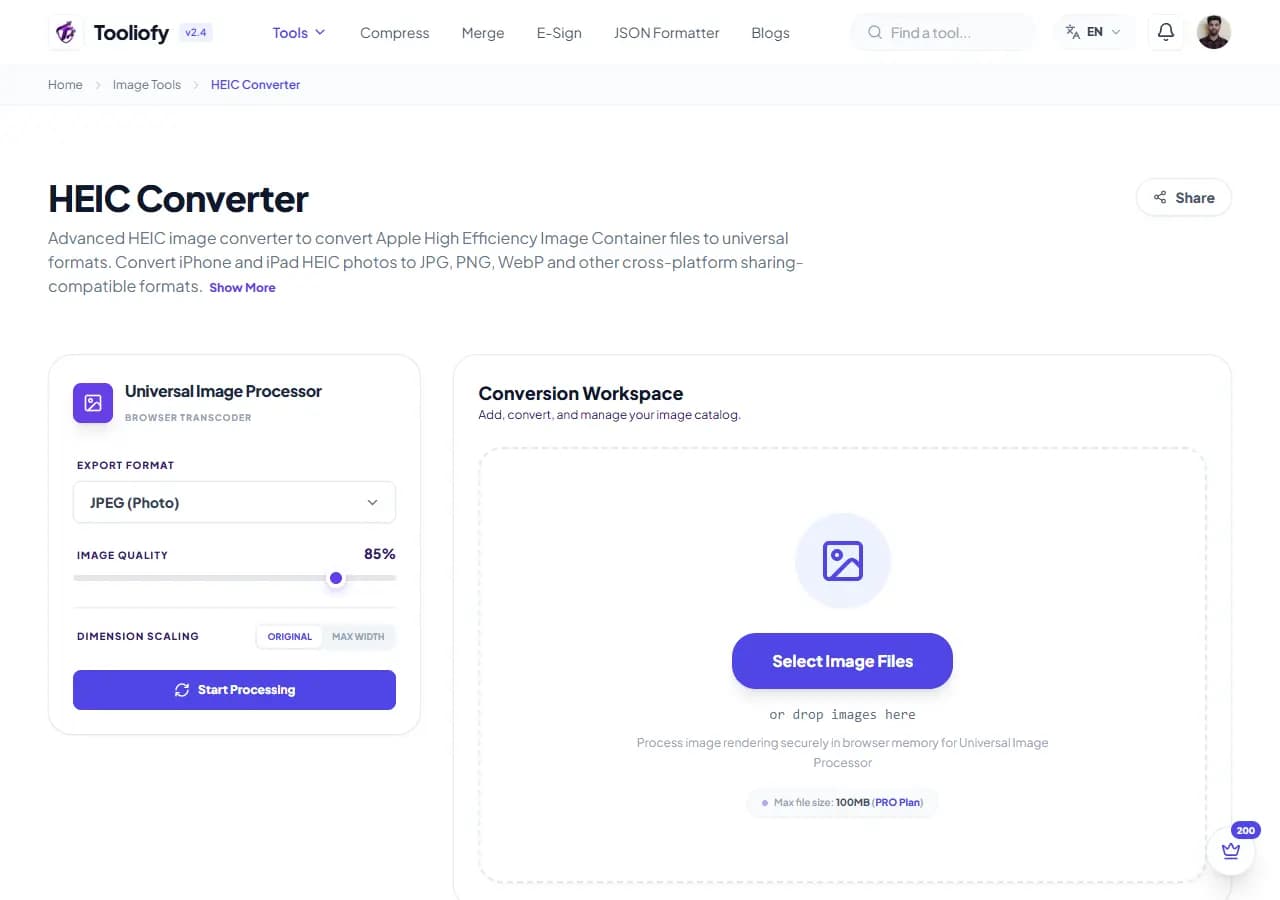
1. Select File
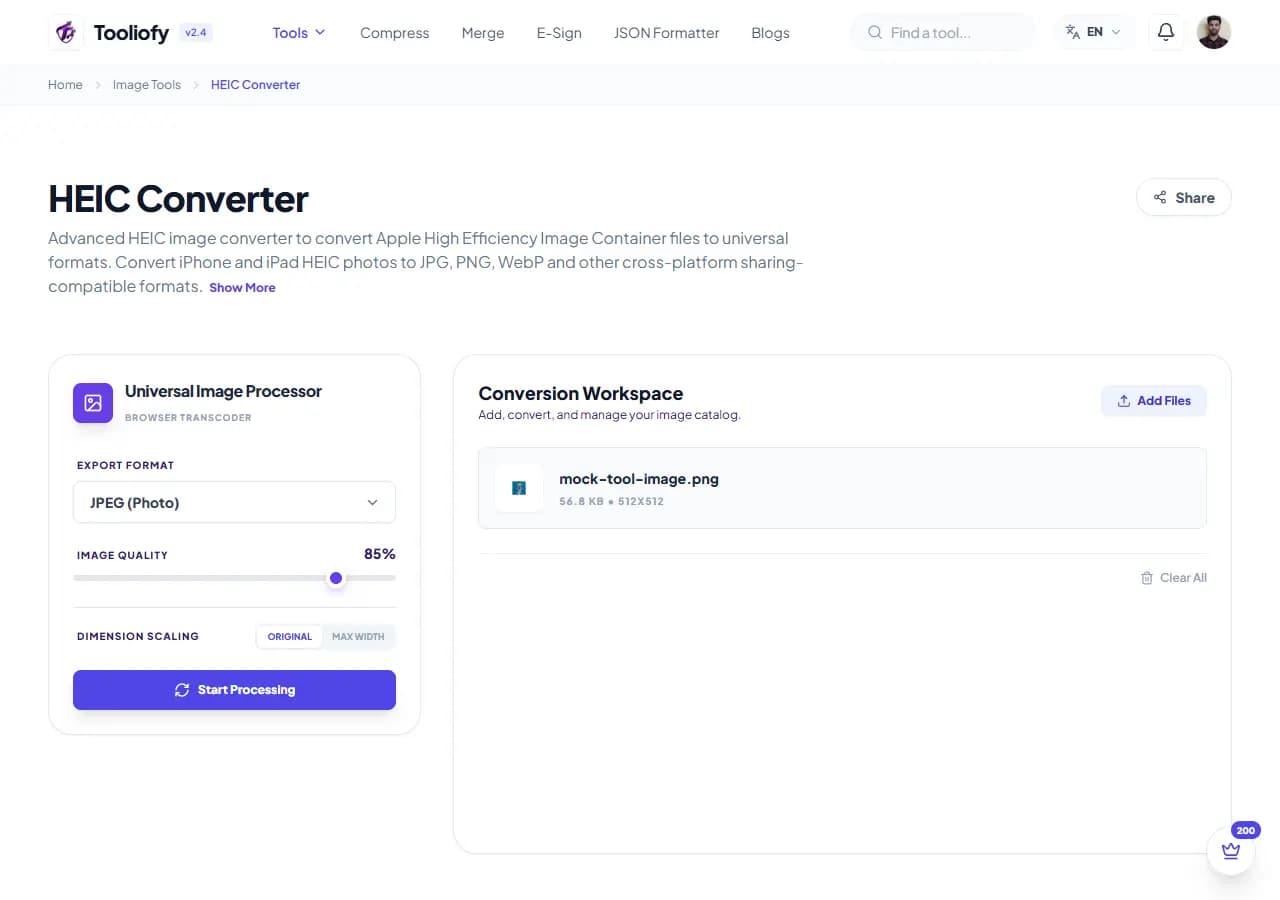
2. Processing
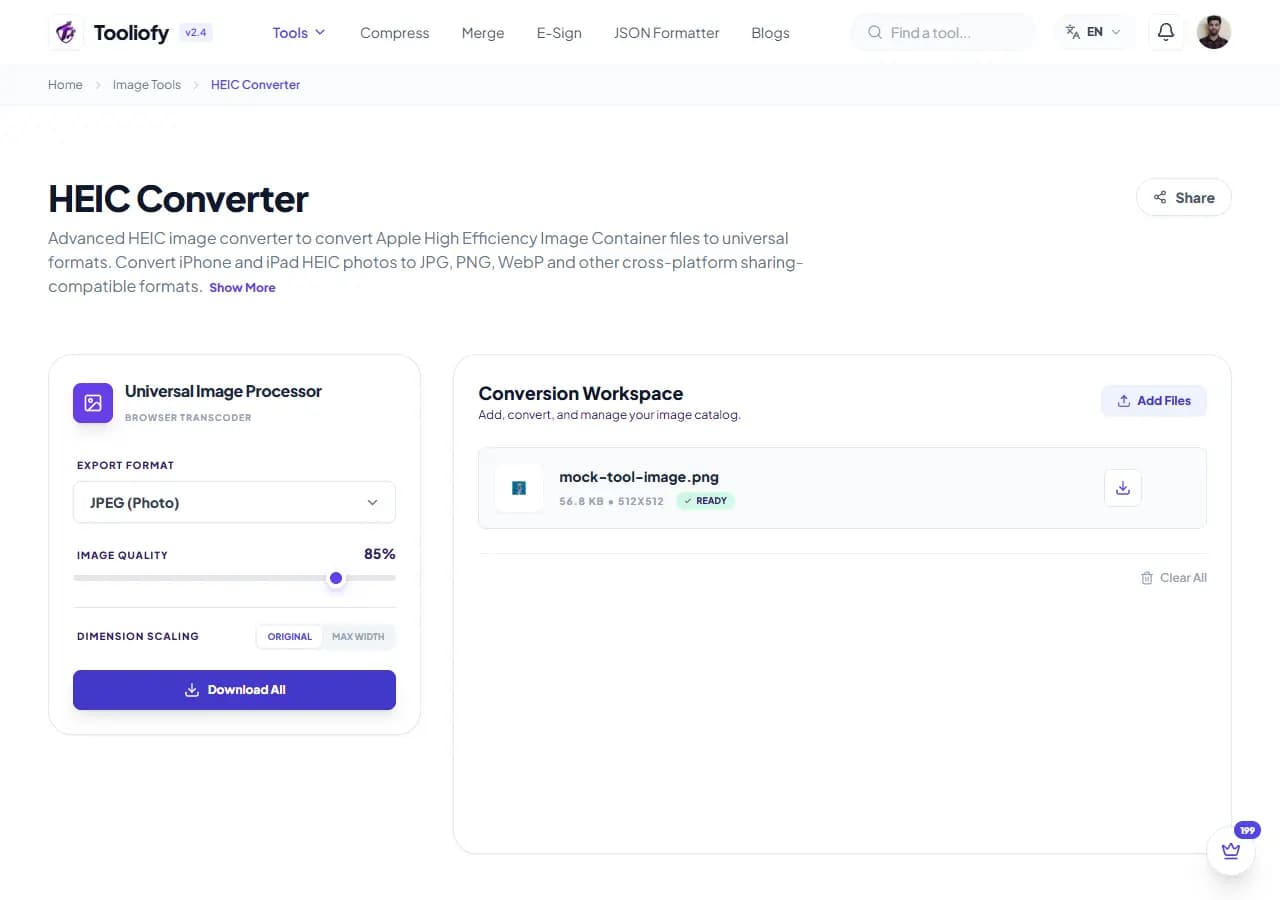
3. Download File
What HEIC Converter changes
HEIC Converter is for the common moment when you have to convert HEIC files to a common format. The page keeps the fix understandable from start to finish.
Why the image result matters
People usually open HEIC Converter when the file is almost ready but one detail is still blocking the next step: convert a file.
How your image is processed
HEIC Converter takes the input, runs the step to convert HEIC files to a common format, and prepares the result so you can check the converted result before download.
HEIC Converter notes worth checking
Use HEIC Converter as a quick pass, not a place to forget judgment. It helps you convert HEIC files to a common format; your final review catches context the tool cannot know.
Good fit
- Prepping your HEIC screenshots for printing.
- Saving HEIC files as transparent PNGs.
- Using HEIC Converter when an image is close to ready but needs one change.
Not the right fit
You expect a format change to add missing detail. The photo contains private faces, addresses, or screens you have not reviewed.
Last look
Check the final format and file size. Keep the original if the image will be published. Zoom in and inspect edges, text, and transparency.
Good times to use HEIC Converter
- Quickly convert your iPhone HEIC photos to JPEGs
- Saving HEIC files as transparent PNGs
- Batch converting all your phone photos, good for web use
- Prepping your HEIC screenshots for printing
- Making your Apple images work cleanly with Windows layouts
What you get
- Quick conversions
- No annoying file size limits
- Saves your internet data thanks to secure processing
- Completely free, no sign-up required
- Your private files stay private and secure
Image options included
- Convert Apple HEIC photos to JPG or PNG
- Convert your iPhone HEIC photos locally
- Convert a bunch of HEIC files at once
- Keeps your original quality and colors intact
- Nothing is ever uploaded to a server
- Quick processing
- Quick processing with automatic cleanup
"HEIC Converter is a good fit for quick fixes where the finished result needs a final look."

More Image Tools
Image Compressor
Image Compressor helps you reduce file size. It keeps the page focused on that one job, so you can check the smaller file without opening a larger app.
Image Resizer
Open Image Resizer when your image needs one clear change. The tool keeps the process short and the resized image easy to inspect.
Image Cropper
Image Cropper helps when the next step is simple: keep the important area and remove the rest. It is built for quick fixes, checks, and downloads.
Image Rotator / Flipper
Image Rotator / Flipper helps when the next step is simple: fix direction, orientation, or mirror view. It is built for quick fixes, checks, and downloads.
Universal Image Converter
Open Universal Image Converter when your file needs one clear change. The tool keeps the process short and the converted file easy to inspect.
JPG/JPEG Converter
Use JPG/JPEG Converter when you need to change the file into a format that is easier to open or share. Add the file, choose the option that matters, and review the converted file.
Explore Other Categories
 19 Tools
PDF & Documents
Explore our pdf & documents and start processing your files securely.
 5 Tools
AI Tools
Explore our ai tools and start processing your files securely.
 24 Tools
Text Utilities
Explore our text utilities and start processing your files securely.
 10 Tools
Developer Tools
Explore our developer tools and start processing your files securely.
Can't find a specific tool?
We are constantly adding new features based on user feedback. Tell us what you need and we will implement it immediately!