
Image Metadata Viewer
Open Image Metadata Viewer when your file needs one clear change. The tool keeps the process short and the details report easy to inspect.

Image file details Viewer
Image Metadata Viewer helps you finish the image metadata viewer task without opening a larger app. Add your input, check the result, and save it when it looks right.
How to Use This Tool
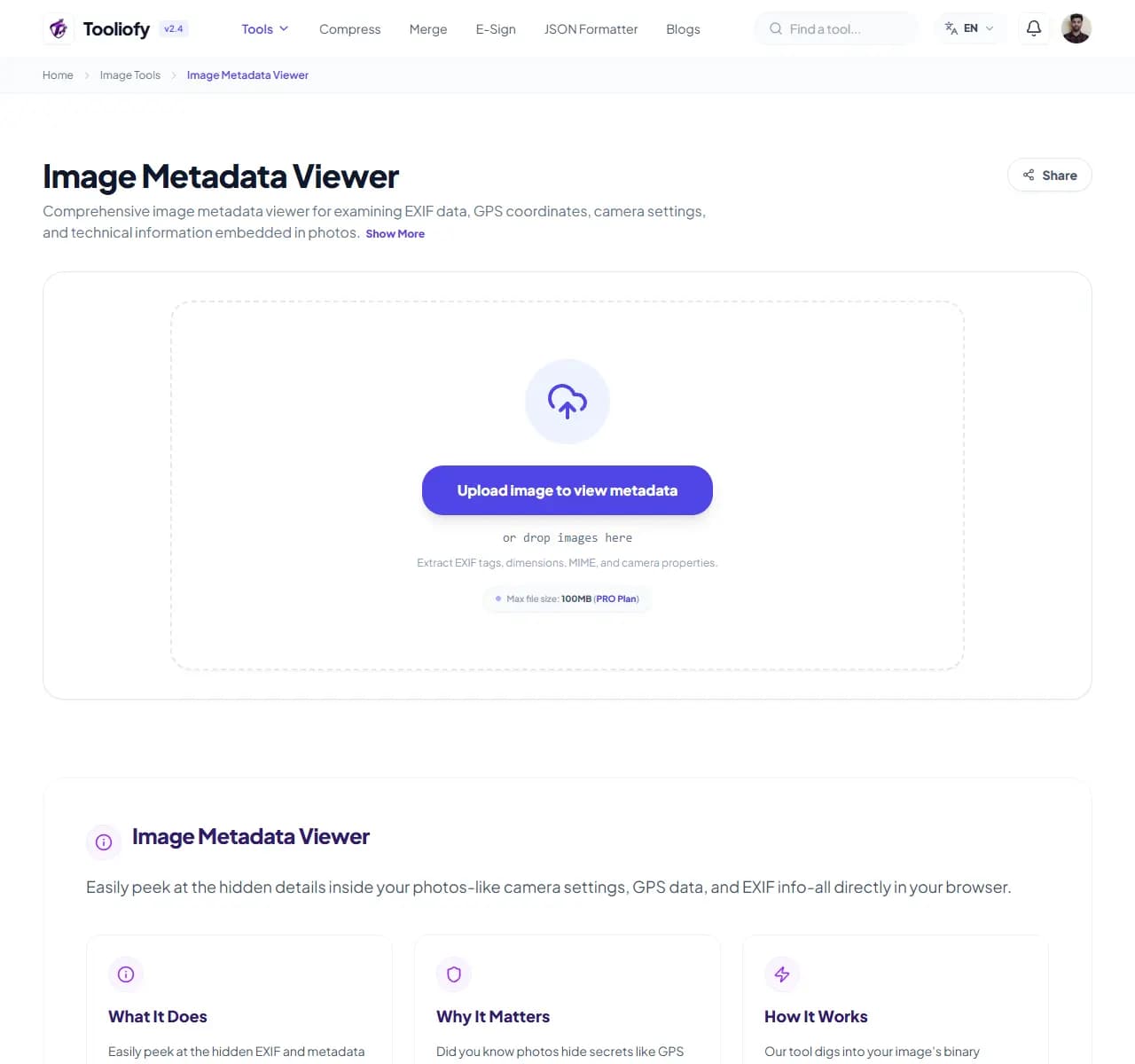
1. Select File
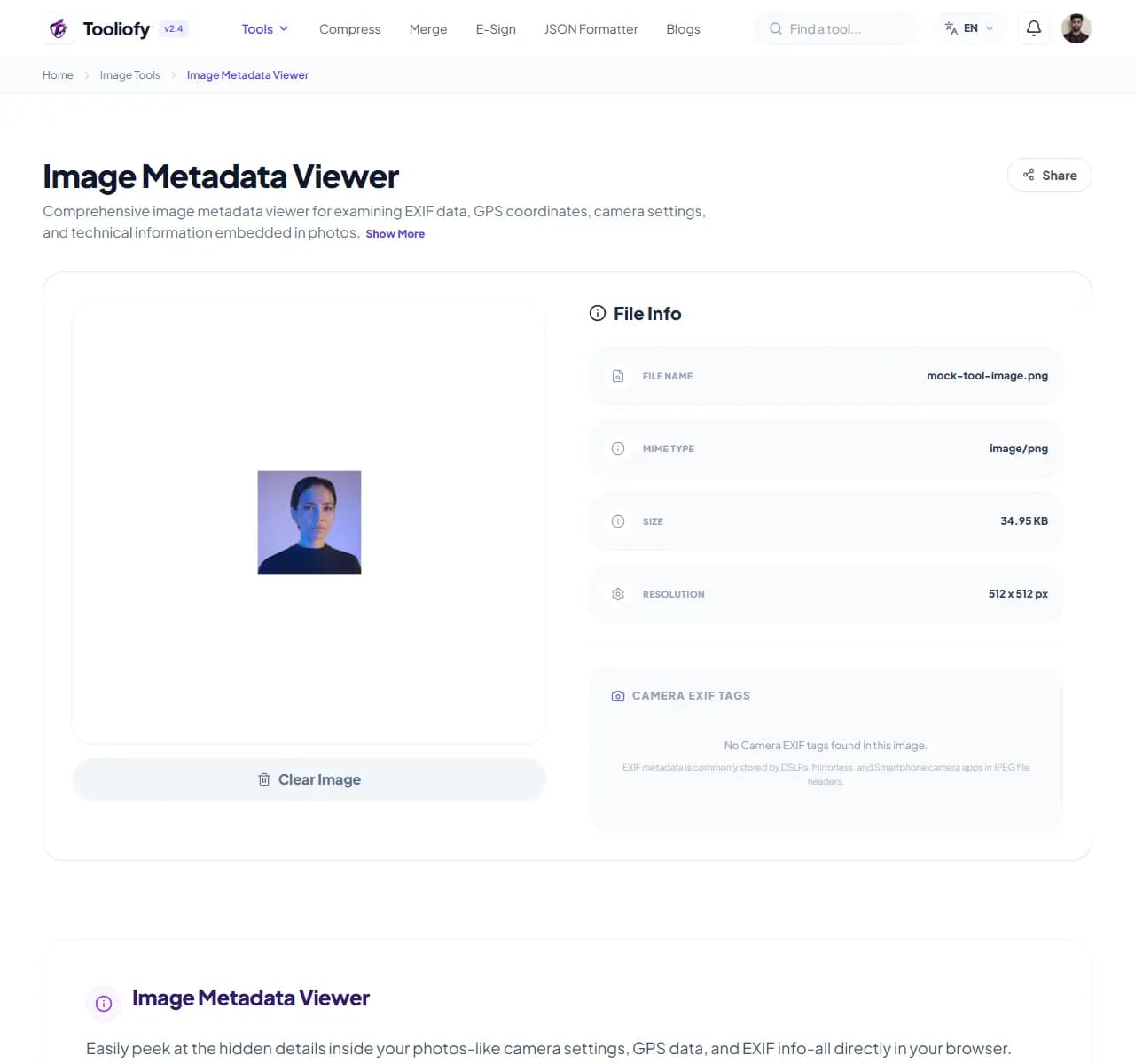
2. Processing
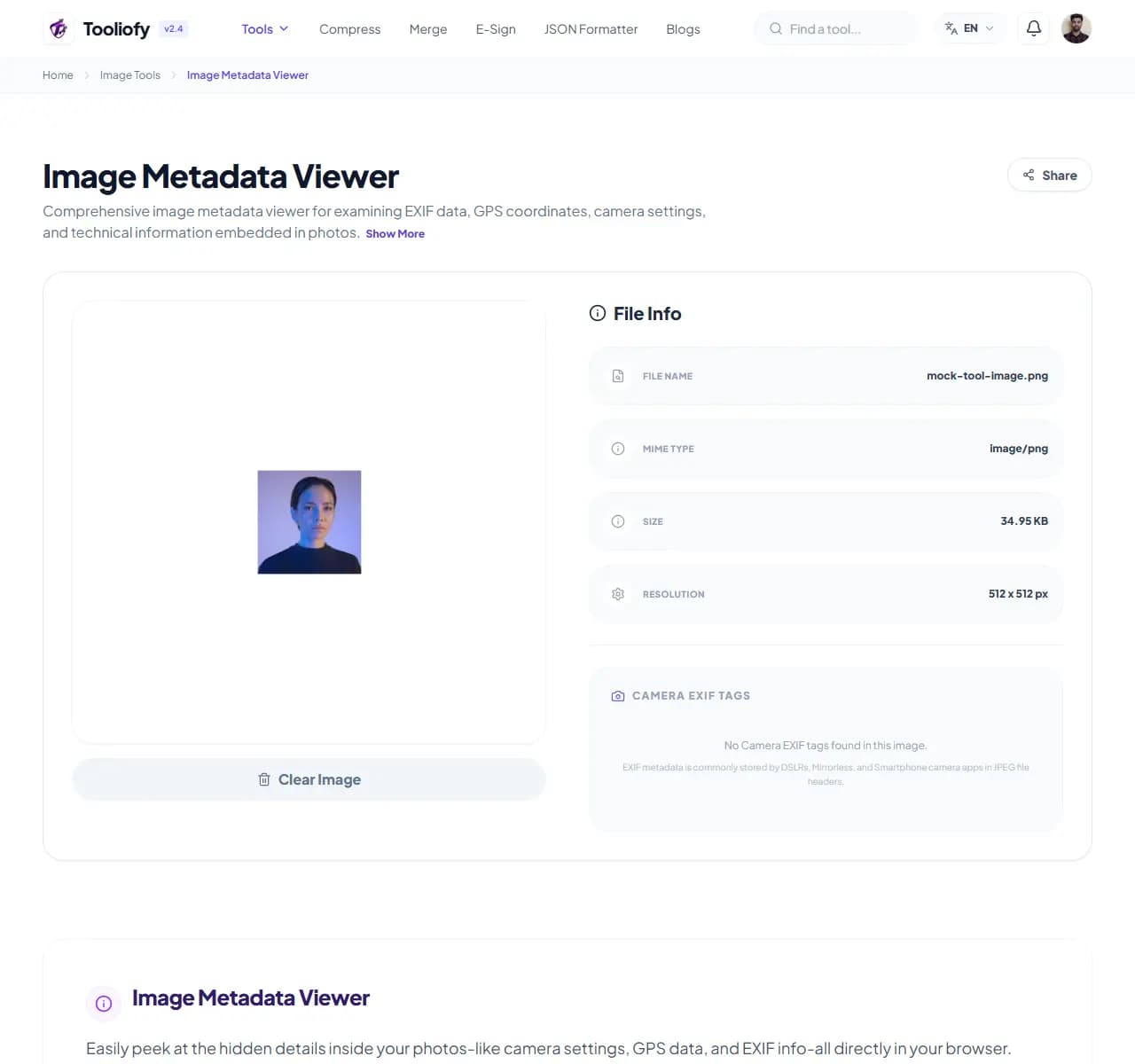
3. Download File
What Image Metadata Viewer changes
Image Metadata Viewer is for the common moment when you have to inspect photo metadata. The page keeps the fix understandable from start to finish.
Why the image result matters
Image Metadata Viewer is useful when you need to finish the image metadata viewer task and want the important controls in one place.
How your image is processed
Image Metadata Viewer applies the visible image setting to inspect photo metadata, then lets you preview the changed picture before replacing the original.
Before you use Image Metadata Viewer
Before using Image Metadata Viewer, decide what a good result should look like. For inspecting photo metadata, one careful output check is better than a blind download.
Best used for
Check the exact location where a photo was snapped. Quickly inspect image dimensions and color profiles. Using Image Metadata Viewer when an image is close to ready but needs one change.
Be careful if
The photo contains private faces, addresses, or screens you have not reviewed.
Small thing to watch
Running the same image through several conversions. Over-compressing until text, logos, or edges look rough.
Check this first
Check the final format and file size. Keep the original if the image will be published. Zoom in and inspect edges, text, and transparency.
Good times to use Image Metadata Viewer
- Check the exact location where a photo was snapped
- See your camera settings and exposure details
- Quickly inspect image dimensions and color profiles
- Scrub sensitive data before sharing photos publicly
- Dive deep into your image's technical structure
What you get
- Quick, real-time file details extraction
- Clear, clear EXIF and GPS insights
- One-click privacy scrubbing
- Free, with no accounts or sign-ups
- Your files stay safe and private
Image options included
- Dive into EXIF and file details blocks
- See exact GPS coordinates and capture locations
- Check camera models, lenses, and exposure stats
- Learn more about color profiles and file specs
- Wipe file details clean to protect your privacy
- Your data is never stored or shared
- Quick processing, in your browser
"Image Metadata Viewer keeps inspecting photo metadata manageable: make the change, check the result, and keep the original if the file matters."

More Image Tools
Image Compressor
Image Compressor helps you reduce file size. It keeps the page focused on that one job, so you can check the smaller file without opening a larger app.
Image Resizer
Open Image Resizer when your image needs one clear change. The tool keeps the process short and the resized image easy to inspect.
Image Cropper
Image Cropper helps when the next step is simple: keep the important area and remove the rest. It is built for quick fixes, checks, and downloads.
Image Rotator / Flipper
Image Rotator / Flipper helps when the next step is simple: fix direction, orientation, or mirror view. It is built for quick fixes, checks, and downloads.
Universal Image Converter
Open Universal Image Converter when your file needs one clear change. The tool keeps the process short and the converted file easy to inspect.
JPG/JPEG Converter
Use JPG/JPEG Converter when you need to change the file into a format that is easier to open or share. Add the file, choose the option that matters, and review the converted file.
Explore Other Categories
 19 Tools
PDF & Documents
Explore our pdf & documents and start processing your files securely.
 5 Tools
AI Tools
Explore our ai tools and start processing your files securely.
 24 Tools
Text Utilities
Explore our text utilities and start processing your files securely.
 10 Tools
Developer Tools
Explore our developer tools and start processing your files securely.
Can't find a specific tool?
We are constantly adding new features based on user feedback. Tell us what you need and we will implement it immediately!