
Batch Image Resizer
Batch Image Resizer helps when the next step is simple: change the width, height, or scale. It is built for quick fixes, checks, and downloads.

Batch Image Resizer Online
Batch Image Resizer helps you resize images without opening a larger app. Add your input, check the result, and save it when it looks right.
How to Use This Tool
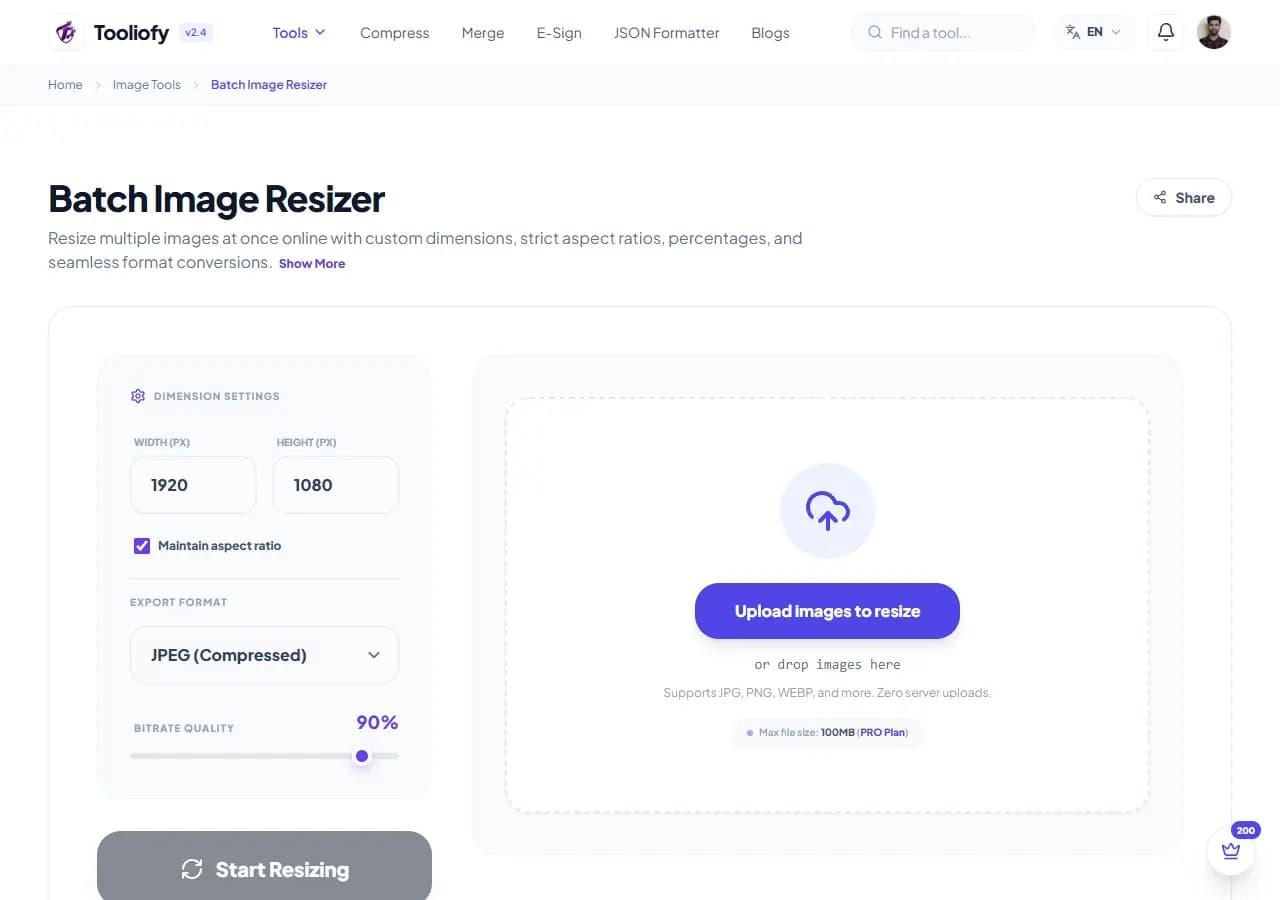
1. Select File
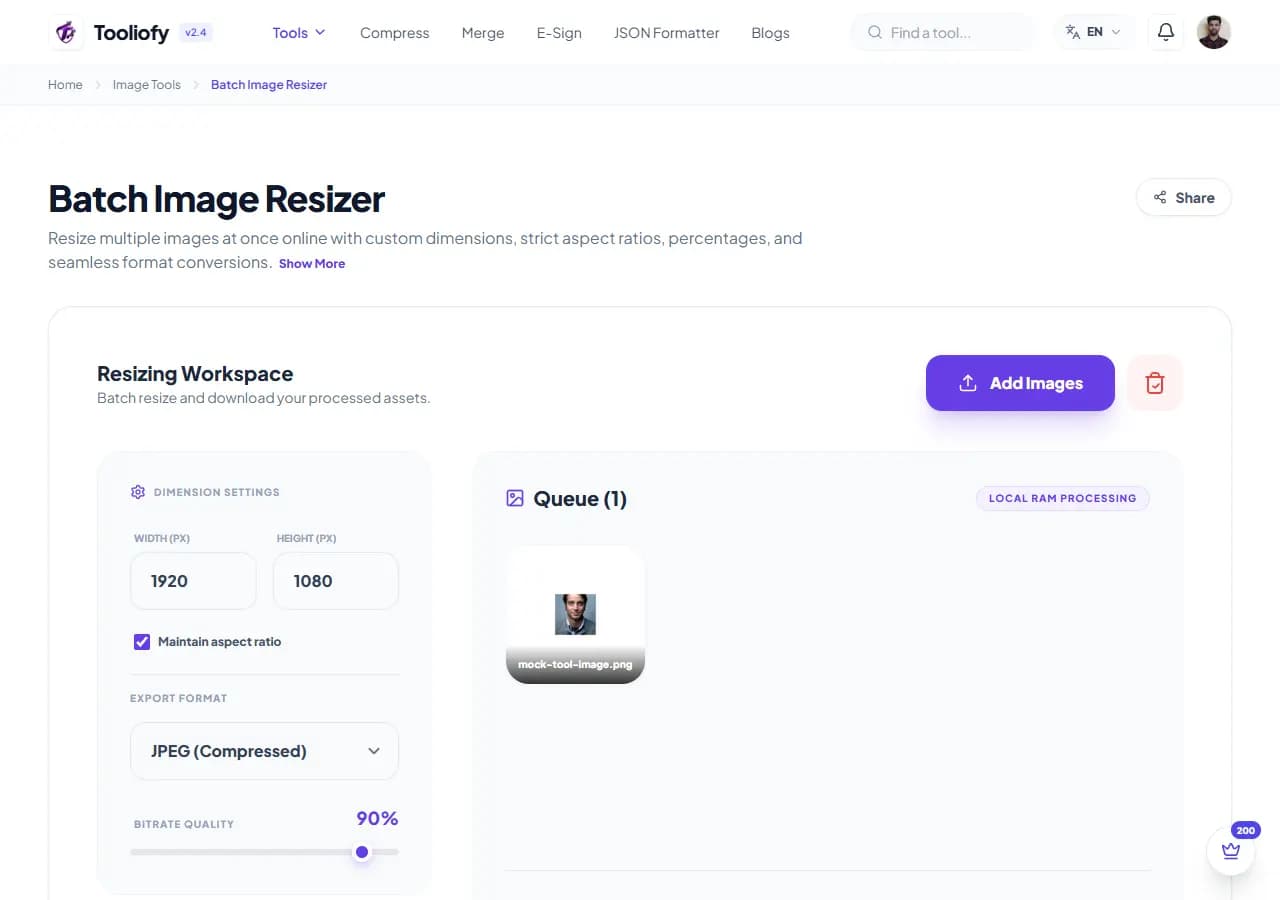
2. Processing
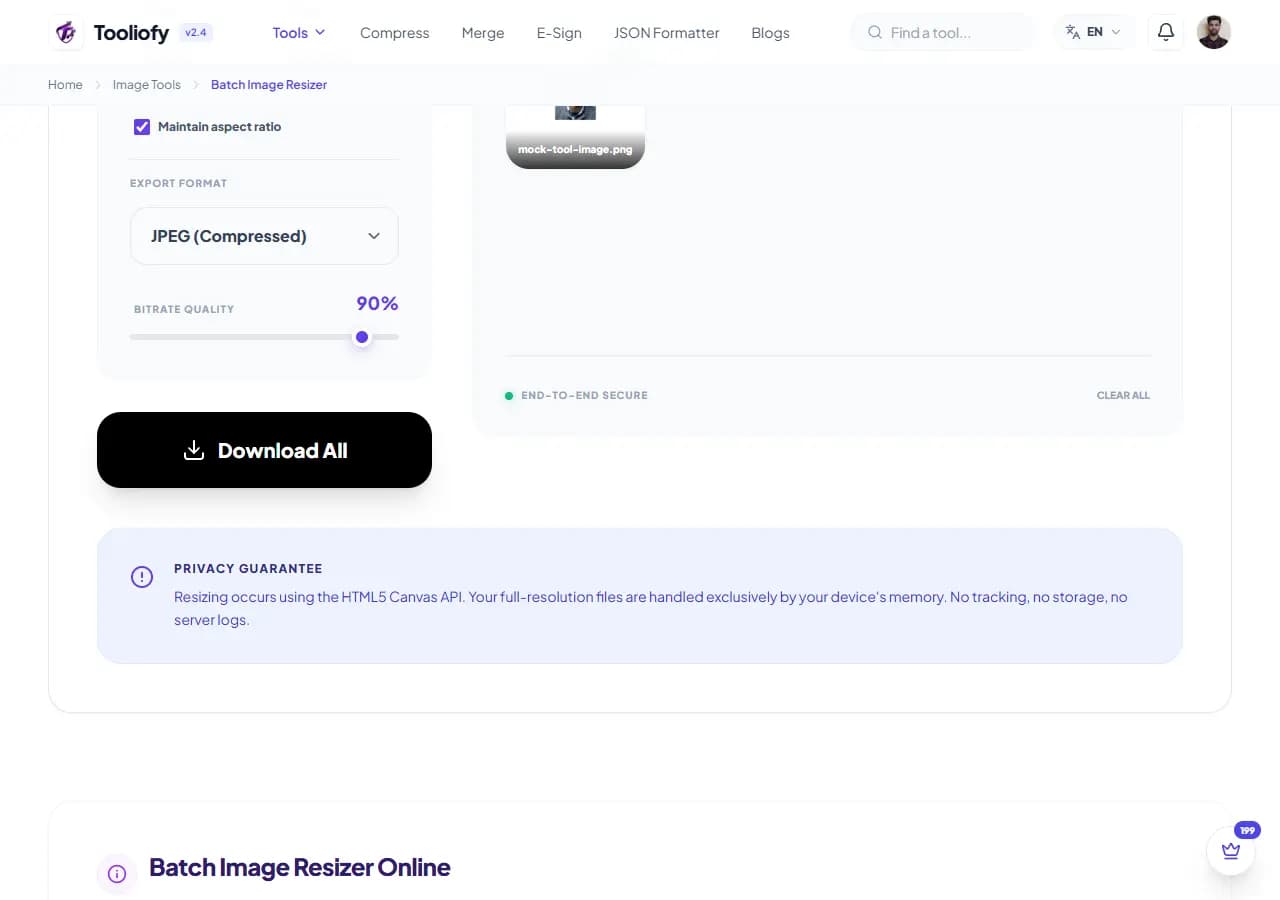
3. Download File
What Batch Image Resizer changes
Batch Image Resizer is for the common moment when you have to resize images to the dimensions you need. The page keeps the fix understandable from start to finish.
Why the image result matters
Wrong image dimensions can break layouts, uploads, and profile photos. Batch Image Resizer keeps that fix in one place so the job does not grow larger than it needs to be.
How your image is processed
Batch Image Resizer applies the visible image setting to resize images to the dimensions you need, then lets you preview the changed picture before replacing the original.
Before you use Batch Image Resizer
Batch Image Resizer works best when you know the change you want: resizing images to the dimensions you need. Keep the original nearby, then compare the result before sharing it.
Privacy note: Before using Batch Image Resizer, check the image for faces, addresses, screens, license plates, and private client details. Keep an untouched original for published or client work.
Best used for
- E-commerce managers scaling down huge folders of product photography sheets for storefronts.
- Photographers resizing large catalog folders into lightweight preview files easily.
- Batch Image Resizer works with JPG, JPEG, PNG, and other supported formats.
Be careful if
- The original image is already too blurry to rescue.
Check this first
- Zoom in and inspect edges, text, and transparency.
- Check the final format and file size.
- Keep the original if the image will be published.
Supported Formats
Good times to use Batch Image Resizer
- E-commerce managers scaling down huge folders of product photography sheets for storefronts
- Web design teams preparing uniform asset thumbnail sets from large graphic exports
- Photographers resizing large catalog folders into lightweight preview files easily
- Processing photo batch proportions safely and locally on corporate workstations
What you get
- Guarantees complete confidentiality for your valuable business files and creative folders
- Saves large bandwidth allocations by removing cloud data translation steps
- Avoids system queue delays by utilizing your hardware's native rendering capabilities
- Maintains clean line details across diverse image batches smoothly
Image options included
- Resize hundreds of images in one go
- Lock aspect ratio to prevent stretching
- Set dimensions by pixels or percentage
- Download all resized images as a ZIP
- Processes in your browser - nothing is uploaded
"Batch Image Resizer is worth using when resizing images to the dimensions you need is the real problem and you do not want a larger app in the way."

More Image Tools
Image Compressor
Image Compressor helps you reduce file size. It keeps the page focused on that one job, so you can check the smaller file without opening a larger app.
Image Resizer
Open Image Resizer when your image needs one clear change. The tool keeps the process short and the resized image easy to inspect.
Image Cropper
Image Cropper helps when the next step is simple: keep the important area and remove the rest. It is built for quick fixes, checks, and downloads.
Image Rotator / Flipper
Image Rotator / Flipper helps when the next step is simple: fix direction, orientation, or mirror view. It is built for quick fixes, checks, and downloads.
Universal Image Converter
Open Universal Image Converter when your file needs one clear change. The tool keeps the process short and the converted file easy to inspect.
JPG/JPEG Converter
Use JPG/JPEG Converter when you need to change the file into a format that is easier to open or share. Add the file, choose the option that matters, and review the converted file.
Explore Other Categories
 19 Tools
PDF & Documents
Explore our pdf & documents and start processing your files securely.
 5 Tools
AI Tools
Explore our ai tools and start processing your files securely.
 24 Tools
Text Utilities
Explore our text utilities and start processing your files securely.
 10 Tools
Developer Tools
Explore our developer tools and start processing your files securely.
Can't find a specific tool?
We are constantly adding new features based on user feedback. Tell us what you need and we will implement it immediately!