
Image Watermark
Use Image Watermark when you need to place text, a mark, or a logo on the file. Add the file, choose the option that matters, and review the watermarked file.

Add Text or Logos to Your Photos
Use Image Watermark when you need to place text, a mark, or a logo on the file. Add the file, choose the option that matters, and review the watermarked file.
How to Use This Tool
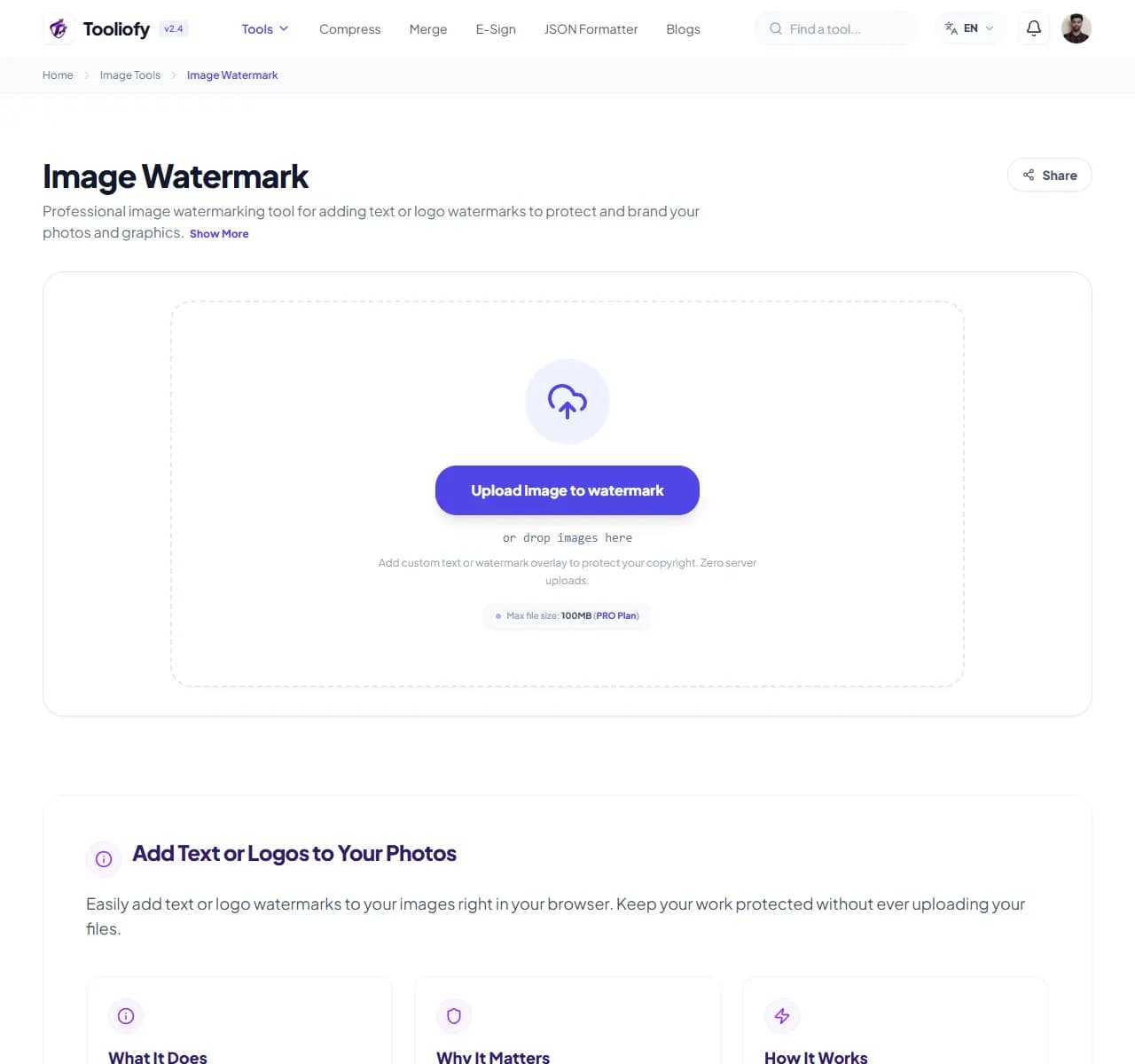
1. Select File
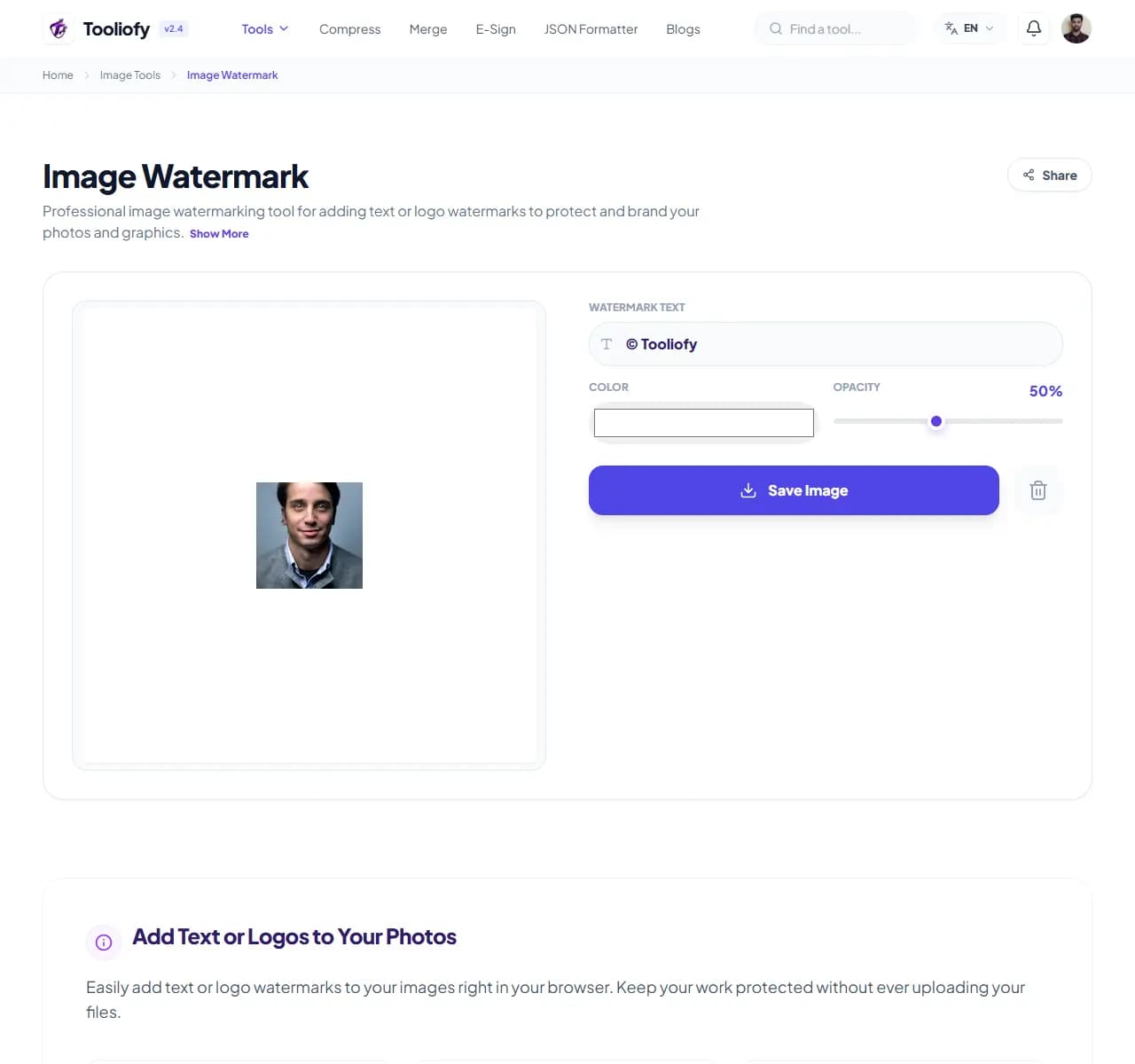
2. Processing
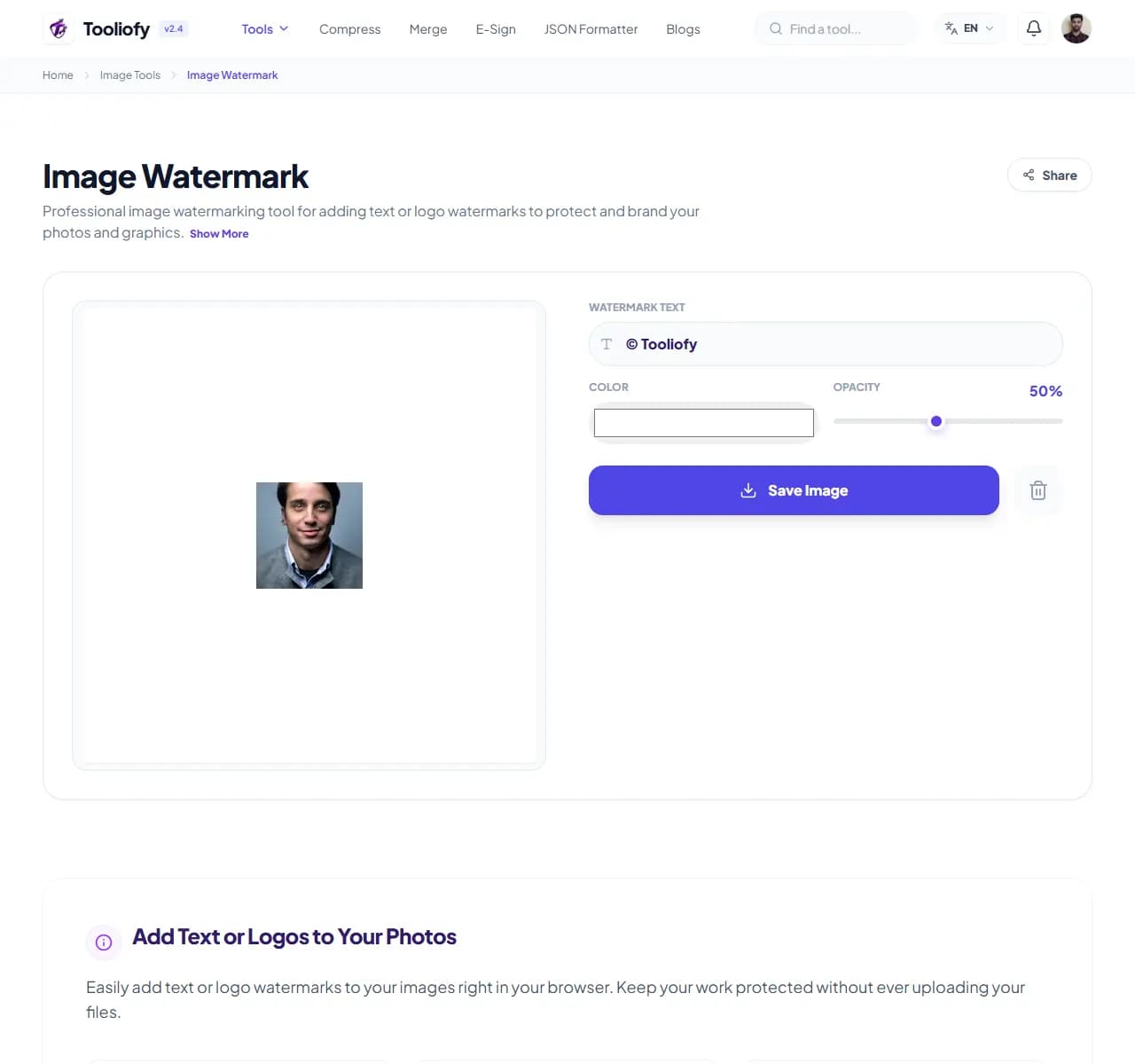
3. Download File
What Image Watermark changes
Image Watermark makes it easier to add a watermark to an image without changing more than you intended. You bring the input, adjust the option, and review the result.
Why the image result matters
People usually open Image Watermark when the file is almost ready but one detail is still blocking the next step: add a watermark.
How your image is processed
Image Watermark applies the visible image setting to add a watermark to an image, then lets you preview the changed picture before replacing the original.
Use Image Watermark without redoing the job
A good Image Watermark pass is simple: start with the input, run the step to add a watermark to an image, and look over the result. That habit matters for placing brand logos on product photography.
Reach for it when
Signing your digital artwork. Adding copyright notices to your portfolio. Using Image Watermark when an image is close to ready but needs one change.
Skip it when
The photo contains private faces, addresses, or screens you have not reviewed.
Easy mistake to avoid
Running the same image through several conversions. Over-compressing until text, logos, or edges look rough.
Before you copy the result
Check the final format and file size. Keep the original if the image will be published. Zoom in and inspect edges, text, and transparency.
Good times to use Image Watermark
- Adding copyright notices to your portfolio
- Placing brand logos on product photography
- Adding reliable watermarks to screenshots
- Signing your digital artwork
- Securing your branding for social media
What you get
- Full creative control over your watermark style
- Process entire batches of photos at once
- Quick processing right on your device
- Free, with no sign-ups or accounts required
- Your data is wiped the moment you’re done
Image options included
- Add custom text watermarks
- Overlay your own logo
- Fine-tune opacity, size, and placement
- Rotate watermarks for that right look
- Watermark a whole batch at once
- No uploads to the servers
- Quick, secure processing
"For placing brand logos on product photography, Image Watermark keeps the work short and leaves you with an output you can review before moving on."

More Image Tools
Image Compressor
Image Compressor helps you reduce file size. It keeps the page focused on that one job, so you can check the smaller file without opening a larger app.
Image Resizer
Open Image Resizer when your image needs one clear change. The tool keeps the process short and the resized image easy to inspect.
Image Cropper
Image Cropper helps when the next step is simple: keep the important area and remove the rest. It is built for quick fixes, checks, and downloads.
Image Rotator / Flipper
Image Rotator / Flipper helps when the next step is simple: fix direction, orientation, or mirror view. It is built for quick fixes, checks, and downloads.
Universal Image Converter
Open Universal Image Converter when your file needs one clear change. The tool keeps the process short and the converted file easy to inspect.
JPG/JPEG Converter
Use JPG/JPEG Converter when you need to change the file into a format that is easier to open or share. Add the file, choose the option that matters, and review the converted file.
Explore Other Categories
 19 Tools
PDF & Documents
Explore our pdf & documents and start processing your files securely.
 5 Tools
AI Tools
Explore our ai tools and start processing your files securely.
 24 Tools
Text Utilities
Explore our text utilities and start processing your files securely.
 10 Tools
Developer Tools
Explore our developer tools and start processing your files securely.
Can't find a specific tool?
We are constantly adding new features based on user feedback. Tell us what you need and we will implement it immediately!