
Robots.txt Generator
Use Robots.txt Generator when you need to create a ready-to-use output from selected settings. Add the settings, choose the option that matters, and review the generated result.

Generate a Robots.txt File
Build a correct robots.txt without memorizing the syntax: choose what to allow and block per crawler, add your sitemap, and download a file that does what you intended - because a one-character mistake here can deindex a site.
How to Use This Tool
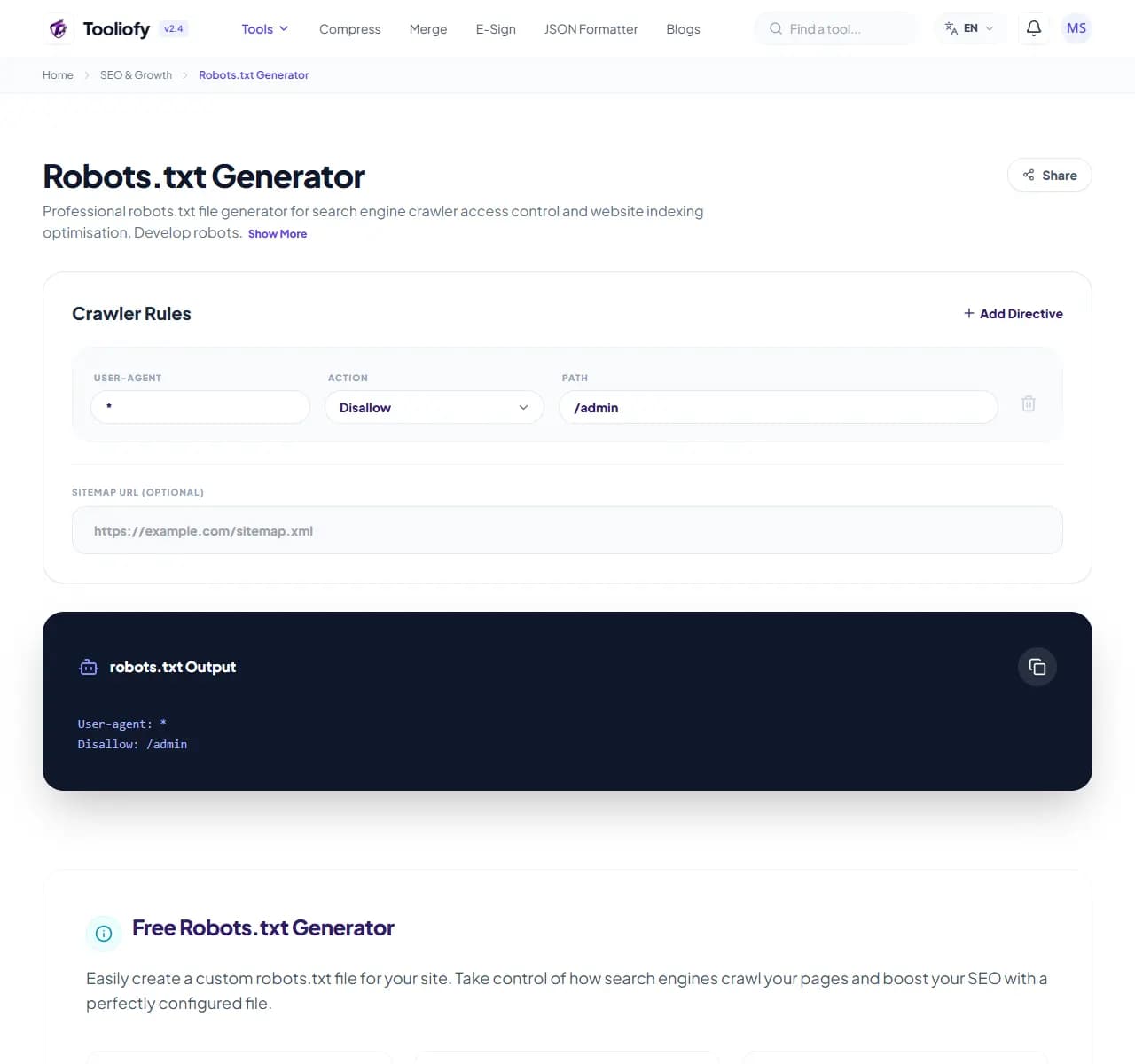
1. Select File
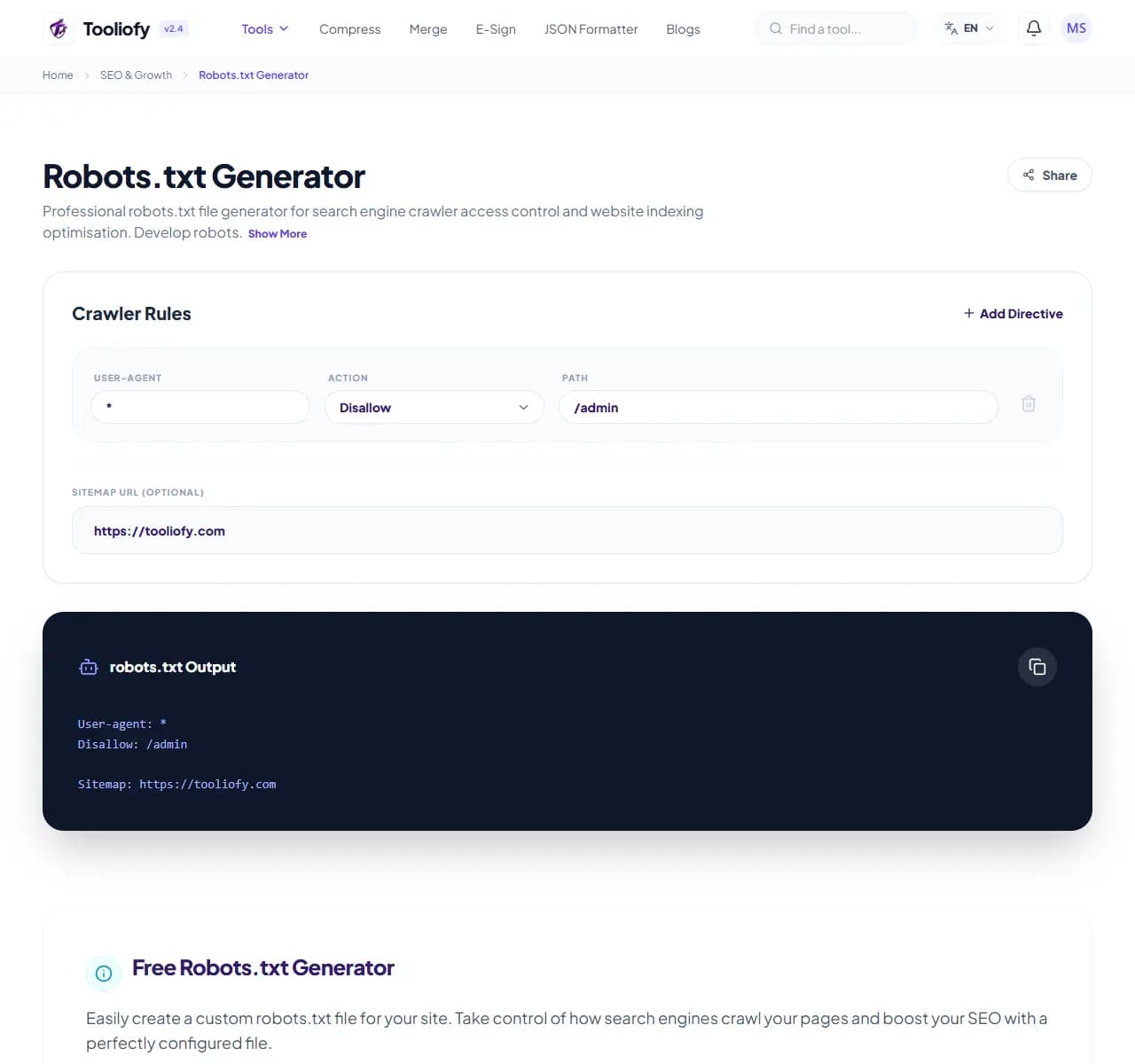
2. Processing
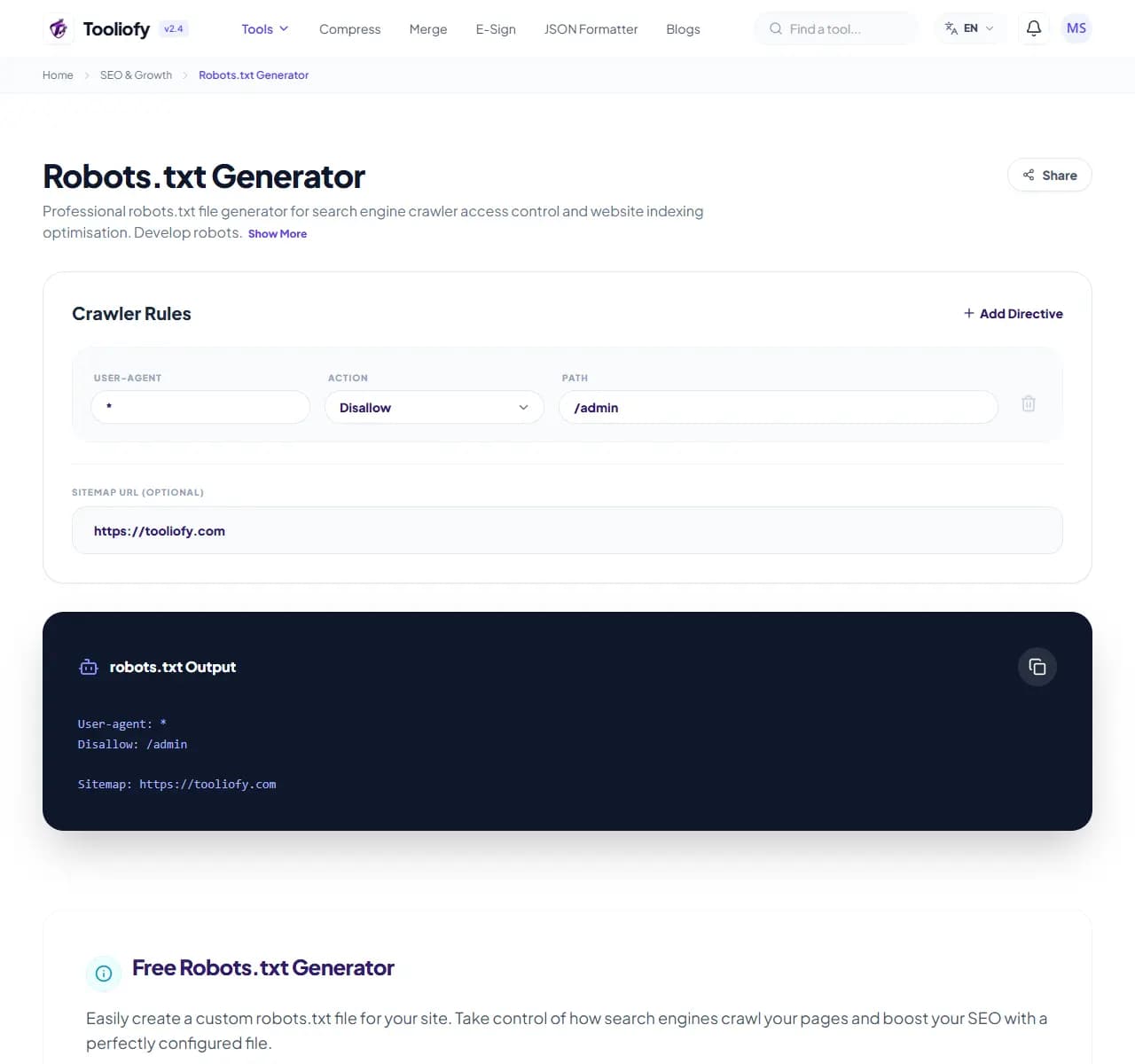
3. Download File
What Robots.txt Generator reviews
The generator builds the robots.txt file that tells crawlers which parts of your site to stay out of. You pick user-agents and paths through a form; it emits correctly-formatted directives plus your sitemap line - the file goes at your domain root as /robots.txt.
Why this check matters for search
Robots.txt has the worst error-severity-to-syntax-simplicity ratio in web development: 'Disallow: /' (one character after the slash missing... or rather present) blocks your entire site from Google, and it has taken down real companies' search traffic for weeks before anyone noticed. Generating rather than hand-typing removes the syntax risk; understanding the one big rule - Disallow: / blocks everything, Disallow: (empty) blocks nothing - removes the logic risk.
How the review is done
Choose crawlers, add disallow paths (like /admin/ or /cart/), declare your sitemap URL, download. One crucial caveat baked into the output: robots.txt controls crawling, not indexing - a blocked page can still appear in results if other sites link to it. For true keep-out-of-Google, use a noindex meta tag on the page and don't block it here.
SEO checks to run with it
- Setting up robots.txt for a new site
- Blocking admin, cart, and search-result pages from crawling
- Declaring the sitemap location for crawlers
- Writing rules for AI crawlers (GPTBot and others)
- Auditing an existing file by rebuilding it correctly
Search review benefits
- Syntax errors impossible - output is always valid
- The Disallow: / catastrophe becomes hard to do by accident
- AI-crawler rules without hunting for user-agent strings
- Sitemap declared where crawlers look for it
- Free, instant
SEO options included
- Allow and disallow rules per path
- Per-crawler rules (Googlebot, Bingbot, AI crawlers)
- Sitemap declaration included
- Syntax-correct output guaranteed
- Common presets: block admin, allow everything, block AI bots
- Copy or download ready-to-upload file
- Free, no sign-up
"Generate, don't hand-type - and remember the two rules that matter: Disallow: / means everything, and robots.txt controls crawling, not indexing."

More SEO & Growth
Meta Tag Generator
Open Meta Tag Generator when your settings needs one clear change. The tool keeps the process short and the generated result easy to inspect.
SERP Snippet Preview
SERP Snippet Preview is for preview a Google result. It keeps the page focused on that one job, so you can check the search preview without opening a larger app.
Keyword Density Checker
Open Keyword Density Checker when your input needs one clear change. The tool keeps the process short and the review result easy to inspect.
Sitemap Generator
Sitemap Generator helps when the next step is simple: create a ready-to-use output from selected settings. It is built for quick fixes, checks, and downloads.
Social Preview Checker
Open Social Preview Checker when your input needs one clear change. The tool keeps the process short and the review result easy to inspect.
Robots.txt Validator
Robots.txt Validator is for check for problems. It keeps the page focused on that one job, so you can check the review result without opening a larger app.
Explore Other Categories
 19 Tools
PDF & Documents
Explore our pdf & documents and start processing your files securely.
 5 Tools
AI Tools
Explore our ai tools and start processing your files securely.
 58 Tools
Image Tools
Explore our image tools and start processing your files securely.
 24 Tools
Text Utilities
Explore our text utilities and start processing your files securely.
Can't find a specific tool?
We are constantly adding new features based on user feedback. Tell us what you need and we will implement it immediately!