
PDF Unlock
PDF Unlock helps when the next step is simple: remove restrictions from a PDF you are allowed to edit. It is built for quick fixes, checks, and downloads.
Unlock a PDF
Remove a password or restrictions from a PDF you're authorized to use - so you stop typing the password on every open, or regain printing and copying on a file you own.
How to Use This Tool
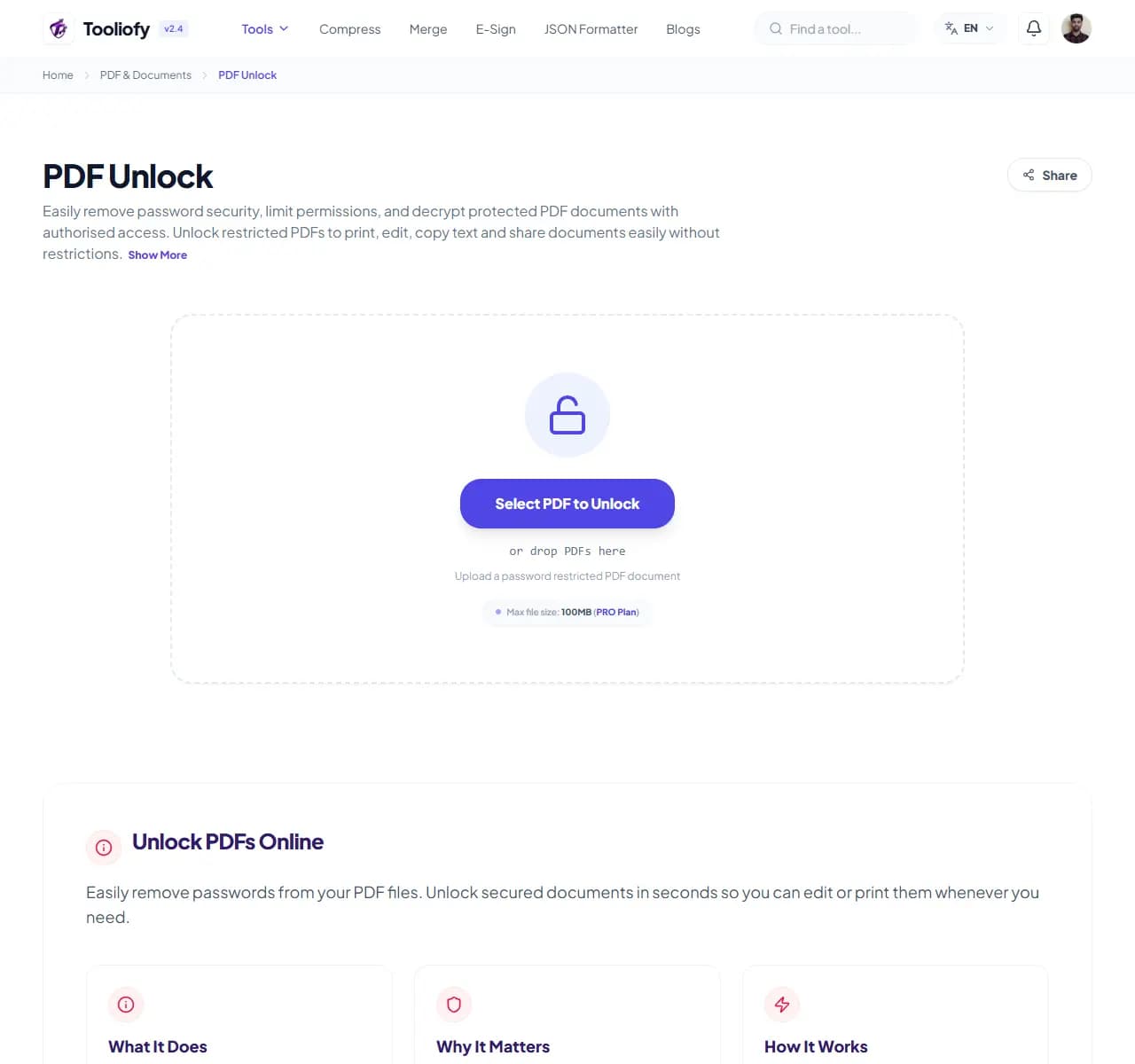
1. Select File
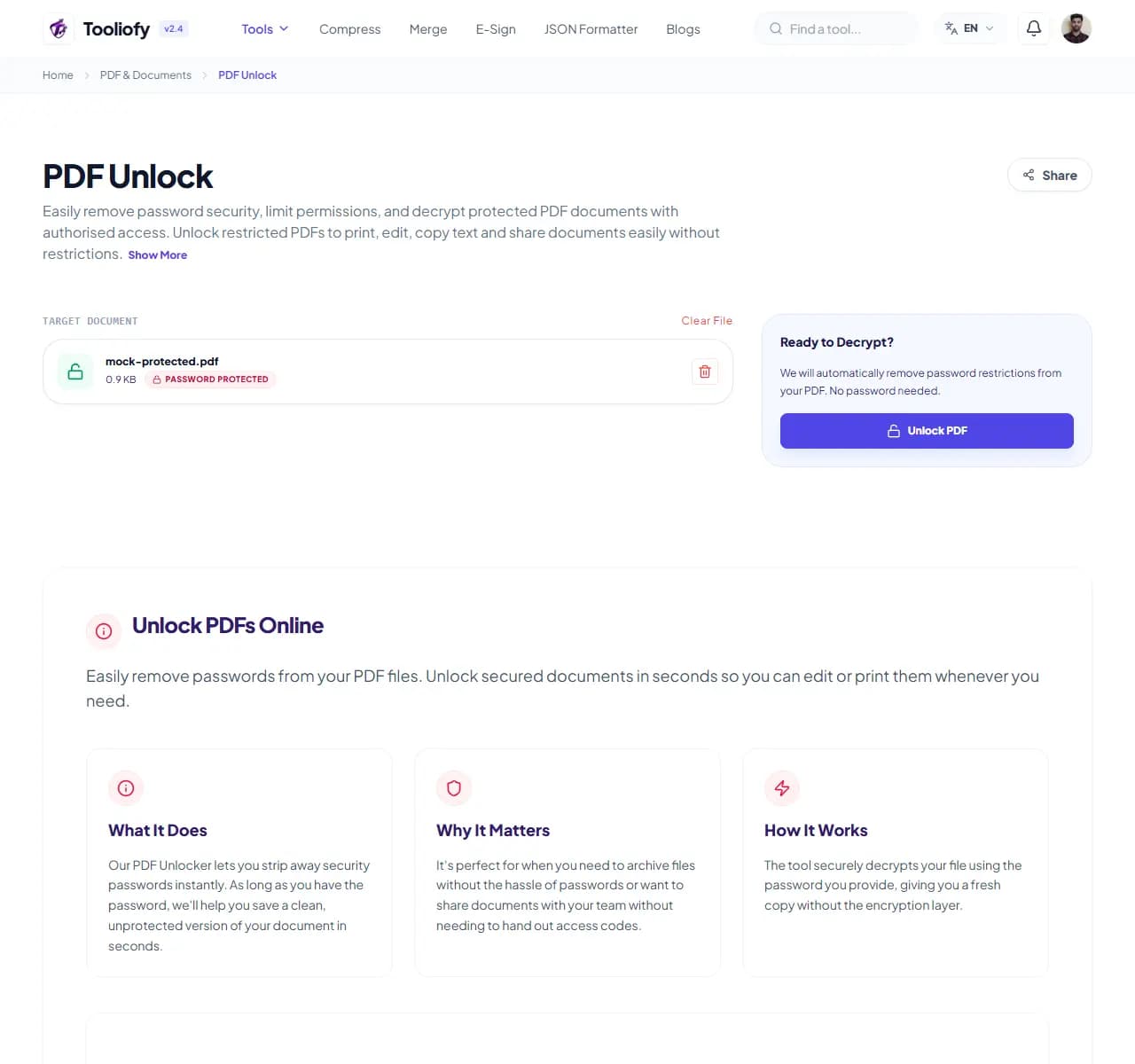
2. Processing
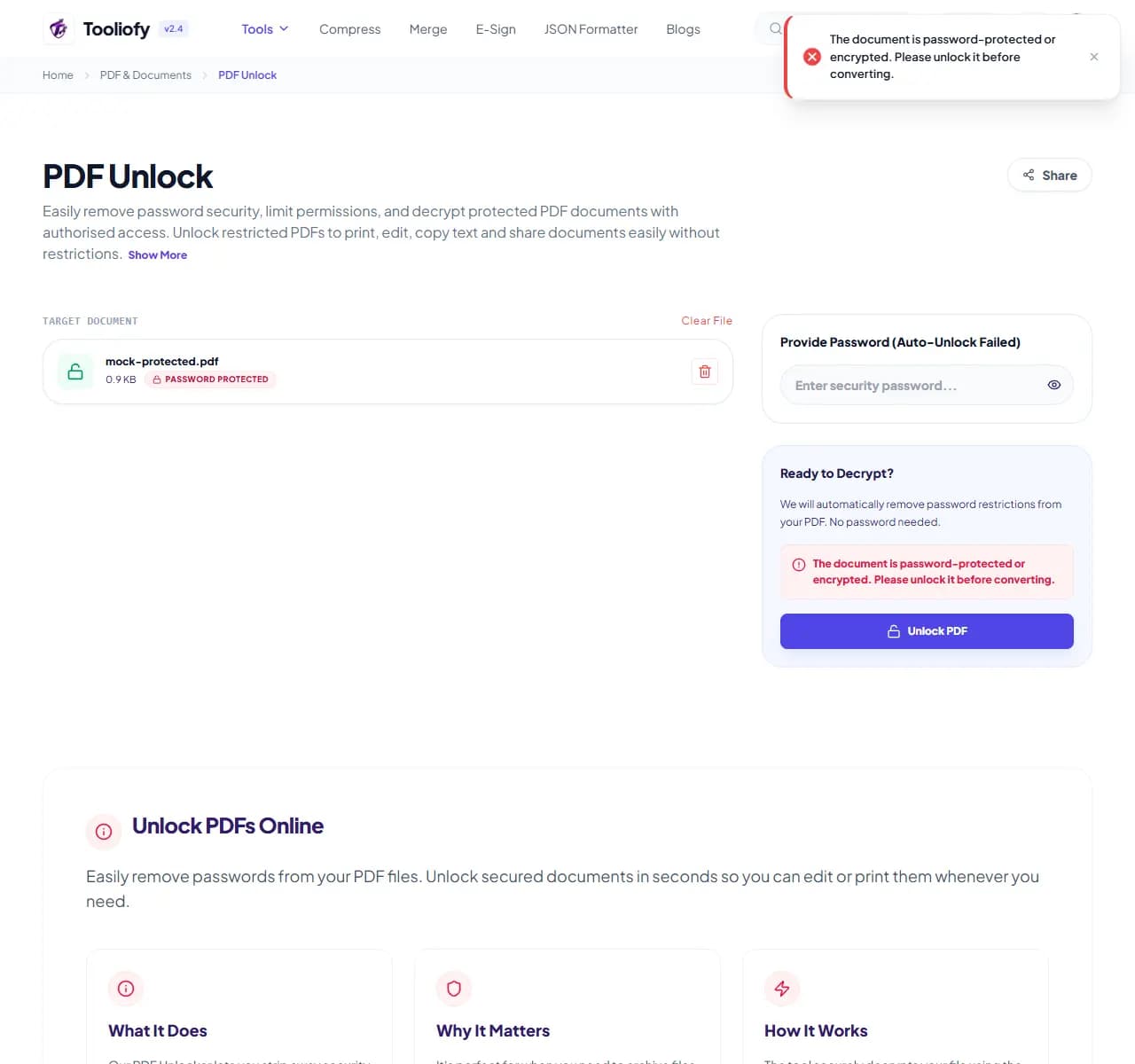
3. Download File
What you can do with PDF Unlock
PDF Unlock produces an unprotected copy of a locked PDF. Two cases: files with an open password (you enter it once here, and the output never asks again), and files with owner restrictions - openable but with printing or copying disabled - which are lifted.
When PDF Unlock helps
Legitimate lockouts are everyday friction: the bank statement that demands your card number on every single open, the archived contract whose password lives in a former colleague's head, your own old files protected with a password you thankfully still know. Unlocking once ends the repeated ritual.
How the PDF is handled
Upload the PDF, enter the password if it has one, download the unlocked copy. To be clear about limits: this removes protection from files you can already legitimately open - it does not crack unknown passwords. A file whose password you don't know stays locked, by design.
Common PDF Unlock tasks
- De-passwording bank statements for your own records
- Enabling printing on a restricted report you own
- Removing protection before merging or splitting files
- Cleaning up old archives protected with known passwords
- Allowing text copying from your own restricted documents
Why this PDF tool is handy
- Stop typing the password on every open
- Regain printing and copying on files you own
- Required step before merge/split/rotate operations
- Content untouched
- Free and instant
What is included
- Removes open passwords (when you know the password)
- Lifts print, copy and edit restrictions
- Output is a normal, unrestricted PDF
- Content and quality unchanged
- No watermark
- Works on all standard PDF encryption
- Files deleted automatically after processing
"For your own files, unlocking once beats typing a password forever. For files you can't open at all - the lock is doing its job."

More PDF & Documents
Create PDF
Create PDF helps when the next step is simple: create a new PDF with text, images, shapes, pages, and signatures. It is built for quick fixes, checks, and downloads.
PDF to Word
PDF to Word helps when the next step is simple: turn PDF files into Word. It is built for quick fixes, checks, and downloads.
Word to PDF
Word to PDF helps when the next step is simple: turn Word files into PDF. It is built for quick fixes, checks, and downloads.
PDF to Excel
Open PDF to Excel when your PDF file needs one clear change. The tool keeps the process short and the Excel file easy to inspect.
Excel to PDF
Open Excel to PDF when your Excel file needs one clear change. The tool keeps the process short and the PDF file easy to inspect.
PDF Merge
PDF Merge helps when the next step is simple: combine separate files into one ordered result. It is built for quick fixes, checks, and downloads.
Explore Other Categories
 5 Tools
AI Tools
Explore our ai tools and start processing your files securely.
 58 Tools
Image Tools
Explore our image tools and start processing your files securely.
 24 Tools
Text Utilities
Explore our text utilities and start processing your files securely.
 10 Tools
Developer Tools
Explore our developer tools and start processing your files securely.
Can't find a specific tool?
We are constantly adding new features based on user feedback. Tell us what you need and we will implement it immediately!