
PDF Metadata Viewer
PDF Metadata Viewer helps when the next step is simple: check camera, document, or technical details stored inside the file. It is built for quick fixes, checks, and downloads.
PDF file details Viewer: Check Document Properties & Hidden Data
PDF Metadata Viewer helps you finish the pdf metadata viewer task without opening a larger app. Add your input, check the result, and save it when it looks right.
How to Use This Tool
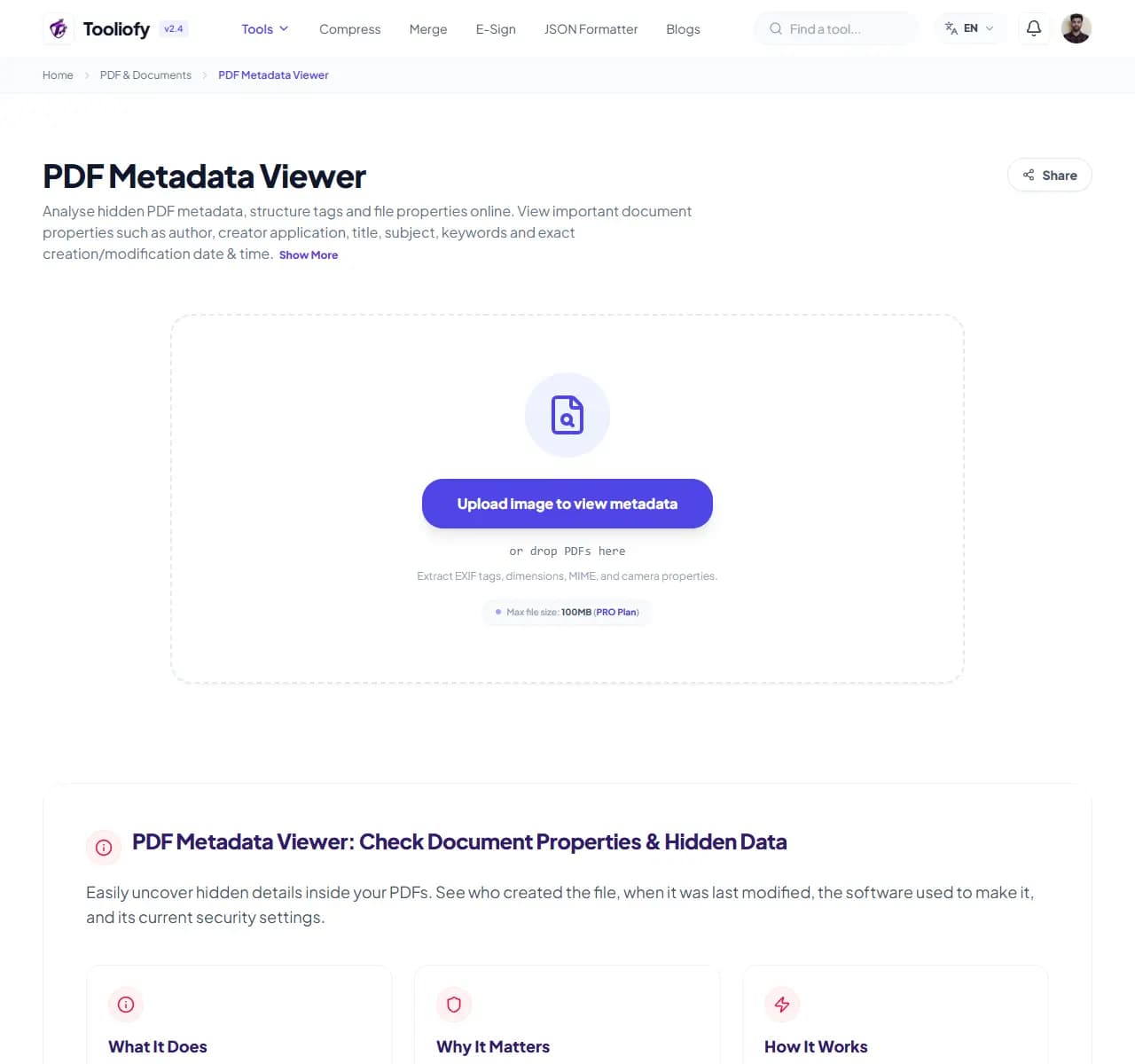
1. Select File
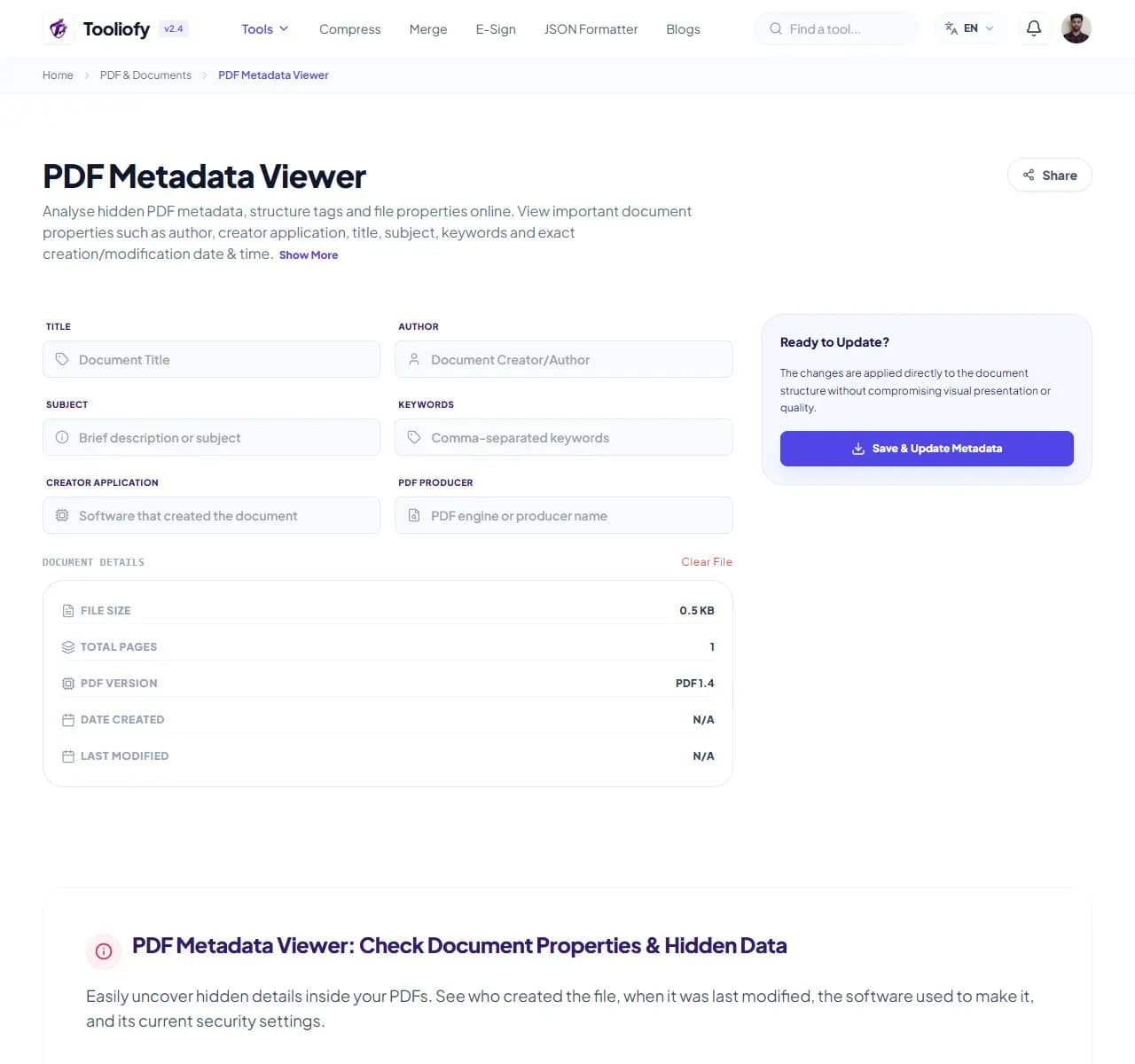
2. Processing
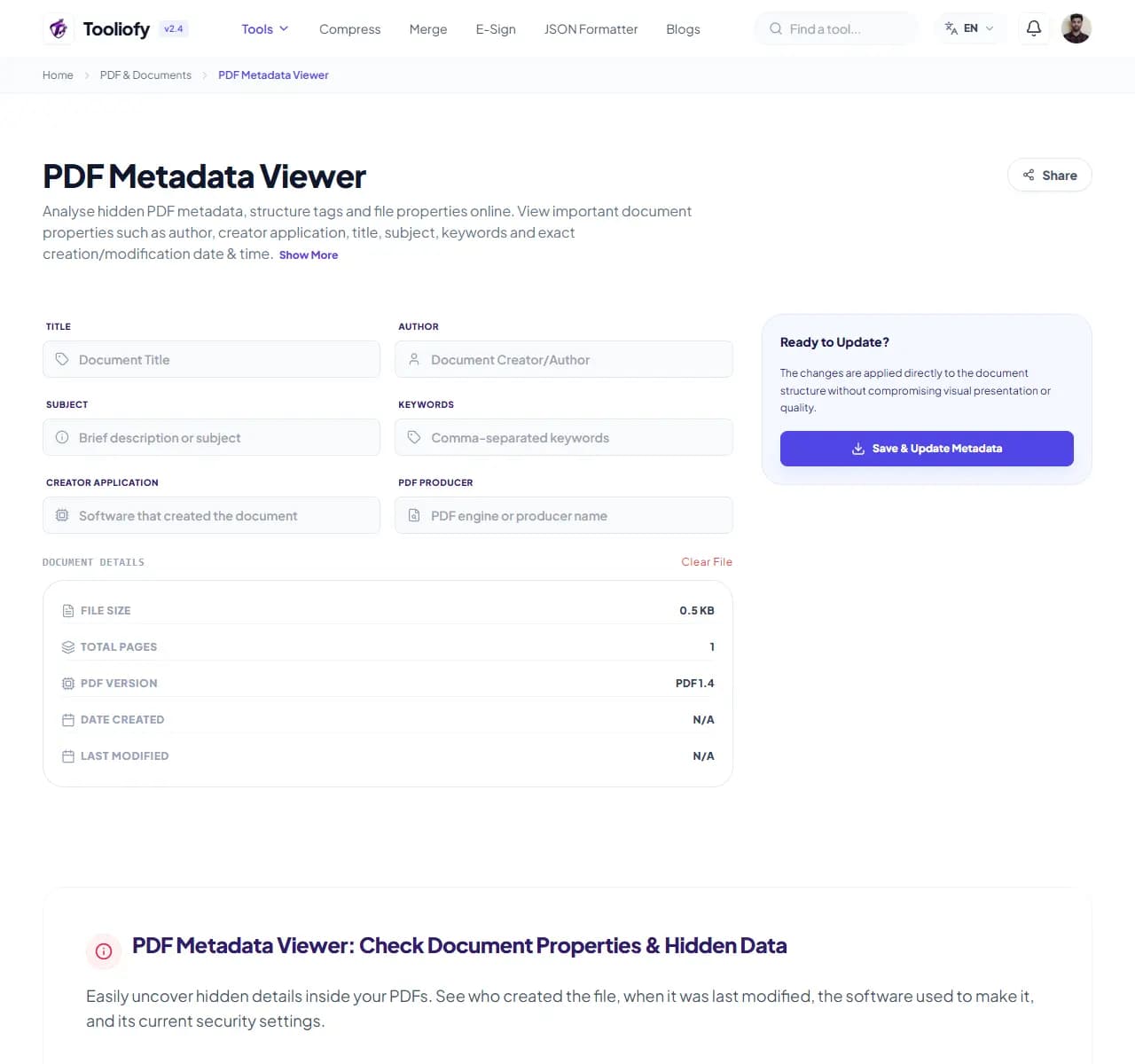
3. Download File
When PDF Metadata Viewer helps
Files can carry hidden details that are worth checking before sharing. PDF Metadata Viewer keeps that fix in one place so the job does not grow larger than it needs to be.
What you can do with PDF Metadata Viewer
PDF Metadata Viewer makes it easier to inspect hidden file details before sharing without changing more than you intended. You bring the input, adjust the option, and review the result.
How the PDF is handled
PDF Metadata Viewer works with the pages, layout, or document data needed to inspect hidden file details before sharing, then creates a fresh file for comparison.
PDF Metadata Viewer notes worth checking
PDF Metadata Viewer is a focused helper for verifying PDF software compatibility. It gives you speed, but the final result should still get one human look.
Good fit
Digging into file origins and file details logs. Checking legal document creation dates. PDF Metadata Viewer works with PDF.
Not the right fit
You do not own the file or have permission to edit it. The scan needs OCR before the text can be copied cleanly.
Last look
Check page order, signatures, images, and readable text. Keep the original if the file is legal, school, client, or money-related. Open the new PDF once.
Supported Formats
Common PDF Metadata Viewer tasks
- For auditing files before you hit send
- Checking legal document creation dates
- Verifying PDF software compatibility
- Pulling property lists for archives
- Digging into file origins and file details logs
Why this PDF tool is handy
- Quickly uncover hidden document data
- Your files are deleted automatically after processing
- Clean, easy-to-read data structure
- Spot potential data leaks before you share
- Completely free with no file size limits
What is included
- See document title, subject, and author info
- Verify creation and last-modified timestamps
- Find out which software generated the file and its version
- Review security permissions and encryption status
- Check page count, document size, and compression details
- No sign-ups, no hidden fees, and no file size limits
- Private processing: processing runs securely
"When verifying PDF software compatibility is the goal, PDF Metadata Viewer keeps the page focused on the result instead of burying it under unrelated options."

More PDF & Documents
Create PDF
Create PDF helps when the next step is simple: create a new PDF with text, images, shapes, pages, and signatures. It is built for quick fixes, checks, and downloads.
PDF to Word
PDF to Word helps when the next step is simple: turn PDF files into Word. It is built for quick fixes, checks, and downloads.
Word to PDF
Word to PDF helps when the next step is simple: turn Word files into PDF. It is built for quick fixes, checks, and downloads.
PDF to Excel
Open PDF to Excel when your PDF file needs one clear change. The tool keeps the process short and the Excel file easy to inspect.
Excel to PDF
Open Excel to PDF when your Excel file needs one clear change. The tool keeps the process short and the PDF file easy to inspect.
PDF Merge
PDF Merge helps when the next step is simple: combine separate files into one ordered result. It is built for quick fixes, checks, and downloads.
Explore Other Categories
 5 Tools
AI Tools
Explore our ai tools and start processing your files securely.
 58 Tools
Image Tools
Explore our image tools and start processing your files securely.
 24 Tools
Text Utilities
Explore our text utilities and start processing your files securely.
 10 Tools
Developer Tools
Explore our developer tools and start processing your files securely.
Can't find a specific tool?
We are constantly adding new features based on user feedback. Tell us what you need and we will implement it immediately!