
Add Page Numbers
Add Page Numbers is for add page numbers to a PDF. It keeps the page focused on that one job, so you can check the numbered PDF without opening a larger app.
Add Page Numbers to PDF
Add Page Numbers is for add page numbers to a PDF. It keeps the page focused on that one job, so you can check the numbered PDF without opening a larger app.
How to Use This Tool

1. Select File
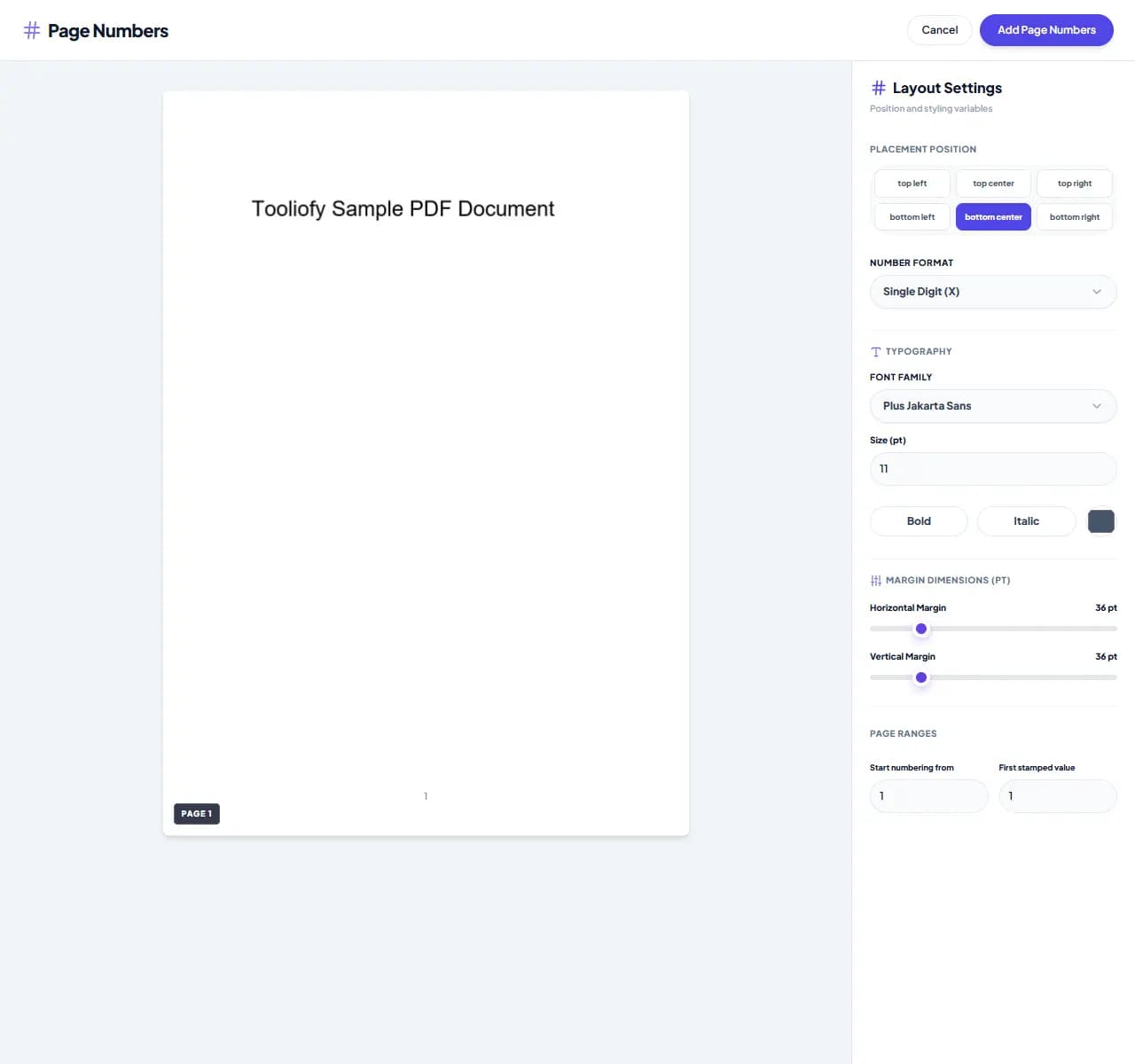
2. Processing
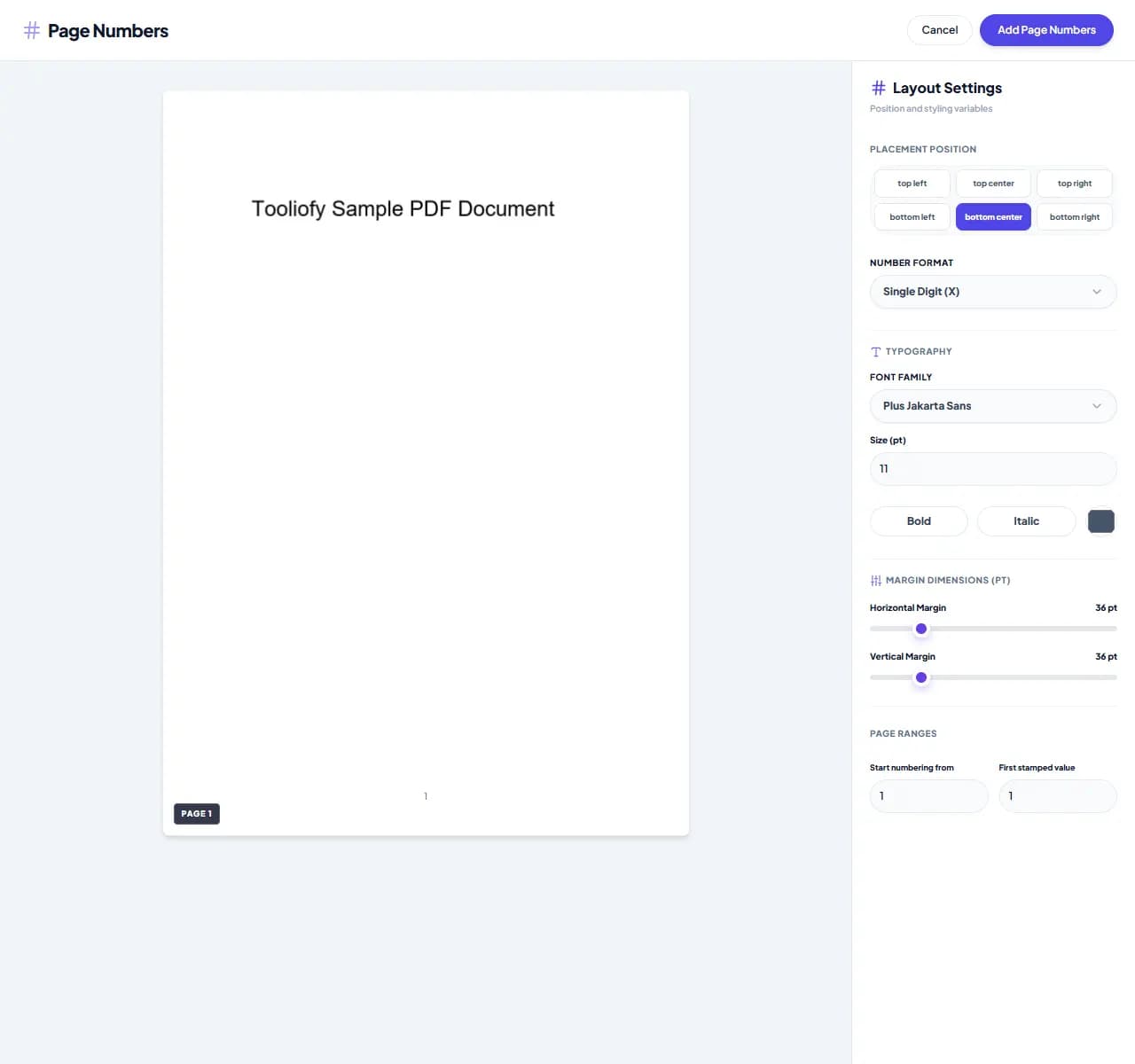
3. Download File
What you can do with Add Page Numbers
Open Add Page Numbers to add page numbers to a PDF when a heavier app would slow you down. The workflow stays short and the result stays easy to check.
When Add Page Numbers helps
Page numbers make long documents easier to review, cite, and print in order. Add Page Numbers gives you a quick way to handle that before you share, publish, or move on.
How the PDF is handled
Add Page Numbers works with the pages, layout, or document data needed to add page numbers to a PDF, then creates a fresh file for comparison.
When Add Page Numbers is the right tool
Add Page Numbers works best when you know the change you want: adding page numbers to a PDF. Keep the original nearby, then compare the result before sharing it.
Useful for
Organize academic papers and thesis drafts. Prepare clean, organized presentation portfolios. Add Page Numbers works with PDF.
Common mistake
Sending the new PDF without opening it beside the original. Editing pages and then forgetting to check the final order.
Final check
Check page order, signatures, images, and readable text. Keep the original if the file is legal, school, client, or money-related. Open the new PDF once.
Supported Formats
Common Add Page Numbers tasks
- Paginate ebooks before you publish
- Format legal briefs and numbered exhibits
- Organize academic papers and thesis drafts
- Add reliable numbering to business manuals
- Prepare clean, organized presentation portfolios
Why this PDF tool is handy
- Flexible positioning and alignment options
- Keeps your document's original formatting cleanly intact
- Easy option to skip the cover page
- Quick processing in your browser
- Free, no account required
What is included
- Place numbers in headers, footers, or margins
- Choose your format: 'Page X', 'X of Y', or simple numbering
- Skip cover pages or select specific page ranges
- Personalize with custom fonts, colors, and sizes
- Set your own starting page number
- Fast processing that preserves your original layout
- Secure, local browser-based processing
"Add Page Numbers is worth using when adding page numbers to a PDF is the real problem and you do not want a larger app in the way."

More PDF & Documents
Create PDF
Create PDF helps when the next step is simple: create a new PDF with text, images, shapes, pages, and signatures. It is built for quick fixes, checks, and downloads.
PDF to Word
PDF to Word helps when the next step is simple: turn PDF files into Word. It is built for quick fixes, checks, and downloads.
Word to PDF
Word to PDF helps when the next step is simple: turn Word files into PDF. It is built for quick fixes, checks, and downloads.
PDF to Excel
Open PDF to Excel when your PDF file needs one clear change. The tool keeps the process short and the Excel file easy to inspect.
Excel to PDF
Open Excel to PDF when your Excel file needs one clear change. The tool keeps the process short and the PDF file easy to inspect.
PDF Merge
PDF Merge helps when the next step is simple: combine separate files into one ordered result. It is built for quick fixes, checks, and downloads.
Explore Other Categories
 5 Tools
AI Tools
Explore our ai tools and start processing your files securely.
 58 Tools
Image Tools
Explore our image tools and start processing your files securely.
 24 Tools
Text Utilities
Explore our text utilities and start processing your files securely.
 10 Tools
Developer Tools
Explore our developer tools and start processing your files securely.
Can't find a specific tool?
We are constantly adding new features based on user feedback. Tell us what you need and we will implement it immediately!