
PDF Rotator
Use PDF Rotator when you need to fix direction, orientation, or mirror view. Add the file, choose the option that matters, and review the corrected file.
Rotate PDF Pages
Fix sideways and upside-down pages permanently. Rotate single pages, a selection, or the whole document by 90, 180, or 270 degrees - and save it so it opens correctly for everyone, not just in your viewer.
How to Use This Tool
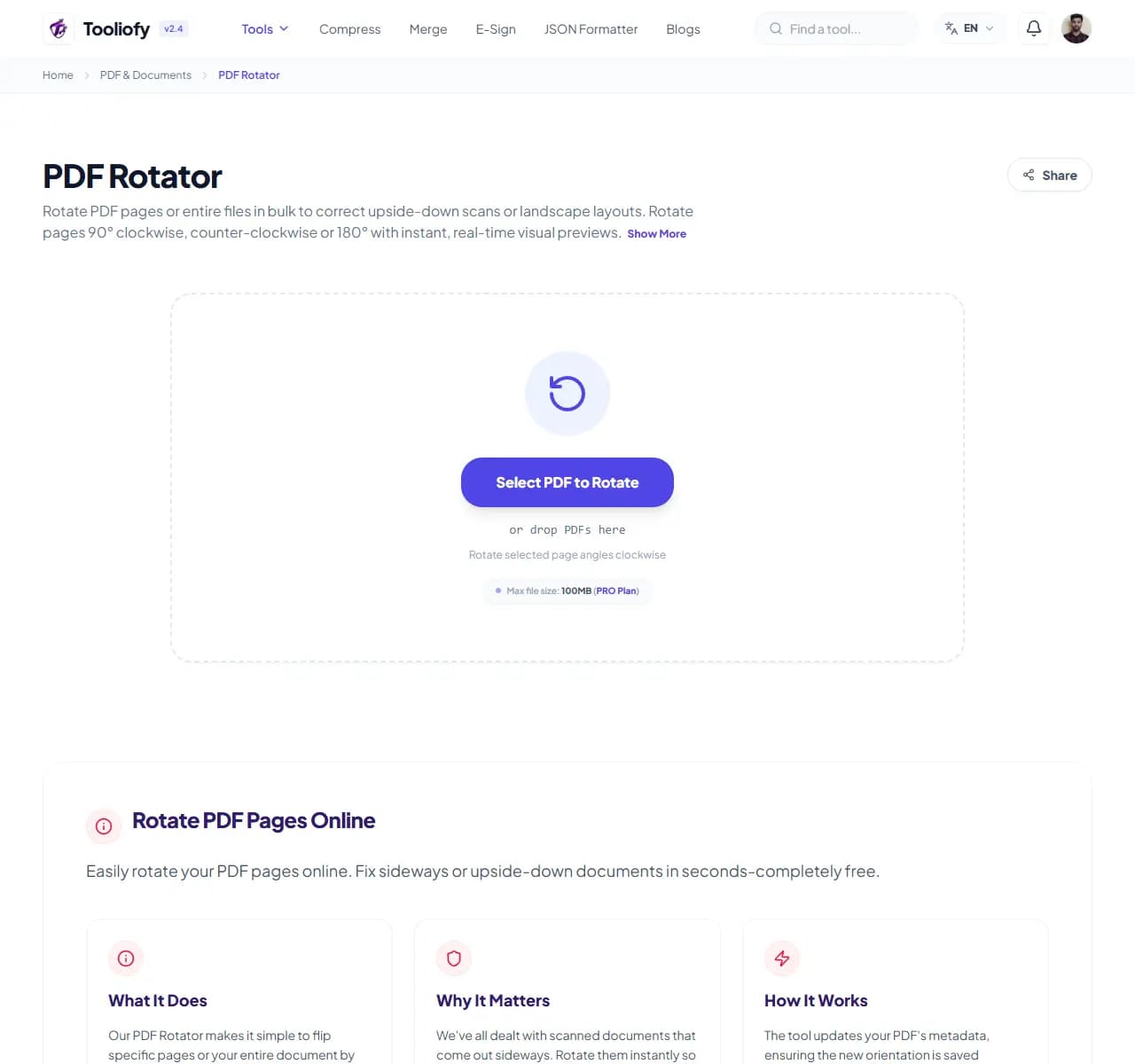
1. Select File

2. Processing

3. Download File
What you can do with PDF Rotator
PDF Rotator changes the saved orientation of pages inside the file itself. Unlike rotating in a PDF viewer - which only changes your view and resets when the file is reopened - this writes the correction into the document.
When PDF Rotator helps
Scanners are the usual culprit: feed a stack of pages and two come out sideways, one upside down. Sending that file makes every recipient crane their neck or fix it themselves. Thirty seconds here makes the file open correctly everywhere, forever.
How the PDF is handled
Upload the PDF, and the thumbnail grid shows every page's current orientation at a glance. Click the rotate button on individual crooked pages, or select all for a document scanned entirely sideways, then download.
Common PDF Rotator tasks
- Fixing sideways pages in a scanned contract
- Correcting upside-down pages from a duplex scanner
- Turning landscape charts upright within a portrait report
- Fixing phone-photographed documents converted to PDF
- Standardizing orientation before merging files
Why this PDF tool is handy
- Fix is permanent, not view-only
- Per-page control for mixed-up scans
- No quality loss
- Faster than rescanning
- Free, no watermark
What is included
- Rotate individual pages, selections, or all pages
- 90° clockwise, counterclockwise, or 180° flips
- Thumbnail preview shows orientation before saving
- Rotation is saved into the file permanently
- Handles mixed portrait/landscape documents
- No quality loss - pages aren't re-rendered
- Files deleted automatically after processing
"If a document will be opened more than once, fix the rotation in the file - not in your viewer."

More PDF & Documents
Create PDF
Create PDF helps when the next step is simple: create a new PDF with text, images, shapes, pages, and signatures. It is built for quick fixes, checks, and downloads.
PDF to Word
PDF to Word helps when the next step is simple: turn PDF files into Word. It is built for quick fixes, checks, and downloads.
Word to PDF
Word to PDF helps when the next step is simple: turn Word files into PDF. It is built for quick fixes, checks, and downloads.
PDF to Excel
Open PDF to Excel when your PDF file needs one clear change. The tool keeps the process short and the Excel file easy to inspect.
Excel to PDF
Open Excel to PDF when your Excel file needs one clear change. The tool keeps the process short and the PDF file easy to inspect.
PDF Merge
PDF Merge helps when the next step is simple: combine separate files into one ordered result. It is built for quick fixes, checks, and downloads.
Explore Other Categories
 5 Tools
AI Tools
Explore our ai tools and start processing your files securely.
 58 Tools
Image Tools
Explore our image tools and start processing your files securely.
 24 Tools
Text Utilities
Explore our text utilities and start processing your files securely.
 10 Tools
Developer Tools
Explore our developer tools and start processing your files securely.
Can't find a specific tool?
We are constantly adding new features based on user feedback. Tell us what you need and we will implement it immediately!