
PDF Editor
Use PDF Editor when you need to make small changes without rebuilding the whole file. Add the file, choose the option that matters, and review the edited file.
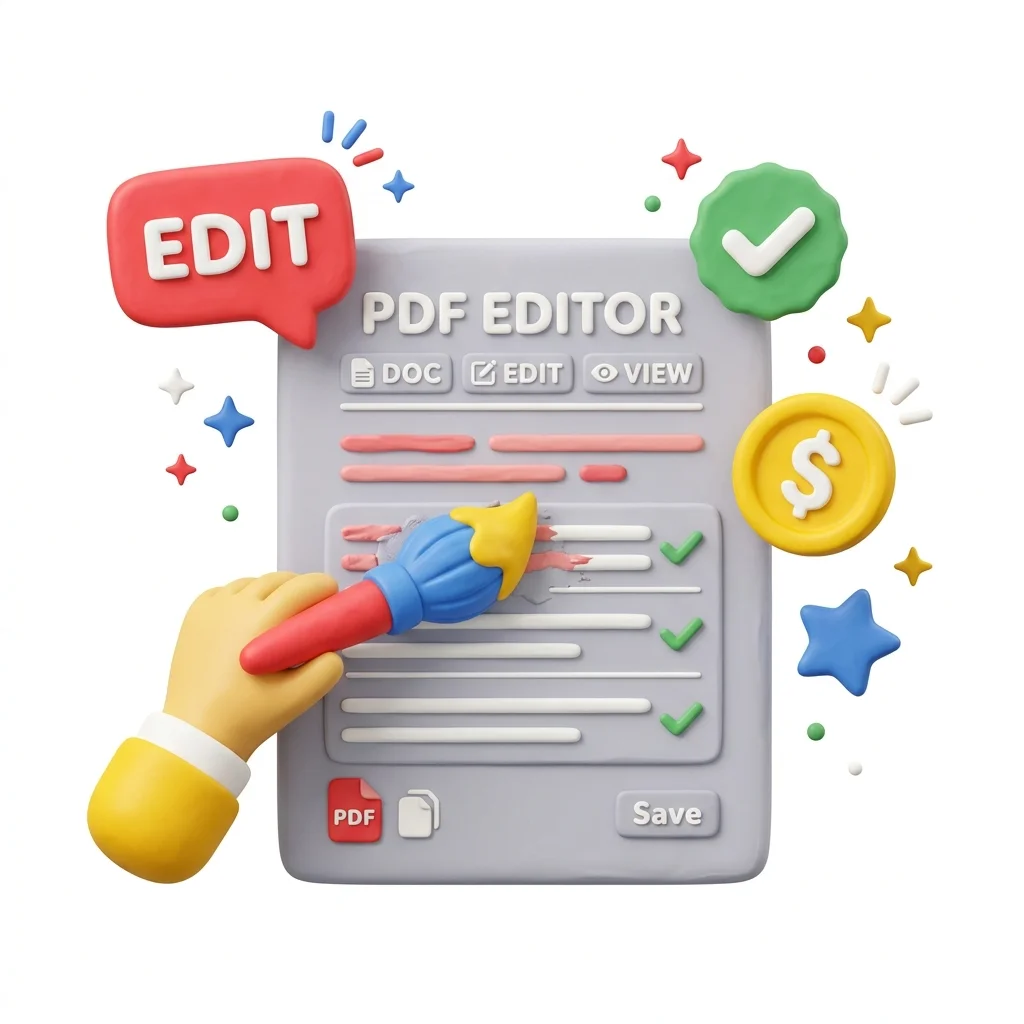
Edit PDF Files Online
Make small changes to a PDF without rebuilding it: add text, cover a mistake, insert an image, highlight a clause, or annotate a draft. For the fixes that don't justify converting to Word and back.
How to Use This Tool
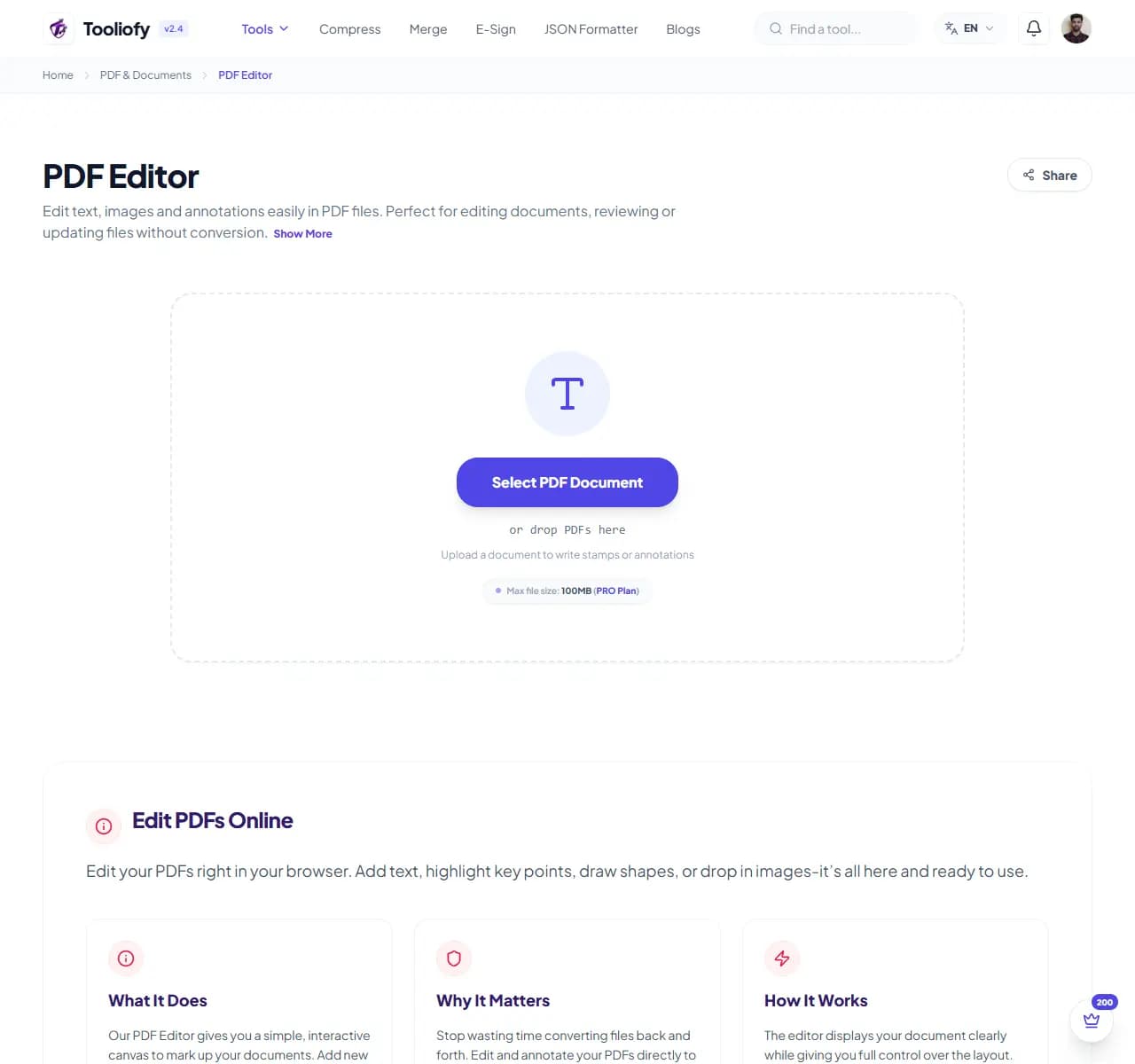
1. Select File
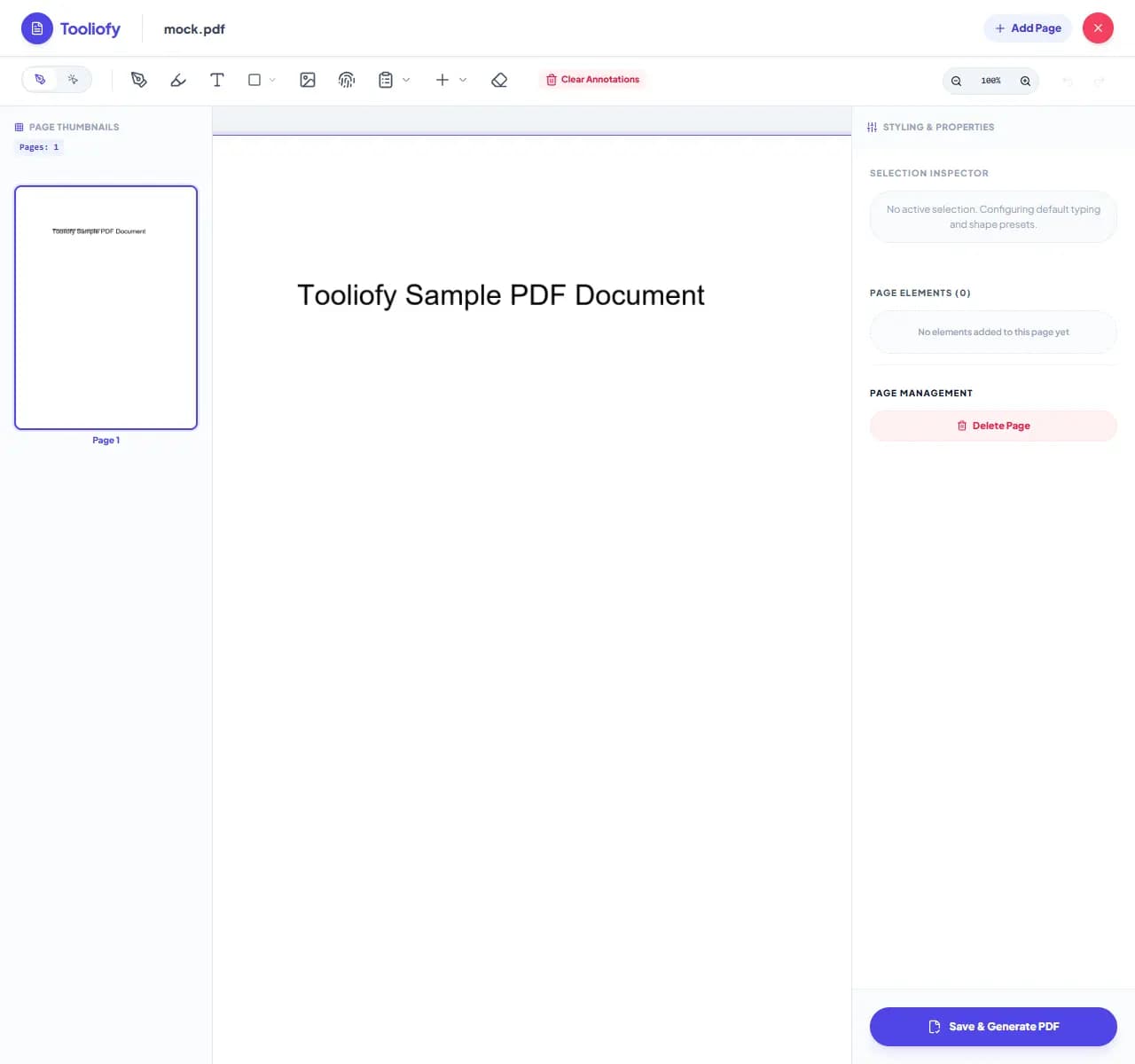
2. Processing
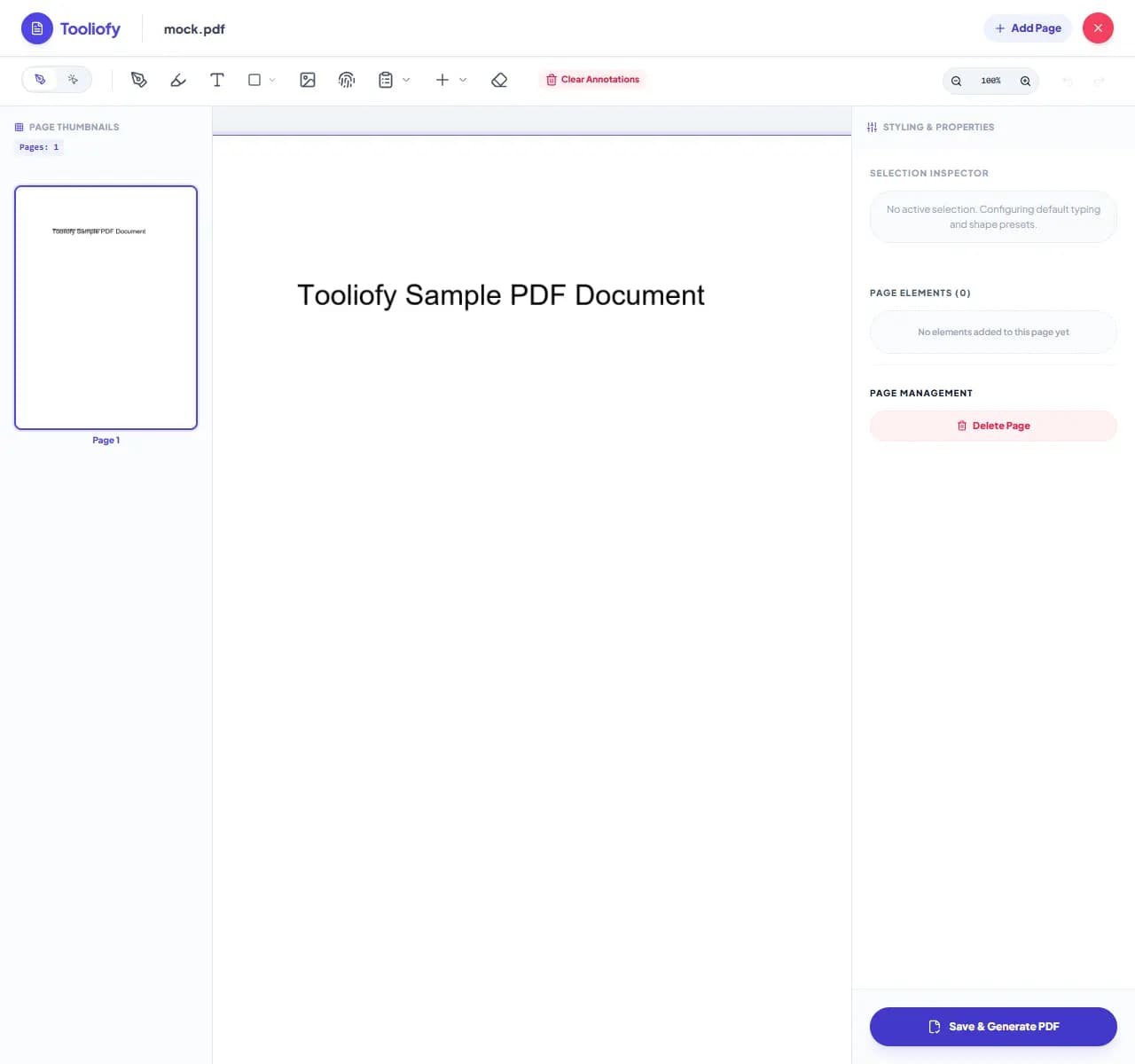
3. Download File
What you can do with PDF Editor
PDF Editor lets you place new elements onto existing pages - text, images, shapes, highlights, white-out blocks - and save the result. It's overlay editing: you add on top of the page rather than rewriting its underlying text.
When PDF Editor helps
The alternative for small fixes is absurd: convert to Word, edit one line, convert back, and hope the layout survived both trips. Overlay editing fixes a date, adds a missing detail, or covers an error in seconds with zero layout risk to the rest of the document.
How the PDF is handled
Upload the PDF, pick a tool from the toolbar, click where the change goes. To 'edit' existing text: place a white rectangle over the old text, then a text box with the correction on top - the standard technique for filling forms and fixing typos on flattened documents.
Common PDF Editor tasks
- Filling in forms that were never made fillable
- Correcting a date or name on a finished document
- Adding your details to a template contract
- Highlighting key clauses before sending for review
- Annotating a draft with comments and marks
Why this PDF tool is handy
- Small fixes without the Word round-trip
- Zero risk to the rest of the layout
- Fills non-fillable forms
- Works on scans too
- Free for everyday edits
What is included
- Add text boxes anywhere on any page
- Cover existing content with white-out style blocks
- Insert images, shapes, and highlights
- Annotate with freehand drawing
- Works on digital and scanned PDFs
- No watermark on saved files
- Encrypted transfer, automatic deletion
"For small fixes, overlay editing is faster and safer than any convert-edit-convert cycle. For rewriting paragraphs, take the PDF to Word route."

More PDF & Documents
Create PDF
Create PDF helps when the next step is simple: create a new PDF with text, images, shapes, pages, and signatures. It is built for quick fixes, checks, and downloads.
PDF to Word
PDF to Word helps when the next step is simple: turn PDF files into Word. It is built for quick fixes, checks, and downloads.
Word to PDF
Word to PDF helps when the next step is simple: turn Word files into PDF. It is built for quick fixes, checks, and downloads.
PDF to Excel
Open PDF to Excel when your PDF file needs one clear change. The tool keeps the process short and the Excel file easy to inspect.
Excel to PDF
Open Excel to PDF when your Excel file needs one clear change. The tool keeps the process short and the PDF file easy to inspect.
PDF Merge
PDF Merge helps when the next step is simple: combine separate files into one ordered result. It is built for quick fixes, checks, and downloads.
Explore Other Categories
 5 Tools
AI Tools
Explore our ai tools and start processing your files securely.
 58 Tools
Image Tools
Explore our image tools and start processing your files securely.
 24 Tools
Text Utilities
Explore our text utilities and start processing your files securely.
 10 Tools
Developer Tools
Explore our developer tools and start processing your files securely.
Can't find a specific tool?
We are constantly adding new features based on user feedback. Tell us what you need and we will implement it immediately!