
PDF Page Extractor
PDF Page Extractor is for split or extract pages. It keeps the page focused on that one job, so you can check the smaller PDF without opening a larger app.
Remove PDF Pages
PDF Page Extractor is for split or extract pages. It keeps the page focused on that one job, so you can check the smaller PDF without opening a larger app.
How to Use This Tool
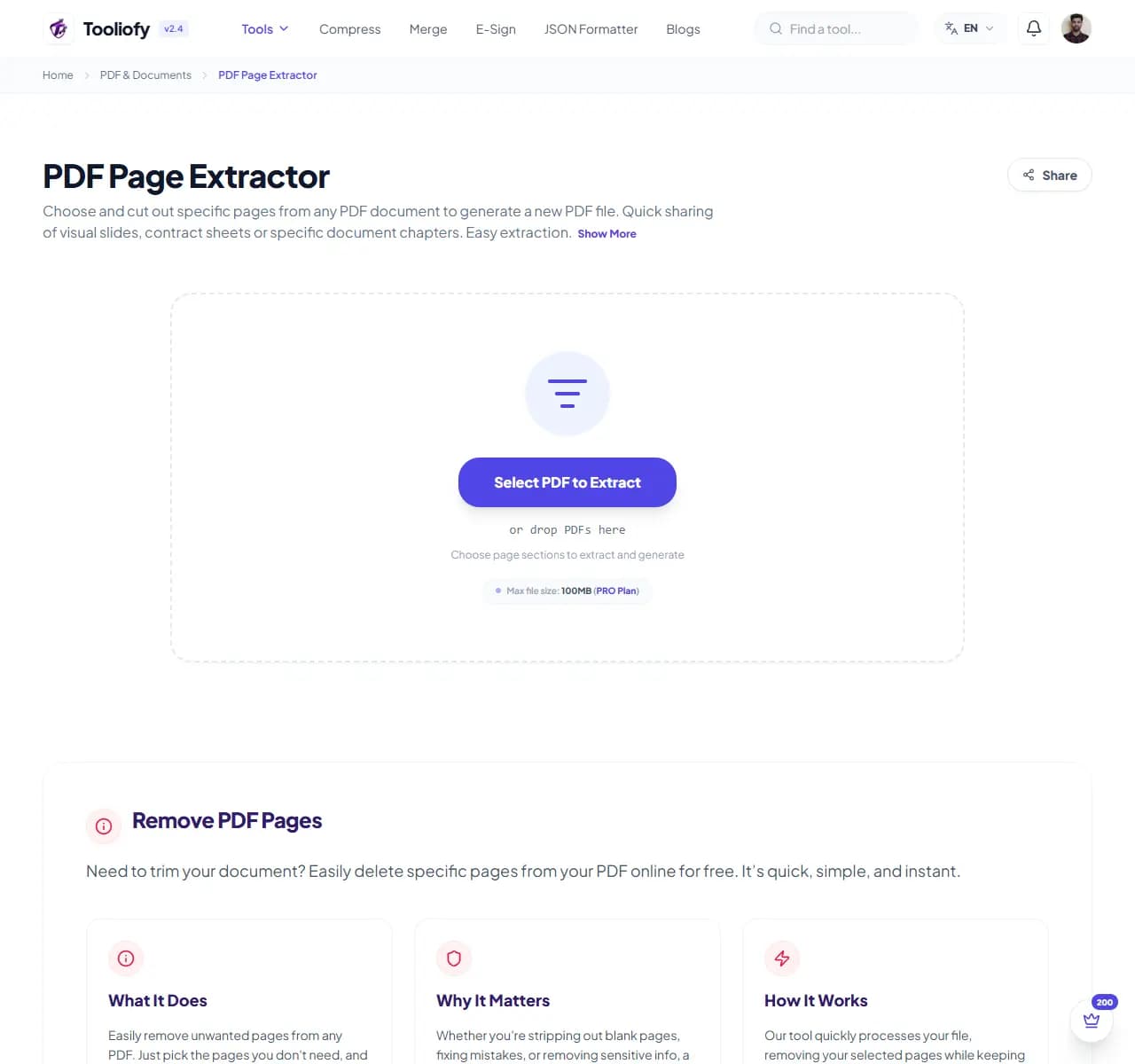
1. Select File
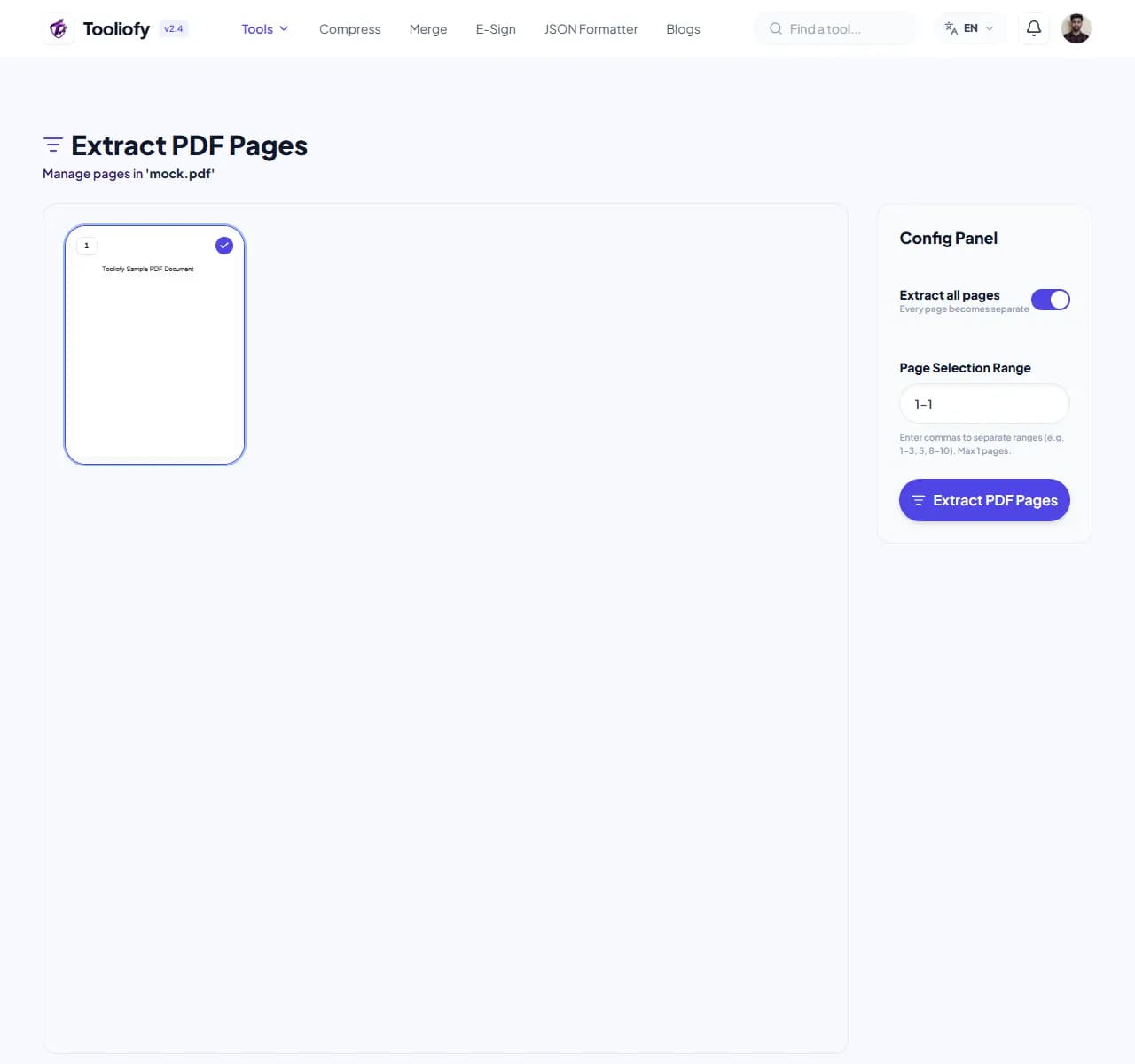
2. Processing

3. Download File
What you can do with PDF Page Extractor
PDF Page Extractor keeps attention on one job: completing the pdf page extractor job. It avoids unrelated options and keeps the finished output easy to inspect.
When PDF Page Extractor helps
Long documents are easier to share when only the needed pages are kept. PDF Page Extractor gives you a quick way to handle that before you share, publish, or move on.
How the PDF is handled
PDF Page Extractor works with the pages, layout, or document data needed to complete the pdf page extractor job, then creates a fresh file for comparison.
PDF Page Extractor: quick check
PDF Page Extractor is a focused helper for trimming down long, bulky reports. It gives you speed, but the final result should still get one human look.
Works well when
Taking out pages with sensitive info. Removing unnecessary cover sheets. Fixing a specific PDF issue with PDF Page Extractor.
Use another route if
You do not own the file or have permission to edit it. The scan needs OCR before the text can be copied cleanly.
One thing to avoid
Sending the new PDF without opening it beside the original. Editing pages and then forgetting to check the final order.
Before you download
Check page order, signatures, images, and readable text. Keep the original if the file is legal, school, client, or money-related. Open the new PDF once.
Common PDF Page Extractor tasks
- Clearing out blank pages from scans
- Taking out pages with sensitive info
- Trimming down long, bulky reports
- Removing unnecessary cover sheets
- Tidying up messy draft documents
Why this PDF tool is handy
- Pick exactly what to keep
- Easy visual page preview
- Quick processing
- Keeps your original quality
- Safe, secure, and private
- Simple, intuitive design
What is included
- Easy visual page picker
- Remove pages with a single click
- Delete multiple pages at once
- Automatic file improvement
- Keeps your page order intact
- Maintains original quality and layout
- Need to undo? Just click before you save
"When trimming down long, bulky reports is the goal, PDF Page Extractor keeps the page focused on the result instead of burying it under unrelated options."

More PDF & Documents
Create PDF
Create PDF helps when the next step is simple: create a new PDF with text, images, shapes, pages, and signatures. It is built for quick fixes, checks, and downloads.
PDF to Word
PDF to Word helps when the next step is simple: turn PDF files into Word. It is built for quick fixes, checks, and downloads.
Word to PDF
Word to PDF helps when the next step is simple: turn Word files into PDF. It is built for quick fixes, checks, and downloads.
PDF to Excel
Open PDF to Excel when your PDF file needs one clear change. The tool keeps the process short and the Excel file easy to inspect.
Excel to PDF
Open Excel to PDF when your Excel file needs one clear change. The tool keeps the process short and the PDF file easy to inspect.
PDF Merge
PDF Merge helps when the next step is simple: combine separate files into one ordered result. It is built for quick fixes, checks, and downloads.
Explore Other Categories
 5 Tools
AI Tools
Explore our ai tools and start processing your files securely.
 58 Tools
Image Tools
Explore our image tools and start processing your files securely.
 24 Tools
Text Utilities
Explore our text utilities and start processing your files securely.
 10 Tools
Developer Tools
Explore our developer tools and start processing your files securely.
Can't find a specific tool?
We are constantly adding new features based on user feedback. Tell us what you need and we will implement it immediately!