
Organize PDF
Use Organize PDF when you need to move, rotate, remove, or reorder PDF pages. Add the PDF file, choose the option that matters, and review the organized PDF.
Manage Your PDF Pages: Reorder, Add, or Remove
Use Organize PDF when you need to move, rotate, remove, or reorder PDF pages. Add the PDF file, choose the option that matters, and review the organized PDF.
How to Use This Tool
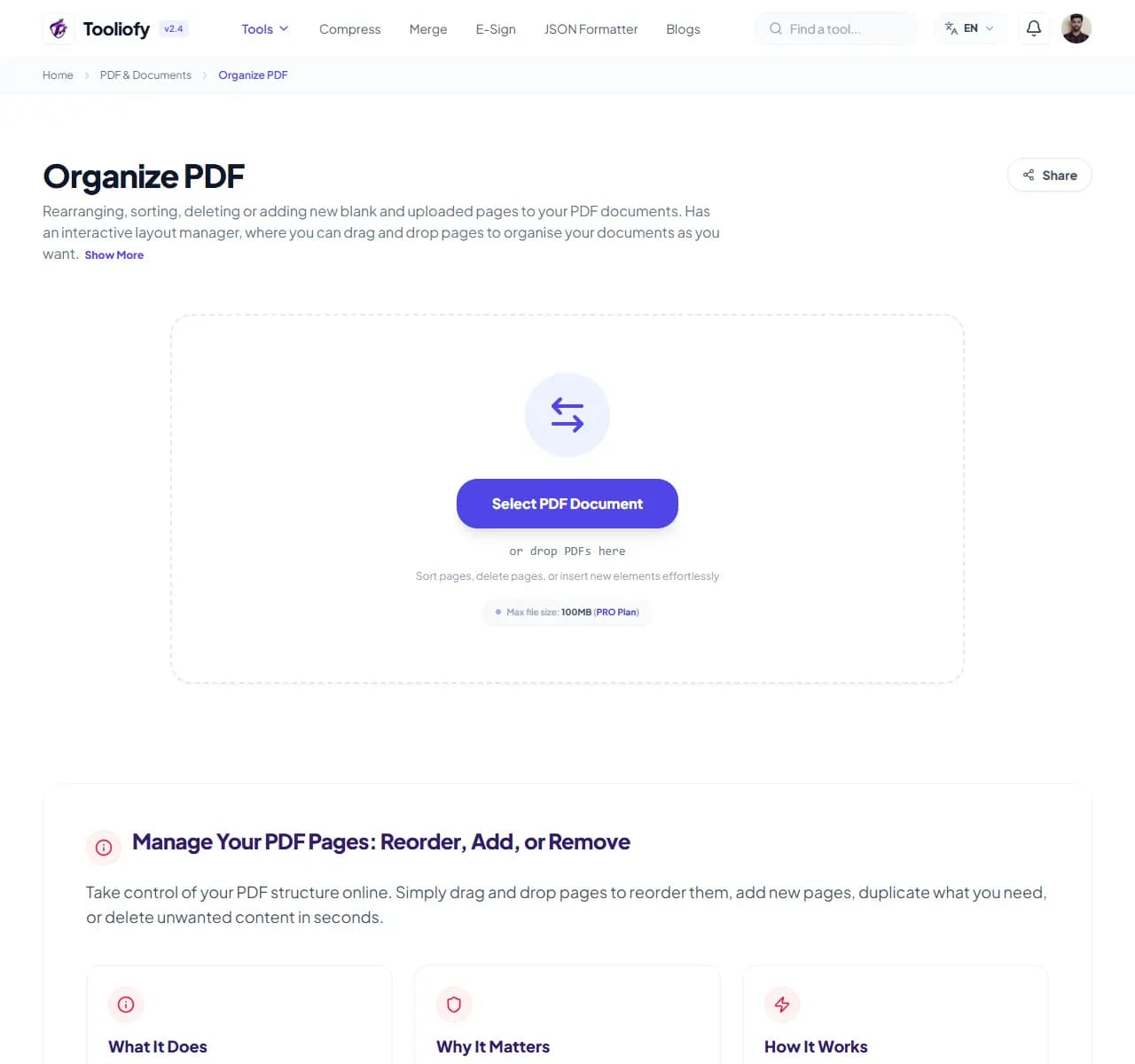
1. Select File
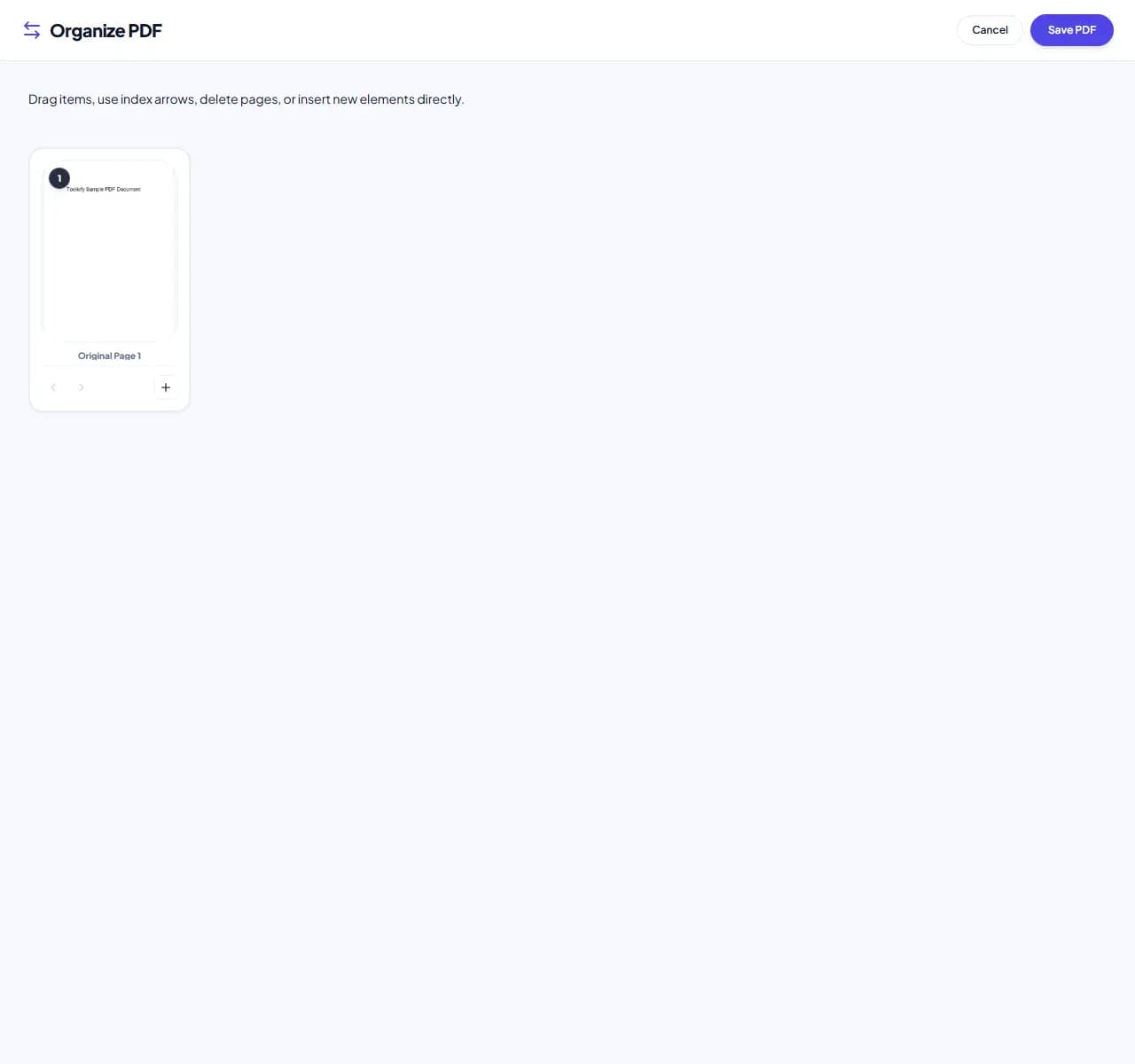
2. Processing
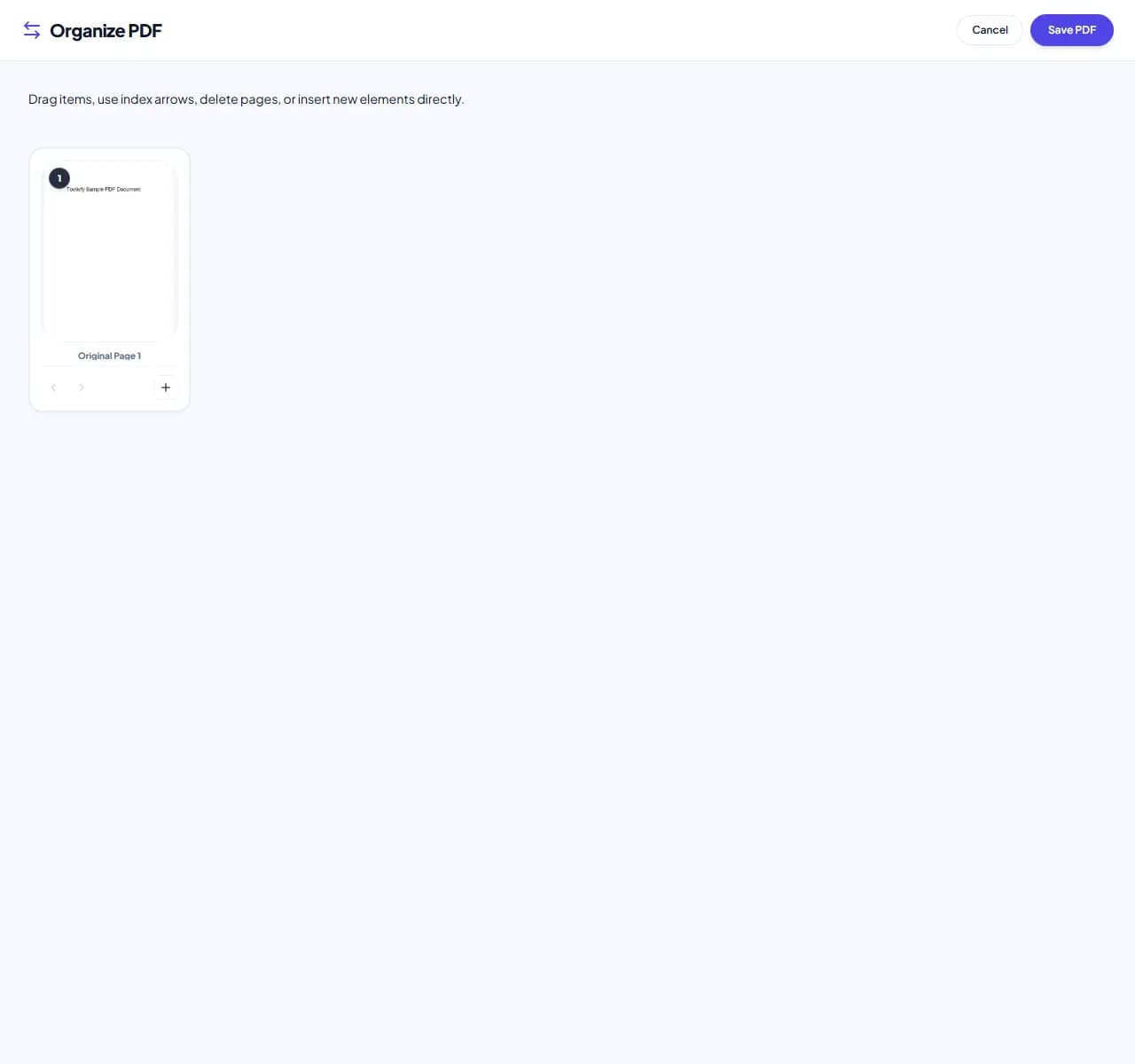
3. Download File
What you can do with Organize PDF
Organize PDF keeps attention on one job: reorder, rotate, or remove PDF pages. It avoids unrelated options and keeps the finished output easy to inspect.
When Organize PDF helps
People usually open Organize PDF when the file is almost ready but one detail is still blocking the next step: organize PDF pages.
How the PDF is handled
Organize PDF works with the pages, layout, or document data needed to reorder, rotate, or remove PDF pages, then creates a fresh file for comparison.
Before you use Organize PDF
Organize PDF is most useful when you treat the output as something to review, not something to assume is perfect. This matters when reorder, rotate, or remove PDF pages.
Privacy note: Keep the original file until Organize PDF has produced a result you have checked. For private PDFs, avoid shared computers and only unlock protected files when you have permission.
Best used for
- Rearranging chapters in scanned reports.
- Removing draft pages or accidental duplicates.
- Organize PDF works with PDF.
Be careful if
- The scan needs OCR before the text can be copied cleanly.
- The document needs rewriting instead of a small PDF change.
Check this first
- Keep the original if the file is legal, school, client, or money-related.
- Open the new PDF once.
- Check page order, signatures, images, and readable text.
Supported Formats
Common Organize PDF tasks
- Rearranging chapters in scanned reports
- Adding blank separator pages between sections
- Removing draft pages or accidental duplicates
- Duplicating specific forms or single-page sheets
- Merging and sorting mixed document templates
Why this PDF tool is handy
- Intuitive drag-and-drop interface
- Full control over your document structure
- Quick processing
- No limits on file size or page count
- Privacy for your sensitive files
What is included
- Easy drag-and-drop page organizer
- Add blank pages exactly where you need them
- Quickly duplicate or clone any page
- Quickly remove pages you don't need
- Rotate landscape pages to portrait with one click
- Handles multi-page documents and layout scaling easily
- Your files stay local-nothing is ever uploaded to a server
"For a quick organize pdf job, the value is control: change only what you came to change, then review the output."

More PDF & Documents
Create PDF
Create PDF helps when the next step is simple: create a new PDF with text, images, shapes, pages, and signatures. It is built for quick fixes, checks, and downloads.
PDF to Word
PDF to Word helps when the next step is simple: turn PDF files into Word. It is built for quick fixes, checks, and downloads.
Word to PDF
Word to PDF helps when the next step is simple: turn Word files into PDF. It is built for quick fixes, checks, and downloads.
PDF to Excel
Open PDF to Excel when your PDF file needs one clear change. The tool keeps the process short and the Excel file easy to inspect.
Excel to PDF
Open Excel to PDF when your Excel file needs one clear change. The tool keeps the process short and the PDF file easy to inspect.
PDF Merge
PDF Merge helps when the next step is simple: combine separate files into one ordered result. It is built for quick fixes, checks, and downloads.
Explore Other Categories
 5 Tools
AI Tools
Explore our ai tools and start processing your files securely.
 58 Tools
Image Tools
Explore our image tools and start processing your files securely.
 24 Tools
Text Utilities
Explore our text utilities and start processing your files securely.
 10 Tools
Developer Tools
Explore our developer tools and start processing your files securely.
Can't find a specific tool?
We are constantly adding new features based on user feedback. Tell us what you need and we will implement it immediately!