
Compare PDF
Use Compare PDF when you need to review two PDFs and look for changes. Add the two PDF files, choose the option that matters, and review the comparison result.
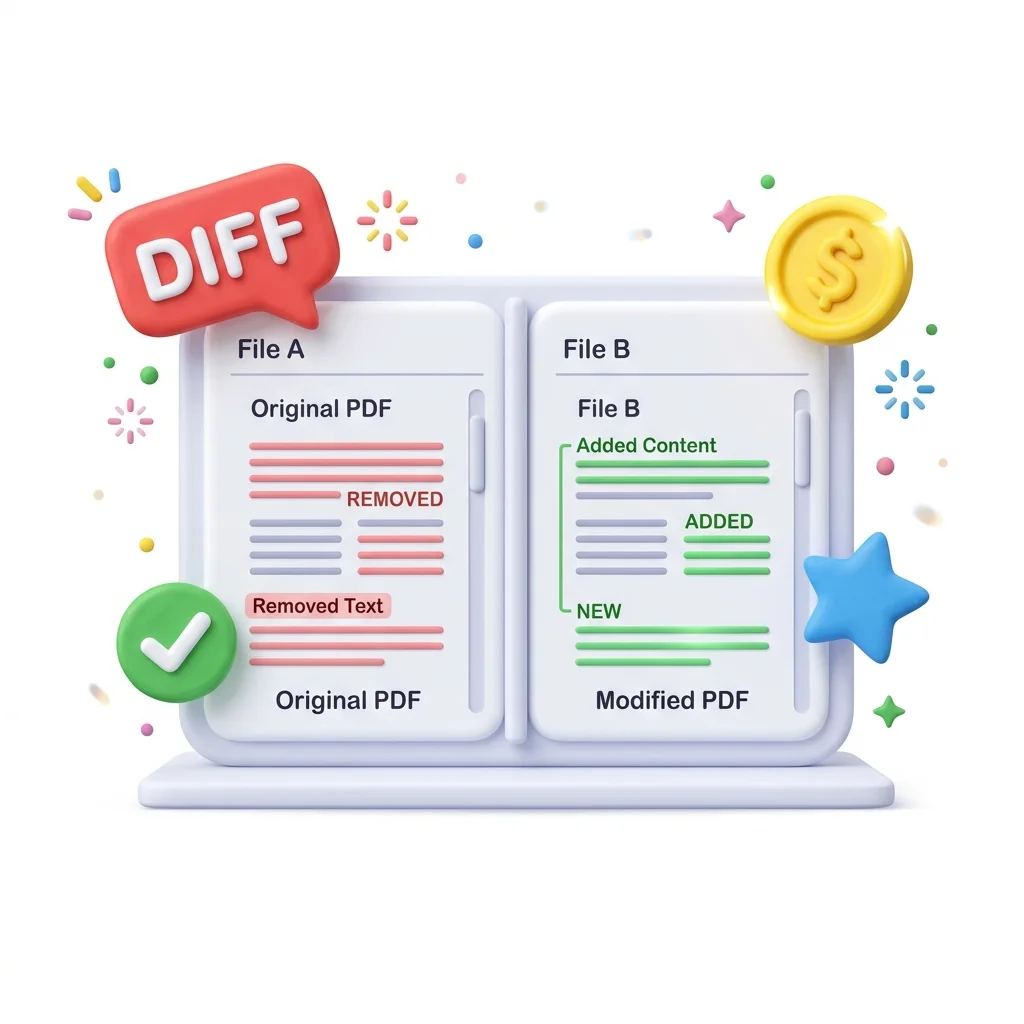
Compare PDF Files
Use Compare PDF when you need to review two PDFs and look for changes. Add the two PDF files, choose the option that matters, and review the comparison result.
How to Use This Tool
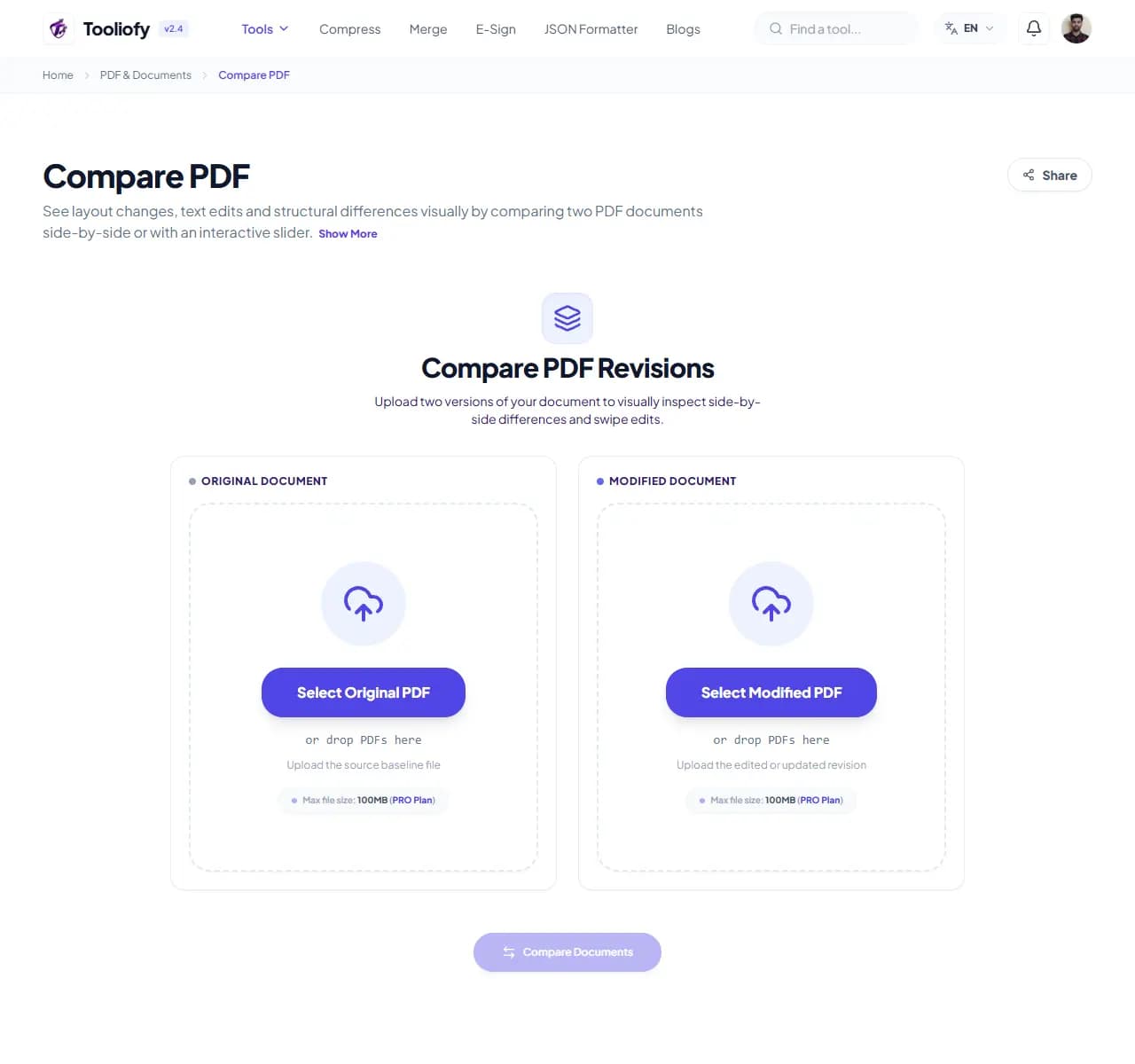
1. Select File
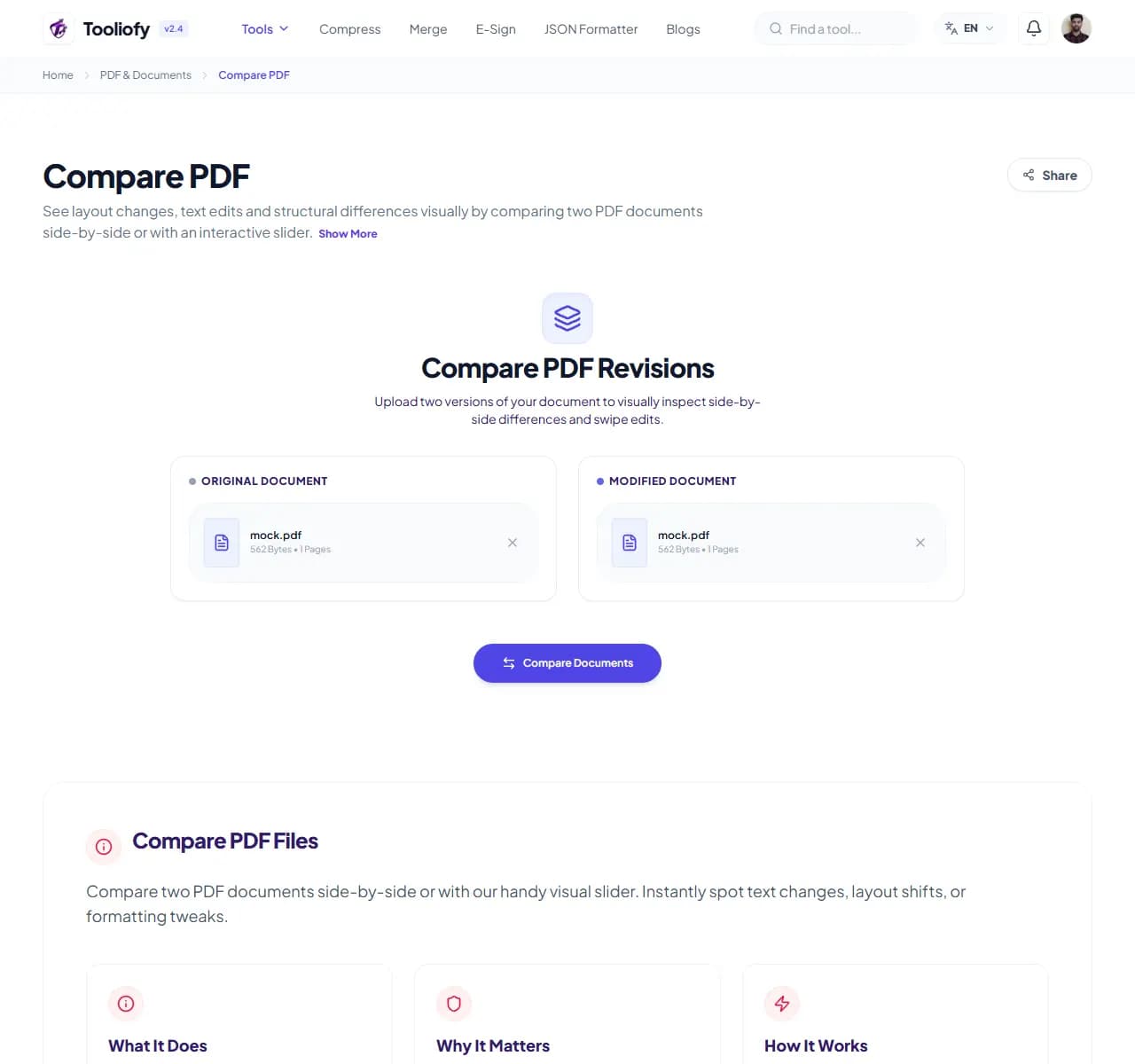
2. Processing
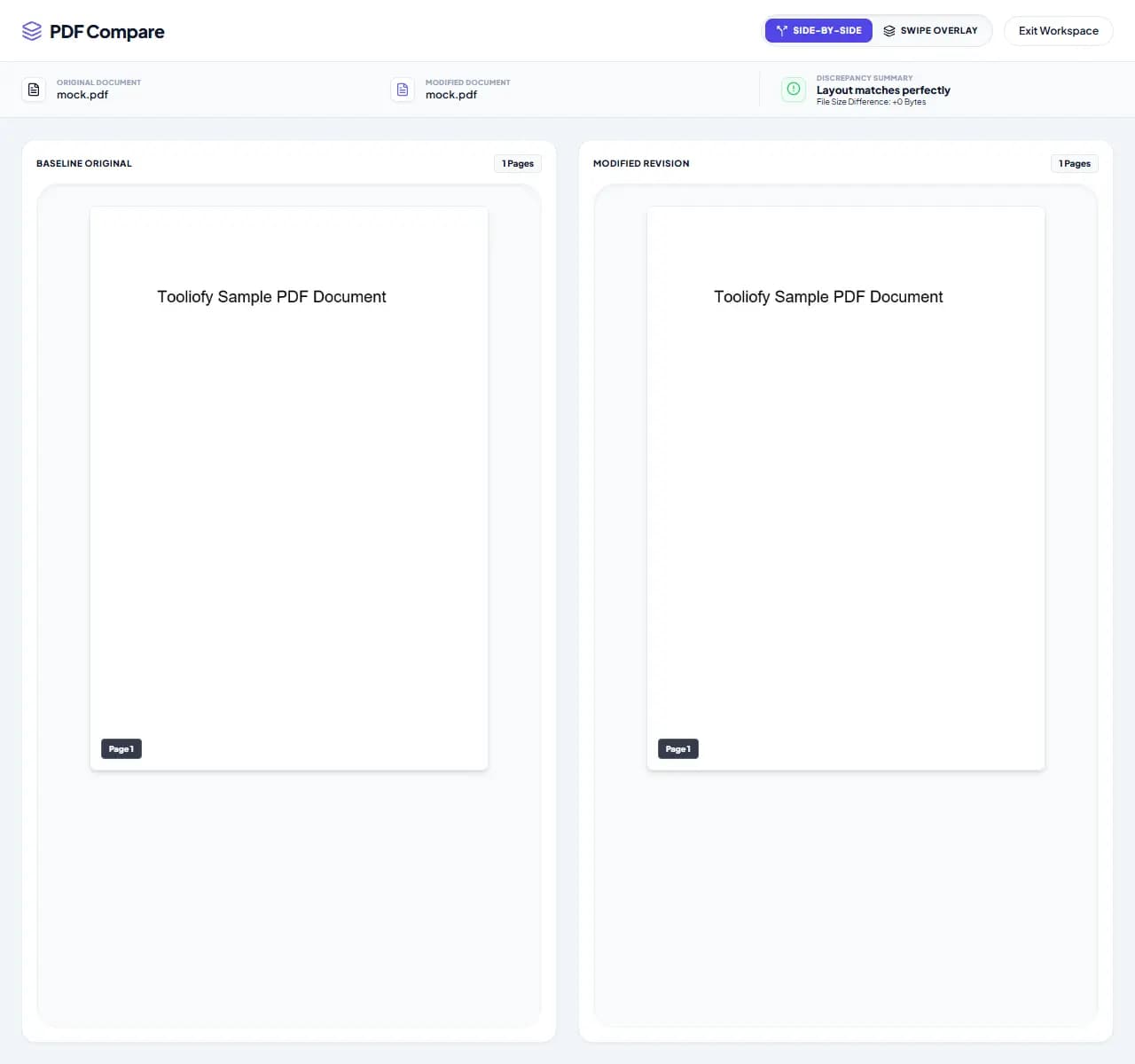
3. Download File
What you can do with Compare PDF
Compare PDF solves one practical problem: how to compare two PDF versions. The tool keeps the work narrow and the final result easy to inspect.
When Compare PDF helps
People usually open Compare PDF when the file is almost ready but one detail is still blocking the next step: compare PDF files.
How the PDF is handled
Compare PDF works with the pages, layout, or document data needed to compare two PDF versions, then creates a fresh file for comparison.
When Compare PDF is the right tool
Before using Compare PDF, decide what a good result should look like. For compare two PDF versions, one careful output check is better than a blind download.
Useful for
Comparing draft versions of research papers. Reviewing updates in invoices and listings. Compare PDF works with PDF.
Pause first if
The document needs rewriting instead of a small PDF change. You do not own the file or have permission to edit it.
Final check
Open the new PDF once. Check page order, signatures, images, and readable text. Keep the original if the file is legal, school, client, or money-related.
Supported Formats
Common Compare PDF tasks
- Reviewing contract revisions easily
- Comparing draft versions of research papers
- Checking layout tweaks in brochure proofs
- Spotting subtle changes in blueprint versions
- Reviewing updates in invoices and listings
Why this PDF tool is handy
- Clear, visual highlights for any layout shifts
- Scroll through both documents at once for a faster comparison
- Your files stay private-we don't track or store your data
- Handles even the largest documents without slowing down
- Completely free, no account or signup needed
What is included
- Side-by-side view for easy comparison
- Visual slider to reveal layout changes
- Smart diff detection
- Synced scrolling for simple reading
- High-resolution zoom support
- Secure processing: your files stay private
- Free with no file limits
"Compare PDF keeps compare two PDF versions manageable: make the change, check the result, and keep the original if the file matters."

More PDF & Documents
Create PDF
Create PDF helps when the next step is simple: create a new PDF with text, images, shapes, pages, and signatures. It is built for quick fixes, checks, and downloads.
PDF to Word
PDF to Word helps when the next step is simple: turn PDF files into Word. It is built for quick fixes, checks, and downloads.
Word to PDF
Word to PDF helps when the next step is simple: turn Word files into PDF. It is built for quick fixes, checks, and downloads.
PDF to Excel
Open PDF to Excel when your PDF file needs one clear change. The tool keeps the process short and the Excel file easy to inspect.
Excel to PDF
Open Excel to PDF when your Excel file needs one clear change. The tool keeps the process short and the PDF file easy to inspect.
PDF Merge
PDF Merge helps when the next step is simple: combine separate files into one ordered result. It is built for quick fixes, checks, and downloads.
Explore Other Categories
 5 Tools
AI Tools
Explore our ai tools and start processing your files securely.
 58 Tools
Image Tools
Explore our image tools and start processing your files securely.
 24 Tools
Text Utilities
Explore our text utilities and start processing your files securely.
 10 Tools
Developer Tools
Explore our developer tools and start processing your files securely.
Can't find a specific tool?
We are constantly adding new features based on user feedback. Tell us what you need and we will implement it immediately!