
JSON to CSV
JSON to CSV helps when the next step is simple: turn JSON files into CSV. It is built for quick fixes, checks, and downloads.
Convert JSON to CSV
JSON to CSV helps you convert Json to Csv without opening a larger app. Add your input, check the result, and save it when it looks right.
How to Use This Tool
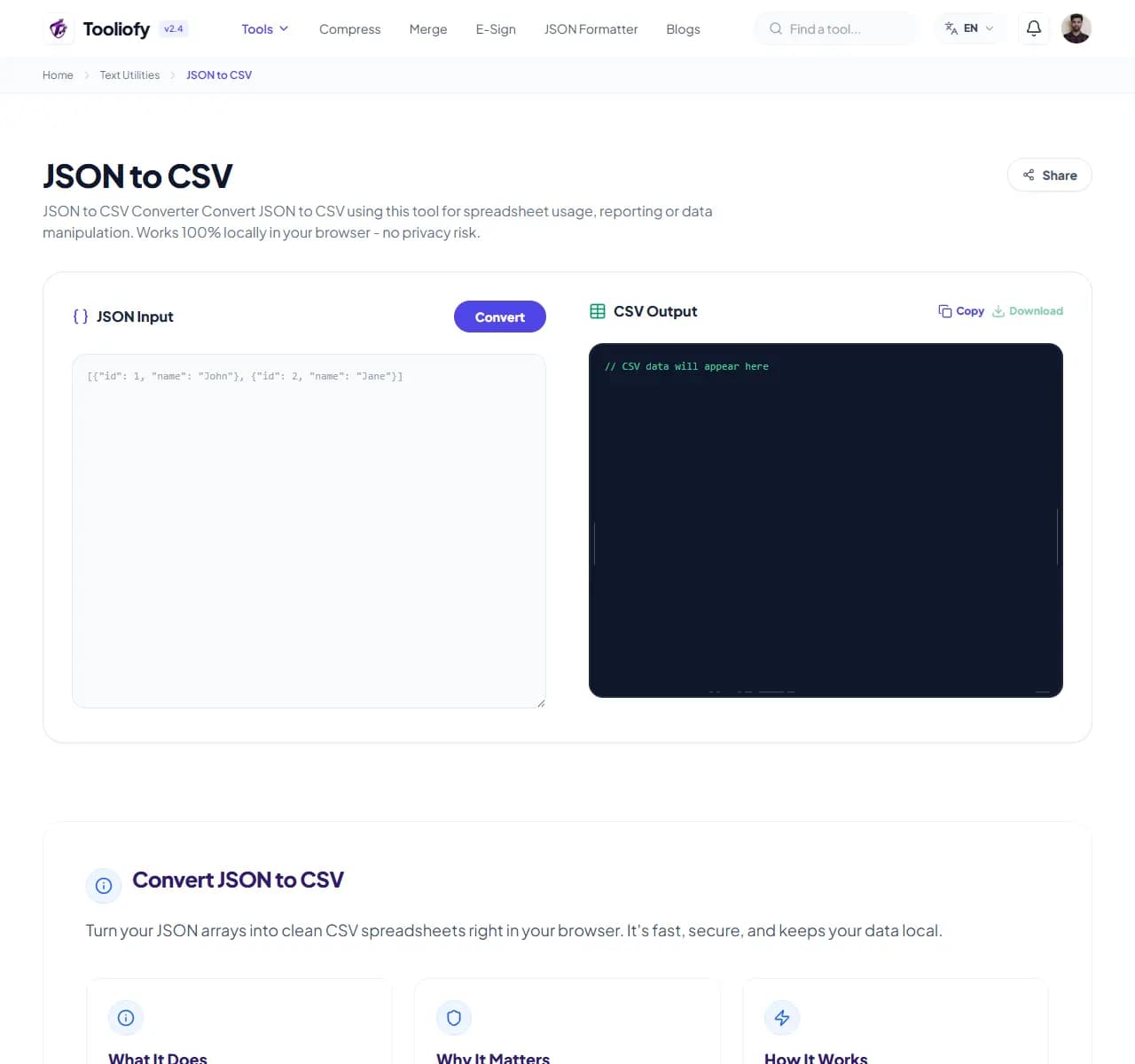
1. Select File
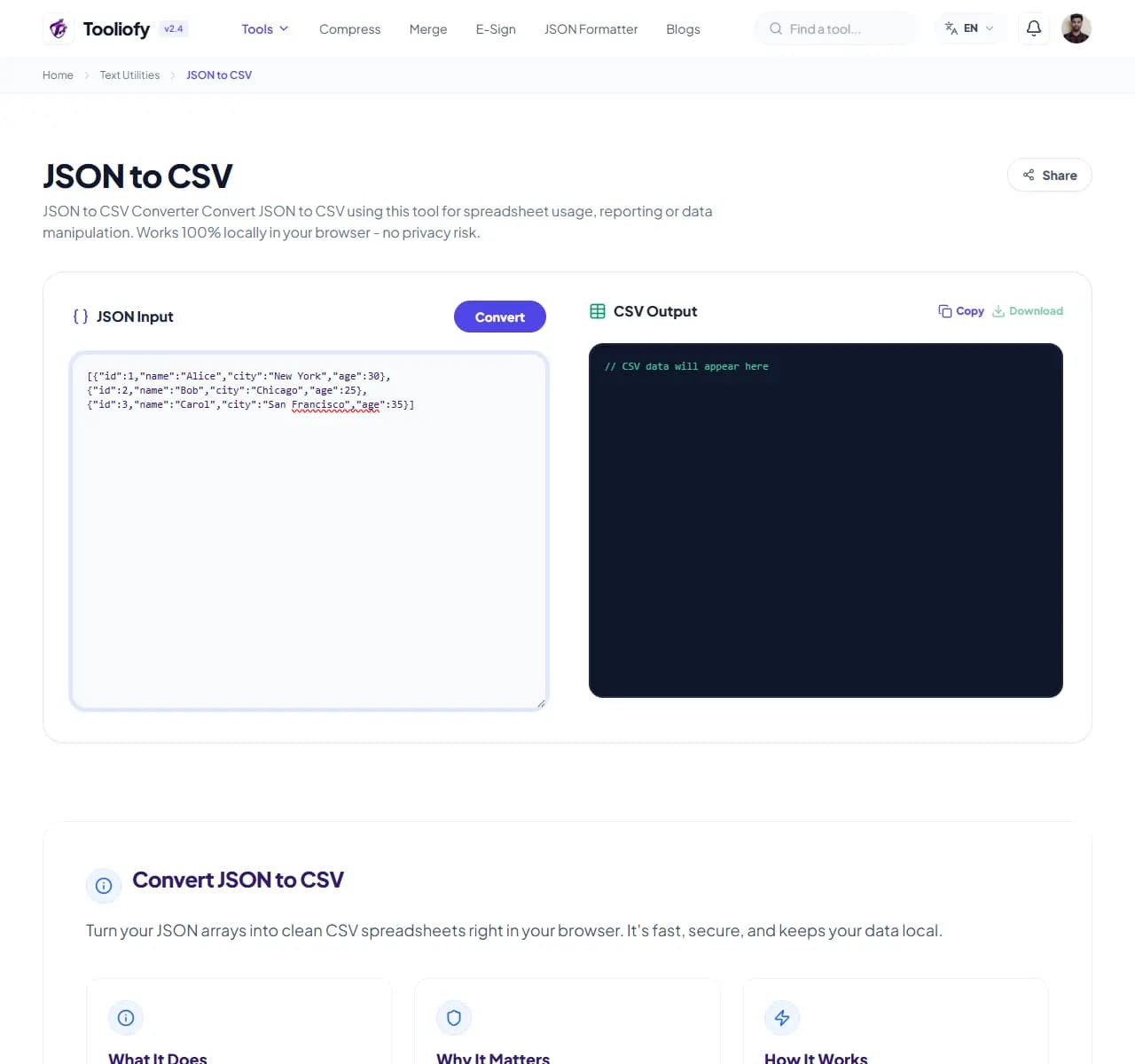
2. Processing
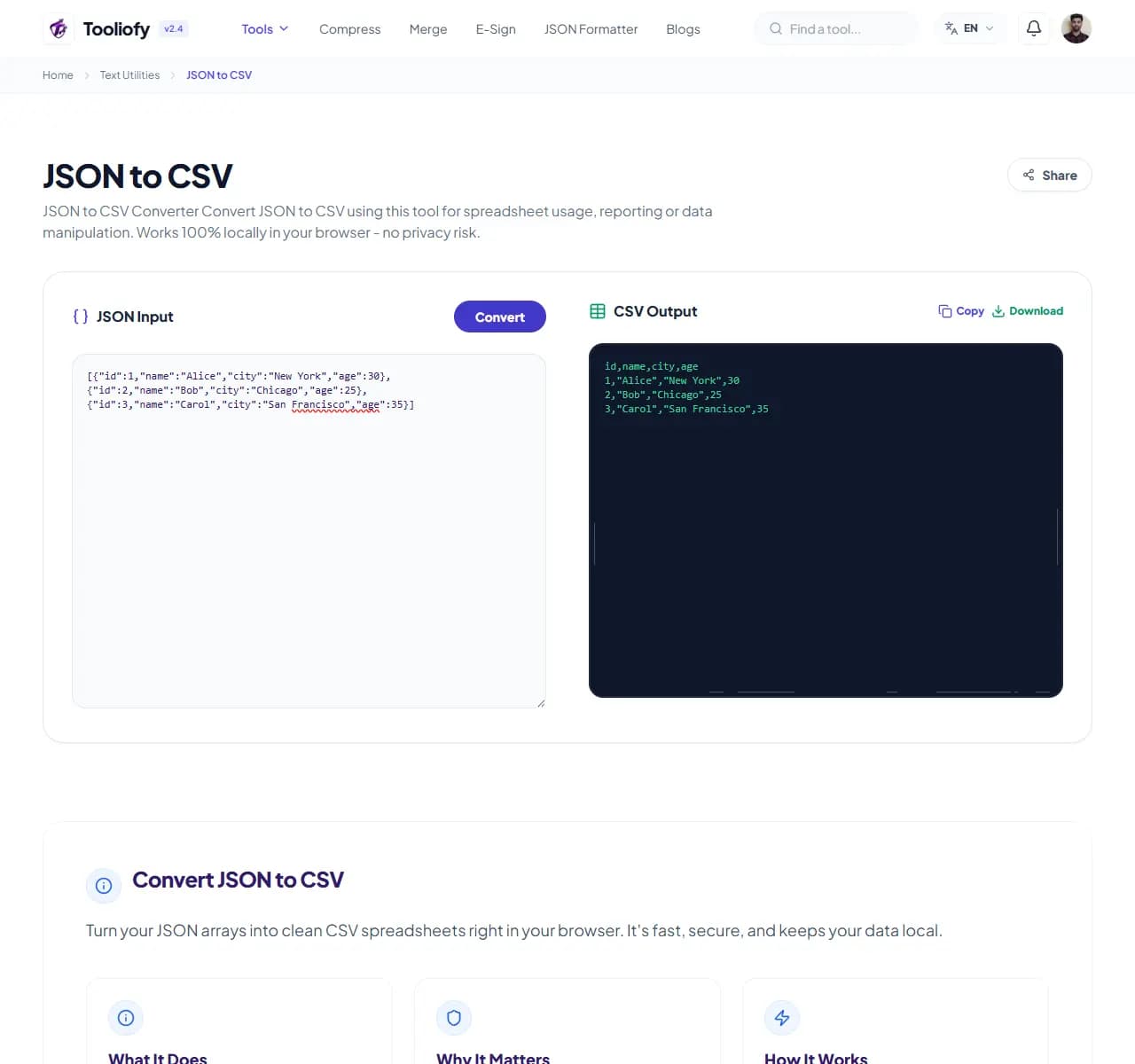
3. Download File
What JSON to CSV cleans up
Open JSON to CSV to convert JSON to CSV when a heavier app would slow you down. The workflow stays short and the result stays easy to check.
Why small text fixes matter
JSON files can be hard to open in the wrong app, so a CSV copy is easier to share or edit. JSON to CSV keeps that fix in one place so the job does not grow larger than it needs to be.
How the text is handled
JSON to CSV takes the input, runs the step to convert JSON to CSV, and prepares the result so you can check the converted result before download.
When JSON to CSV is the right tool
Before using JSON to CSV, decide what a good result should look like. For converting JSON to CSV, one careful output check is better than a blind download.
Privacy note: For JSON to CSV, remove private names, emails, order numbers, and client notes when they are not needed for the task.
Useful for
- Getting database entries ready for import.
- Transforming array-based listings.
- Using JSON to CSV when pasted text needs a quick cleanup or check.
Pause first if
- The wording is legal, medical, financial, or contractual and needs expert review.
- You cannot check whether the meaning stayed the same.
Final check
- Read the first and last lines.
- Check names, numbers, punctuation, and line breaks.
- Copy the result only after the meaning still looks right.
Where JSON to CSV helps
- Turning API exports into clean sheets
- Converting JSON lists into Excel grids
- Getting database entries ready for import
- Formatting raw logs for better reporting
- Transforming array-based listings
Text cleanup benefits
- Quick spreadsheet conversion
- Privacy for your sensitive data
- Smart handling of nested data
- Completely free, no account needed
- Memory is cleared the moment you're done
Text options included
- Convert JSON arrays into easy-to-read CSV files
- Flexible delimiters like commas and semicolons
- Handles nested JSON structures easily
- Quick, real-time validation as you type
- Copy to clipboard with a single click
- Your data never leaves your browser
- Quick processing with automatic cleanup
"JSON to CSV keeps converting JSON to CSV manageable: make the change, check the result, and keep the original if the file matters."

More Text Utilities
Word Counter
Word Counter is for count text. It keeps the page focused on that one job, so you can check the count report without opening a larger app.
Character Counter
Use Character Counter when you need to count words, characters, lines, or other text details. Add the text, choose the option that matters, and review the count report.
Line Counter
Line Counter is for count text. It keeps the page focused on that one job, so you can check the count report without opening a larger app.
Case Converter
Case Converter helps you change text case. It keeps the page focused on that one job, so you can check the updated text without opening a larger app.
Remove Extra Spaces
Remove Extra Spaces helps when the next step is simple: clean double spaces, messy line gaps, and pasted spacing problems. It is built for quick fixes, checks, and downloads.
Find & Replace Text
Open Find & Replace Text when your text needs one clear change. The tool keeps the process short and the updated text easy to inspect.
Explore Other Categories
 19 Tools
PDF & Documents
Explore our pdf & documents and start processing your files securely.
 5 Tools
AI Tools
Explore our ai tools and start processing your files securely.
 58 Tools
Image Tools
Explore our image tools and start processing your files securely.
 10 Tools
Developer Tools
Explore our developer tools and start processing your files securely.
Can't find a specific tool?
We are constantly adding new features based on user feedback. Tell us what you need and we will implement it immediately!