
CSV to JSON
CSV to JSON helps when the next step is simple: turn CSV files into JSON. It is built for quick fixes, checks, and downloads.
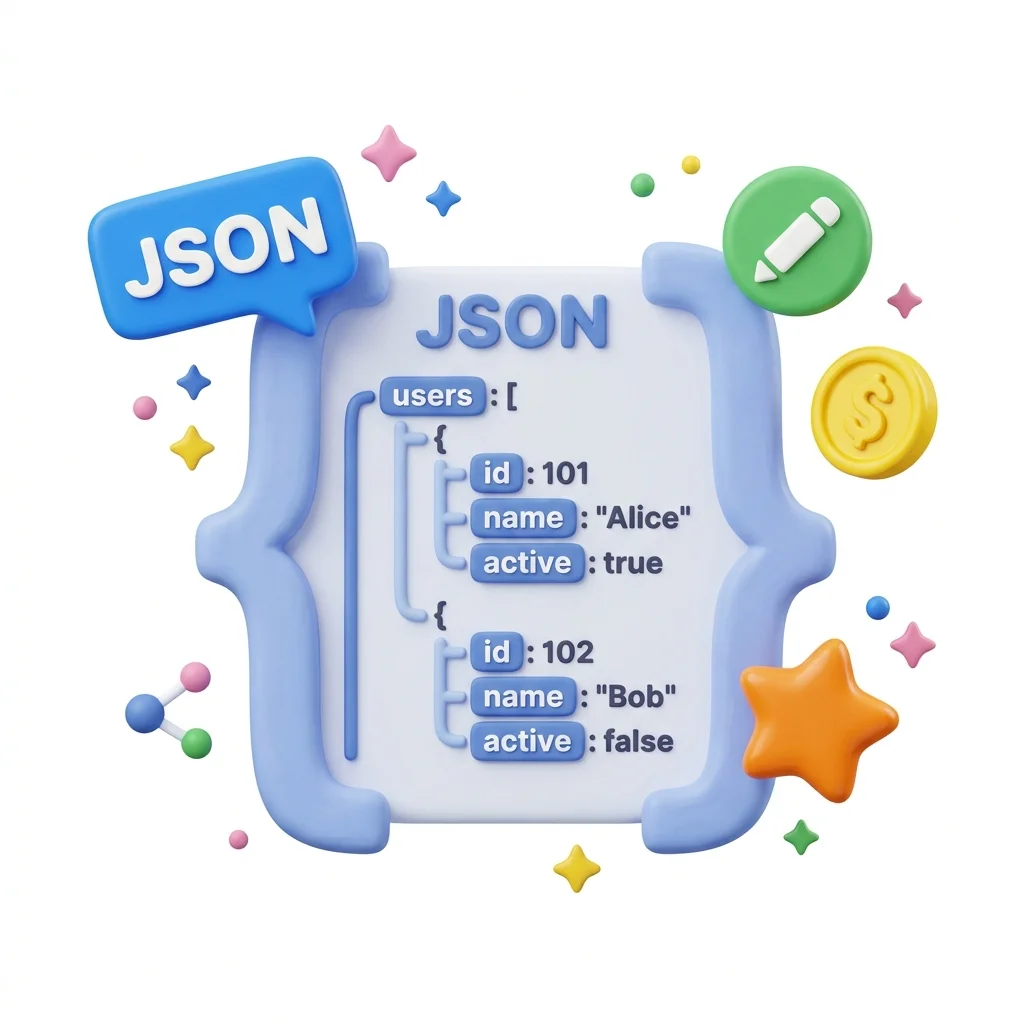
Data Converter
CSV to JSON helps you convert Csv to Json without opening a larger app. Add your input, check the result, and save it when it looks right.
How to Use This Tool
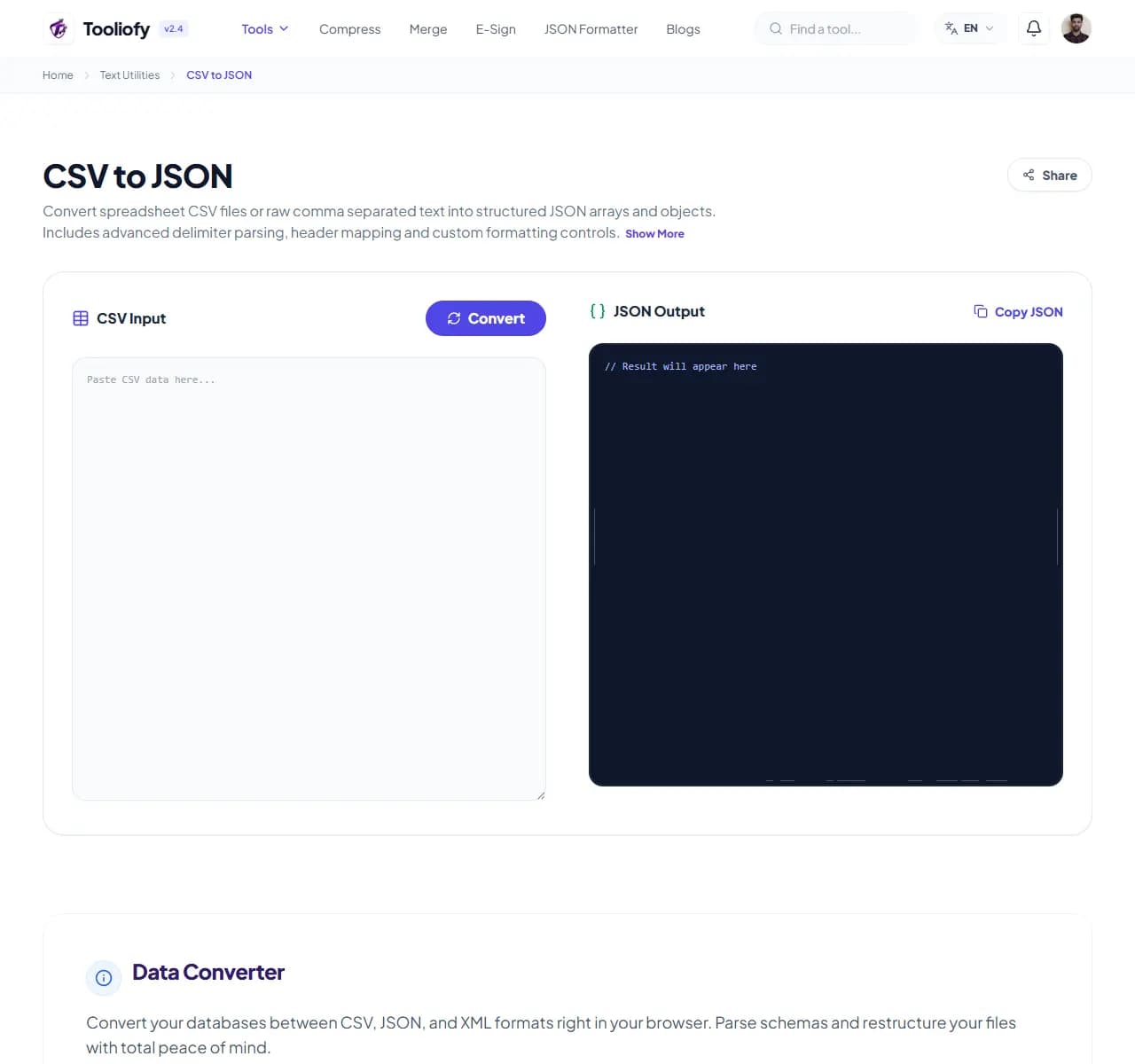
1. Select File
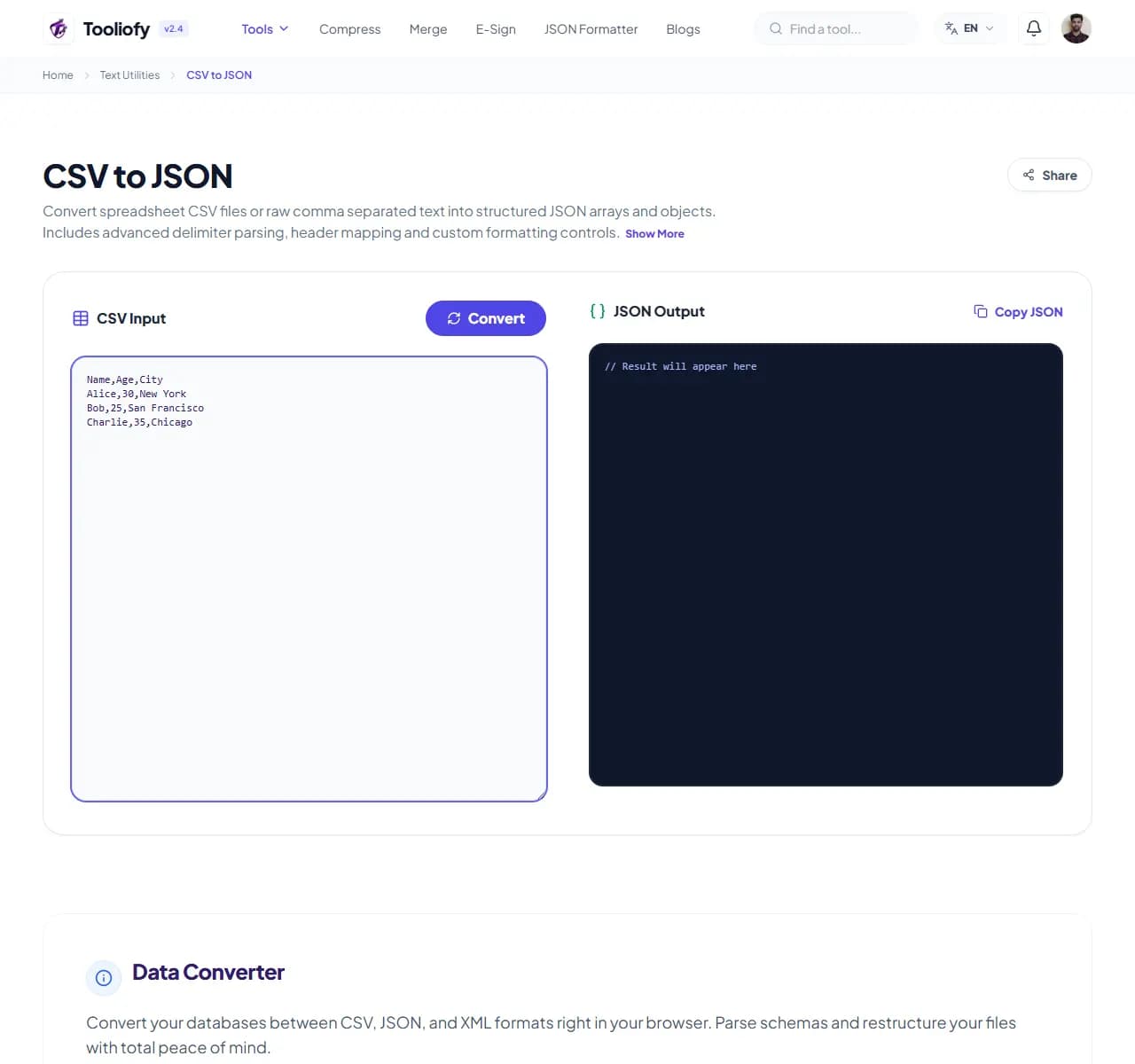
2. Processing
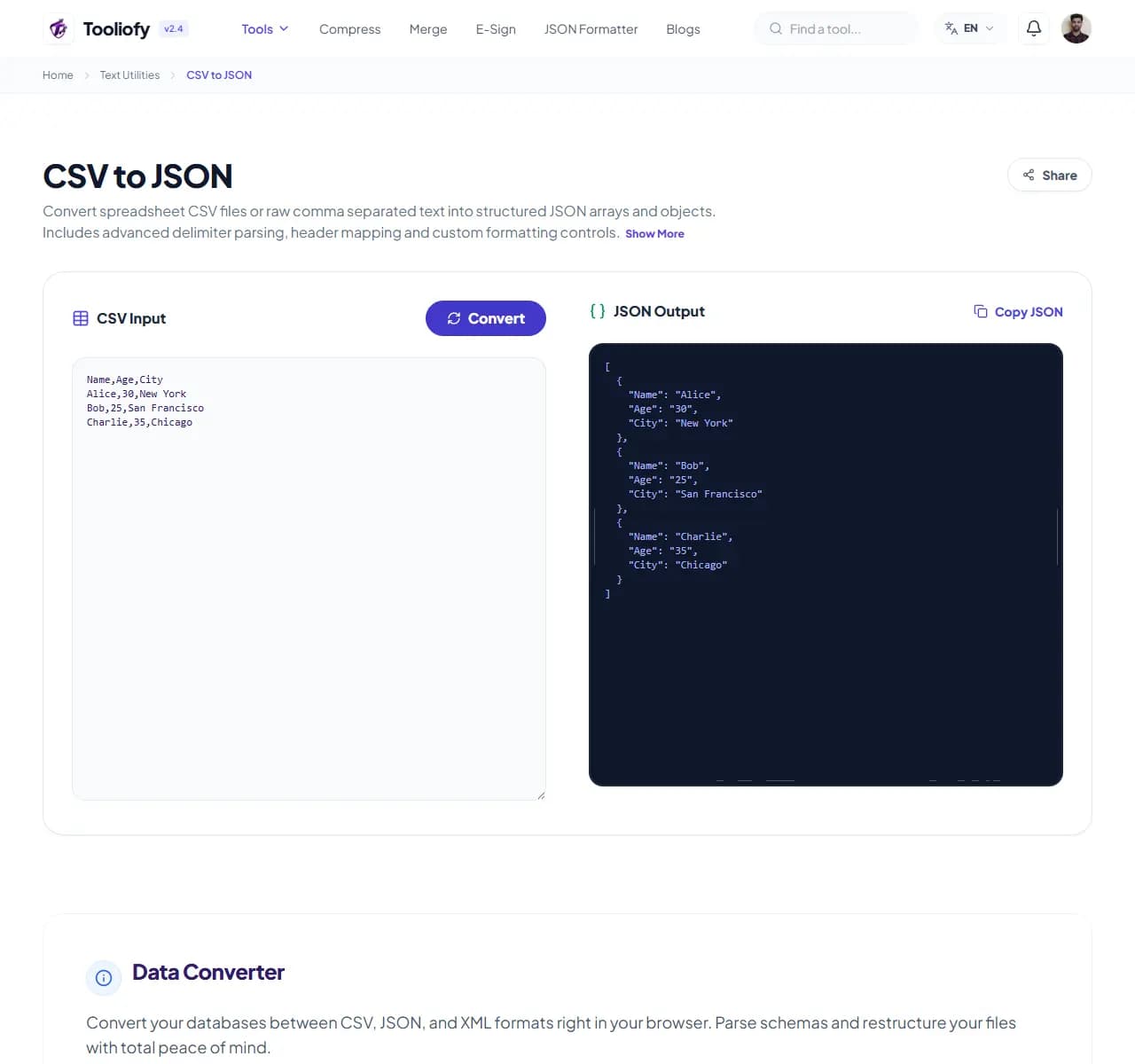
3. Download File
What CSV to JSON cleans up
CSV to JSON is for the common moment when you have to convert CSV to JSON. The page keeps the fix understandable from start to finish.
Why small text fixes matter
CSV files can be hard to open in the wrong app, so a JSON copy is easier to share or edit. CSV to JSON keeps that fix in one place so the job does not grow larger than it needs to be.
How the text is handled
CSV to JSON takes the input, runs the step to convert CSV to JSON, and prepares the result so you can check the converted result before download.
Before you use CSV to JSON
CSV to JSON works best when you know the change you want: converting CSV to JSON. Keep the original nearby, then compare the result before sharing it.
Best used for
- Turn CSV exports into clean JSON datasets.
- Format database entries for your systems.
- Using CSV to JSON when pasted text needs a quick cleanup or check.
Be careful if
The wording is legal, medical, financial, or contractual and needs expert review. You cannot check whether the meaning stayed the same.
Check this first
Read the first and last lines. Check names, numbers, punctuation, and line breaks. Copy the result only after the meaning still looks right.
Where CSV to JSON helps
- Turn CSV exports into clean JSON datasets
- Convert XML configurations into JSON arrays
- Format database entries for your systems
- Convert coordinate lists
- Parse logs for visual charts
Text cleanup benefits
- Quick format conversions
- Privacy for your custom schemas
- Built-in validation checks
- free to use, no sign-up required
- Memory clears quickly after you're done
Text options included
- Convert CSV files into clean, structured JSON
- Convert XML files to JSON without extra steps
- Customize your CSV delimiters
- Quick validation for your data structure
- Copy to clipboard with one click
- No database uploads-ever
- Quick processing with automatic cleanup
"CSV to JSON is worth using when converting CSV to JSON is the real problem and you do not want a larger app in the way."

More Text Utilities
Word Counter
Word Counter is for count text. It keeps the page focused on that one job, so you can check the count report without opening a larger app.
Character Counter
Use Character Counter when you need to count words, characters, lines, or other text details. Add the text, choose the option that matters, and review the count report.
Line Counter
Line Counter is for count text. It keeps the page focused on that one job, so you can check the count report without opening a larger app.
Case Converter
Case Converter helps you change text case. It keeps the page focused on that one job, so you can check the updated text without opening a larger app.
Remove Extra Spaces
Remove Extra Spaces helps when the next step is simple: clean double spaces, messy line gaps, and pasted spacing problems. It is built for quick fixes, checks, and downloads.
Find & Replace Text
Open Find & Replace Text when your text needs one clear change. The tool keeps the process short and the updated text easy to inspect.
Explore Other Categories
 19 Tools
PDF & Documents
Explore our pdf & documents and start processing your files securely.
 5 Tools
AI Tools
Explore our ai tools and start processing your files securely.
 58 Tools
Image Tools
Explore our image tools and start processing your files securely.
 10 Tools
Developer Tools
Explore our developer tools and start processing your files securely.
Can't find a specific tool?
We are constantly adding new features based on user feedback. Tell us what you need and we will implement it immediately!