
CSV Cleaner
CSV Cleaner helps when the next step is simple: handle this csv cleaner task. It is built for quick fixes, checks, and downloads.
Free CSV Cleaner Online
CSV Cleaner helps you remove duplicates, fix formatting, trim extra spaces, and clean messy spreadsheets before importing or sharing.
How to Use This Tool
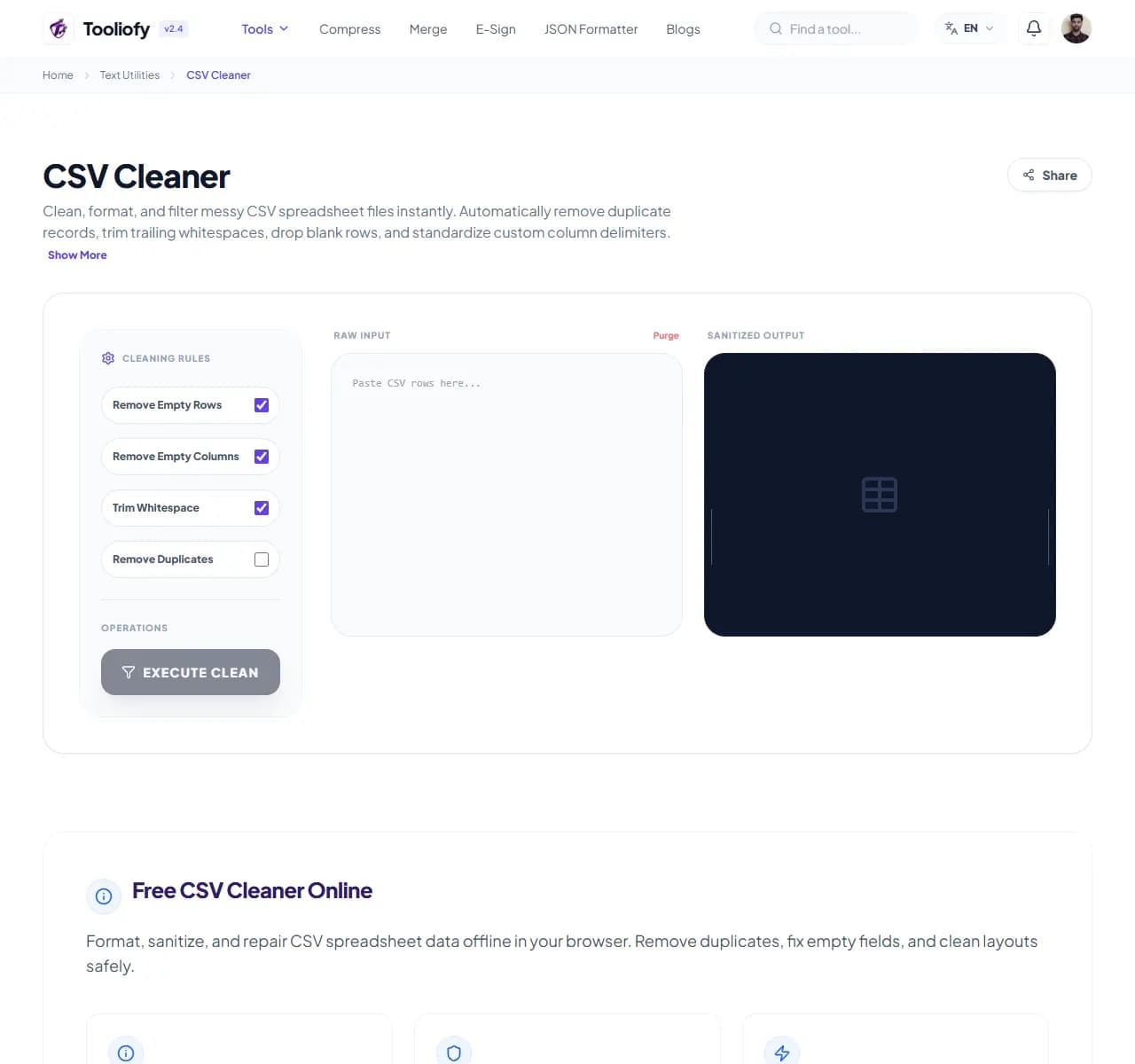
1. Select File
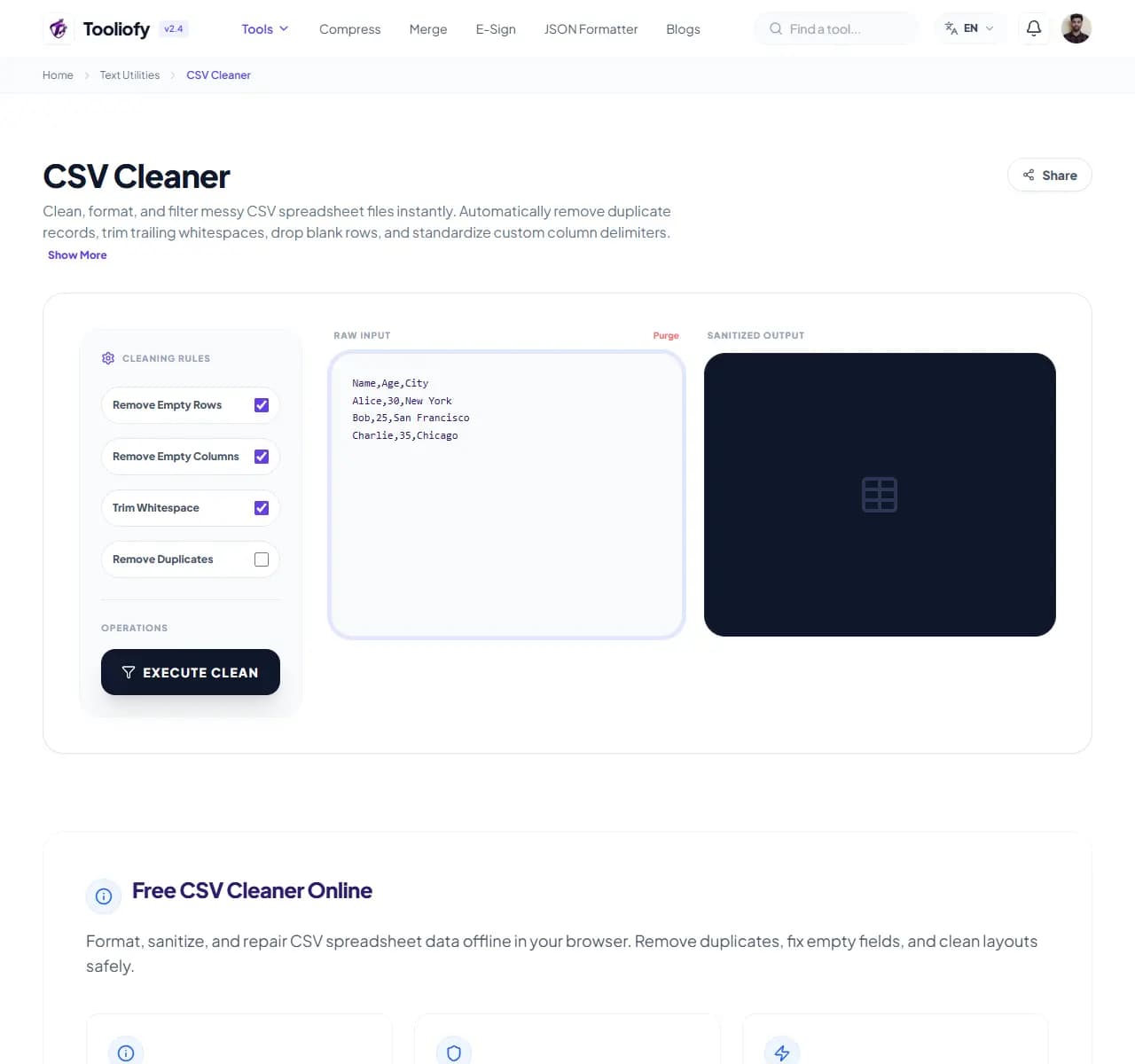
2. Processing
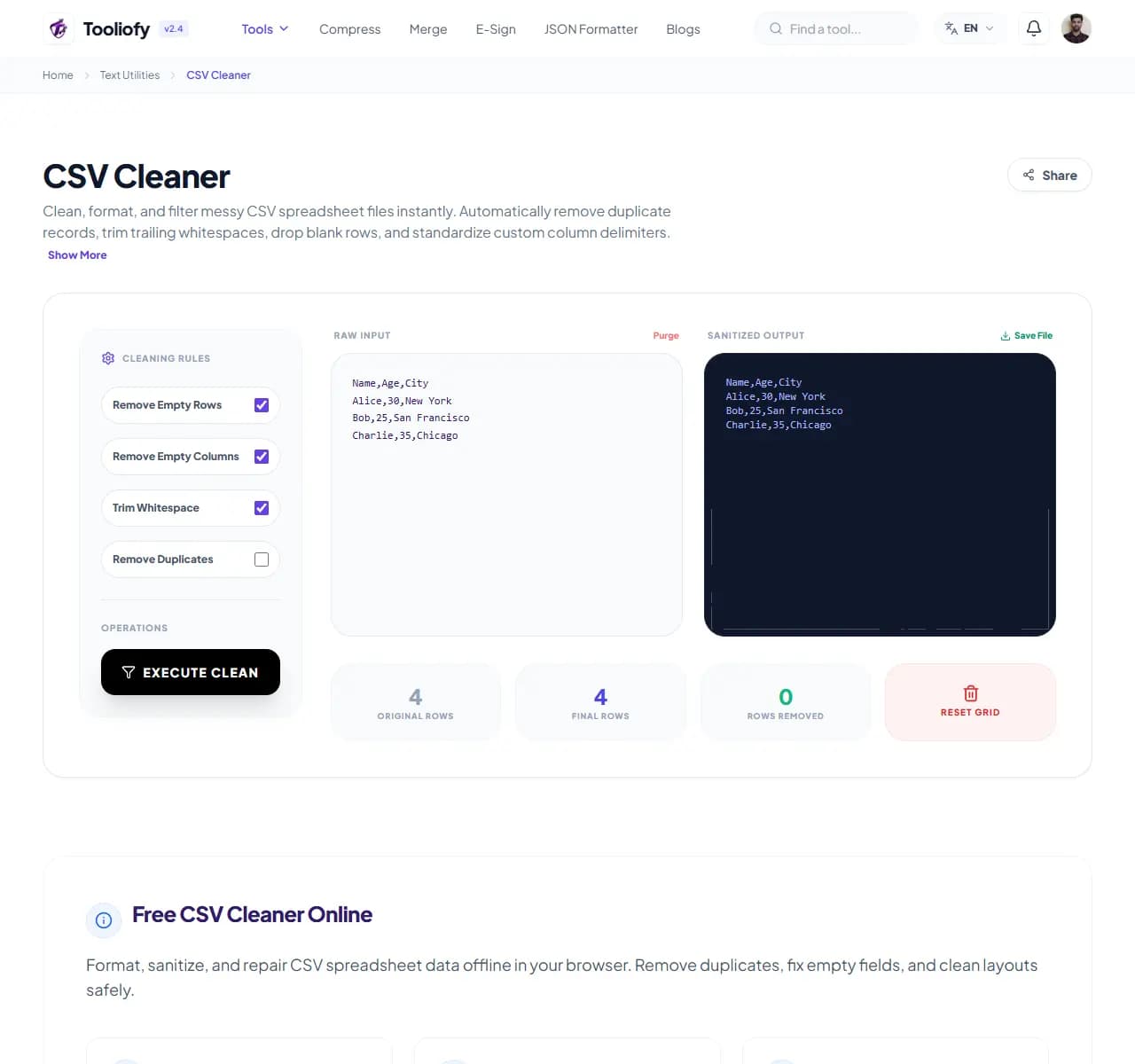
3. Download File
What CSV Cleaner cleans up
Open CSV Cleaner to clean a messy CSV file when a heavier app would slow you down. The workflow stays short and the result stays easy to check.
Why small text fixes matter
Small file and text jobs are easier when the tool stays focused on one clear result. CSV Cleaner keeps that fix in one place so the job does not grow larger than it needs to be.
How the text is handled
CSV Cleaner updates the text result directly on the page while you clean a messy CSV file, so a final read is easy.
Before you use CSV Cleaner
Before using CSV Cleaner, decide what a good result should look like. For clean a messy CSV file, one careful output check is better than a blind download.
Best used for
- Cleaning CSV rows before importing them into another app.
- Fixing messy spreadsheet exports before sharing them.
- CSV Cleaner works with CSV, TXT, TSV.
Be careful if
- The text includes private names, emails, or client notes you should remove first.
- The wording is legal, medical, financial, or contractual and needs expert review.
Small thing to watch
- Cleaning text and missing broken punctuation.
- Changing case on brand names, file names, or code-like words.
Privacy note: For CSV Cleaner, remove private names, emails, order numbers, and client notes when they are not needed for the task.
Supported Formats
Where CSV Cleaner helps
- Database administrators cleaning raw CSV logs before running SQL imports
- Marketers scrubbing duplicate emails and names from contact list spreadsheets
- Data scientists standardizing tabular datasets for machine learning pipelines
- Sanitizing sensitive company Excel exports safely without uploading files
Text cleanup benefits
- Guarantees total data privacy with zero remote server data transmissions
- Fast execution speeds that easily process millions of data rows locally
- Deduplicates rows and normalizes alignment configurations with single clicks
- Custom delimiter settings allow you to export cleaned files in multiple formats
Text options included
- Clean, sanitize, and normalize raw CSV data files directly in your browser
- Identify and fix parsing errors, broken columns, and alignment issues
- Remove duplicate rows, empty fields, and leading/trailing whitespace automatically
- Supports custom delimiters, quote characters, and escape sequence configurations
- Runs 100% client-side to ensure complete data security for confidential reports
- Quickly exports sanitized outputs to clean CSV format without network transfer
"CSV Cleaner keeps clean a messy CSV file manageable: make the change, check the result, and keep the original if the file matters."

More Text Utilities
Word Counter
Word Counter is for count text. It keeps the page focused on that one job, so you can check the count report without opening a larger app.
Character Counter
Use Character Counter when you need to count words, characters, lines, or other text details. Add the text, choose the option that matters, and review the count report.
Line Counter
Line Counter is for count text. It keeps the page focused on that one job, so you can check the count report without opening a larger app.
Case Converter
Case Converter helps you change text case. It keeps the page focused on that one job, so you can check the updated text without opening a larger app.
Remove Extra Spaces
Remove Extra Spaces helps when the next step is simple: clean double spaces, messy line gaps, and pasted spacing problems. It is built for quick fixes, checks, and downloads.
Find & Replace Text
Open Find & Replace Text when your text needs one clear change. The tool keeps the process short and the updated text easy to inspect.
Explore Other Categories
 19 Tools
PDF & Documents
Explore our pdf & documents and start processing your files securely.
 5 Tools
AI Tools
Explore our ai tools and start processing your files securely.
 58 Tools
Image Tools
Explore our image tools and start processing your files securely.
 10 Tools
Developer Tools
Explore our developer tools and start processing your files securely.
Can't find a specific tool?
We are constantly adding new features based on user feedback. Tell us what you need and we will implement it immediately!