
Comma Separating Tool
Comma Separating Tool helps when the next step is simple: handle this comma separating tool task. It is built for quick fixes, checks, and downloads.

Online Comma Separator
Comma Separating Tool helps you turn a column into a separated list without opening a larger app. Add your input, check the result, and save it when it looks right.
How to Use This Tool
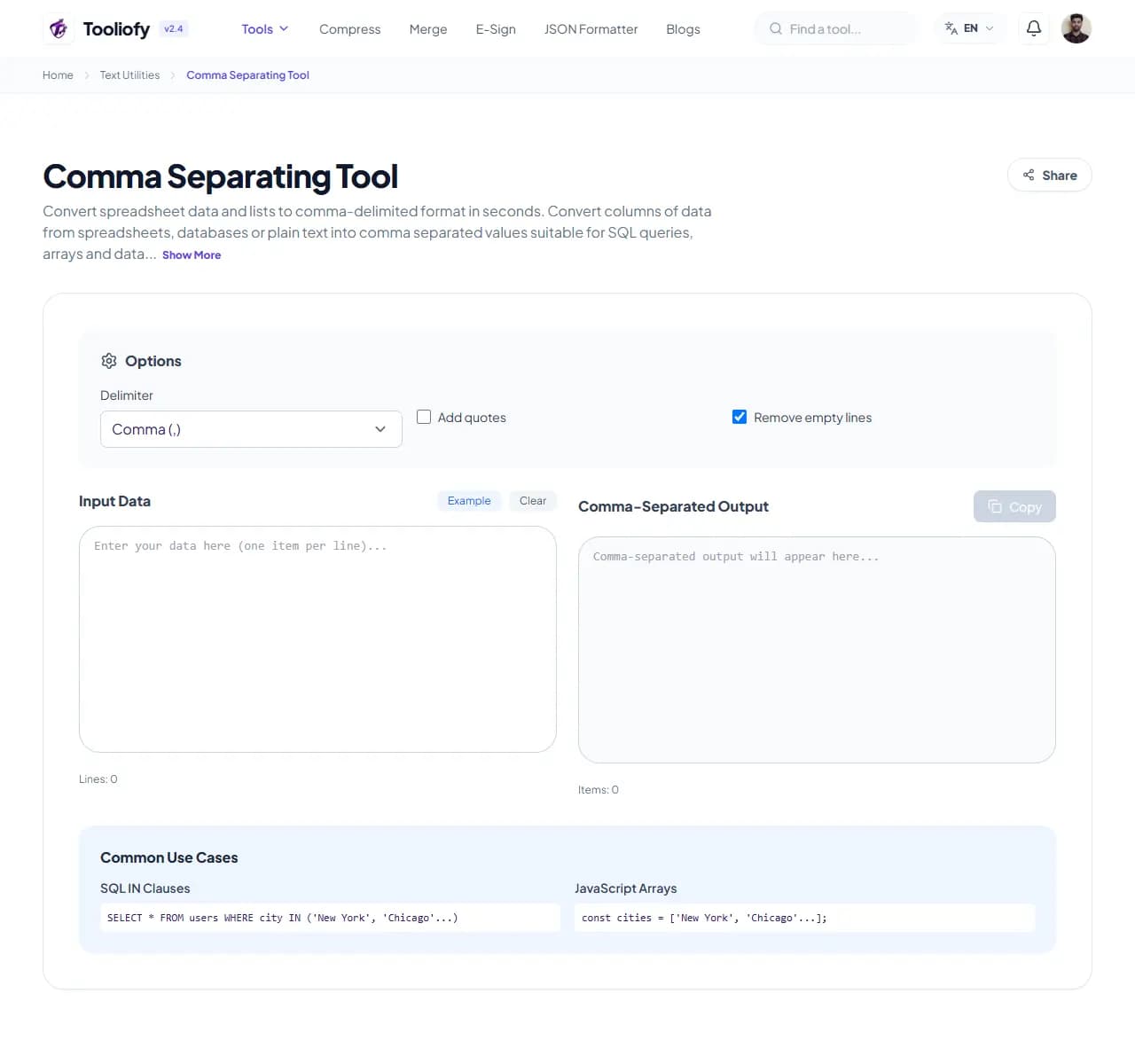
1. Select File
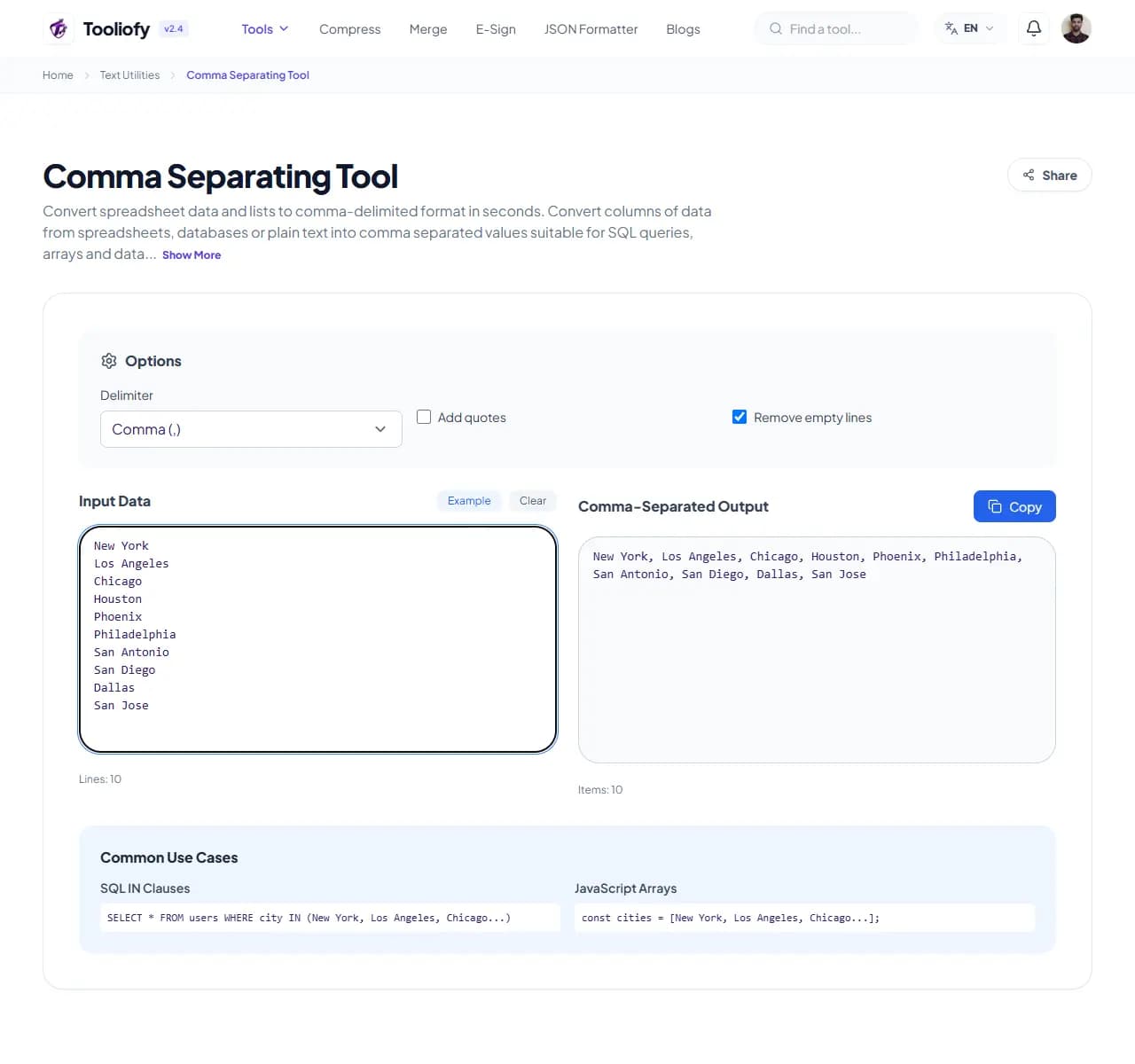
2. Processing
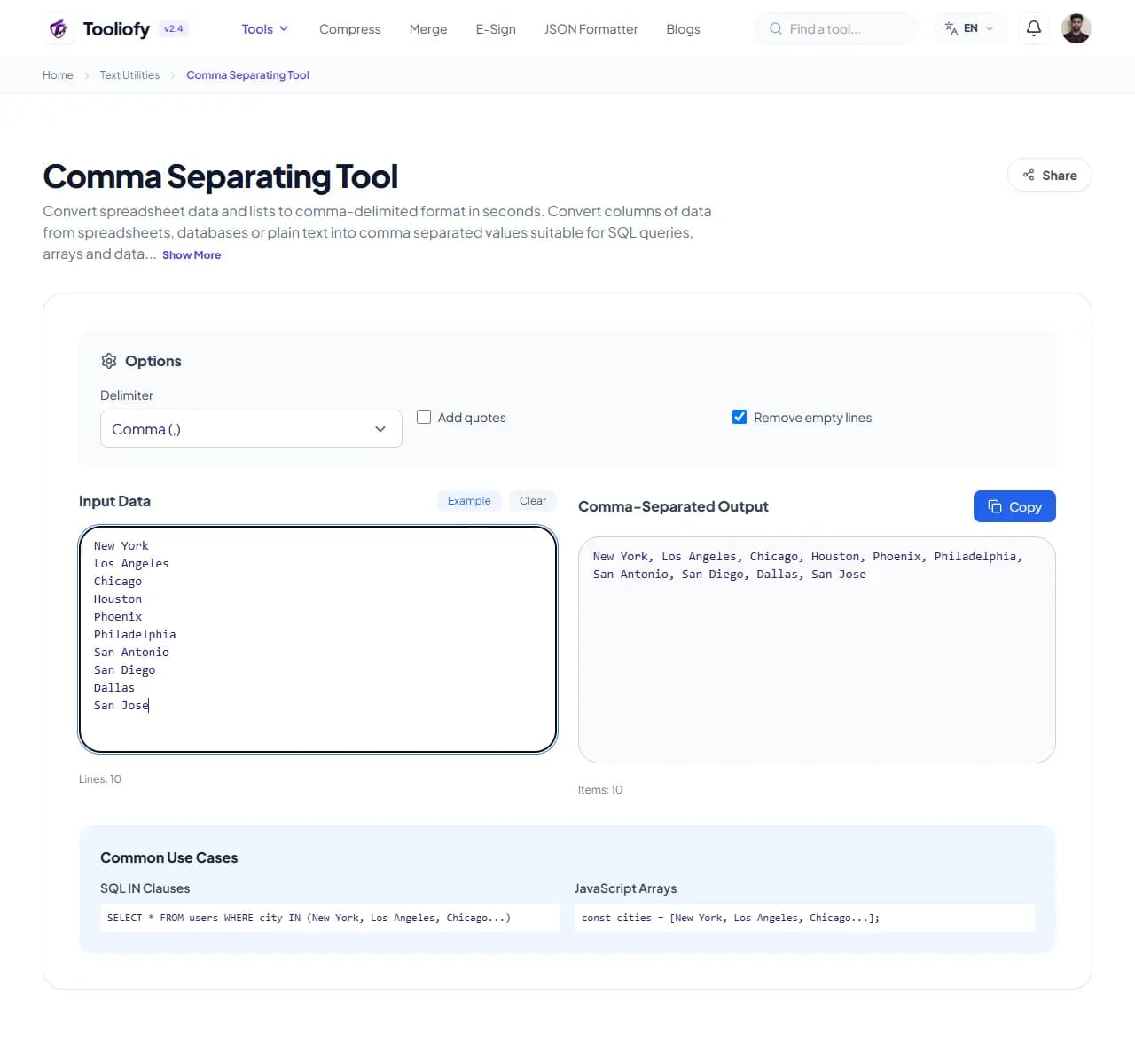
3. Download File
What Comma Separating cleans up
Comma Separating Tool gives you a focused place to complete the comma separator job. That helps when data analysts converting raw string rows into standard comma-delimited arrays easily is the job in front of you.
Why small text fixes matter
Small file and text jobs are easier when the tool stays focused on one clear result. Comma Separating Tool keeps that fix in one place so the job does not grow larger than it needs to be.
How the text is handled
Comma Separating Tool updates the text result directly on the page while you complete the comma separator job, so a final read is easy.
Comma Separating Tool notes worth checking
With Comma Separating Tool, start small: use one file, sample, or value before trusting the final result. That is especially useful when you need to complete the comma separator job.
Privacy note: For Comma Separating Tool, remove private names, emails, order numbers, and client notes when they are not needed for the task.
Good fit
- Data analysts converting raw string rows into standard comma-delimited arrays easily.
- Comma Separating Tool works with TXT, CSV.
What people often miss
- Trusting a count or summary without reading the final text.
- Cleaning text and missing broken punctuation.
Supported Formats
Where Comma Separating helps
- SQL database administrators formatting raw item ID logs into inline comma lists for IN queries
- Marketing team members converting column emails into sequential target rows for campaigns
- Data analysts converting raw string rows into standard comma-delimited arrays easily
- Formatting private spreadsheet datasets safely and locally on secure corporate workstations
Text cleanup benefits
- Total dataset confidentiality since no string arrays are uploaded over network lines
- Processes thousands of data rows quickly inside client memory spaces
- Highly flexible formatting controls for lines containing special symbols
- Completely independent of external database servers or active tracking models
Text options included
- Turn a column of items into a comma-separated list
- Choose your separator - comma, tab, pipe, or custom
- Removes blank rows and trims extra spaces automatically
- Handles items that already contain commas by wrapping them in quotes
"Comma Separating Tool gives you a practical way to complete the comma separator job, especially when speed matters but the final check still matters too."

More Text Utilities
Word Counter
Word Counter is for count text. It keeps the page focused on that one job, so you can check the count report without opening a larger app.
Character Counter
Use Character Counter when you need to count words, characters, lines, or other text details. Add the text, choose the option that matters, and review the count report.
Line Counter
Line Counter is for count text. It keeps the page focused on that one job, so you can check the count report without opening a larger app.
Case Converter
Case Converter helps you change text case. It keeps the page focused on that one job, so you can check the updated text without opening a larger app.
Remove Extra Spaces
Remove Extra Spaces helps when the next step is simple: clean double spaces, messy line gaps, and pasted spacing problems. It is built for quick fixes, checks, and downloads.
Find & Replace Text
Open Find & Replace Text when your text needs one clear change. The tool keeps the process short and the updated text easy to inspect.
Explore Other Categories
 19 Tools
PDF & Documents
Explore our pdf & documents and start processing your files securely.
 5 Tools
AI Tools
Explore our ai tools and start processing your files securely.
 58 Tools
Image Tools
Explore our image tools and start processing your files securely.
 10 Tools
Developer Tools
Explore our developer tools and start processing your files securely.
Can't find a specific tool?
We are constantly adding new features based on user feedback. Tell us what you need and we will implement it immediately!