
Binary to Text
Binary to Text helps when the next step is simple: turn Binary files into Text. It is built for quick fixes, checks, and downloads.
Text Encoder & Decoder
Binary to Text helps you convert Binary to Text without opening a larger app. Add your input, check the result, and save it when it looks right.
How to Use This Tool
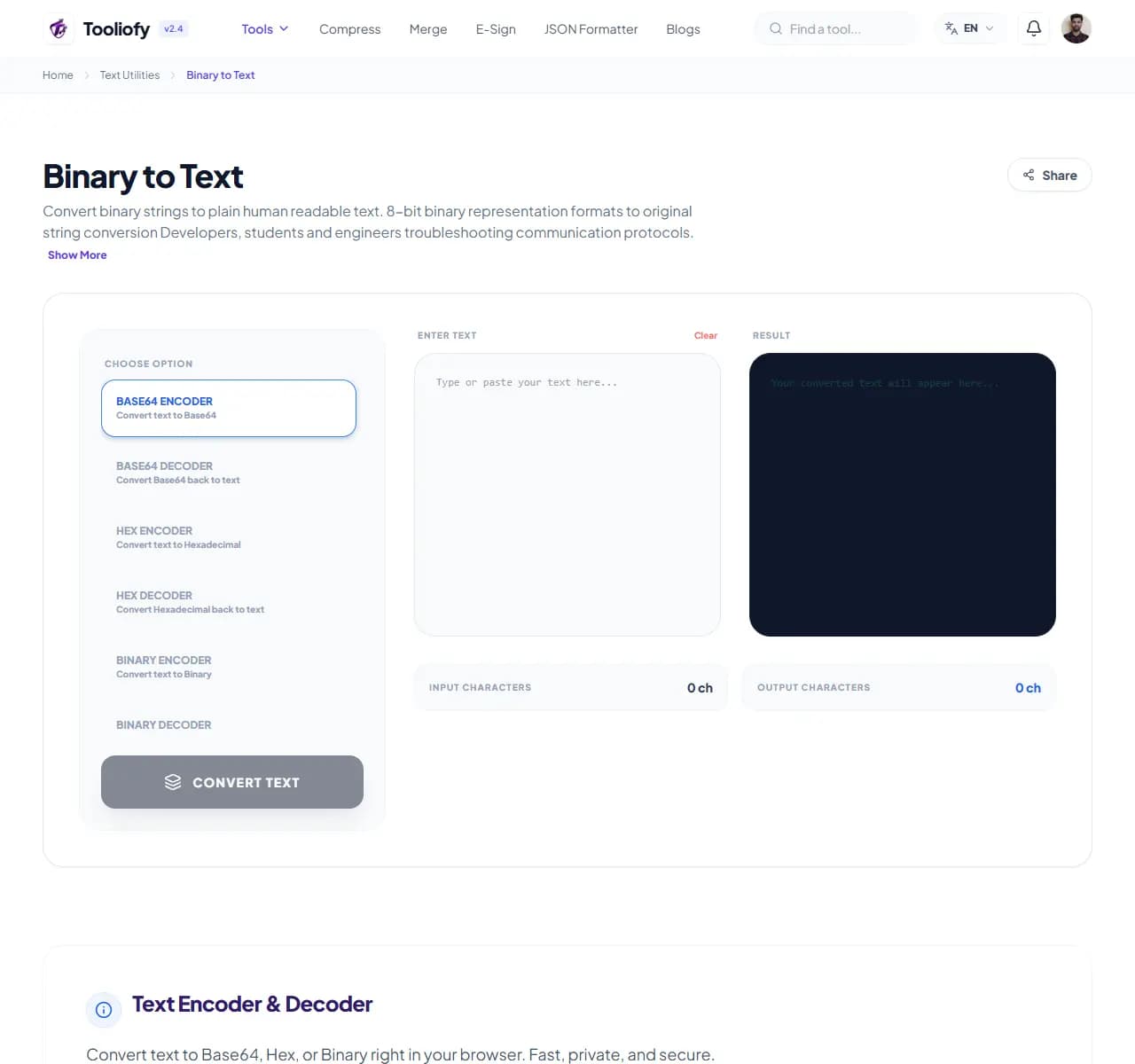
1. Select File
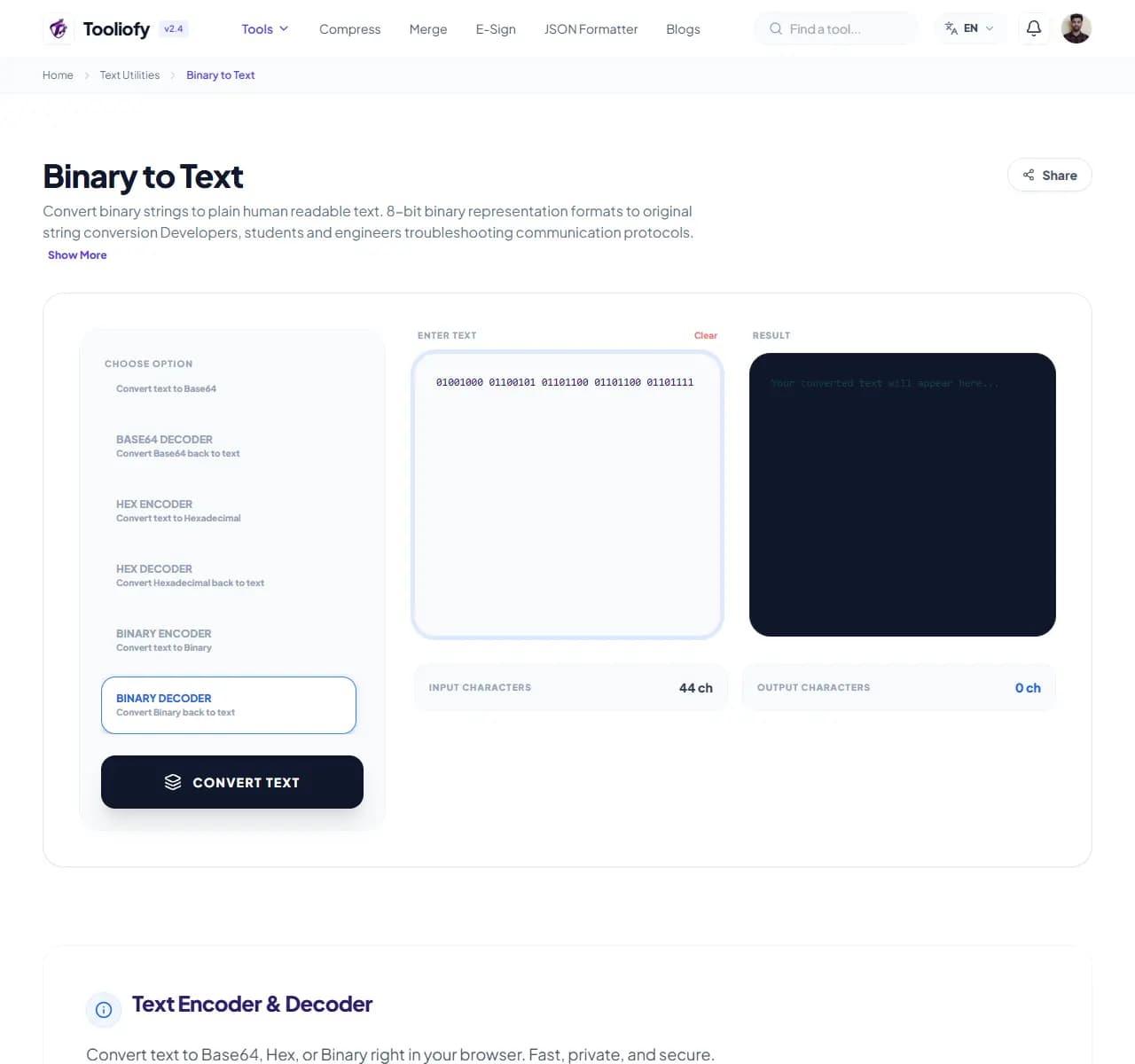
2. Processing
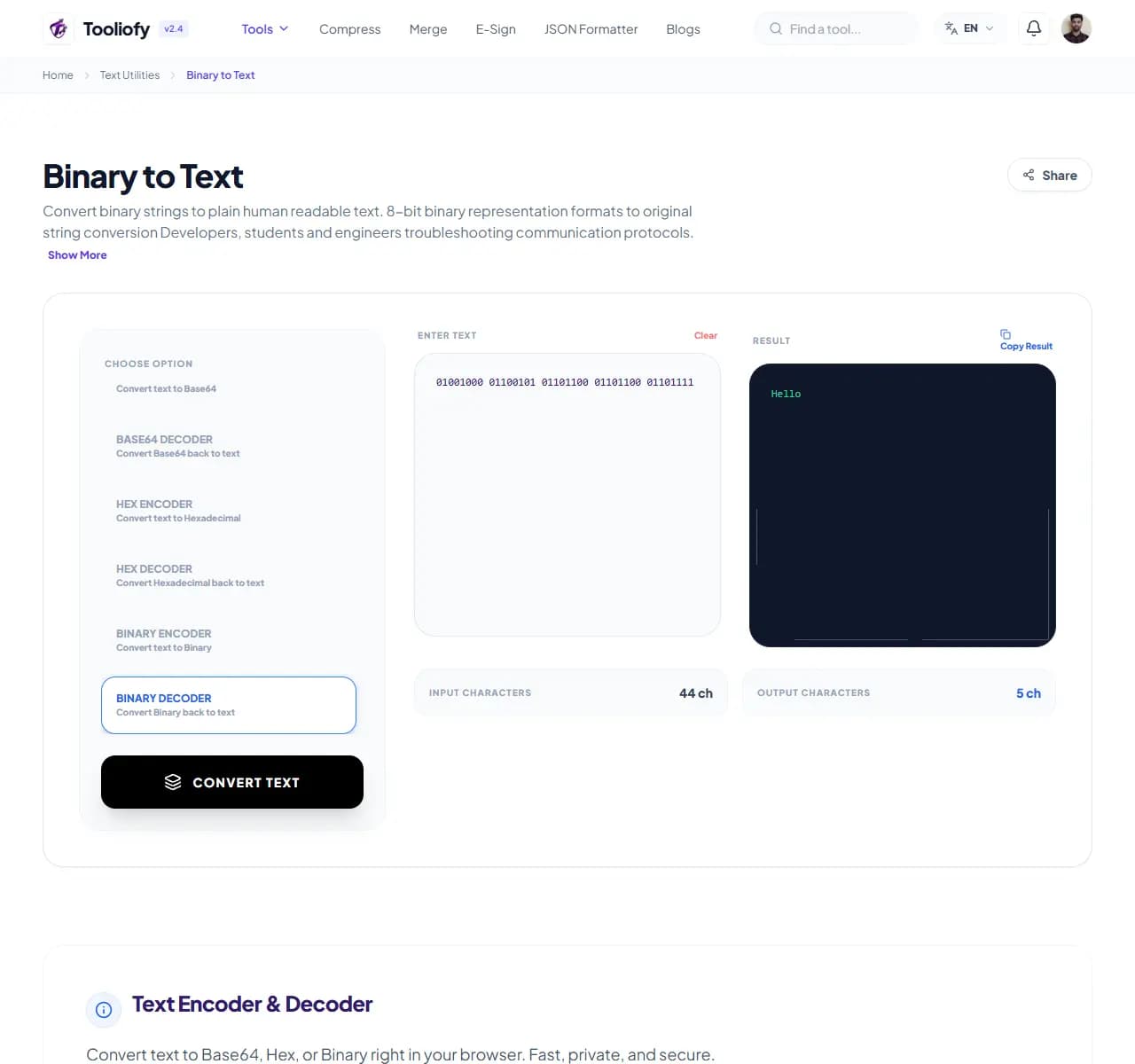
3. Download File
Why small text fixes matter
Binary files can be hard to open in the wrong app, so a Text copy is easier to share or edit. Binary to Text keeps that fix in one place so the job does not grow larger than it needs to be.
What Binary to Text cleans up
Binary to Text keeps the workflow for converting Binary to Text plain. The important setting is visible, and the output is ready for a human check.
How the text is handled
Binary to Text takes the input, runs the step to convert Binary to Text, and prepares the result so you can check the converted result before download.
Binary to Text: quick check
Binary to Text is easiest when the input is already close to ready. Run the step to convert Binary to Text, scan the result, and save only the version that fits.
Works well when
Quickly convert hex keys for your projects. Decode Base64 API responses quickly. Using Binary to Text when pasted text needs a quick cleanup or check.
Use another route if
The text includes private names, emails, or client notes you should remove first. The wording is legal, medical, financial, or contractual and needs expert review.
One thing to avoid
Cleaning text and missing broken punctuation. Changing case on brand names, file names, or code-like words.
Before you download
Copy the result only after the meaning still looks right. Read the first and last lines. Check names, numbers, punctuation, and line breaks.
Where Binary to Text helps
- Encoding credentials into Base64
- Quickly convert hex keys for your projects
- Translate text to binary for data testing
- Decode Base64 API responses quickly
- Clean up and format binary strings
Text cleanup benefits
- Quick conversions
- Handles all major encoding formats
- Processes even large data blocks easily
- Free, no sign-ups required
- Privacy-first: data is cleared quickly after use
Text options included
- Quickly encode and decode Base64
- Translate text into Hexadecimal
- Turn text into Binary code
- Switch formats with a single click
- Handles large blocks of data
- Nothing is ever uploaded to a server
- Quick processing with automatic cleanup
"Use Binary to Text when you want to convert Binary to Text plainly, with enough control to catch problems before the file leaves your hands."

More Text Utilities
Word Counter
Word Counter is for count text. It keeps the page focused on that one job, so you can check the count report without opening a larger app.
Character Counter
Use Character Counter when you need to count words, characters, lines, or other text details. Add the text, choose the option that matters, and review the count report.
Line Counter
Line Counter is for count text. It keeps the page focused on that one job, so you can check the count report without opening a larger app.
Case Converter
Case Converter helps you change text case. It keeps the page focused on that one job, so you can check the updated text without opening a larger app.
Remove Extra Spaces
Remove Extra Spaces helps when the next step is simple: clean double spaces, messy line gaps, and pasted spacing problems. It is built for quick fixes, checks, and downloads.
Find & Replace Text
Open Find & Replace Text when your text needs one clear change. The tool keeps the process short and the updated text easy to inspect.
Explore Other Categories
 19 Tools
PDF & Documents
Explore our pdf & documents and start processing your files securely.
 5 Tools
AI Tools
Explore our ai tools and start processing your files securely.
 58 Tools
Image Tools
Explore our image tools and start processing your files securely.
 10 Tools
Developer Tools
Explore our developer tools and start processing your files securely.
Can't find a specific tool?
We are constantly adding new features based on user feedback. Tell us what you need and we will implement it immediately!