
Video Compressor
Video Compressor helps you reduce file size. It keeps the page focused on that one job, so you can check the smaller file without opening a larger app.
Compress Videos Online
Video Compressor helps you reduce video file size for sharing, uploading, or storing clips more easily.
How to Use This Tool
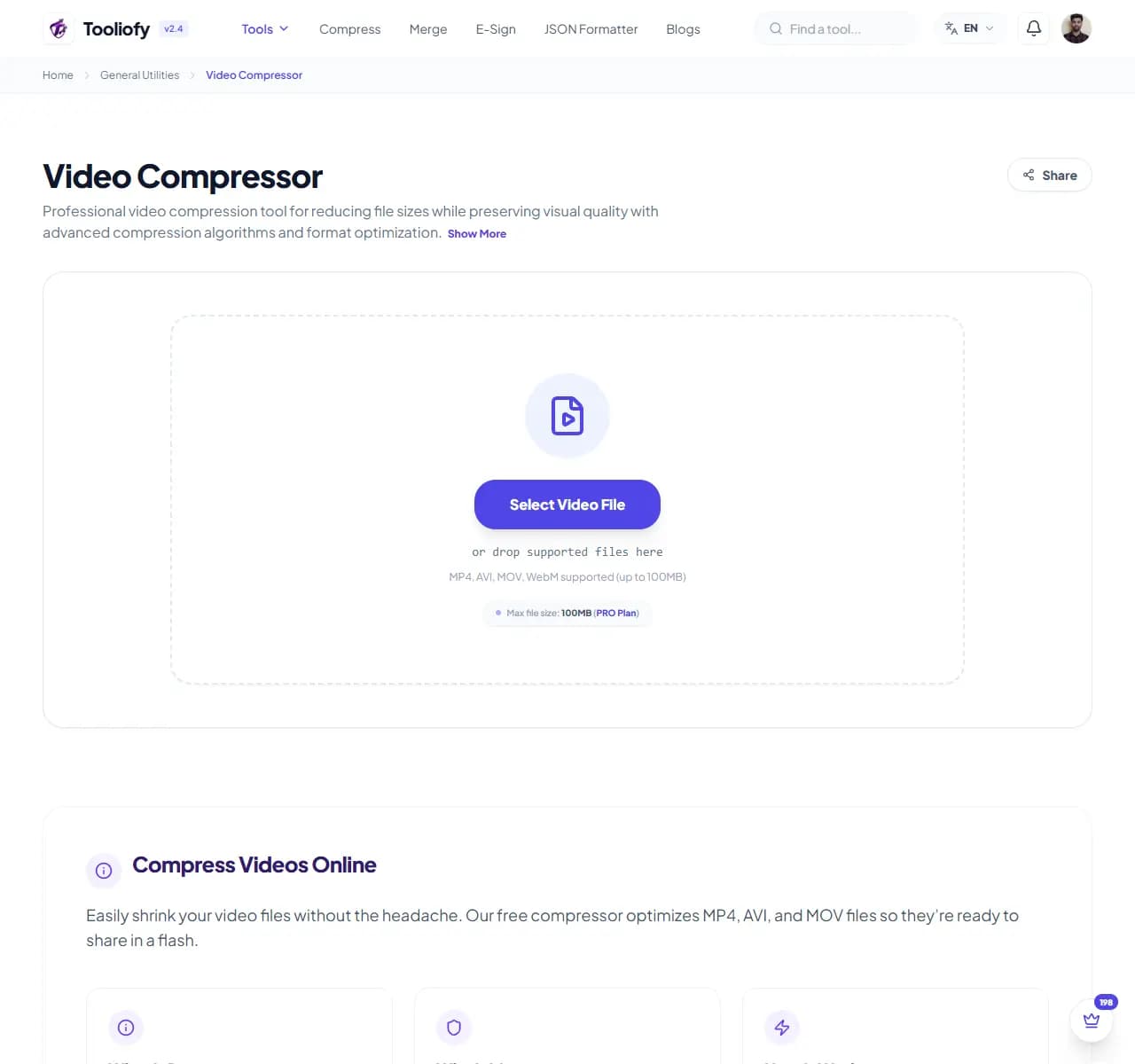
1. Select File
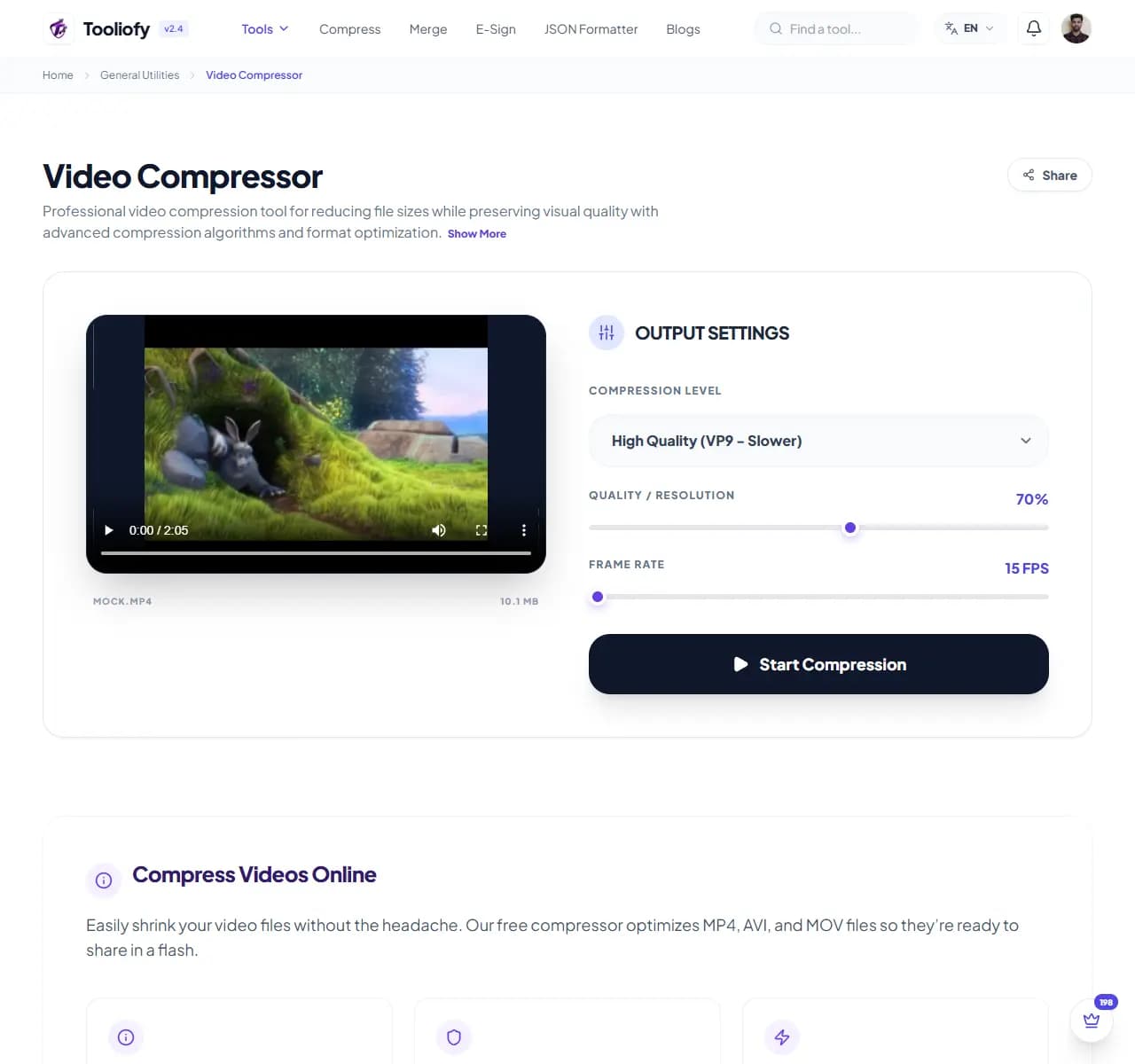
2. Processing
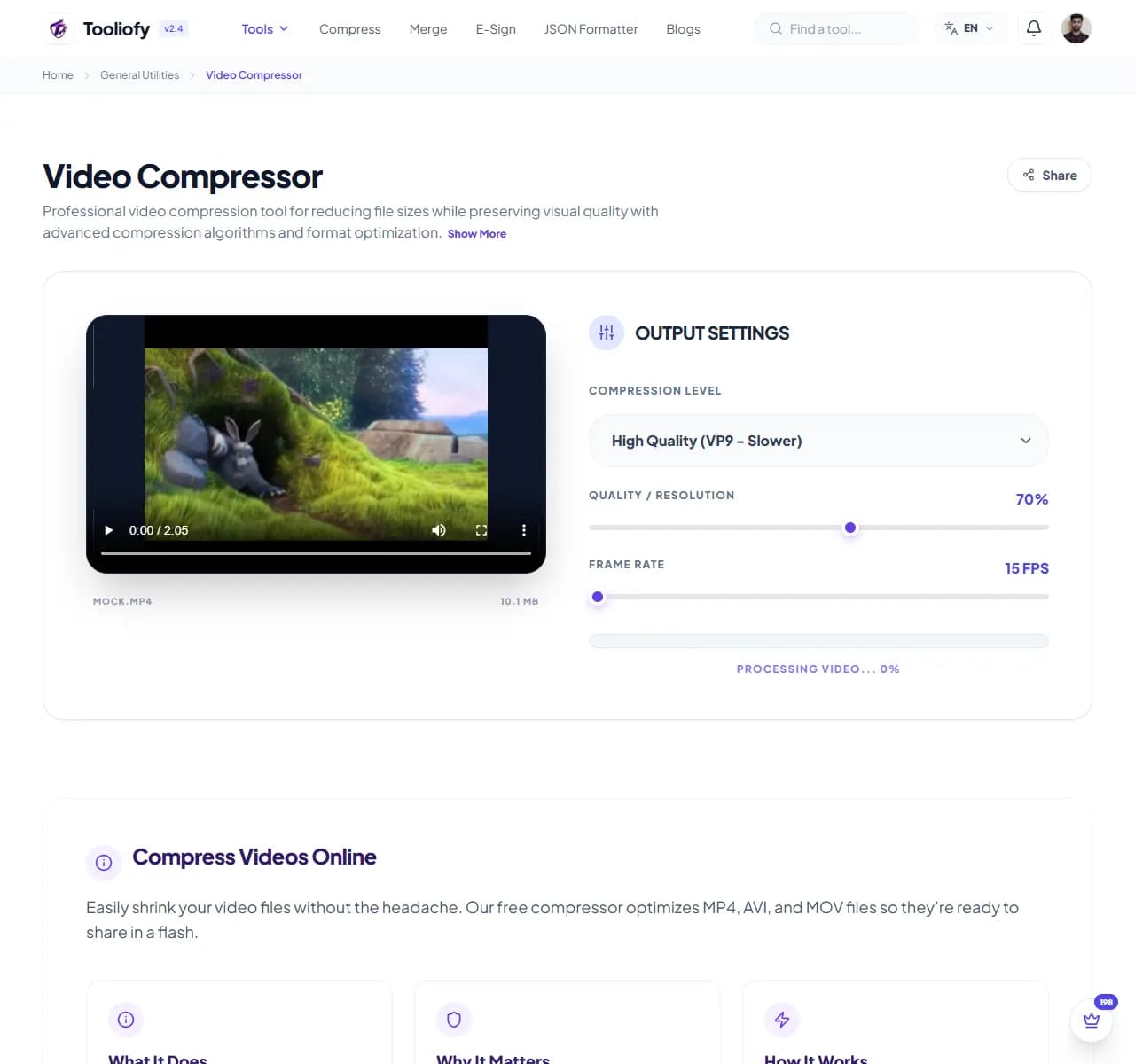
3. Download File
What Video Compressor helps with
Use Video Compressor when you need to reduce video file size without opening a full video editor.
Why this small task matters
Large files slow down uploads, emails, websites, and storage. Video Compressor gives you a quick way to handle that before you share, publish, or move on.
How the tool handles it
Video Compressor reads your video settings, applies compression, and prepares a smaller video file for review.
Video Compressor notes worth checking
Video Compressor is useful when a clip is too large to upload or send. Watch the compressed version once before replacing the original.
Good fit
Shrinking your video library. Sharing clips via email or WhatsApp. Using Video Compressor for one small task instead of a larger workflow.
Not the right fit
The output will be used as official data without review. The input contains private or client information that is not needed.
What people often miss
Copying generated output without checking it. Repeating conversions or cleanup steps until the result becomes harder to trust.
Last look
Review the output once. Keep a copy of the original input. Do not reuse generated data as official information without checking it.
Common ways to use it
- Getting videos ready for social media
- Sharing clips via email or WhatsApp
- Freeing up storage on your device
- Improving videos for your website
- Shrinking your video library
What makes it helpful
- Significant file size reduction
- Works with all popular formats (MP4, WEBM)
- Crystal clear quality you'll love
- Private, secure processing
- No annoying watermarks
- free to use
Options included
- Works with MP4, WebM, and MOV
- Choose your ideal compression level
- Check your video before you save
- Shrink file sizes by up to 90%
- Clear mode for clear results
- Handles large files easily
- Safe, Private, secure processing
"Video Compressor keeps video size reduction practical while still leaving room for a final quality check."

More General Utilities
Video to GIF
Use Video to GIF when you need to turn Video files into Gif. Add the Video file, choose the option that matters, and review the Gif file.
GIF to Video
Use GIF to Video when you need to turn Gif files into Video. Add the Gif file, choose the option that matters, and review the Video file.
Audio Converter
Audio Converter helps when the next step is simple: change the file into a format that is easier to open or share. It is built for quick fixes, checks, and downloads.
Merge Audio / Video
Merge Audio / Video helps when the next step is simple: combine separate files into one ordered result. It is built for quick fixes, checks, and downloads.
Audio Compressor
Open Audio Compressor when your file needs one clear change. The tool keeps the process short and the smaller file easy to inspect.
File to Base64
Use File to Base64 when you need to turn File files into Base64. Add the File file, choose the option that matters, and review the Base64 file.
Explore Other Categories
 19 Tools
PDF & Documents
Explore our pdf & documents and start processing your files securely.
 5 Tools
AI Tools
Explore our ai tools and start processing your files securely.
 58 Tools
Image Tools
Explore our image tools and start processing your files securely.
 24 Tools
Text Utilities
Explore our text utilities and start processing your files securely.
Can't find a specific tool?
We are constantly adding new features based on user feedback. Tell us what you need and we will implement it immediately!