
Audio Compressor
Open Audio Compressor when your file needs one clear change. The tool keeps the process short and the smaller file easy to inspect.
Compress Audio Online
Audio Compressor helps you reduce audio file size while keeping the sound clear enough for sharing or publishing.
How to Use This Tool
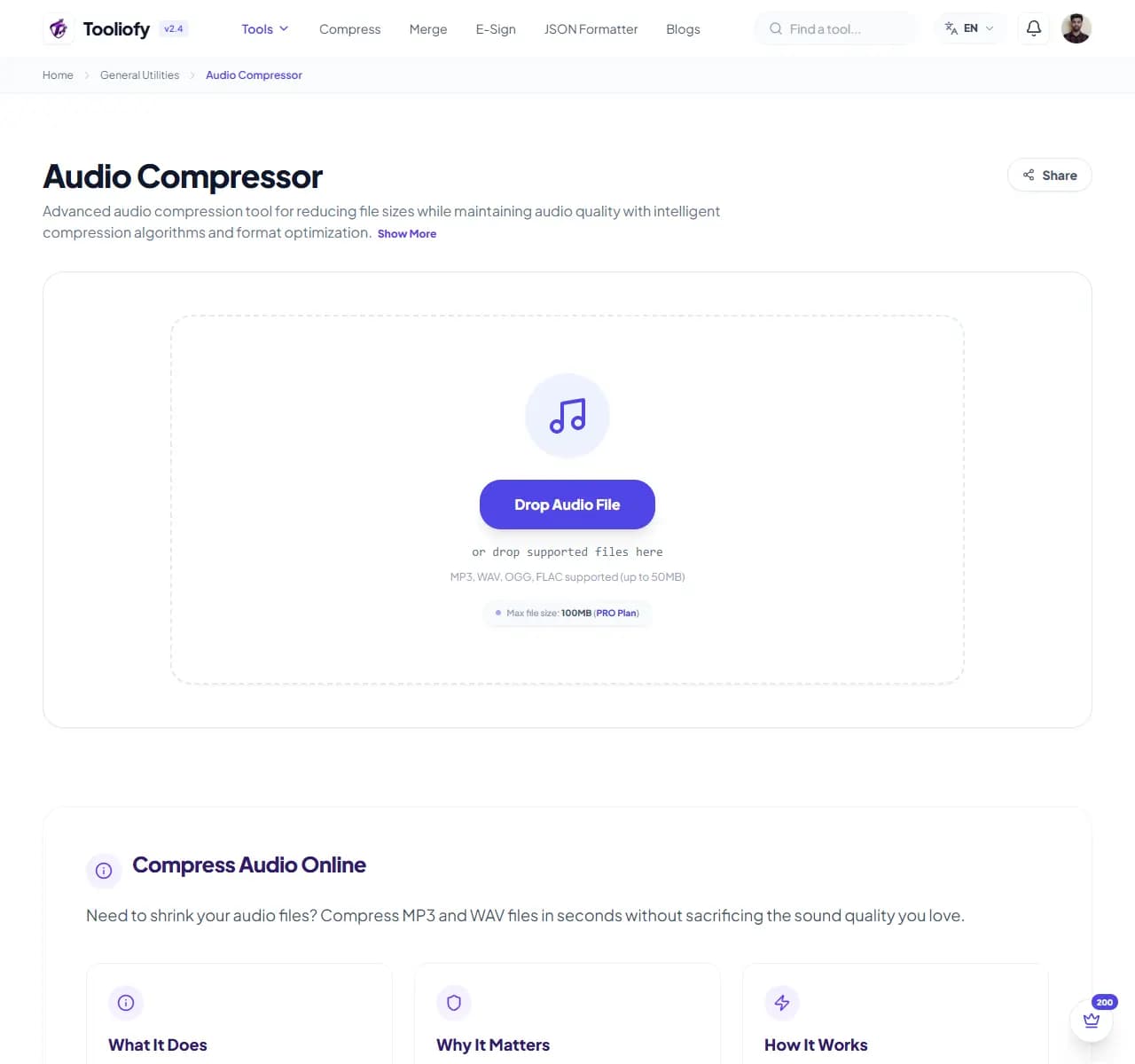
1. Select File
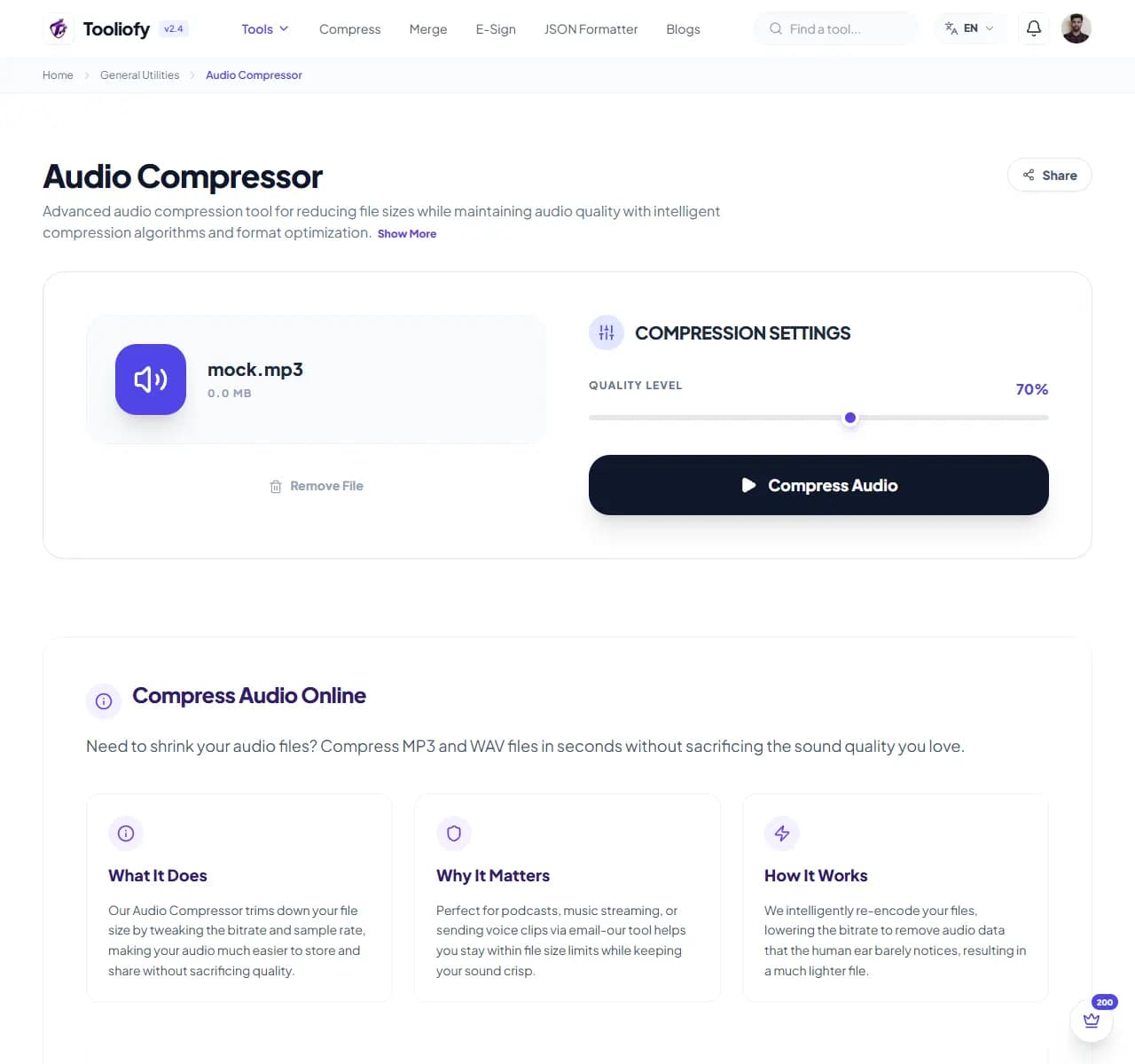
2. Processing
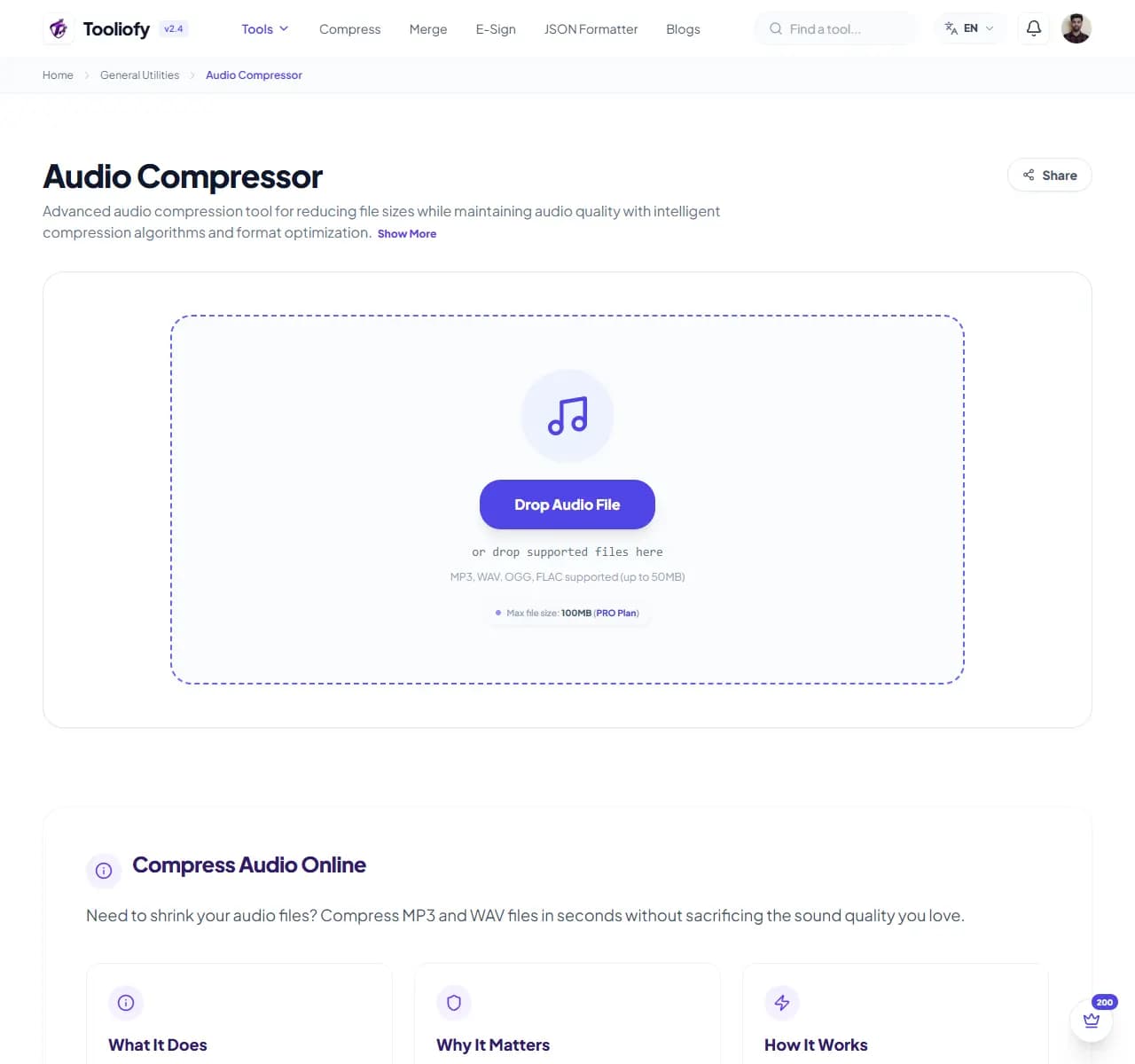
3. Download File
What Audio Compressor helps with
Use Audio Compressor when you need to reduce audio file size for voice notes, podcasts, music clips, or web use.
Why this small task matters
Audio Compressor is useful when you need to reduce audio file size and want the important controls in one place.
How the tool handles it
Audio Compressor applies bitrate and compression settings to create a smaller audio file you can listen to before saving.
Audio Compressor notes worth checking
Audio Compressor speeds up reducing audio file size, but you should still play the result once before sending it.
Privacy note: For Audio Compressor, use sample data when possible and keep private or client details out of the input unless the task truly requires them.
Good fit
- Saving on bandwidth costs.
- Clearing space in your music library.
- Using Audio Compressor for one small task instead of a larger workflow.
What people often miss
- Repeating conversions or cleanup steps until the result becomes harder to trust.
- Using real private data when sample data would work.
Common ways to use it
- Polishing your podcast episodes
- Clearing space in your music library
- Sharing voice notes easily
- Getting audio ready for the web
- Saving on bandwidth costs
What makes it helpful
- Works with MP3, WAV, and OGG
- Flexible bitrate settings
- Quick processing
- Compress multiple files at once
- Private and secure
- Always free and unlimited
Options included
- Adjust bitrate (e.g., from 320kbps to 128kbps)
- Works with MP3, WAV, and OGG
- Process multiple files at once
- Shrink file sizes significantly
- Keep your stereo audio clear
- No limits on file length
- Ready to download quickly
"Audio Compressor is helpful when you need a smaller sound file without losing track of audio quality."
More General Utilities
Video to GIF
Use Video to GIF when you need to turn Video files into Gif. Add the Video file, choose the option that matters, and review the Gif file.
GIF to Video
Use GIF to Video when you need to turn Gif files into Video. Add the Gif file, choose the option that matters, and review the Video file.
Audio Converter
Audio Converter helps when the next step is simple: change the file into a format that is easier to open or share. It is built for quick fixes, checks, and downloads.
Merge Audio / Video
Merge Audio / Video helps when the next step is simple: combine separate files into one ordered result. It is built for quick fixes, checks, and downloads.
Video Compressor
Video Compressor helps you reduce file size. It keeps the page focused on that one job, so you can check the smaller file without opening a larger app.
File to Base64
Use File to Base64 when you need to turn File files into Base64. Add the File file, choose the option that matters, and review the Base64 file.
Explore Other Categories
 19 Tools
PDF & Documents
Explore our pdf & documents and start processing your files securely.
 5 Tools
AI Tools
Explore our ai tools and start processing your files securely.
 58 Tools
Image Tools
Explore our image tools and start processing your files securely.
 24 Tools
Text Utilities
Explore our text utilities and start processing your files securely.
Can't find a specific tool?
We are constantly adding new features based on user feedback. Tell us what you need and we will implement it immediately!