
XML Viewer / Formatter
Open XML Viewer / Formatter when your code or data needs one clear change. The tool keeps the process short and the formatted output easy to inspect.
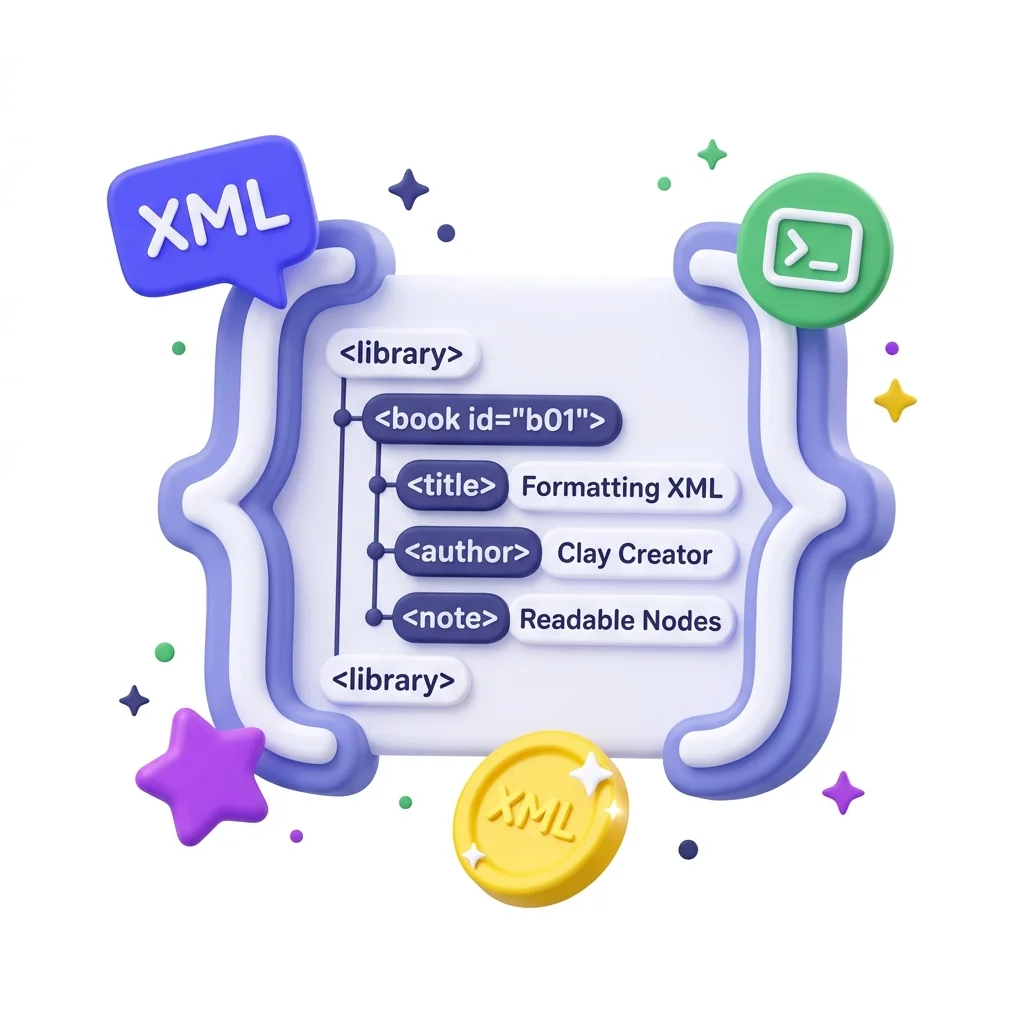
XML Viewer & Formatter
XML Viewer / Formatter helps you format code or data without opening a larger app. Add your input, check the result, and save it when it looks right.
How to Use This Tool
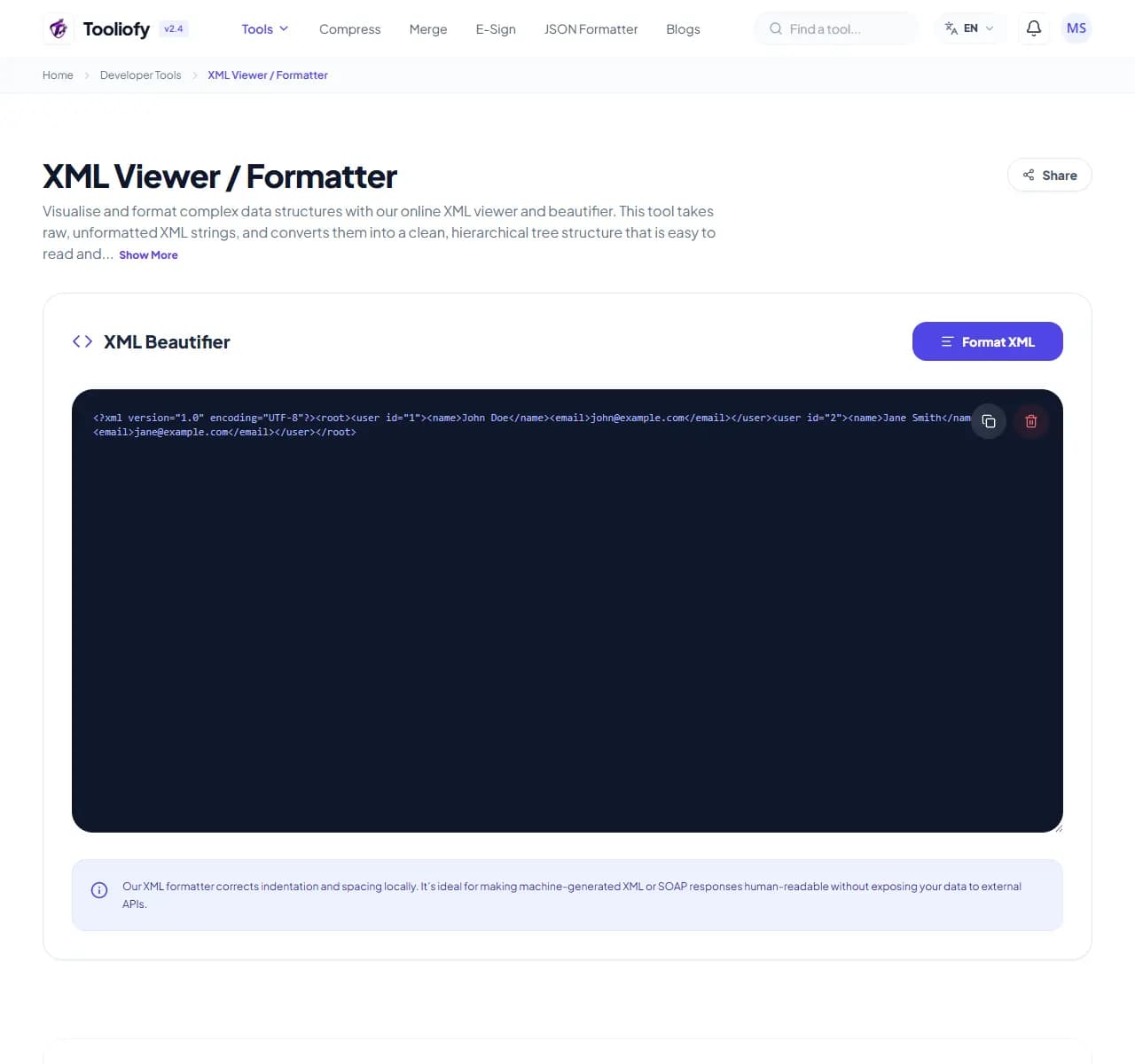
1. Select File
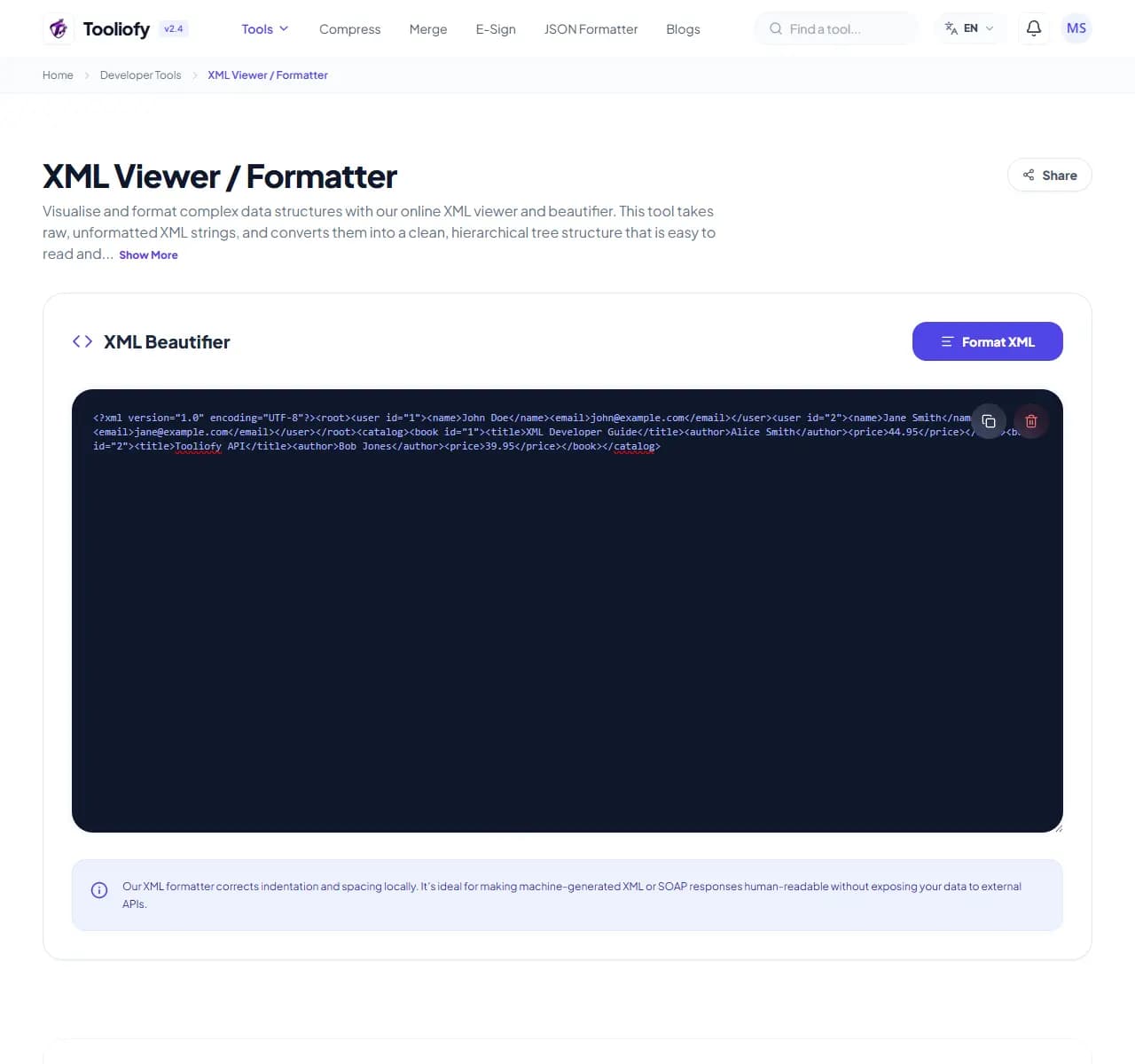
2. Processing
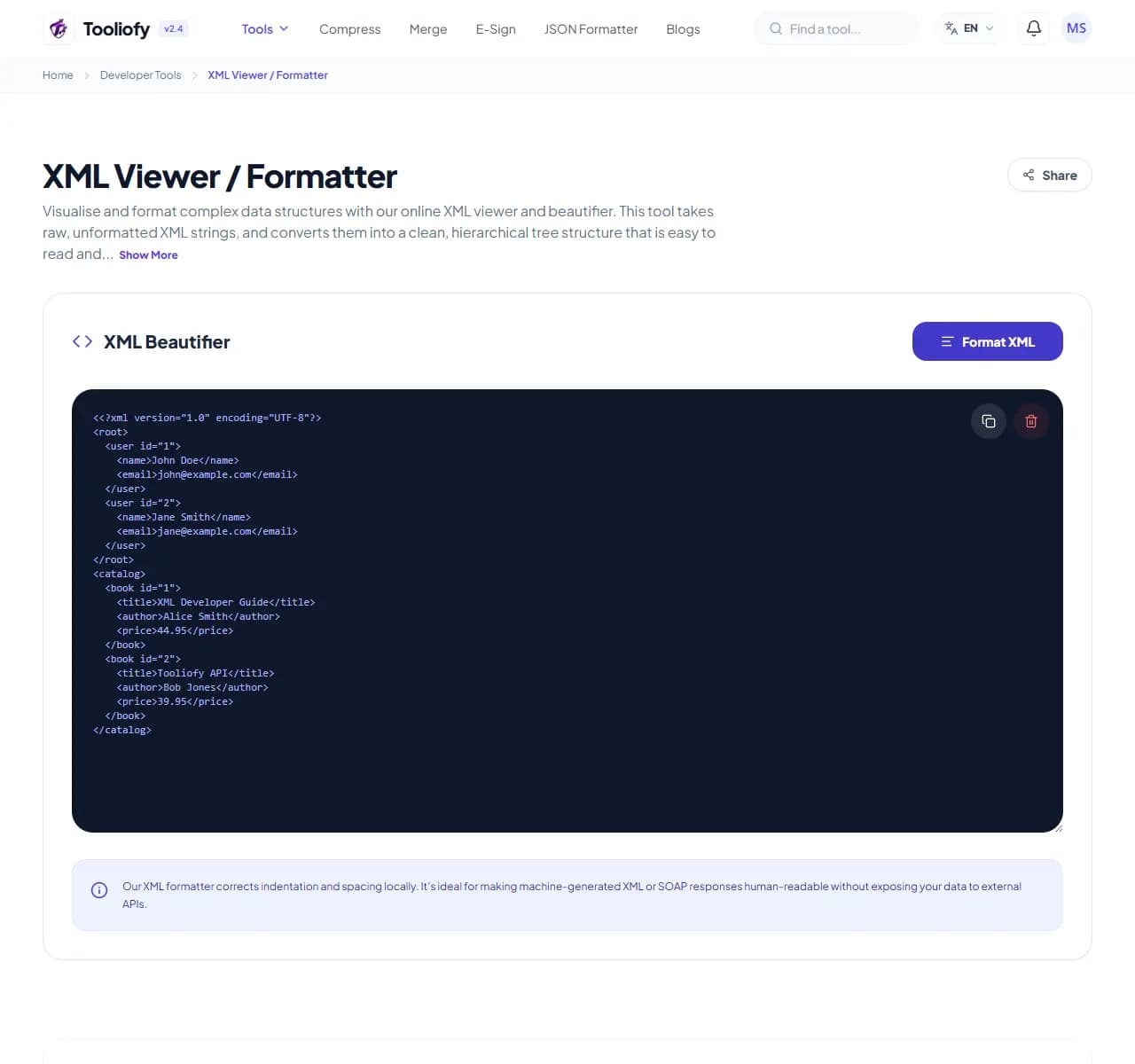
3. Download File
What XML Viewer / Formatter checks
XML Viewer / Formatter gives you a focused place to format messy data into readable structure. That helps when validating complex XML data structures is the job in front of you.
Why developers use it
XML Viewer / Formatter is useful when you need to format code or data and want the important controls in one place.
How the code or data is handled
XML Viewer / Formatter reads the code or structured data, runs the check needed to format messy data into readable structure, and shows the cleaned output beside the input.
Use XML Viewer / Formatter without redoing the job
With XML Viewer / Formatter, start small: use one file, sample, or value before trusting the final result. That is especially useful when you need to format messy data into readable structure.
Privacy note: Before using XML Viewer / Formatter, remove secrets, access tokens, customer data, internal URLs, and private config. A quick code helper should not need production credentials.
Reach for it when
- Spotting errors in your sitemaps.
- Cleaning up minified XML configurations.
- Using XML Viewer / Formatter before pasting code or data back into your project.
Easy mistake to avoid
- Validating syntax but not checking required fields.
- Assuming formatted code is correct code.
Developer tasks it helps with
- Cleaning up minified XML configurations
- Spotting errors in your sitemaps
- Digging through nested parameters
- Validating complex XML data structures
- Making API layouts readable
Practical benefits
- Quick formatting
- Privacy for your sensitive data
- Clean, interactive tree views
- Free with no sign-ups required
- Securely clears memory after every session
Developer options included
- Turn messy XML into clean, cleanly nested code
- Easy-to-use collapsible tree view
- Quick alerts for syntax errors and missing tags
- Handles large XML files and complex datasets easily
- Copy your code with a single click
- Your data never leaves your browser
- Quick processing with automatic cleanup
"XML Viewer / Formatter gives you a practical way to format messy data into readable structure, especially when speed matters but the final check still matters too."

More Developer Tools
URL Encoder / Decoder
Open URL Encoder / Decoder when your URL text needs one clear change. The tool keeps the process short and the encoded or decoded text easy to inspect.
HTML Formatter
Use HTML Formatter when you need to make messy code or data easier to read. Add the code or data, choose the option that matters, and review the formatted output.
CSS Formatter
Use CSS Formatter when you need to make messy code or data easier to read. Add the code or data, choose the option that matters, and review the formatted output.
JS / TS Formatter
Use JS / TS Formatter when you need to make messy code or data easier to read. Add the code or data, choose the option that matters, and review the formatted output.
Regex Tester
Regex Tester helps when the next step is simple: run a pattern against sample text and see what matches. It is built for quick fixes, checks, and downloads.
UUID / GUID Generator
UUID / GUID Generator helps when the next step is simple: create a ready-to-use output from selected settings. It is built for quick fixes, checks, and downloads.
Explore Other Categories
 19 Tools
PDF & Documents
Explore our pdf & documents and start processing your files securely.
 5 Tools
AI Tools
Explore our ai tools and start processing your files securely.
 58 Tools
Image Tools
Explore our image tools and start processing your files securely.
 24 Tools
Text Utilities
Explore our text utilities and start processing your files securely.
Can't find a specific tool?
We are constantly adding new features based on user feedback. Tell us what you need and we will implement it immediately!