
HTML Formatter
Use HTML Formatter when you need to make messy code or data easier to read. Add the code or data, choose the option that matters, and review the formatted output.
Format HTML Code
Turn minified or chaotically-indented HTML into cleanly nested, readable markup - or minify it back for production. Indentation that finally matches the actual element structure.
How to Use This Tool
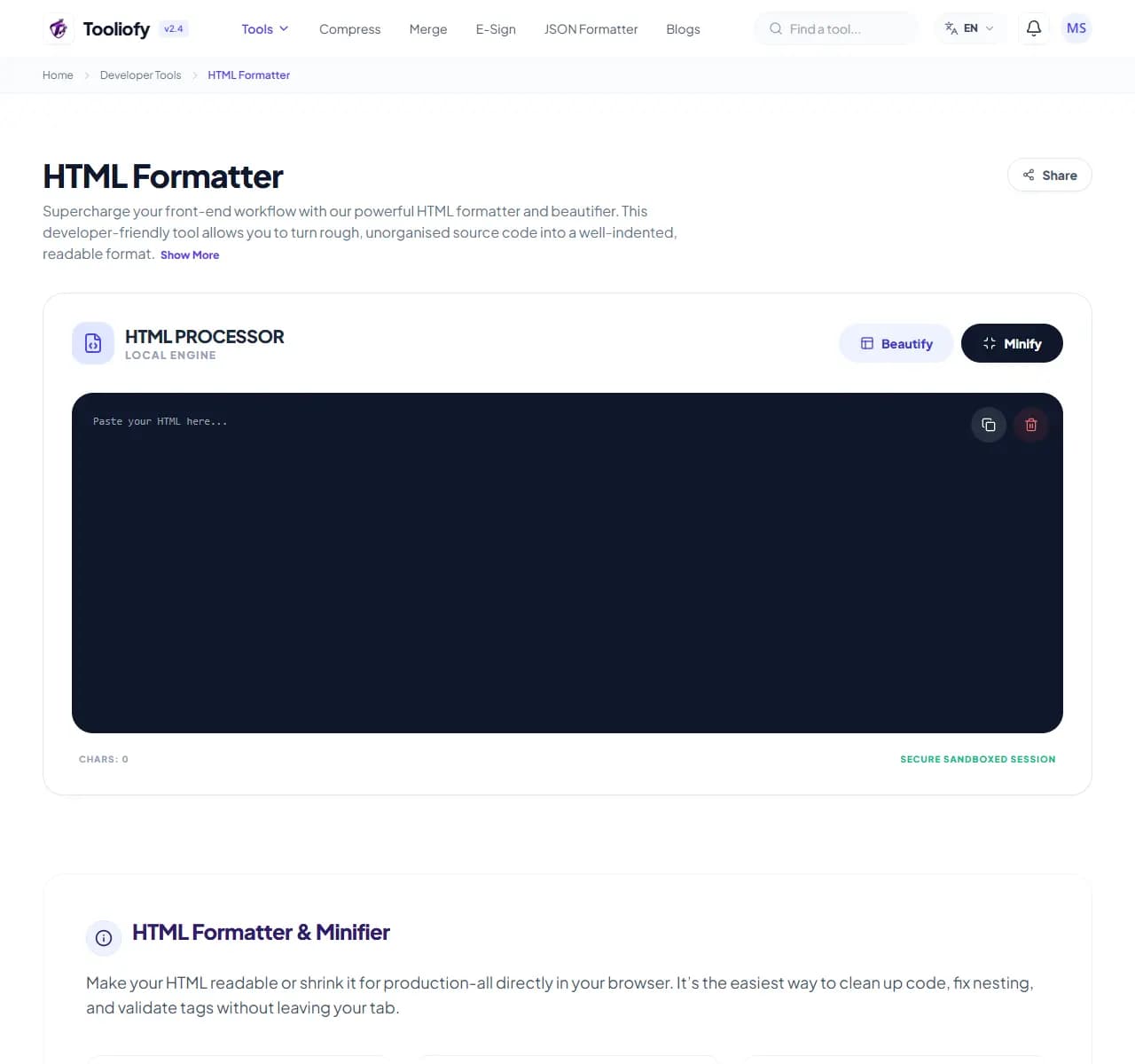
1. Select File
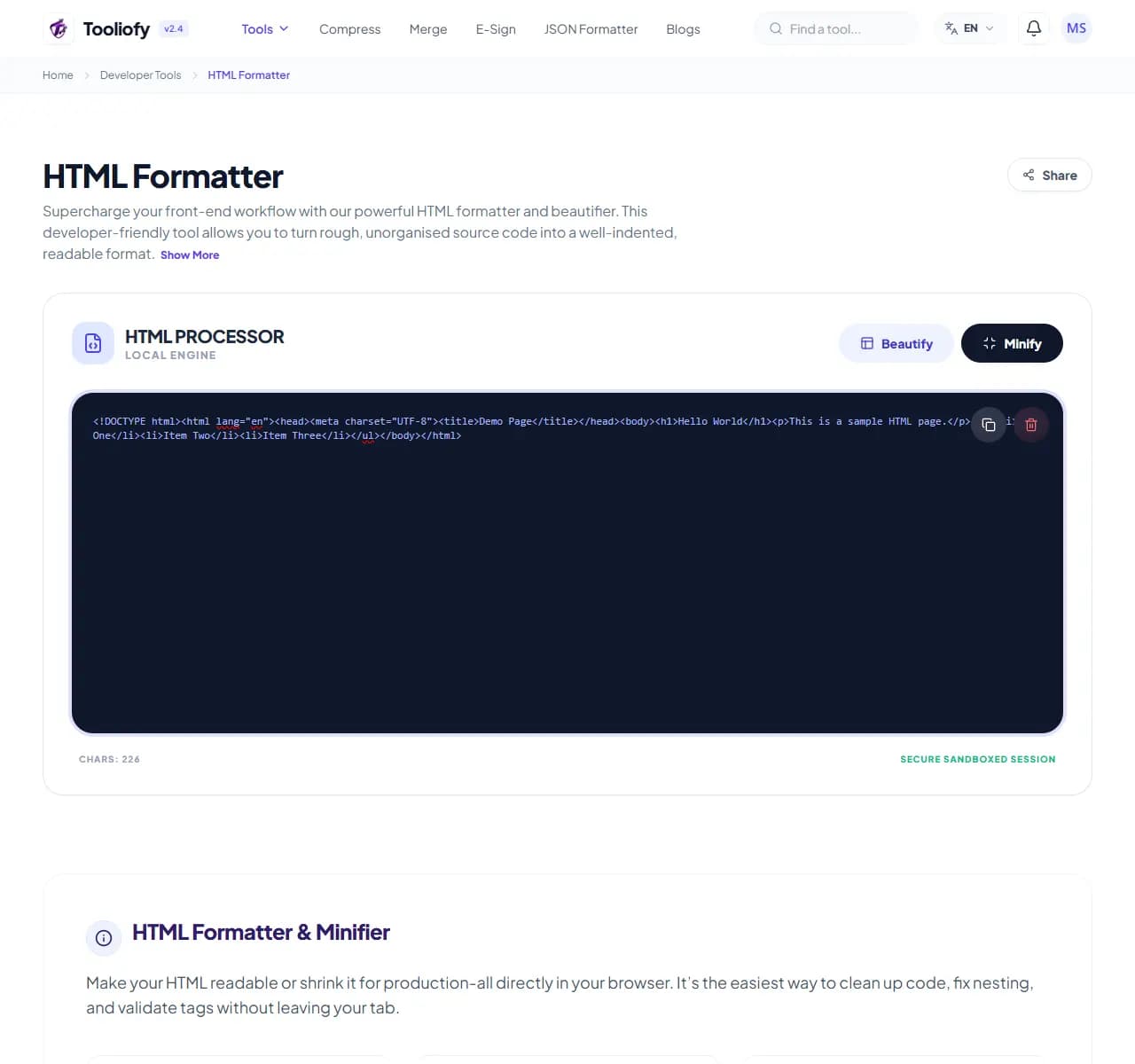
2. Processing
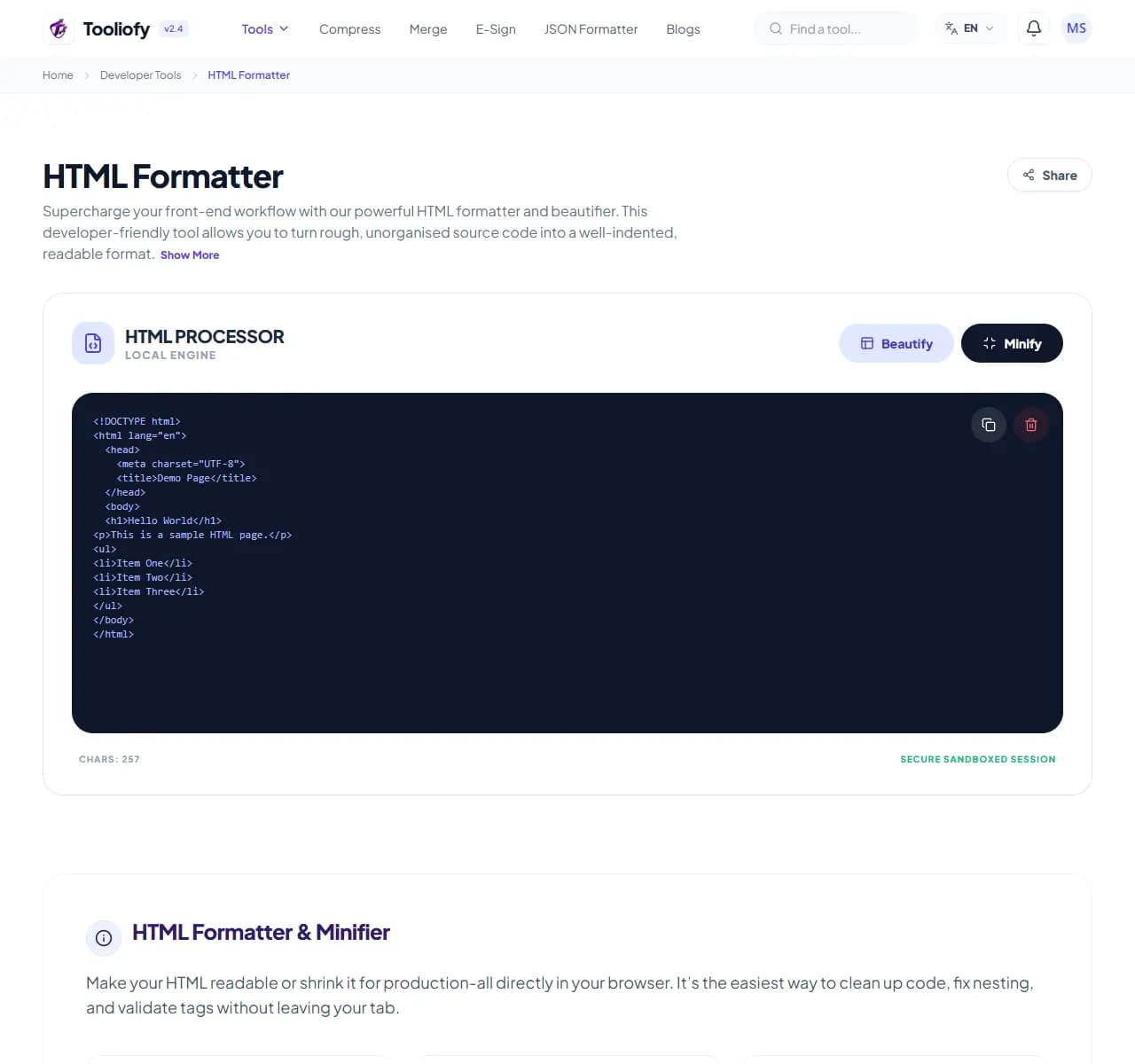
3. Download File
What HTML Formatter checks
The formatter parses your HTML's element structure and re-indents it so nesting depth is visible at a glance - children indented under parents, siblings aligned, closing tags where you expect them. Minify mode does the reverse for shipping.
Why developers use it
Unreadable HTML hides structural bugs: an unclosed div that shoves the rest of the page into the wrong container is invisible in minified soup but obvious once indentation reveals the hierarchy - the misaligned closing tag just sits there looking wrong. Reading CMS output, emailed templates, or scraped markup without formatting first is voluntary suffering.
How the code or data is handled
Paste HTML, get formatted output. Processing runs in your browser, which matters when the markup contains real page content you'd rather not send to a random website. Format before debugging; minify before shipping.
Developer tasks it helps with
- Making view-source and scraped HTML readable
- Finding unclosed tags via indentation breaks
- Cleaning up CMS and email-builder output
- Standardizing indentation before code review
- Minifying templates for production
Practical benefits
- Structure bugs become visible
- One consistent style across pasted-together code
- Format and minify in one tool
- Client-side - markup stays on your machine
- Free, instant
Developer options included
- Pretty-print with consistent, structure-true indentation
- Configurable indent size
- Minify mode strips whitespace for production
- Handles inline CSS and JavaScript blocks
- Copes with large documents
- Runs client-side in your browser
- Free, no limits
"Format before you debug - most 'mystery' layout bugs are just structure you couldn't see yet."

More Developer Tools
URL Encoder / Decoder
Open URL Encoder / Decoder when your URL text needs one clear change. The tool keeps the process short and the encoded or decoded text easy to inspect.
CSS Formatter
Use CSS Formatter when you need to make messy code or data easier to read. Add the code or data, choose the option that matters, and review the formatted output.
JS / TS Formatter
Use JS / TS Formatter when you need to make messy code or data easier to read. Add the code or data, choose the option that matters, and review the formatted output.
Regex Tester
Regex Tester helps when the next step is simple: run a pattern against sample text and see what matches. It is built for quick fixes, checks, and downloads.
UUID / GUID Generator
UUID / GUID Generator helps when the next step is simple: create a ready-to-use output from selected settings. It is built for quick fixes, checks, and downloads.
Hash Generator
Open Hash Generator when your settings needs one clear change. The tool keeps the process short and the generated result easy to inspect.
Explore Other Categories
 19 Tools
PDF & Documents
Explore our pdf & documents and start processing your files securely.
 5 Tools
AI Tools
Explore our ai tools and start processing your files securely.
 58 Tools
Image Tools
Explore our image tools and start processing your files securely.
 24 Tools
Text Utilities
Explore our text utilities and start processing your files securely.
Can't find a specific tool?
We are constantly adding new features based on user feedback. Tell us what you need and we will implement it immediately!