
SQL Formatter & Validator
Open SQL Formatter & Validator when your code or data needs one clear change. The tool keeps the process short and the formatted output easy to inspect.
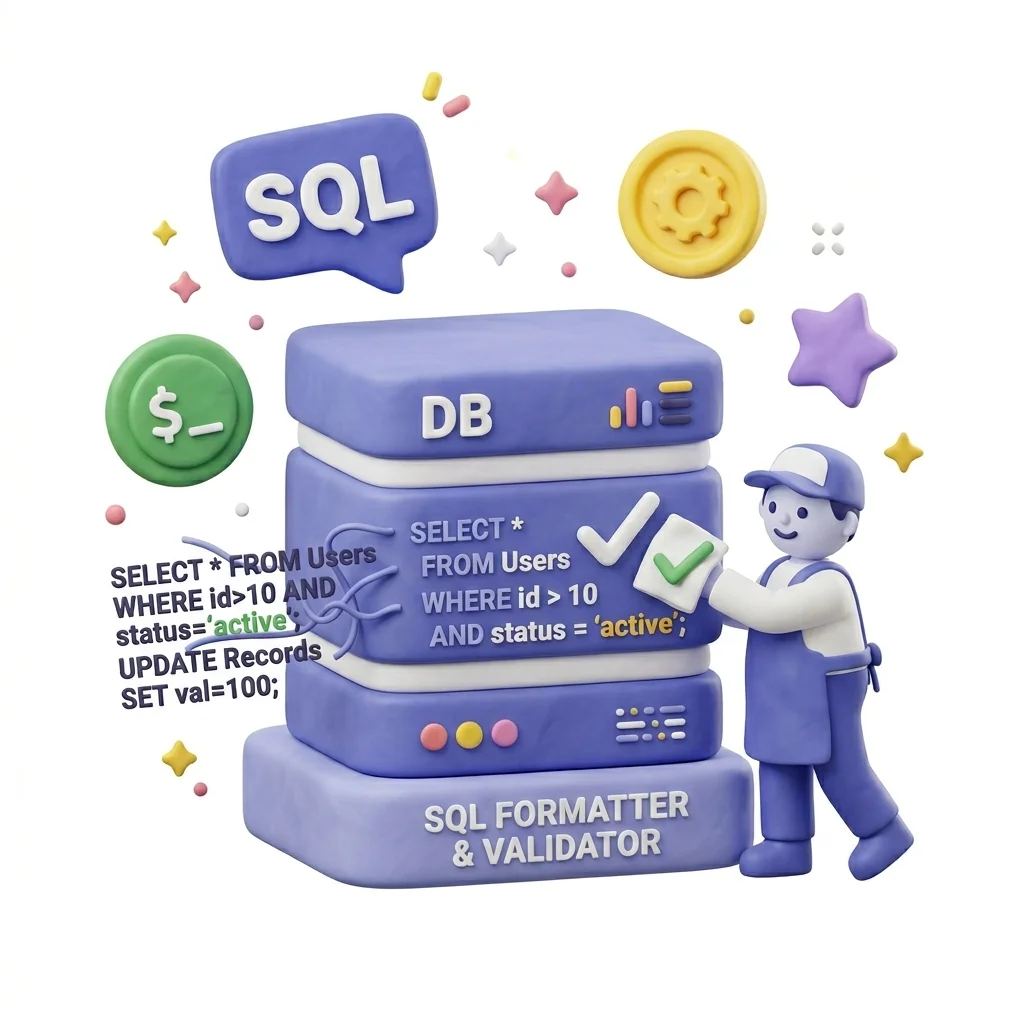
SQL Formatter & Validator
SQL Formatter & Validator helps you format code or data without opening a larger app. Add your input, check the result, and save it when it looks right.
How to Use This Tool

1. Select File

2. Processing

3. Download File
What SQL Formatter & Validator checks
SQL Formatter & Validator is a practical shortcut when you need to format messy data into readable structure. You can focus on the part that needs fixing and leave the rest alone.
Why developers use it
SQL Formatter & Validator is useful when you need to format code or data and want the important controls in one place.
How the code or data is handled
SQL Formatter & Validator reads the code or structured data, runs the check needed to format messy data into readable structure, and shows the cleaned output beside the input.
SQL Formatter & Validator: quick check
SQL Formatter & Validator is easiest when the input is already close to ready. Run the step to format messy data into readable structure, scan the result, and save only the version that fits.
Works well when
Formatting proprietary query scripts securely on isolated corporate systems. System admins formatting system logs containing raw SQL queries for debugging. SQL Formatter & Validator works with SQL, TXT.
Use another route if
The input contains API keys, passwords, tokens, or private config. You need business-rule validation, not just syntax or formatting.
One thing to avoid
Pasting secrets when sample data would work. Validating syntax but not checking required fields.
Before you download
Run the output in your editor or app. Check required fields and escaped characters. Make sure no secrets were left in the pasted text.
Supported Formats
Developer tasks it helps with
- Database developers beautifying complex queries before committing them to source files
- System admins formatting system logs containing raw SQL queries for debugging
- Data analysts validating sql queries before executing them on production engines
- Formatting proprietary query scripts securely on isolated corporate systems
Practical benefits
- Maintains database structure security by processing query scripts offline
- Provides immediate local formatting with no database connection required
- Dialect-specific configurations ensure correct syntax checks
- Saves time by converting messy database outputs into structured blocks
Developer options included
- Format raw, minified SQL query statements into beautiful, readable code structures
- Validate SQL syntax rules for multiple database dialects including MySQL, PostgreSQL, and SQLite
- Highlights syntax errors, unclosed parentheses, and bad keywords in real time
- Custom formatting rules (indent sizes, casing modes, carriage return limits)
- Runs securely sandbox, safeguarding proprietary database queries
- Quick copy-to-clipboard functionality to speed up database administration tasks
"Use SQL Formatter & Validator when you want to format messy data into readable structure plainly, with enough control to catch problems before the file leaves your hands."

More Developer Tools
URL Encoder / Decoder
Open URL Encoder / Decoder when your URL text needs one clear change. The tool keeps the process short and the encoded or decoded text easy to inspect.
HTML Formatter
Use HTML Formatter when you need to make messy code or data easier to read. Add the code or data, choose the option that matters, and review the formatted output.
CSS Formatter
Use CSS Formatter when you need to make messy code or data easier to read. Add the code or data, choose the option that matters, and review the formatted output.
JS / TS Formatter
Use JS / TS Formatter when you need to make messy code or data easier to read. Add the code or data, choose the option that matters, and review the formatted output.
Regex Tester
Regex Tester helps when the next step is simple: run a pattern against sample text and see what matches. It is built for quick fixes, checks, and downloads.
UUID / GUID Generator
UUID / GUID Generator helps when the next step is simple: create a ready-to-use output from selected settings. It is built for quick fixes, checks, and downloads.
Explore Other Categories
 19 Tools
PDF & Documents
Explore our pdf & documents and start processing your files securely.
 5 Tools
AI Tools
Explore our ai tools and start processing your files securely.
 58 Tools
Image Tools
Explore our image tools and start processing your files securely.
 24 Tools
Text Utilities
Explore our text utilities and start processing your files securely.
Can't find a specific tool?
We are constantly adding new features based on user feedback. Tell us what you need and we will implement it immediately!